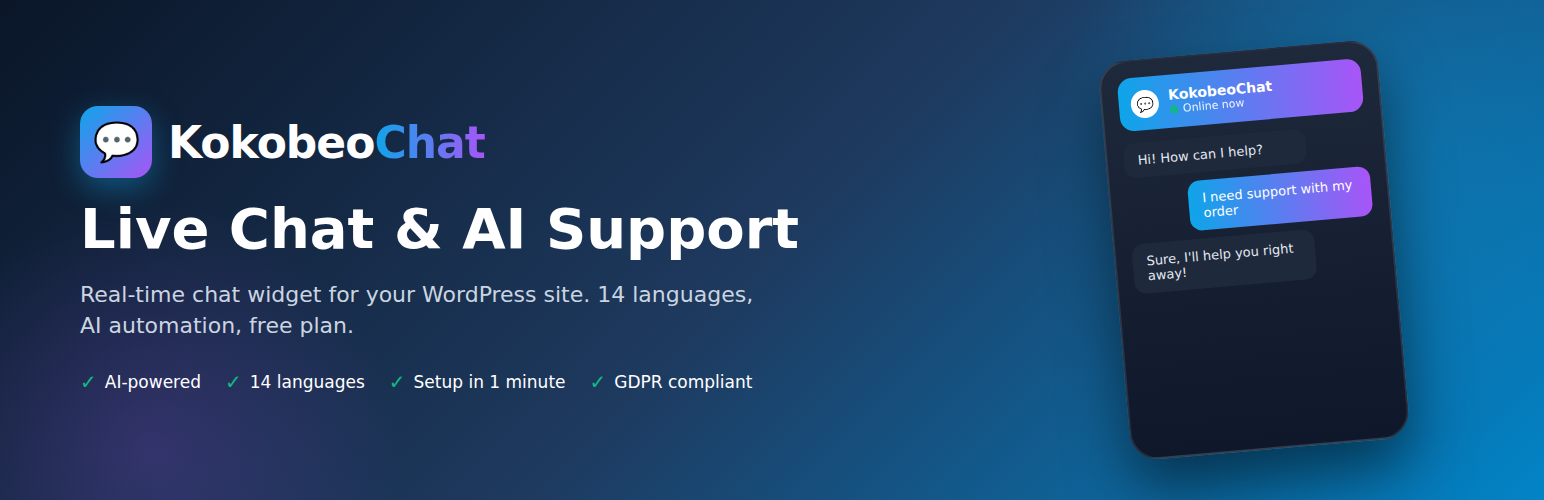
KokobeoChat - Live Chat, AI Support & Multi-Channel Widget
| 开发者 |
kokobeo
kokobeochat |
|---|---|
| 更新时间 | 2026年4月22日 17:30 |
| PHP版本: | 7.4 及以上 |
| WordPress版本: | 6.9 |
| 版权: | GPLv2 or later |
| 版权网址: | 版权信息 |
详情介绍:
- Free plan forever — no credit card, no hidden fees, no time limit
- Paid plans with 15-day free trial — try Pro and Business risk-free
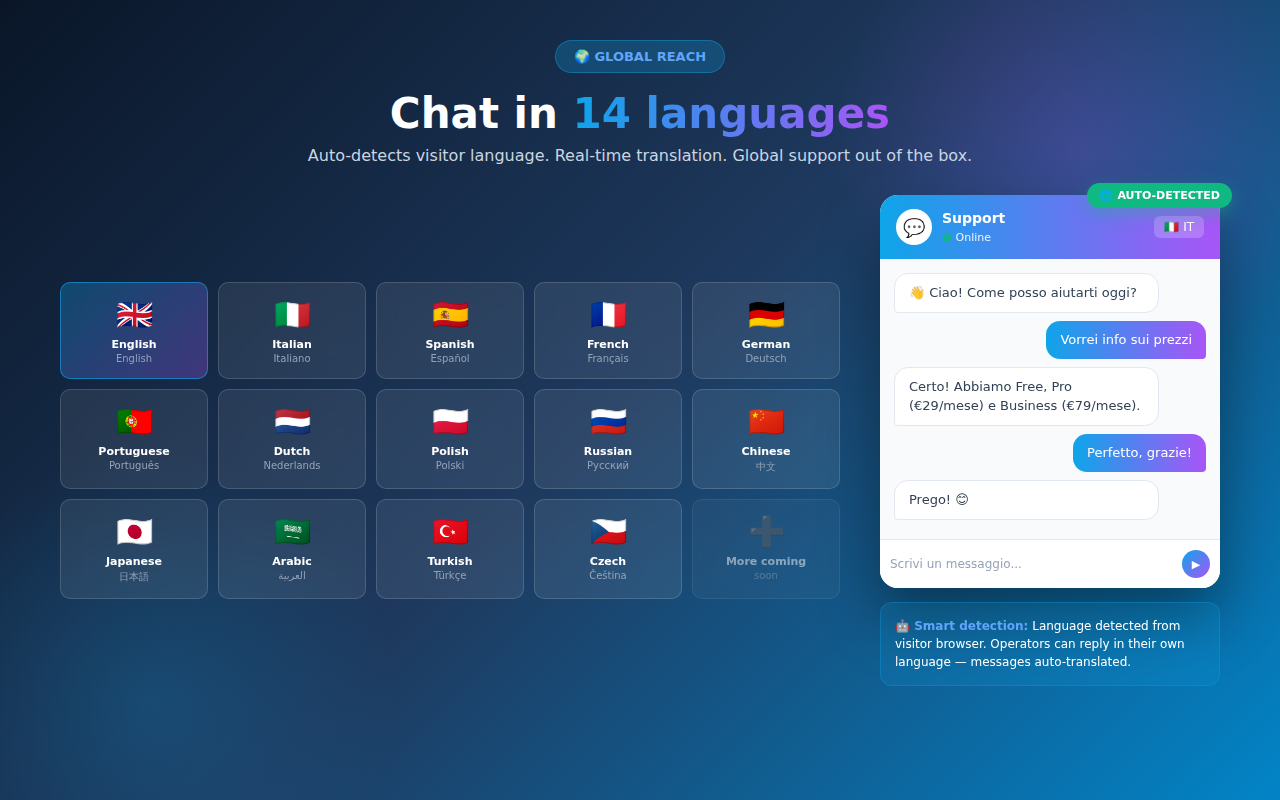
- 14 languages supported — auto-detects visitor language
- AI that learns over time — the more your visitors chat, the smarter the assistant becomes. Every conversation enriches the AI memory so replies get more accurate and personalized
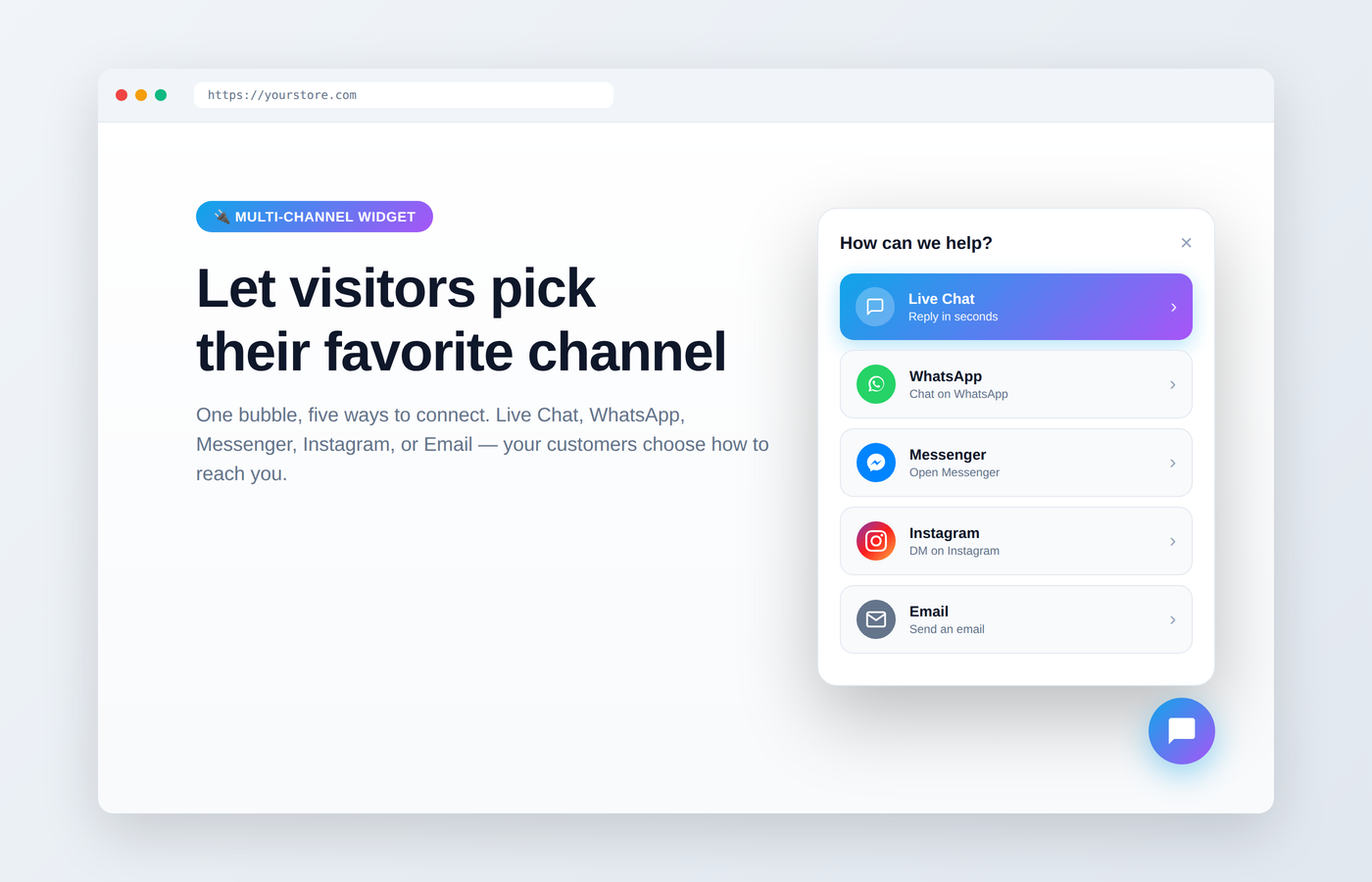
- Multi-channel widget (Pro & Business) — WhatsApp, Messenger, Instagram, Email in one bubble
- Real-time translation — operators reply in their language, customers read in theirs
- Unlimited chats even on the free plan
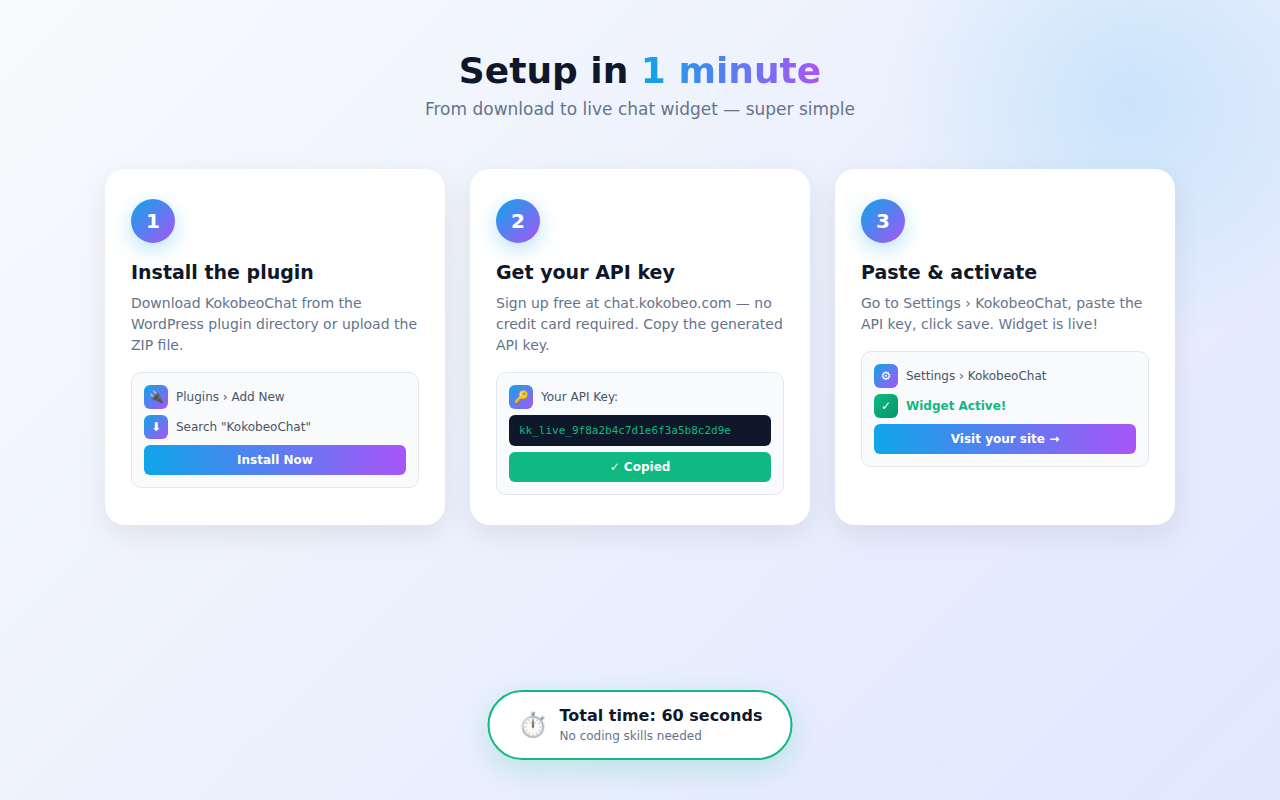
- Setup in 60 seconds — install, enter API key, done
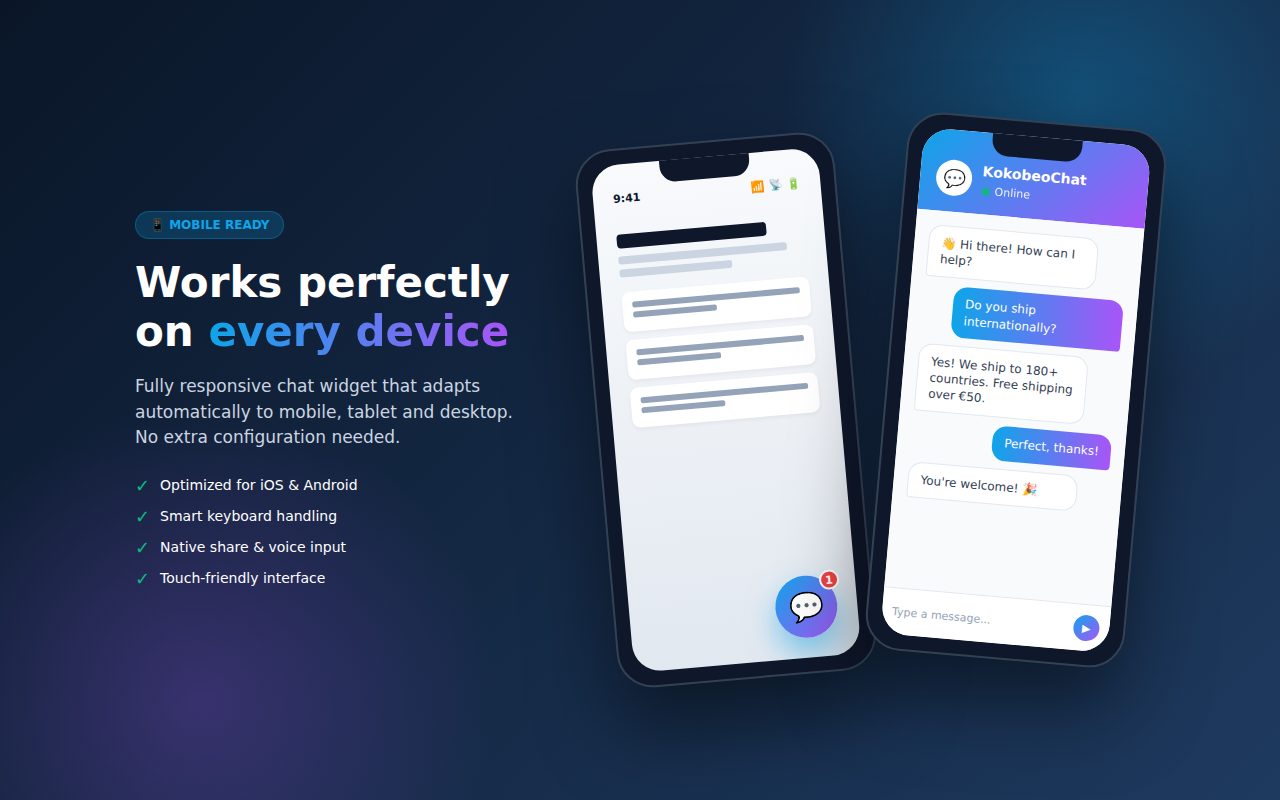
- Mobile-ready — fully responsive on every device
- GDPR compliant — data stays private, full privacy controls
- No ads — your site, your chat, your brand
- Multi-operator — add your team, distribute conversations
- Guided onboarding — clear Register / Login / Support buttons right inside the plugin settings
- Beautiful chat widget that fits any theme
- Works on mobile, tablet and desktop
- Voice messages and file sharing (Pro plans)
- Offline forms when operators are not available
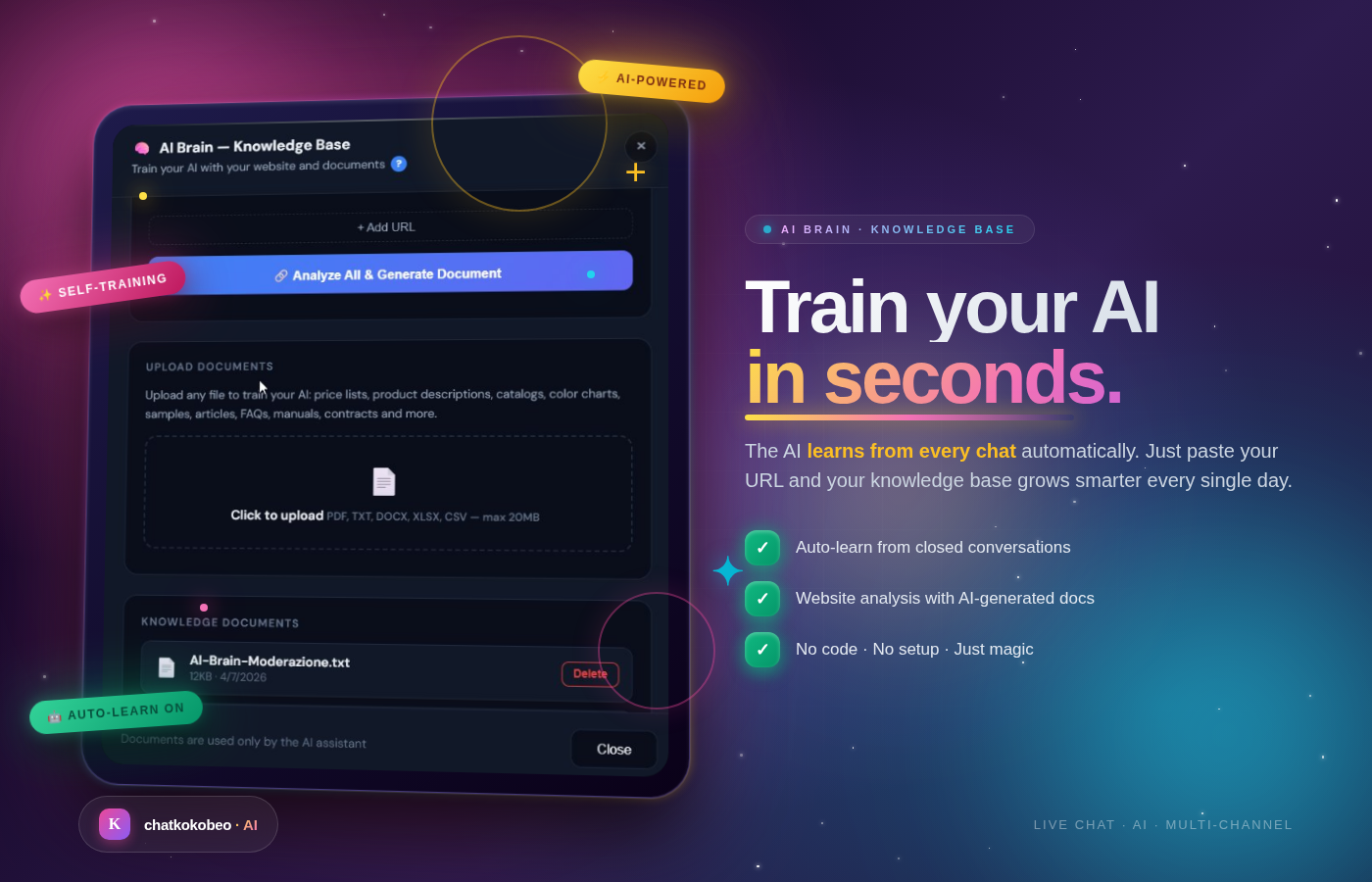
- Instant answers from the AI Brain
- Multi-channel selector — pick Live Chat, WhatsApp, Messenger, Instagram or Email For you:
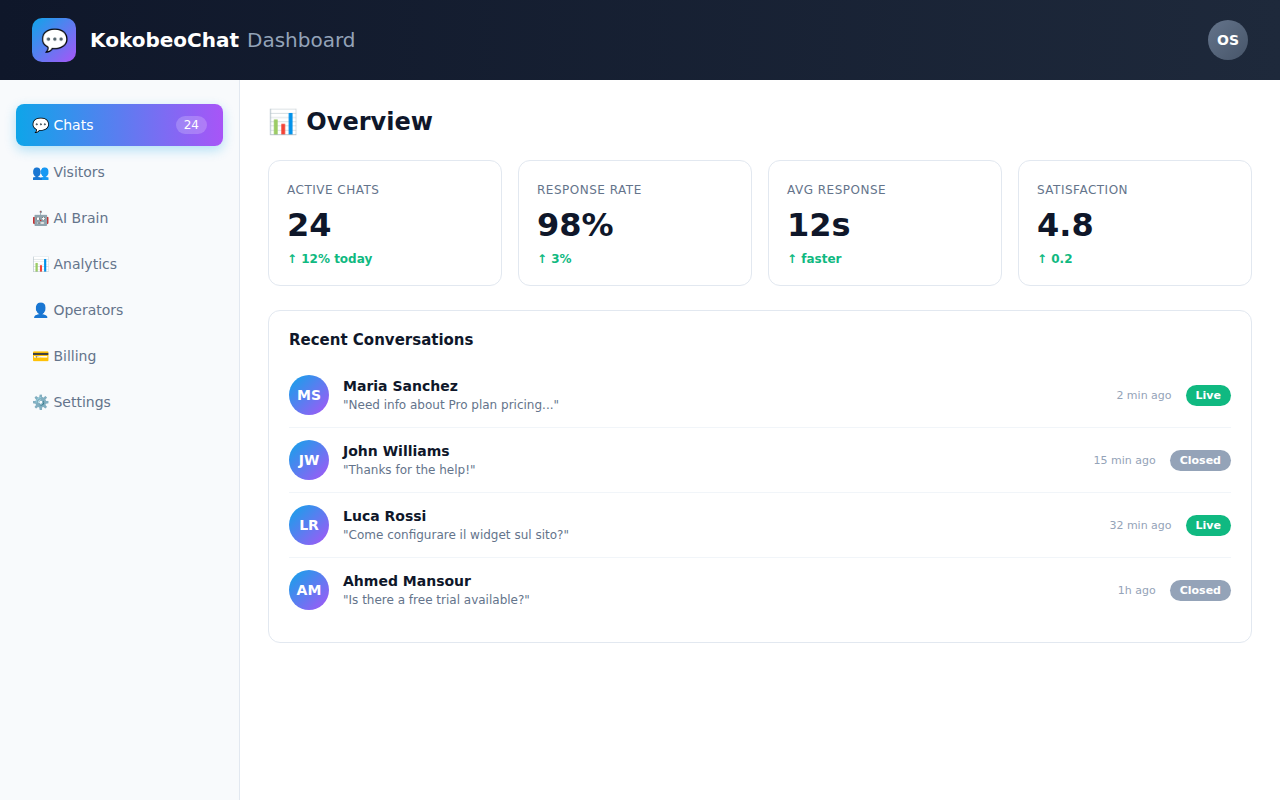
- Real-time dashboard at chat.kokobeo.com
- Self-learning AI Brain — the knowledge base grows automatically with every chat. The more visitors you get, the more accurate and personalized the AI replies become
- Analytics and conversation history
- Operator routing and team management
- Email notifications and Slack integration (coming soon)
- Chat history export For global businesses:
- 14 languages: English, Italian, Spanish, French, German, Portuguese, Dutch, Polish, Russian, Chinese, Japanese, Arabic, Turkish, Czech
- Automatic language detection from the visitor browser
- Messages translated on-the-fly between operator and customer
- Live Chat — always on, real-time operator reply
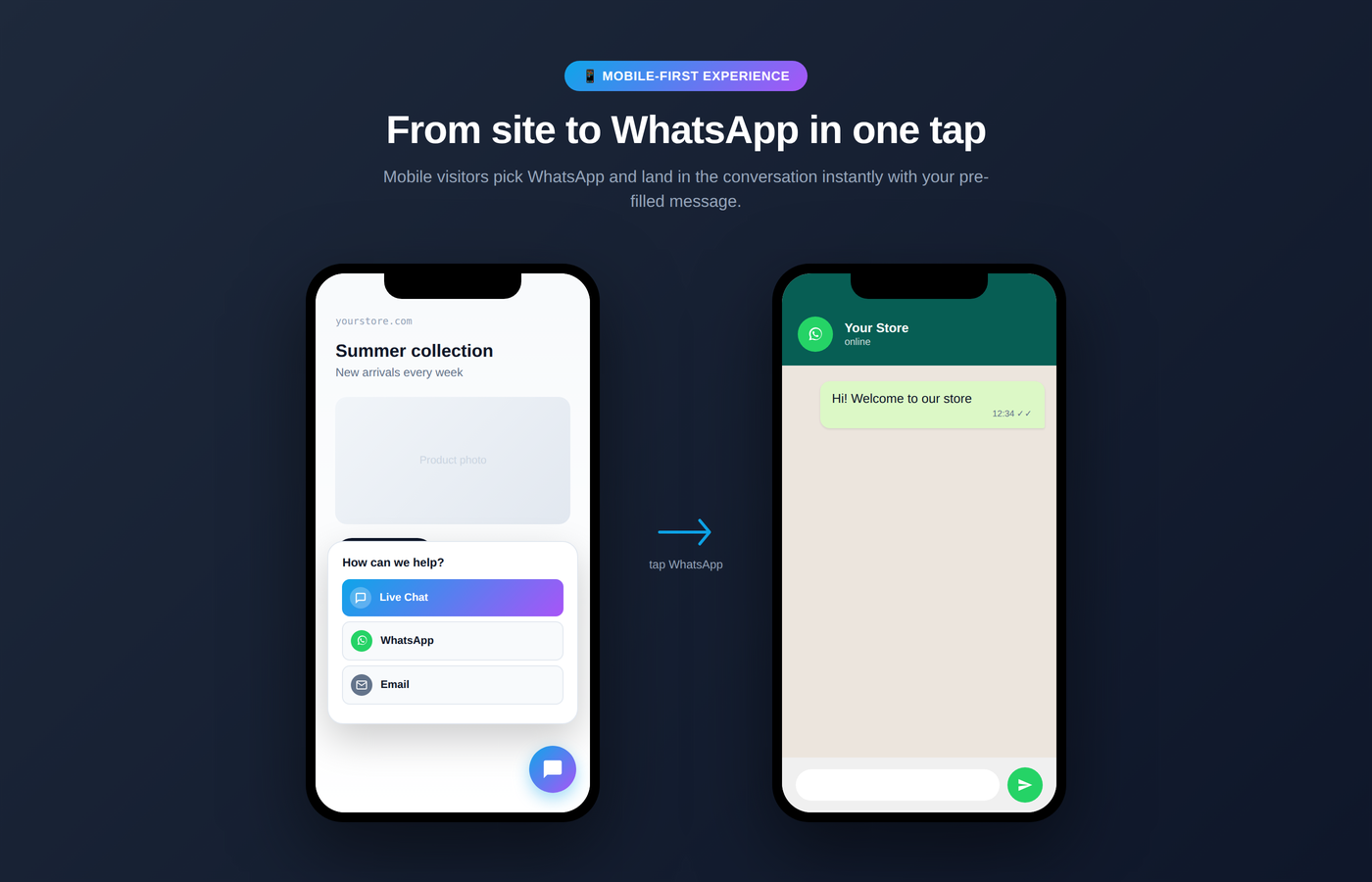
- WhatsApp — one tap opens WhatsApp with your pre-filled welcome message
- Facebook Messenger — direct link to your Facebook page inbox
- Instagram — direct message to your Instagram business account
- Email — fallback with pre-filled subject, works with Gmail, Outlook, Yahoo, Apple Mail, ProtonMail
- Free — €0 forever / Unlimited widgets, 500 chats/month, 1 operator. No credit card needed.
- Pro — €29/month with 15-day free trial / Unlimited chats, 5 operators, AI Brain with self-learning memory, multi-channel widget, analytics
- Business — €79/month with 15-day free trial / Everything + priority support, unlimited operators, custom branding
- E-commerce stores (WooCommerce, Shopify)
- Service businesses and professionals
- Agencies and freelancers
- SaaS companies
- Any WordPress site that needs customer support
安装:
- Go to Plugins › Add New in your WordPress admin
- Search for "KokobeoChat"
- Click Install Now, then Activate
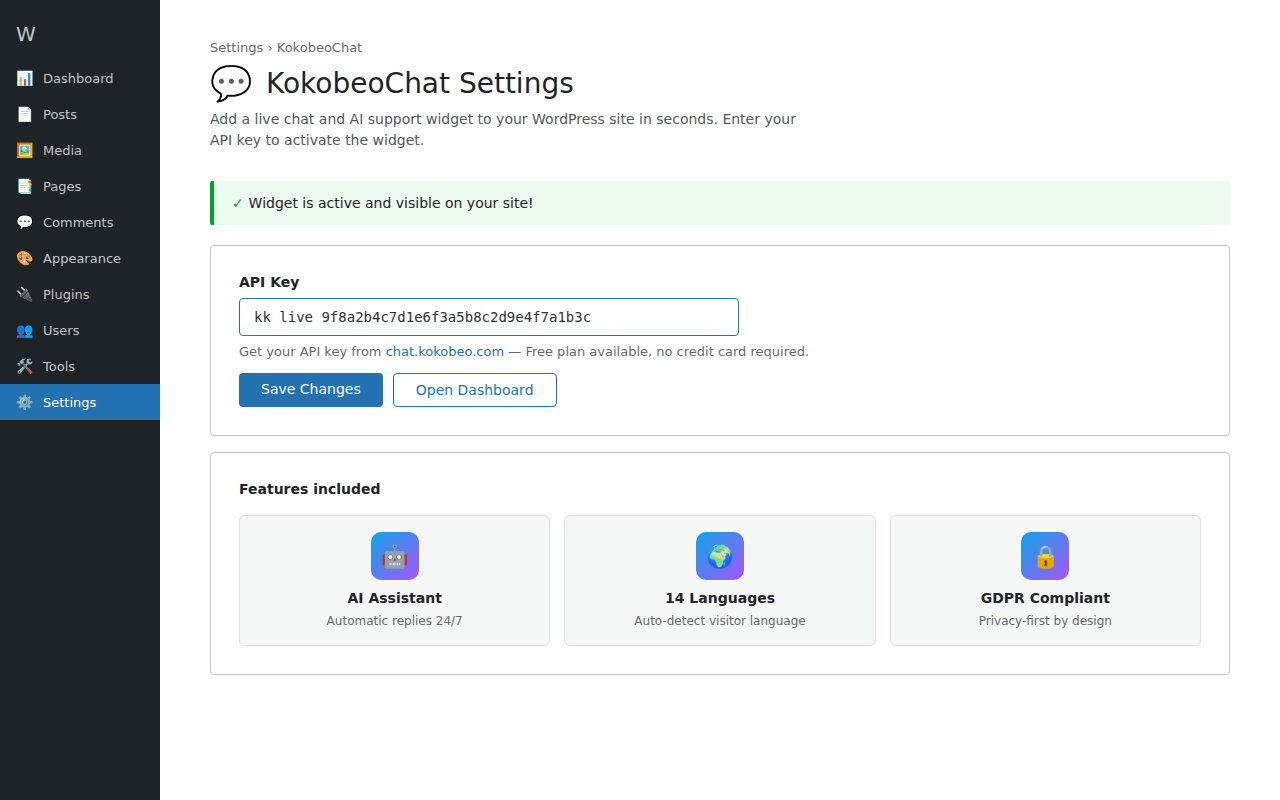
- Go to Settings › KokobeoChat — you will see 3 clear buttons:
- 🚀 REGISTER FREE — create a free account (no credit card needed)
- 🔐 LOGIN — if you already have a KokobeoChat account
- 💬 NEED HELP? — chat with our live support team
- Click REGISTER FREE to create your account, then copy your API key
- Paste the API key in the field and click Save Changes — the widget is now live!
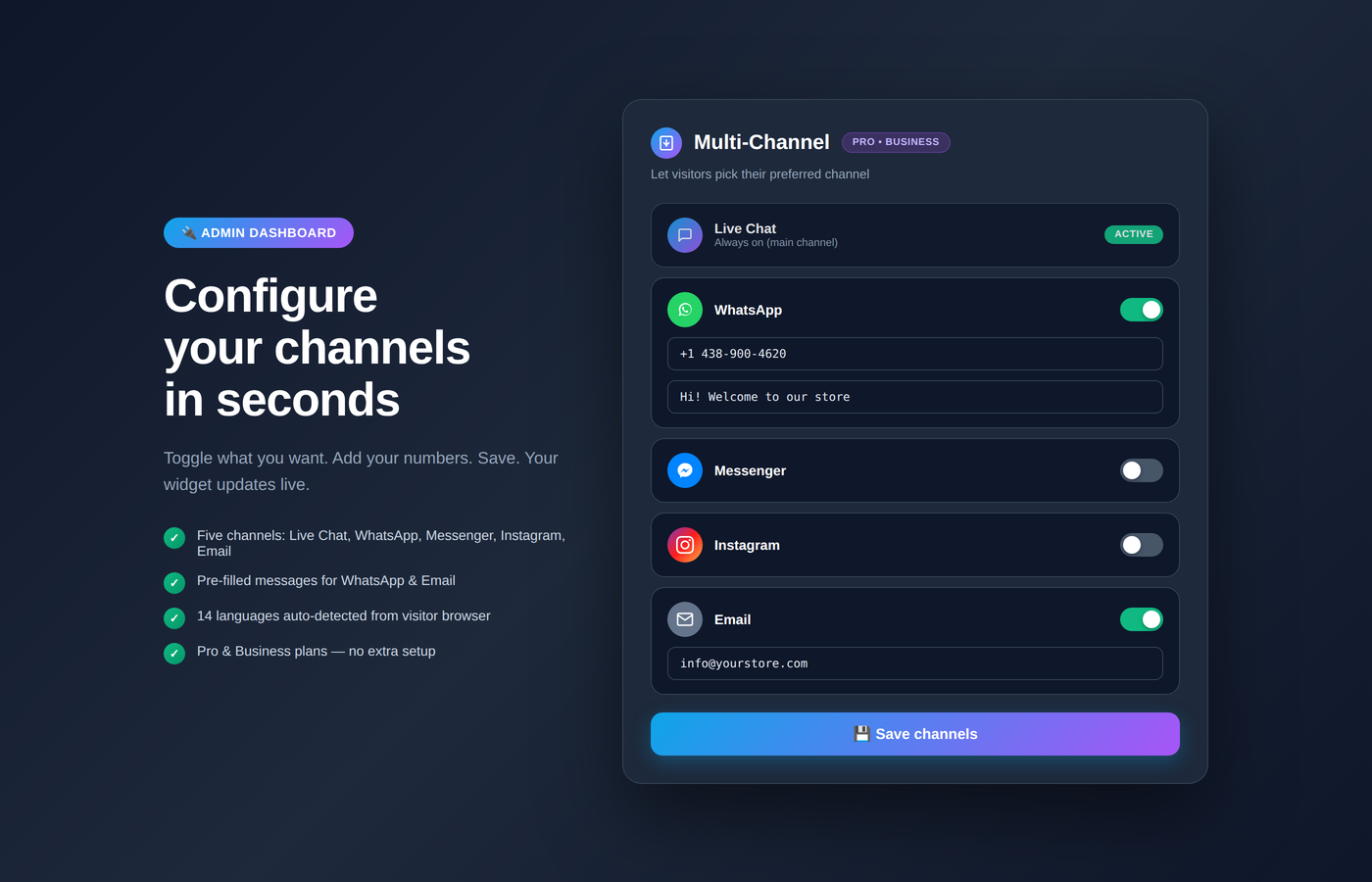
- (Pro / Business) Open your admin dashboard → Channels and enable WhatsApp, Messenger, Instagram or Email
- Download the plugin ZIP file
- Upload to
/wp-content/plugins/kokobeochat/via FTP or WordPress uploader - Activate via Plugins menu in WordPress
- Configure via Settings › KokobeoChat
- Sign up free at https://chat.kokobeo.com
- Verify your email
- Copy the API key from your dashboard
- Paste it in WordPress Settings › KokobeoChat
屏幕截图:
常见问题:
Is KokobeoChat really free?
Yes. The Free plan is forever free with no credit card required. You get unlimited widgets, up to 500 chats per month, and 1 operator seat. No ads, no branded watermarks forcing upgrades.
Which plan do I need for WhatsApp, Messenger, Instagram and Email channels?
The multi-channel widget (visitor-facing channel selector for WhatsApp, Messenger, Instagram and Email) is included on Pro and Business plans. The Free plan includes Live Chat only.
Where do I get my API key?
Sign up for free at https://chat.kokobeo.com. The API key is generated instantly and visible in your dashboard. Copy it and paste it in WordPress Settings › KokobeoChat.
What happens after I activate the plugin?
After activation, go to Settings › KokobeoChat. You will see a guided onboarding page with 3 colored buttons: REGISTER FREE (to create a free account), LOGIN (if you already have one), and NEED HELP? (to contact our live support). Click REGISTER FREE, create your account, copy the API key from your dashboard, paste it in the plugin, save, and the widget goes live immediately on your site.
How does the multi-channel widget work?
Visitors click the chat bubble and see a clean menu with Live Chat, WhatsApp, Messenger, Instagram and Email. They pick their favorite channel and land in the conversation instantly — with your pre-filled welcome message on WhatsApp and Email. Only channels you enable are shown. For Email, visitors can choose between Gmail, Outlook, Yahoo, Apple Mail, ProtonMail or their default email app.
Does the plugin slow down my website?
No. The chat widget loads asynchronously from our CDN, so it does not block your page render. Core file is under 50 KB gzipped.
Is it GDPR compliant?
Yes. KokobeoChat is fully GDPR and EU privacy compliant. Data is encrypted in transit and at rest. We never sell or share data. See https://chat.kokobeo.com/privacy.html for full details.
How do I customize the widget appearance?
Go to your dashboard at chat.kokobeo.com. You can change colors, position, welcome message, avatar, working hours, and more. Changes apply instantly across all your sites.
Can I use it on multiple WordPress sites?
Yes. Use the same API key or create separate widgets for each site. The Pro plan supports up to 5 widgets, Business plan unlimited.
Does it work with caching plugins?
Yes. KokobeoChat is fully compatible with WP Rocket, W3 Total Cache, LiteSpeed Cache, WP Super Cache, and all major caching solutions.
Does it work with Elementor, Divi, WPBakery, WooCommerce?
Yes. KokobeoChat works with WooCommerce, Elementor, Divi, Astra, GeneratePress and all major WordPress themes and page builders without conflicts.
Can I have multiple operators?
Yes. The Free plan includes 1 operator, Pro plan up to 5, Business plan unlimited. Chats can be automatically distributed to available operators.
How does the AI Brain work?
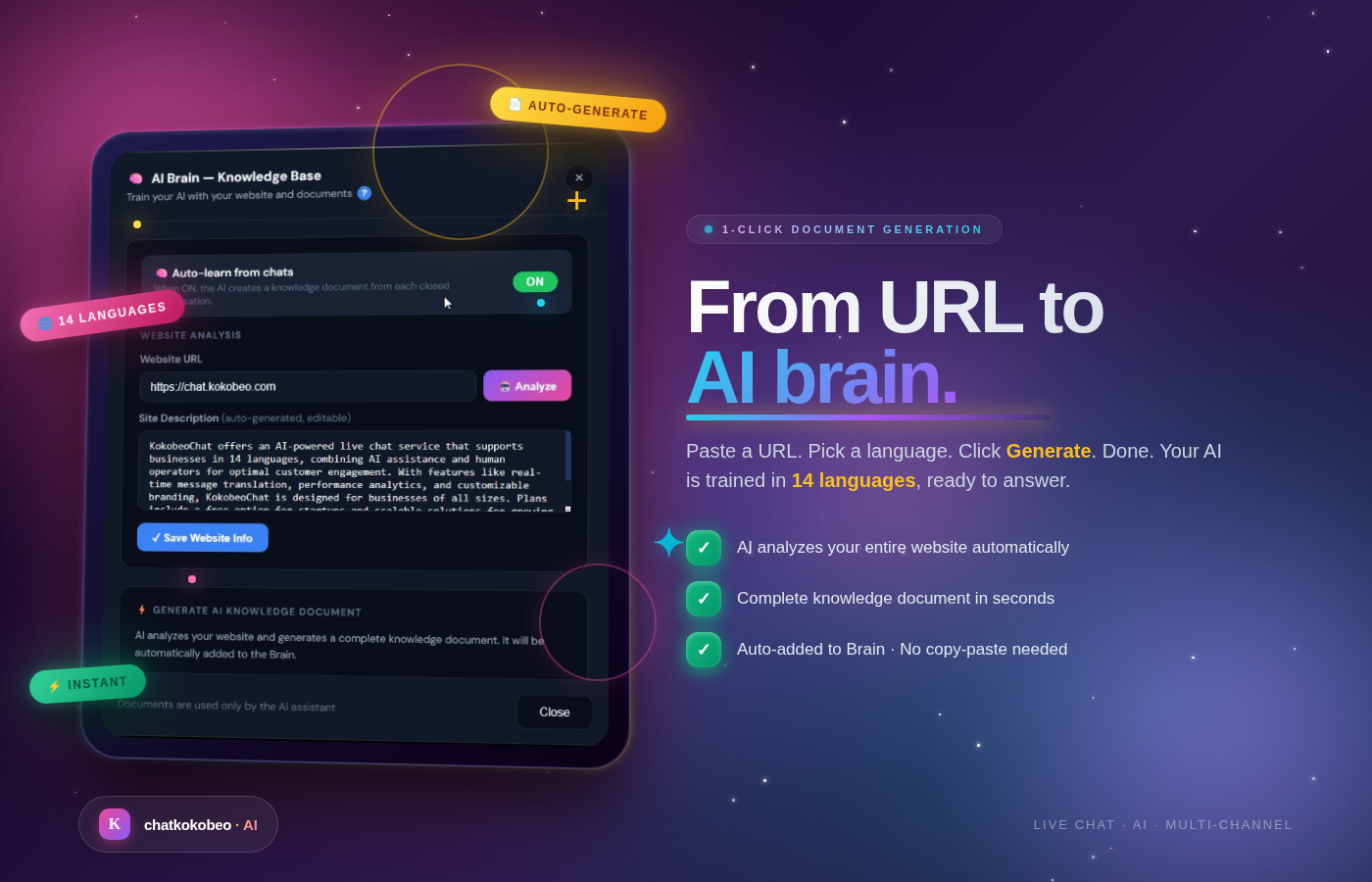
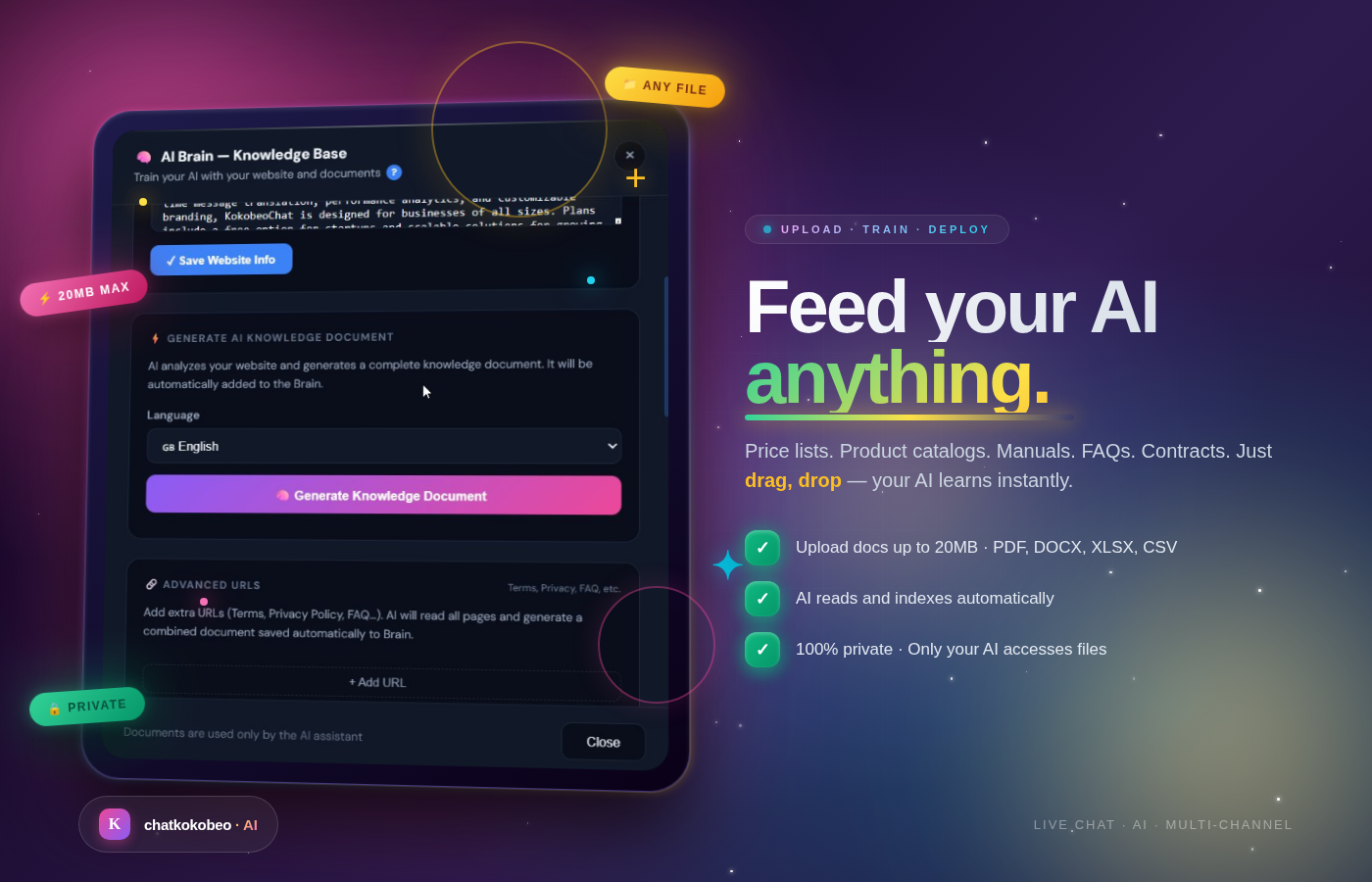
The AI Brain is a knowledge base you can train with your own content (website pages, FAQ, product info, documents). Visitors get instant automatic replies 24/7. The AI learns over time: every conversation enriches the AI memory. The more visitors chat with your widget, the more context the AI gathers — which means replies become more accurate, more personalized, and better aligned with your actual customer questions. When the AI does not know the answer, it transfers the chat to a human operator.
Can visitors leave a message when we are offline?
Yes. When no operators are online, the widget automatically shows an offline form. Messages are delivered to your email and saved in the dashboard.
What languages are supported?
14 languages: English, Italian, Spanish, French, German, Portuguese, Dutch, Polish, Russian, Chinese, Japanese, Arabic, Turkish, Czech. The widget auto-detects the visitor browser language. Operators can write in their own language — messages are translated in real time.
How do I uninstall?
Go to Plugins in WordPress admin, find KokobeoChat, click Deactivate, then Delete. Your KokobeoChat account at chat.kokobeo.com is independent — you can continue using the widget on other sites or cancel anytime from your dashboard.
Where can I get support?
- Email: info@kokobeo.com
- Live chat: https://chat.kokobeo.com
- Documentation: https://chat.kokobeo.com/docs
- WordPress support forum: https://wordpress.org/support/plugin/kokobeochat/
更新日志:
- NEW: 3 spectacular AI Brain showcase screenshots (Knowledge Base, Document Generation, Upload Documents)
- Added: Detailed descriptions for each AI Brain feature with visual previews
- Enhanced: Plugin page visual appeal with premium showcase-style images
- Updated: Screenshots section now 12 images total
- Restored: Embedded YouTube walkthrough video (lost in 1.0.5)
- Restored: Multilingual descriptions (Italian, Spanish, French, German) lost in 1.0.5
- Restored: Detailed FAQ section with caching, Elementor, AI Brain, multi-operator and offline form questions
- Restored: Explicit pricing in Plans section (Free / Pro €29 / Business €79)
- Restored: External Services disclosure section (required by WordPress.org for plugins connecting to external servers)
- Restored: "For visitors / For you / For global businesses" detailed feature list
- Updated: Multi-channel email section now mentions Gmail, Outlook, Yahoo, Apple Mail, ProtonMail chooser
- Updated: Full multilingual coverage with multi-channel widget mentions
- NEW: Multi-channel widget announcement — Live Chat + WhatsApp + Messenger + Instagram + Email (Pro & Business plans)
- NEW: 3 screenshots added showcasing the multi-channel selector, admin config and mobile flow
- Updated: Readme with full multi-channel feature description and plan requirements
- Updated: FAQ with multi-channel and plan info
- Added embedded video demo at the top of the description
- Documentation-only update
- Documentation update: clarified the guided onboarding experience in the description and installation steps
- Added FAQ "What happens after I activate the plugin?" explaining the 3 onboarding buttons (Register / Login / Support)
- Added "Guided onboarding" bullet in the feature list
- No code changes — documentation-only update
- Improved Settings page with clear onboarding buttons (Register / Login / Support)
- Added welcome banner that guides new users through account creation
- Registration is now clearly highlighted - users know they need a free account to get their API Key
- Better visual design for the plugin settings page
- Added async loading for the widget script (better page performance)
- Improved description with multilingual support (IT, ES, FR, DE)
- Documented self-learning AI Brain feature (memory grows with every chat)
- Clarified pricing: free plan forever + 15-day trial on paid plans
- Added new screenshots showing mobile view, setup flow, and multilanguage feature
- Updated FAQ with more common questions
- No functional changes to the plugin code
- Initial release on the WordPress Plugin Directory
- Live chat widget integration
- AI-powered automatic replies
- 14 languages supported
- GDPR compliant
- Free plan with unlimited widgets