Kreebi Forms
| 开发者 | imbipo |
|---|---|
| 更新时间 | 2026年3月26日 00:45 |
| PHP版本: | 7.4 及以上 |
| WordPress版本: | 6.9 |
| 版权: | GPLv2 or later |
| 版权网址: | 版权信息 |
详情介绍:
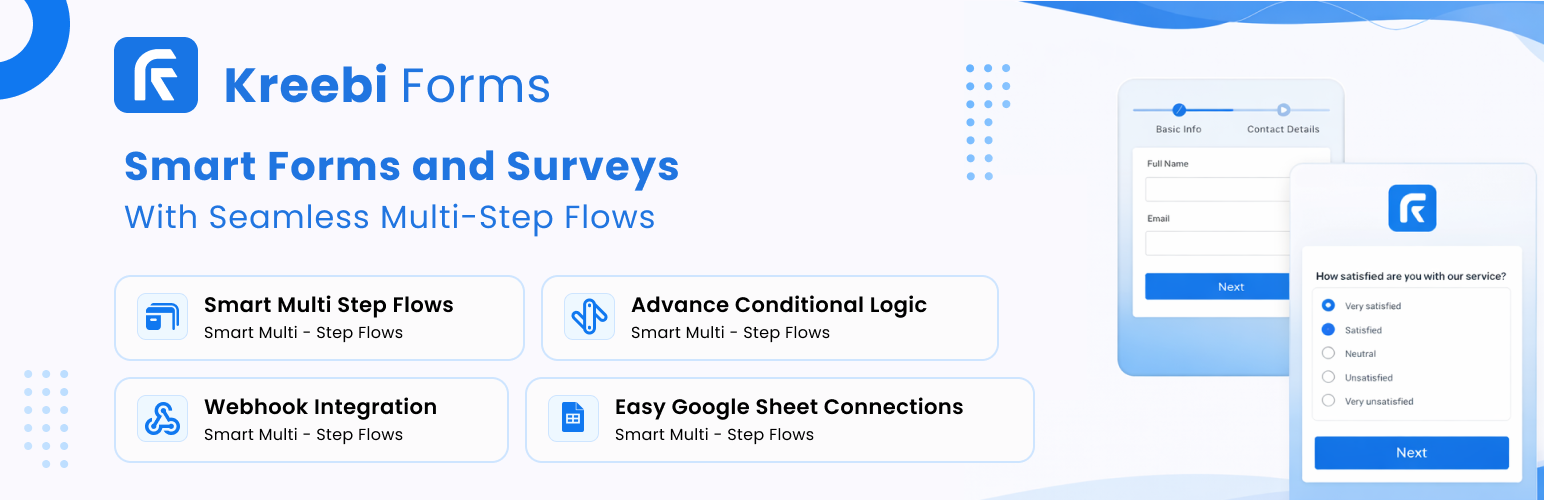
Kreebi Forms helps teams, creators, agencies, and developers build professional WordPress forms without friction. It combines a modern drag-and-drop form builder with JSON-level control so you can move from simple lead capture forms to advanced workflows in minutes.
This plugin is designed for websites that care about speed, security, SEO relevance, and clean user experience. Every form is built to be easy to publish, easy to manage, and easy to scale.
Why Kreebi Forms for WordPress?
Kreebi Forms gives you practical control over the full form lifecycle:
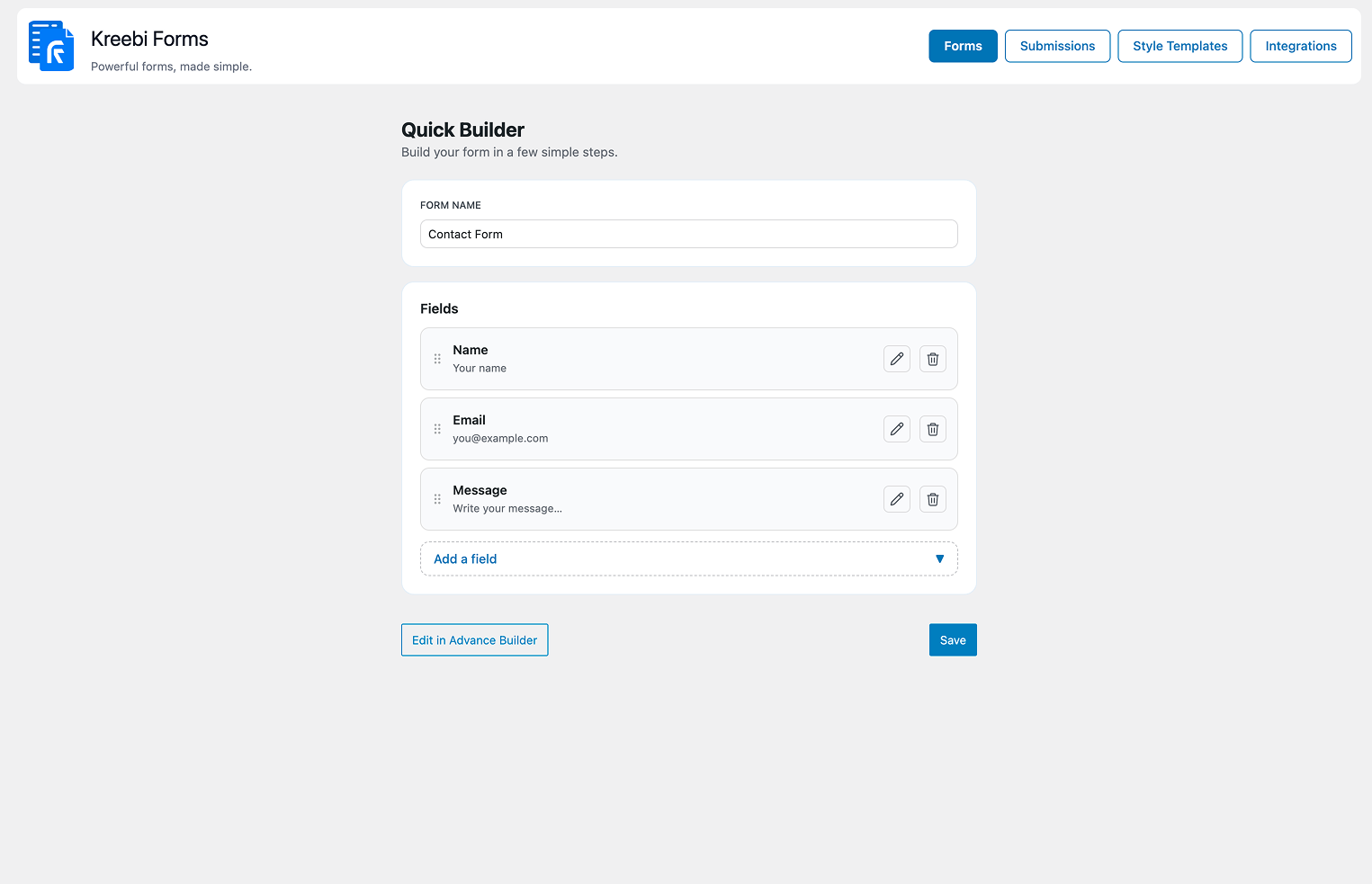
- Build forms visually with drag and drop.
- Fine-tune structure and logic with JSON form definitions.
- Publish anywhere via shortcode.
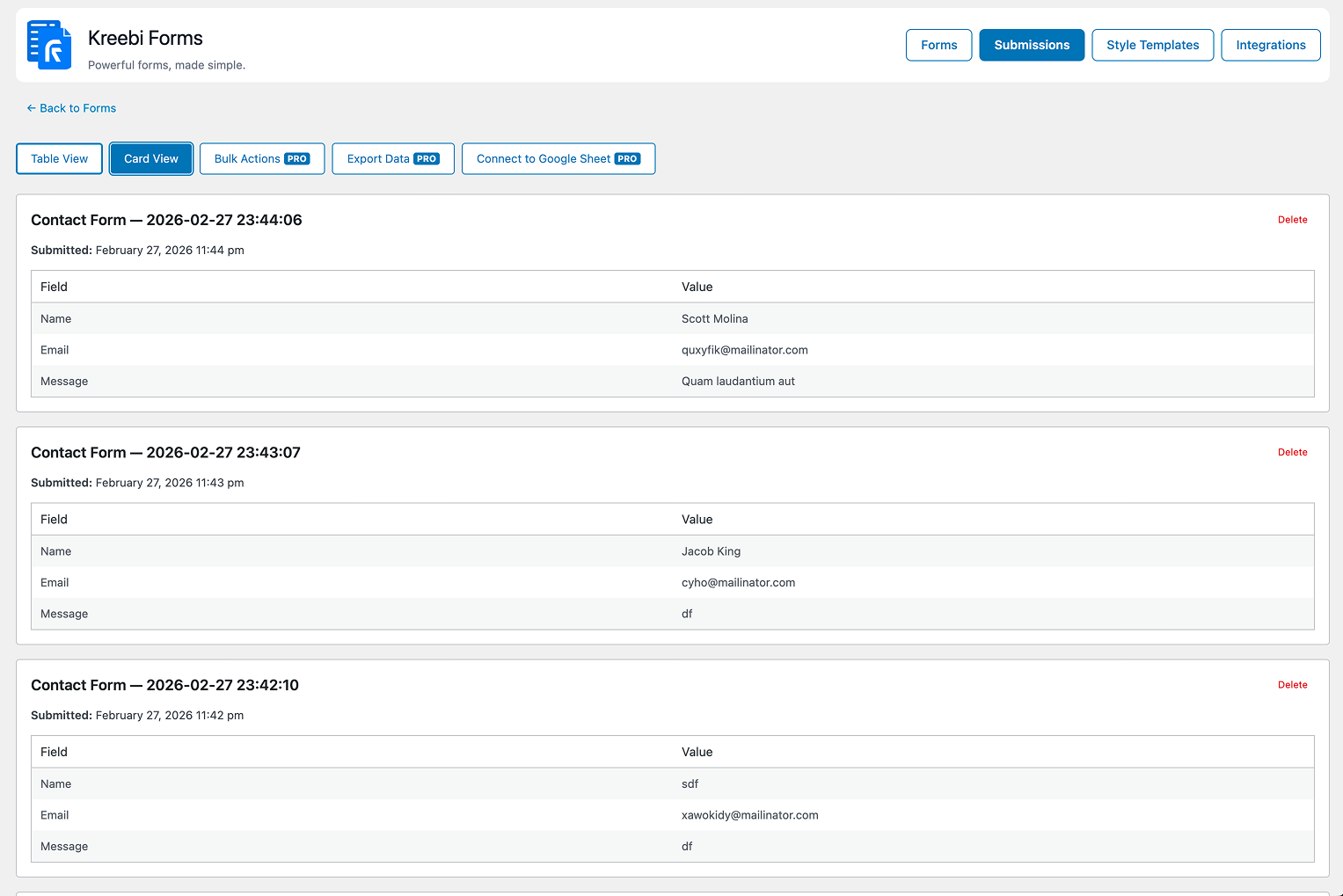
- Capture and manage submissions in your WordPress admin.
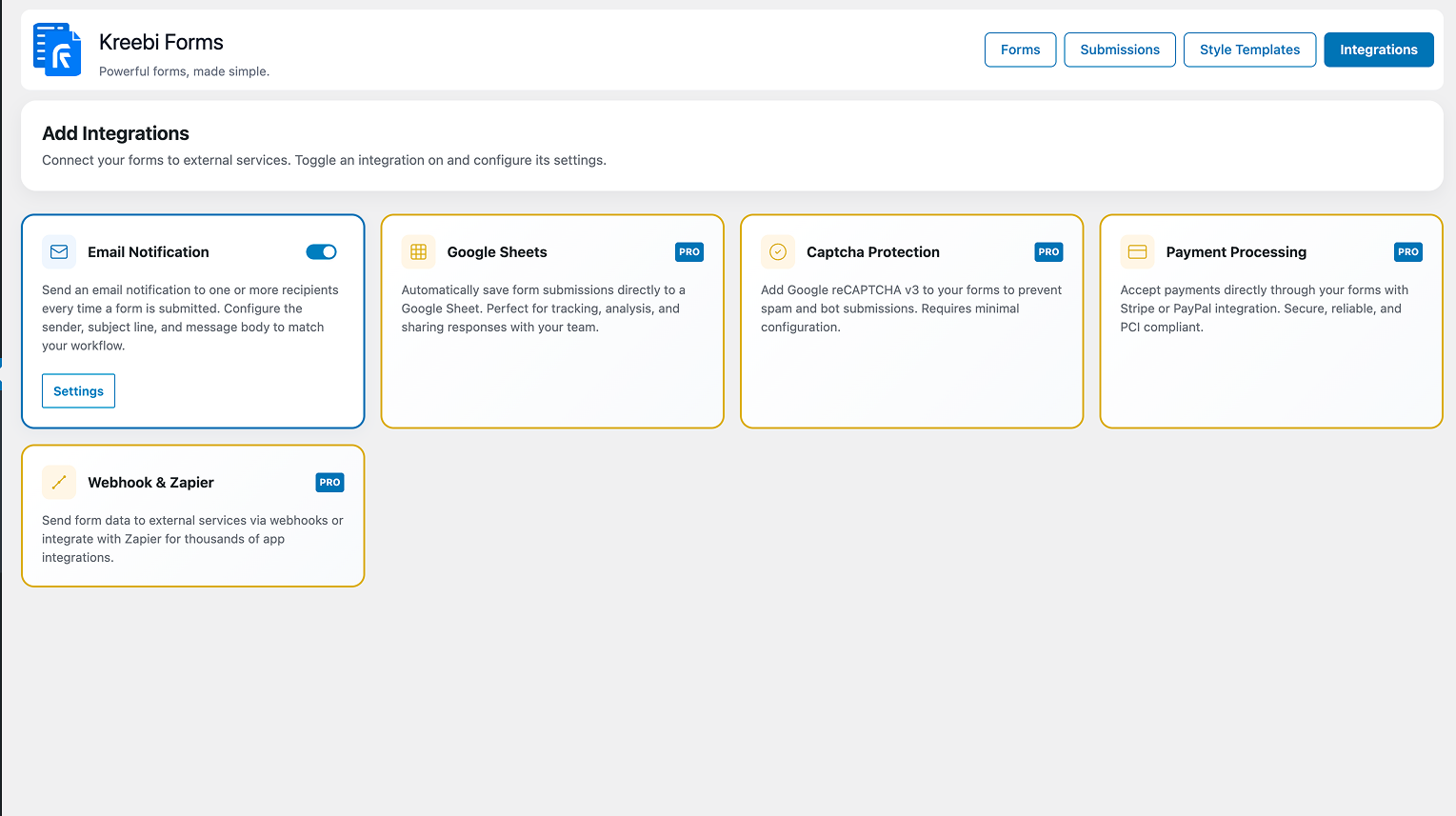
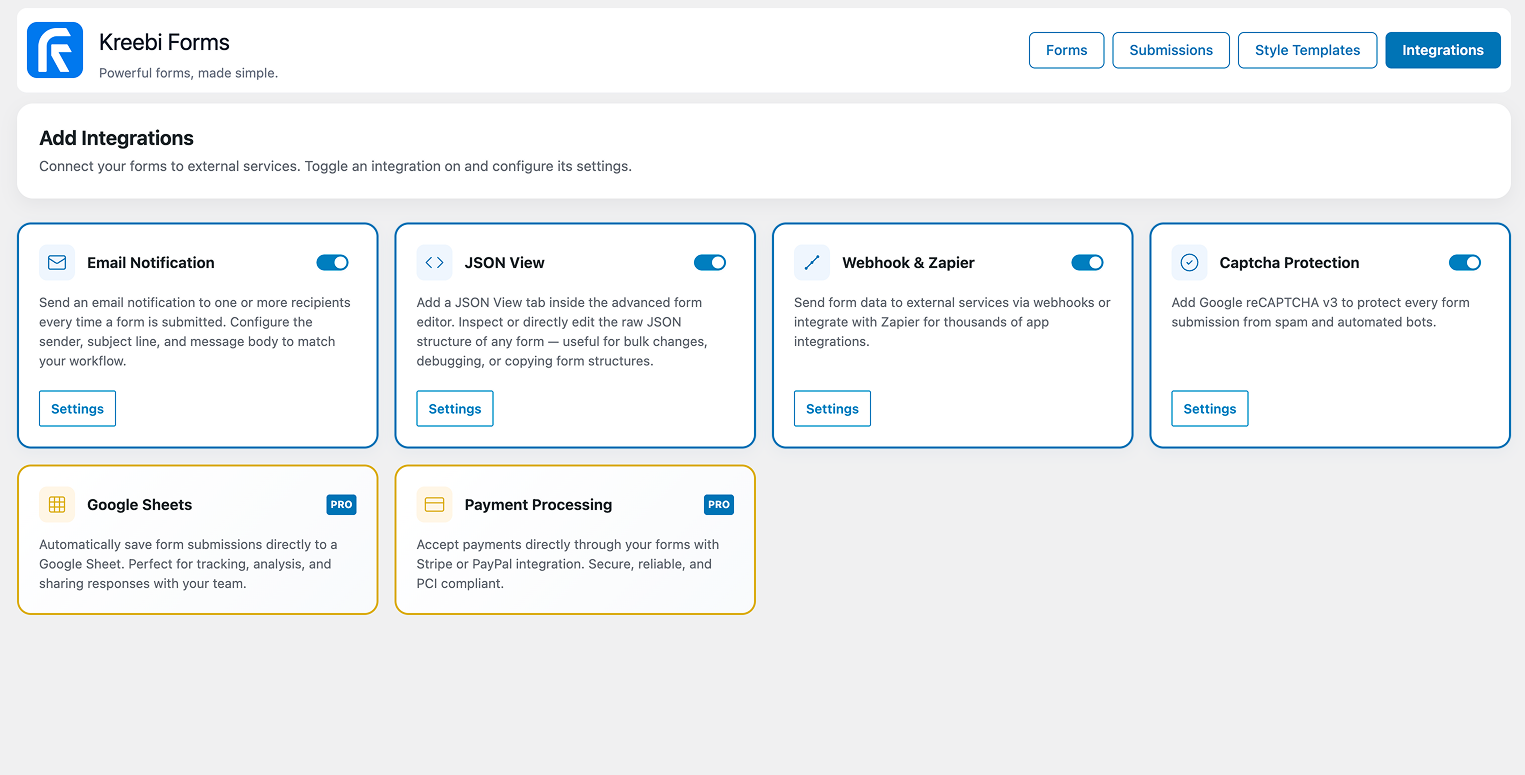
- Connect events to integrations such as Email Notifications, Webhook, JSON View, and CAPTCHA.
- Contact forms for business websites
- Lead generation forms for landing pages
- Service inquiry forms for agencies
- Support and request forms for operations teams
- Campaign-specific forms for SEO and paid traffic funnels
安装:
- Upload the
kreebi-formsfolder to/wp-content/plugins/. - Activate the plugin via Plugins > Installed Plugins.
- Go to Kreebi Forms > Forms to create a new form.
- Configure optional integrations in Kreebi Forms > Integrations.
屏幕截图:
常见问题:
What field types are supported?
Kreebi Forms supports common production field types, including text, email, password, number, and selectable choice fields such as checkbox, radio, and dropdown.
Can I connect form submissions to external services?
Yes. Use Webhook integration to send submission data to third-party platforms, custom APIs, or automation systems.
How does spam protection work?
Kreebi Forms supports Google reCAPTCHA v3 for score-based bot filtering with minimal user friction.
Can I customize form styles?
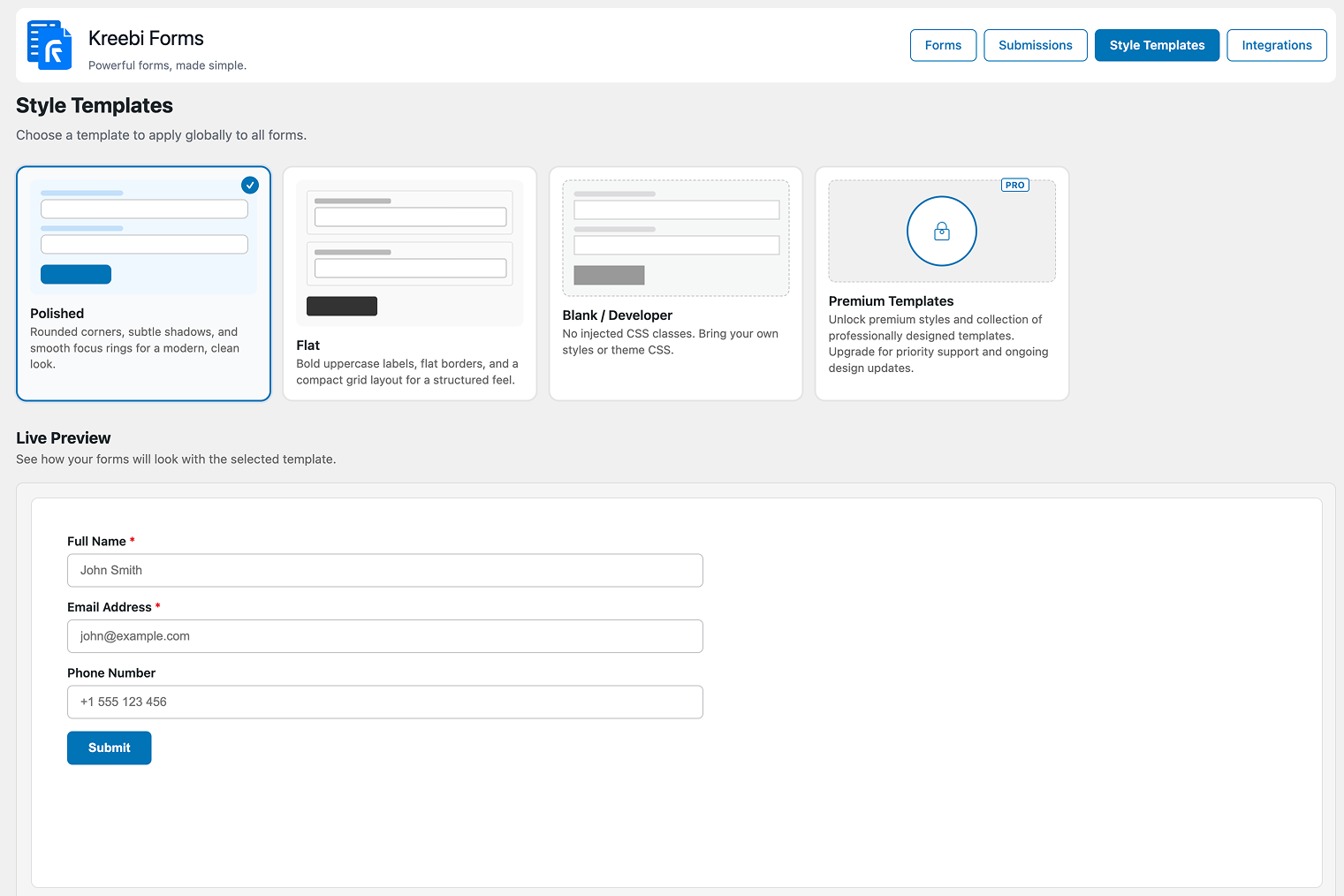
Yes. You can apply style templates and custom CSS to match your brand and improve visual consistency.
Where are submissions stored?
Submissions are stored as a custom post type and can be viewed under Kreebi Forms > Submissions in the admin.
更新日志:
1.1.4
- Fixed deactivation survey modal not opening when plugin slug is URL-encoded in admin deactivation link handling.
- Improved admin deactivation flow by supporting both encoded and plain plugin slug values.
- Added safer link interception logic for the deactivation survey modal, using anchor closest traversal and encoded slug matching.
- Updated deactivation survey data handling and nonce security checks in admin mode.
- Added reCAPTCHA v3 integration support and verification flow.
- Improved webhook settings organization and centralized service handling.
- Enhanced email notification defaults and activation-time setup.
- Refined form ID normalization and consistency across routes and rendering.
- Added upgrade notice and bumped version.
- Bug fixes and security tweaks.
- Initial release.