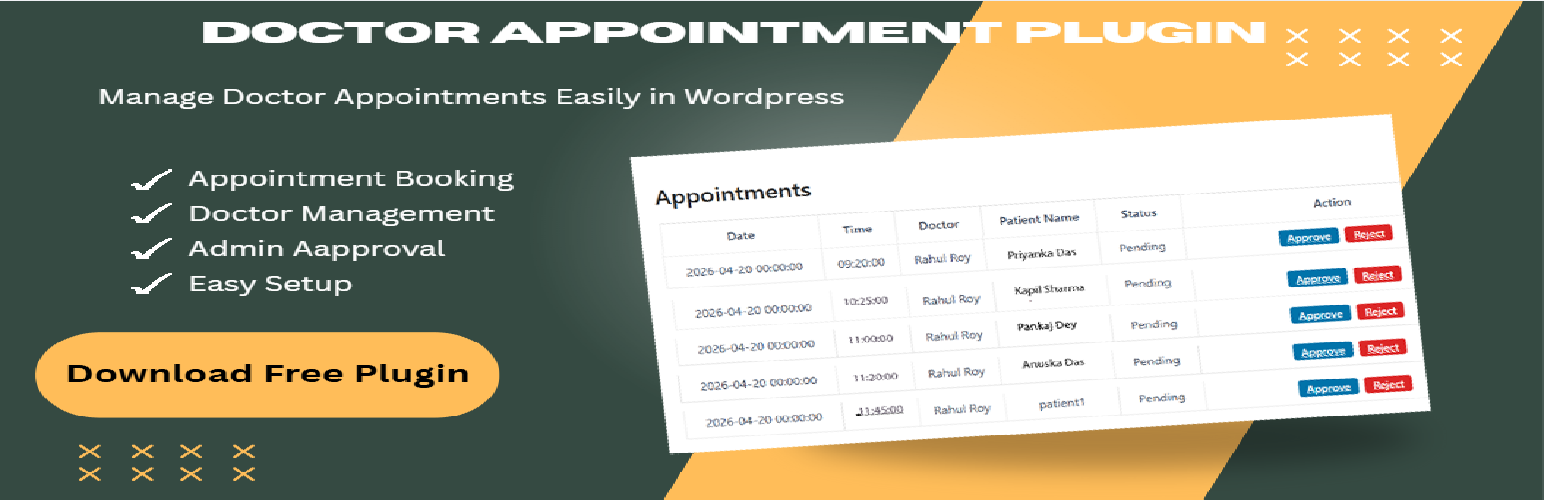
Hospital Booking & Clinic Management System – Doctor Appointment Plugin by KrishnaDas
| 开发者 | krishnadas8119 |
|---|---|
| 更新时间 | 2026年9月27日 21:36 |
| PHP版本: | 7.4 及以上 |
| WordPress版本: | 7.1.1 |
| 版权: | GPLv2 or later |
| 版权网址: | 版权信息 |
详情介绍:
Turn your WordPress site into an enterprise-grade medical platform with the Hospital Booking & Clinic Management System. Engineered by a Senior Systems Administrator, this lightweight plugin simplifies appointment scheduling for independent practices, multi-doctor clinics, and regional hospitals.
Unlike bloated booking tools, this plugin provides standalone front-end dashboards for doctors, patients, and administrative teams—ensuring strict role-based access control and high-performance server uptime.
🩺 Why Healthcare Practices Choose This Plugin:
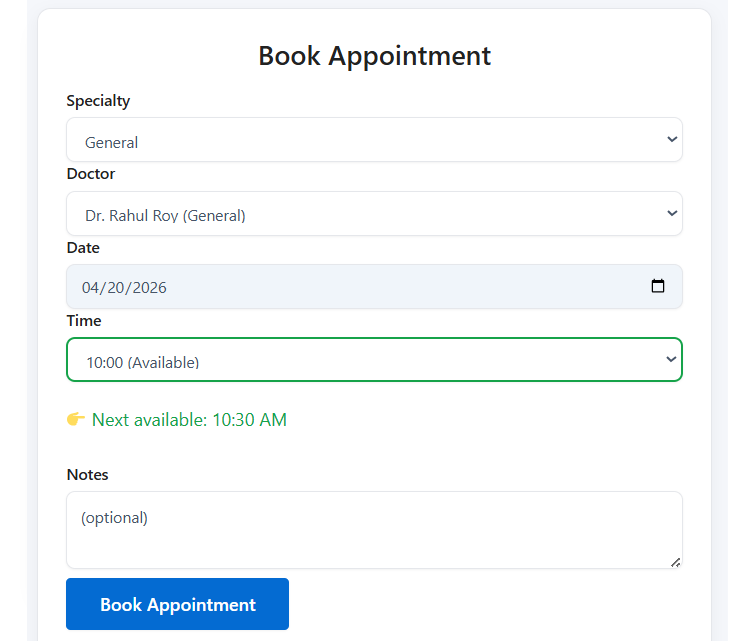
- Automated Slot-Based Booking: A smart scheduling interface prevents double-bookings or conflicting medical appointments automatically.
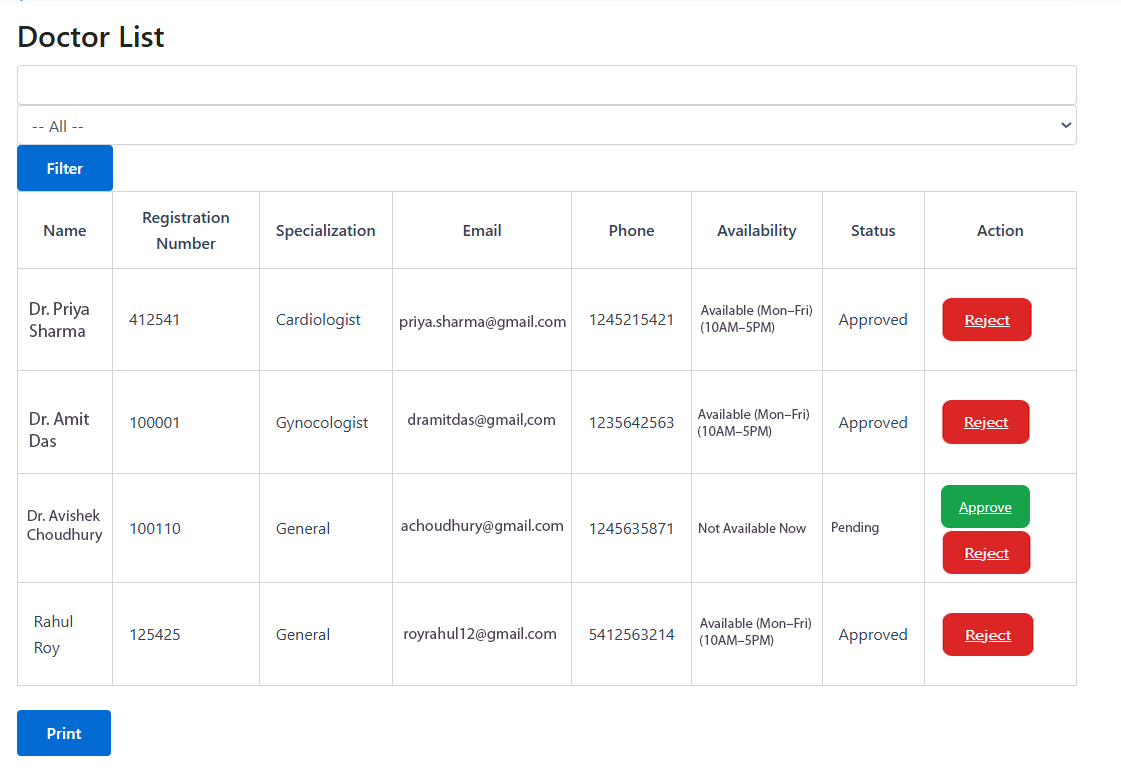
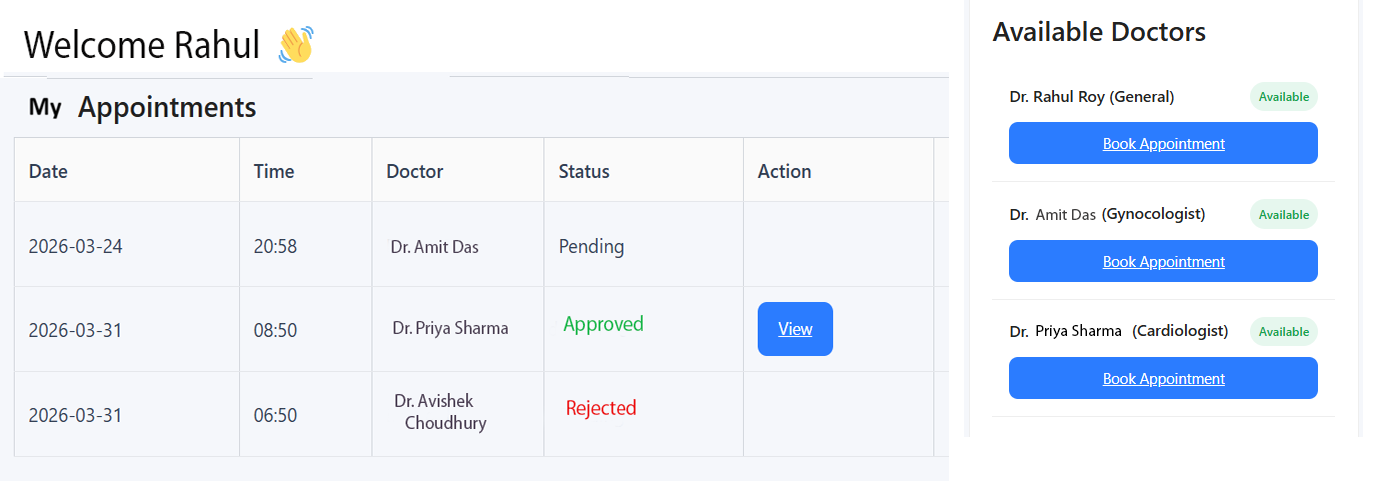
- Independent Portals: Doctors can approve or reject appointments from a private panel while patients track history securely from theirs.
- Zero Bloat, High Security: Built using strict WordPress database preparation standards to ensure patient record protection. 👉 Looking for Advanced Features? Instantly test our premium features on our Live Interactive Demo Hosted Here.
安装:
- Upload the plugin folder to your website's
/wp-content/plugins/directory. - Navigate to Plugins → Installed Plugins and click Activate.
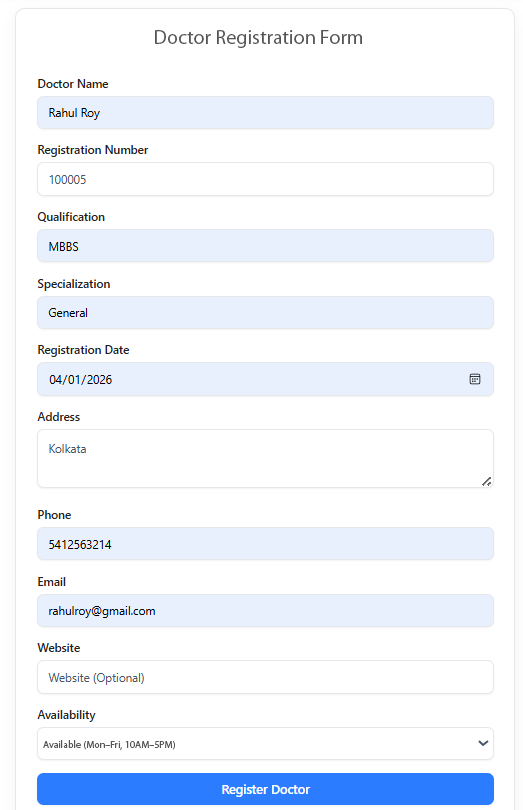
- Crucial Setup Step: Navigate to Settings → General inside WordPress and ensure the checkbox for "Anyone can register" is checked. This allows your patients and doctors to access their unique registration forms.
- The system will automatically build your primary system pages upon activation.
屏幕截图:
常见问题:
Is this clinic management system completely free?
Yes! The core system manages unlimited appointment loops, structural shortcodes, and basic profiles without cost. Advanced automation can be unlocked via our Freemius framework.
Can multiple doctors operate distinct schedules?
Yes. The plugin assigns specific roles so individual doctors handle their own slot booking panels independently without seeing other practitioners' records.
Does it conflict with premium corporate themes?
No. The plugin relies on lightweight shortcode layouts that seamlessly absorb your existing theme's CSS styling and fonts.
更新日志:
1.1.0
- Launched optimized slot-based booking engines to protect doctor availability.
- Refactored patient interface dashboards with intuitive medical directory sidebars.
- Injected structural prefix filters (Dr.) across public directories.
- Upgraded queries for full compatibility with WordPress 7.1.x.