Kust AI - Smart Customer Support Chatbot & Help Desk
| 开发者 | kustai |
|---|---|
| 更新时间 | 2025年11月21日 18:45 |
| PHP版本: | 7.4 及以上 |
| WordPress版本: | 6.8 |
| 版权: | GPLv2 or later |
| 版权网址: | 版权信息 |
详情介绍:
- Learns from your website content, documents, and FAQs automatically
- Provides instant, accurate answers to customer questions
- Auto-generates FAQs based on customer interactions
- Handles complex queries with natural language understanding 🌍 True Multi-Language Support
- Native support for English, French, Spanish, and more
- Automatically detects and responds in your visitor's language
- Perfect for international businesses and multilingual websites 📊 Powerful Analytics Dashboard
- Track tickets created, resolved, and response times
- Monitor chatbot performance and customer satisfaction
- Identify common questions to improve your content
- Real-time insights to optimize your support strategy 🔗 Omnichannel Integration
- Connect with Discord, Facebook Messenger, WhatsApp, Telegram
- Centralize all customer conversations in one dashboard
- Manage email tickets alongside chat conversations
- Consistent support experience across all channels 📚 Smart Knowledge Management
- Import content from text blocks, documents, and web URLs
- Organize information with Q&A pairs
- Sync with your existing knowledge base
- AI learns and improves from every interaction 🛍️ E-Commerce Ready
- Order tracking and status updates
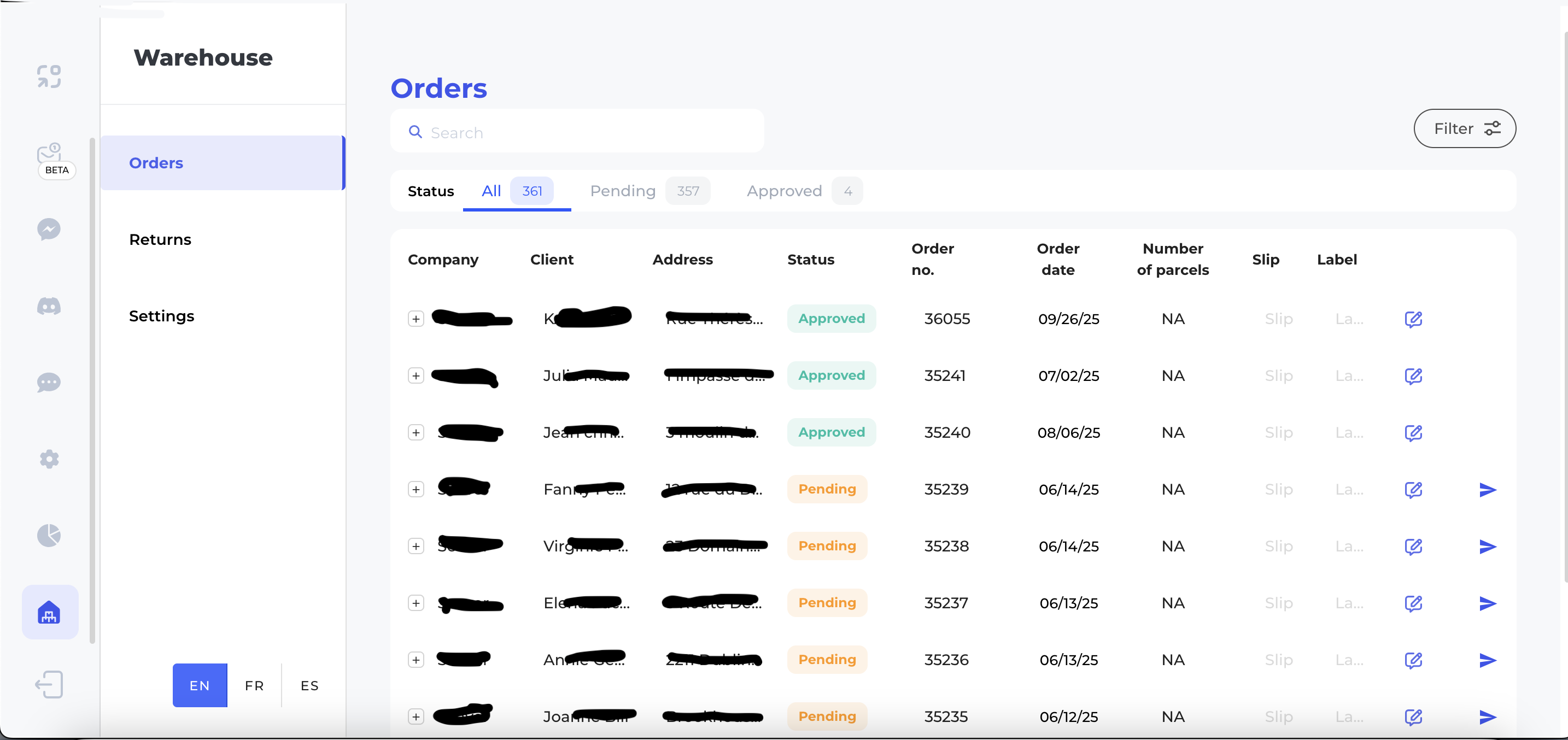
- Warehouse management integration
- Handle returns and refunds automatically
- Perfect for WooCommerce stores
- Custom "In Exchange" order status for WooCommerce 👥 Seamless Human Handoff
- Smart escalation to human agents when needed
- Full conversation context preserved
- Agent gets customer email and query details
- No frustrated customers repeating themselves
- 30 tickets created → 29 resolved automatically
- 21 bot messages handled customer queries without human intervention
- 30 closed tickets with high customer satisfaction
- E-commerce stores needing 24/7 product support
- Service businesses handling appointment bookings
- SaaS companies providing technical support
- Educational sites answering student queries
- Any WordPress site wanting to improve customer experience
- Install the Kust AI plugin
- Get your widget ID from Kust.ai dashboard
- Enter your widget ID in plugin settings
- Customize your chatbot's appearance
- Go live in minutes – no coding required!
- Secure data handling and privacy compliance
- Custom branding and widget styling
- Advanced routing and department management
- Comprehensive API for custom integrations
- White-label options available
- Your widget ID (used to identify your account and load the correct configuration)
- The website's domain (for verification and analytics)
- Browser information necessary to display the widget
安装:
- Upload the plugin to the
/wp-content/plugins/kust-ai-widget/directory, or install it directly from the WordPress Plugins screen. - Activate the plugin through the 'Plugins' screen in WordPress.
- Go to Settings → Kust.ai Widget and enter your widget ID.
- Get your widget ID from your Kust.ai dashboard.
- If WooCommerce is installed, you will see a new order status "In Exchange" available in the order status dropdown.
- That's it! The widget will now appear on your site.
屏幕截图:
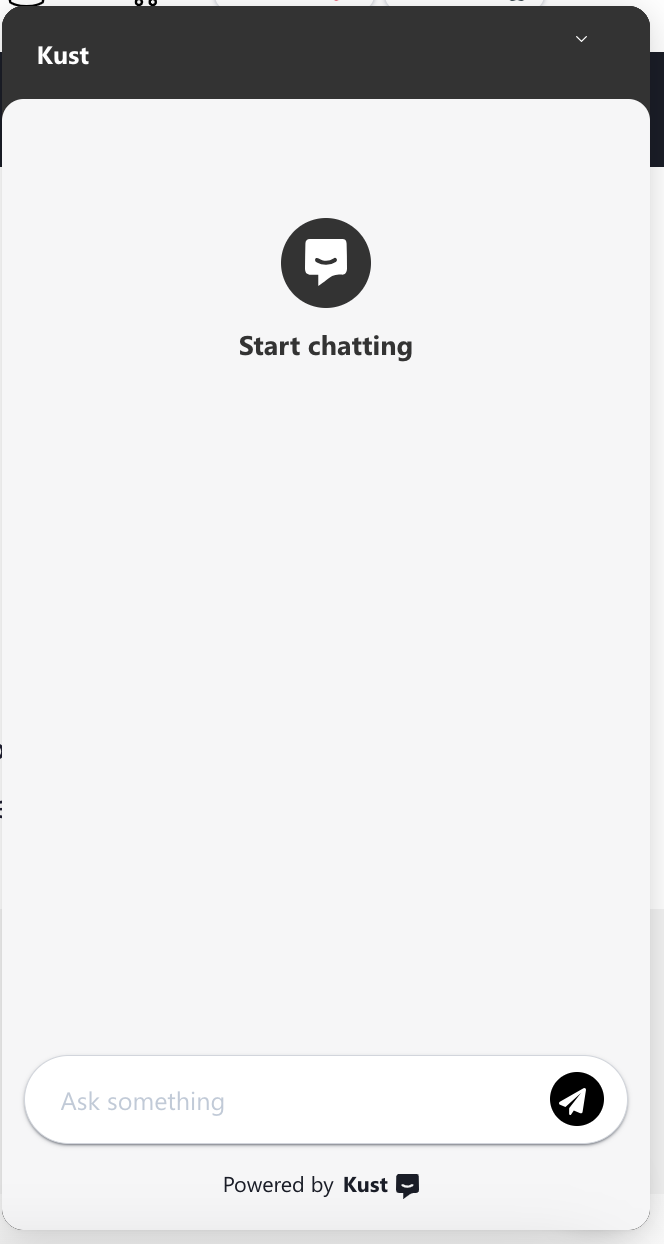
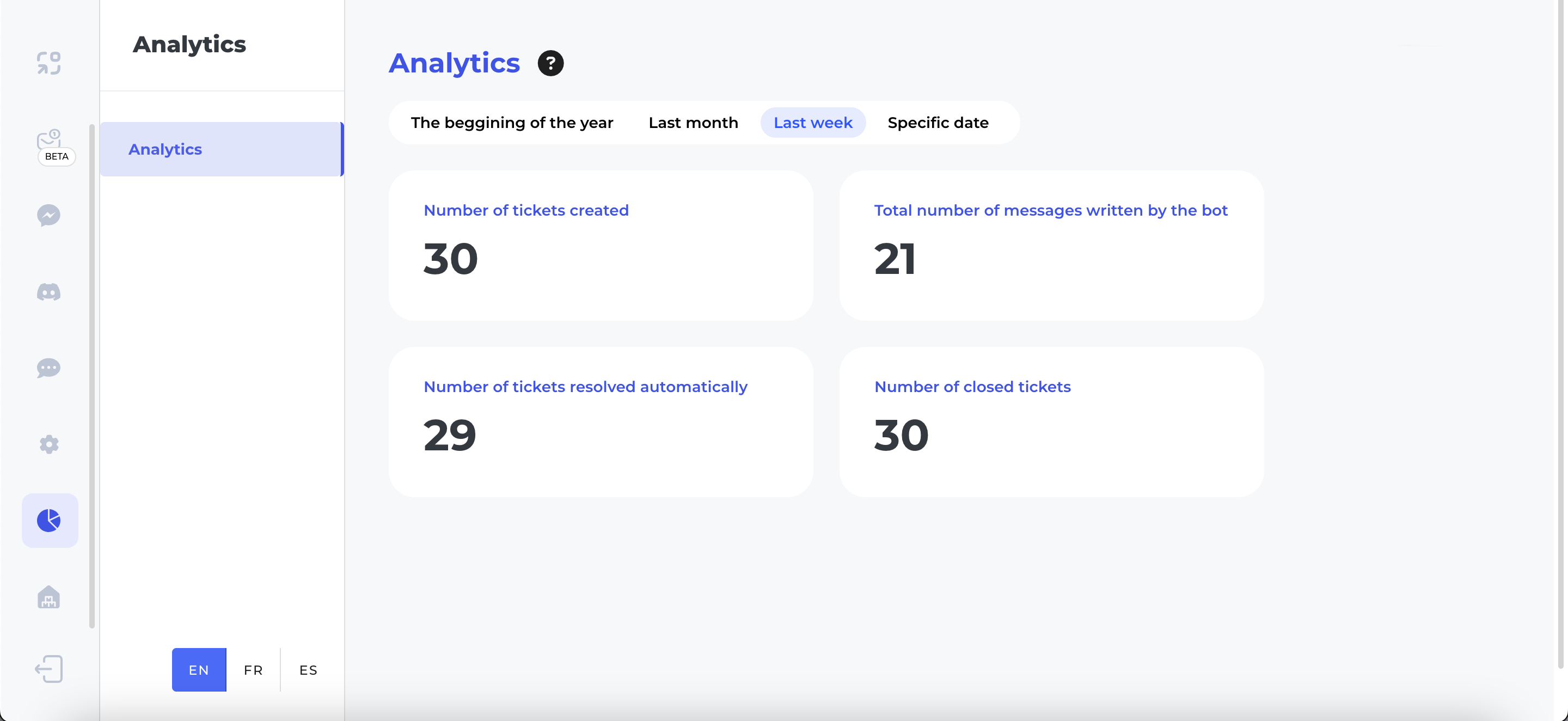
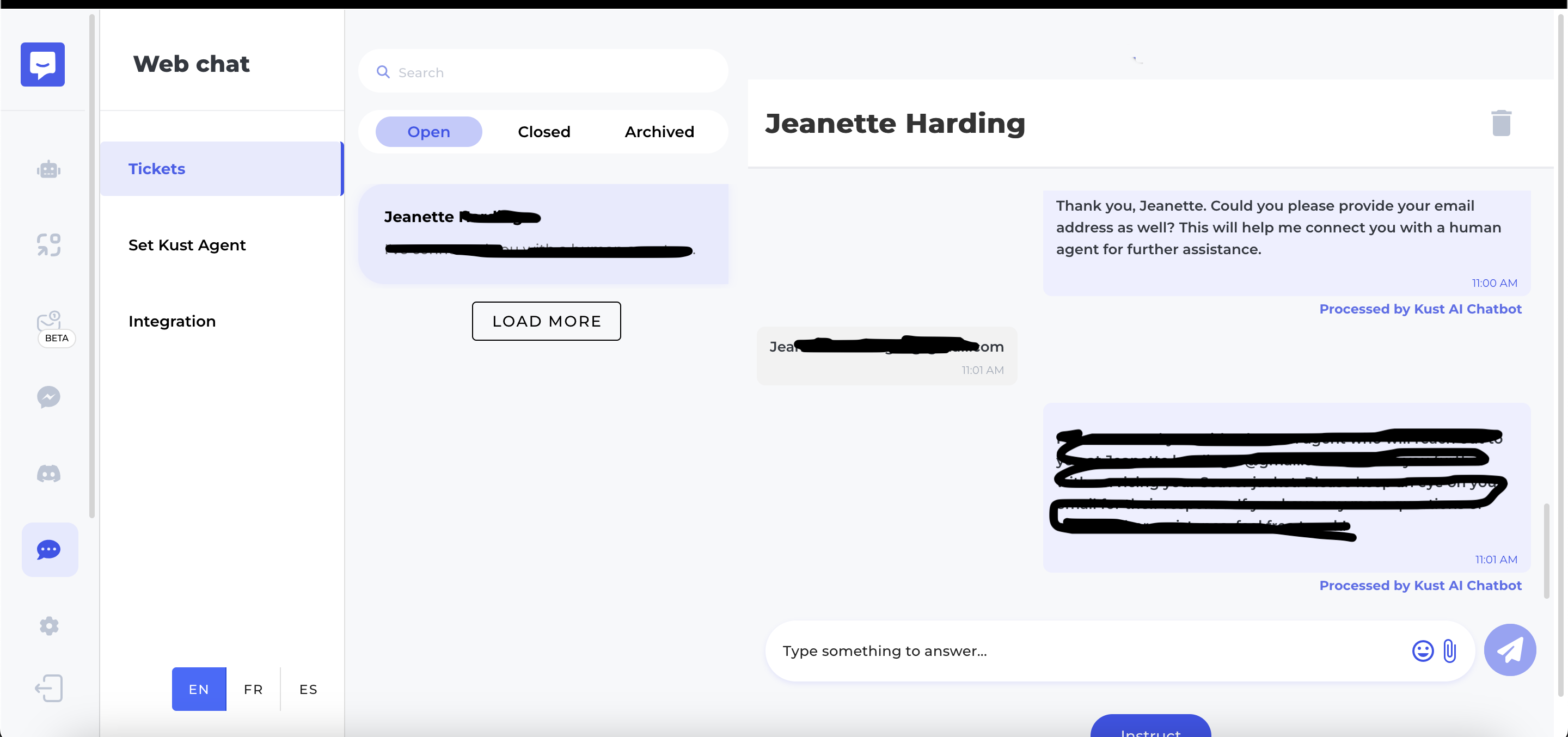
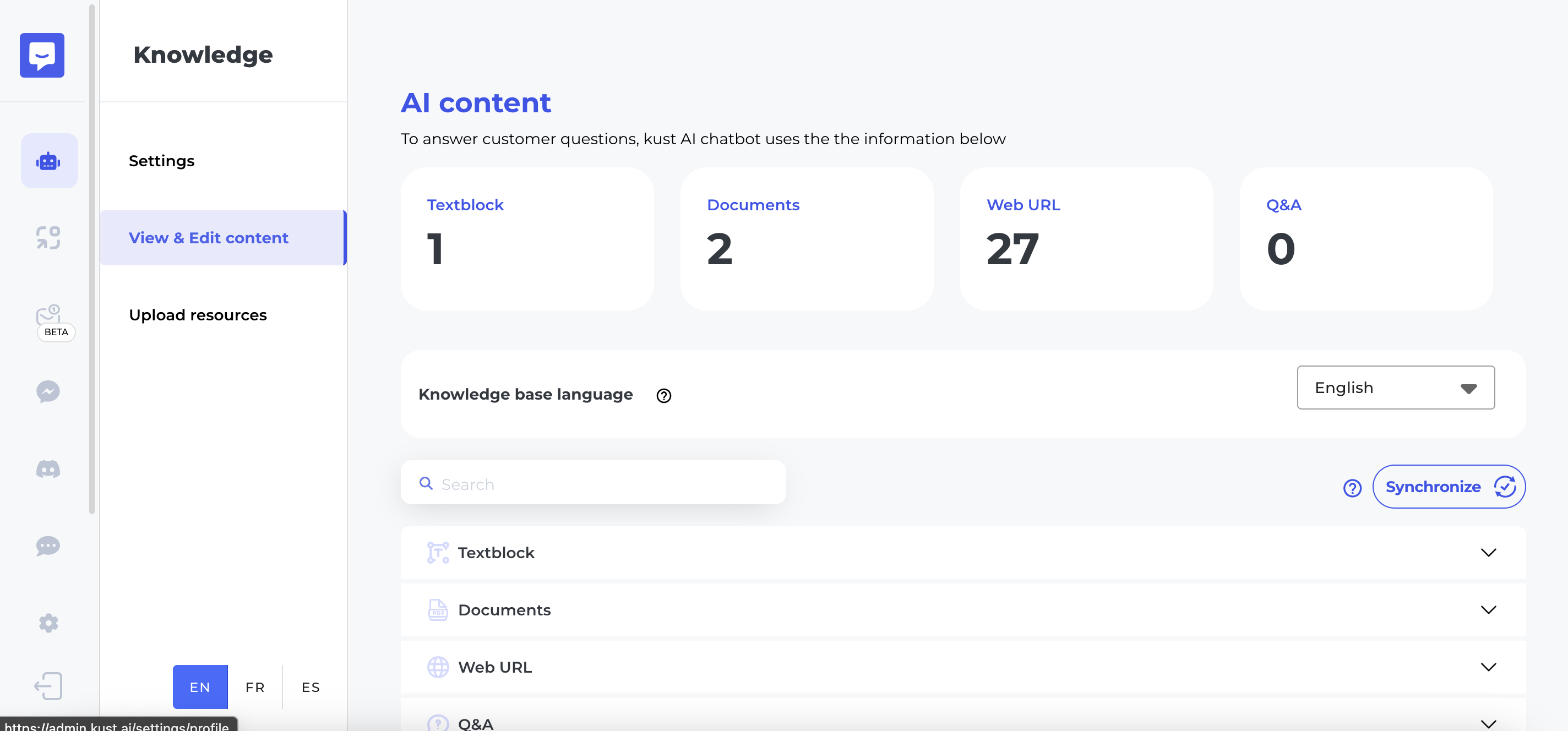
常见问题:
Where do I get my Widget ID?
You can find your widget ID in your Kust.ai account dashboard at https://kust.ai Sign up, create your chatbot, and copy the widget ID from the integration section.
Does this plugin work without WooCommerce?
Yes! The widget works perfectly with or without WooCommerce. The custom order status is only added if WooCommerce is active.
Can I customize the chatbot's appearance?
Yes, you can fully customize the chatbot's colors, position, welcome messages, and behavior from your Kust.ai dashboard.
Does the chatbot support multiple languages?
Yes! Kust AI supports multiple languages including English, French, Spanish, and more. It can automatically detect and respond in your visitor's language.
Can I connect the chatbot to my existing help desk?
Yes, Kust AI integrates with various platforms including Discord, Facebook Messenger, WhatsApp, Telegram, and email systems.
Does this plugin slow down my website?
No, the Kust AI widget is lightweight and loads asynchronously, meaning it won't affect your website's loading speed or performance.
Can the chatbot handle complex customer queries?
Yes! Kust AI uses advanced natural language processing to understand context and provide accurate answers. When it can't help, it seamlessly hands off to human agents.
Is my data secure?
Yes, Kust AI follows enterprise-grade security standards and is GDPR compliant. All data transmission is encrypted and securely stored.
更新日志:
- Initial public release
- Added documentation for external service usage
- Updated script inclusion method using WordPress enqueue system
- Added WooCommerce "In Exchange" order status feature
- Beta testing improvements
- Enhanced widget loading performance
- Fixed minor compatibility issues
- Improved settings page UI
- Initial beta release