
LaunchList
| 开发者 | getlaunchlist |
|---|---|
| 更新时间 | 2026年11月1日 22:12 |
| PHP版本: | 7.4 及以上 |
| WordPress版本: | 7.1 |
| 版权: | GPLv2 or later |
| 版权网址: | 版权信息 |
详情介绍:
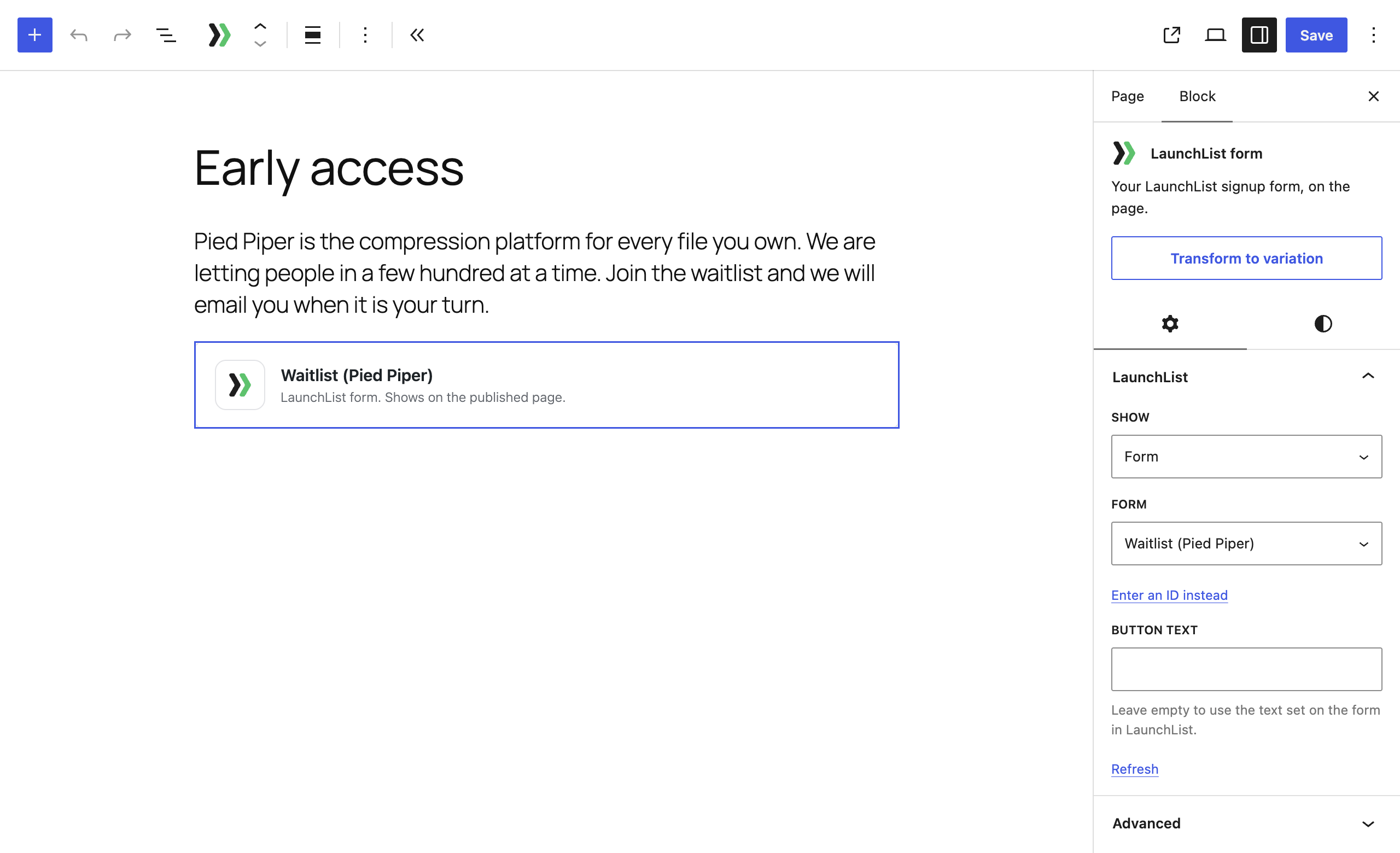
- The LaunchList block. Add it in the block editor and choose what it shows: your form, a button that opens the form in a popup, a widget (a signup counter, a referral leaderboard, a milestone or a countdown) or your published updates.
- The
[launchlist]shortcode, for the classic editor, widget areas and page builders.
- Contact Form 7
- WPForms
- Gravity Forms
- Elementor Pro forms
- Fluent Forms
- Ninja Forms
- Formidable Forms
安装:
- In your dashboard, go to Plugins, then Add New Plugin, search for LaunchList, and click Install Now, then Activate. Or upload the plugin's zip under Plugins, then Add New Plugin, then Upload Plugin.
- To show a LaunchList form, add the LaunchList block to a page and choose your form in the block's settings, or use the shortcode, such as
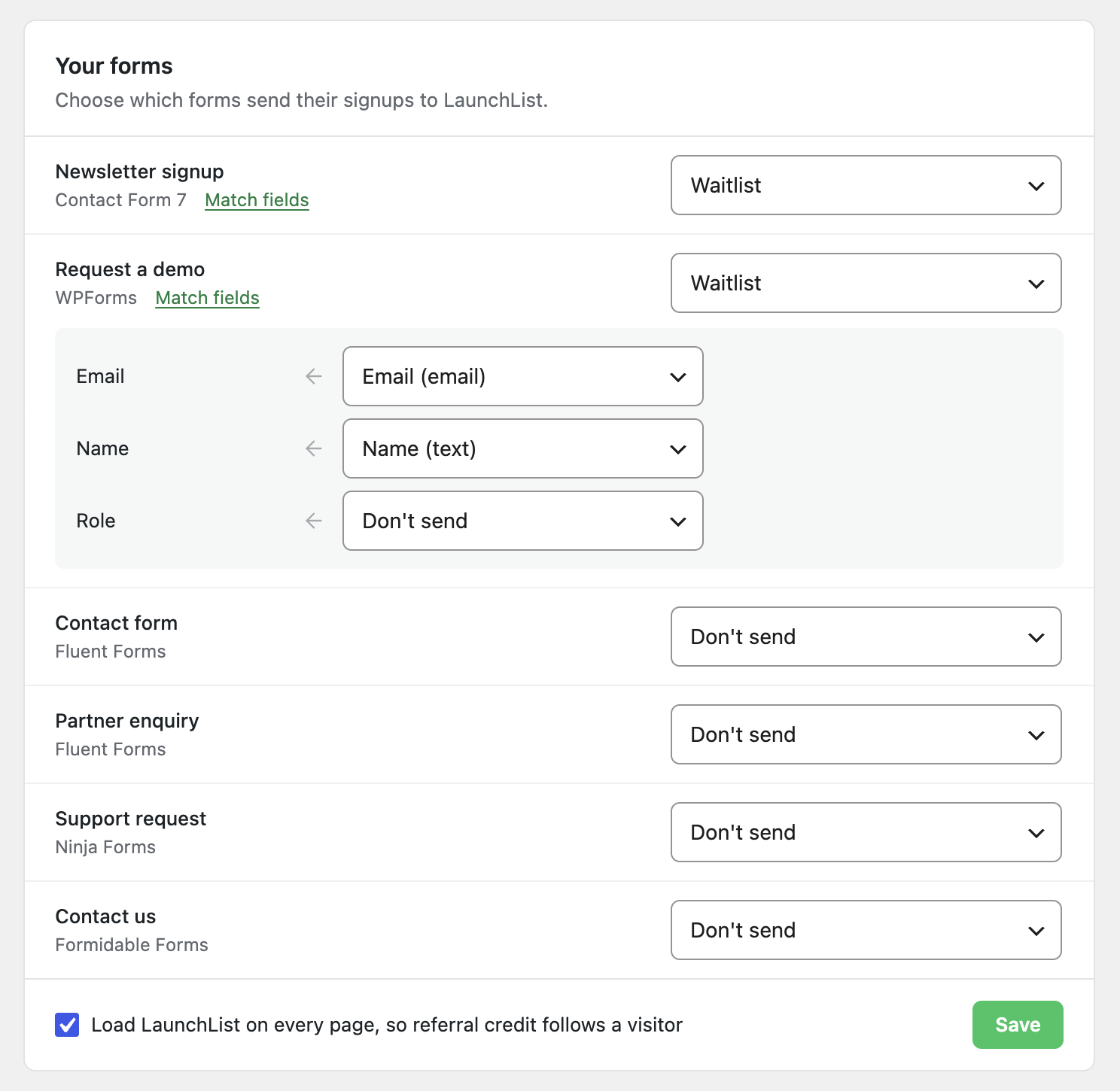
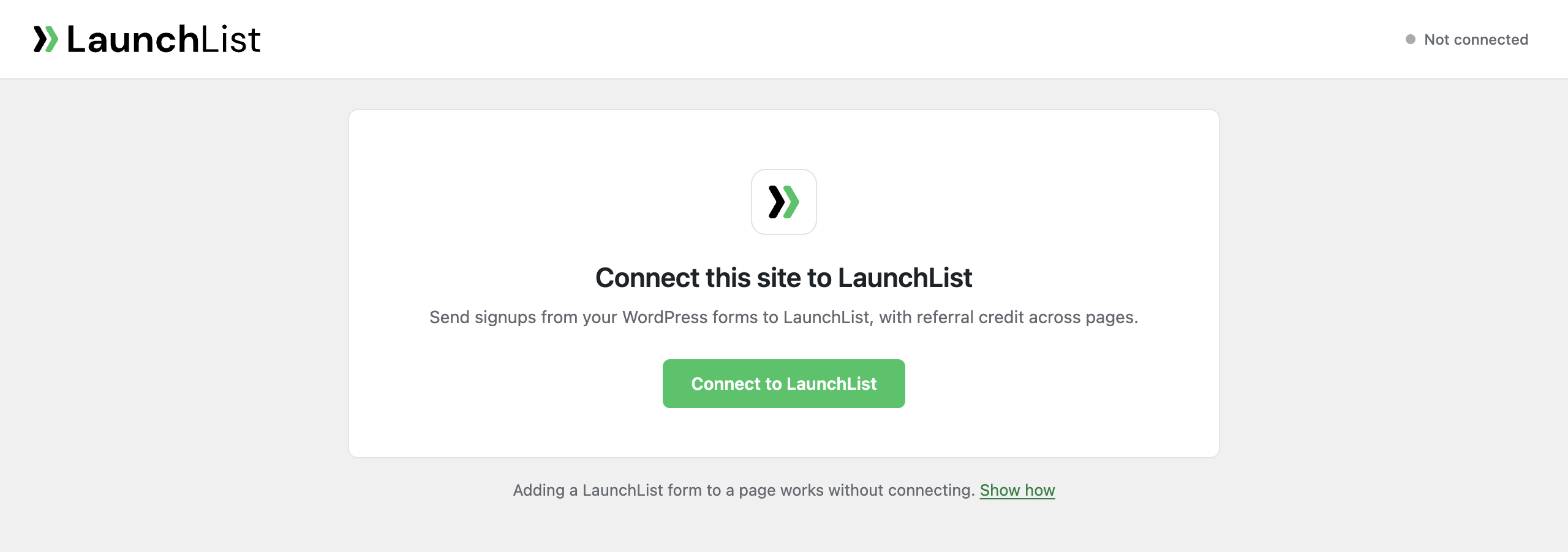
[launchlist form="frm_8Kd2Qm4Rp9xy"]with your own form ID from Embed & API in LaunchList. - To send your own forms to LaunchList, open LaunchList in your dashboard's menu (it sits with your form plugins, above Appearance), click Connect to LaunchList, sign in and choose a workspace. Back in WordPress, under Your forms, choose a LaunchList form for each form you want to send, check its fields under Match fields, and click Save.
- Publish, then sign up once with your own email to see the signup arrive in LaunchList.
屏幕截图:
常见问题:
Do I need a LaunchList account?
Yes. The plugin shows the forms, widgets and updates you made in LaunchList, and sends your own forms' signups to your LaunchList workspace.
Do I need to connect my site to show a LaunchList form?
No. The block and the shortcode work without connecting. Connecting is for sending your own WordPress forms to LaunchList and for loading LaunchList on every page.
Where do I find my form ID?
In LaunchList, under Embed & API. It starts with frm_. Widgets and updates take your project's data-project value, from any widget snippet under Embed & API, then Your website. Once the site is connected, the block lists your forms and projects so you can pick them instead.
Why does the editor show a card instead of my form?
So that nothing typed in the editor becomes a real signup. The form appears on the published page and when you preview the page. A signup made in a preview is real.
What can the shortcode show?
- A form:
[launchlist form="frm_8Kd2Qm4Rp9xy"], with your own button text:[launchlist form="frm_8Kd2Qm4Rp9xy" button="Join the waitlist"] - A button that opens the form in a popup:
[launchlist popup="frm_8Kd2Qm4Rp9xy" label="Join the waitlist" variant="modal"].variant="slideover"opens it as a panel from the side. - A widget:
[launchlist widget="counter" project="acme"].widgettakescounter,leaderboard,milestone,countdownor a widget ID that starts withwgt_. - Your updates:
[launchlist updates="acme"]
Does my form plugin still send its own emails and keep its entries?
Yes. LaunchList only receives a copy of each submission from the forms you chose, after your form plugin has accepted it.
Which field does LaunchList use as the signup's email?
The one you match to the LaunchList form's email field. The plugin matches the first email field for you, and the other fields by name; you can change any match under Match fields. Up to 20 of your form's other fields are kept with each signup as input data, named after their labels (accents removed, and characters other than letters, digits, spaces, hyphens and underscores turned into spaces).
Can my own form show the person their place in line?
No. Your form plugin shows its own success message. Use the LaunchList block or shortcode if you want the place in line and referral link shown on the page.
What happens if LaunchList is down when someone submits my form?
Your form works as usual. Your site keeps the submission and tries again about a minute later at first, then up to an hour apart, for 24 hours. It keeps at most 1,000 waiting signups (200 for one LaunchList form). You can see what was sent, what is waiting and what LaunchList did not add under Recent deliveries on the LaunchList screen.
I copied my site to a staging site. Will the copy send signups?
No. The connection remembers the address it was made at. A copy at another address stops sending forms and loading LaunchList on every page, and says so on its LaunchList screen. You can connect the copy as a site of its own, or remove the connection from it; neither touches the original site's connection.
How do I disconnect the site?
Click Disconnect on the LaunchList screen in your dashboard, or click Disconnect beside the site in LaunchList under Embed & API, then Your website. Signups LaunchList already received stay in LaunchList.
What happens when I delete the plugin?
The plugin asks LaunchList to remove the site's connection, then deletes its settings and the submissions still waiting to be sent from your database. Signups LaunchList already received stay in LaunchList.
Does it work with a cookie consent plugin?
Where a consent plugin uses the WP Consent API, the LaunchList script is added to every page, and the launchlist_attribution cookie written, only for visitors who allowed marketing cookies. Pages with a LaunchList block or shortcode still load the script, since the form needs it. Developers can change the every-page choice with the launchlist_load_everywhere filter.
更新日志:
- First release: the LaunchList block and shortcode, connecting a site, and sending Contact Form 7, WPForms, Gravity Forms, Elementor Pro, Fluent Forms, Ninja Forms and Formidable Forms submissions to LaunchList.