
LayoutGlut - PDF, Doc, Excel, Image and more File preview for WooCommerce
| 开发者 | appglut |
|---|---|
| 更新时间 | 2026年11月6日 13:50 |
| PHP版本: | 7.4 及以上 |
| WordPress版本: | 7.1 |
| 版权: | GPLv2 or later |
| 版权网址: | 版权信息 |
详情介绍:
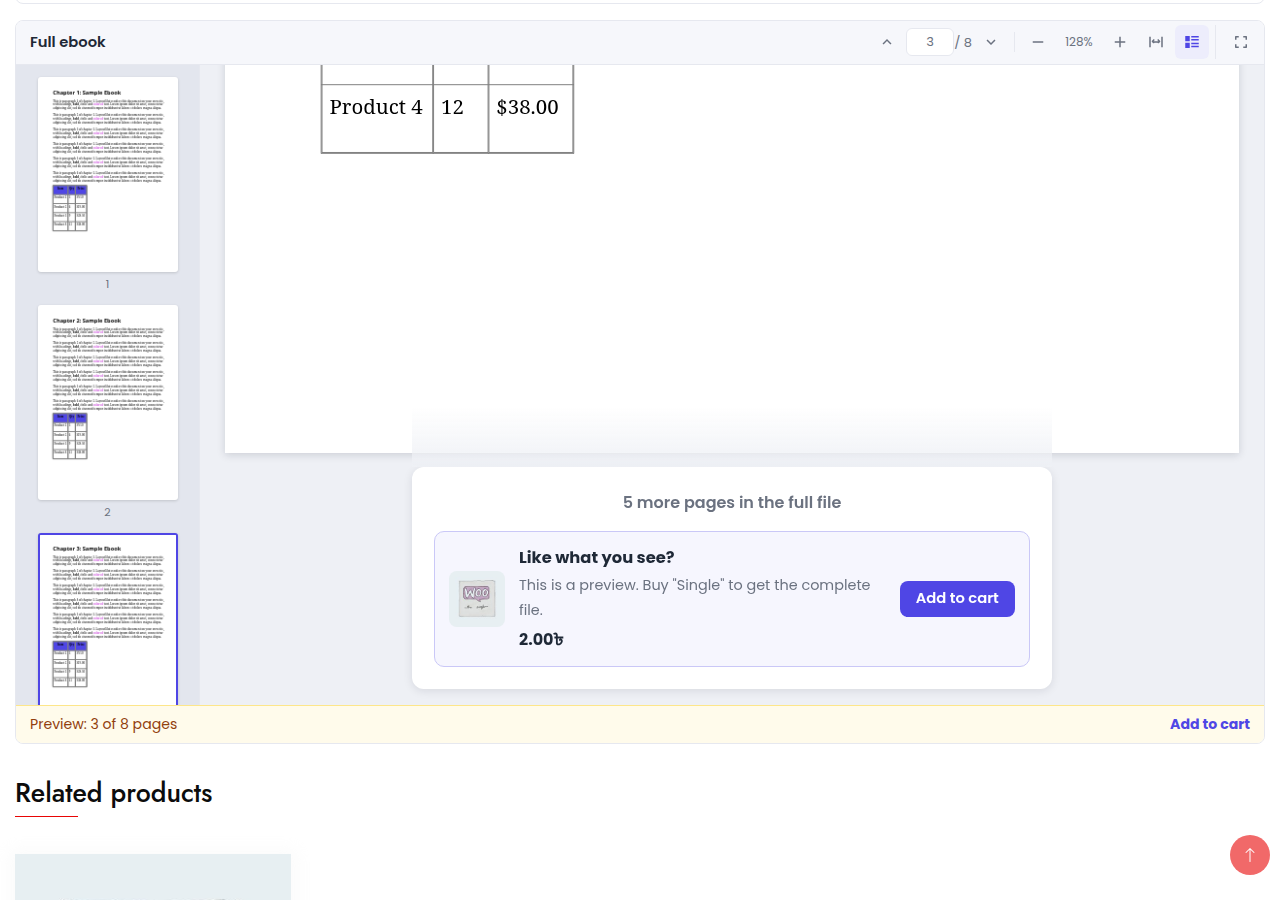
Selling ebooks, templates, worksheets, spreadsheets, sheet music or courses? LayoutGlut adds a preview of your files to WooCommerce products, so customers can look inside before they buy.
[youtube https://www.youtube.com/watch?v=D7MIbXhqSDo]
Where previews show
- Product page: choose a Page design — the whole product page (gallery with images and files, price, buy box, file list and description) laid out as one design, then fine-tune colors, fonts and layout in the Page Builder. Block themes too: LayoutGlut replaces the theme's WooCommerce templates (product, shop, archives, search) and keeps the theme header and footer
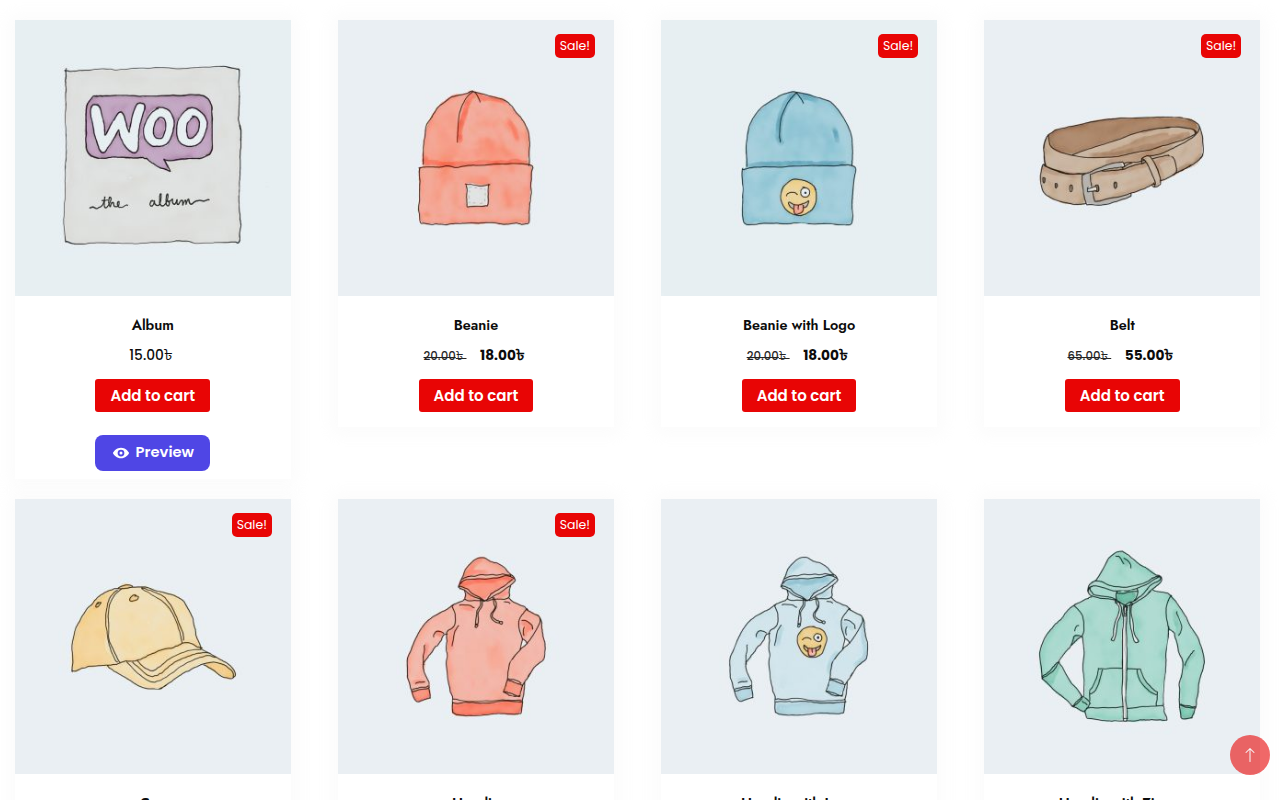
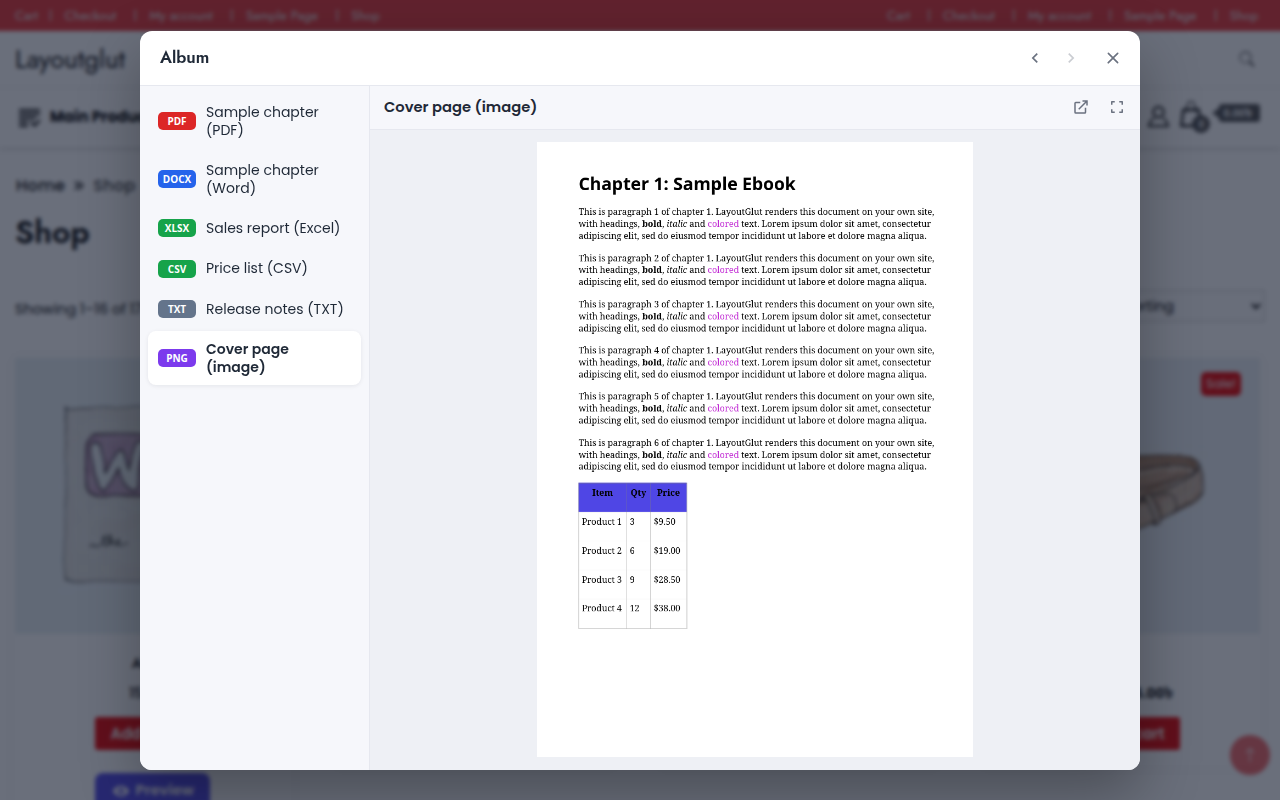
- Shop, category, tag and search pages: a "Preview" button (button, icon or link) on each product card that opens a popup
- Anywhere: the
[layoutglut_preview]shortcode - Classic and block themes
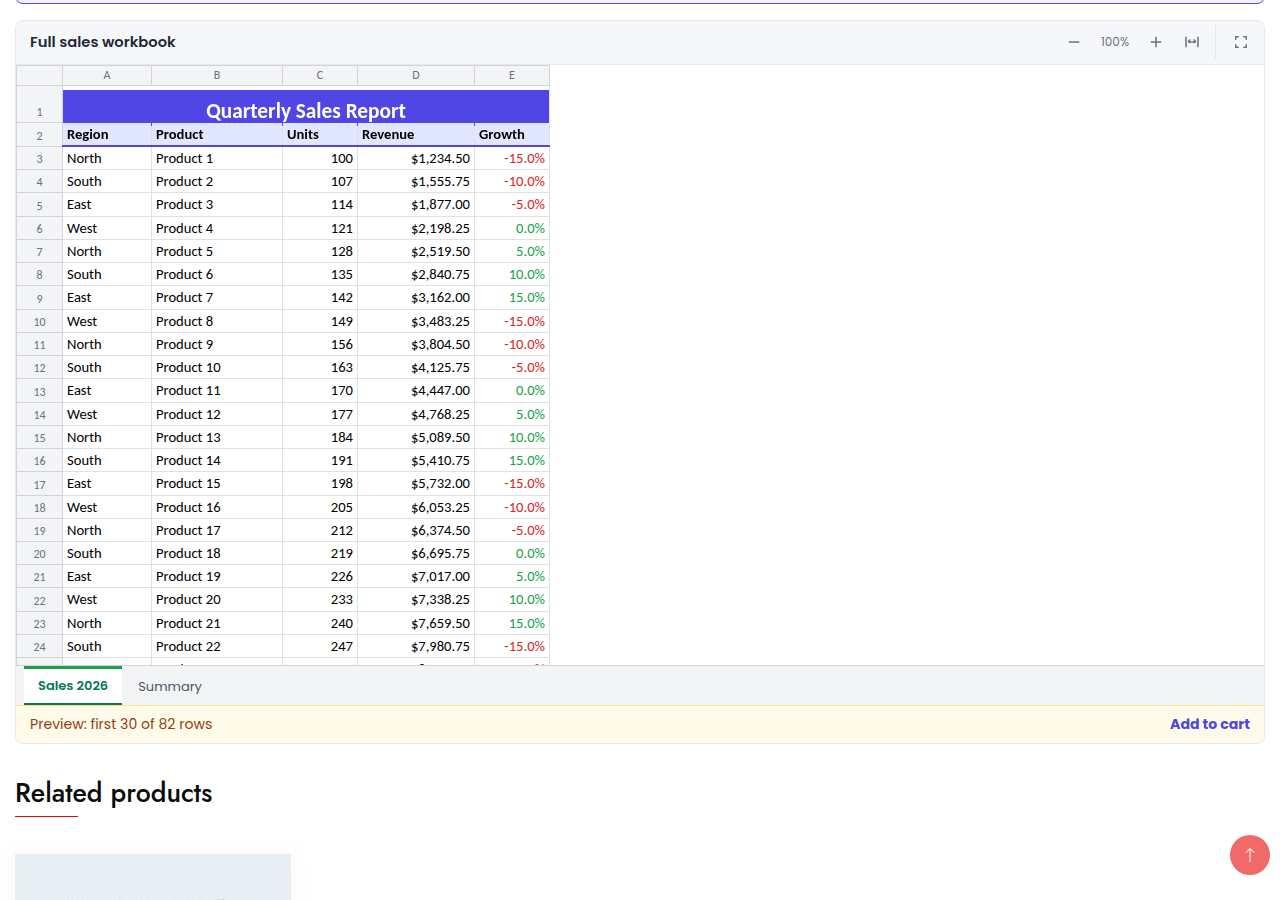
- PDF, Word (DOC, DOCX, ODT, RTF), Excel (XLS, XLSX, ODS, CSV), PowerPoint (PPT, PPTX, ODP) and text files — Word (DOCX) and Excel (XLSX, CSV) in the browser; the rest through the Google Docs viewer
- Images, video and audio — with the built-in viewer
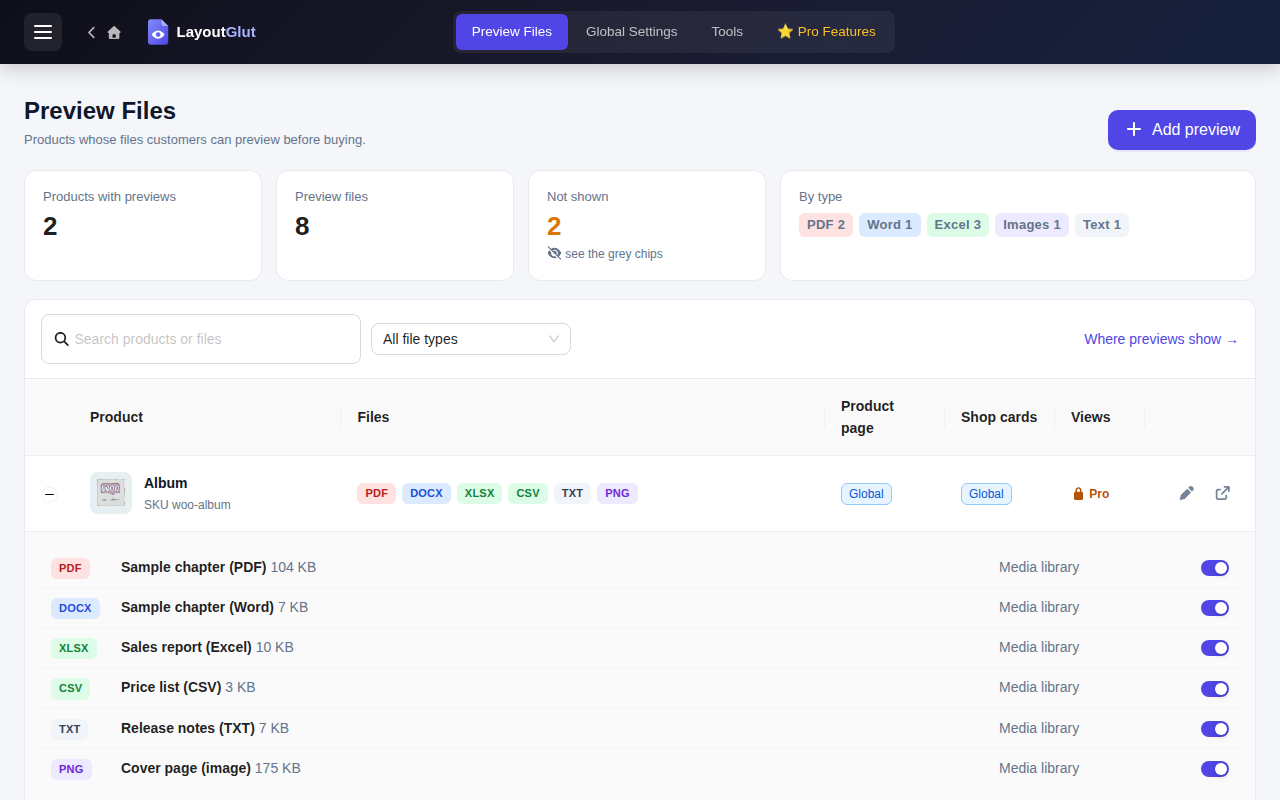
- Preview Files: every product with previews, file types, what is not shown and why, quick on / off switches
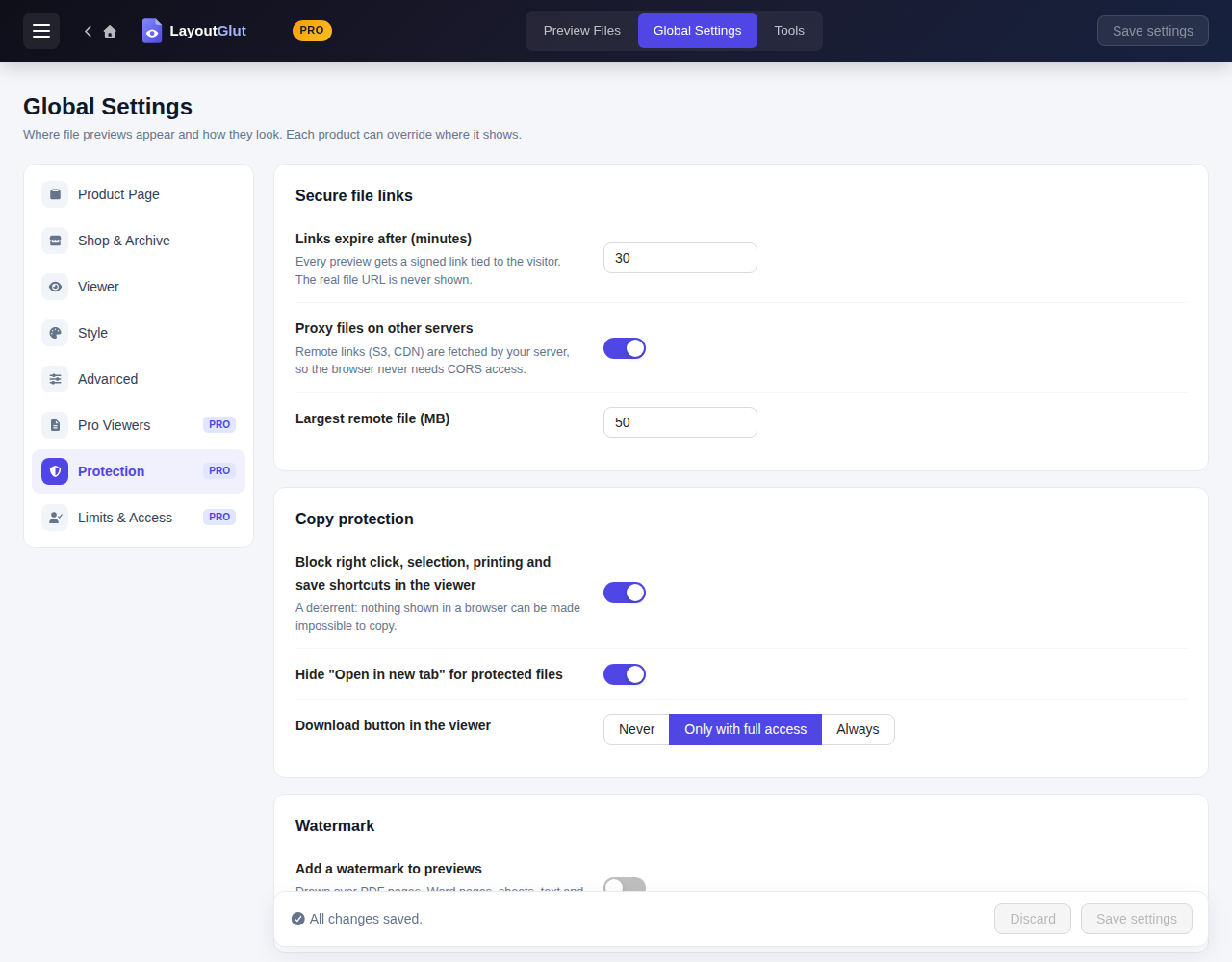
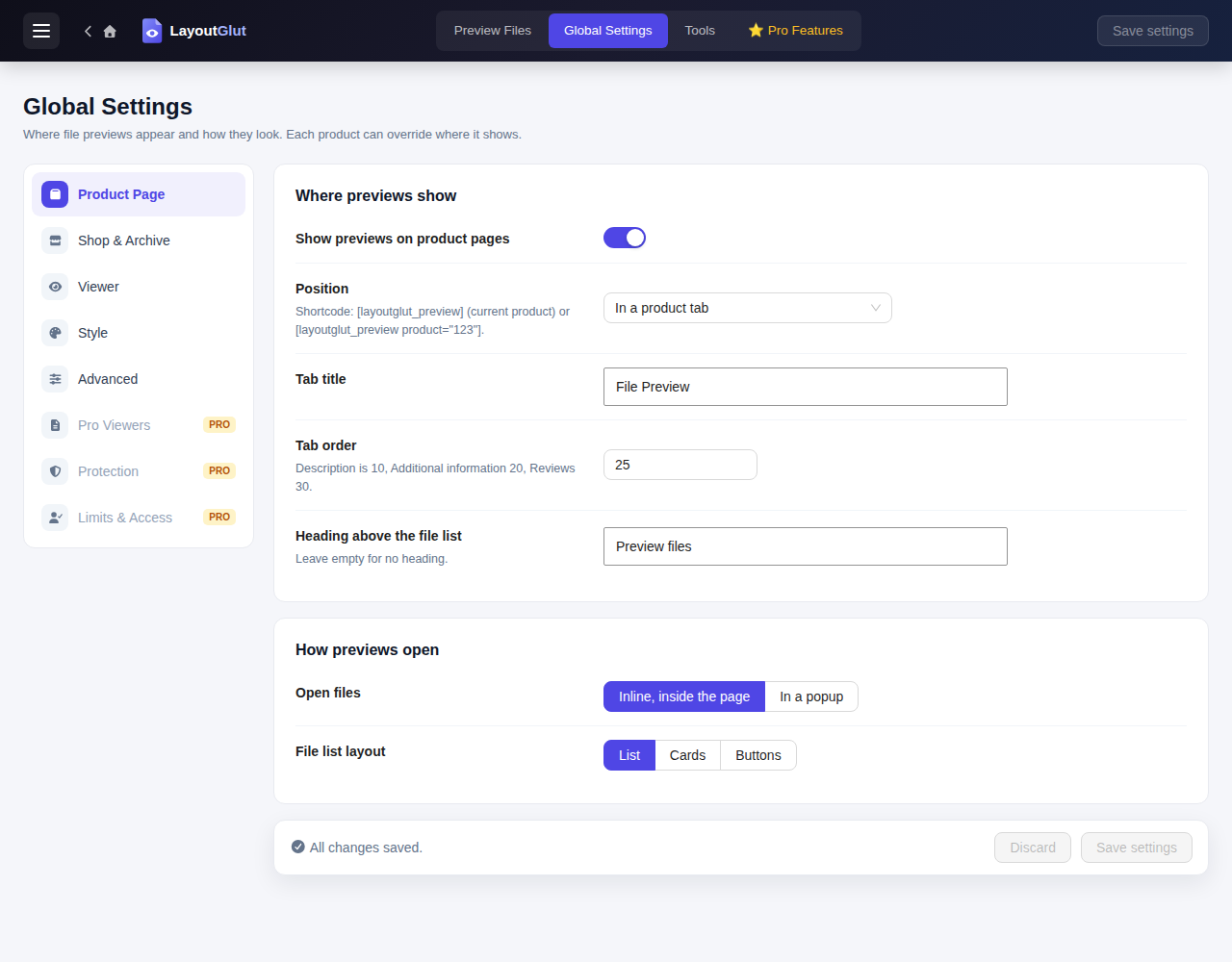
- Global Settings: page design, popup or inline viewer, button style and text, colors, custom CSS
- Page Builder: customize the chosen page design with a live preview
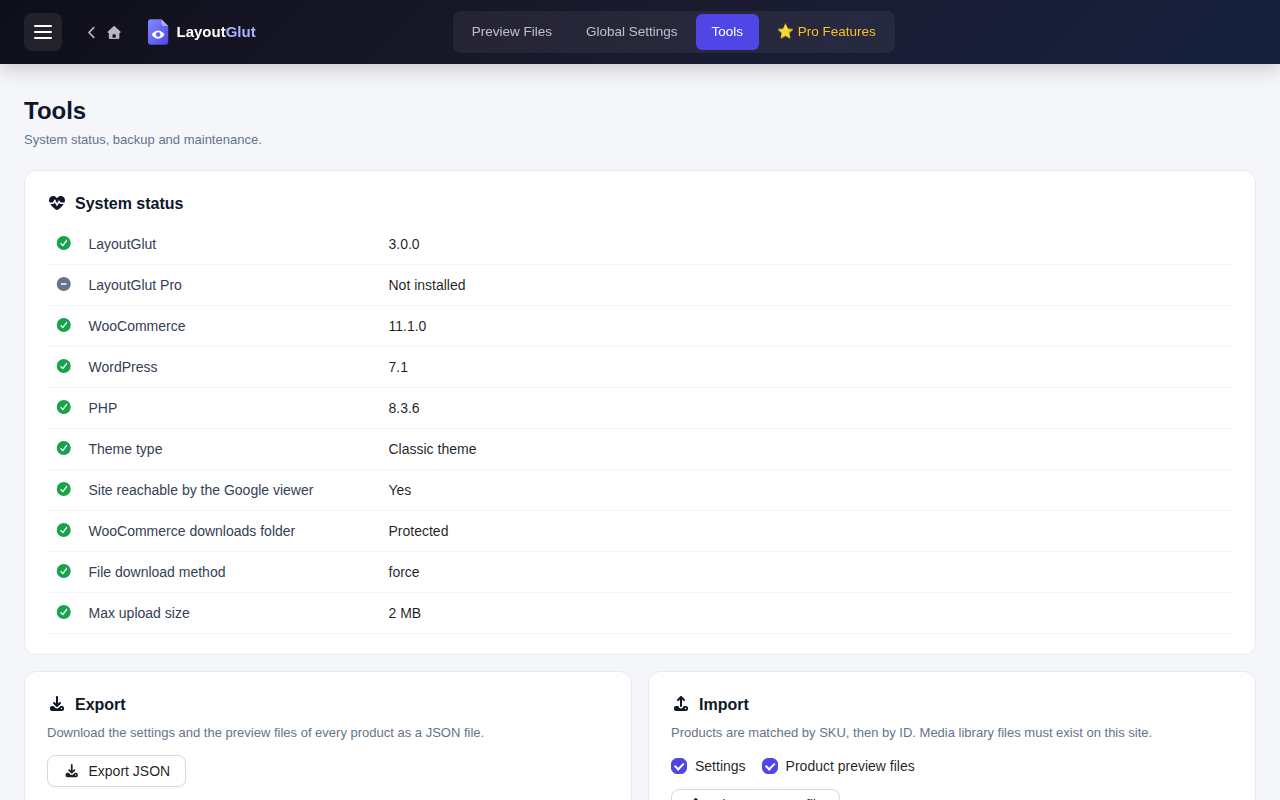
- Tools: system status, export / import, reset, delete all
安装:
- Upload the
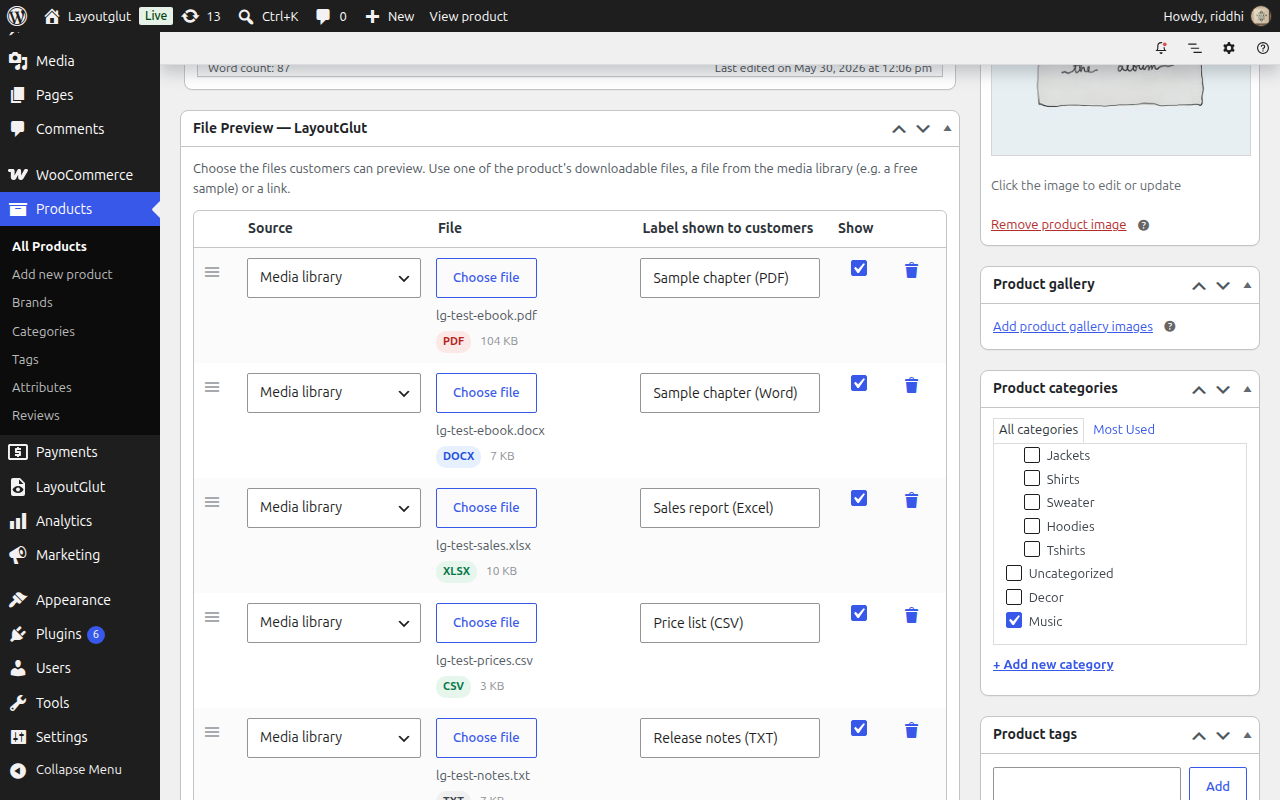
layoutglutfolder to/wp-content/plugins/and activate it (WooCommerce must be active). - Edit a product and add files in the File Preview — LayoutGlut box.
- Pick a page design in LayoutGlut › Global Settings › Product Page, and fine-tune it in the Page Builder tab.
屏幕截图:
常见问题:
The PDF / Word preview stays blank
The Google Docs viewer cannot reach local sites (localhost, .local, .test) or files behind a login. Check LayoutGlut › Tools › System status. Use a public sample file, or LayoutGlut Pro for on-site rendering.
Can customers download the file from the preview?
Files in the WooCommerce protected folder are never given out by the free plugin. Media library files you add as samples are public files, like any media file.
Does it work with my theme?
Previews are added with standard WooCommerce hooks and blocks. If your theme prints its own product cards, the shop button attaches to the add to cart button; the shortcode works anywhere.
更新日志:
3.3.0
- Block themes: the product page, shop page, category / tag / attribute archives and product search results can use LayoutGlut templates instead of the theme's WooCommerce block templates. The theme header and footer stay; the Page designs, Page Builder and shop / archive card designs now work on block themes.
- New setting: Global Settings › Advanced › Block themes, to choose which pages use LayoutGlut templates.
- Block themes: WooCommerce product page scripts (tabs, variations, gallery zoom, slider and lightbox) are loaded on pages that use the LayoutGlut template.
- New filters: layoutglut_block_template_content and layoutglut_block_template_gallery_support.
- The Position setting is removed from Product Page settings: the product page is laid out by the chosen Page design (classic themes); block themes show the file gallery in place of the product image.
- Product Page settings simplified: no separate Design heading, tab title, tab order or gallery options.
- Readme and help texts updated for page designs and the Page Builder.
- Admin screens use the new pink accent color to match the LayoutGlut logo.
- New LayoutGlut logo in the admin header and menu, matching the WordPress.org plugin icon.
- New Page Builder with ready-made preview page designs (5 in the free plugin, 20 with Pro) and a template picker.
- Word (DOCX) and Excel files can be previewed in the browser using the bundled Mammoth and SheetJS libraries.
- Improved free-version file preview and File Preview box on products.
- Extension API refinements for LayoutGlut Pro and add-ons.
- New plugin icon, banner and screenshots.
- The Save settings button is easier to read in the admin header.
- Readme wording improvements.
- Rebuilt as a WooCommerce file preview plugin.
- Product tab / section, shop and archive buttons, popup and inline viewer, shortcode.
- File Preview box on products; Preview Files, Global Settings and Tools screens.
- Extension API for LayoutGlut Pro and add-ons (see EXTENDING.md).