
Lazy Signin
| 开发者 |
krishaweb
harsh175 |
|---|---|
| 更新时间 | 2026年9月1日 14:25 |
| PHP版本: | 8.2 及以上 |
| WordPress版本: | 7.1 |
| 版权: | GPLv3 or later |
| 版权网址: | 版权信息 |
详情介绍:
安装:
- Install the plugin via WordPress or download and upload the plugin to the /wp-content/plugins/
- Activate the plugin through the 'Plugins' menu in WordPress
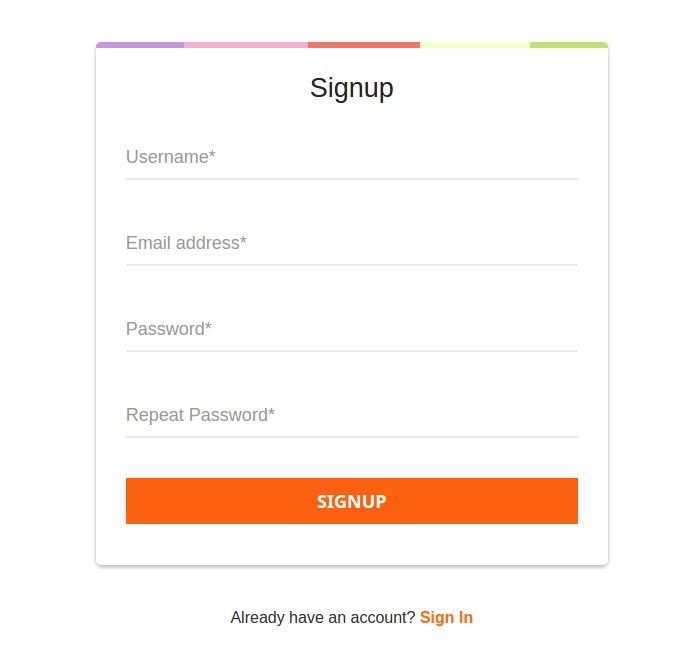
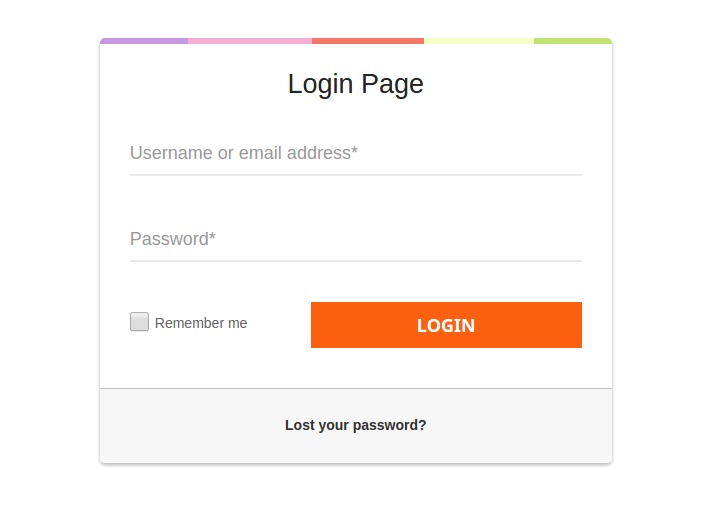
- Use the shortcode [lazy_signin_ajx_login_form] or [lazy_signin_ajax_signup_form].
屏幕截图:
常见问题:
How to redirect users to a specific page after sign up?
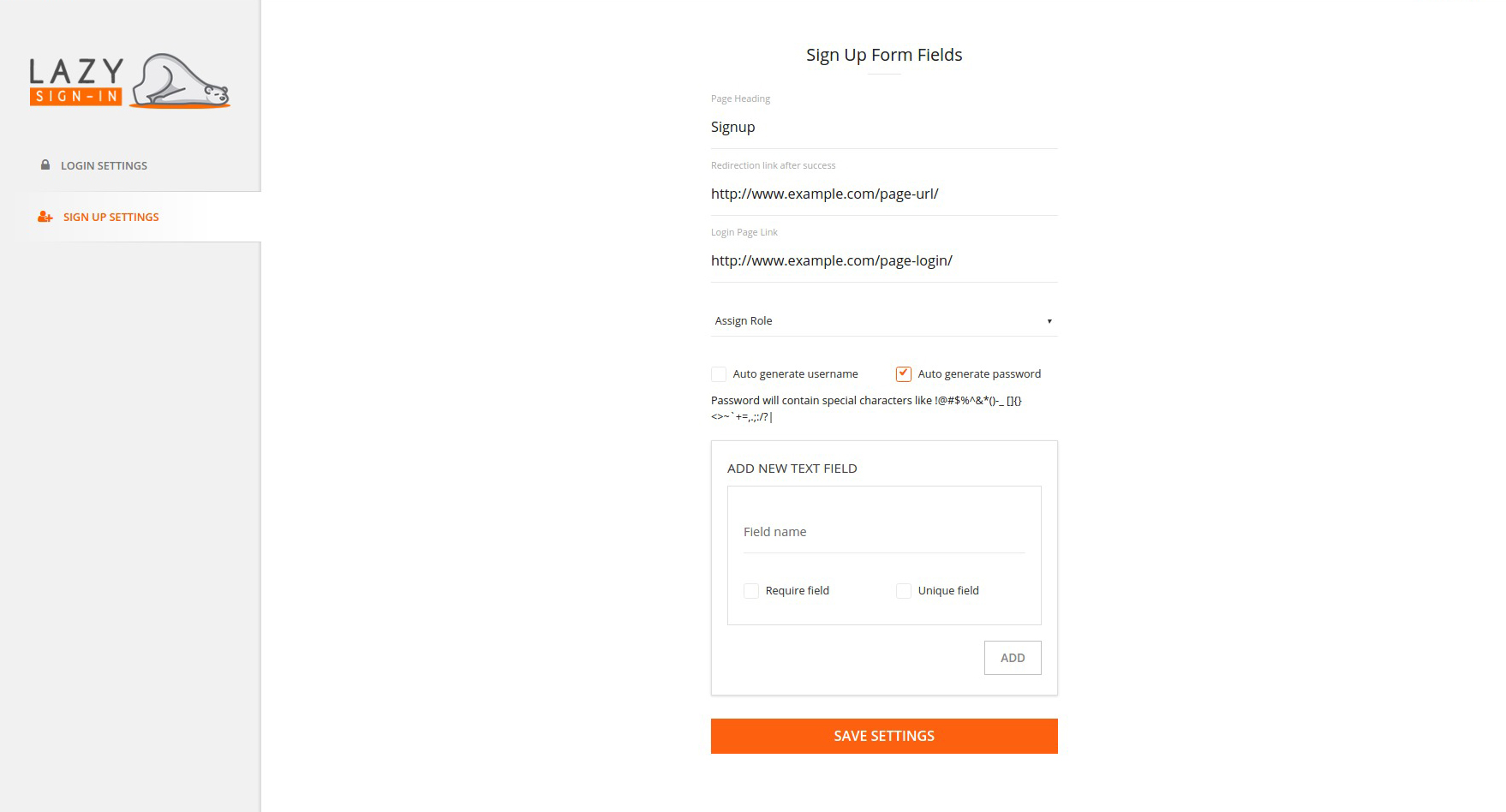
You can add the specific destination page URL from the Lazy Signup settings. Go through Lazy Sign In settings-> SIGN UP SETTINGS-> Redirection link after success. Add the link and save the changes.
How to add/remove/customize the signup form field?
Go to the Lazy Sign In settings-> SIGN UP SETTINGS. Add the field name in the ADD NEW TEXT FIELD section. If you want the new field as require, check the require field checkbox. If you want the new field as unique, check the unique field checkbox. Save the changes
How to change the registered user’s role?
Go to the Lazy Sign In settings-> SIGN UP SETTINGS. There is a drop-down menu named Assign Role. It will have the list of the roles in your site. Select the role you want to apply to the new registered user.
How unique field verification works?
The unique field will check for the registered user's field if the same value found it would not allow the new user to register. For example, If I have the phone number field as unique, it won’t allow more than one user to register via the same phone number.