
SourceBridge: Integration with Lead Source (leadsource.co)
| 开发者 | leadsource |
|---|---|
| 更新时间 | 2026年9月15日 05:25 |
| PHP版本: | 7.0 及以上 |
| WordPress版本: | 7.0 |
| 版权: | GPLv2 or later |
| 版权网址: | 版权信息 |
详情介绍:
Know exactly where every lead comes from. Lead Source is the leading lead attribution platform. It provides the simplest way to see which marketing is winning you customers and which is wasting your money. This plugin integrates Lead Source with your WordPress website.
Right now, your forms tell you what people want but never how they found you. So you keep spending on ads without knowing which ones actually pay off. Lead Source ends that. Every enquiry that comes through your WordPress forms arrives tagged with its true source, so you finally know what's driving your business and what's dead weight.
The outcome is simple: stop wasting ad spend, double down on what works, and grow.
Why businesses choose Lead Source
- See what's actually making you money. Every lead is labelled in plain English — Google Ads, Meta Ads, LinkedIn Ads, Microsoft Ads, TikTok Ads, Organic Search, Referral, or Direct — so your best-performing marketing is obvious at a glance.
- Cut the budget that's burning. When you can see which sources produce real enquiries and which just produce clicks, the wasted spend becomes impossible to miss and easy to kill.
- Win the conversation with your agency. Lead Source gives you one independent set of numbers that sits between your business and whoever runs your ads. No more taking their word for it.
- Prove your ROI. Rank every source by the leads it actually delivered, not the clicks it bought, and know your true cost per lead for the first time.
- Set it and forget it. Once it's on, it just works — every form, every page, every lead, forever.
- A visitor arrives from an ad, a search, a referral, or a direct visit.
- Lead Source records where they came from and keeps it with them for their whole visit.
- They fill in any form, on any page, whenever they're ready.
- The lead lands in your dashboard with its origin already attached.
安装:
WordPress Admin Installation
- From your WordPress dashboard, go to Plugins → Add New.
- Search for Lead Source plugin in the search bar and click "Install" button. (Or click "Upload Plugin" and upload the plugin zip file).
- Once installed, click on the "Activate" button.
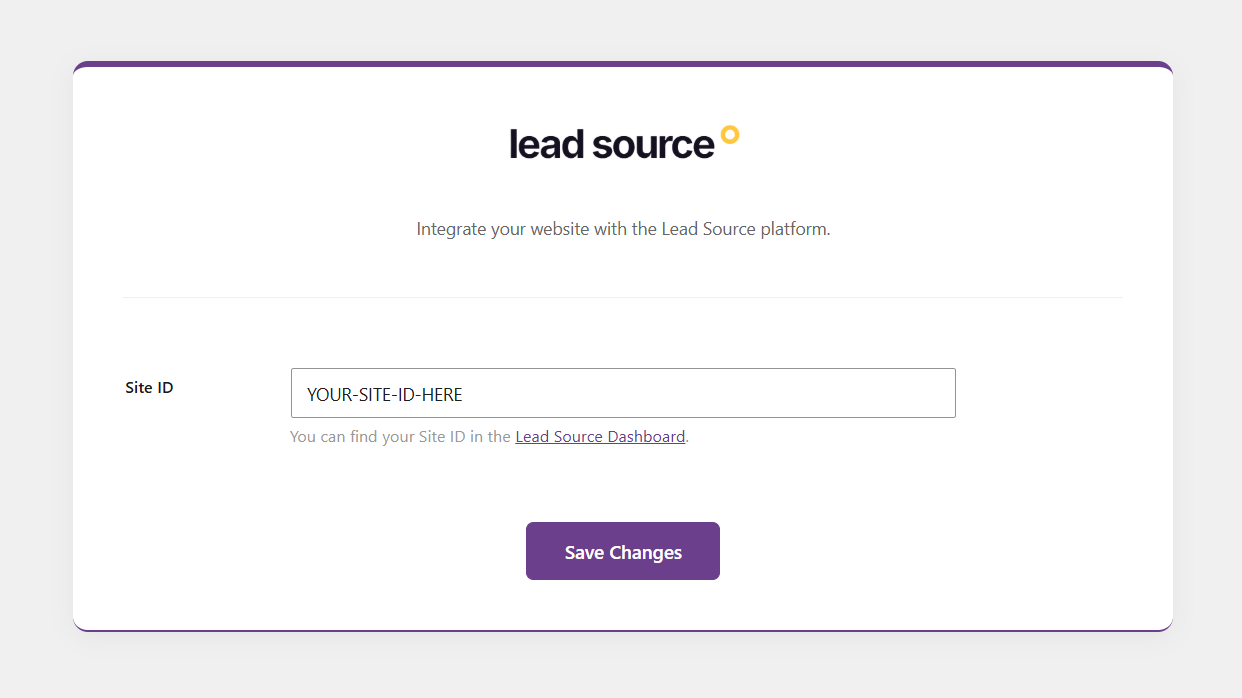
- Navigate to the new 'Lead Source' menu in your WordPress admin sidebar.
- Enter your Lead Source Site ID (which you can find in your Lead Source Dashboard at https://app.leadsource.co/).
- Click on the "Save Changes" button. The tracking script is now automatically active across all your pages.
- Upload the
lead-sourcefolder to the/wp-content/plugins/directory. - Activate the plugin through the 'Plugins' menu in WordPress.
- Navigate to the new 'Lead Source' menu in your WordPress admin sidebar.
- Enter your Lead Source Site ID (which you can find in your Lead Source Dashboard at https://app.leadsource.co/).
- Click on the "Save Changes" button. The tracking script is now automatically active across all your pages.
屏幕截图:
常见问题:
Do I need a Lead Source account?
Yes — this is the official WordPress plugin for Lead Source. It connects your forms to your account, where all your lead attribution and reporting live.
How is this different from Google Analytics?
Analytics tools sample and aggregate, and keep source data walled off from your actual enquiries. Lead Source ties a clean, readable source to each individual lead — one trustworthy number, no configuration marathon.
Which form plugins are supported?
Contact Form 7, WPForms, Gravity Forms, Ninja Forms, Formidable Forms, Fluent Forms, and Elementor Pro Forms — with no changes to your existing forms.
Where can I find the Terms of Service and Privacy Policy?
You'll find everything here:
- Privacy Policy — https://leadsource.co/privacy
- Terms of Service — https://leadsource.co/terms
- Data Processing Agreement — https://leadsource.co/dpa
更新日志:
1.0
- Initial release.
- Added settings page with Site ID input.
- Added conditional script enqueuing of the Lead Source tracking script.
- Updates to the code for avoiding conflicts with other Lead Source plugins.
- Making global variable names unique