Leadpages
| 开发者 | |
|---|---|
| 更新时间 | 2026年10月13日 04:28 |
| PHP版本: | 8.0 及以上 |
| WordPress版本: | 7.0 |
| 版权: | GPLv3 or later |
| 版权网址: | 版权信息 |
详情介绍:
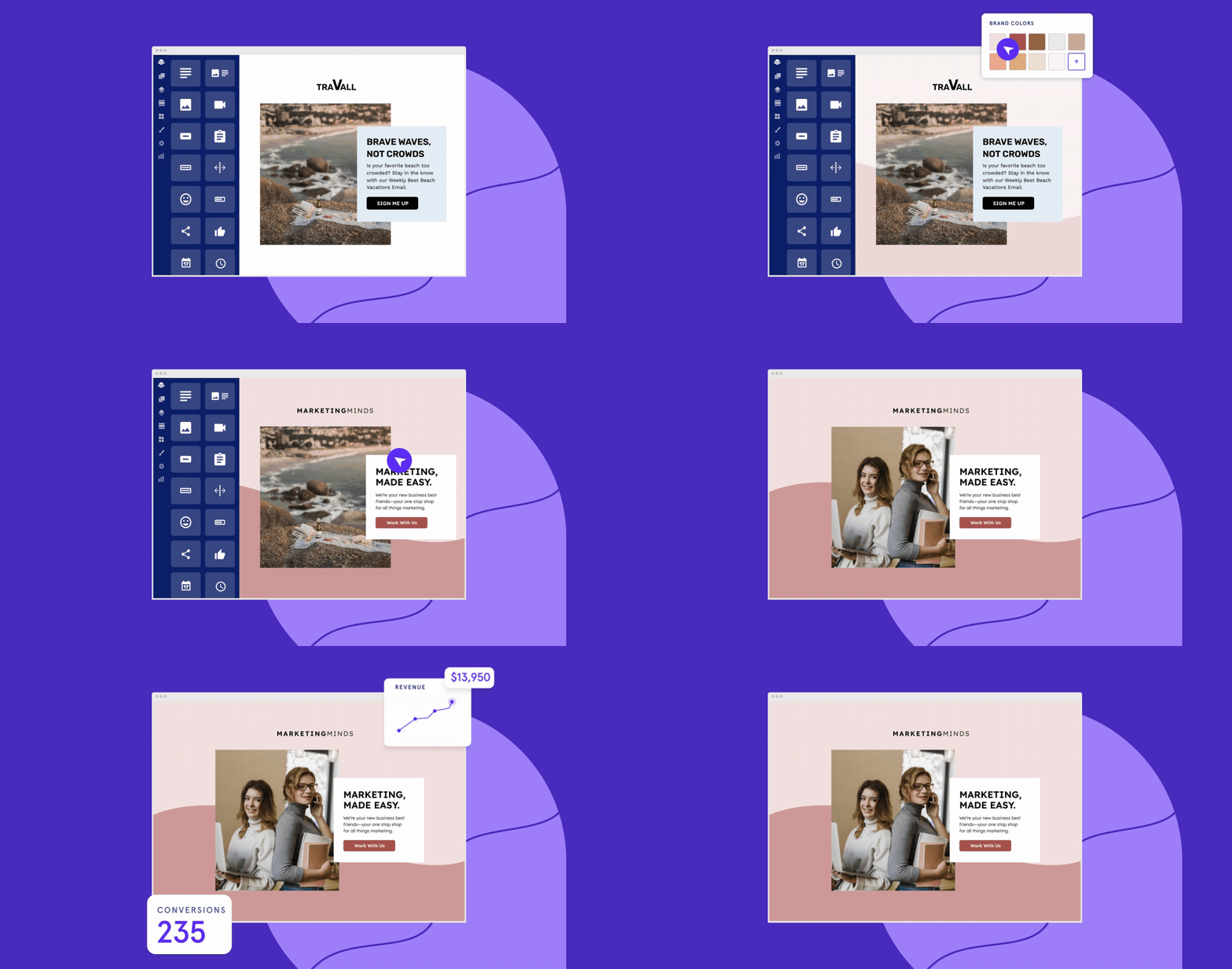
- Get real-time conversion tips as you build.
- Enjoy blazingly fast page speeds.
- Use AI copywriting and image generation tools to quickly create content.
屏幕截图:

常见问题:
How do I connect the new Leadpages platform?
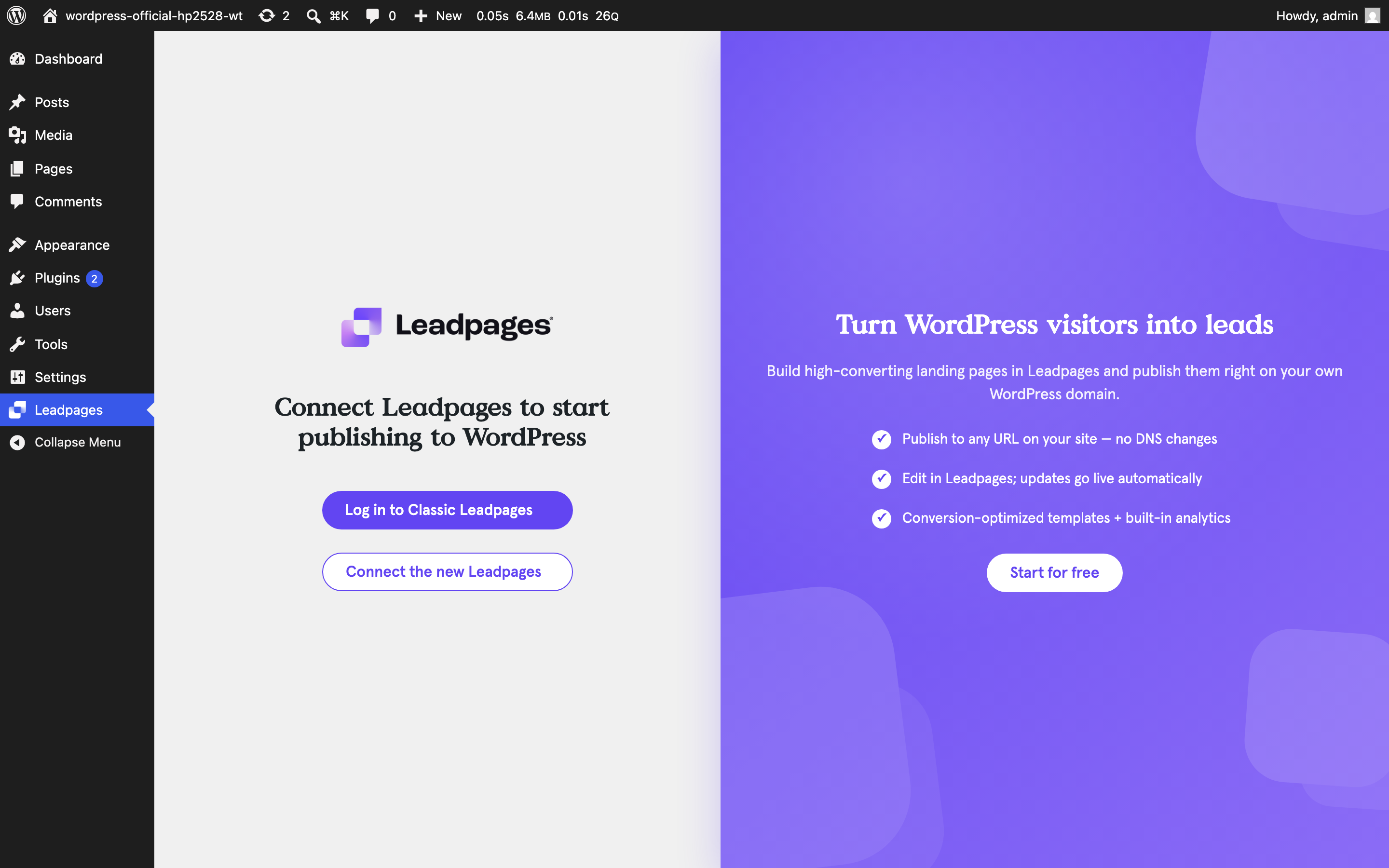
On the Leadpages plugin screen, choose "Connect the new Leadpages" and complete the secure sign-in popup. Once connected, your published new-Leadpages pages appear in the plugin so you can publish them to a slug on your WordPress site, just like Classic pages.
Can I use both Classic and the new Leadpages?
Each WordPress site connects to one Leadpages account (Classic or the new Leadpages) at a time. If you are migrating from Classic to the new Leadpages, you can publish a new-Leadpages page to a slug currently used by a Classic page and choose to replace it, keeping the same URL.
Why should I use Leadpages?
If you find that your website is driving a lot of traffic but not a lot of conversions, Leadpages can fix that. By adding optimized landing pages you can promote specific offers, grow your email list, and maximize your Return on Ad Spend.
Do I need a Leadpages account to use the WordPress plugin?
Yes, you’ll need to sign up for an account to publish Leadpages landing pages to your WordPress site. Plans start at just $37 per month and you can try it free for 14 days.
Do I need to know how to code to create landing pages with Leadpages?
No. Leadpages is designed to be used by both new and experienced marketers. Our drag-and-drop interface means building landing pages is quick and easy, even if you’re a complete beginner.
Do I need to have experience with web design?
No. Our pre-designed templates are already conversion-optimized and built with all the latest best practices in mind. Just drop in your text and images and you\'re good to go. That being said, all our templates are fully customizable so feel free to experiment with different looks.
How do I edit landing pages once they’re published to my WordPress site?
You can make changes to your landing pages and other marketing assets in your Leadpages account. As soon as an asset is updated inside your account it will automatically be updated on your WordPress site.
Is there any limit on the number of leads I can collect with Leadpages?
No! Leadpages does not put a limit on your leads so collect as many as you like.
更新日志:
- Release Date: 10/12/2026
- New: Use a published Leadpages page as your WordPress homepage. Check "Use as my homepage" when publishing, and the page is also served at your site's homepage URL in place of your WordPress homepage. Unpublishing it restores your WordPress homepage.
- Release Date: 07/29/2026
- New: Choose where your pop-up appears: all WordPress pages, all WordPress pages plus your published Leadpages pages, or only specific pages you select.
- New: Pop-ups can now appear on your published Leadpages pages served through your WordPress site, not only your WordPress pages.
- Release Date: 07/29/2026
- Fixed: Syncing no longer fails when a new-Leadpages page has a long title or slug. Pages with titles over 255 characters previously caused a "Could not sync pages" error and stopped the whole sync; the page fields are now stored in full.
- Improved: If a single page cannot be stored during a sync, it is skipped and logged instead of stopping the entire sync.
- Release Date: 07/29/2026
- Fixed: The page list now respects which Leadpages account you are connected to. Your unpublished pages come only from the account you are signed into, while pages already published to your WordPress site keep showing (and serving) for both Classic and the new Leadpages, no matter which account you are currently signed into.
- Fixed: Signing into Classic after using the new Leadpages now loads your Classic pages instead of staying on the new Leadpages.
- Fixed: Signing out now clears the signed-out account's unpublished pages so they no longer appear for the next person who connects on the same site. Published pages are preserved and keep serving.
- Release Date: 07/29/2026
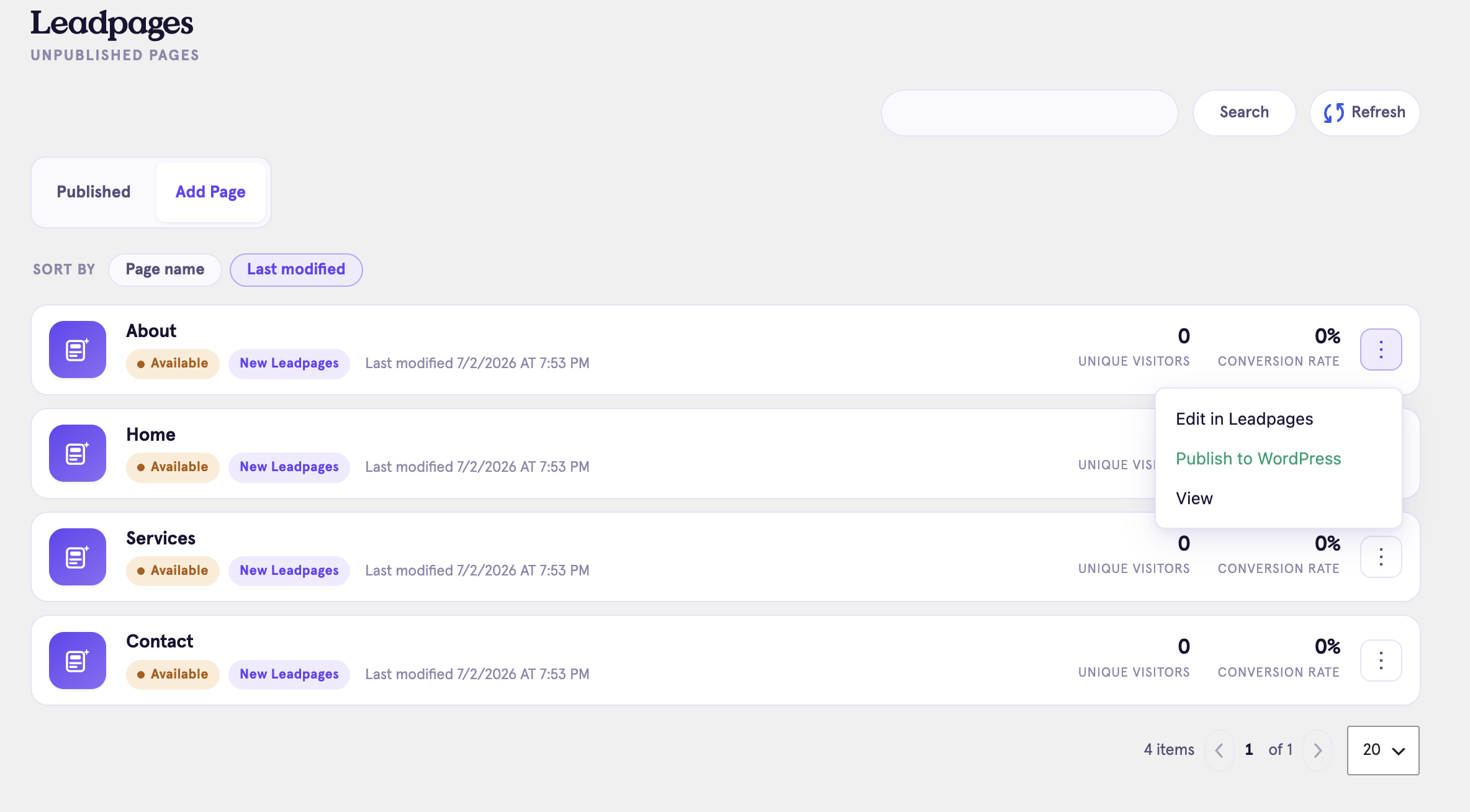
- Improved: Refreshed the plugin's admin design, including a cleaner connect screen and a new card-based page manager.
- Improved: Per-page actions (edit, publish, view, and more) are now grouped into a single menu on each page for a tidier layout.
- Tested up to WordPress 7.0.
- No change to publishing, syncing, or serving behavior.
- Release Date: 07/28/2026
- New: Connect the new Leadpages ("Nova") platform over OAuth and publish your new-Leadpages pages to your WordPress site, alongside the existing Classic support.
- New: Sync published new-Leadpages pages with visitor and conversion-rate analytics columns.
- New: Serve new-Leadpages pages at a WordPress slug via server-side reverse proxy, with per-visitor experiments/personalization (cookie and visitor-IP passthrough) and cache handling that honors the page's cache settings.
- New: Embed a new-Leadpages pop-up across your site from the Settings screen.
- New: Classic to new-Leadpages migration hand-off - publish a new-Leadpages page to a slug held by a Classic page and choose to replace it, preserving the same URL.
- New: Warns and stands down if a second Leadpages plugin is active so the two never conflict when serving pages.
- Classic Leadpages behavior is unchanged.
- Release Date: 03/10/2026
- Security: REST API endpoints now require the manage_options capability, preventing unauthorized access by low-privilege WordPress users. Affects versions 1.0.0–1.1.3. Severity: High. Update to 1.1.4 immediately.
- Tested up to WordPress 6.9.
- Release Date: 06/14/2024
- Sign-up maintenance update
- Release Date: 06/10/2024
- Fix: Clear cache for page when it is deleted on leadpages.com
- Hide split test variations in WP to match experience at leadpages.com
- Pages published to WP but unpublished at leadpages.com will not automatically republish in WP after republishing at leadpages.com
- Release Date: 05/30/2024
- Cache served pages for improved performance of connected pages.
- Clear the cache of specific pages make changes to your assets available to users sooner.
- Fix: Plugin conflicts.
- Modify page meta tags for better social media sharing.
- Release Date: 04/30/2024
- Implemented OAuth2 login flow for enhanced security and user convenience.
- Release Date: 04/30/2024
- Initial Release: Introducing our new and improved plugin!