.jpg)
Leidsens Mobile Menu
| 开发者 | bappaditya |
|---|---|
| 更新时间 | 2026年4月8日 21:45 |
| PHP版本: | 7.4 及以上 |
| WordPress版本: | 6.9 |
| 版权: | GPLv2 or later |
| 版权网址: | 版权信息 |
详情介绍:
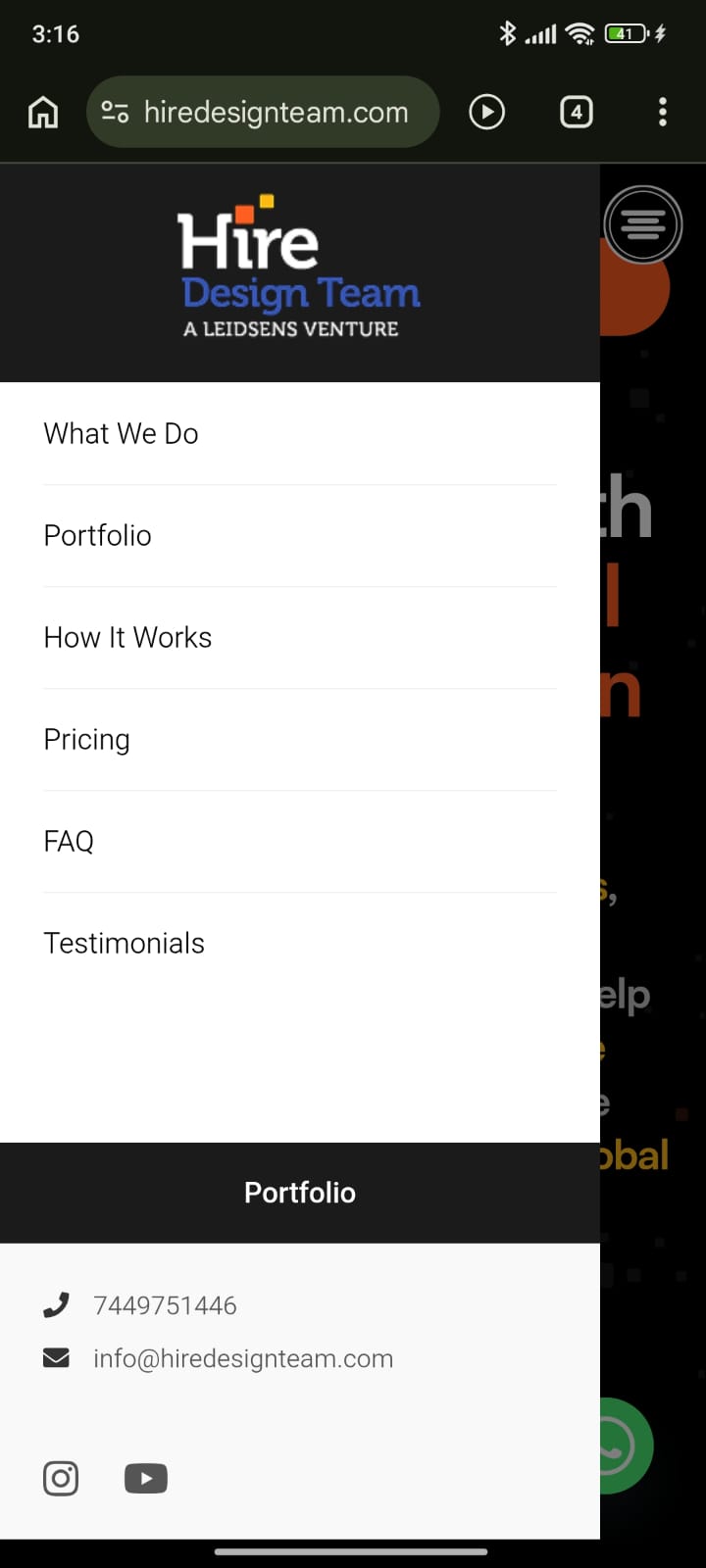
Leidsens Mobile Menu replaces your theme's default mobile navigation with a smooth, app-like slide-in menu designed for modern websites.
Built specifically for mobile usability, this plugin provides a clean multi-level navigation experience where sub-menus slide into their own panels instead of expanding inline. Everything is fully configurable from a dedicated settings page — no coding required.
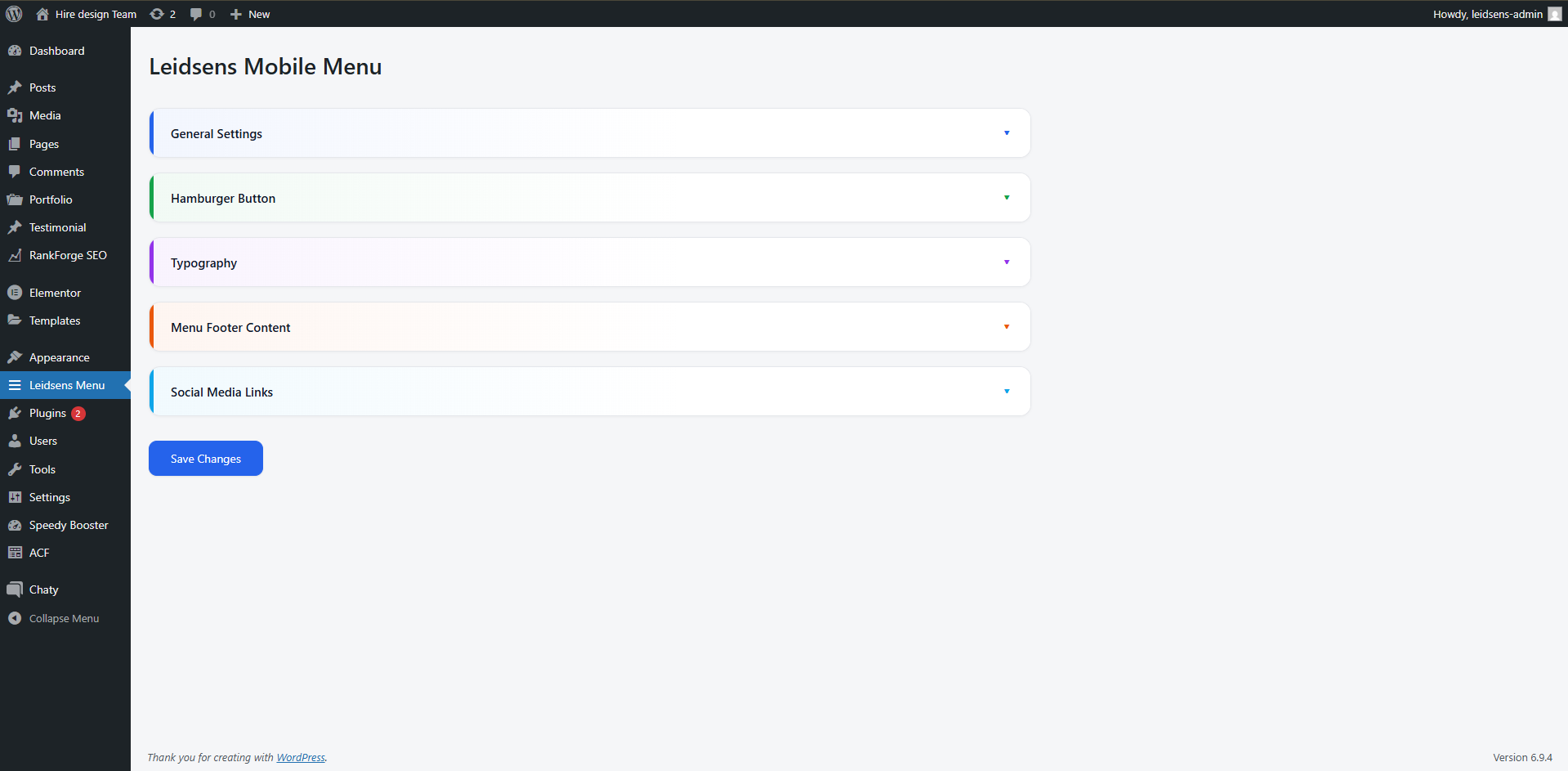
The admin interface includes collapsible sections, toggle switches, and WordPress color pickers for an intuitive customization experience.
Why choose Leidsens Mobile Menu?
- Designed for mobile-first user experiences
- Smooth multi-level sliding navigation
- Lightweight and fast
- Works with any properly coded WordPress theme
- No coding required
- Unlimited menu depth
- Each sub-menu opens in its own sliding panel
- Built-in back navigation for easy usability
- Open sub-menus by clicking the menu item
- Or open only via arrow icon (arrow mode)
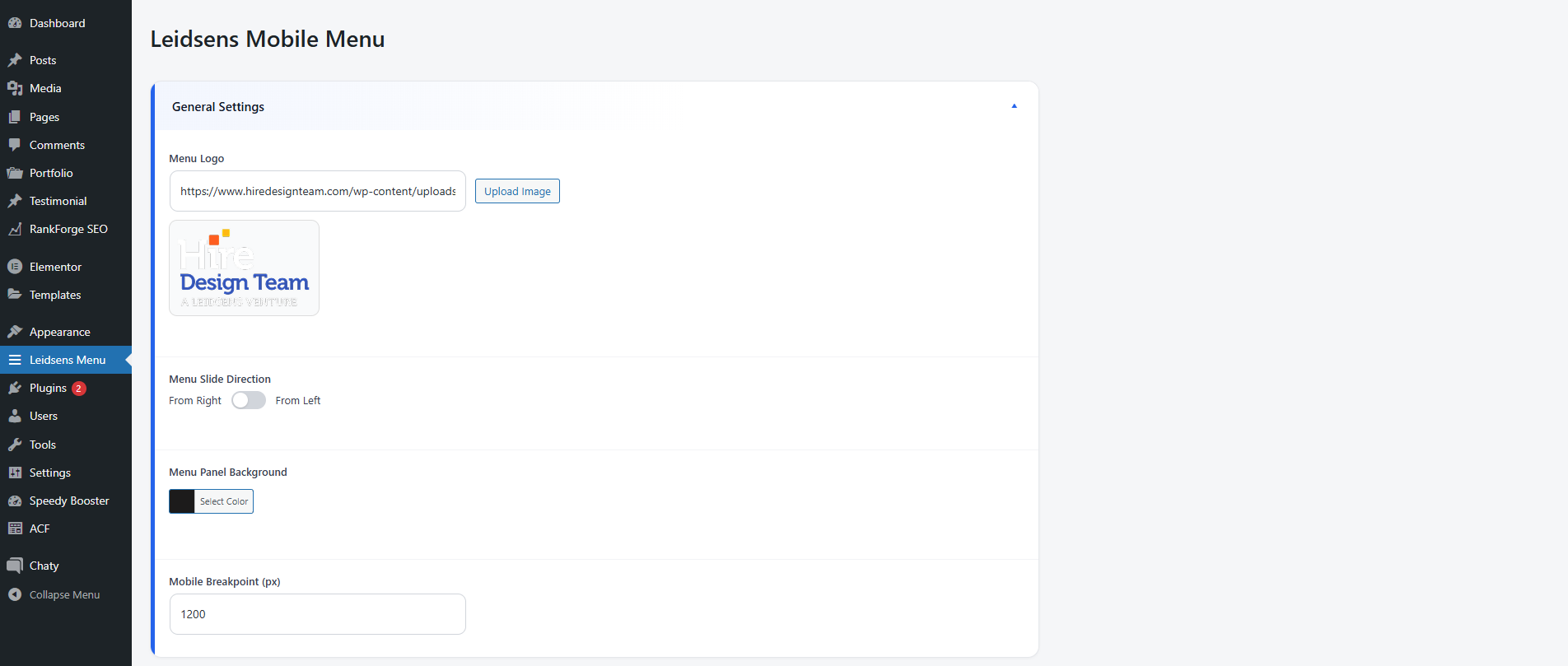
- Upload your logo using the WordPress Media Library
- Choose menu slide direction (left or right)
- Customize background, text, and hover colors
- Built-in WordPress color pickers
- Select from popular Google Fonts
- Set base font size for the menu
- Set separate font size for menu items
- Fixed or absolute positioning
- Left or right alignment
- Custom top and side offsets
- Optional custom icon upload
- Call-to-Action (CTA) button
- Contact phone and email
- Social media links (Facebook, Instagram, Twitter, LinkedIn, YouTube)
- Custom mobile breakpoint
- Menu activates only below selected screen width
- Automatically closes when a navigation link is clicked
- Collapsible accordion sections
- Toggle switches for two-option settings
- Clear visual grouping of options
安装:
Method 1: WordPress Dashboard (Recommended)
- Go to Plugins > Add New in your WordPress admin.
- Click Upload Plugin.
- Upload the plugin ZIP file.
- Click Install Now, then Activate.
- Unzip the plugin archive.
- Upload the plugin folder to
/wp-content/plugins/ - Activate the plugin from Plugins > Installed Plugins.
屏幕截图:
常见问题:
The menu does not appear
Please check:
- A menu is assigned to Leidsens Mobile Menu
- The plugin is activated
- Your screen width is below the configured mobile breakpoint
- Clear any caching plugins or browser cache
Can the menu slide in from the left?
Yes. Go to Leidsens Menu > General Settings and change the menu slide direction.
Can I control when the menu appears?
Yes. You can define a custom mobile breakpoint.
Does this plugin work with any theme?
Yes. Leidsens Mobile Menu works with all properly coded WordPress themes.
更新日志:
1.0.2
- Fixed: Plugin ZIP rebuilt without macOS __MACOSX metadata — assets (CSS/JS) now install correctly on all hosts
- Fixed: Downgraded bundled Font Awesome from 7.1.0 to 5.15.4 — icons now render correctly on all sites
- Fixed: Contact icons (phone, email) updated from FA6/7 syntax (fa-solid fa-) to FA5 syntax (fas fa-) — icons were showing as empty squares
- Fixed: Duplicate .leidsens-toggle CSS rule removed — toggle switch dimensions now render correctly in admin
- Fixed: WordPress color pickers inside collapsed accordion panels now initialize properly when the panel is opened
- Fixed: Toggle switch state now correctly reflects saved values on admin page load
- Fixed: Missing esc_attr() on color field alpha attribute (security hardening)
- Improved: Admin accordion max-height transition value corrected for smoother open/close animation
- Improved: Admin CSS polished — per-section color accents on accordion headers, row dividers, cleaner button styling
- Removed custom CSS input field to comply with WordPress.org guidelines
- Replaced inline footer script with wp_add_inline_script()
- Initial public release
- Multi-level sliding mobile menu
- Custom admin settings page
- Typography, color, and layout controls
- Responsive breakpoint support
- Accordion-based admin UI