
Lenca Booking
| 开发者 | getlenca |
|---|---|
| 更新时间 | 2026年8月7日 07:20 |
| PHP版本: | 8.1 及以上 |
| WordPress版本: | 7.0 |
| 版权: | GPLv2 or later |
| 版权网址: | 版权信息 |
详情介绍:
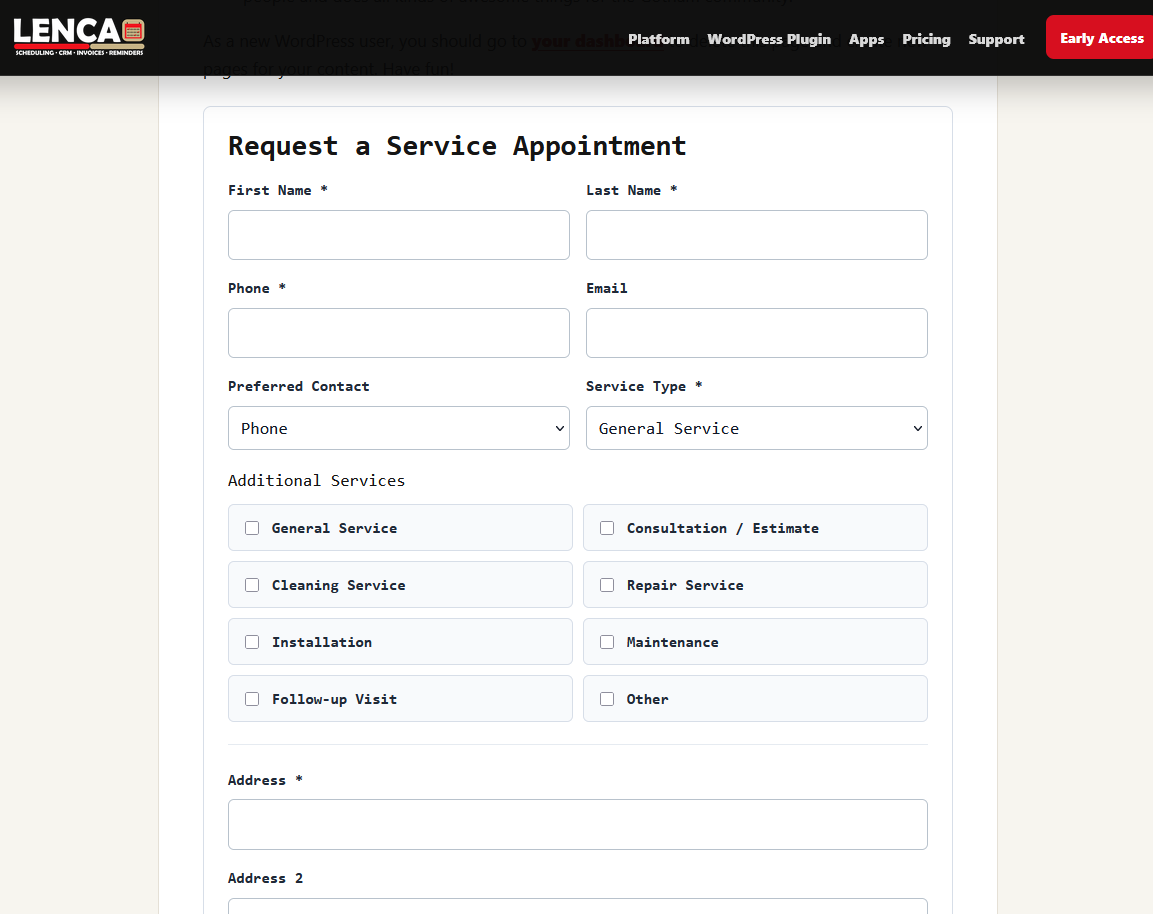
[lenca_booking_form]
Core features:
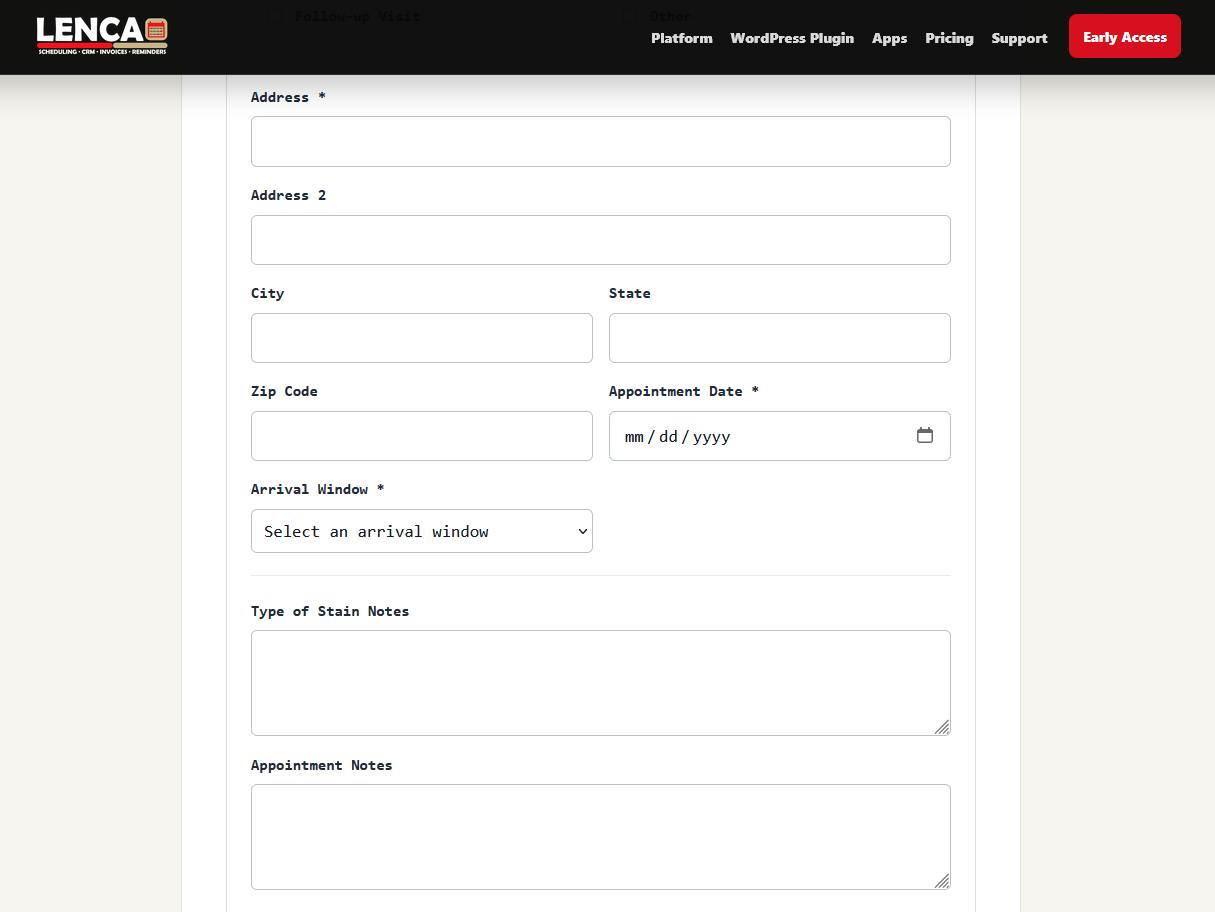
- Client database with contact details, address fields, notes, stain or service notes, and preferred contact method.
- Staff records and staff assignment for appointments.
- Appointment management with pending, confirmed, completed, and cancelled statuses.
- Calendar view with arrival windows, day blocking, and time-window blocking.
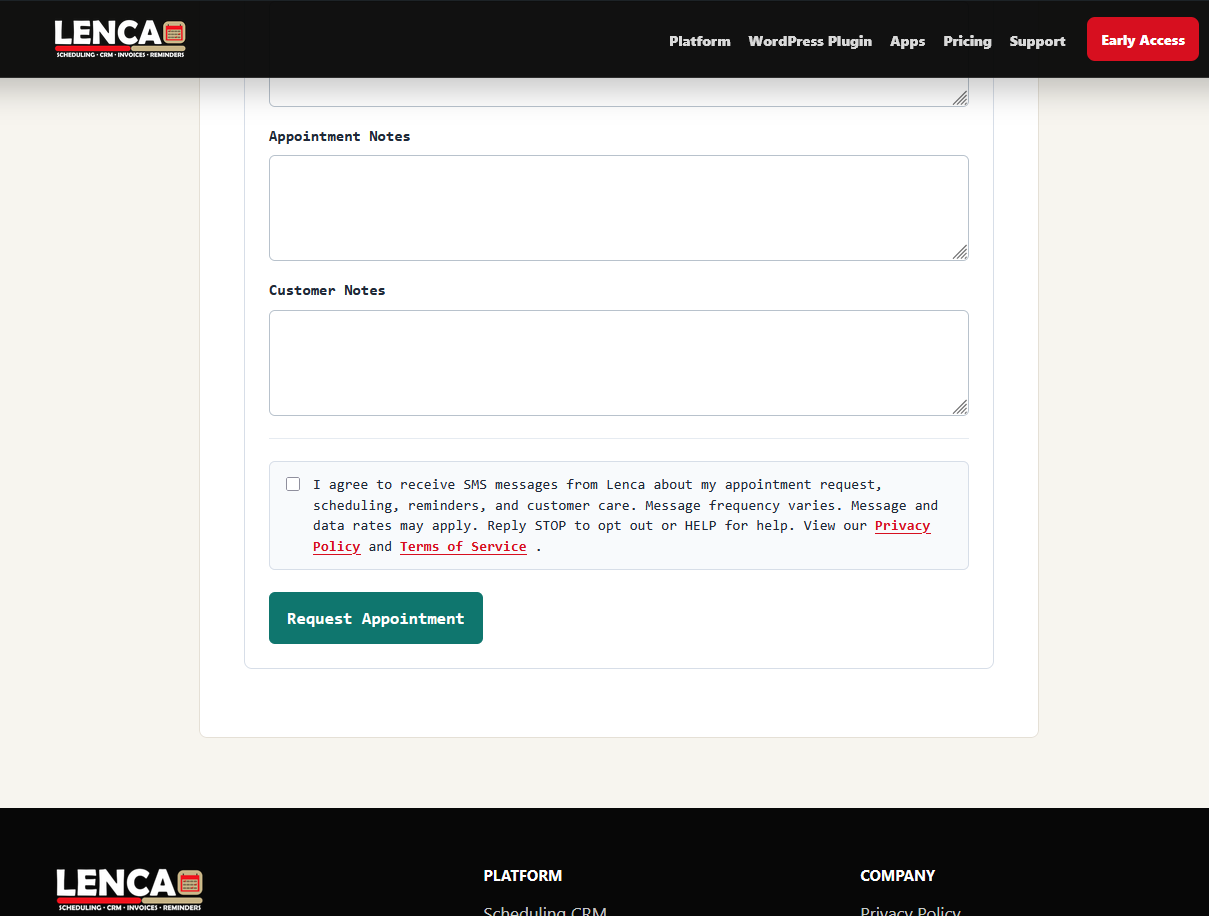
- Public booking form that uses administrator-created service types and arrival windows.
- Admin email notification and optional customer confirmation email when a request is submitted.
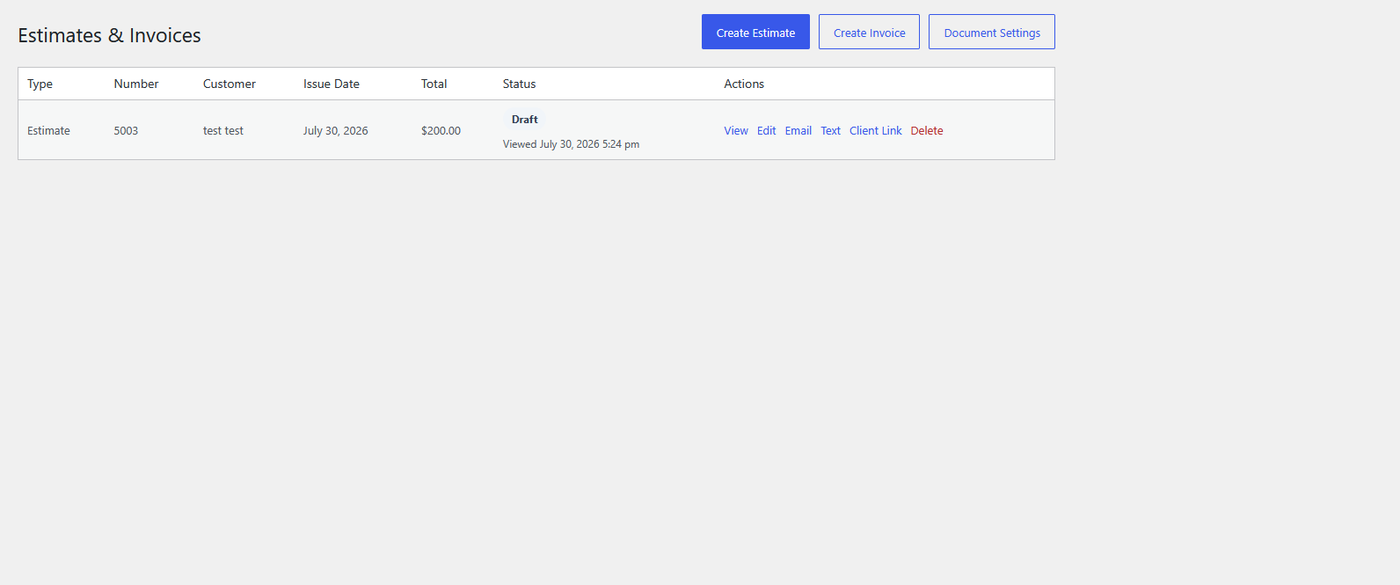
- Estimate and invoice builder with client links, service line items, notes, terms, document status, and service photos.
- Document email sending and optional SMS/webhook delivery for client links.
- Reminder email tools and webhook/filter support for SMS reminders.
- Business reports for revenue, appointments, clients, estimates, and invoices.
- Client CSV import with flexible headers and phone number normalization.
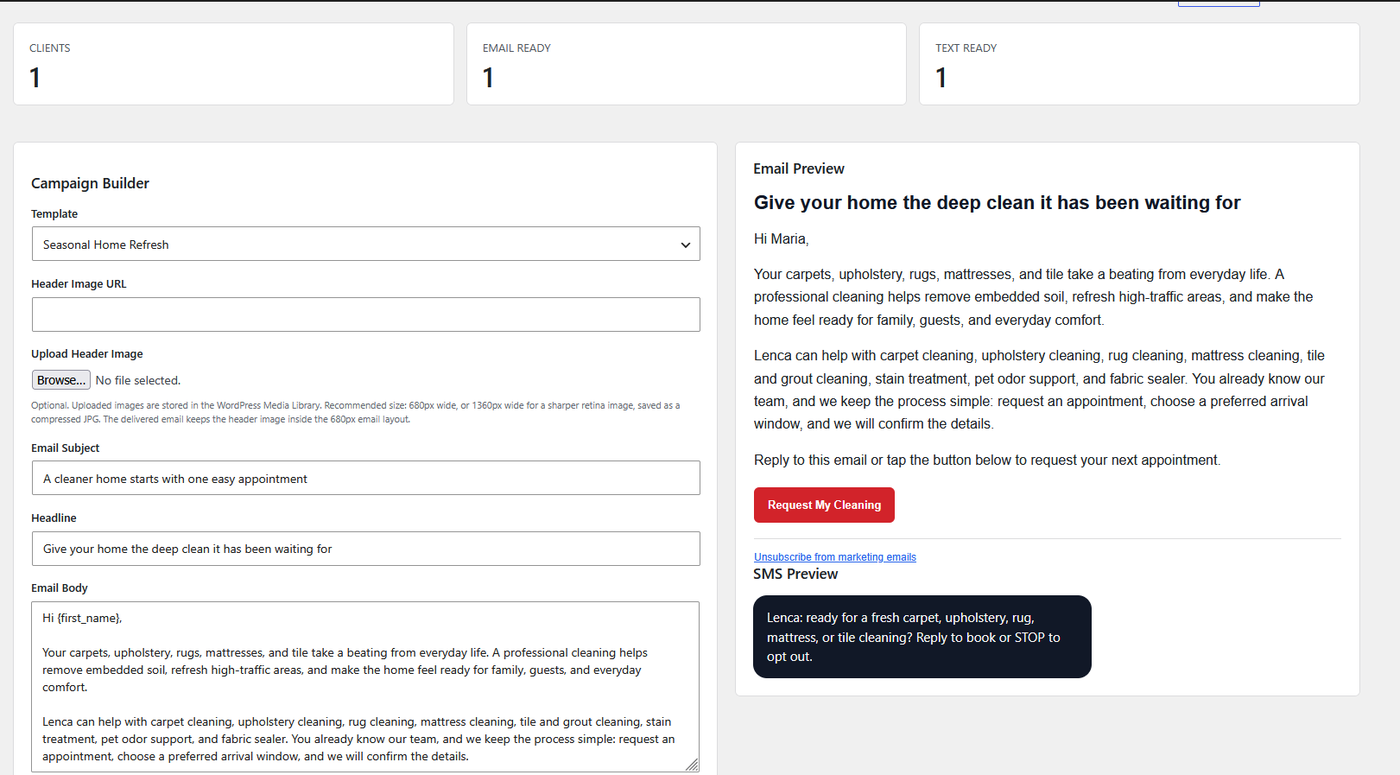
- Marketing campaign builder with preview, test email, full audience sending, SMS copy, and audience CSV export.
- Mobile and desktop app API bootstrap data for appointments, clients, staff, reports, documents, and marketing counts.
- Private app API key for connecting approved Lenca phone and desktop apps to the business WordPress site.
- Branded Lenca dashboard introduction and setup guide.
manage_options capability.
安装:
- Upload the
lenca-bookingfolder to/wp-content/plugins/, or install the ZIP through Plugins > Add New Plugin > Upload Plugin. - Activate Lenca Booking.
- Open Lenca Booking and follow the dashboard setup guide.
- Open Lenca Booking > Settings to configure service types, arrival windows, email sender details, booking form text, SMS consent text, document settings, starting document numbers, and optional webhooks.
- Add
[lenca_booking_form]to the page where visitors should request appointments. - For phone or desktop app sync, open Lenca Booking > Settings > Mobile App Connection, copy the Website URL and Mobile App API Key, then paste them into the Lenca app connection screen.
屏幕截图:




常见问题:
Does this plugin require a paid Lenca account?
No. This first public plugin build works inside WordPress without a separate hosted account.
How do the phone app and desktop app connect?
The plugin stores a private Mobile App API Key in Lenca Booking > Settings > Mobile App Connection. Enter the business website URL and that API key inside the Lenca phone or desktop app. Keep the key private because it can read and manage CRM records through the app API.
Whose Mobile App API Key is shown in settings?
Each WordPress site receives its own private Mobile App API Key. The key shown in Lenca Booking > Settings > Mobile App Connection belongs only to that business website. It is not a shared Lenca key, and it is not connected to another business account.
Does Lenca Booking include any prefilled SMS or webhook account?
No. Public installs do not include a shared Twilio, Telnyx, Make, Zapier, or Lenca webhook account. New booking, reminder, document SMS, and incoming reply webhook fields are blank or generated locally so each business can connect its own provider.
Can I send SMS reminders?
The plugin includes webhook/filter support for SMS reminders and incoming SMS replies. You must connect your own SMS provider or automation service, such as Twilio, Telnyx, or Make.
How do I set up email marketing?
Use Lenca Booking > Marketing to build and preview a campaign, then send a test email before sending to the client audience. For reliable inbox delivery, configure WordPress email through an authenticated SMTP provider using the same From domain as the business email address, and keep SPF, DKIM, and DMARC records passing at the domain DNS provider.
How do incoming SMS replies work?
Open Lenca Booking > Settings > Incoming SMS Replies and copy the CRM Incoming Reply URL and Incoming Reply Secret. Your automation service should receive the SMS reply from Twilio, Telnyx, or another SMS provider, then POST the reply to that URL with secret, from, body, and optionally message_sid.
Does the public plugin include another business's settings?
No. The public plugin defaults to the installing website name, website URL, administrator email/domain-based sender defaults, blank webhook URLs, and locally generated secrets.
Who can manage the CRM?
Only WordPress users with the manage_options capability can access the CRM admin pages.
Does uninstalling remove business data?
No. Deactivation does not remove client, appointment, estimate, invoice, or settings data.
更新日志:
- Improved Plugin Check compatibility for sanitization, nonce documentation, upload handling, and public URL handling.
- Addressed WordPress.org pre-review feedback by moving inline JavaScript behavior into enqueued scripts, checking admin action nonces before dispatch, and updating the Plugin URI to a live public page.
- Centralized custom database table access through internal wrapper methods to reduce Plugin Checker custom-table warnings while preserving CRM behavior.
- Added focused request-handling and WP_DEBUG logging notes for public document links, admin navigation state, and marketing form sanitization.
- Fixed Plugin Checker errors for public WordPress.org readiness, including translator comments, escaped admin preview output, enqueued public document styles, date handling, CSV import/export file handling, and the mobile app appointment query check.
- Removed UTF-8 byte order marks from plugin files so activation does not produce unexpected output or headers warnings.
- Fixed the database upgrade hook callback visibility so WordPress can call the guarded upgrade check without causing a critical admin error.
- Moved database upgrade checks out of the plugin constructor so normal WordPress admin pages and plugin search are not affected by Lenca setup routines.
- Added guarded upgrade handling and an admin notice if a future database setup step cannot complete.
- Hardened the public booking form completion flow so saved appointment requests return to the same page with the success message even if a webhook or email notification fails.
- Added a fallback public redirect screen so booking submissions cannot leave customers on a blank page if a redirect header is blocked.
- Added a fallback redirect screen after admin saves so saved settings cannot leave the browser on a blank page if a redirect header is blocked.
- Added a protected Settings page callback so an unexpected saved option cannot leave the admin screen blank.
- Hardened saved setting sanitization for text, email, URL, color, API key, and document branding fields.
- Hardened settings saves so unexpected field values are logged and redirected back to Settings instead of causing a blank admin screen.
- Added safer document number handling for estimate and invoice counters.
- Added mobile/desktop API endpoints for creating, viewing, and editing client records.
- Expanded synced client payloads with notes, stain/service notes, and created/updated timestamps.
- Updated public plugin sample data and app storage keys so the public package is Lenca-branded.
- Matched the marketing campaign preview layout to the fixed email template width so header images, copy, and SMS previews no longer clip in the admin screen.
- Added client CSV import tools.
- Added marketing campaign builder with email preview, test send, full client audience sending, SMS preview, and audience export.
- Added marketing, business reports, and recent document data to the mobile API bootstrap.
- Synced the public plugin with the latest pilot CRM feature set.
- Added direct dashboard setup links to specific settings sections.
- Improved estimate and invoice numbering so users enter the last used number and Lenca prepares the next number automatically.
- Tightened document photo card alignment and document status timestamp formatting.
- Added clearer webhook and SMS setup guidance inside settings.
- Fixed dashboard overflow caused by oversized Lenca artwork in the admin menu and tightened dashboard logo sizing.
- Added Lenca brand assets, dashboard introduction, setup guide, and branded mobile web app icon.
- Initial public plugin preparation release.