Link Diagnostics – Broken Links, Redirects, and Link Insights
| 开发者 | swiftspeed |
|---|---|
| 更新时间 | 2026年5月26日 03:35 |
| PHP版本: | 7.4 及以上 |
| WordPress版本: | 7.0 |
| 版权: | GPLv2 or later |
| 版权网址: | 版权信息 |
详情介绍:
- Redirect chains that waste crawl budget and slow page speed
- Broken internal links that hurt user experience and rankings
- Orphaned content that search engines can't discover
- Dead external links that signal poor maintenance
- Inefficient internal linking that fails to pass authority to important pages
- The post containing the link
- The anchor text used
- The current URL being linked to
- Where that URL redirects to
- The redirect type (301, 302, 307, 308)
- Preserves crawl budget by eliminating unnecessary redirects
- Passes full link equity directly to target pages
- Improves page speed (fewer redirect hops)
- Boosts SEO health scores dramatically
- Strengthens your internal linking structure
- 404 Errors: Broken internal links where the target page doesn't exist
- 410 Gone: Links to permanently deleted content
- 500 Errors: Server errors on internal URLs
- Redirect Chains: Multiple redirect hops before reaching destination
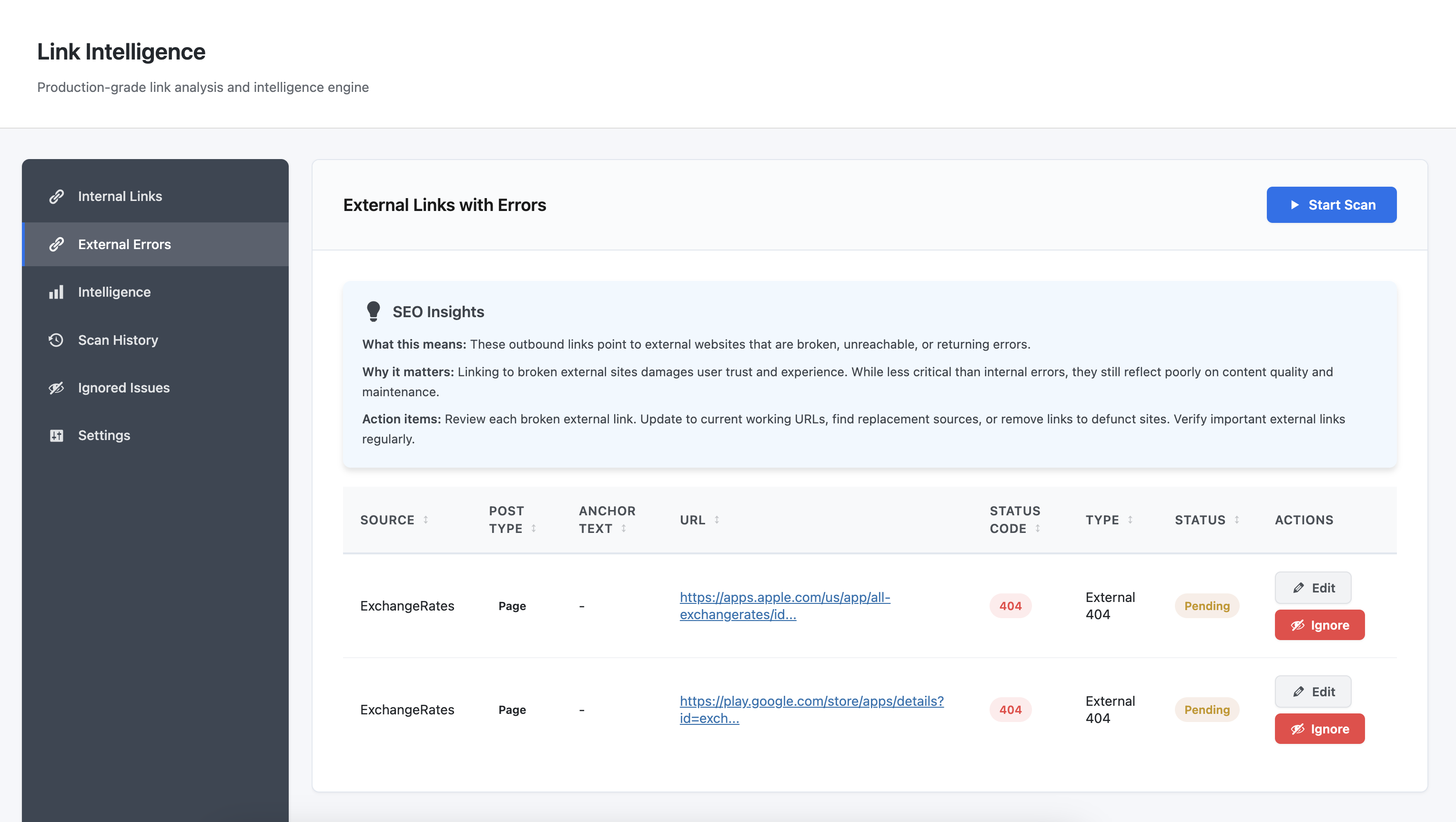
- 404 and 410 errors (broken external links)
- 5xx server errors (unreliable external sites)
- DNS failures and timeouts (unreachable domains)
- Redirect chains on external URLs
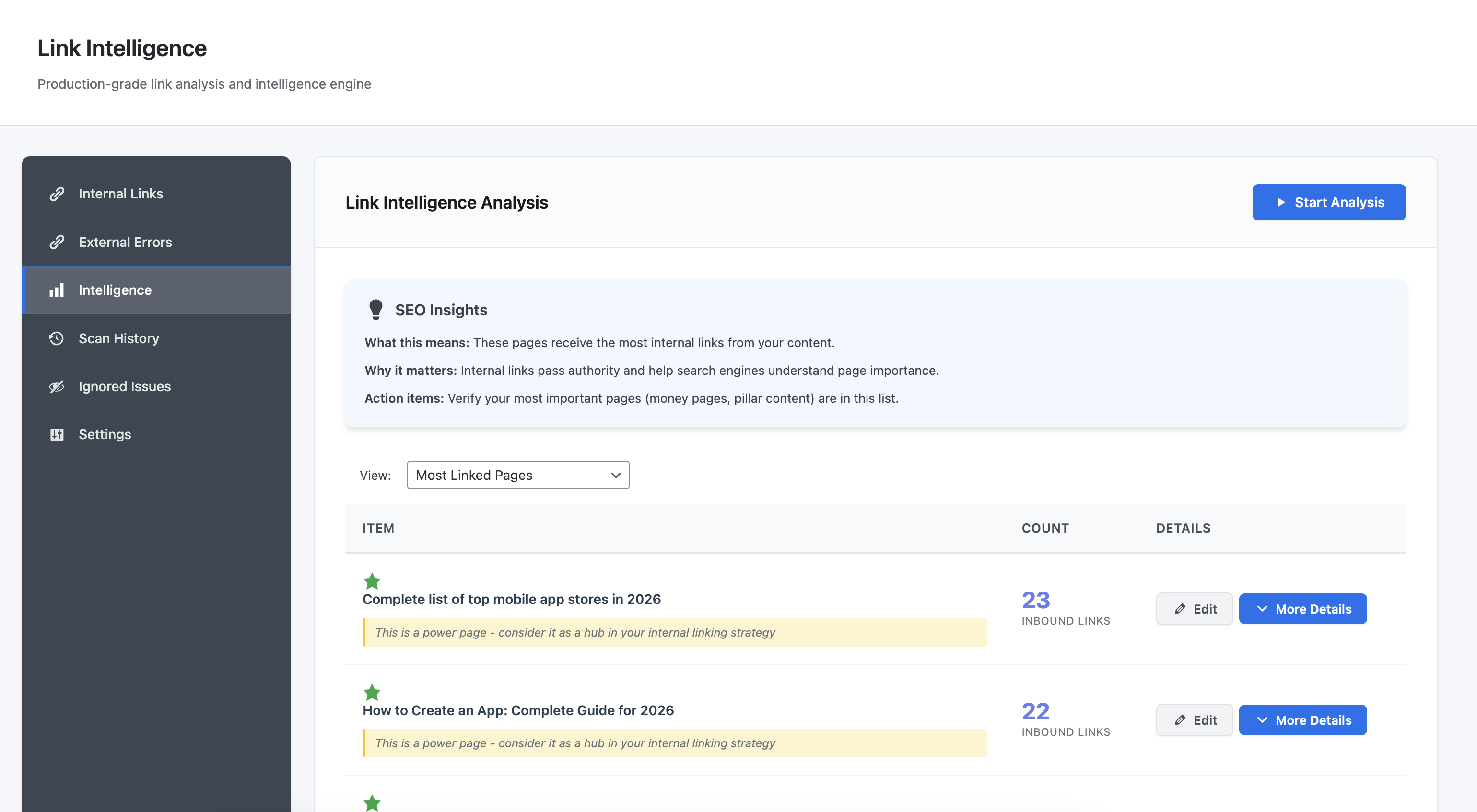
- Verify your most important pages are well-linked
- Find pages that are over-linked or under-linked
- Identify pillar content opportunities
- Balance internal link distribution
- Spot over-optimization (too many exact-match anchors)
- Find opportunities for natural language variation
- Maintain consistency across your content
- Avoid anchor text patterns that look spammy
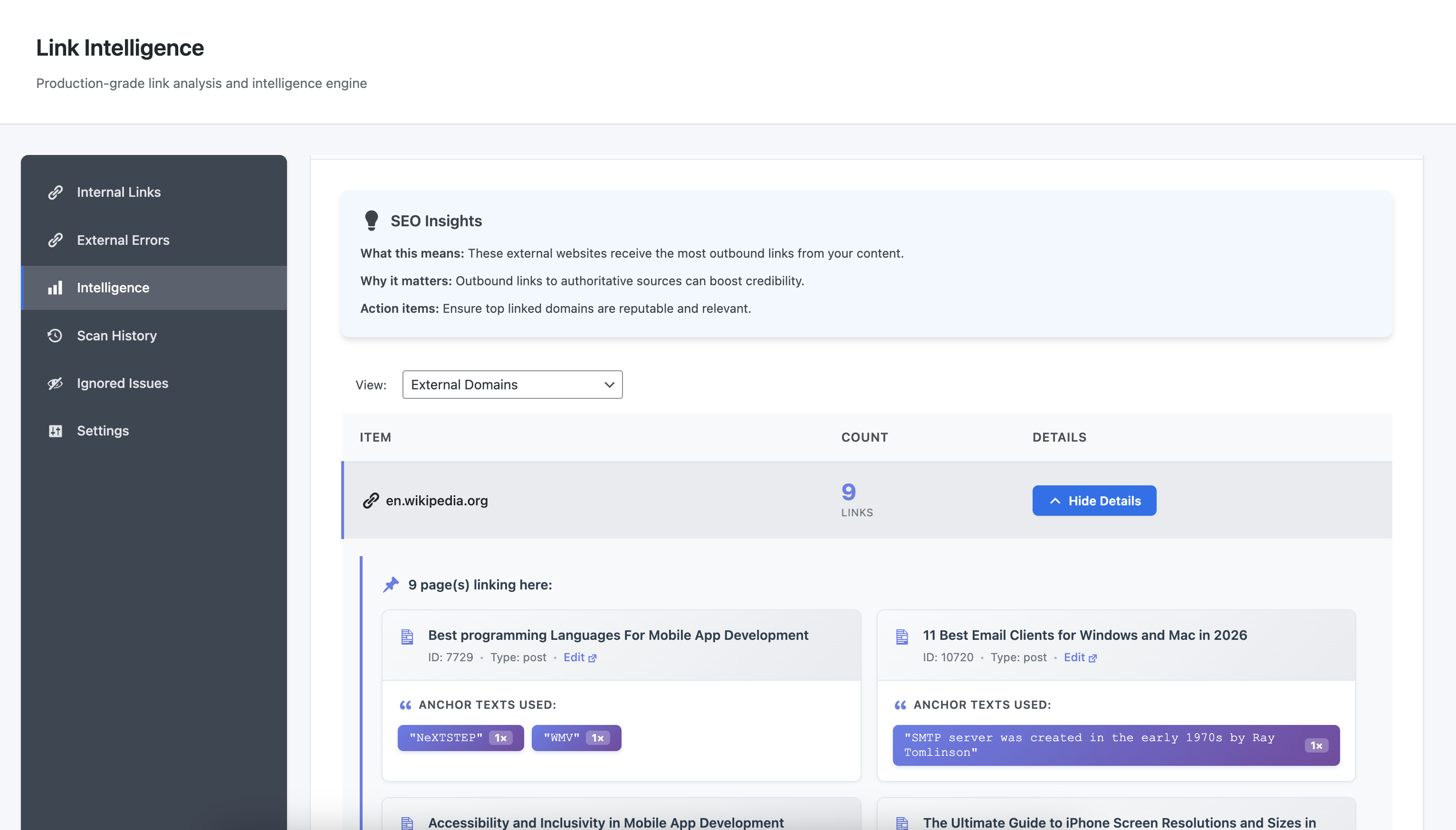
- Your most frequently cited sources
- Over-reliance on specific domains
- Opportunities to diversify external links
- External relationships worth maintaining
- Add internal links from relevant content
- Improve site-wide content discovery
- Boost the authority of isolated pages
- Ensure all content is accessible
- Create 301, 302, 307, and 308 redirects
- Add multiple source URLs to one destination in bulk
- Organize redirects with categories
- Toggle redirects active/inactive without deletion
- Bulk delete operations
- Source URL uniqueness validation prevents conflicts
- Queries your published content (posts, pages, custom post types)
- Extracts all links from post content
- Checks each URL via WordPress HTTP API
- Stores results in custom database tables
- Shows progress in real-time
安装:
- Upload the
link-diagnostic-and-insightsfolder to/wp-content/plugins/ - Activate the plugin through the 'Plugins' menu in WordPress
- Navigate to 'Link Diagnostics' in the WordPress admin menu
- Configure content types to scan in Settings
- Click 'Start Scan' on any tab to begin
屏幕截图:
常见问题:
How does fixing work?
For each issue, you have options:
- Click "Edit" to open the post editor and manually update the link
- Click "Fix" to automatically update that specific link's URL to the correct destination
- Click "Ignore" to permanently hide the issue
How long does a scan take?
Depends on your site size. A 100-post site typically scans in a few minutes. A 1,000-post site might take 20-30 minutes. The plugin processes efficiently to avoid server timeouts.
Can I scan only certain post types?
Yes. In Settings, select which post types to include. Scan only posts and pages, or include custom post types as needed.
What happens to scan data when I uninstall?
By default, all data is preserved. If you want automatic cleanup, enable "Delete on Uninstall" in Settings before removing the plugin.
Does this work on large sites?
Yes. The plugin is designed for production sites of any size. It processes one URL per request to stay within server limits.
What's the difference between Internal Links and Link Intelligence?
Internal Links finds problems: redirects, 404s, broken links, server errors. Link Intelligence analyzes patterns: which pages get the most links, common anchor texts, external domain relationships, orphaned content. Both provide different insights. Problems need fixing. Patterns inform strategy.
How do redirects work?
The plugin includes a redirect manager. Add source URL(s) and a destination, choose the redirect type (301, 302, 307, 308), and save. The plugin handles redirects at the template_redirect hook before WordPress loads pages. Each source URL can only exist once across all redirects to prevent conflicts.
Will this slow down my site?
No frontend impact. The plugin only runs in the WordPress admin area. No JavaScript or CSS loaded on the frontend. Scans happen on-demand, not automatically in the background.
更新日志:
- Confirmed compatibility with WordPress 7.0.
- Bug fixes across internal and external link scanning
- Performance improvements for large content sites
- Improved redirect handling and validation
- Minor UI refinements and stability improvements
- Initial release
- Internal link health monitoring (redirects, 404s, errors)
- External link error detection (404, 410, 5xx)
- Link intelligence analysis (most linked pages, anchor text patterns, external domains)
- Orphan page detection (pages with zero inbound links)
- URL redirect management (301, 302, 307, 308)
- Multiple source URLs per redirect
- Redirect editing and bulk operations
- Fix controls with post editor integration
- Bulk fix operations
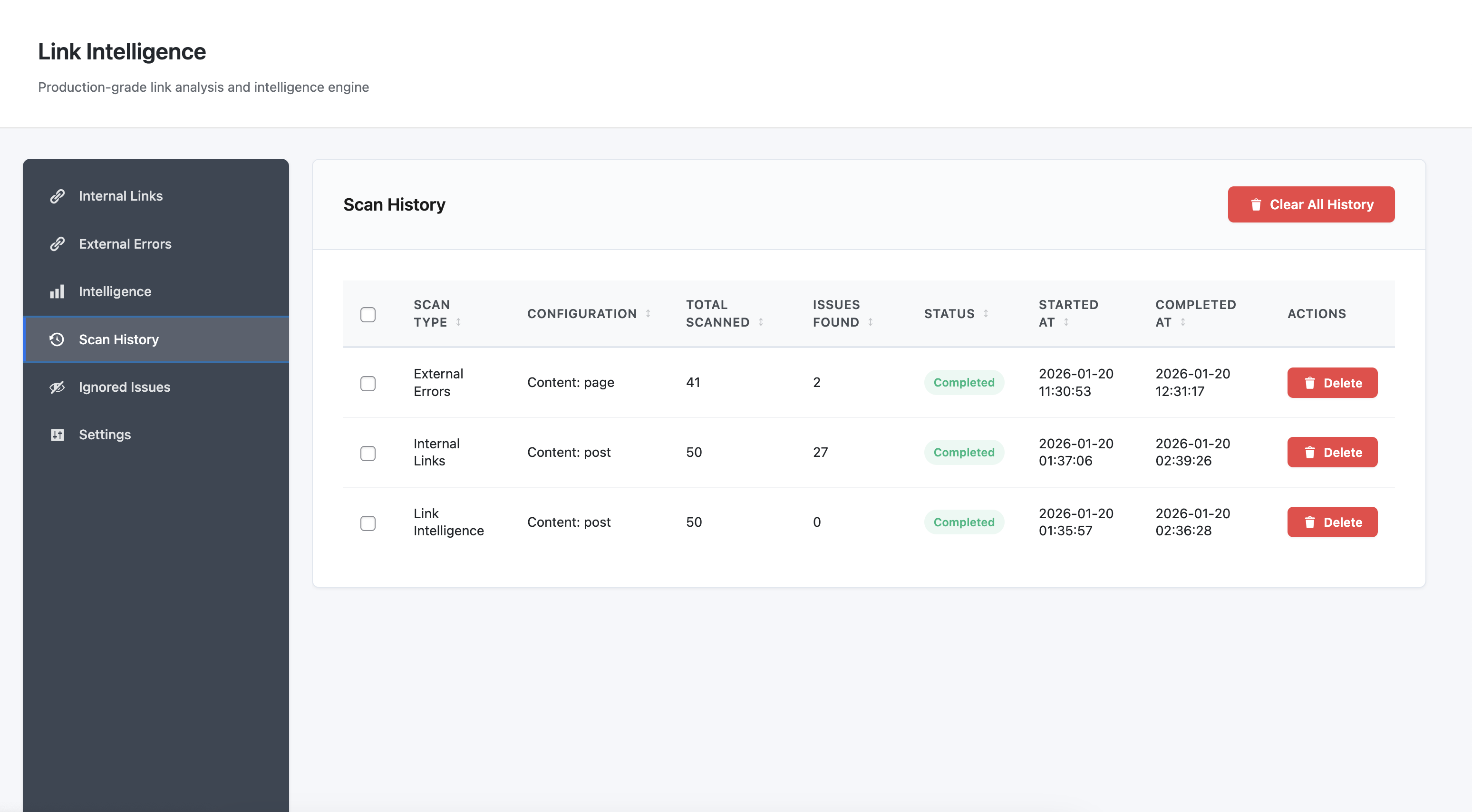
- Scan history tracking
- Configurable data retention
- Support for posts, pages, and custom post types