LinkLens Micro-Copy for WooCommerce
| 开发者 | linklenslabs |
|---|---|
| 更新时间 | 2026年1月9日 07:05 |
| 捐献地址: | 去捐款 |
| PHP版本: | 7.4 及以上 |
| WordPress版本: | 6.9 |
| 版权: | GPLv2 or later |
| 版权网址: | 版权信息 |
详情介绍:
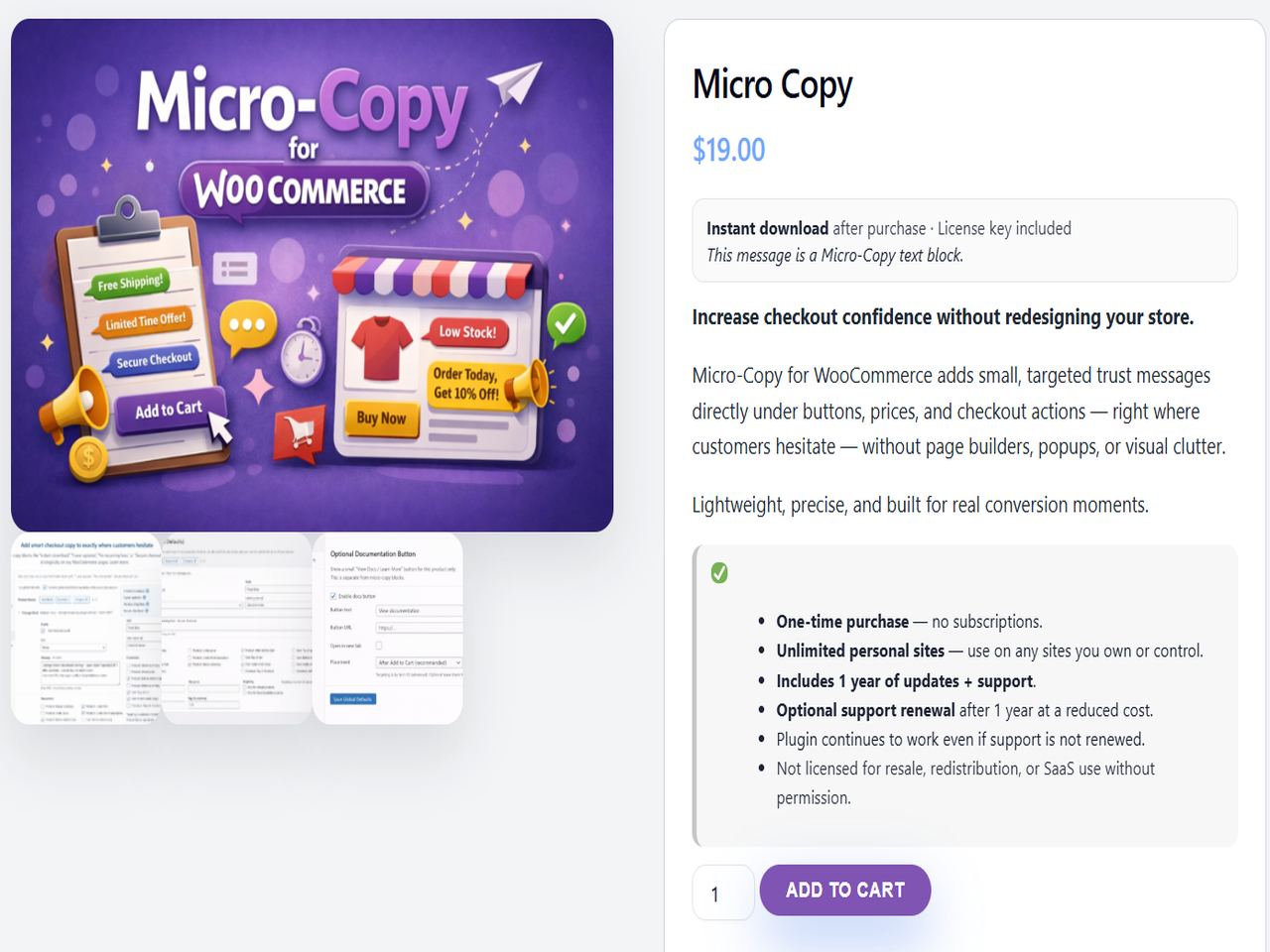
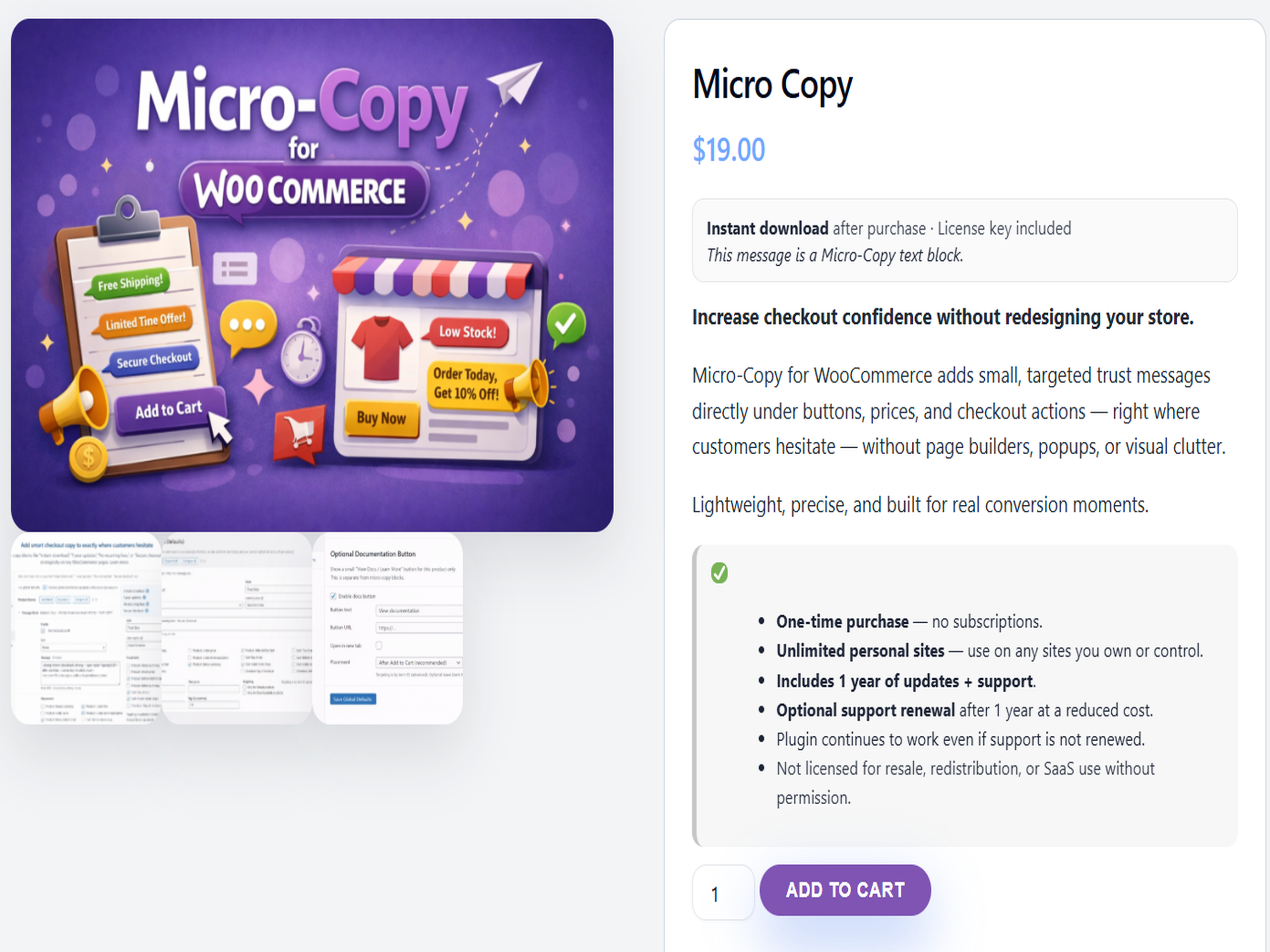
LinkLens Micro-Copy for WooCommerce lets you add short, trust-building messages exactly where customers hesitate — product pages, cart, checkout, and thank-you pages.
Instead of bulky badge images or long descriptions, Micro-Copy uses clean, readable text like:
- Instant download
- No recurring fees
- Secure checkout
- 30-day refund policy
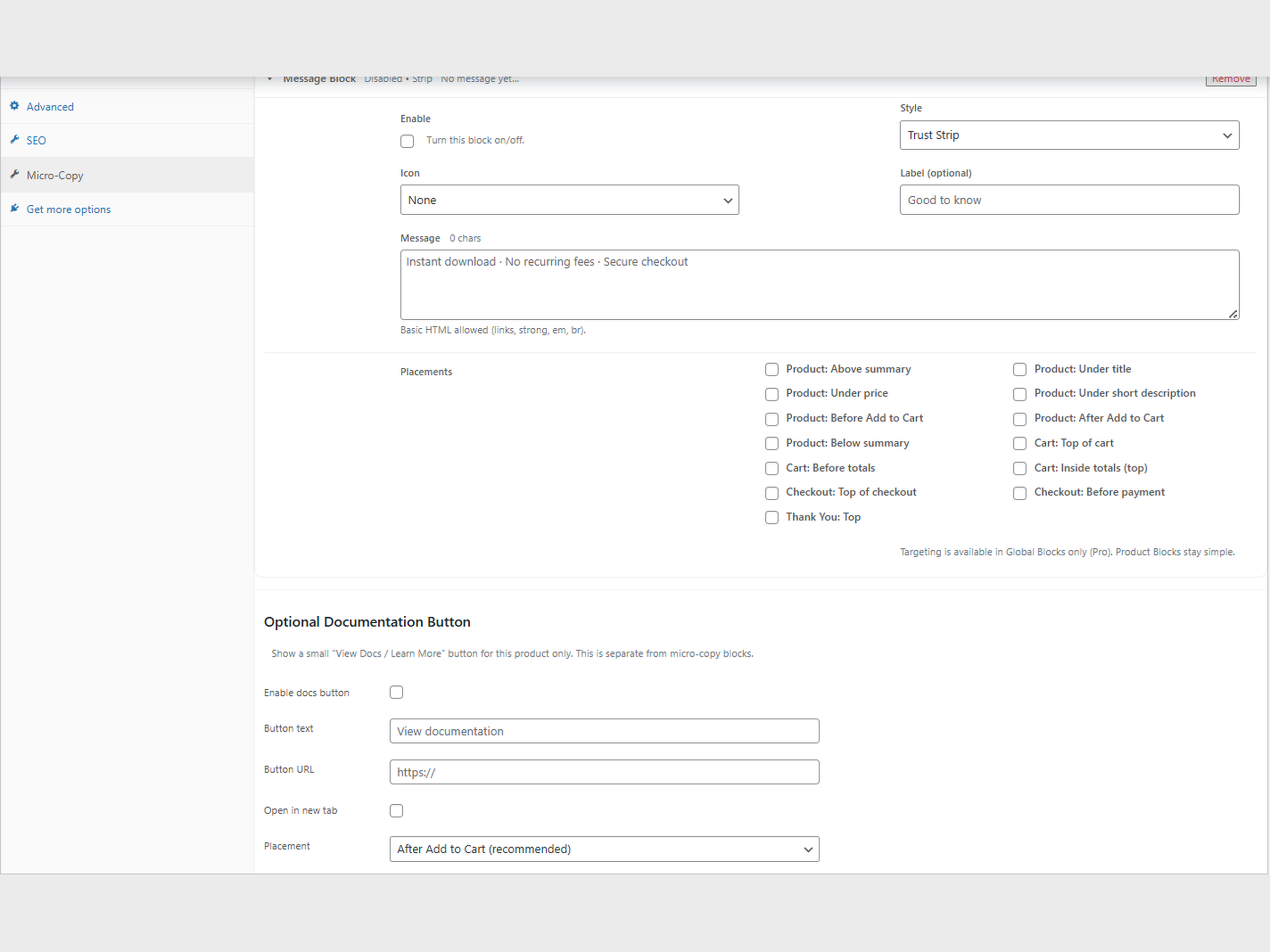
- Add one or more micro-copy message blocks per product
- Place messages across product, cart, checkout, and thank-you pages
- Optional icon + label per block
- Optional per-product “View Docs / Learn More” button
- Clean, lightweight output
- No external requests, tracking, or license activation
安装:
- Upload the plugin folder to
/wp-content/plugins/, or install via the WordPress Plugins screen. - Activate the plugin.
- Edit a WooCommerce product.
- Go to Product Data → Micro-Copy.
- Add your message and choose where it should appear.
屏幕截图:
常见问题:
Will this slow down my site?
The plugin only outputs CSS and markup when a message (or docs button) is active on the current page. There are no frontend scripts and no external requests.
Does this use images or badge graphics?
No. Micro-Copy is text-based by design, which keeps it readable, accessible, and fast.
Can I show messages on cart and checkout pages?
Yes. Each message block allows you to choose one or more placements, including cart and checkout.
Does this require WooCommerce?
Yes. The plugin activates without errors if WooCommerce is missing, but features only appear when WooCommerce is active.
更新日志:
1.1.4
- Compliance update: removed trial/locked/limited framing and ensured the plugin is fully functional.
- Improved block editor UX for multiple message blocks.
- General cleanup and stability improvements.
- Maintenance update.