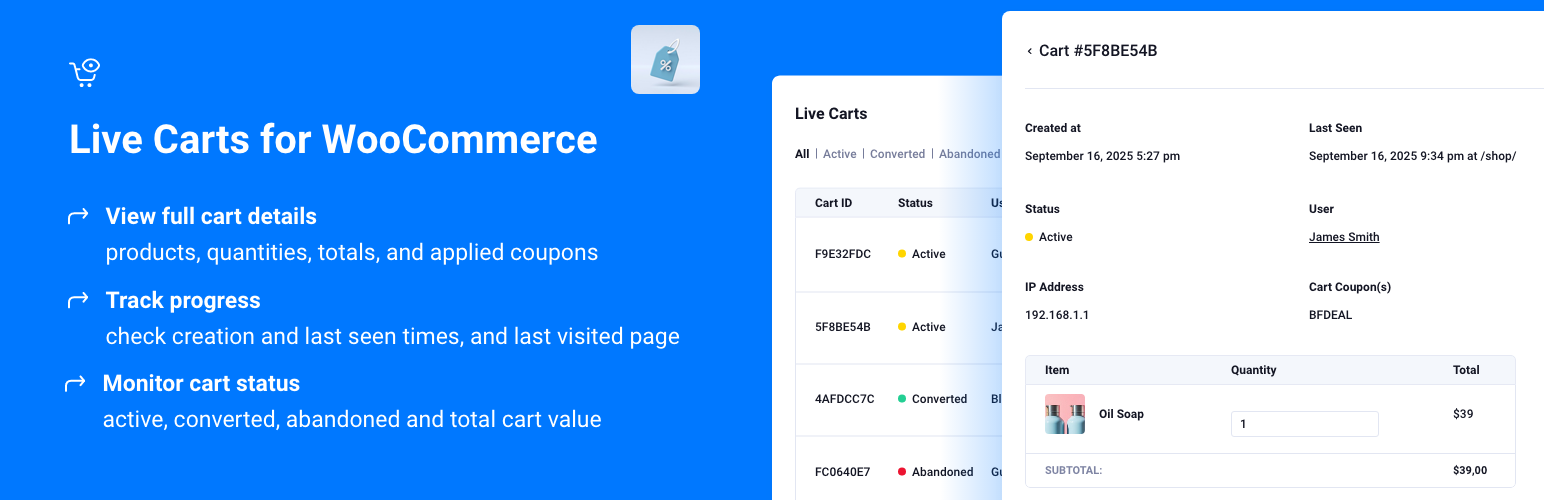
Live Carts for WooCommerce: Track Active, Abandoned, and Converted Carts & Wishlists in Real Time!
| 开发者 |
penthouseplugins
berrypress |
|---|---|
| 更新时间 | 2026年10月15日 22:54 |
| PHP版本: | 7.0 及以上 |
| WordPress版本: | 7.1 |
| 版权: | GNU General Public License version 3 or later |
| 版权网址: | 版权信息 |
详情介绍:
安装:
常见问题:
How can I report security bugs?
You can report security bugs through the Patchstack Vulnerability Disclosure Program. The Patchstack team helps validate, triage and handle any security vulnerabilities. Report a security vulnerability.
Is Live Carts a wishlist plugin?
No. Live Carts does not provide wishlist functionality on your storefront and is not a replacement for dedicated wishlist plugins. Shopper Lists tracking reads data from WooCommerce 10.9+'s built-in, experimental Wishlist and Save for Later features when you enable them in WooCommerce settings. Read more here.
What do I need for Shopper Lists tracking?
WooCommerce 10.9 or higher, Live Carts 1.3.0 or higher, and at least one of WooCommerce's Shopper List features (Wishlist or Save for Later) enabled under WooCommerce → Settings → Advanced → Features. Only logged-in customers are tracked, matching WooCommerce's behavior for these lists.
更新日志:
- Added: REST API (
live-carts/v1) for reading carts and shopper lists, including item contents, revision history, recovery URLs and email addresses. See api.md. - Added: Webhooks — subscribe one or more URLs to cart/list events (created, seen, items added/removed/updated, converted, abandoned). Each delivery is signed with HMAC-SHA256 (
X-Live-Carts-Signature). Add, enable/disable, regenerate the secret of, and delete webhooks from Settings -> API. - Added: Settings -> API tab to enable the REST API and webhooks separately.
- Fixed: possible fatal error when loading a cart whose stored items have no item key.
- Fixed: changes to cart item meta were not always detected in the cart revision history.
- New: Recovery Emails — send automated abandoned cart recovery emails directly from the plugin (BerryPress → Live Carts → Recovery Emails). Configure email templates, subjects, and send timing. No Pro license required.
- New: Visitor email tracking — capture the email address entered at checkout and associate it with the cart record, enabling recovery emails for guest visitors.
- New: Settings redesigned with a tabbed layout (Tracking, Lifecycle, Display, Email) for easier navigation.
- New: Email tab — configure a custom sender name and email address for recovery emails.
- New: Cart email source setting — when a logged-in user's account email and a checkout email are both available, choose which one takes priority.
- New: "Date Created" column in the carts and shopper lists tables.
- New: Item counts shown in status filter tabs (All, Trash, etc.).
- New: Filters button in the cart list (Pro).
- Improved: Admin UI — tooltips on settings fields, Pro badge on Pro-only fields, improved tab navigation.
- Fixed: Recovery email address resolution now correctly falls back to the user's account email when no checkout email has been captured. See full changelog.