
LiveCodes Embed
详情介绍:
- In LiveCodes, click Share -> "Get short URL", and copy the share URL (or use any playground/project URL).
- Paste the URL on its own line in the WordPress editor.
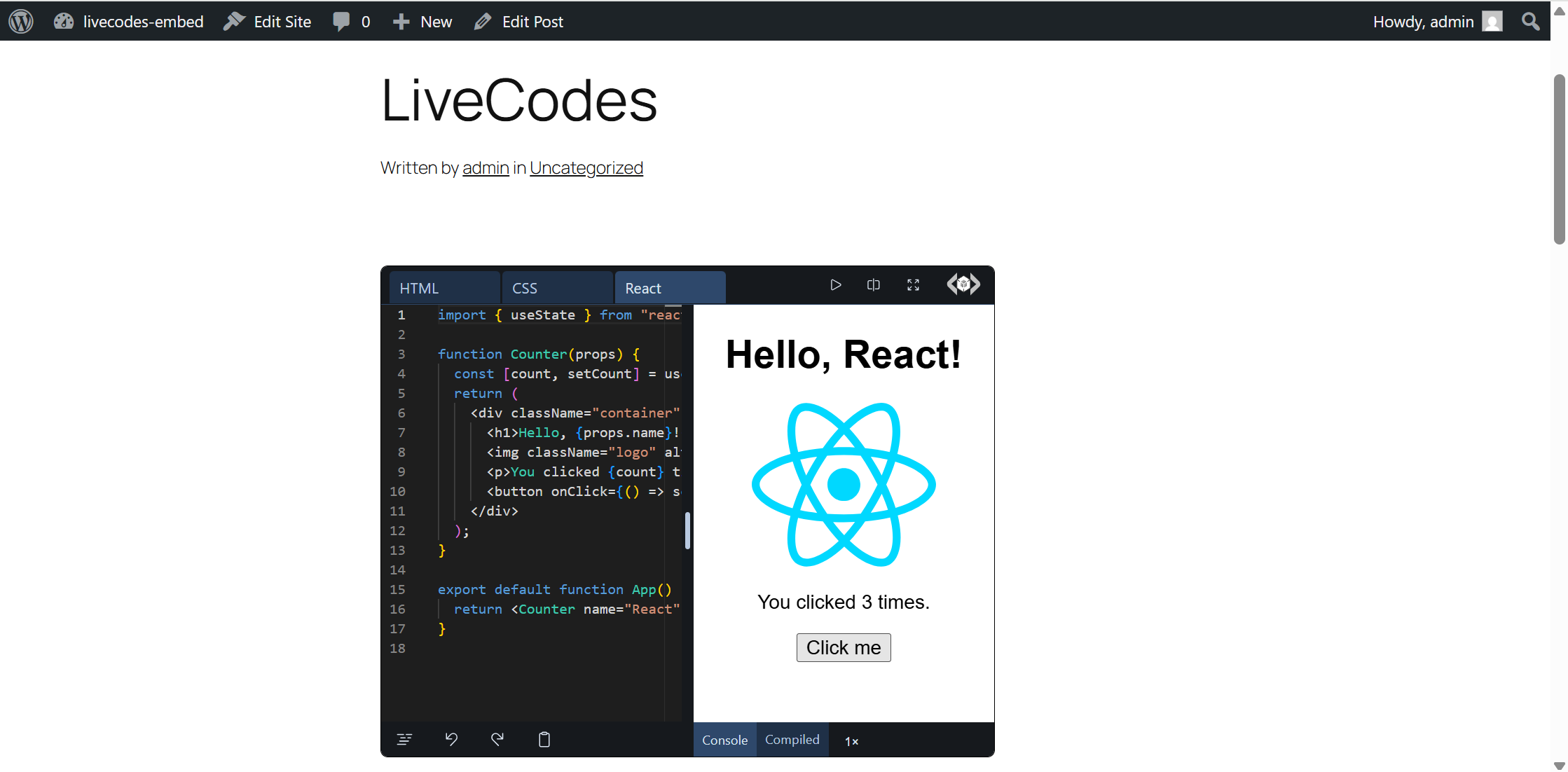
- The URL is automatically replaced with a live, interactive playground.
- Works in the block editor (Gutenberg) and the classic editor.
- No configuration, no settings page, no data stored.
- Supports versioned/permanent URLs (e.g.
https://v47.livecodes.io/?x=…). - Filters (
livecodes_embed_url_pattern,livecodes_embed_provider_endpoint) for self-hosted LiveCodes instances.
屏幕截图:
常见问题:
Which URLs can be embedded?
Playground URLs on livecodes.io and its versioned subdomains, including share URLs (https://livecodes.io/?x=…). Documentation and blog URLs are intentionally not embedded and remain plain links.
How do I customize the embedded playground?
Configure the playground (theme, layout, active editor, tools pane, etc.) before sharing, or using URL query params; the share URL preserves your configuration. See the embeds documentation for details.
Can I use a self-hosted LiveCodes instance?
Yes. Use the livecodes_embed_url_pattern and livecodes_embed_provider_endpoint filters to point the plugin at your instance and its oEmbed endpoint (included in the official docker setup). Example:
add_filter( 'livecodes_embed_url_pattern', function () { return '!^https?://livecodes\.example\.com/.*$!i'; } ); add_filter( 'livecodes_embed_provider_endpoint', function () { return 'https://livecodes.example.com/oembed'; } );
The embed shows as a plain link. Why?
Most commonly: WordPress caches oEmbed responses per post, so re-save the post after activating the plugin. Also note that some security-hardening plugins and strict Content-Security-Policy setups block third-party iframes entirely; check your site's frame-src/child-src CSP directives and security plugin settings.
Does this plugin collect any data?
No. It has no settings, stores nothing, and only talks to livecodes.io when rendering an embed (see "External services").
更新日志:
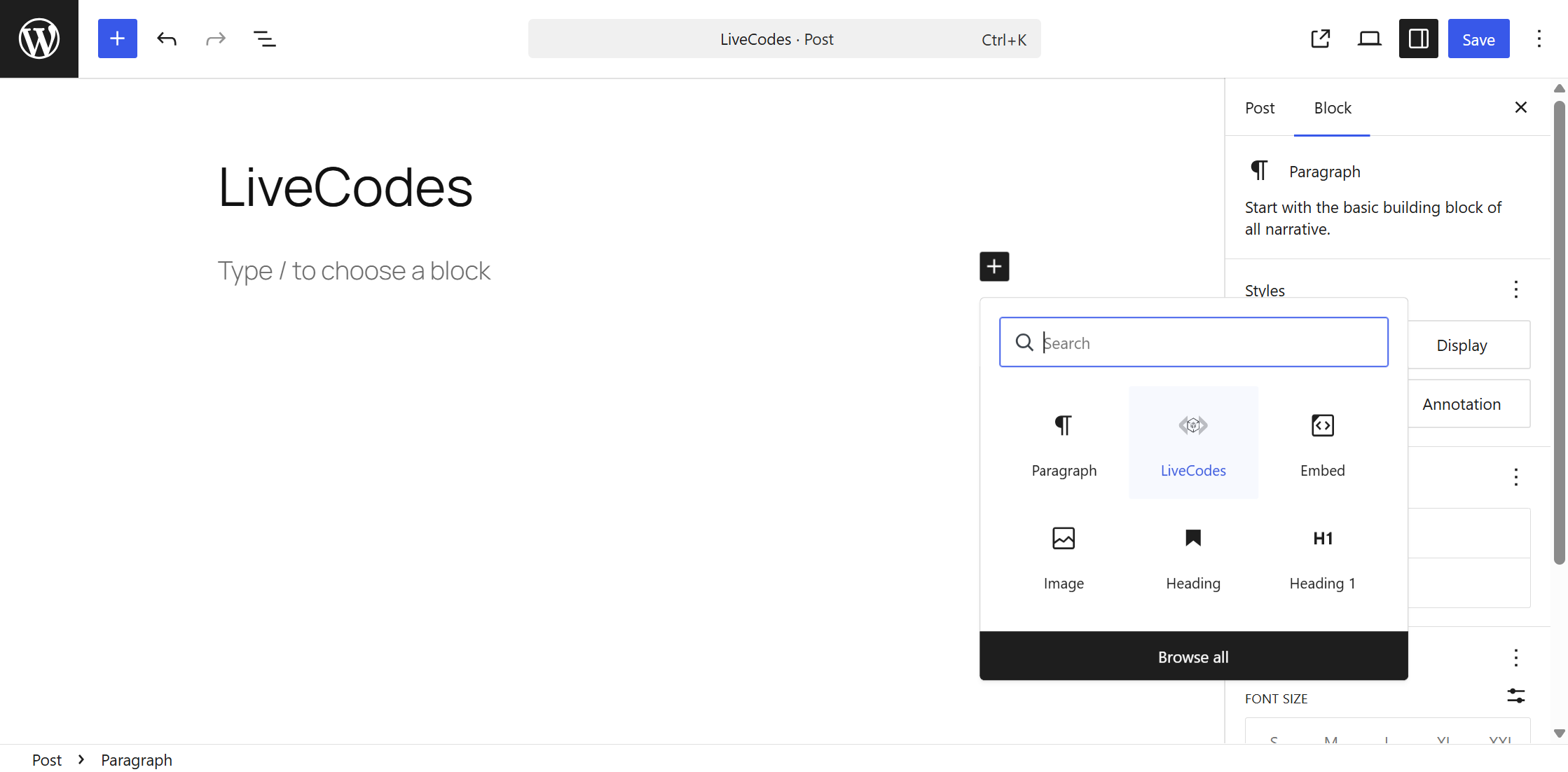
- Initial release: registers livecodes.io as a trusted oEmbed provider and adds a LiveCodes block variation to the editor.