LiveLang - Smart Visual Translator
| 开发者 | papanbiswasbd |
|---|---|
| 更新时间 | 2025年12月22日 05:35 |
| PHP版本: | 7.4 及以上 |
| WordPress版本: | 6.9 |
| 版权: | GPLv2 or later |
| 版权网址: | 版权信息 |
详情介绍:
LiveLang is a smart visual translator for WordPress that lets you translate or modify any text directly from the frontend.
Simply enable Translate Mode → click any text → edit → save. No file editing, no searching for strings, and no technical setup required.
[youtube https://www.youtube.com/watch?v=x_pem4ZeGWw]
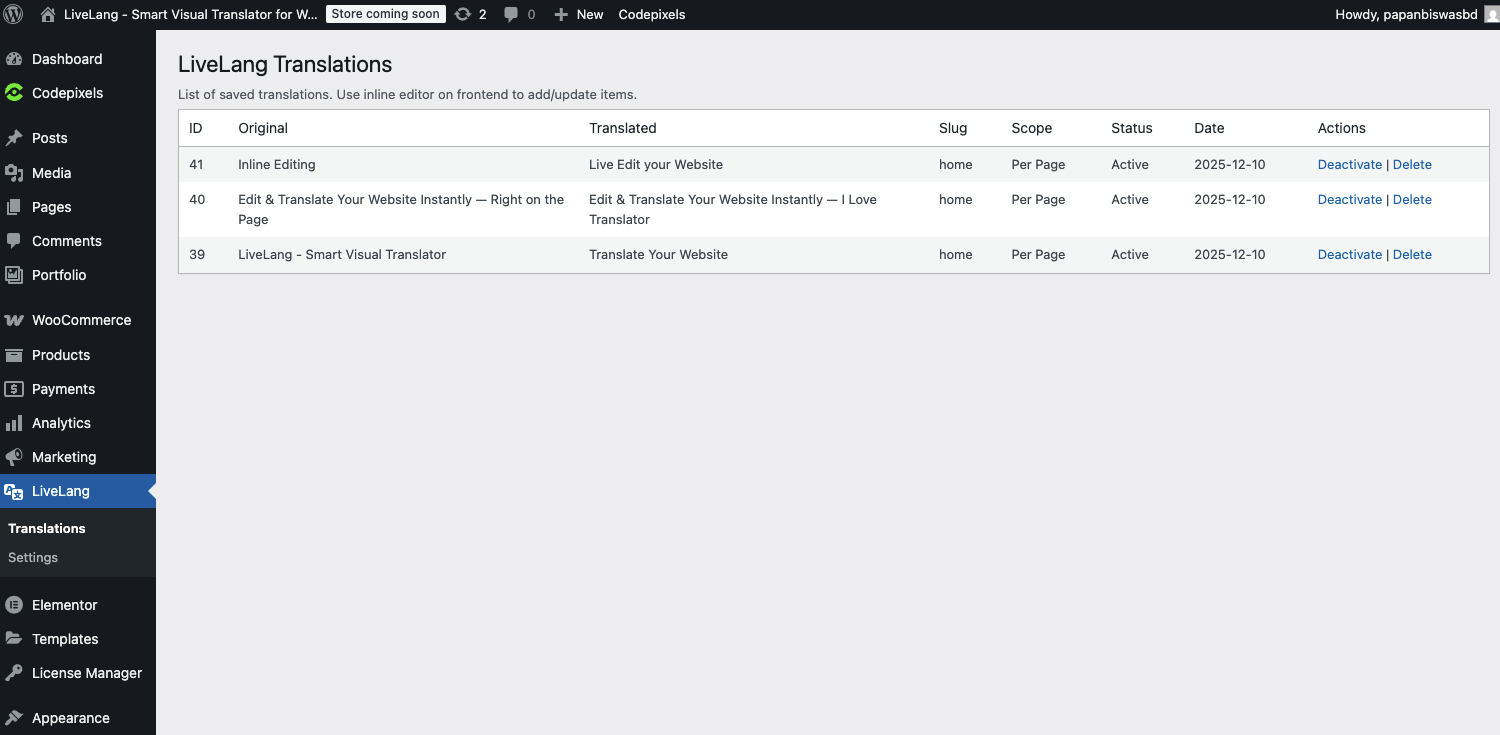
LiveLang supports both page-based translations (apply only to the current page) and global translations (apply site-wide).
It automatically detects theme and plugin strings, making translation fast and intuitive for any WordPress site.
Key Features:
- Visual inline text editing
- Page-based & global translations
- Works with any theme, builder, or plugin
- WooCommerce compatible
- Lightweight & fast
- No .po/.mo files required
- Update-proof (translations stored in the database)
安装:
- Upload the plugin files to
/wp-content/plugins/livelangor install it directly from the WordPress plugins screen. - Activate the plugin via Plugins → Installed Plugins.
- Go to Settings → LiveLang Settings to configure options.
- Visit your website frontend and click the “Translate” button.
- Click any text to edit or translate it, then save your changes.
屏幕截图:


常见问题:
How do I use LiveLang?
Go to your site’s frontend, click the “Translate” button, click any text to edit, then save. Changes appear instantly.
Does it work with any theme or plugin?
Yes. LiveLang is compatible with all themes and plugins, including WooCommerce, Elementor, Divi, and Gutenberg.
Will translations be lost after updates?
No. All translations are stored safely in the database and remain intact after theme or plugin updates.
Does LiveLang slow down the site?
No. It loads only lightweight scripts and does not impact performance for normal visitors.
Can I translate only one page?
Yes. Page-based translations apply to a single page. Global translations apply site-wide.
Do I need to edit .po or .mo files?
No. All translations are done visually from the frontend.
Does it support RTL languages?
Yes. LiveLang fully supports RTL languages like Arabic and Hebrew.
更新日志:
1.0.0
- Initial release.
- Added visual inline translation editor.
- Added page-based and global translation modes.