
Login Logout Menu & Redirect
| 开发者 |
mmubashirtaqi
lmscrafter |
|---|---|
| 更新时间 | 2026年10月13日 08:31 |
| PHP版本: | 7.4 及以上 |
| WordPress版本: | 7.1 |
| 版权: | GPLv2 or later |
| 版权网址: | 版权信息 |
详情介绍:
- Use classic menus or Site Editor Navigation.
- Add Register, Profile, User Avatar, and Username links alongside Login and Logout.
- Start with default login/logout destinations; advanced rules are optional.
- Send students, members, and customers to relevant pages using supported course, membership, and purchase conditions.
- Preview the winning rule with the redirect tester and move your configuration with JSON export/import.
- Install and activate Login Logout Menu & Redirect.
- Open Login & Redirects and complete the four-step setup wizard, or add the smart item manually.
- Check your menu while signed out, then perform a real login and logout to confirm the links and destinations.
[lmsc_rsum_login_logout] for a smart link in content. Individual Login, Logout, Register, and Profile links are also available; see the FAQ. These are links, not forms.
Tools contains redirect testing and JSON export/import. The redirect tester previews a decision for a selected user; verify actual login/logout behavior separately.
Optional activity collection starts disabled and stays in the site database. Masked IPs require separate opt-in; retention is 1–365 days. Caches must separate signed-in and guest navigation.
Running LearnDash?
Vital Addons for LearnDash is our free toolkit of 36 LearnDash modules, including lesson autocomplete, resume learning, certificates and Focus Mode controls. It works alongside this plugin: its own login/logout redirect module stays off while this plugin is active, so your redirects keep coming from here.
Quick-start guide and product details | Support
安装:
- In Plugins > Add New, search Login Logout Menu & Redirect, install, and activate.
- Complete the guided setup from Login & Redirects. Its four steps are Goals, Configure, Verify, and Done.
- In Settings > Default navigation URLs, review the Login, Registration, and Profile/account pages.
- If adding manually, use Appearance > Menus > User Menu Links or the smart variations in Site Editor > Navigation.
- Save your menu/navigation and test signed-out, signed-in, and signed-out-again behavior.
屏幕截图:
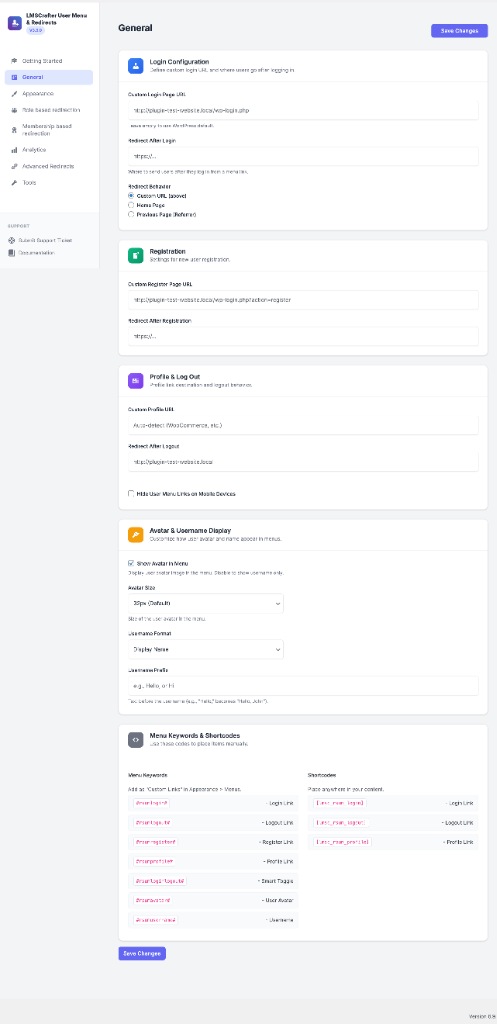
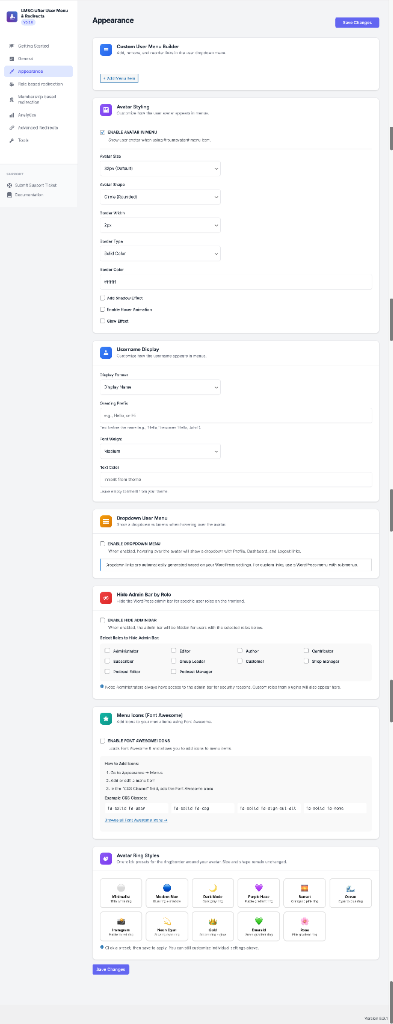
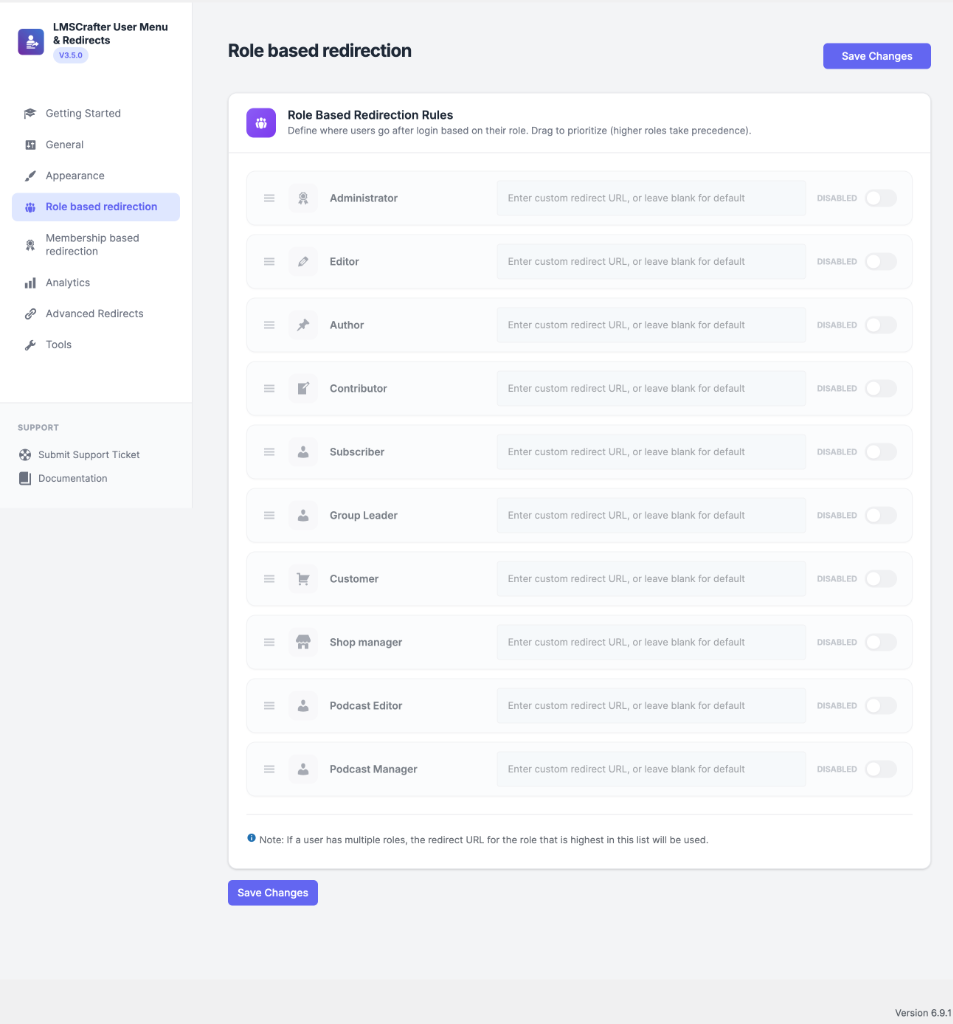
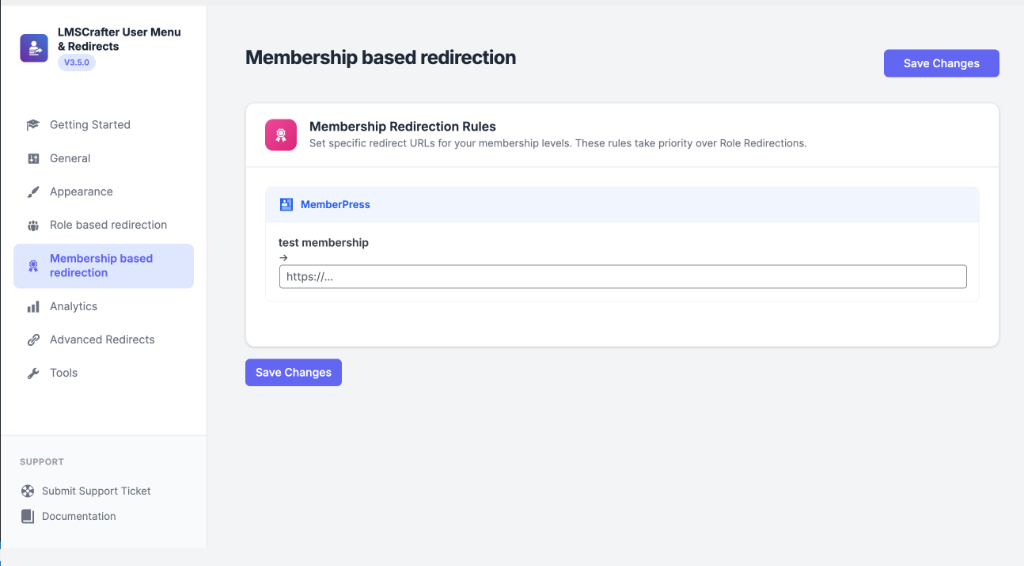
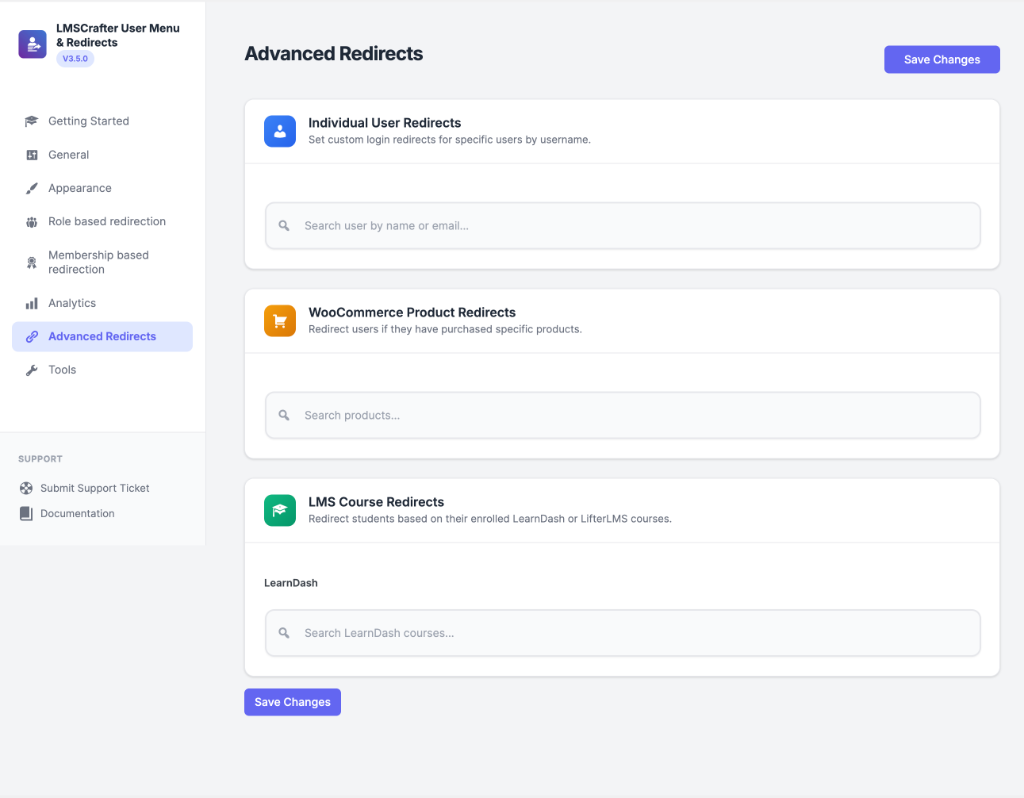
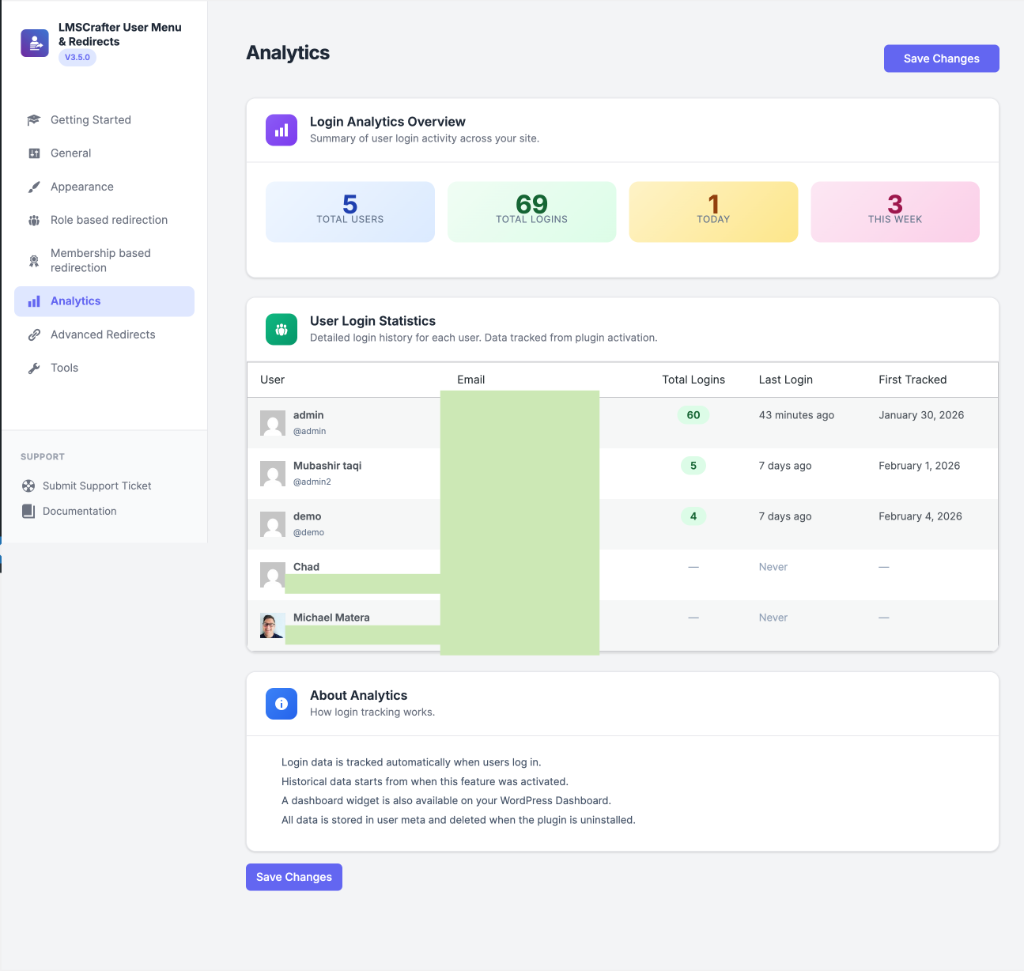
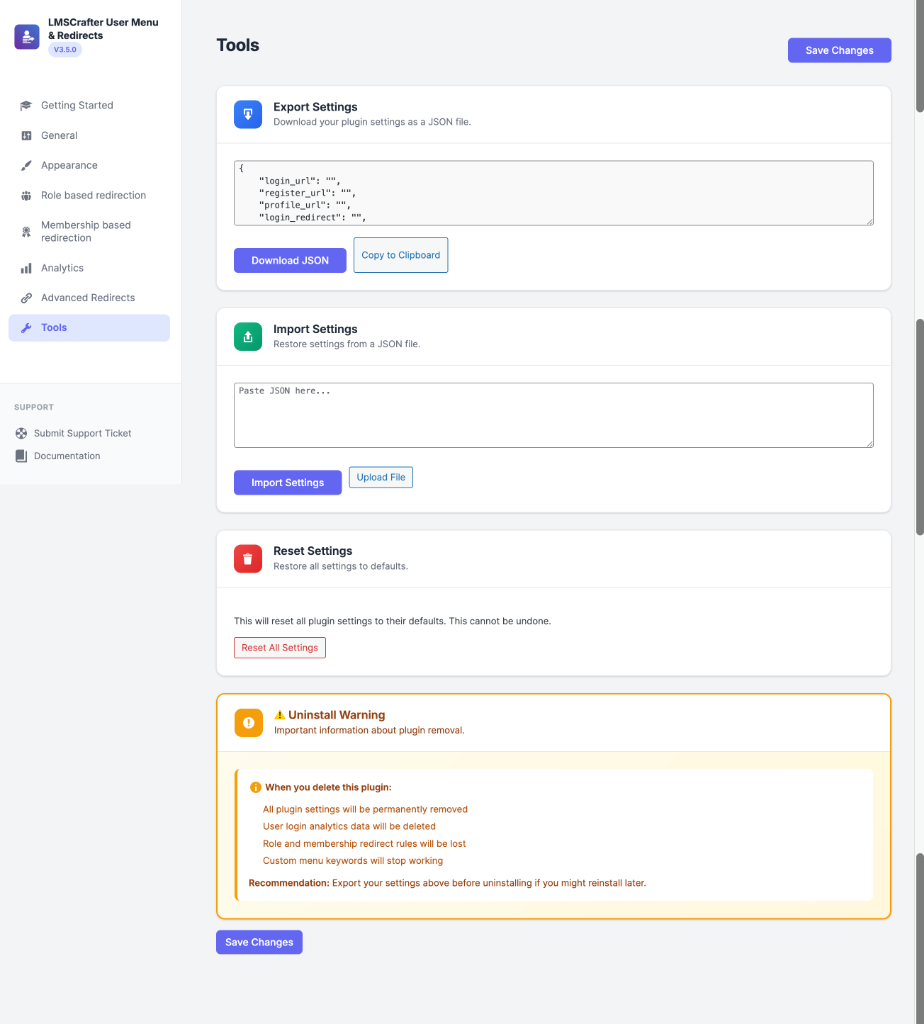
常见问题:
How do I add a login/logout link to a classic menu?
In Appearance > Menus, add Smart Login/Logout from User Menu Links. Save and assign the menu to your theme location. The item switches with login state.
Does it work with block themes and Site Editor Navigation?
Yes. In Appearance > Editor > Navigation, edit your header navigation, add the plugin's Login/Logout variation, and save. Use a smart variation, not a normal Page or Custom Link.
Do I need to create redirect rules?
No. Smart menus and defaults work without rules. Add rules for different user destinations.
Where do the Login, Register, Profile, Avatar, and Username menu items go?
Check Login & Redirects > Settings > Default navigation URLs. Login and Register use configured pages or available WordPress defaults. Profile, Avatar, and Username share your account page, with supported auto-detection. Unavailable links stay hidden.
What is the difference between a Login page URL and an after-login destination?
The Login page URL opens the sign-in page. The after-login destination opens after authentication succeeds. Registration and Profile links are also separate from post-authentication redirects.
How do I redirect users after logout?
Set a default in the wizard or Settings, or add an enabled rule with an after-logout URL. First Login conditions are login-only. Verify a real logout.
Which redirect rule wins?
The first enabled matching rule with a destination for the current direction wins. Rules lacking that destination are skipped; defaults apply when none wins. Matches is the property, course, product, or membership to check.
Can I put login/logout links in page content?
Yes. Use [lmsc_rsum_login_logout], or [lmsc_rsum_login_logout]Sign In|Sign Out[/lmsc_rsum_login_logout] for custom labels. Individual links use [lmsc_rsum_login], [lmsc_rsum_logout], [lmsc_rsum_register], and [lmsc_rsum_profile]. Wrap custom text between the opening and closing shortcode tags. Login/Logout supports login_redirect, logout_redirect, and class; individual Login/Logout links support redirect and class. These are links, not forms.
Why do I see an old Login link or the wrong user after caching a page?
Clear caches and configure the cache/CDN to bypass authenticated sessions. Test separate guest and signed-in sessions. Responsive mobile visibility does not make user-specific navigation safe in a shared page cache.
Can I switch from another menu or redirect plugin?
Record old settings, configure on staging, and disable overlapping redirects before testing. Remove duplicate links. JSON import accepts this plugin's exports, not competitor settings. Ask support for migration guidance.
What happens when I upgrade from version 4?
Compatible v4 rules are backed up and migrated; global destinations stay as fallbacks. Review and test them. Tools > Restore v4 backup is available while migrated rules remain untouched. JSON export/import moves your configuration between sites.
Does the plugin send activity data to LMSCrafter?
No. Optional analytics and redirect records stay in your WordPress database and start disabled on fresh installations.
Where can I get help or leave feedback?
Use Login & Redirects > Documentation, the WordPress.org support forum, or LMSCrafter Support. If you have used the plugin, you can share an honest review. Reviews are optional and do not affect support.
更新日志:
- Improved telemetry
- Clarified smart-menu setup, block navigation, URL destinations, shortcodes, caching, and migration guidance.
- Added optional feedback links in documentation without recurring admin notices.
changelog.txt.