
Local Business Schema Generator
| 开发者 | LumenWP |
|---|---|
| 更新时间 | 2026年10月20日 12:56 |
| PHP版本: | 7.4 及以上 |
| WordPress版本: | 7.1 |
| 版权: | GPLv2 or later |
| 版权网址: | 版权信息 |
详情介绍:
LocalBusiness structured data (JSON-LD) to your site. Fill in your business details on a simple settings page, and the plugin adds the markup to every page automatically, so search engines like Google can read your business name, address, phone number, and opening hours correctly. It also adds basic WebSite schema.
Perfect for:
- Local businesses and shops
- Restaurants and cafes
- Medical and dental practices
- Lawyers and other professional services
- Trades and service providers
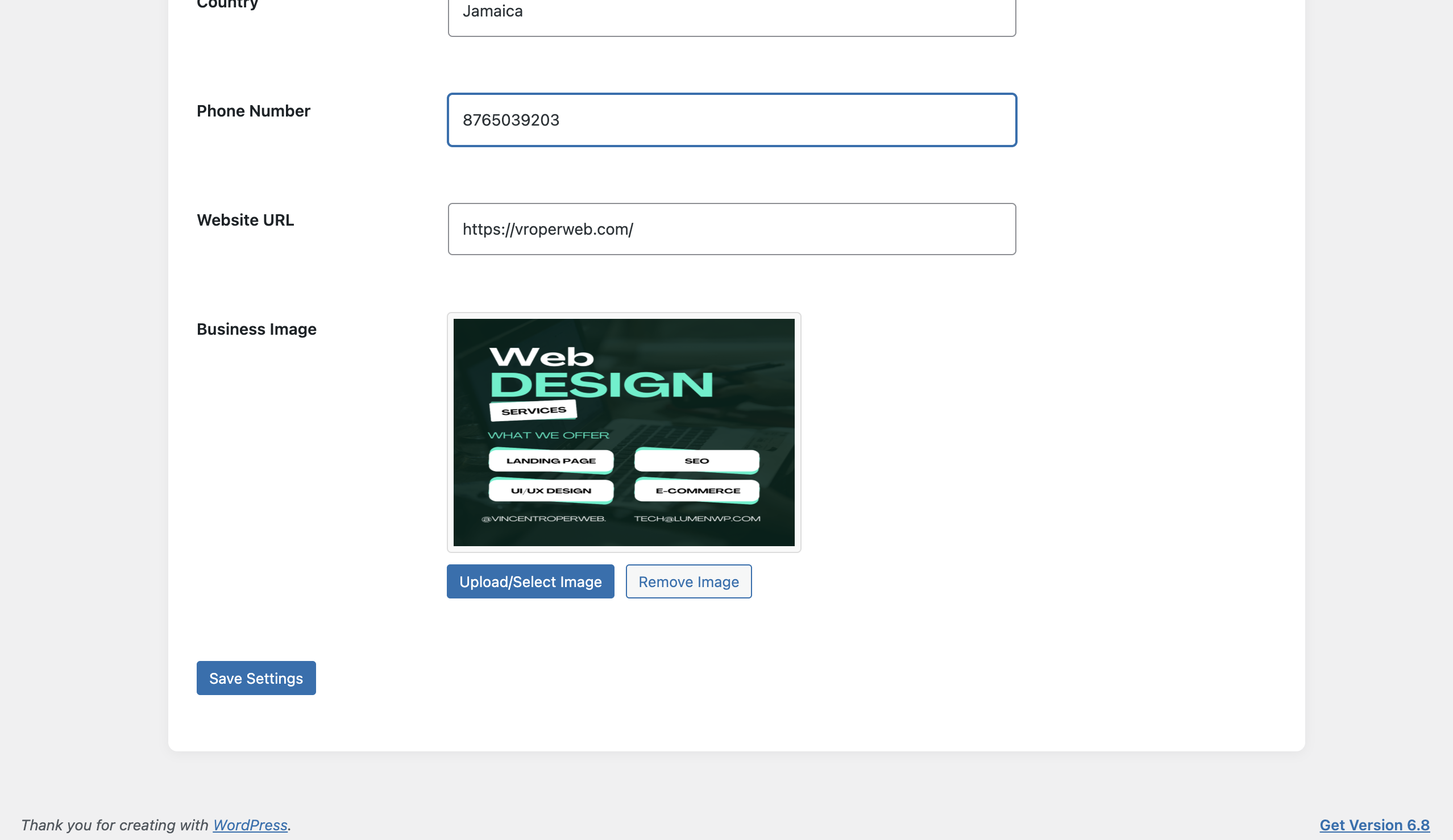
- Simple settings page, no code to write
- 20+ business types, including Plumber, Lawyer, and Hair Salon
- Business name, address, phone, website, logo, and price range
- Opening hours with opening and closing times, or "Open 24/7"
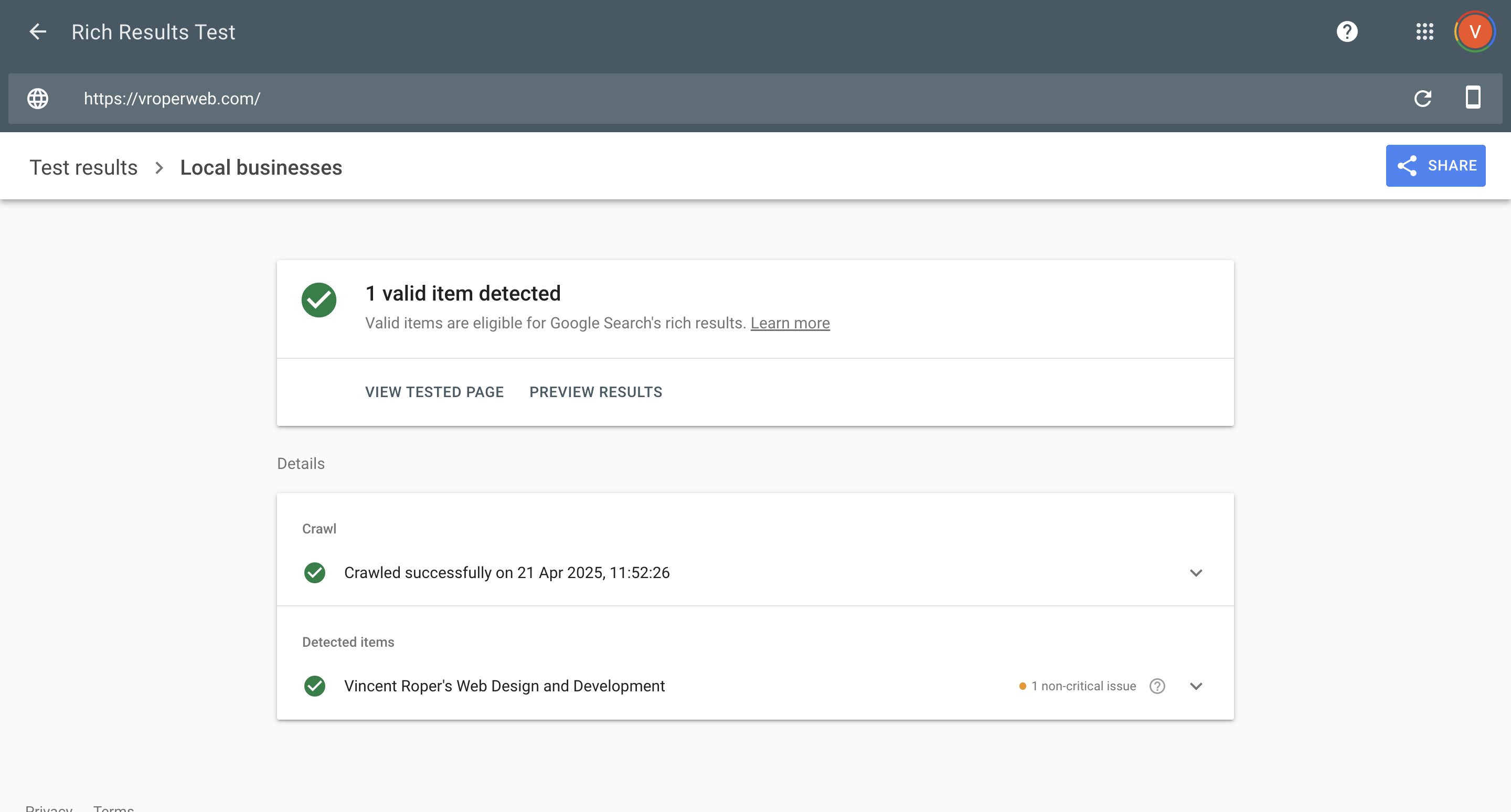
- Valid JSON-LD in your site's
<head>, ready for Google's Rich Results Test - Works alongside Yoast SEO, Rank Math, and All in One SEO without duplicating WebSite schema
- Translation-ready
安装:
- Upload the
local-business-schema-generatorfolder to the/wp-content/plugins/directory, or install it from Plugins > Add New. - Activate the plugin through the Plugins screen in WordPress.
- Go to Business Schema in your WordPress admin menu and fill in your business details.
- The schema is added to your site automatically. Check it with Google's Rich Results Test.
屏幕截图:
常见问题:
How does this help SEO?
Structured data helps search engines understand your business details accurately: who you are, where you are, and when you're open. It doesn't guarantee rankings or rich results, but correct, consistent business information is a recognised part of local SEO.
Can I add multiple business locations?
The free plugin adds schema for one business. The Pro version adds multiple locations, each with its own address, hours, and coordinates.
Do I need coding skills?
No. Fill in your business details on the settings page, and the plugin writes the markup for you.
Will this conflict with my SEO plugin?
The plugin detects popular SEO plugins (Yoast SEO, Rank Math, All in One SEO). When one is active, our WebSite schema is turned off to avoid duplication, and your LocalBusiness schema is still added as normal.
How do I check the schema?
View your page source, or use Google's Rich Results Test. The plugin's schema blocks have IDs starting with "lbsg-".
更新日志:
- Fixed: the plugin's own icon now shows on the account and upgrade screens, instead of a grey placeholder.
- Tested with WordPress 7.1.
- New: opening and closing times for your opening hours. If you chose opening days in version 1.4, a notice on the settings page asks you to add your times: until you save them, opening hours are left out of your schema rather than published with times you didn't choose.
- Fixed: ticking "Open 24/7" no longer resets your opening and closing times. Invalid times are rejected and your saved times are kept.
- Fixed: the "Leave a review" notice now appears only after 30 days, only on the plugin's own screens, and can be dismissed for good.
- Changed: WebSite schema no longer includes the search box action, which Google retired in November 2024.
- Fixed: admin notices from other plugins now appear below the settings page header instead of inside it.
- Fixed: the settings page's script translations now load correctly.
- Improved admin settings sanitization and validation.
- Updated Freemius SDK to the latest stable version.
- Code cleanup and minor stability improvements.
- Confirmed compatibility with WordPress 6.9.
- Added a direct link to Google's Rich Results Test on the settings page.
- Added more business types: Plumber, Lawyer, and Hair Salon.
- Added basic opening hours, with a checkbox for each day and an "Open 24/7" option.
- Added a price range field (for example $, $$, $$$).
- Added descriptions to most settings fields.
- Verified compatibility with WordPress 6.8.
- Added full translation support (i18n), with a
.potfile in/languages.
- Initial public release.
- Generates LocalBusiness and WebSite schema using JSON-LD.
- Settings page for business name, type, address, phone, website, and image.
- Supports 20+ common LocalBusiness types.
- Translation-ready.