
LockerPad
| 开发者 | chatrep |
|---|---|
| 更新时间 | 2026年11月26日 04:43 |
| PHP版本: | 8.0 及以上 |
| WordPress版本: | 7.2 |
| 版权: | GPLv2 or later |
| 版权网址: | 版权信息 |
详情介绍:
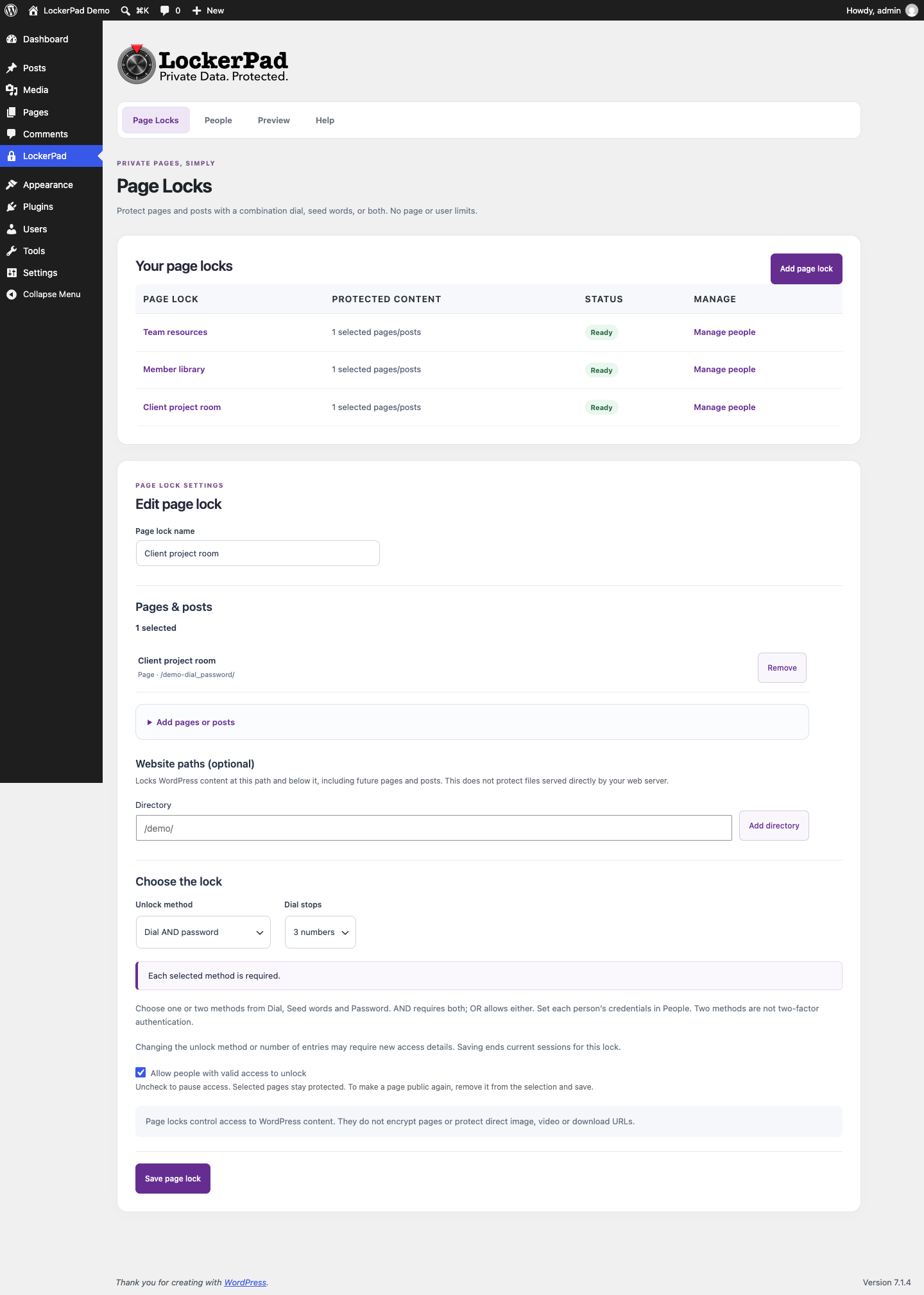
- Select pages and posts using a searchable picker.
- Group several pages under one lock, or create separate locks with different access.
- Optionally protect a WordPress website path such as /clients/, including future content below it.
- No shortcode or page-layout changes required.
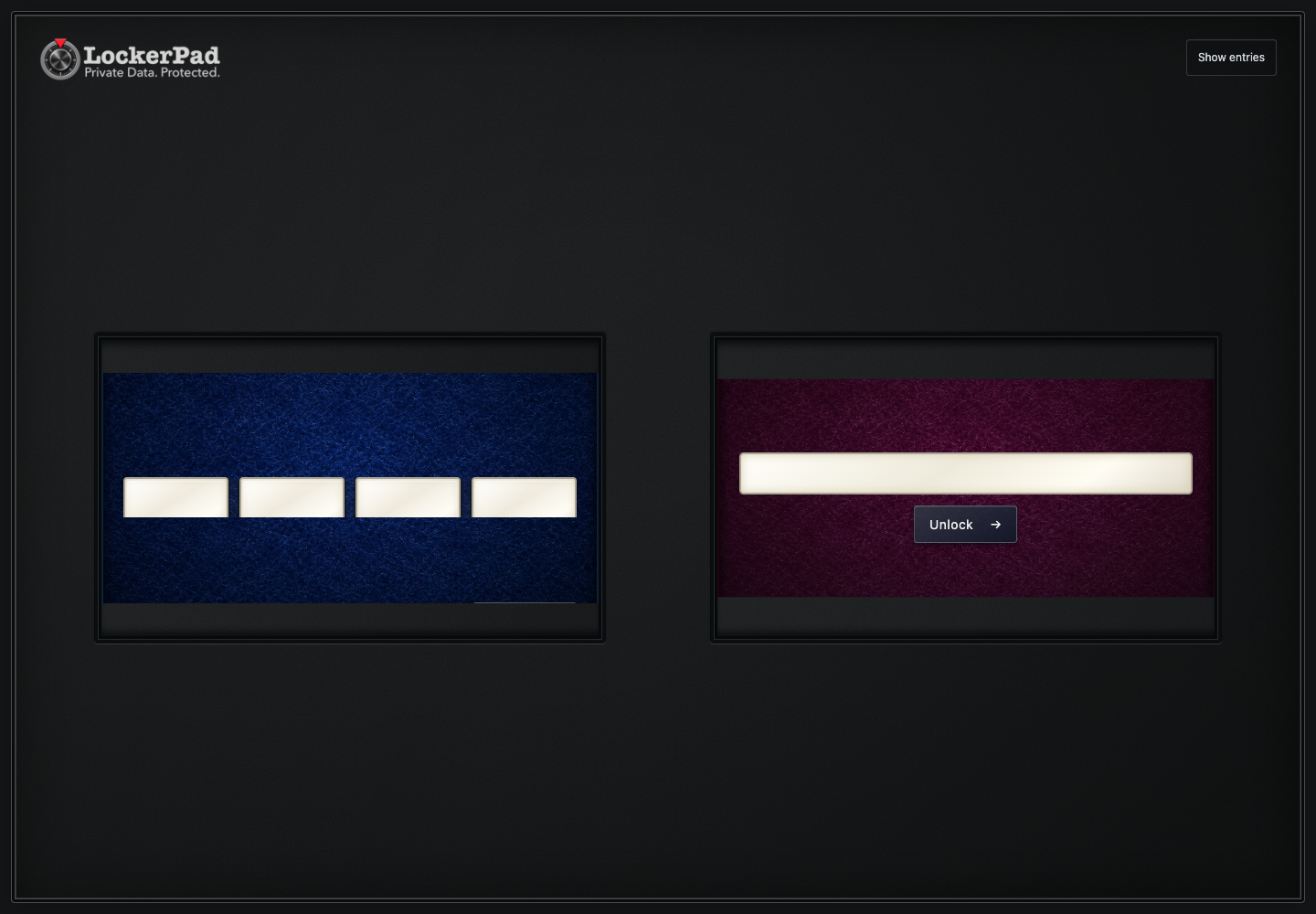
- Type 0–99 into 3, 4 or 5 numeric cards; the safe dial turns automatically.
- Seed words with 4, 8, 12 or 16 entries.
- Passwords of 1–100 characters, with a local generator and Copy button.
- Choose one or two of the three methods. For a pair, require both (AND) or allow either (OR).
- Keyboard controls, sound toggle, hidden entries and a responsive layout.
- A preview screen lets you explore the design without changing a saved lock.
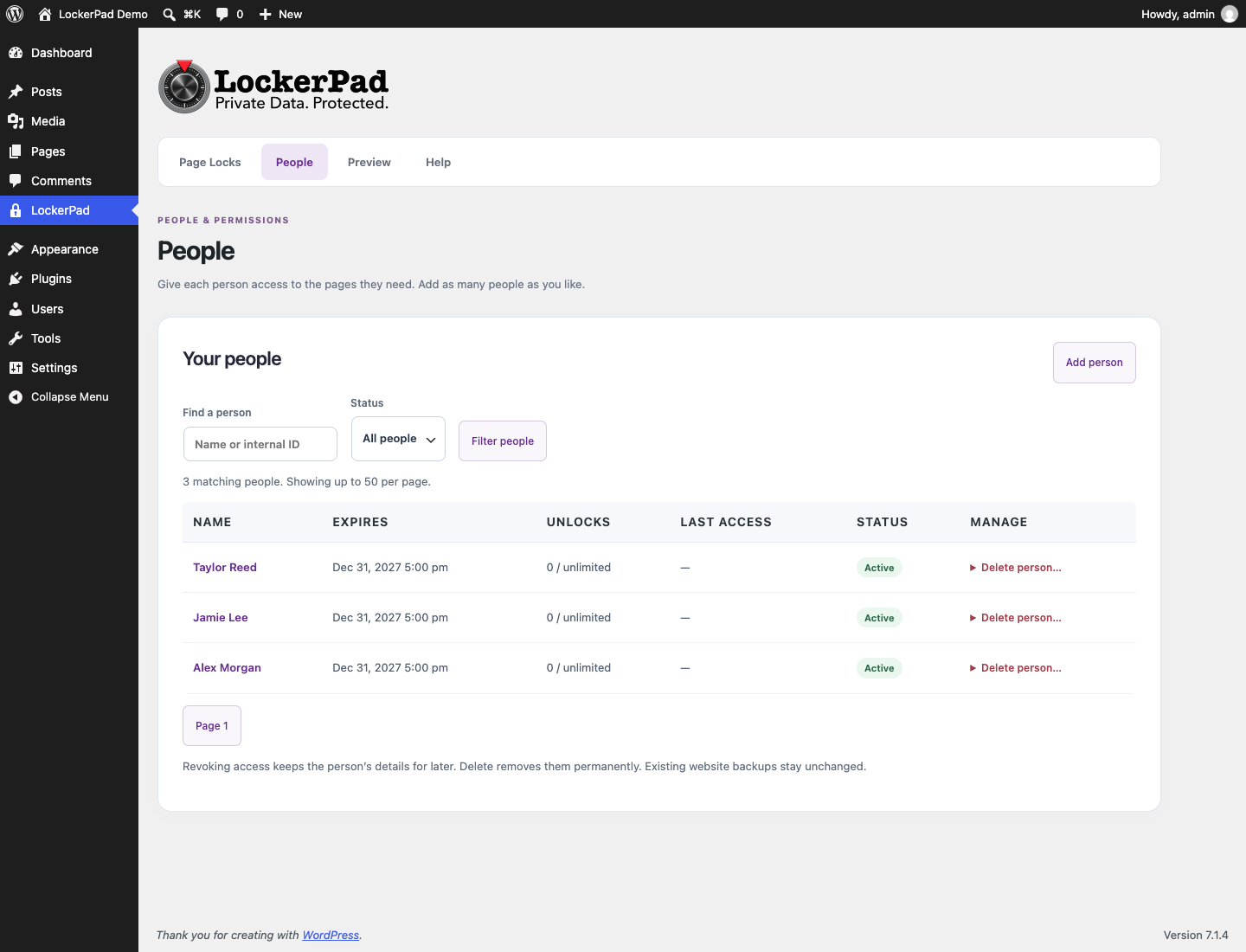
- Add unlimited people, each with their own credentials for the locks you assign.
- Set an access expiry and, optionally, your own per-person unlock limit.
- Revoke access or pause a lock without making protected content public.
- Ten-minute sessions, extendable up to sixty minutes remaining and never beyond access expiry.
- No visitor WordPress account needed. These are LockerPad access records, not identity-verified accounts.
安装:
- Install and activate LockerPad on a single-site WordPress installation using HTTPS.
- Open LockerPad → Page Locks. Name a lock, choose pages/posts and an unlock method, then save.
- Open People. Add a person, select their locks, generate access details and choose an expiry. Keep a secure copy before saving; credentials cannot be displayed again.
- Share the page URL and access details privately. LockerPad does not send invitation emails.
- Exclude protected URLs from host/CDN/page caches, purge existing cached copies and test while signed out in a private browser window.
屏幕截图:
常见问题:
Is it really unlimited?
There are no product limits on page locks, selected pages or invited people. Server capacity, request-size limits and hosting resources still apply. The optional per-person unlock count and expiry are security settings you control, not paid-plan restrictions.
Does it encrypt my pages or downloads?
No. Pages remain in the WordPress database. Files at direct URLs, including the Media Library, remain public unless separately protected. Do not place confidential downloads behind only a page lock. Encrypted media vaults belong to the separate Pro product.
Do I need a subscription or an external account?
No. The directory edition operates on your own website, makes no licence checks and does not send visitor information to ChatRep.
How are access details stored?
Credentials are hashed with site-specific key material; original credentials cannot be displayed again. The private key also protects the saved previous WordPress page passwords used when you remove a lock. Back up the WordPress database, configuration and private key folder together. See Help for the locations. These mechanisms do not encrypt page content and do not make LockerPad a zero-knowledge service.
What about caching?
LockerPad sends private/no-store headers. Exclude protected URLs from caches that can serve pages before WordPress runs and purge earlier cached copies. Test with your actual host, CDN and page builder. Previously downloaded or externally cached material cannot be recalled.
What does pause mean?
It stops visitors unlocking while keeping the selected pages protected. To make a page public, remove it from the selection and save. Revoke a person's access in People when they no longer need it.
What happens on deactivation or deletion?
Deactivation stops the plugin. Explicit page selections retain a WordPress password fallback, but website-path-only rules require LockerPad to stay active. On a page-only installation, deletion restores previous page passwords and removes LockerPad data. Back up first. If older media data or another edition is detected, shared data and keys are preserved for recovery rather than erased.
I used an older edition with media vaults. Can I update?
Version 2.0.0 changes the directory edition to page locking only. Back up and export media using your old version before updating; retain its ZIP. Existing media records and encrypted files are preserved but cannot open in this edition. The old media shortcode shows an unavailable message rather than exposing its contents. You can return to your previous version to recover/export media without purchasing Pro. Contact ChatRep if you need assistance. Page settings and credential hashes are retained; existing sessions end on upgrade.
Can I run this and the existing standalone Pro together?
Use one edition at a time. Current Pro releases are standalone plugins, not add-ons. They share data with earlier LockerPad versions. Switching requires a backup and testing; do not delete either edition during a switch. This directory package includes no installer or updater for Pro.
How do I report a security issue?
Use the ChatRep contact page. Report privately without sending keys, credentials or protected documents.
更新日志:
- Updated for WordPress 7.2.
- Minor UI improvements.
- Added permanent page-lock deletion with confirmation. WordPress pages and posts are kept, previous page passwords are restored, and the deleted lock’s access rules and sessions are removed.
- Restored clicking dial numbers to enter a combination, with a large hover-number preview and keyboard support. Typed entry remains available.
- Added password unlocking with exact Unicode, spaces and punctuation, a 100-character limit, local generation and copying.
- Added all single-method and two-method combinations of Password, Dial and Seed words, with AND or OR for pairs.
- Added numeric dial cards (0–99), animated alternating turns, keyboard entry, optional sound and reduced-motion support.
- Preserved existing dial/seed credentials and access settings during upgrade.
- Replaced the path-cache transient prefix with lockerpad_paths_ for directory naming compliance.
- Complete page-locking edition: unlimited page locks, pages/posts and people, with no plan checks or purchase gates.
- Focused Page Locks, People, Preview and Help screens with a guided empty state and collapsible access details.
- Removed media import, encrypted-file delivery, protected widgets, licensing, media backup and detailed activity-history code from this package.
- Added WordPress nonce verification to visitor actions alongside same-origin checks, rate limits and session authorization.
- Preserved existing page assignments, credential hashes and legacy media for recovery.
- Included readable JavaScript/CSS source and documented packaging; styles and scripts use WordPress enqueue APIs.
- Conditional lock assets, smaller images and accessibility improvements.