
Logical Address Autocomplete for WPForms
| 开发者 | ninjew |
|---|---|
| 更新时间 | 2026年11月10日 13:14 |
| PHP版本: | 7.4 及以上 |
| WordPress版本: | 7.1 |
| 版权: | GPL-3.0-or-later |
| 版权网址: | 版权信息 |
详情介绍:
- Dedicated single-line Address field in the native WPForms builder, available with Lite and paid WPForms.
- Optional autofill for native Address fields in paid WPForms editions that provide them.
- Country restrictions: up to five countries per field.
- Result types: choose up to five supported place types, or use Cities or Regions on its own.
- Per-field suggestion language.
- Global language and region preferences.
- Location bias by point and radius or rectangular bounds.
- Optional restriction to rectangular bounds.
- Required suggestion selection with a custom alert message.
- Saves addresses through WPForms' normal submission lifecycle; entry storage depends on your WPForms edition.
安装:
- Install and activate WPForms Lite or paid WPForms 1.9.4.1 or newer.
- Install and activate Logical Address Autocomplete for WPForms. Deactivate Geolocation for WPForms first if you are switching to this free plugin.
- Open WPForms > Settings > Address Autocomplete.
- Enter your browser API key with Maps JavaScript API and Places API (New) enabled, billing configured and website restrictions applied.
- Set optional global region and language preferences.
- Add Address from the Geolocation group, or enable autocomplete on a native Address field if your paid WPForms edition provides it. Configure the Address Autocomplete tab after Advanced and save.
- Preview and test selecting suggestions and submitting the form.
屏幕截图:
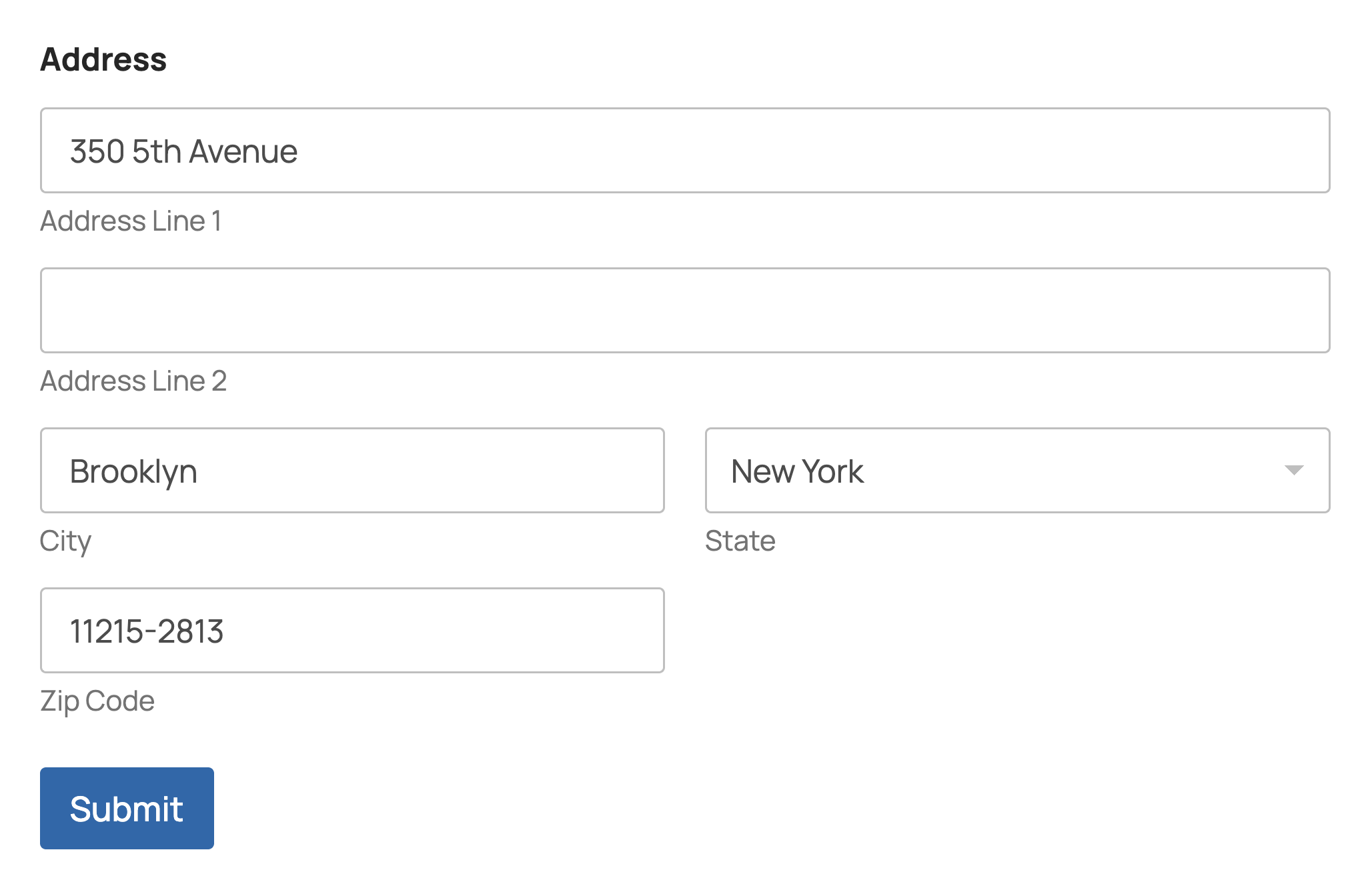
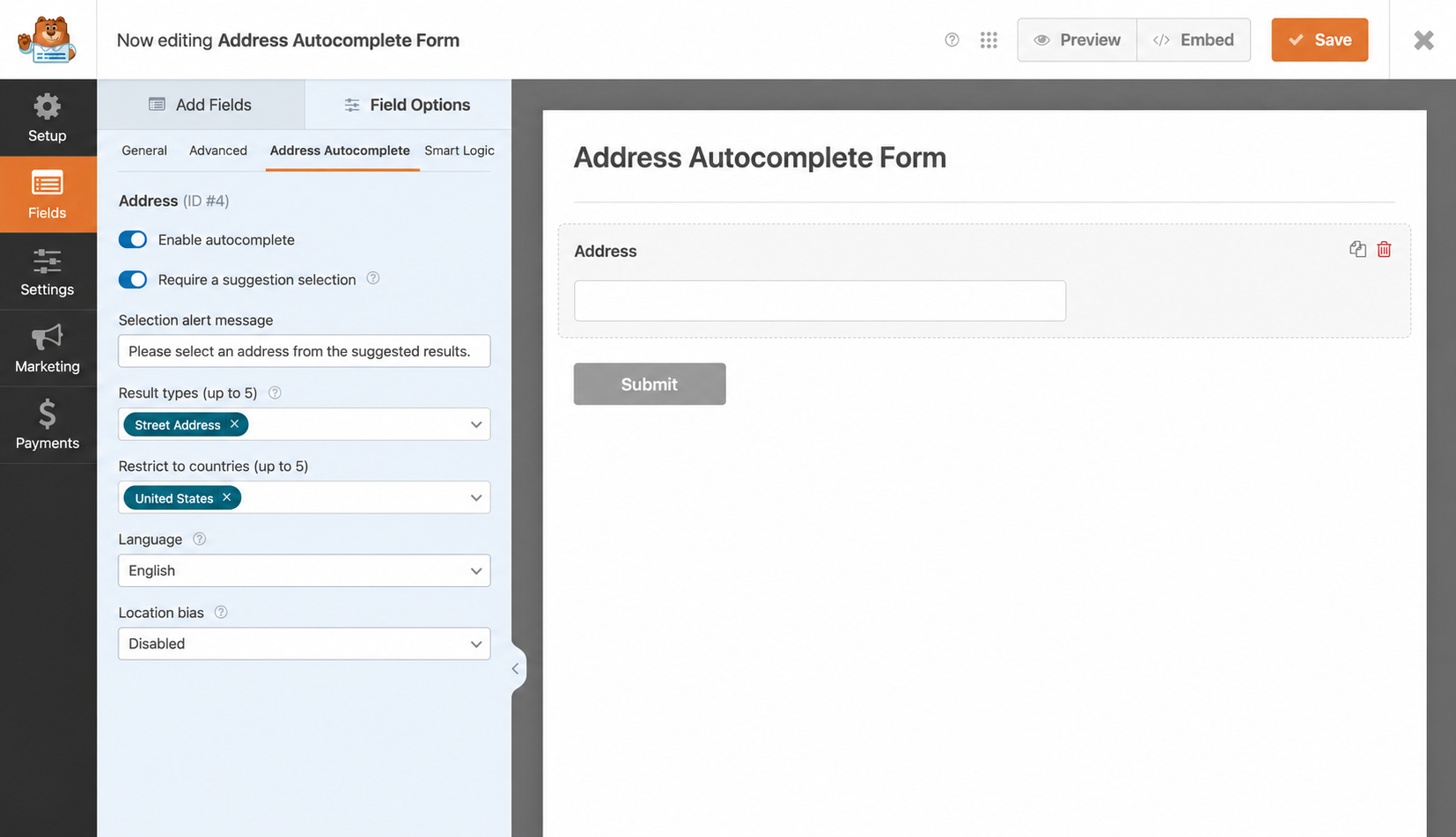
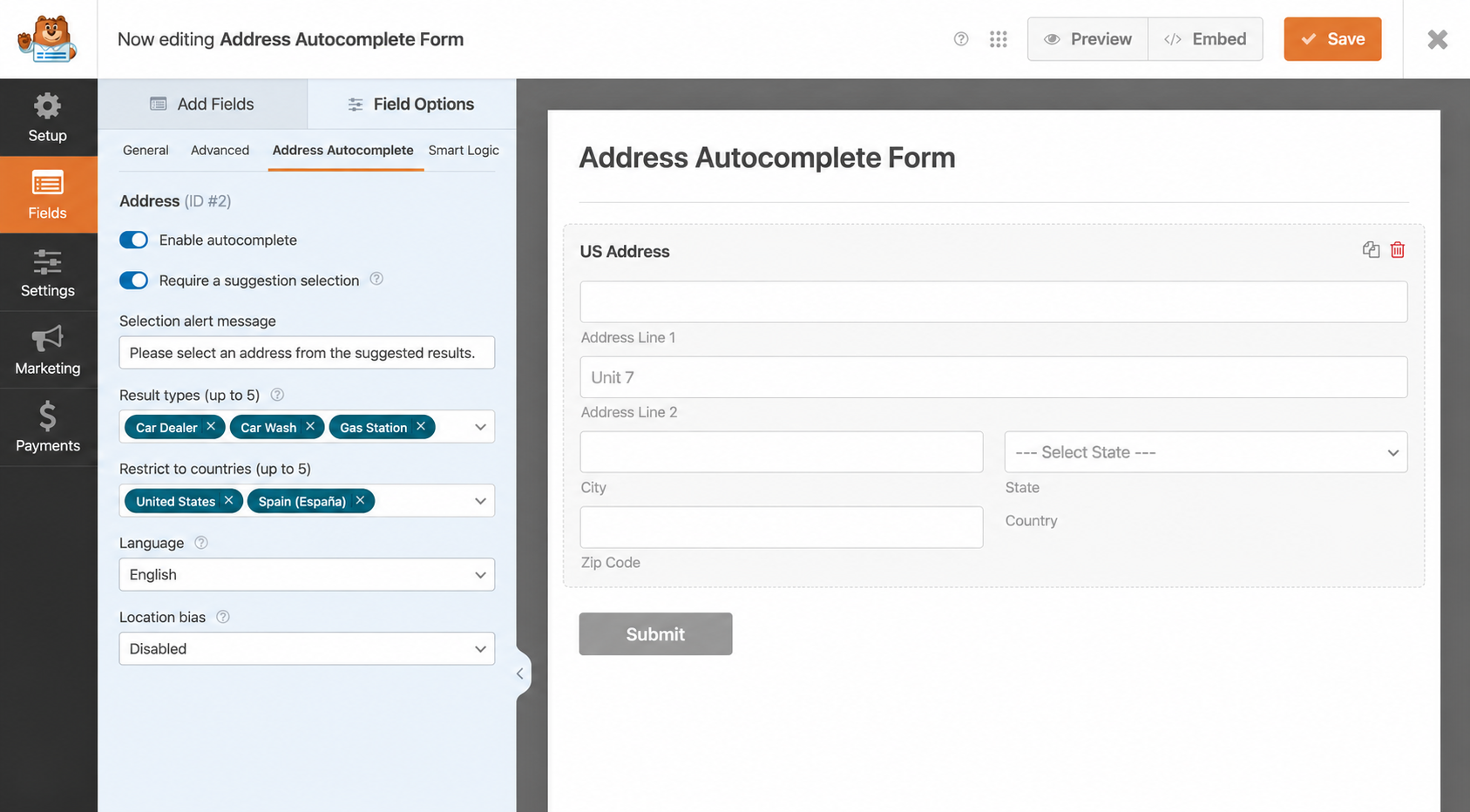

常见问题:
Which fields support address autocomplete?
You can enable address autocomplete on the plugin's dedicated single-line Address field in WPForms Lite or paid WPForms. You can also enable it on WPForms' native multi-part Address field with a paid edition that provides it.
Are all the autocomplete controls included free?
Yes! All the address autocomplete controls described above are included in the free plugin.
Can I customize the address suggestions?
Yes! You can limit suggestions to selected countries, choose the types of places to suggest, and prioritize suggestions around a location or area. You can also set a default language and choose a different language for individual fields.
Can I require visitors to select an address suggestion?
Yes! You can require visitors to choose an address from the suggestions and customize the message that guides them to make a selection. Visitors can retry after unselected text is cleared, or enter addresses manually when this option is off.
Can I use it on AJAX or multi-page forms?
The plugin supports WPForms rendering and dynamically displayed autocomplete fields. Multi-page, conditional and repeater forms use the features available in your WPForms edition.
How do I switch to the premium plugin?
Deactivate the free plugin when switching to Geolocation for WPForms. Your saved fields and settings stay in place. If both are active, the free plugin pauses its overlapping fields and integrations.
Can I also use WPForms' official Geolocation add-on?
Yes! You can use the official add-on for native Address fields. This plugin leaves fields with the official add-on's autocomplete enabled to that add-on. Check that the two plugins' Google API settings work together on your site.
Do I need a server API key?
You can use your Google Maps browser API key. Enable billing and restrict the key to your website.
Is a plugin account or license required?
You can use the plugin without creating a plugin account or buying a license. You'll need your own Google Cloud account and browser API key for Google's address suggestions.
Where can developers find the source code?
Readable JavaScript and SCSS sources are included in the plugin. The full development project, build configuration and dependency lockfile are available on GitHub. To rebuild assets, download the repository, install Node.js/npm, then run npm ci and npm run build (esbuild and Sass). These tools are not required to use the plugin.
Includes Choices.js 11.1.0, MIT licensed; readable distribution: assets/js/editor/vendor/choices.js; license: assets/licenses/choices.txt.
更新日志:
- Initial release.