Login IP & Country Restriction
| 开发者 | Iulia Cazan |
|---|---|
| 更新时间 | 2026年10月21日 18:36 |
| PHP版本: | 7.4 及以上 |
| WordPress版本: | 7.2 |
| 版权: | GPLv2 or later |
| 版权网址: | 版权信息 |
详情介绍:
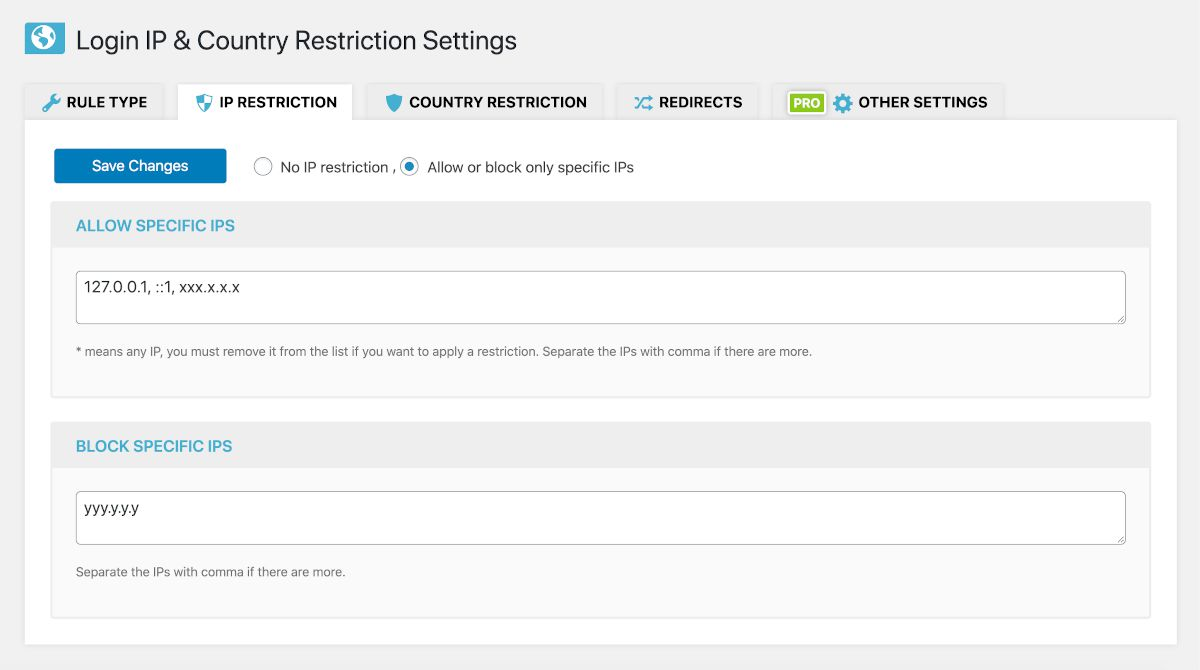
- IP Restriction: Allow or block specific IP addresses (supports local loops like 127.0.0.1 and IPv6).
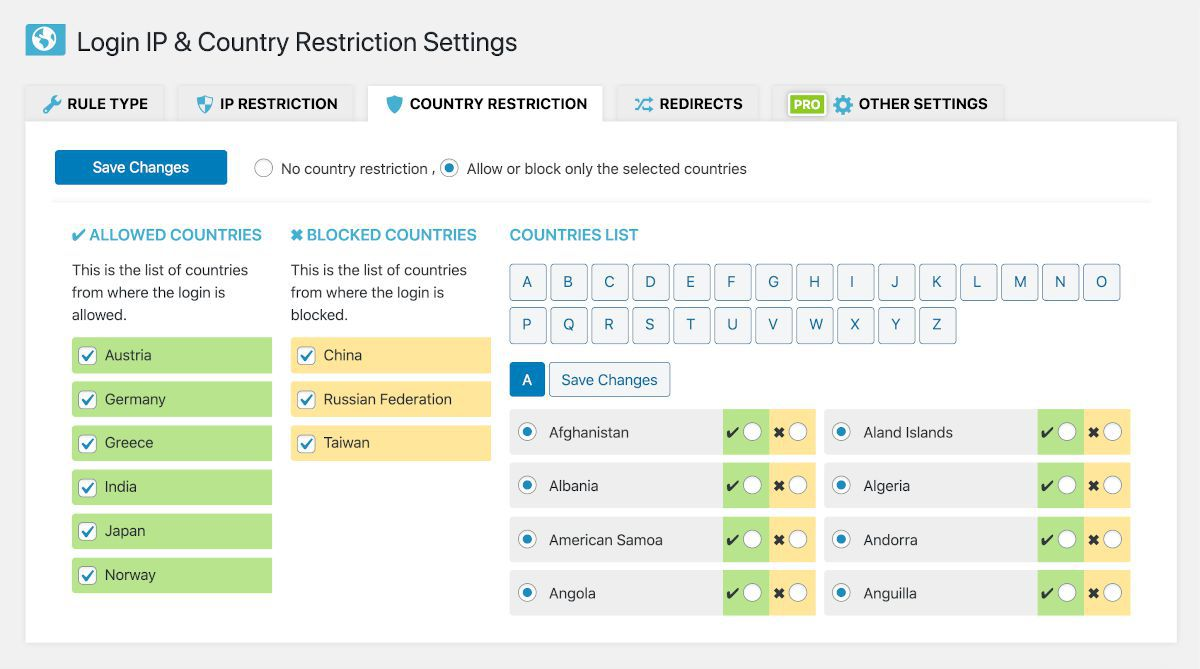
- Country Restriction: Whitelist or blacklist entire countries from accessing the authentication filters.
- Independent Logic: Run IP rules only, country rules only, or combine both together for maximum security.
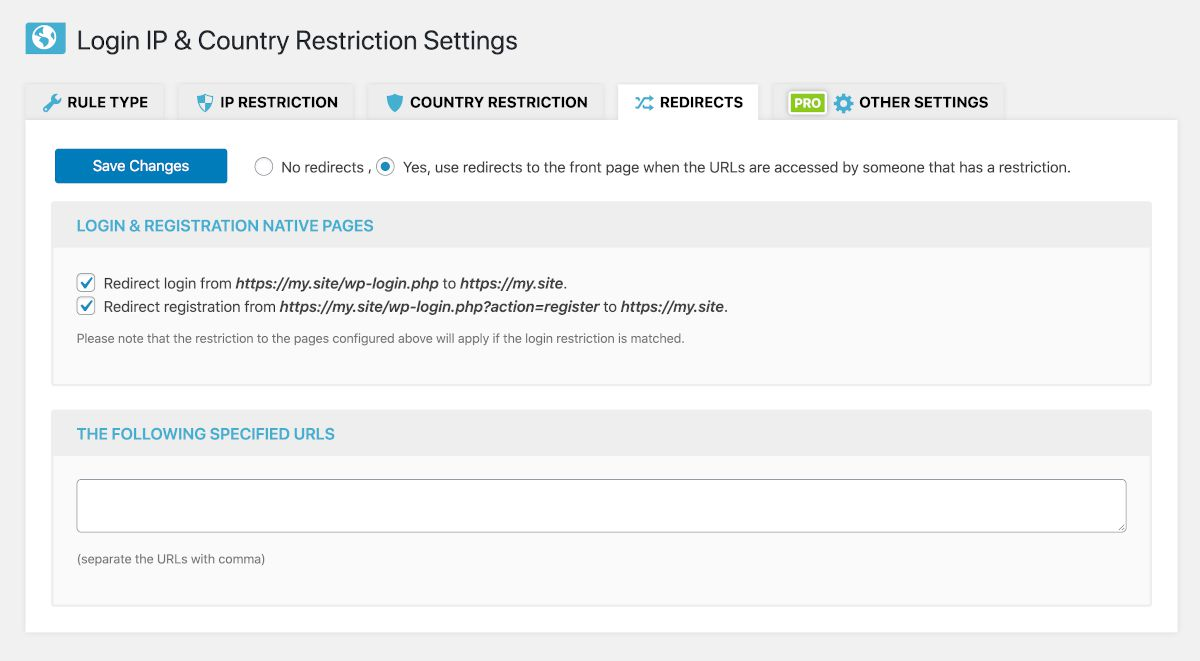
- Smart Redirects: Configure custom behavior to automatically redirect restricted traffic back to the front page.
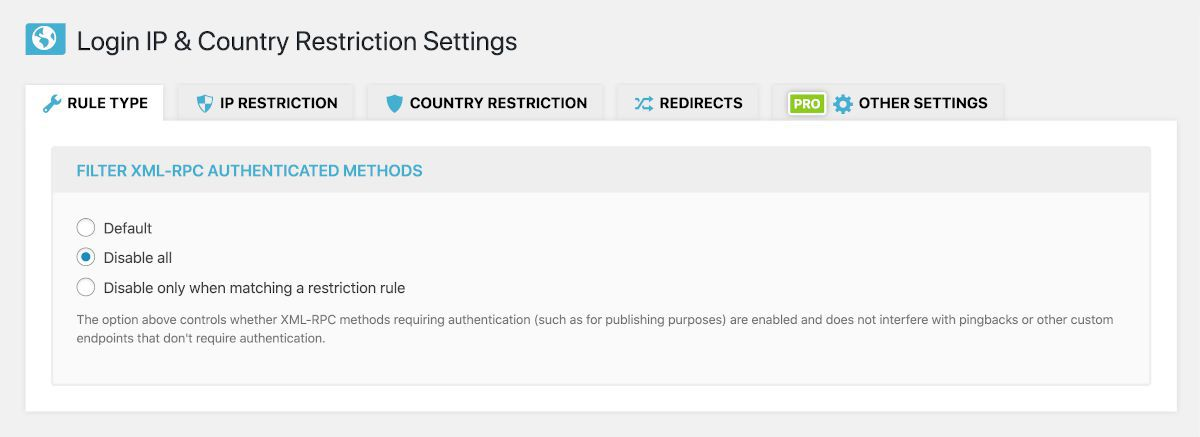
- XML-RPC Protection: Secure authentication methods beyond standard web forms.
- Data Portability: Quickly export and import your security settings, and check status details for debugging.
安装:
- Upload the
login-ip-country-restrictionfolder to the/wp-content/plugins/directory. - Activate the plugin through the Plugins menu in WordPress.
- Navigate to the new settings panel to set up your allowed IPs and countries.
屏幕截图:

常见问题:
Do I need a third-party API key for this plugin to work?
No. Out of the box the plugin uses the PHP GeoIP extension when it is available on the server, otherwise the free ipapi.co lookup. Optionally, you can add API keys for the geolocated.io, ip2location.io or geoplugin.net services in the integration settings. The lookup method that works for your server is remembered for a few hours.
My site is behind Cloudflare, what should I do?
Enable the option to trust the Cloudflare visitor IP (HTTP_CF_CONNECTING_IP) in the IPs settings. Enable it only if the site is really behind Cloudflare, because otherwise visitors could spoof that header. Sites that were already using the plugin keep this enabled until the settings are saved.
Can I block both an IP and a country at the same time?
Yes. Both types of restrictions work entirely independently of one another. You can restrict by country, whitelist a few specific external IPs, or use both methods simultaneously.
Help! I locked myself out. What do I do?
If you accidentally lock yourself out by misconfiguring your country or IP whitelist, don't panic. Simply log into your server via FTP or hosting File Manager, rename the plugin folder from login-ip-country-restriction to login-ip-country-restriction-temp to temporarily disable it, log back into WordPress, rename it back, and correct your configuration.
更新日志:
- Tested up to 7.2
- Highlighted the currently active detection method in the intergation tab
- Assets updates See the full changelog for detailed information on changes made in the earlier versions.