Login Links – Passwordless Login, Temporary Access Links & Custom Login Form
详情介绍:
安装:
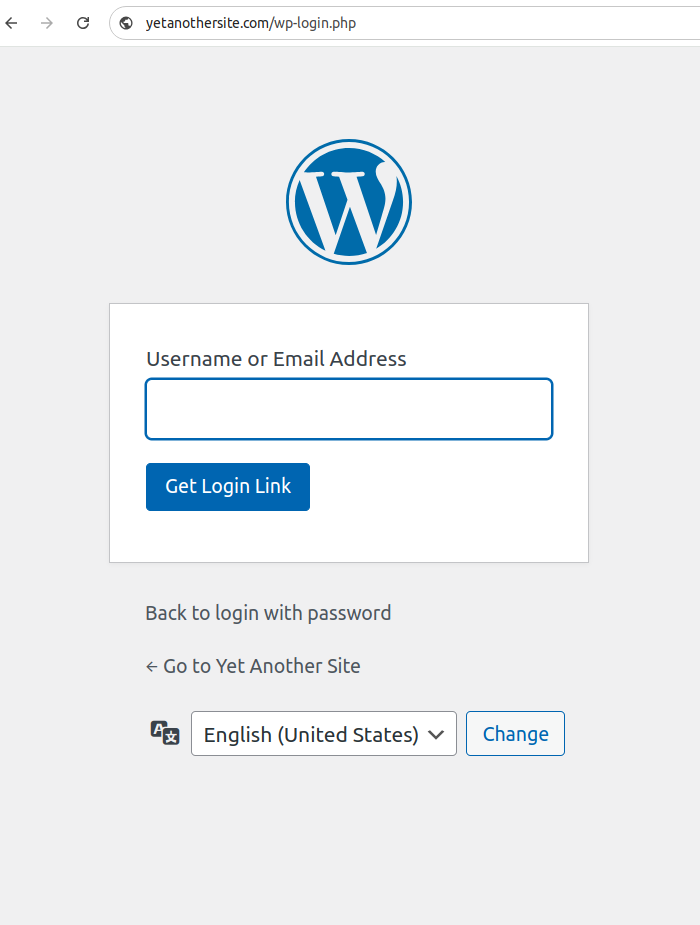
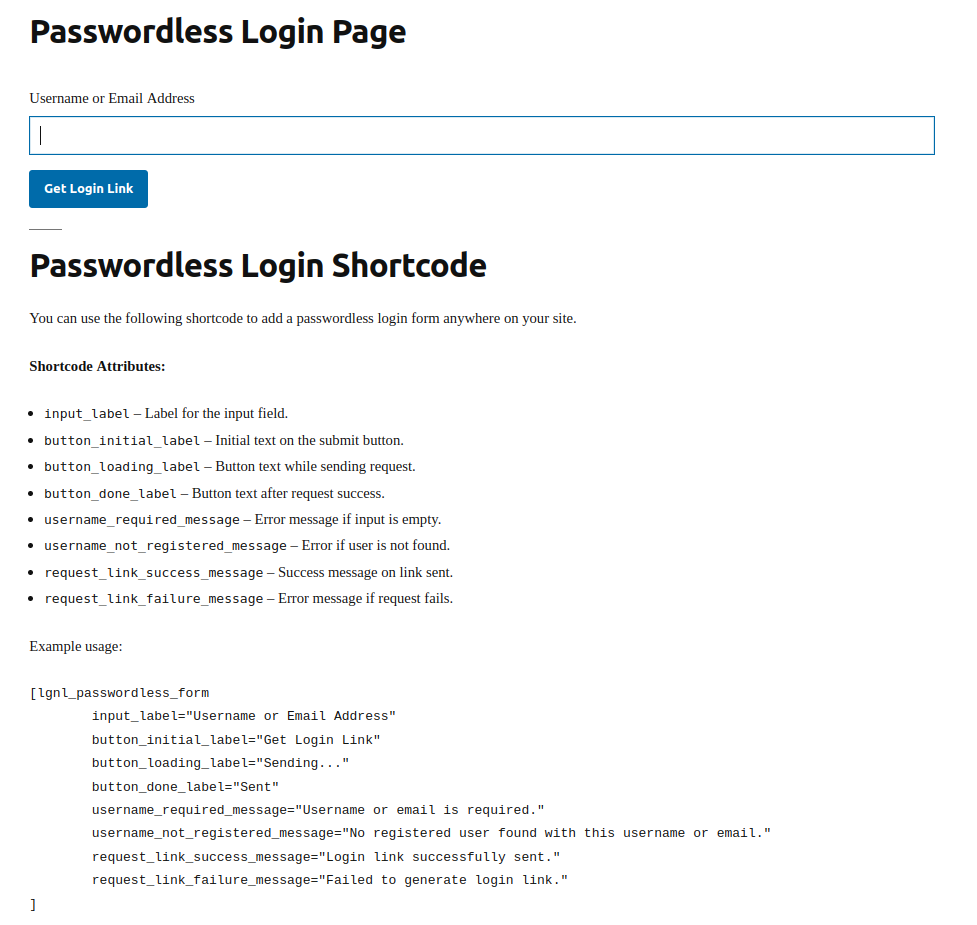
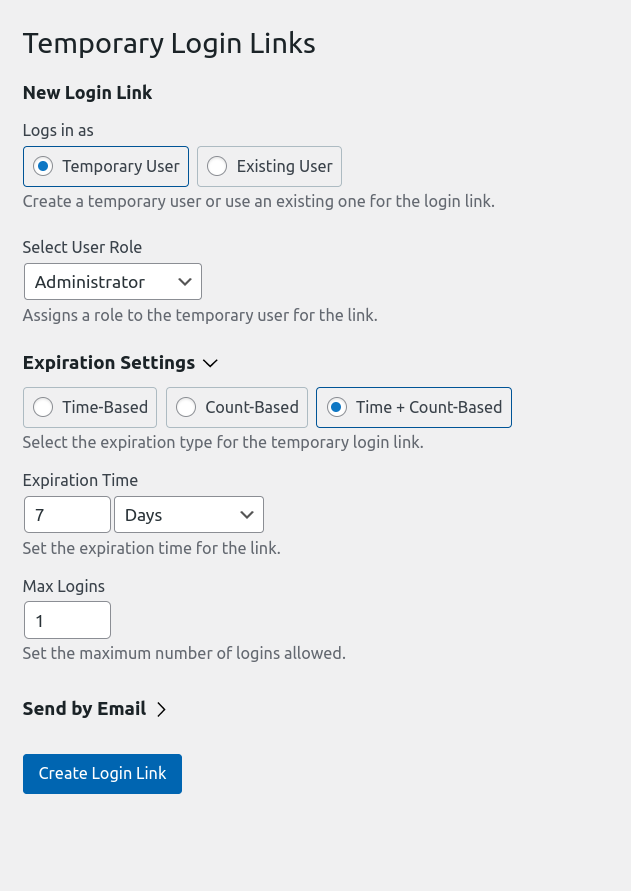
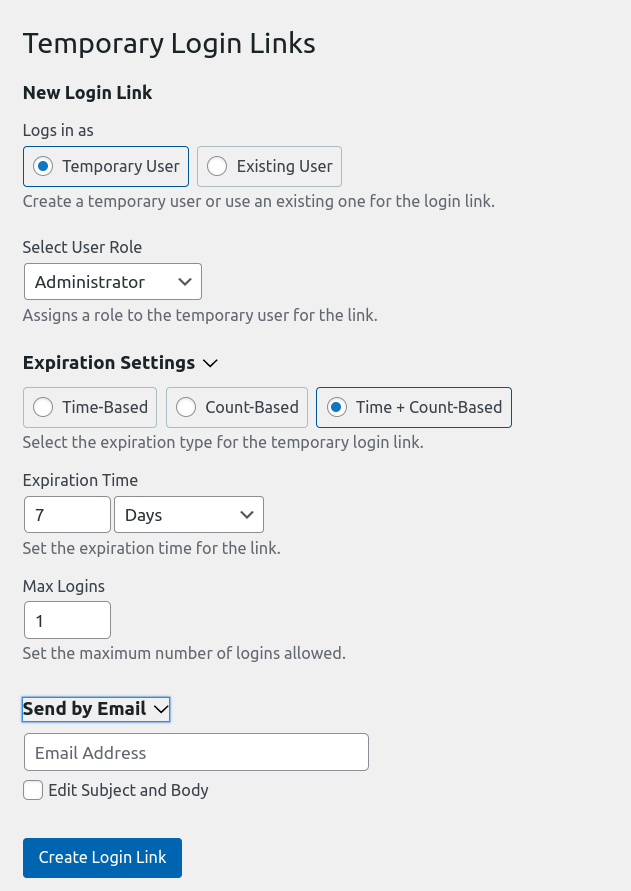
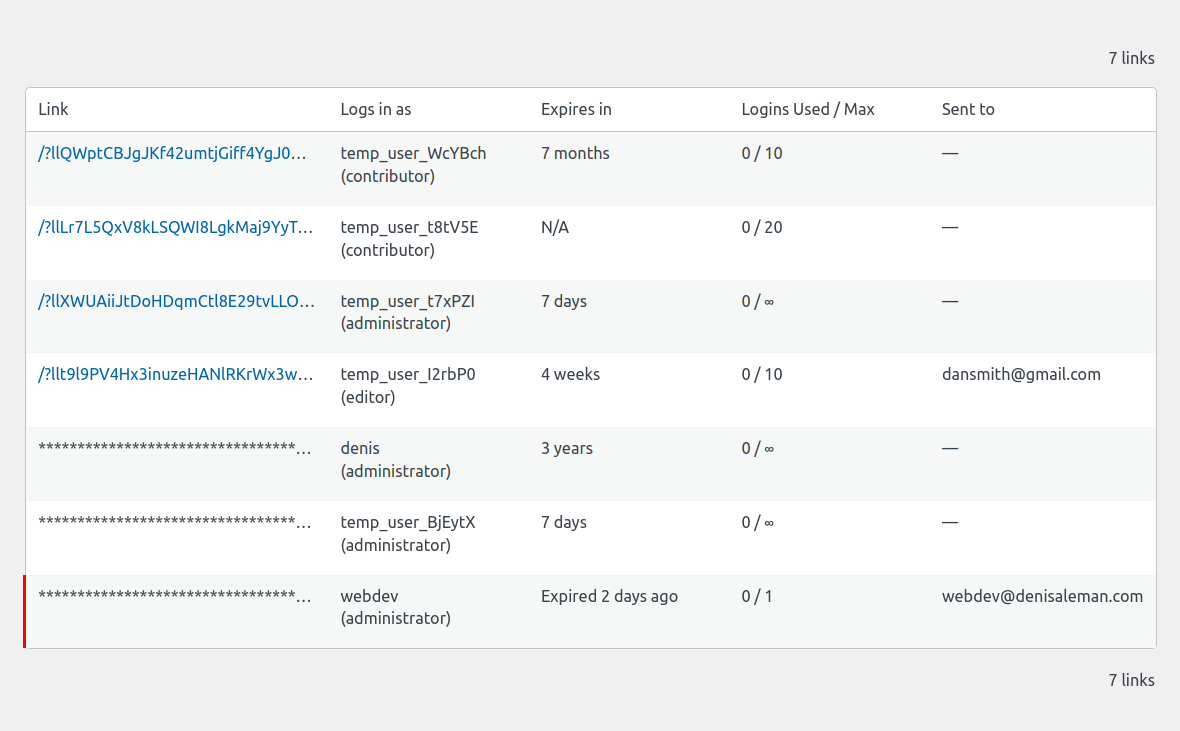
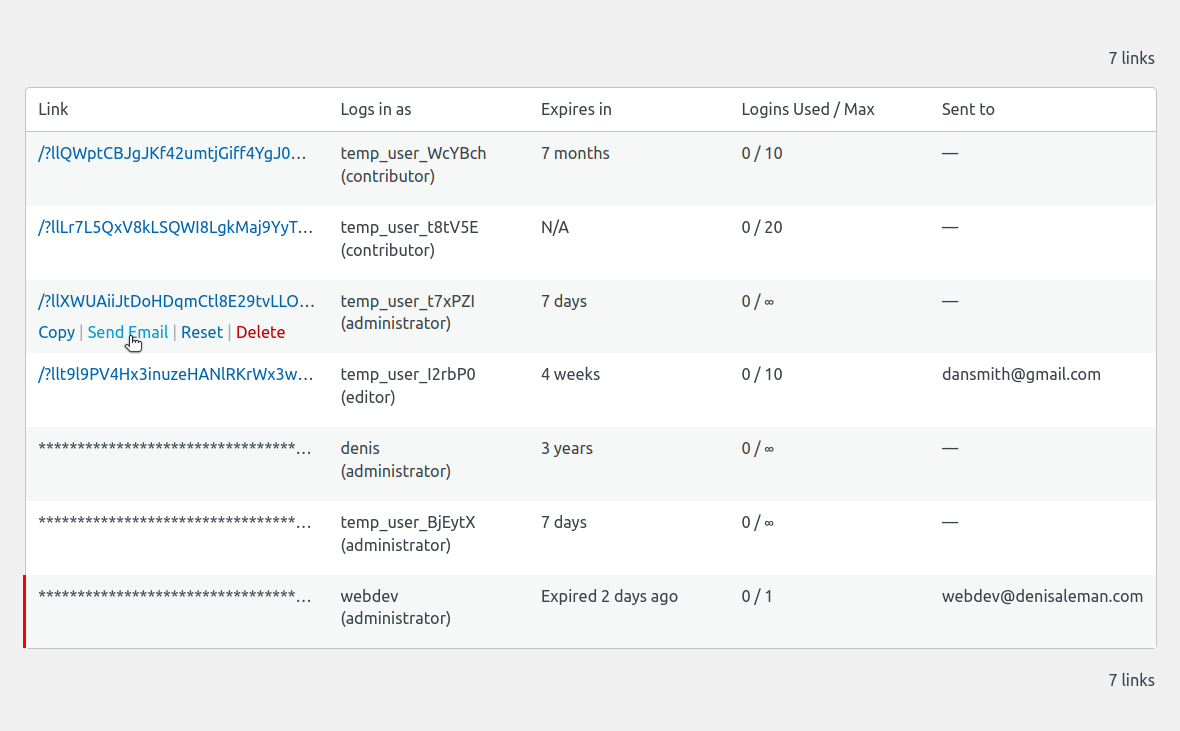
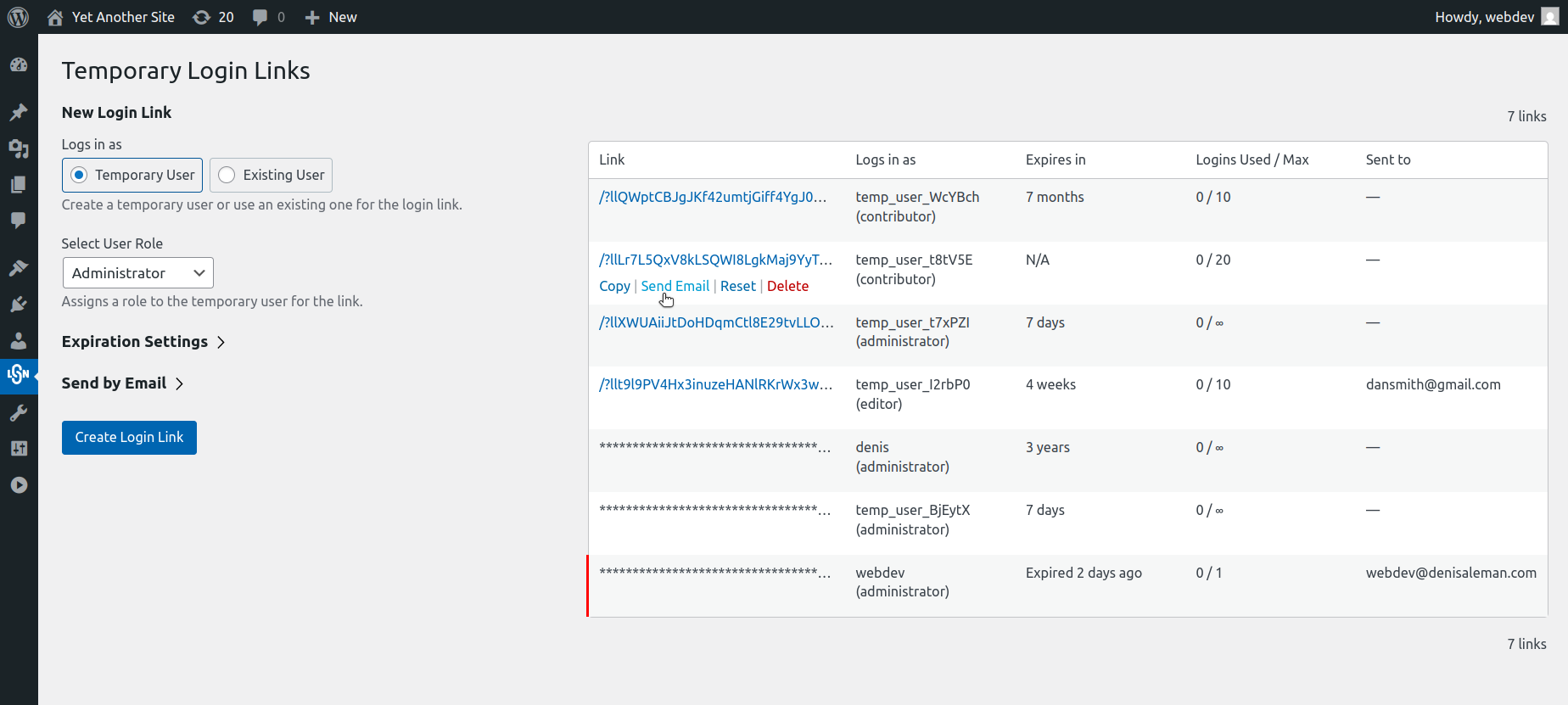
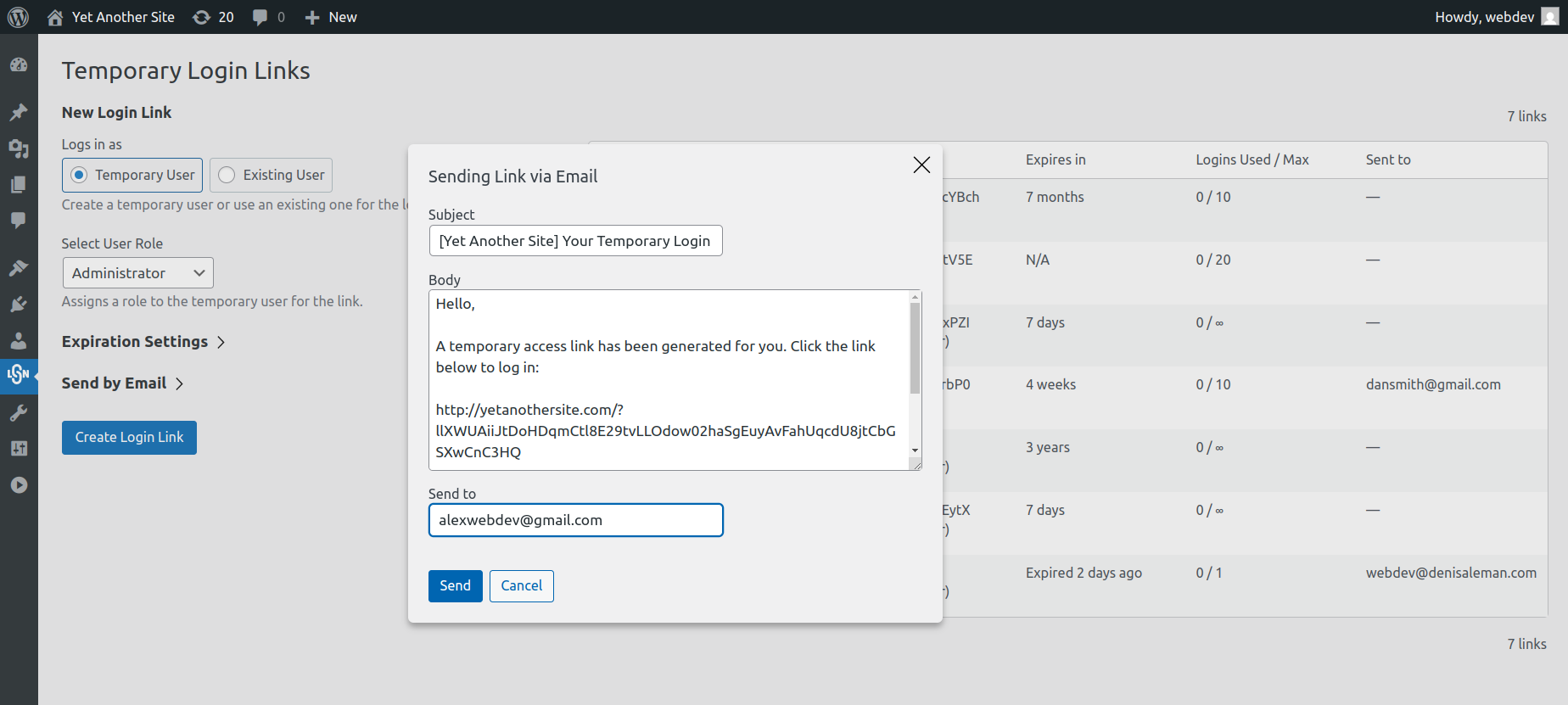
屏幕截图:
常见问题:
What is a login link?
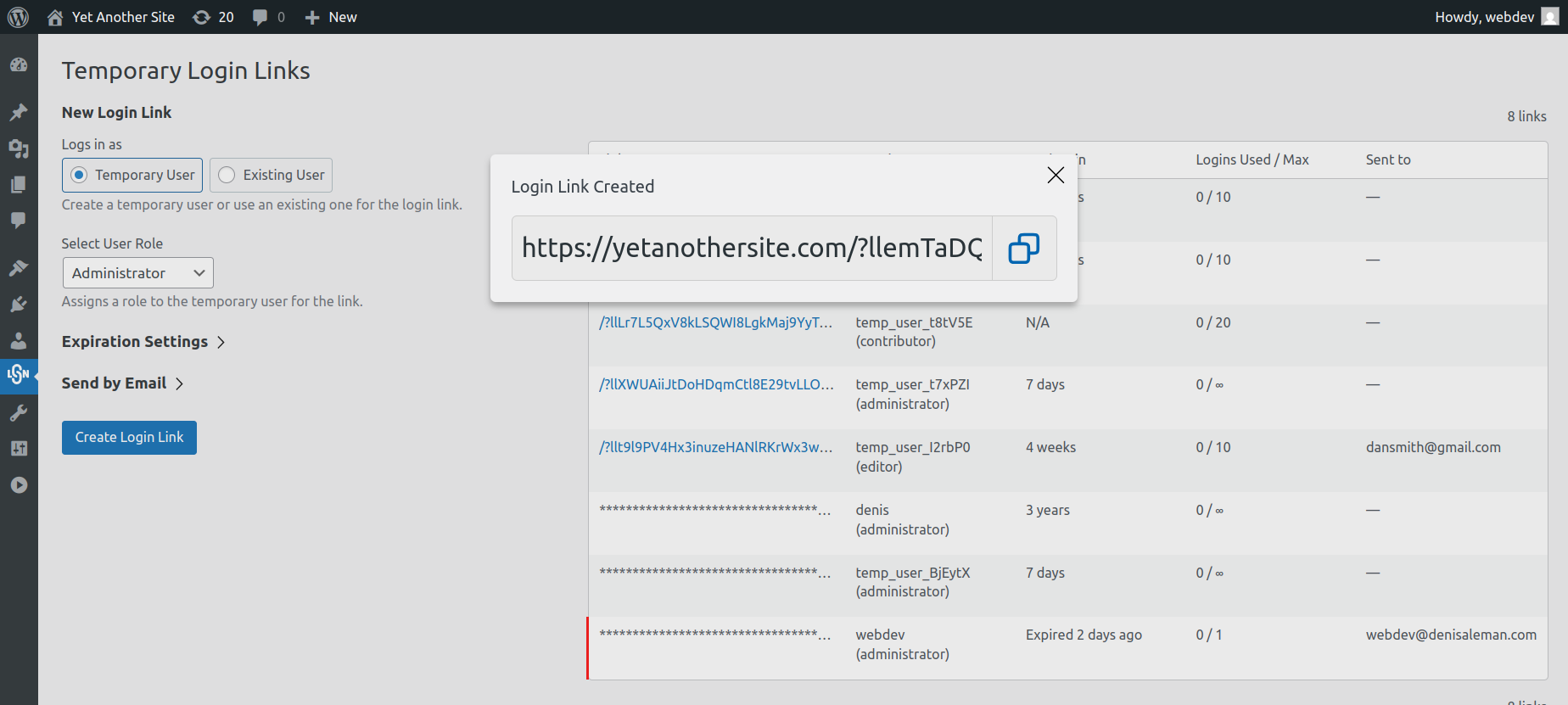
A temporary login link allows users to log in without a password, and you can set the link to expire after a specific period of time or after a certain number of successful logins.
How secure is this?
The links have alphanumeric tokens longer than 60 characters. Such a token is impossible to guess. The tokens are stored in database encrypted, this means that even if someone get access to the database, they won't be able to use the encrypted token.
Can I create multiple login links for the same user?
Yes, you can generate multiple temporary login links for the same user, each with its own expiration time or login limit.
How do I prevent the link from being used after it expires?
The plugin automatically invalidates the link after it reaches its expiration time or the maximum number of allowed logins is reached.
Can temporary login links be created for guest or temporary users?
Yes! You can generate login links for temporary users without needing to create permanent accounts.
Can users still log in with a password?
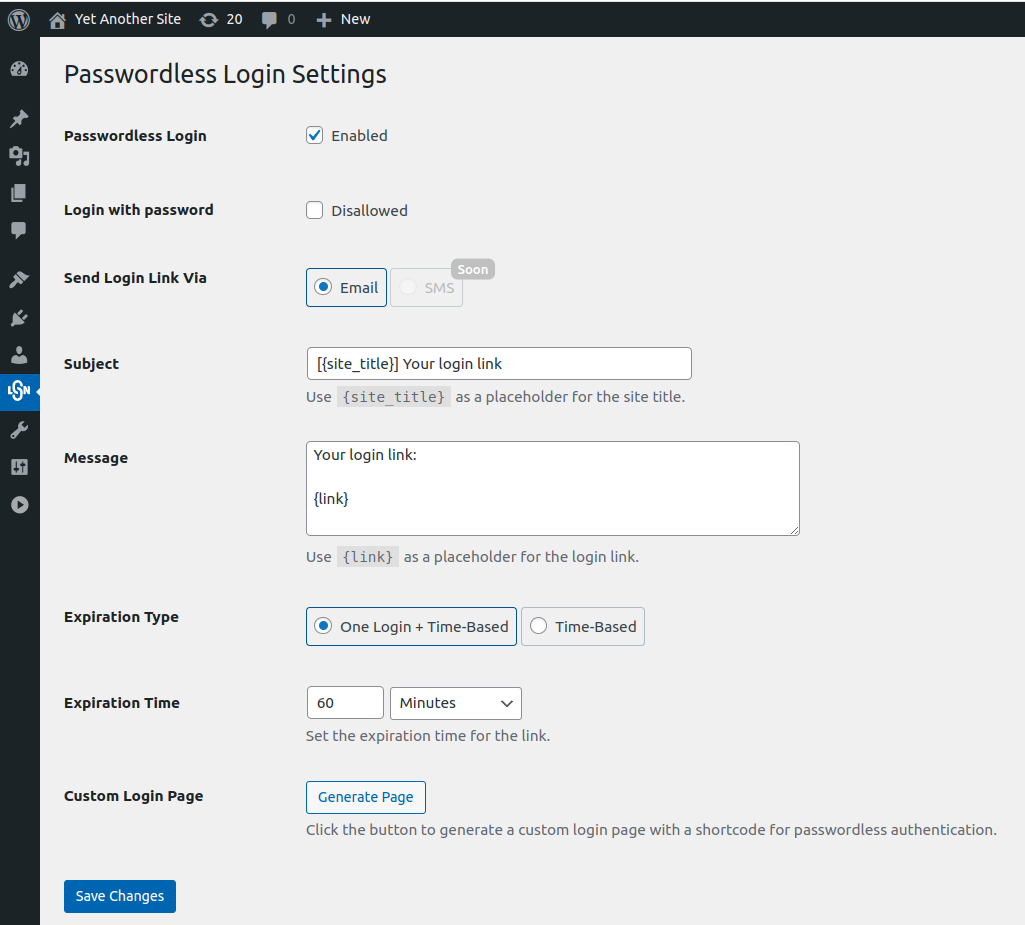
Yes. You can choose to either disable password login or allow the user to decide.
What problems does this solve?
Users often set simple passwords, especially temporary users like developers who are given admin access. Using login links solves this problem, and you don't have to worry about deleting the account later.
What about already registered users—why should they log in without a password?
It’s more convenient. People often forget their passwords or set simple ones to avoid forgetting them. With login links, forgetting a password is impossible because no password is required. The login is done via a one-time link.
How do I change the URL where users are redirected after logging in via a login link?
You can customize the redirect URL by using the WordPress filter hook lgnl_success_login_redirect_url. This filter lets you modify the URL the user is sent to after a successful login with a temporary login link token.
Example of usage:
add_filter( 'lgnl_success_login_redirect_url', function( $redirect_url, $link, $key, $request_uri ) { return 'https://yourwebsite.com/your-custom-page/'; }, 10, 4 );