
Login Lockdown & Protection
| 开发者 | WebFactory |
|---|---|
| 更新时间 | 2026年10月7日 02:46 |
| PHP版本: | 5.2 及以上 |
| WordPress版本: | 7.1 |
| 版权: | GNU General Public License v3.0 |
| 版权网址: | 版权信息 |
详情介绍:
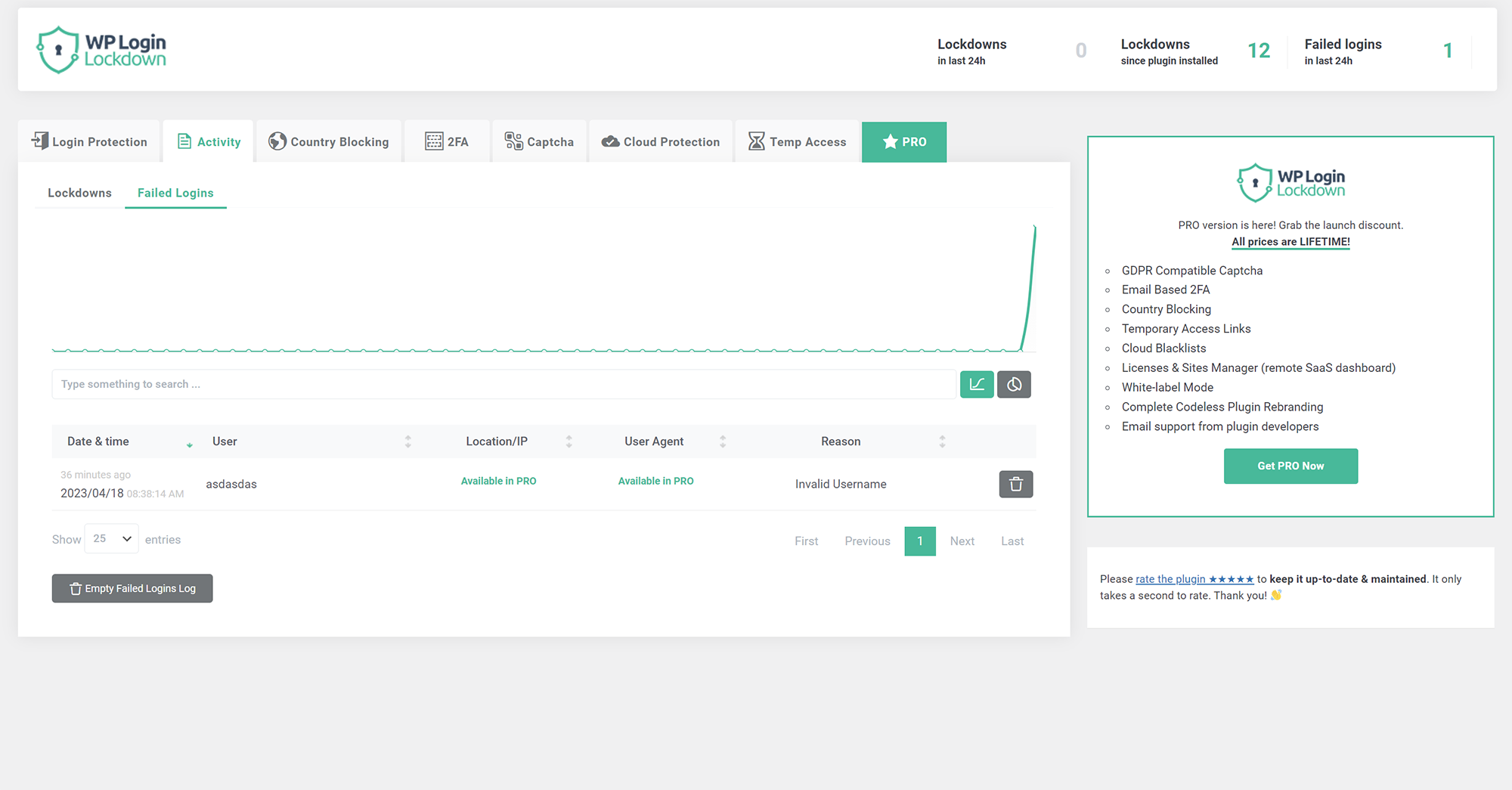
Login Lockdown records the IP address and timestamp of failed login attempts. If more than a selected number of attempts are detected within a set period of time from the same IP, then the login is disabled for all requests from that IP address (or the IP is completely blocked from accessing the site). This secures the site and helps prevent brute force password attacks & discovery.
The plugin defaults to a 1 hour lock out of an IP block after 3 failed login attempts within 5 minutes. This can be modified in options. Administrators can release locked out IPs manually from the panel. A detailed log is available for all failed login attempts and all IP locks to control lockdown.
Configure the plugin from Settings - Login Lockdown.
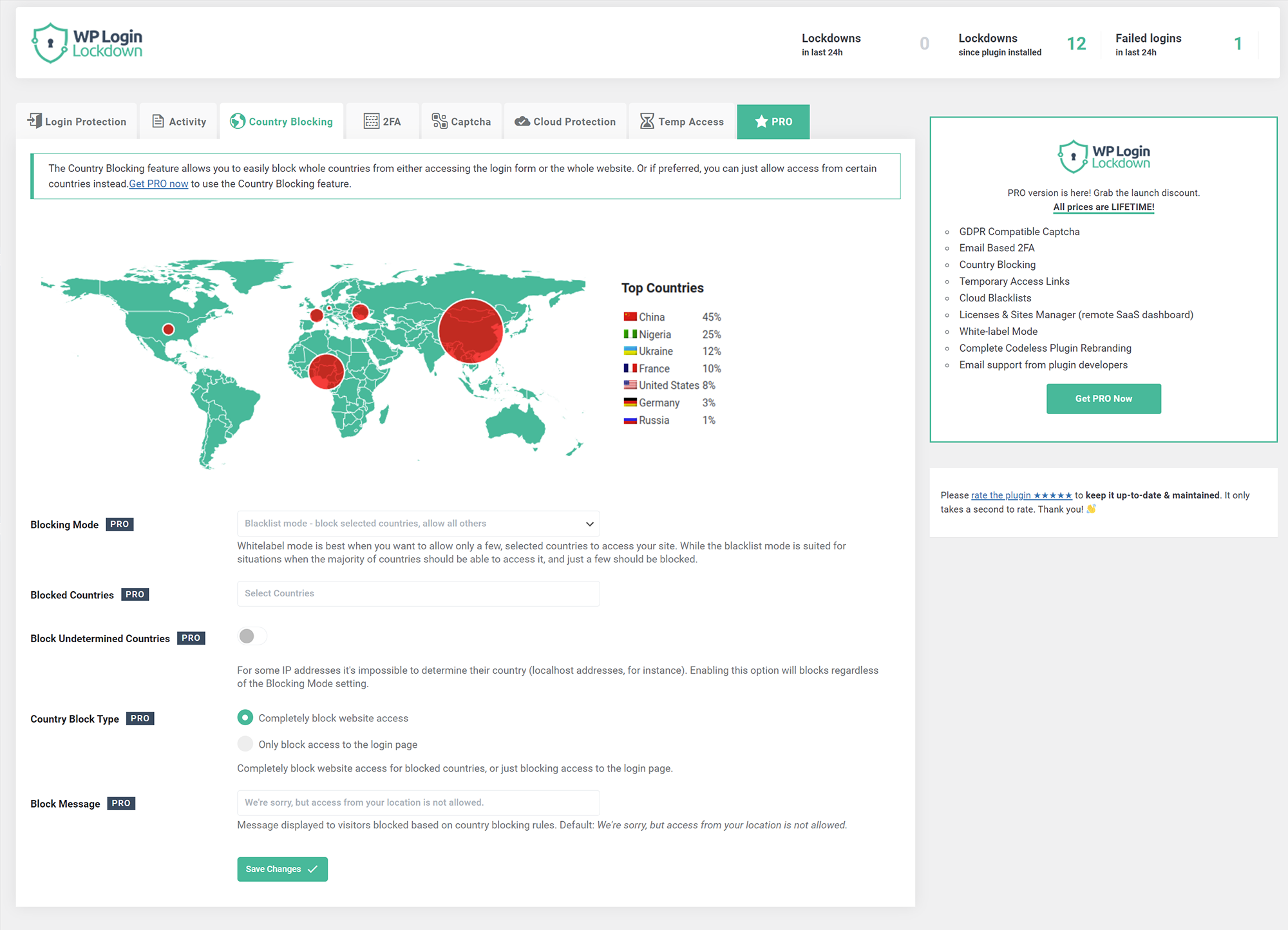
Country blocking (PRO feature)
Block unwanted countries from accessing the site, or block them from being able to log in. Display a custom message to blocked visitors so they know why they can't access the site.
Captcha
The simplest way to get rid of bots and brute-force password attacks. Choose from 5 different versions - built-in one, two from Google (PRO feature), Cloudflare Turnstile, and hCaptcha (PRO feature). Built-in captcha is GDPR compatible.
2FA - Two Factor Authentication (PRO feature)
Provide an extra layer of security without 2FA code generating apps such as Google Authenticator. Even if somebody knows your username & password they won't be able to log in because it needs to be confirmed by clicking a unique link sent to your email. Since you're the only one that has access to your inbox, you'll never get hacked.
Cloud Protection (PRO feature)
Manage IP Whitelists and Blacklists in your Login Lockdown Dashboard (a SaaS service for managing all your sites) and apply them to protect all the sites you manage from a single location.
Temporary Access (PRO feature)
Give temporary access to other people without giving them a username & password. Set the lifetime of the link and the maximum number of times it can be used to prevent abuse. Access level rights can be any you pick - admin, editor, author...
安装:
- Extract the zip file into your plugins directory into its own folder.
- Activate the plugin in the Plugin options.
- Customize the settings from Settings - Login Lockdown panel.
屏幕截图:
常见问题:
How to disable this plugin?
Just use standard Plugin overview page in WordPress admin section and deactivate it; or rename the plugin folder /wp-content/plugins/login-lockdown/ using FTP access.
Will it slow my site down?
No, it won't. The majority of the code is only run when logging in.
How can I report security bugs?
You can report security bugs through the Patchstack Vulnerability Disclosure Program. The Patchstack team help validate, triage and handle any security vulnerabilities. Report a security vulnerability.
更新日志:
v2.19
- 2026/10/06
- bug fixes
- 2026/10/02
- security fixes
- 2026/07/23
- minor fixes
- 2026/04/14
- minor fixes
- 2025/11/04
- security fix
- 2025/08/04
- performance fixes
- 2025/05/15
- more "security" fixes
- 2025/05/02
- security fixes
- import/export function removed due to security issues
- 2024/07/08
- minor security fixes
- 2024/05/18
- made more strings translatable
- 2024/02/09
- security fix
- 2023/12/09
- security/fatal error fix
- 2023/11/19
- security fix
- 2023/05/11
- minor bug fixes
- 2023/05/09
- bug fix - IP wasn't showing in lockdowns and log tables
- 2023/04/24
- fixed a few captcha bugs
- added captcha verification when activating it in admin
- 2023/04/18
- new codebase
- new GUI
- new features
- added captcha
- introduced PRO version
- 2022/10/04
- fixed timezone bug
- 2022/09/23
- WebFactory took over development
- a full rewrite will follow soon, for now we patched some urgent things
- prefixed function names that are in global namespace
- properly escaped all inputs
- 2007/08/29
- initial release