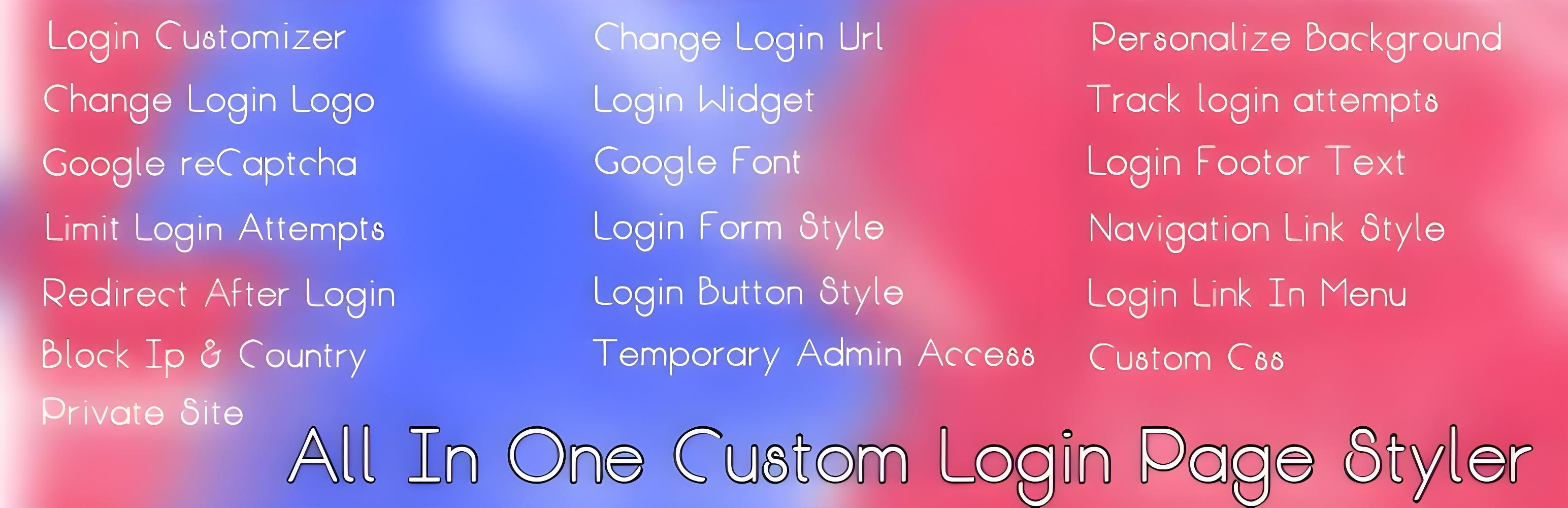
Login Page Styler – Custom WordPress Login Page Customizer & Security
| 开发者 |
Zia Imtiaz
ziaimtiaz |
|---|---|
| 更新时间 | 2026年3月9日 00:27 |
| 捐献地址: | 去捐款 |
| PHP版本: | 5.3 及以上 |
| WordPress版本: | 6.7.2 |
| 版权: | GPLv2 or later |
| 版权网址: | 版权信息 |
详情介绍:
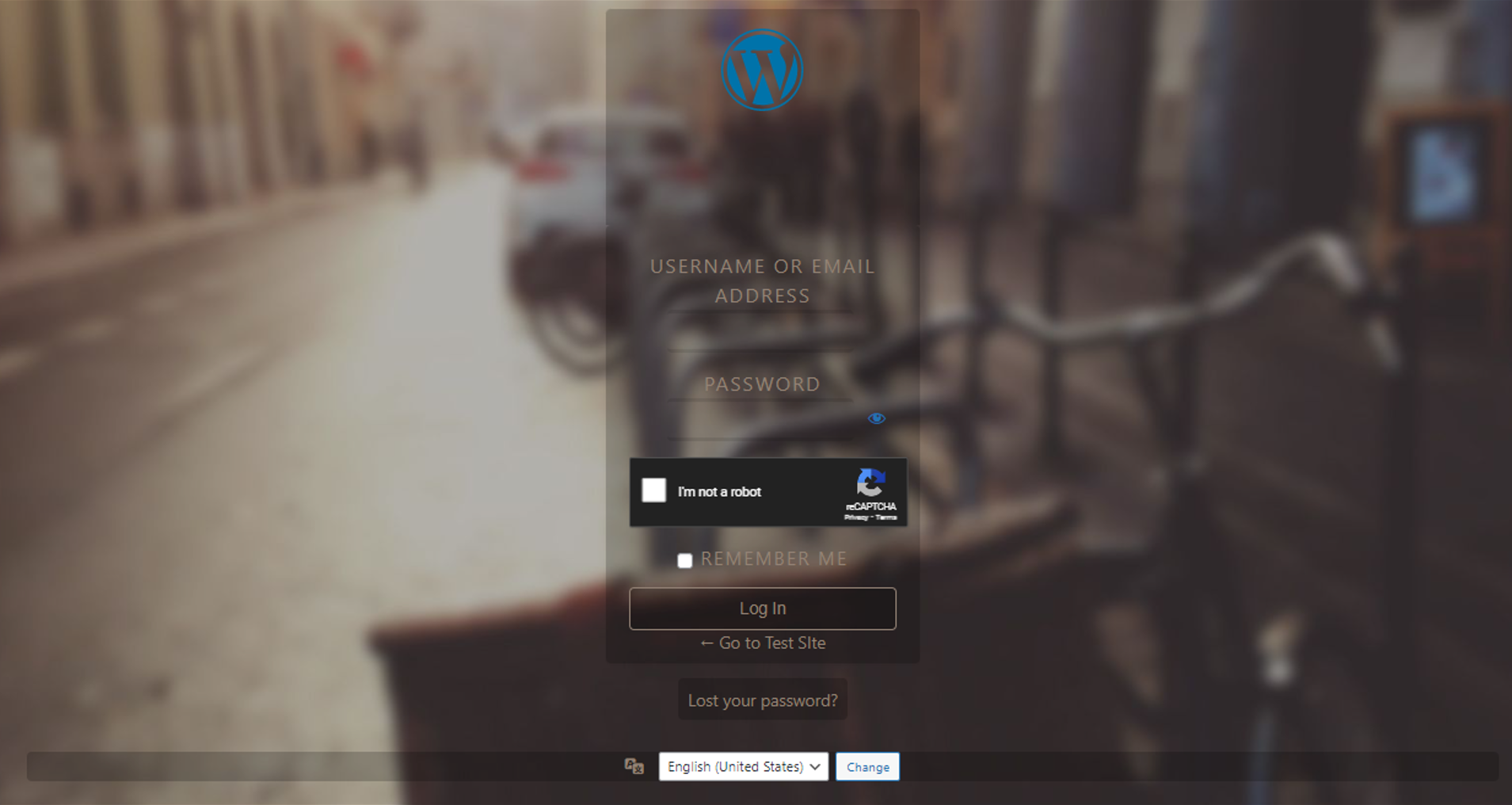
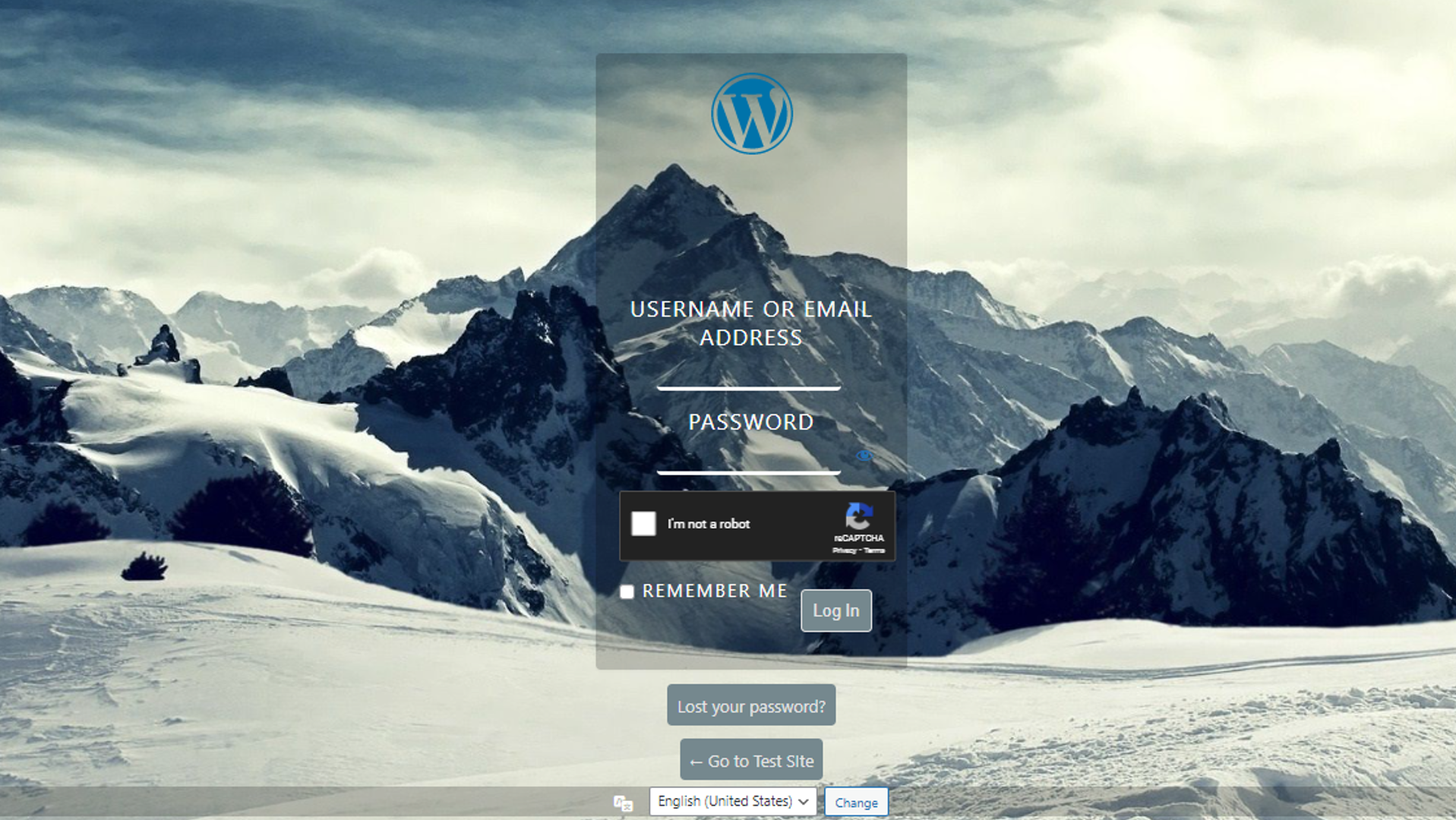
Login Page Styler is a powerful WordPress plugin that allows you to completely customize and secure your WordPress login page.
Create a professional branded login experience while improving login security and protecting your website from unauthorized access.
Whether you want to change your login logo, background, login URL, or add reCAPTCHA protection, Login Page Styler makes it simple with an easy-to-use interface.
Perfect for website owners, developers, agencies, and businesses that want a professional login page without coding.
🔥 Login Page Customization Features
• Custom WordPress login page design\
• Upload your own login logo\
• Custom login backgrounds (images, videos, gradients)\
• Pre-designed login page templates\
• Custom CSS and JavaScript support\
• Google Fonts support\
• Fully responsive login page design
🔐 Login Security Features
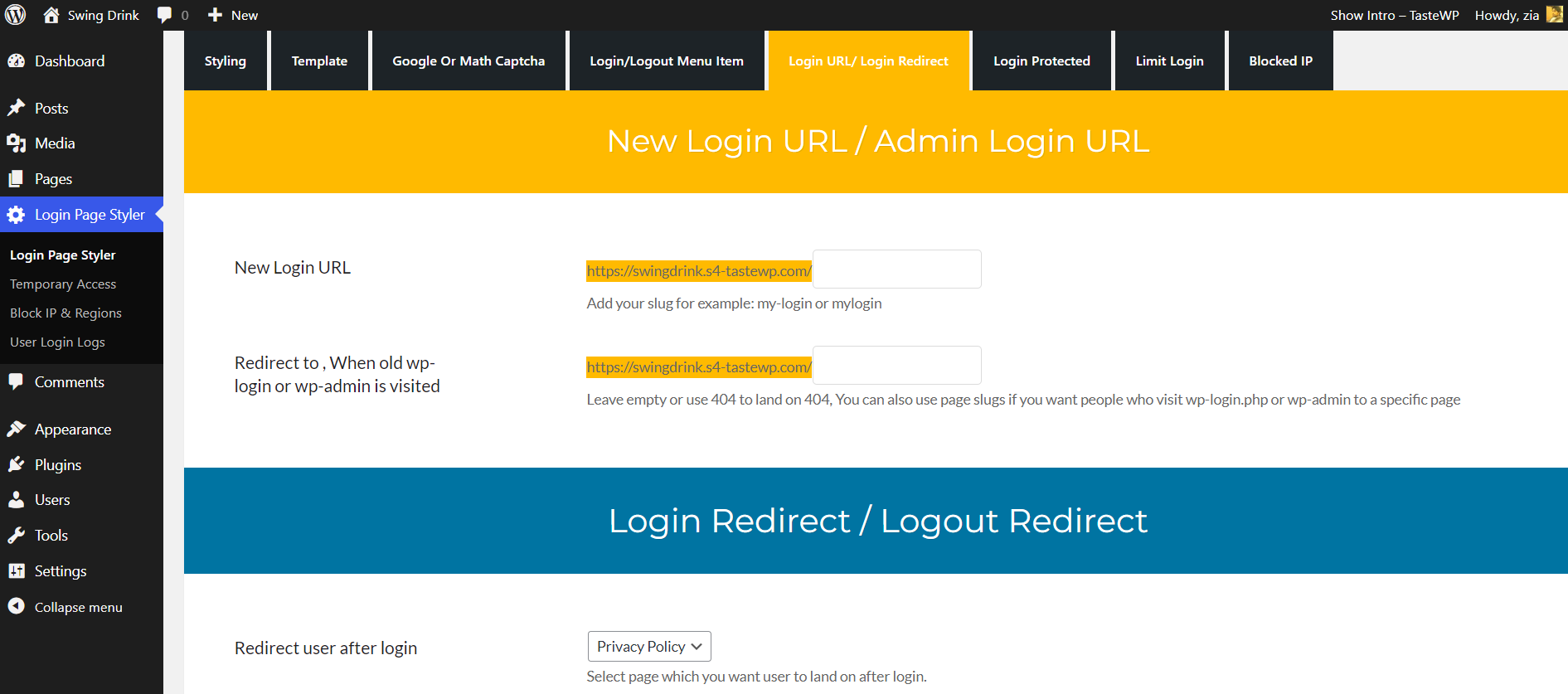
• Custom WordPress login URL\
• Google reCAPTCHA protection\
• Limit login attempts\
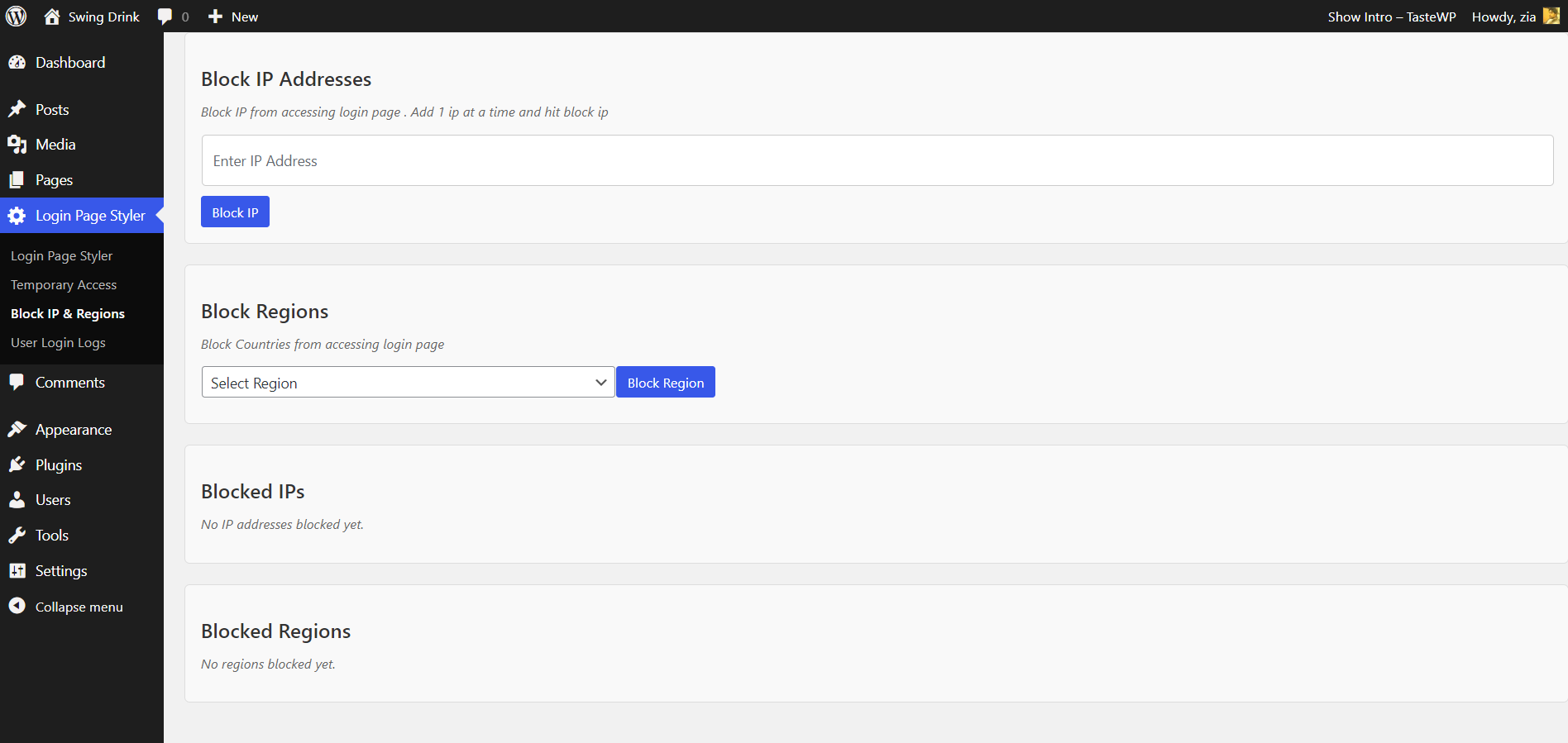
• IP address blocking\
• Region blocking\
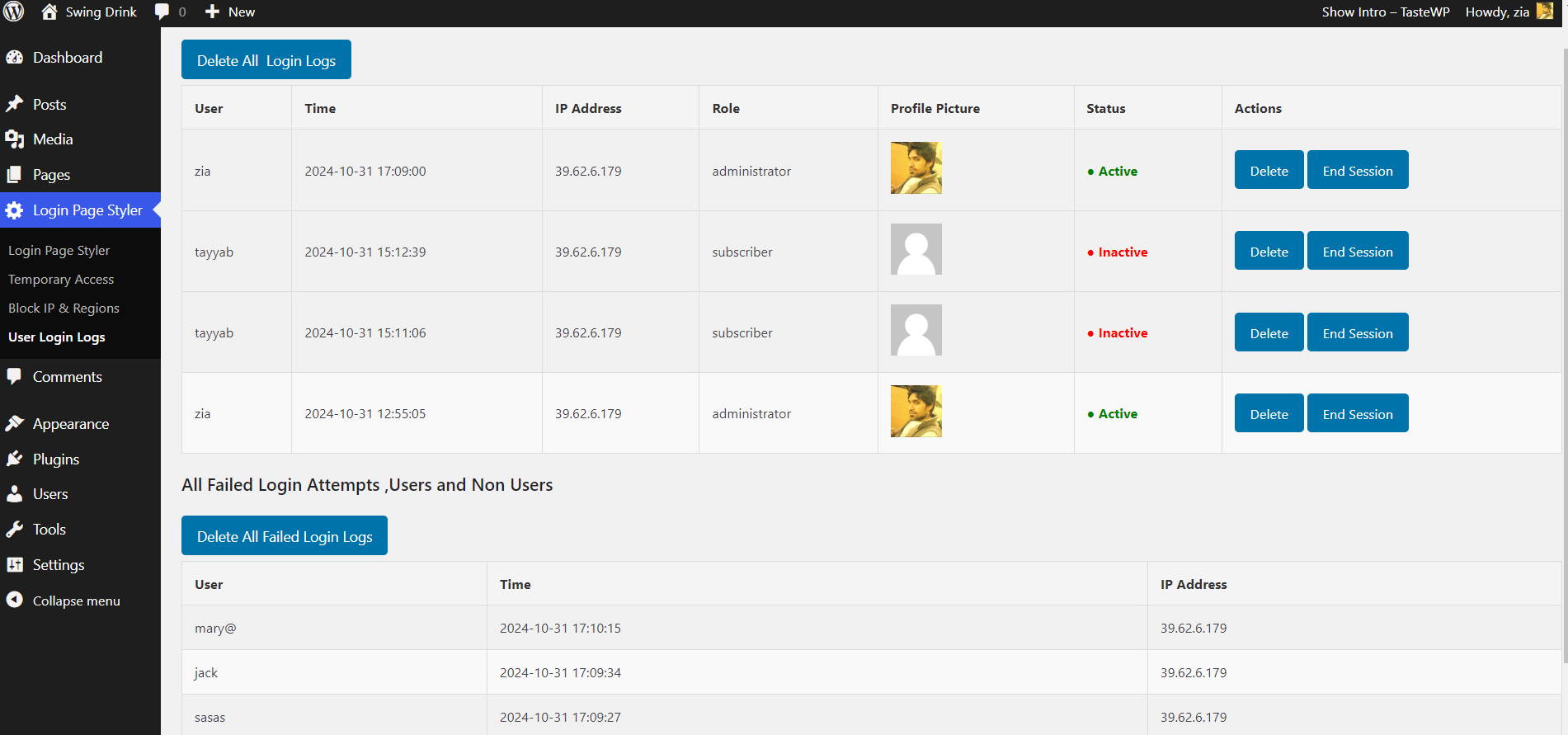
• Login activity logs\
• Brute force attack protection
📊 Login Monitoring
Track login activity with detailed logs including:
• User login time\
• User roles\
• IP address\
• Location data\
• Failed login attempts
This helps administrators monitor suspicious login behavior.
⚡ Performance & Ease of Use
• Lightweight plugin\
• No coding required\
• Fast loading login pages\
• Beginner-friendly settings panel\
• Compatible with most WordPress themes
🚀 Why Use Login Page Styler
A default WordPress login page looks generic and provides limited security options.
Login Page Styler helps you:
• Build trust with branded login pages\
• Improve website security\
• Prevent brute-force attacks\
• Monitor login activity\
• Customize login design easily
安装:
- Go to Plugins > Add New in your WordPress dashboard
- Search for Login Page Styler
- Click Install Now
- Activate the plugin
- Go to Settings > Login Page Styler to customize your login page
屏幕截图:

常见问题:
Do I need coding knowledge to use this plugin?
No. Login Page Styler is beginner-friendly and includes a visual customizer.
How do I change the WordPress login page logo?
You can upload your logo from Settings > Login Page Styler > Logo Settings.
Can I change the WordPress login URL?
Yes. The plugin allows you to set a custom login URL to improve security.
How can I protect my login page from bots?
Enable Google reCAPTCHA in the plugin settings.
Does this plugin work with any WordPress theme?
Yes. Login Page Styler works with most WordPress themes.
更新日志:
7.1.2
Security fix and performance improvements.
7.1.1
Added Google reCAPTCHA integration and login logs improvements.
6.2
Added Google Fonts support and mobile UI improvements.
5.3
Added custom login URL feature.