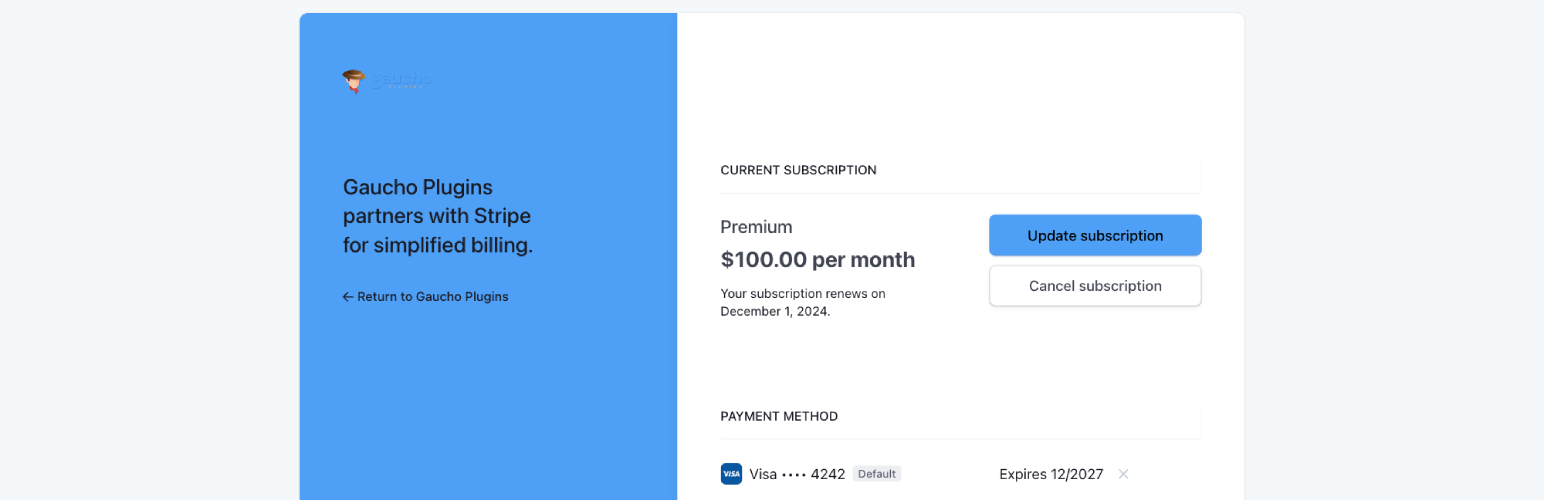
Login for Stripe Customer Portal | Stripe Billing Login Page | Magic Link Customer Account
| 开发者 |
gauchoplugins
brandonfire freemius |
|---|---|
| 更新时间 | 2026年5月25日 05:22 |
| 捐献地址: | 去捐款 |
| PHP版本: | 7.4 及以上 |
| WordPress版本: | 6.9 |
| 版权: | GPLv3 |
| 版权网址: | 版权信息 |
详情介绍:
Connect your Stripe account and give customers a login page on your WordPress site instead of sending them directly to Stripe.✉️ MAGIC-LINK EMAIL AUTHENTICATION
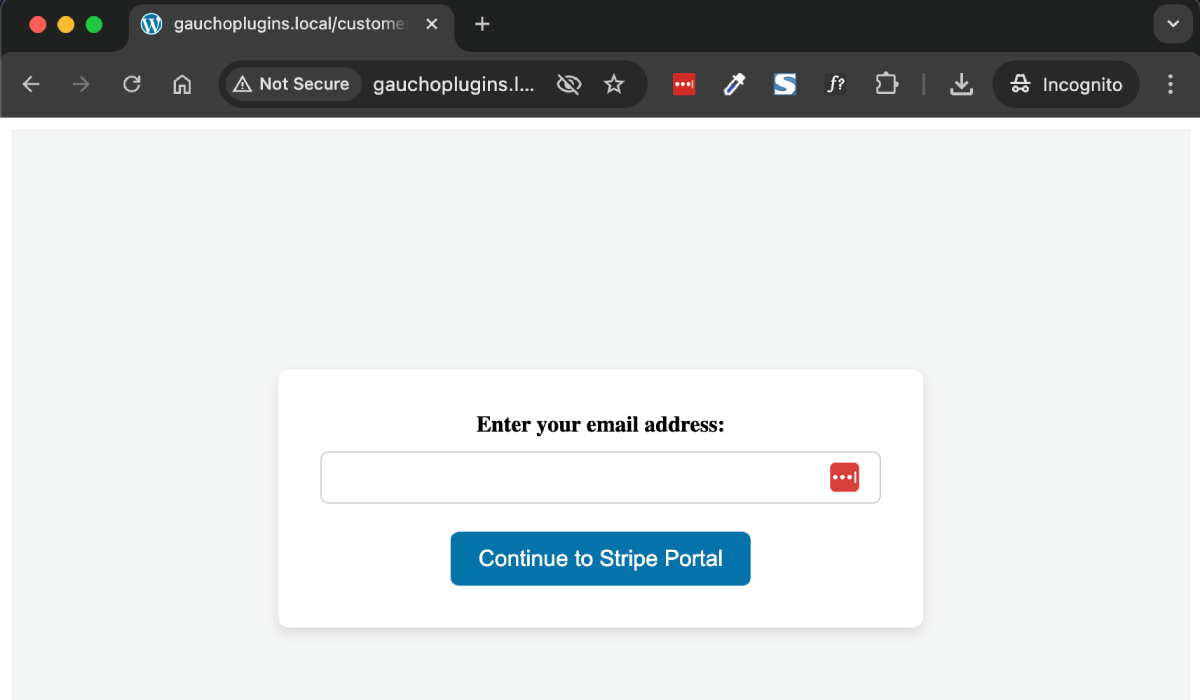
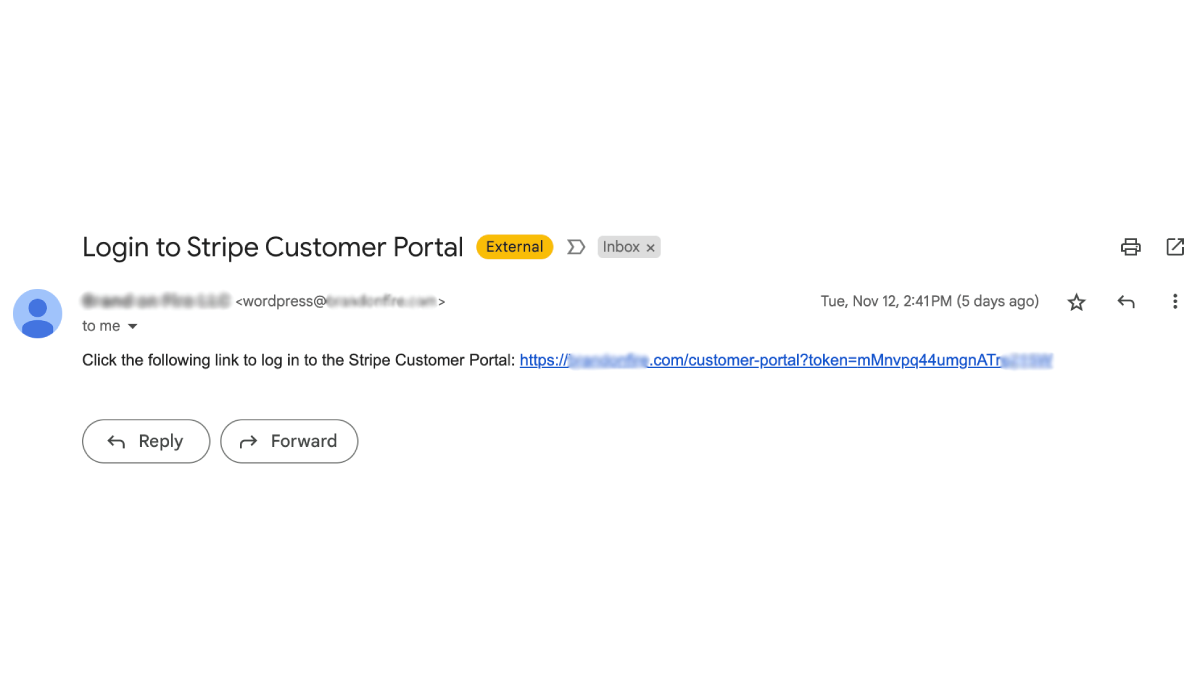
Customers enter their email address and receive a secure login link valid for 1 hour — no passwords to manage on your site.🧩 CUSTOM LOGIN PAGE OR SHORTCODE
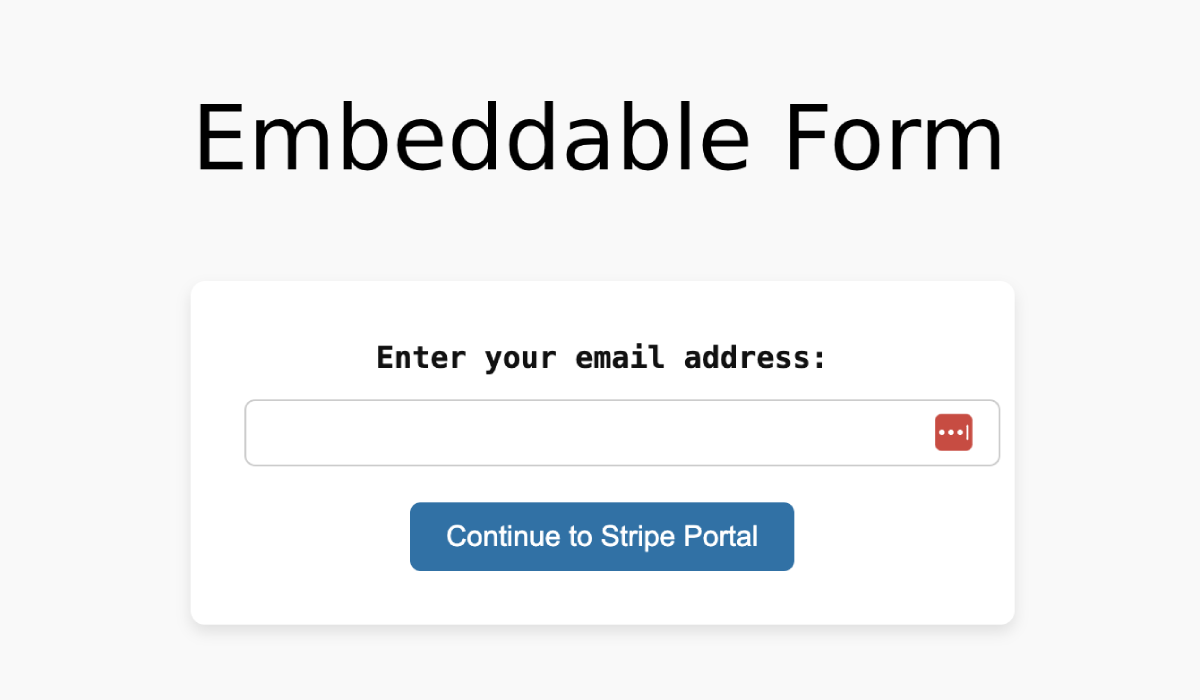
Define a custom URL slug for your portal login page (e.g.🎛️ CONTROL WHO CAN LOG INyourwebsite.com/customer-portal/) or embed the form anywhere with[login-stripe-customer-portal].
Optionally restrict access to existing Stripe customers only, or allow new customers to register through the flow.↩️ CUSTOM POST-LOGOUT REDIRECT
After customers log out of the Stripe Customer Portal, redirect them back to a URL you configure in the plugin settings.✅ PERFECT FOR:
- SaaS and subscription businesses using Stripe Billing.
- Membership sites that use the Stripe Customer Portal for self-service billing.
- Agencies hosting client sites that need a branded Stripe portal login experience.
- WordPress stores that want customers to update payment methods without support tickets. 📕 DOCUMENTATION | 🆘 SUPPORT FORUM
- Built-in styling settings for the login form (use custom CSS today).
- Additional customization options for the login endpoint and emails.
安装:
- Upload the plugin files to the
/wp-content/plugins/directory or install the plugin through the WordPress plugins screen. - Activate the plugin through the 'Plugins' screen in WordPress.
- Navigate to "Stripe Portal" in the WordPress admin menu to configure the plugin settings.
- Enter your Stripe Secret API Key, customize the endpoint slug, and set your desired redirect URL.
屏幕截图:
常见问题:
What does this plugin do?
This plugin allows you to provide a customer login page for Stripe's Customer Portal directly from your WordPress site. It enables customers to access and manage their Stripe billing details securely.
How do I get my Stripe Secret API key?
Log into your Stripe Dashboard, and under "Developers" > "API keys", you will find the option to copy your Secret API key.
Can I customize the login page?
Yes, the plugin allows you to customize the endpoint URL for the login page. You can define this under the settings. Styling settings are coming soon, but for now you can use custom CSS.
Is the Stripe Customer Portal still hosted by Stripe?
Yes. This plugin provides the login page on your WordPress site. After authentication, customers are redirected to Stripe's hosted Customer Portal to manage billing, subscriptions, and payment methods.
How does the magic link login work?
Customers enter their email address on your login page. The plugin uses the Stripe API to send a secure, time-limited login link to that email address. The link is valid for 1 hour.
Can I embed the login form on any page?
Yes. Use the shortcode [login-stripe-customer-portal] to embed the login form on any page or post.
Can I restrict login to existing Stripe customers only?
Yes. You can optionally restrict access to existing customers or allow new customers to register through the login flow. Configure this in the plugin settings.
Does this plugin replace Stripe Billing or WooCommerce?
No. It adds a WordPress login entry point for the Stripe Customer Portal. Your Stripe products, subscriptions, and billing logic remain in Stripe.
Where can I find documentation?
Setup guides and changelog notes are available in our documentation.
Where can I get support?
Post in the WordPress.org support forum for help with the free plugin.
更新日志:
- Fix: the Redirect URL setting is now persisted correctly. The 1.0.5 settings form emitted the input under a corrupted name attribute, so saving the Redirect URL silently failed and customers were always returned to the default endpoint.
- Fix: magic-link URLs now use the configured Customer Portal slug instead of a hardcoded
/customer-portalpath. Renaming the endpoint no longer breaks outstanding login emails. - Fix: namespaced
catch (Exception $e)clauses around the Stripe SDK calls resolved to the nonexistent classLSCP\Exceptionand never matched. Any Stripe failure now surfaces a graceful "Please try again later" message instead of a WSOD. - Hardening: stored magic-link tokens are now SHA-256 hashed at rest. A database snapshot no longer exposes unredeemed login links.
- Hardening: per-email + per-IP rate limiter (5 requests / 10 minutes) on the magic-link form prevents the page from being abused as a mail relay or as an email-enumeration oracle against your Stripe customer list.
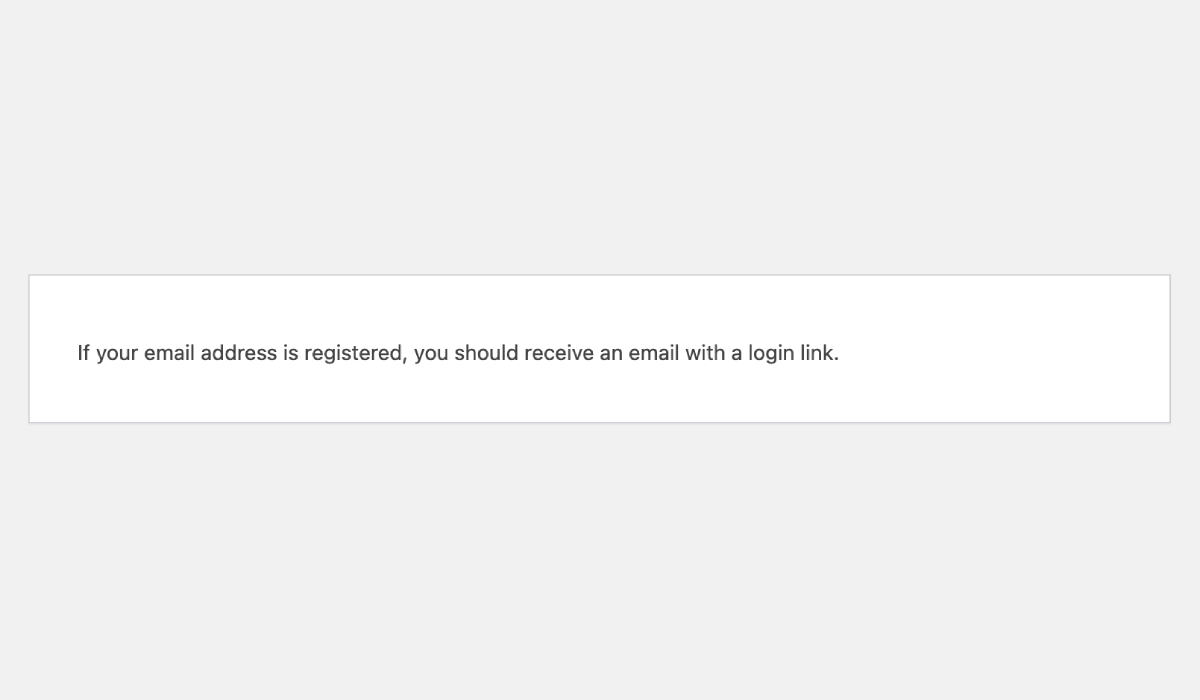
- Hardening: the form response is now constant for valid, invalid, and unknown email addresses, and the wording is mode-aware. When "Only allow existing Stripe customers to login" is unchecked (default) the message is "A login link is on its way" — no longer the misleading "If your email address is registered…" wording, which implied gatekeeping that did not exist in that mode.
- Hardening: settings page now explicitly checks
manage_optionsbefore rendering, and everywp_die()message is HTML-escaped. - Hardening: Stripe Secret Key input renders a fixed-length mask. The field no longer leaks the real key length via "view source".
- Hardening: Customer Portal Slug is length-capped (max 64 chars) so a pasted megabyte string can't bloat the rewrite engine.
- Hardening: shortcode forms now render with per-instance unique
idattributes. Embedding the shortcode multiple times on the same page no longer produces duplicate IDs that break<label for>binding, HTML5 validation, and screen-reader navigation. - Privacy: plugin uninstall now cleans up every option and transient (registered via Freemius's
after_uninstallhook so the uninstall feedback survey still fires). The Stripe Secret Key no longer lingers inwp_optionsafter the plugin is uninstalled. - Privacy: GDPR personal-data exporter and eraser are registered with WordPress Privacy Tools (Tools → Export Personal Data / Erase Personal Data).
- Settings page description for the "Only allow existing Stripe customers to login" toggle now explicitly notes that unchecking it (the default) auto-creates a Stripe customer the first time a magic link is redeemed for a new email.
- Magic-link form input now uses
<label for>,autocomplete="email", andrequiredattributes for screen-reader and password-manager compatibility.
- New daily WP-Cron sweep removes expired magic-link tokens and rate-limit counters. WordPress's built-in transient GC is lazy and can leave expired rows in
wp_optionsindefinitely on low-traffic sites. - New WP-CLI commands:
wp lscp purge-tokens,wp lscp limiter-reset <email>,wp lscp send <email>,wp lscp config. - Full payments-grade test suite — 250 PHPUnit tests, 18,690 assertions, property-based fuzz on the token store, token-entropy distribution check, concurrent-redemption race test, slug path-traversal hardening, email-header injection hardening, multi-instance shortcode ID uniqueness, mode-aware confirmation message.
- Bumps minimum PHP from 7.0 to 7.4 (PHP 7.0/7.1/7.2/7.3 are end-of-life).
- Backwards-compatible public class surface — every public method on
LSCP\Pluginfrom 1.0.x is preserved. - Plugin refactored into focused units (
Settings,TokenStore,TokenGC,StripeGateway,Mailer,RateLimiter,PortalController,FormRenderer,RewriteEndpoint,Shortcode,Privacy,Cli,Uninstall,DocsHelper).
- Added contextual documentation links on the Stripe Portal settings page. See our full changelog in our documentation.