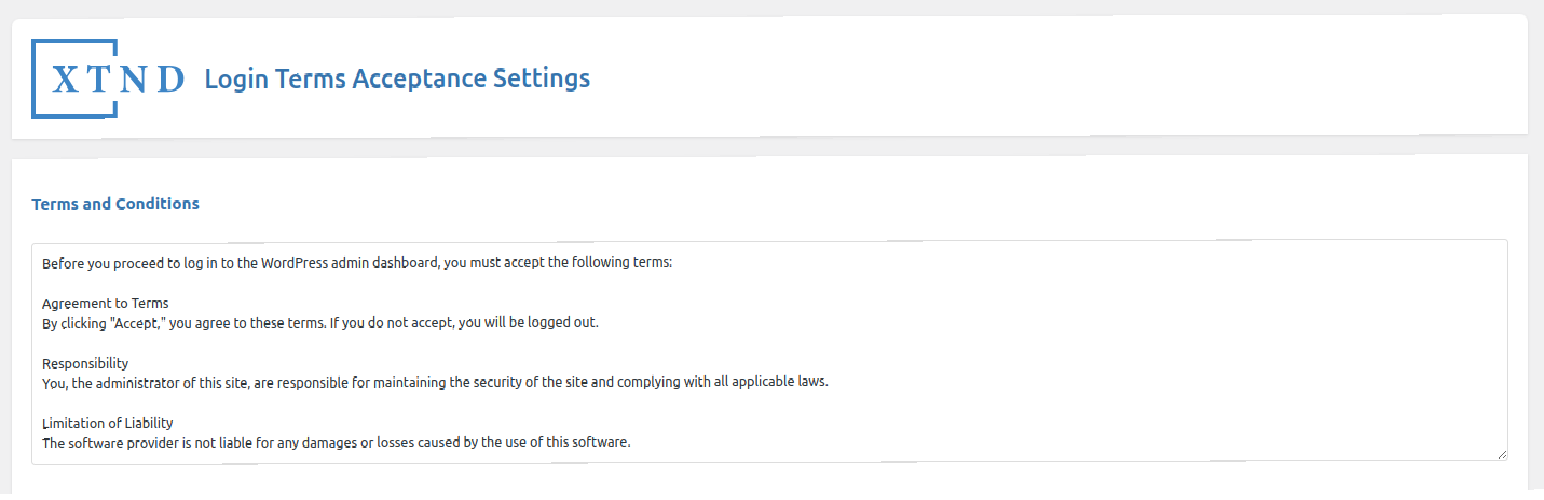
Login Terms Acceptance
| 开发者 | xtnd2030 |
|---|---|
| 更新时间 | 2025年7月14日 20:56 |
| PHP版本: | 7.2 及以上 |
| WordPress版本: | 6.8 |
| 版权: | GPLv2 or later |
| 版权网址: | 版权信息 |
详情介绍:
Compatible with WordPress 6.7+ and PHP 8.3
Restrict access for selected user roles unless they accept the Terms and Conditions. This plugin ensures users acknowledge and accept your terms before they can fully access the site.
Features
- Redirect users to the Terms and Conditions page upon login.
- Restrict access for selected user roles until the terms are accepted.
- Customizable Terms and Conditions content.
- Track which users have accepted the terms.
- New: Option to send a confirmation email after accepting the terms. Here is the basic setup->
- English
- German (Deutsch)
- Italian (Italiano)
- Spanish (Español)
- Arabic (العربية)
安装:
- Upload the plugin files to the
/wp-content/plugins/directory, or install the plugin through the WordPress plugins screen directly. - Activate the plugin through the 'Plugins' screen in WordPress.
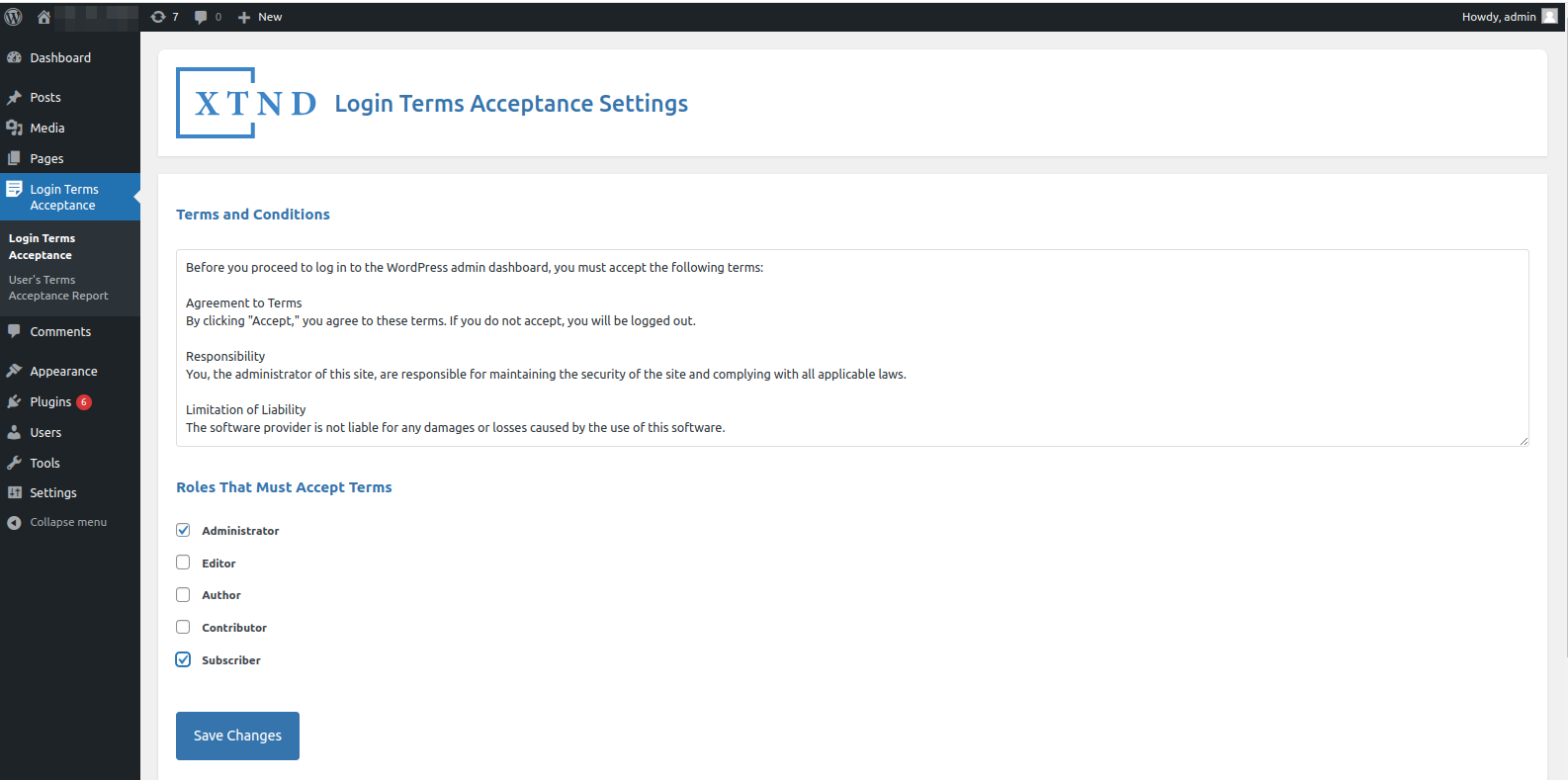
- Navigate to 'Login Terms Acceptance' in your menu to configure the plugin settings.
屏幕截图:
常见问题:
How do I set up the plugin?
After activating the plugin, go to 'Settings' > 'Login Terms Acceptance' to configure which user roles are required to accept the Terms and Conditions and to customize the terms content.
Can I customize the Terms and Conditions?
Yes, you can customize the Terms and Conditions content from the plugin settings page.
What happens if a user does not accept the terms?
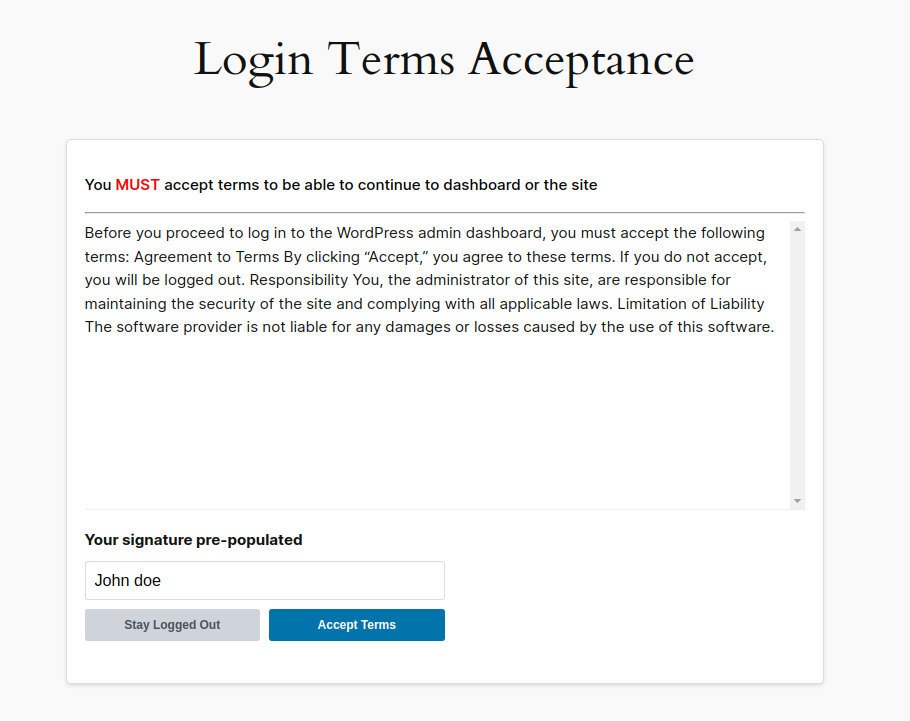
Users will be redirected to the Terms and Conditions page upon login and will not have full access to the site until they accept the terms, or they have to log out again.
Is there an option to send a confirmation email?
Yes, you can enable the option to send a confirmation email after the user accepts the terms in the plugin settings.
更新日志:
1.2.4
- Introduced a dismissible rating banner in the admin plugins page to encourage user feedback.
- Added an extra validation layer before creating the Login Terms Acceptance page to avoid duplicate page creation.
- Added filter
xlta_acceptance_redirect_urlto allow customizing the redirect destination after terms acceptance.
- Added option to select a redirection page after terms are accepted.
- Redirects users to the selected page after accepting terms.
- Confirmed compatibility with WordPress 6.8.1 and PHP 8.3
- Added translations for German, Italian, Spanish, and Arabic
- WordPress Compatibility 6.7.1
- Added option to send a confirmation email after accepting the terms.
- Improved text area for customizing Terms and Conditions using the WordPress editor.
- Enhanced the mail sending functionality based on user settings.
- Initial release of Login Terms Acceptance.