Login with Rocket Chat
| 开发者 |
cyberlord92
oauth |
|---|---|
| 更新时间 | 2022年2月2日 17:21 |
| PHP版本: | 3.0.2 及以上 |
| WordPress版本: | 5.9 |
| 版权: | MIT/Expat |
| 版权网址: | 版权信息 |
详情介绍:
This plugin is used to setup any WordPress site as Identity Server to allow Users to Single Sign-On / Login into Rocket Chat client site / application with WordPress Login using OAuth / OpenID Connect protocol flows. Login with Rocket Chat plugin allows you to use WordPress as your OAuth Server (Identity Server) and access OAuth API’s.
The primary goal of this plugin is to allow users to interact with WordPress and Jetpack sites without requiring them to store sensitive credentials.
You can easily configure an OAuth server to protect your API with access tokens, or allow Rocket Chat clients to request new access tokens and refresh them.
Features
- Supports WordPress Login / Login with WordPress for RocketChat
- Attribute and Role mapping
- Block Unauthenticated Request To The REST API
- Token Length - Allows you to change the token length
- Redirect/Callback URI Validation - You can Enable/disable this feature, based on dynamic redirect to a different pages for certain conditions.
- OIDC Support - Supports OpenID Connect protocol
- Token Lifetime - Allow you to decide the token expiry time
- JWT Support
- Error Logging
- Enforce State Parameter - Based on client configuration, you can enable or disable state parameter
- Supports All Grant Types : Authorization Code Grant, Implicit Grant, Password Grant, Client Credentials Grant, Refresh Token Grant
- Server Response - Allows you to customize the attributes need to be sent in server response
- Extended OAuth API Support
- Multi-Site Support
- JWT Signing Algorithm - Supports
- Support for Introspection Endpoint
- Authorization code grant: This code grant is used when there is a need to access the protected resources on behalf of another third party application.
- Implicit grant: This grant relies on resource owner and registration of redirect uri. In authorization code grant user needs to ask for authorization and access token each time, but here access token is granted for a particular redirect uri provided by client using a particular browser.
- Client credential grant: This grant type heads towards specific clients, where access token is obtained by client by only providing client credentials. This grant type is quiet confidential.
- Resource owner password credentials grant: This type of grant is used where resource owner has trust relationship with the client. Just by using username and password, provided by resource owner authorization and authentication can be achieve
- Refresh token grant: Access tokens obtained in OAuth flow eventually expire. In this grant type client can refresh his or her access token.
安装:
From your WordPress dashboard
- Visit
Plugins > Add New - Search for
Login with Rocket Chat. Find and InstallLogin with Rocket Chat - Activate the plugin from your Plugins page
- Download Login with Rocket Chat.
- Unzip and upload the
miniorange-login-with-rocket-chatdirectory to your/wp-content/plugins/directory. - Activate Login with Rocket Chat from your Plugins page.
屏幕截图:
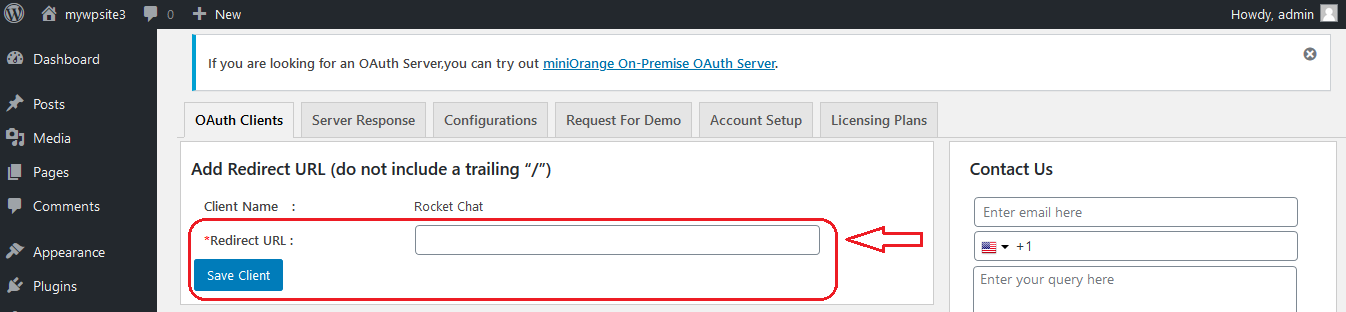
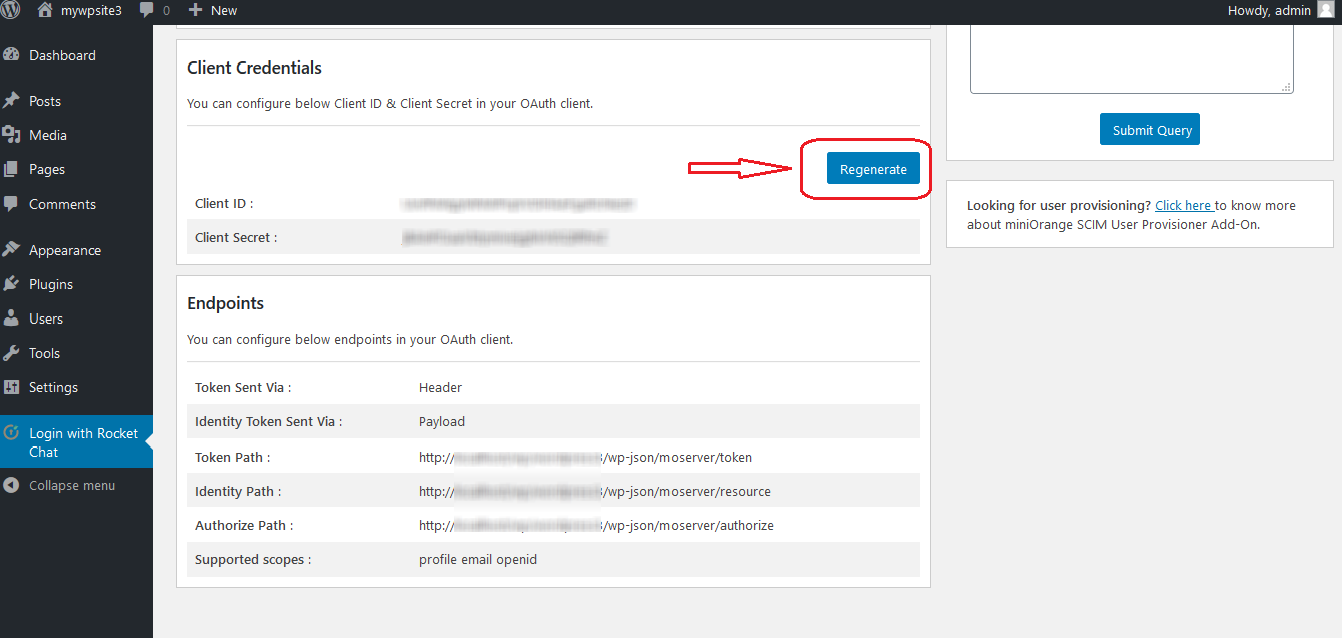
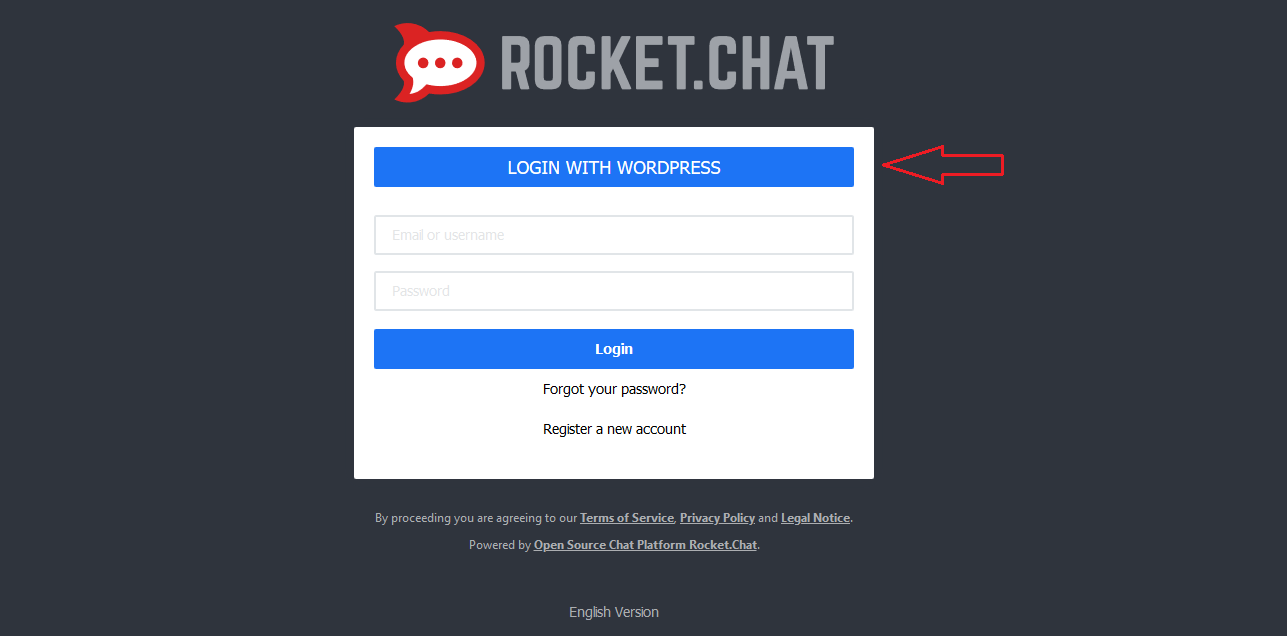
常见问题:
I need to customize the plugin or I need support and help?
Please email us at info@xecurify.com or Contact us. You can also submit your query from plugin's configuration page.
更新日志:
2.2.4
- Compatibility with WordPress 5.9
- Bug fixes
- Bug fixes and readme update
- First version for Login with Rocket Chat.