LoginHue Admin Login Customiser
| 开发者 | solankisoftware |
|---|---|
| 更新时间 | 2026年8月6日 23:59 |
| 捐献地址: | 去捐款 |
| PHP版本: | 7.4 及以上 |
| WordPress版本: | 7.0 |
| 版权: | GPLv2 or later |
| 版权网址: | 版权信息 |
详情介绍:
LoginHue Admin Login Customiser allows you to fully customize the WordPress admin login page using a clean and simple settings panel.
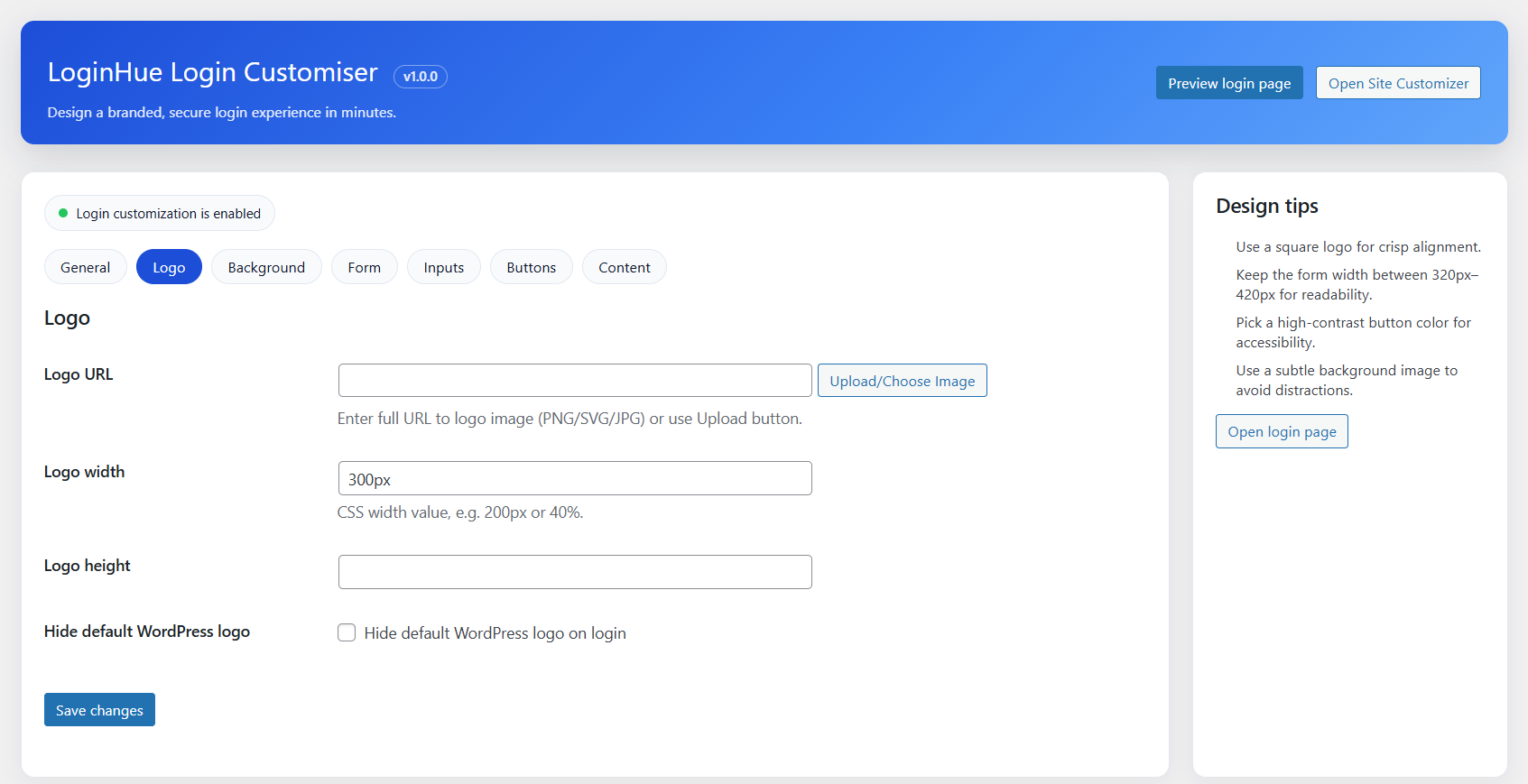
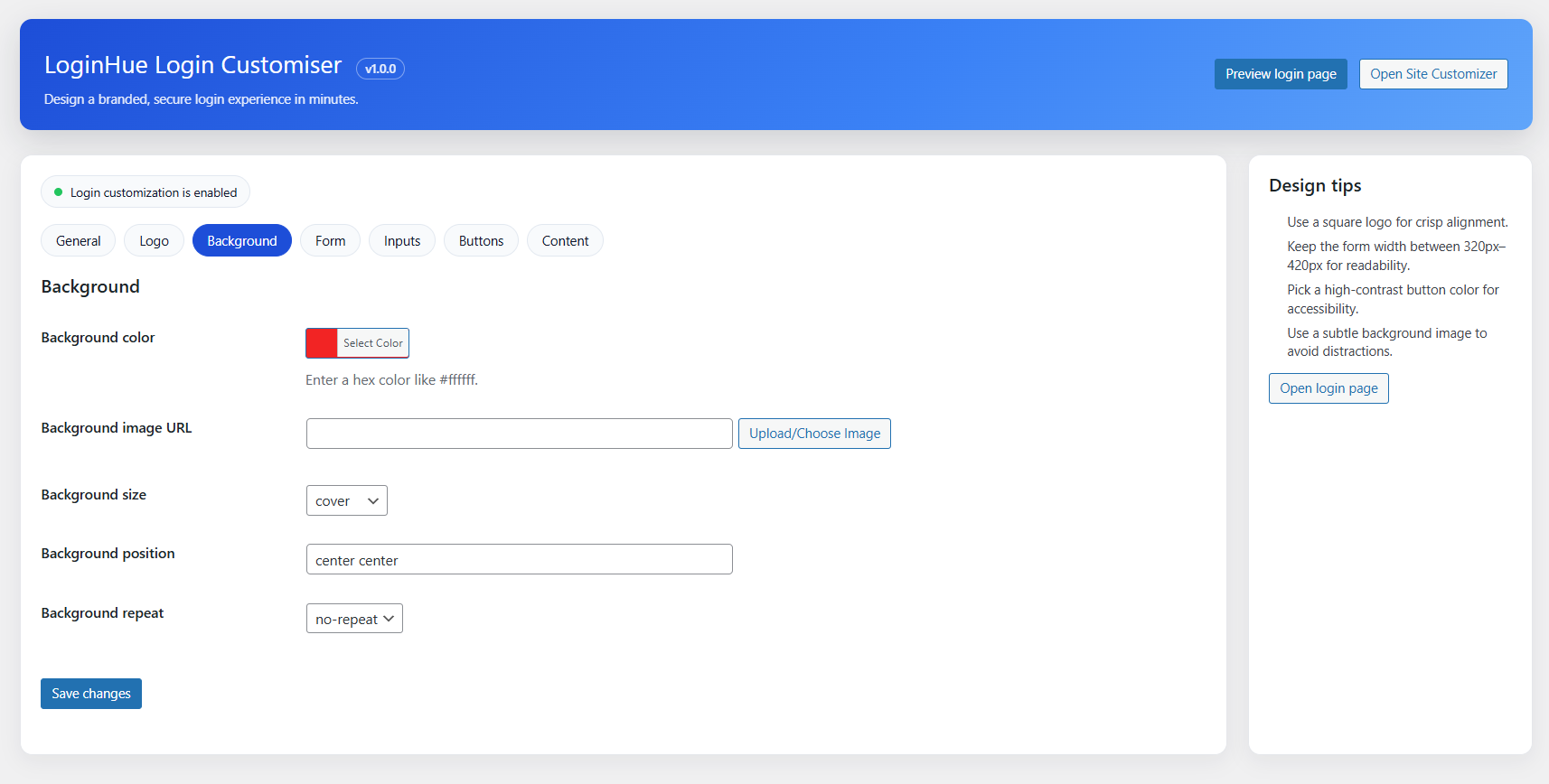
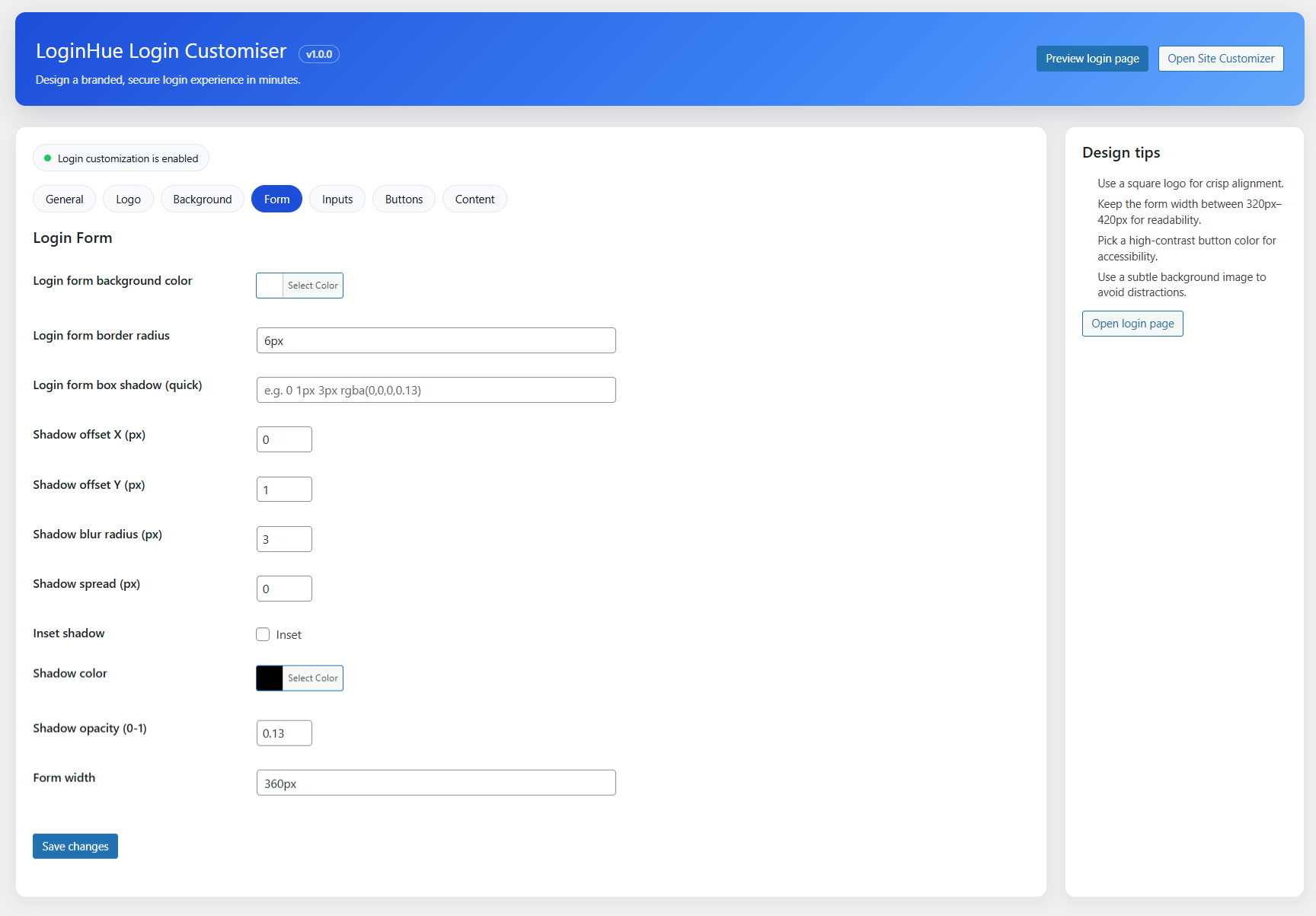
You can replace the default WordPress branding with your own logo, customize background colors or images, style the login form, inputs, buttons, and links, and add custom messages or footer text — all without writing any code.
This plugin is perfect for developers, agencies, freelancers, and site owners who want a professional, branded login experience for their websites or client projects.
安装:
- Upload the
loginhue-admin-login-customiserfolder to the/wp-content/plugins/directory, or install the plugin directly from the WordPress Plugins screen. - Activate the plugin through the Plugins menu in WordPress.
- Go to Settings → LoginHue Login Customiser.
- Configure your login page settings and click Save Changes.
屏幕截图:
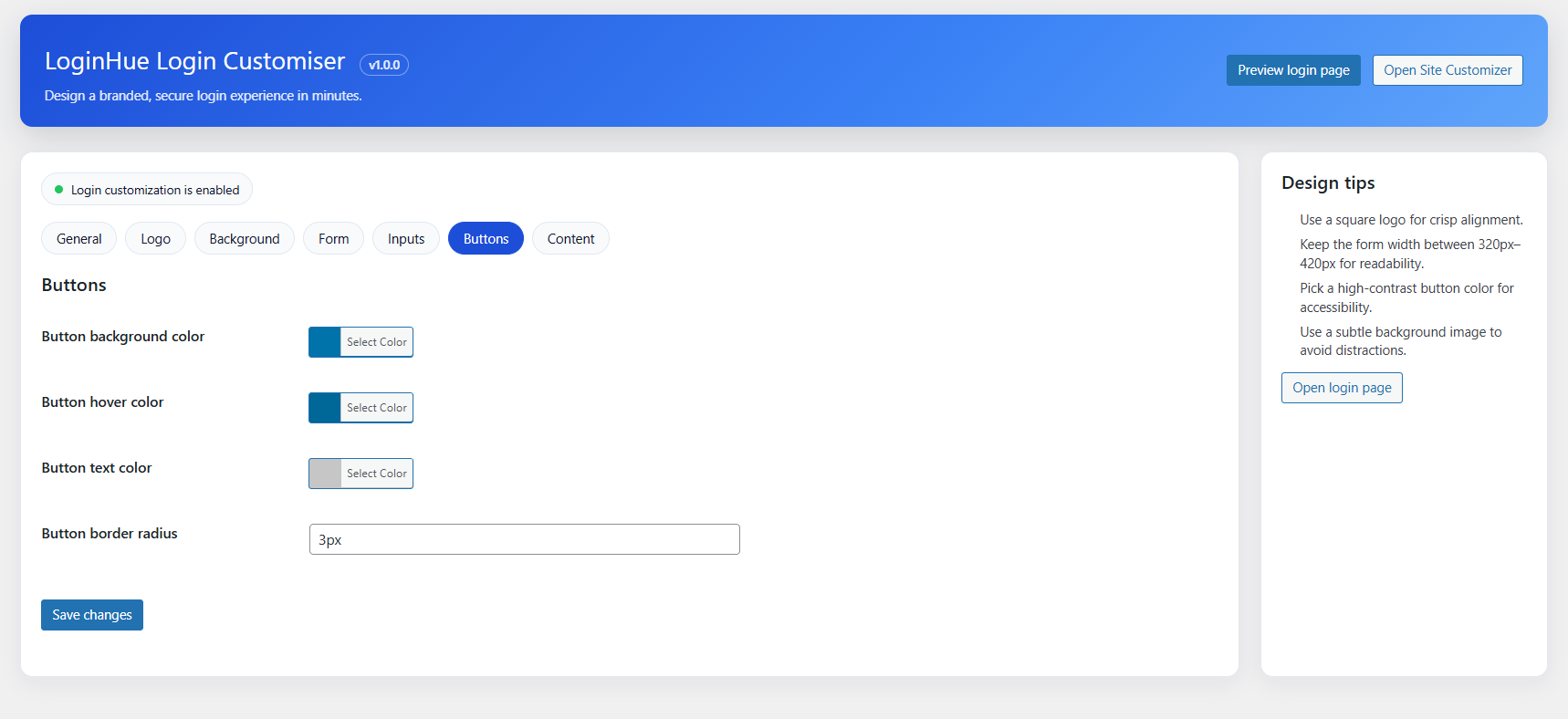
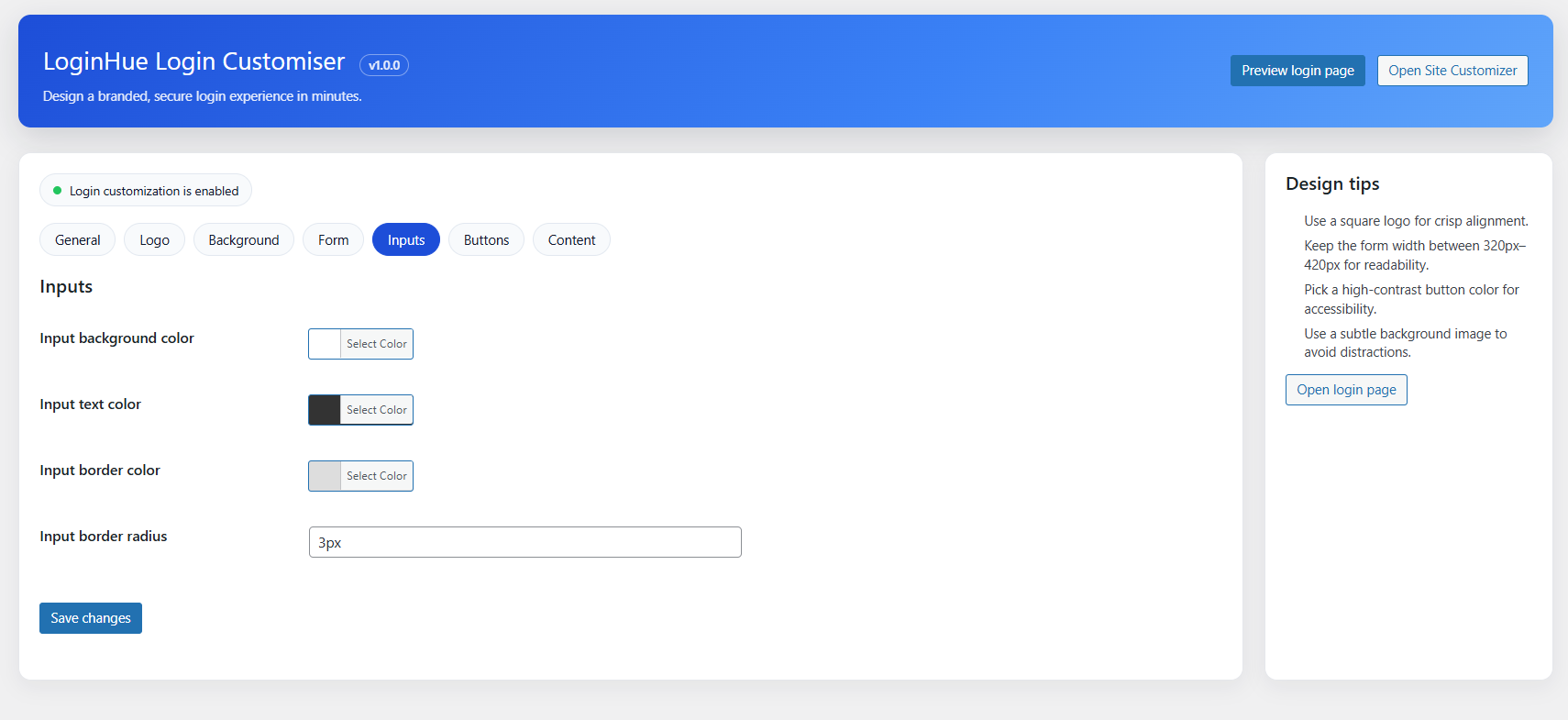
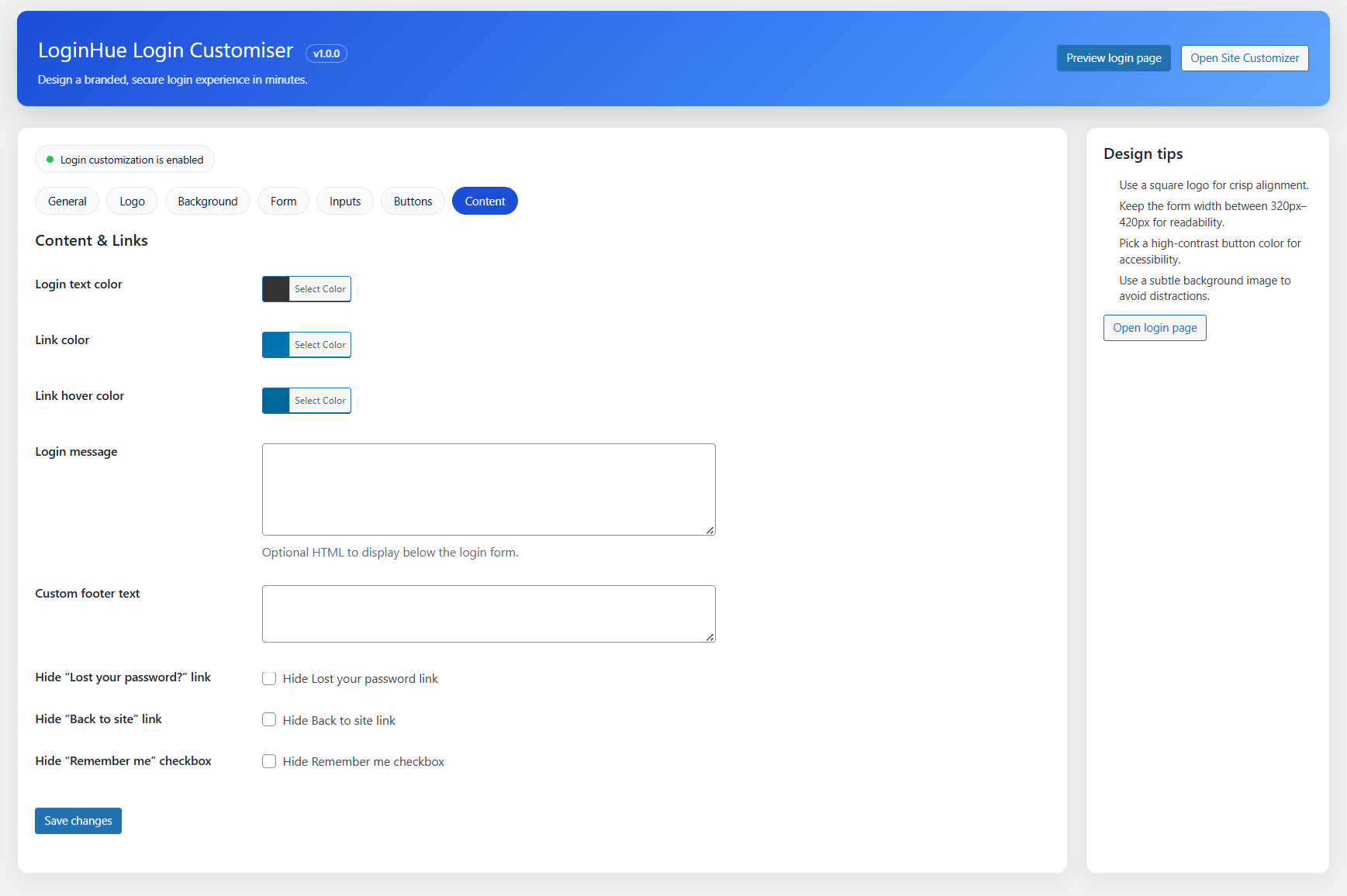
常见问题:
Do I need coding knowledge to use this plugin?
No. All customization options are available through a simple settings page.
Will this plugin affect my active theme or frontend design?
No. It only affects the WordPress admin login page.
Can I reset all settings to default?
Yes. You can reset everything using the Reset to defaults button.
Is this plugin compatible with multisite?
Yes. It works on multisite installations, but settings apply per site unless network-activated.
更新日志:
1.0.0
- Initial release
- Full WordPress login page customization
- Logo, background, form, input, button, and link styling
- Custom messages and footer text
- Reset to default settings option
- Fixed wp guidelines notice issues
- Fixed wp review team code issue