Logo Carousel – Responsive Logo Slider, Logo Showcase, and Clients Logo Gallery
| 开发者 |
shapedplugin
shamimmiashuhagh rubel_miah khalilu |
|---|---|
| 更新时间 | 2026年10月23日 22:05 |
| PHP版本: | 7.4 及以上 |
| WordPress版本: | 7.1 |
| 版权: | GPLv2 or later |
| 版权网址: | 版权信息 |
标签
下载
详情介绍:
[logocarousel id="…"]), the classic Logo Carousel block and the Elementor widget keep working exactly as before.
[youtube https://www.youtube.com/watch?v=jZC44B7cBCM&list=PLoUb-7uG-5jNQCZorsMl_TBePe8WZilDw]
Live Demo | Documentation | Upgrade to Pro!
Two powerful blocks
- Carousel block – Standard, Staggered, Center and Multi Columns (multi-row) styles, horizontal or vertical orientation, center emphasis, partial slide view, variable width, edge fade.
- Grid block – Standard, Strip, Staggered and Zigzag styles, responsive columns, gaps and alignment, Load More or numbered pagination with infinite scroll.
- Fully responsive: columns, rows, gaps and visibility per device.
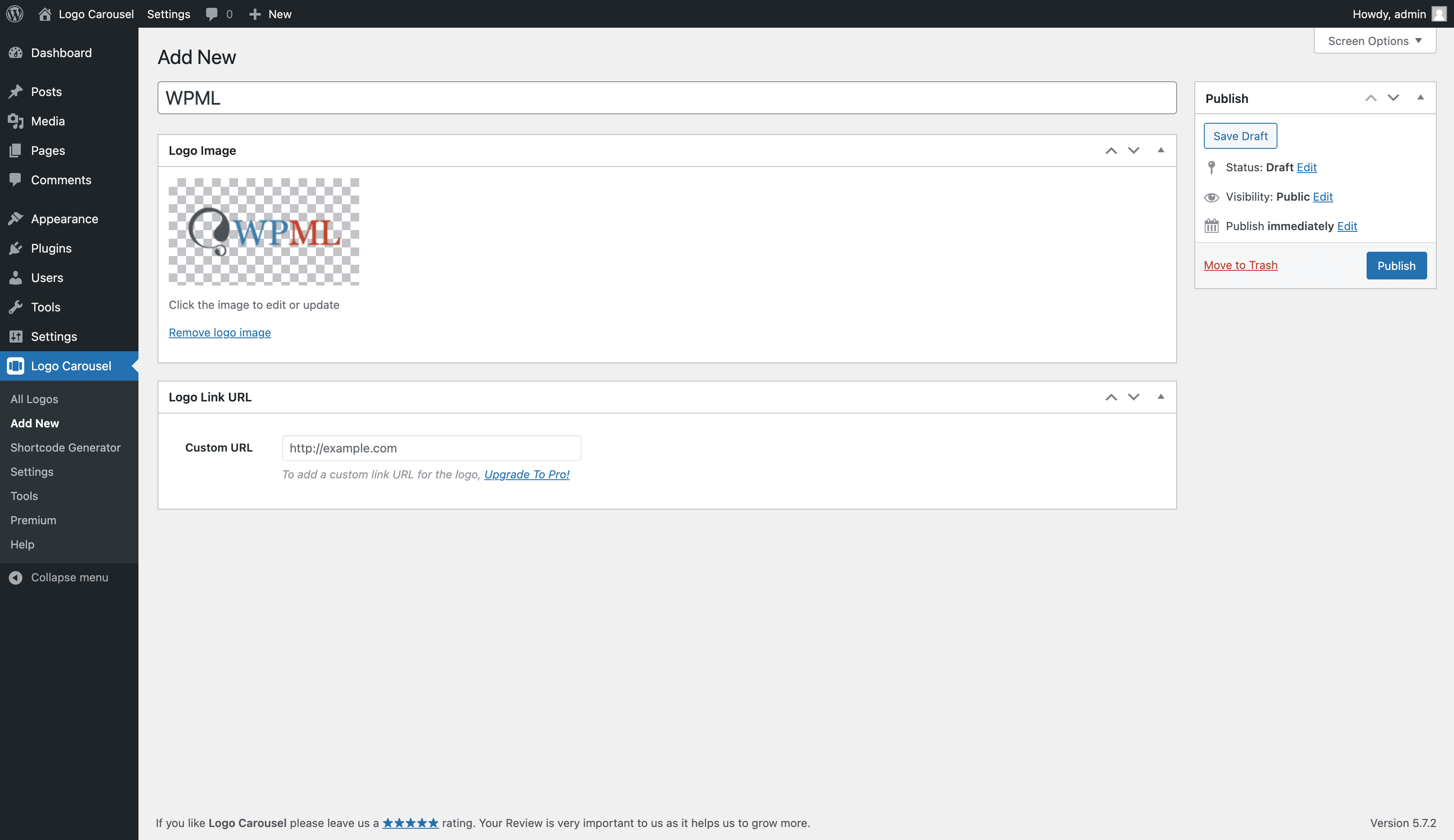
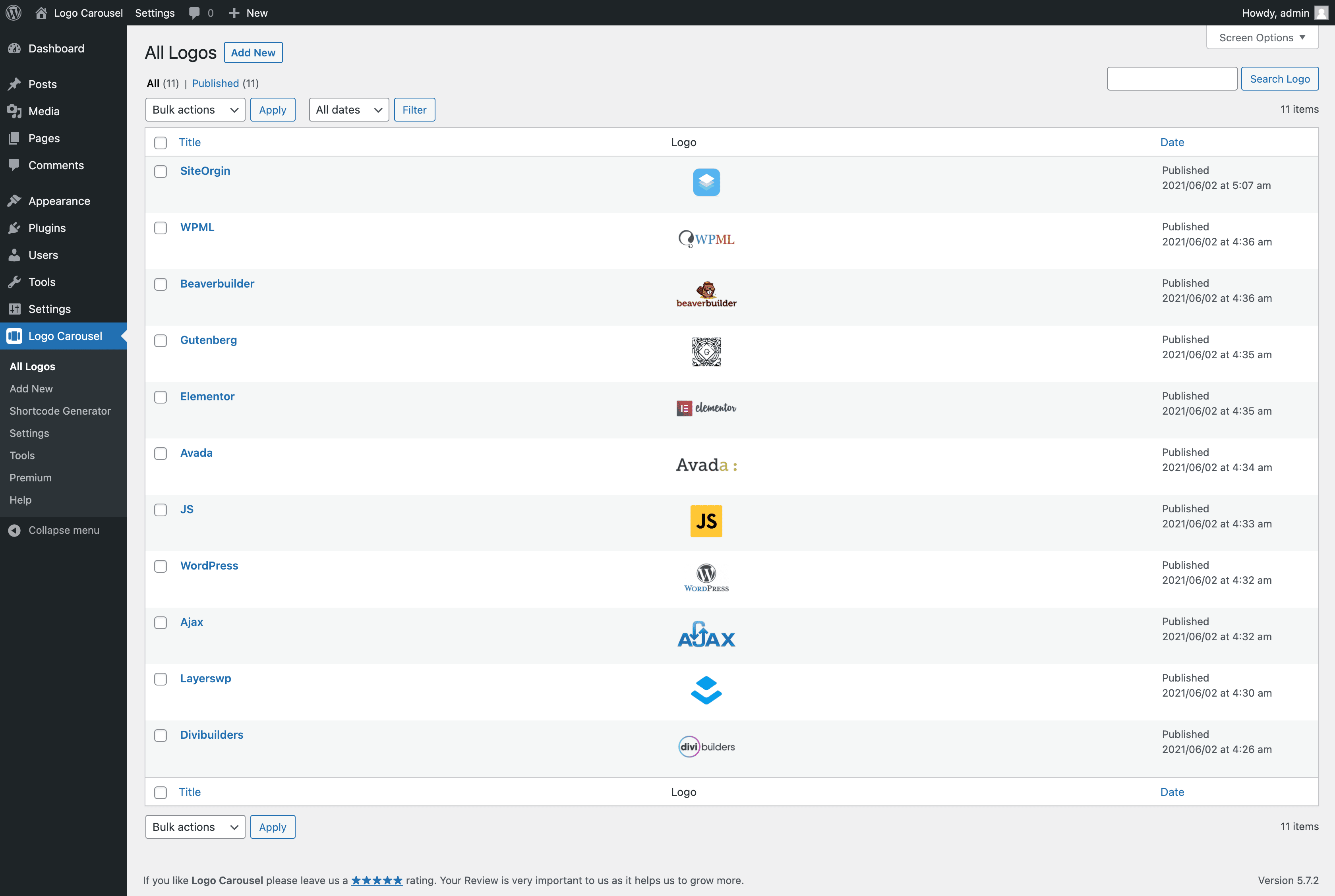
- Upload logos or pick them from the Media Library, then edit title, caption, tagline, description, categories, tooltip text, link, alt text and rating per logo.
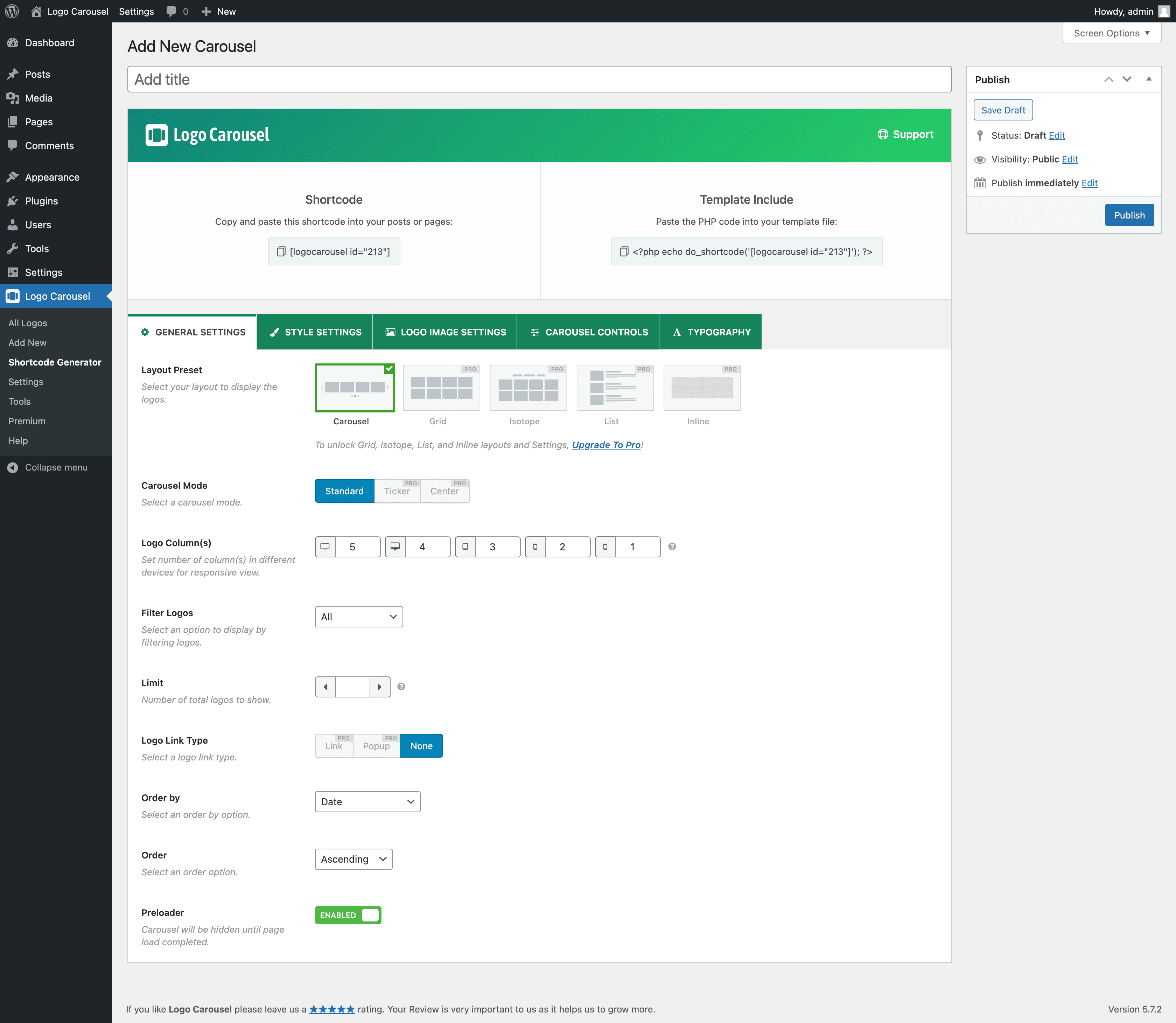
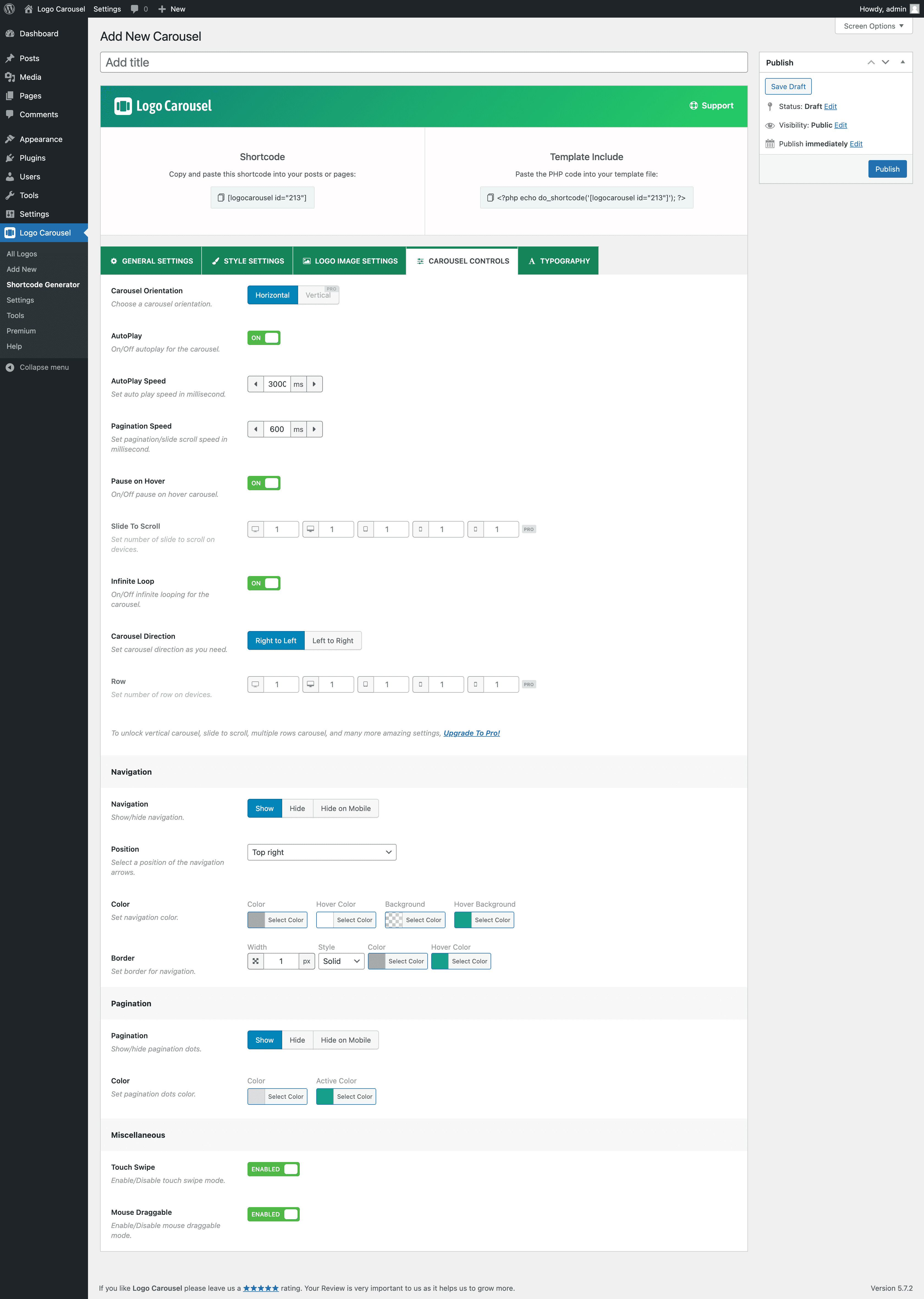
- Carousel controls: autoplay, speed, pause on hover, loop, direction, slides to scroll, sliding effects, adaptive height, keyboard, mousewheel and free scroll.
- 13 navigation arrow icons and 6 pagination dot styles, fully styleable.
- Ajax Live Filter (by logo category) and Ajax Search.
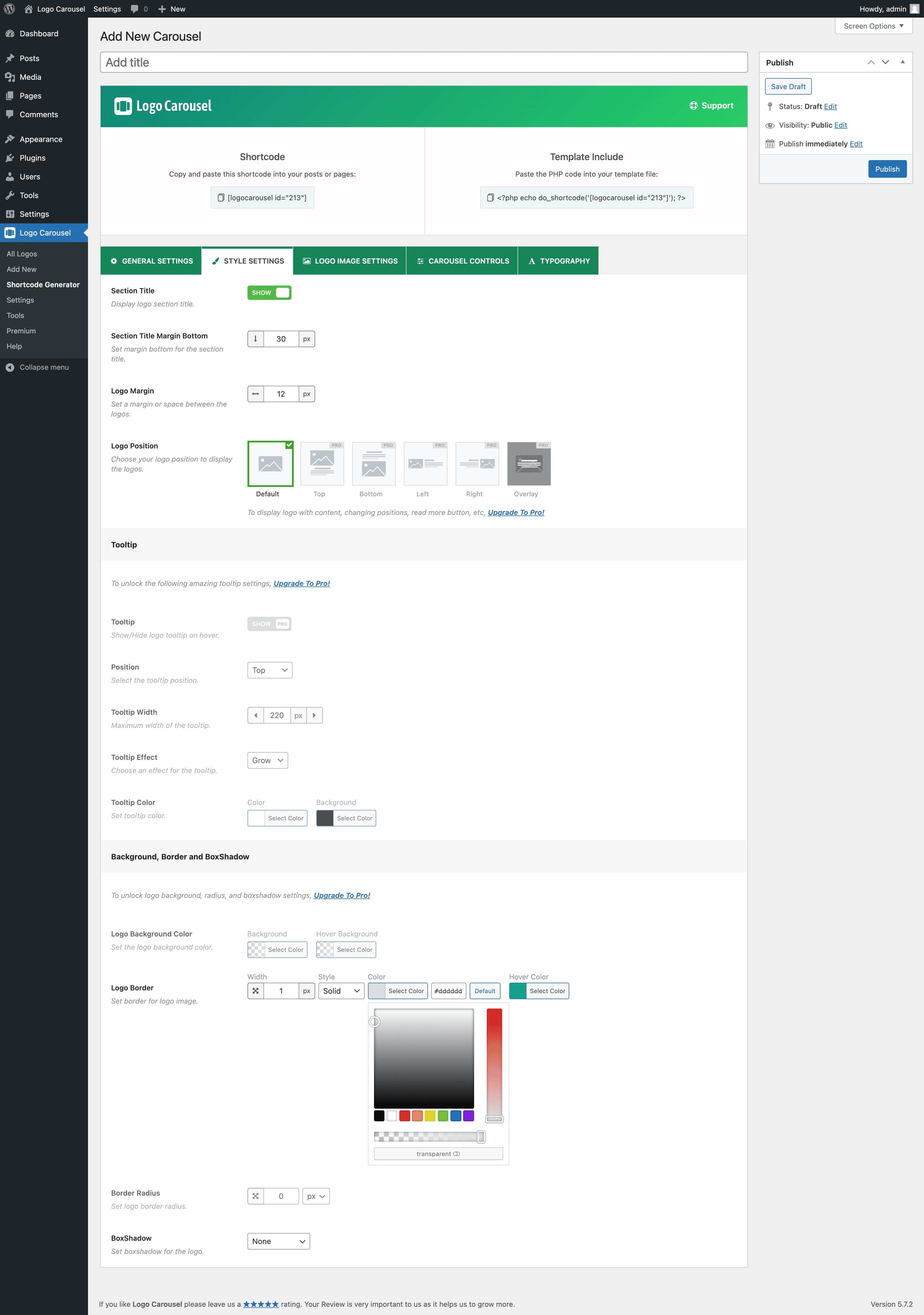
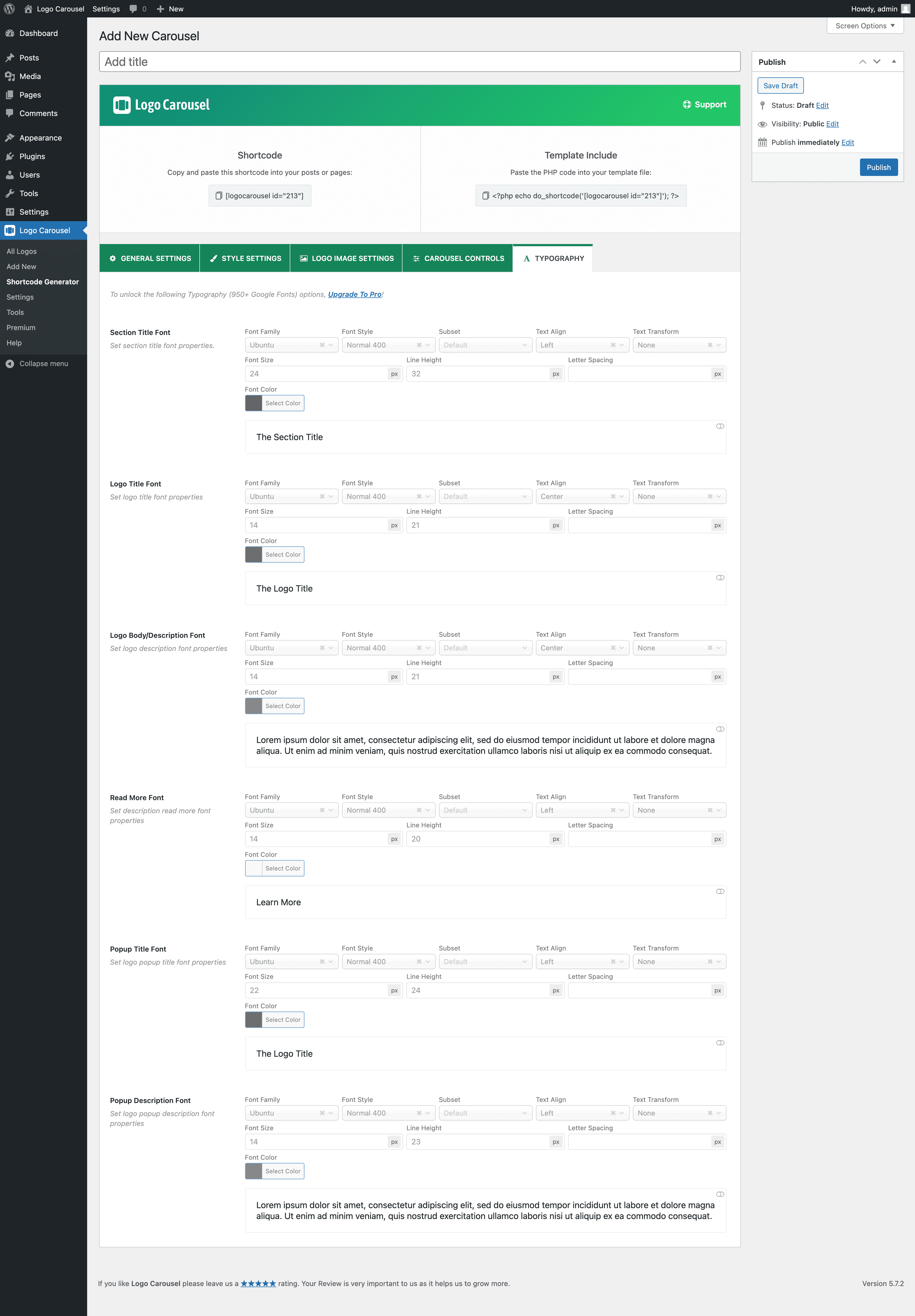
- Logo tooltips with position, arrow, effects, typography and colours.
- Display elements: title, tagline, description, rating and read more, with sortable order, typography, colours, borders and card backgrounds.
- Logo details popup, or link each logo to a URL.
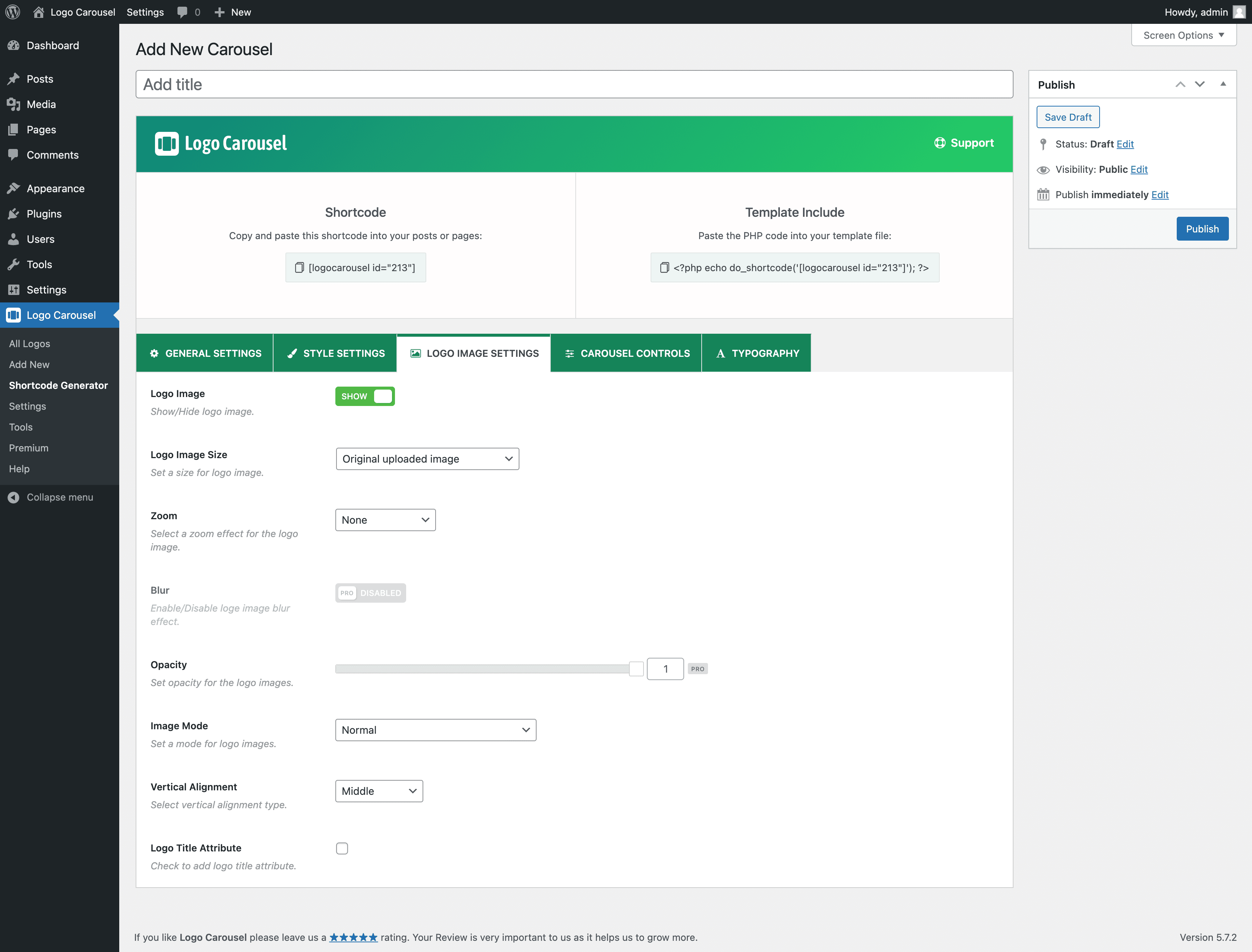
- 17 hover animations, image filters (grayscale, blur and more), opacity, overlay, aspect ratio and resolution control.
- Lazy loading and SVG support.
- Ready Patterns Library – insert pre-designed logo showcases in one click.
- Create with AI – describe a logo showcase and the AI builder matches a pattern or builds the block (uses your own OpenAI, Groq, Anthropic or Google Gemini API key, or a provider connected in WordPress; optional).
- Saved Templates – save a showcase once and reuse it anywhere with the
[lc_template]shortcode. - A modern dashboard to switch blocks and modules on or off, plus a setup wizard.
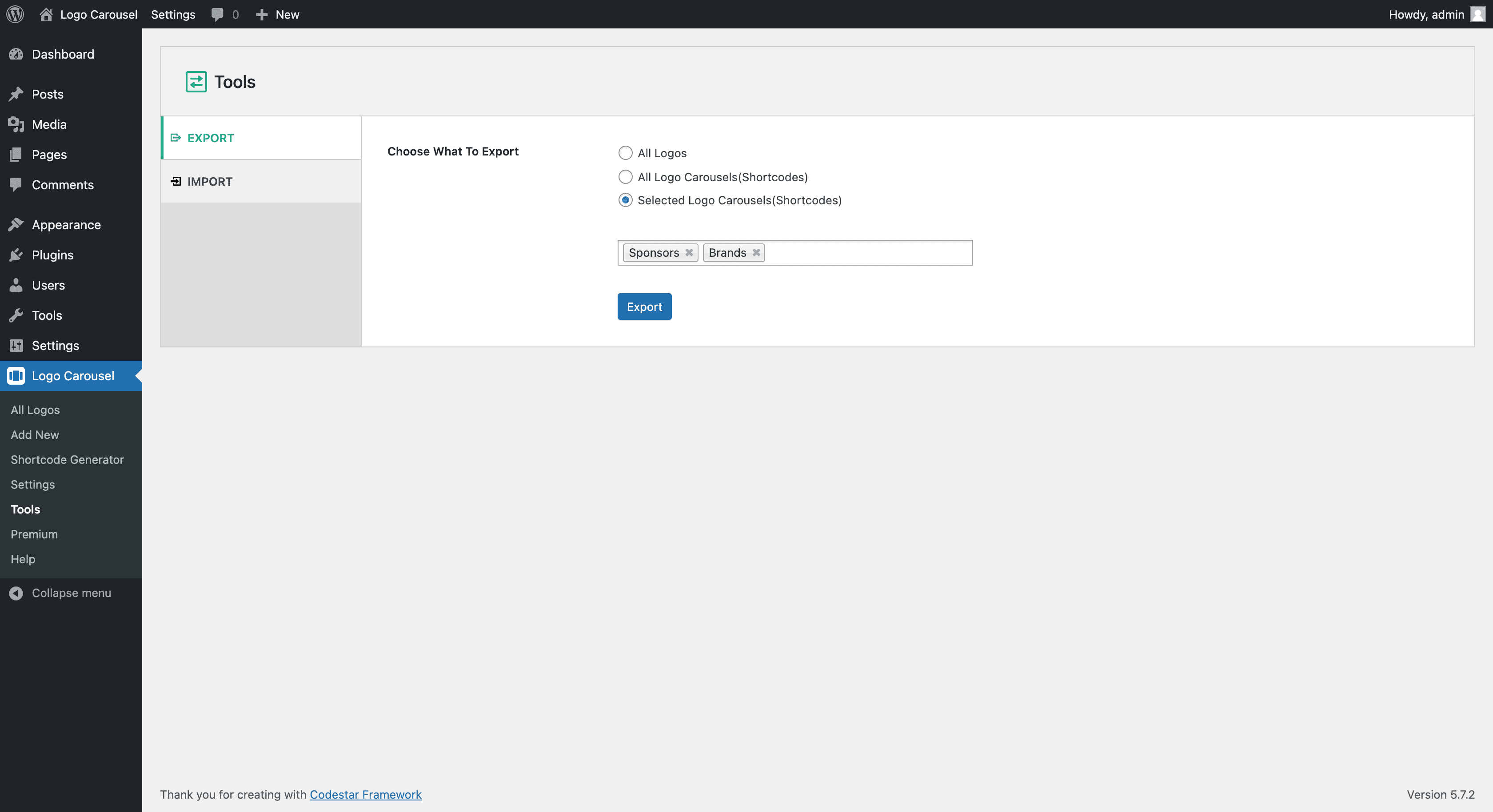
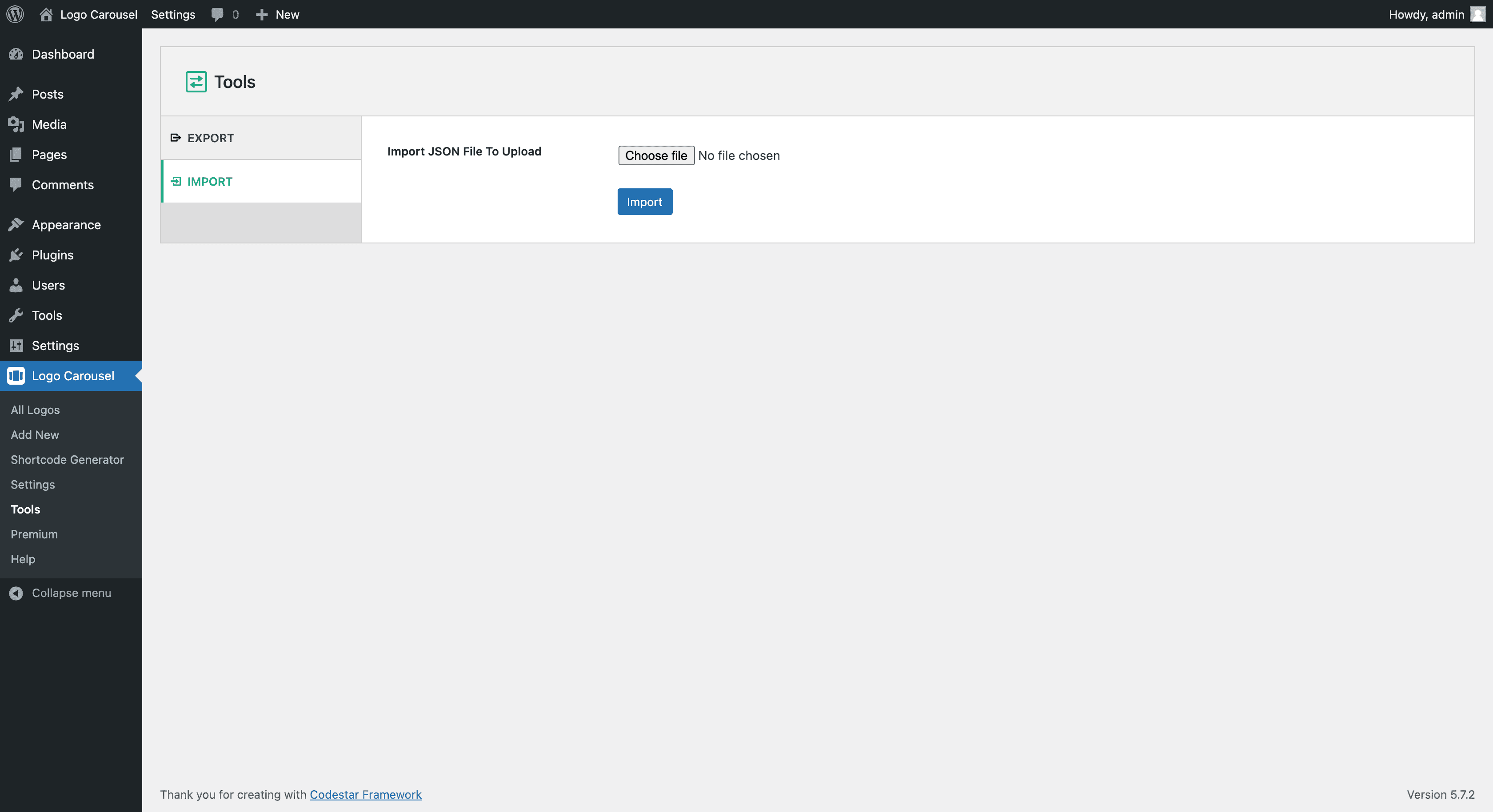
- Import and export logos and logo carousels (JSON).
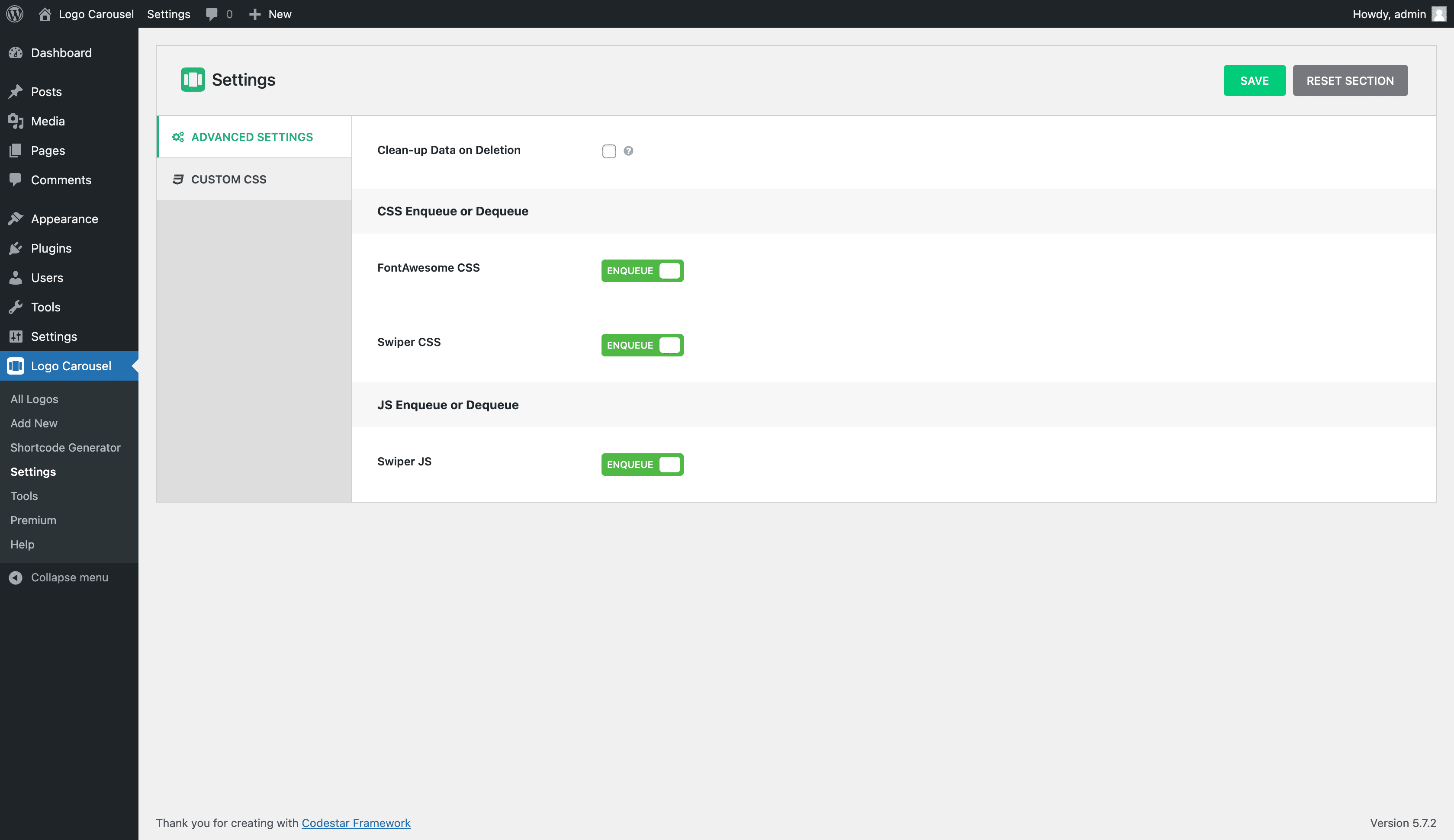
- Custom CSS and JS, and FontAwesome/Swiper enqueue controls.
- Translation ready, RTL ready, developer friendly and SEO friendly.
- Gutenberg (blocks)
- WPBakery
- Elementor
- Divi Builders
- BeaverBuilder
- SiteOrgin
- Themify Builder
- Fusion Builder
- Genesis Framework
Ask us at our SupportAuthor Designed and Developed by ShapedPlugin
安装:
- PHP 7.4 or later
- MySQL 5.6 or later
- WordPress 6.3 or later
- Download logo-carousel-free.zip
- Navigate to the ‘Add New’ in the plugins dashboard
- Navigate to the ‘Upload’ area
- Select logo-carousel-free.zip from your computer
- Click ‘Install Now’
- Activate the plugin in the Plugin dashboard
- Download logo-carousel-free.zip
- Extract the logo-carousel-free directory to your computer
- Upload the logo-carousel-free directory to the /wp-content/plugins/ directory
- Activate the plugin in the Plugin dashboard
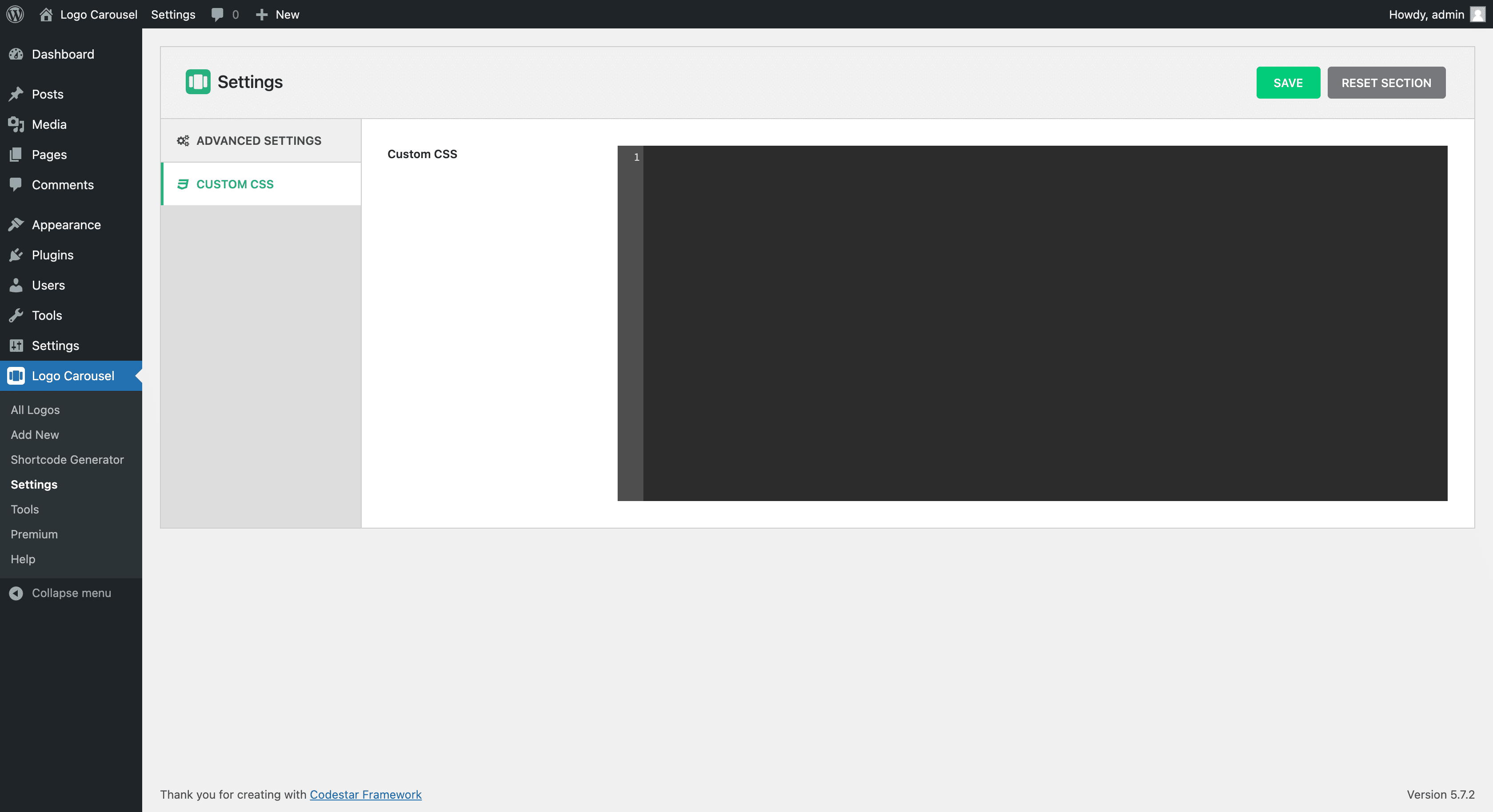
屏幕截图:
常见问题:
How can I create Logo Carousel?
Open any post or page in the block editor and add the Carousel or Grid block from the Logo Carousel category. Choose Ready Patterns, Create with AI or Build from Scratch, add your logos and customise the block from the sidebar.
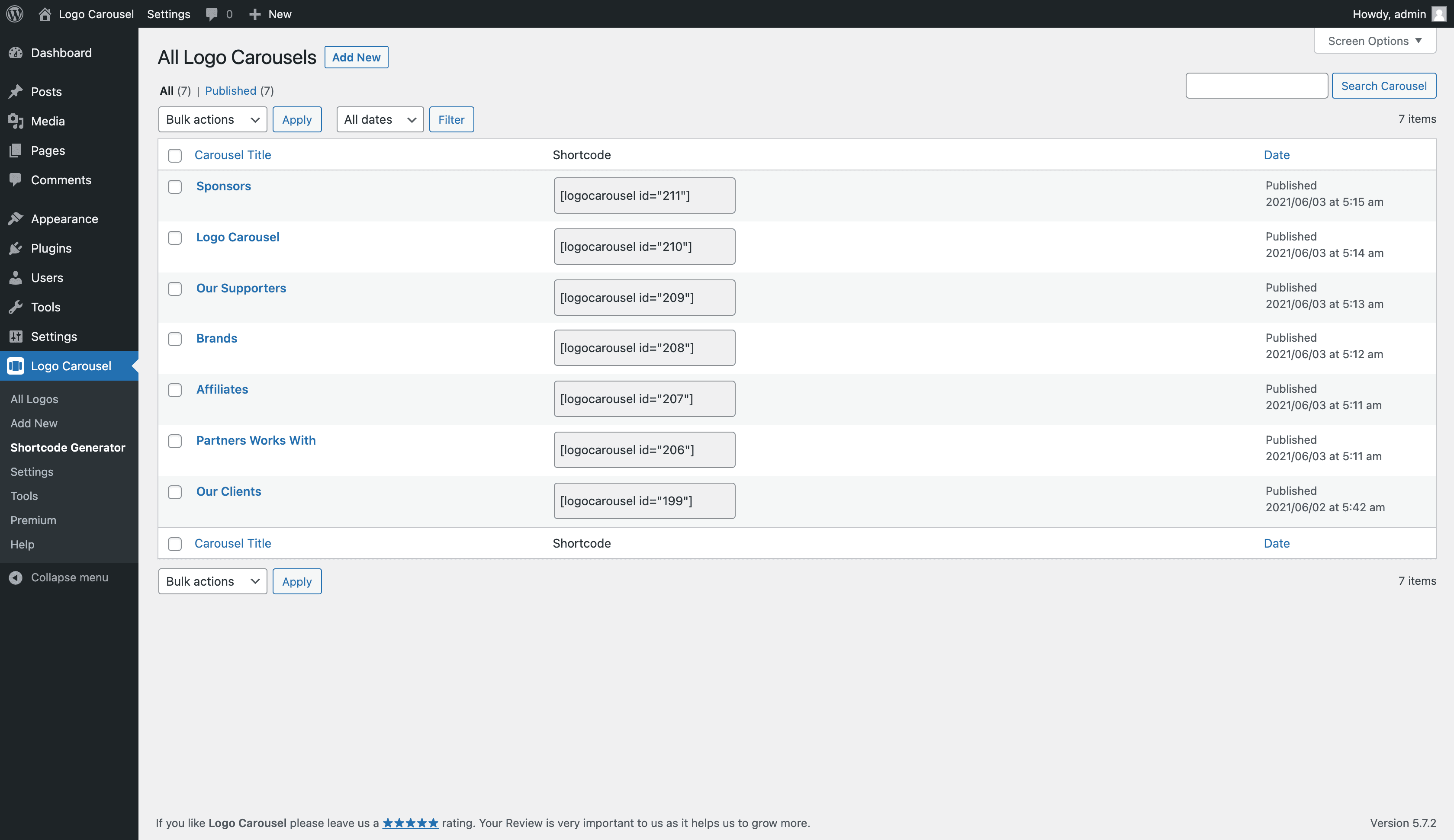
Existing shortcode users can keep using Logo Carousel → Manage Logo Views and the [logocarousel id="…"] shortcode.
Will my existing shortcodes still work after updating to 4.0?
Yes. Shortcodes, the classic Logo Carousel block and the Elementor widget are unchanged. Your plugin settings are kept and are now managed from Logo Carousel → Settings in the new dashboard.
Do I need to have coding skills to use Logo Carousel?
No. You don’t need any coding skill. No more pain writing any shortcode attributes to display logo carousel in your website. With just few clicks, you can amazingly showcase your logos using Shortcode Generator.
Is Logo Carousel responsive?
Yes, Logo Carousel is fully responsive, mobile and touch friendly.
Can I add Logo Carousel anywhere on my website?
Yes, you can add Logo Carousel inside your blog posts, pages, widgets, and anywhere else on your WordPress website with a shortcode or PHP function.
Can I have multiple logo carousel with separate setting?
Yes. You can have unlimited logo carousel or showcase with each separate setting in page, post or template.
Will Logo Carousel work with my theme?
Logo Carousel works with any WordPress theme if themes are developed according to WordPress standard.
Is Logo Carousel supported with WordPress multisite?
Yes, Logo Carousel works perfectly with WordPress multi network site.
How can I get support if the plugin is not working?
If you face any problem with our plugin or something is not working as it should, first follow the preliminary steps: Test the plugin with a WordPress default theme, to be sure that the error is not caused by the theme you are currently using. Deactivate all plugins you are using and check if the problem is still occurring. If none of the previous listed actions helps you solve the problem, then, open a topic in the Support Forum and describe your problem accurately, specify WordPress and plugin versions you are using and any other information that might help us solve your problem as quickly as possible.
Where can I report bugs?
Bugs can be reported in our Support.
I’d like access to more features. How can I get them?
You can get access to more features when you purchase a license of the plugin. Purchasing a license of Logo Carousel Pro gets you access to the full version of Logo Carousel.
Is Logo Carousel Translation Ready?
Yes, Logo Carousel is 100% translation ready and tested with WPML, Polylang, qTranslate-x, GTranslate, Google Language Translator, WPGlobus
更新日志:
- New: Carousel block with Standard and Center styles for smooth, eye-catching logo sliders.
- New: Grid block with responsive columns that look great on every device.
- New: Create with AI module to describe a showcase and get a ready-made design, using your own OpenAI, Anthropic, Gemini, or Groq key, or a provider connected in WordPress.
- New: Ready Patterns library to insert pre-designed logo showcases in one click.
- New: Saved Templates to design once and reuse anywhere with the [lc_template] shortcode, including Elementor, Divi 4 and 5, WPBakery, Oxygen, Beaver Builder and Bricks.
- New: Edit Logos window to reorder logos, update titles, alt text, links and descriptions, and add more from the Media Library in one place.
- New: Secure SVG logo uploads, plus lazy loading, 17 hover animations, and image filters.
- Improved: Admin Dashboard with a Placements tab showing where each showcase is used.
- Improved: Rebuilt around Gutenberg blocks, while existing shortcodes, the classic block, and the Elementor widget keep working unchanged.
- Improved: 13 navigation arrow styles, including all former Pro styles, and 6 pagination dot styles, all fully customizable.
- Improved: Settings, Control Assets, Import & Export, and Custom CSS now live in the dashboard; old pages redirect there automatically.
- Improved: Now requires WordPress 6.3 and PHP 7.4.
- Tested: Compatible with WordPress 7.1.3.
- Fixed: Logo Carousel block compatibility with WordPress 7.1 iframed editor.
- Fixed: Security issue with dismissing admin notices without proper permission verification.
- Improved: Added comprehensive capability checks to all AJAX handlers and admin actions to prevent unauthorized access.
- Improved: Implemented safe unserialize() with is_serialized() check and allowed_classes restriction to prevent PHP object injection.
- Improved: Added CSS output sanitization to prevent XSS through dangerous CSS patterns.
- Improved: Replaced manual WordPress.org API calls with core plugins_api() function for better reliability.
- Fix: Fixed undefined array key issue in uninstall.php that could cause PHP warnings.
- Fix: Resolved WPCS-related code warnings to align with WordPress coding standards.
- Compatibility: Tested and confirmed compatibility with the Elementor Atomic Editor
- Fix: Some CSS style issues found with WP 7.0.
- Improved: Code maintainability has been improved.
- Tested: WordPress 7.0 compatibility.
- Improved: Standardized singleton instance property naming.
- Improved: Code readability and maintainability improved.
- Tested: WordPress 6.9 compatibility.
- New: Added lazy loading support for logo images to improve page performance.
- Tested: WordPress 6.8.3 compatibility.
- Improved: Enhanced plugin security and data validation.
- Improved: The Additional CSS option.
- Improved: Add skip-lazy class to preloader icon to skip lazy.
- Improved: The plugin setting page tab icons.
- Fix: The help page style issue was identified during testing with the WordPress Playground.
- Updated: The language(.pot) file.
- Tested: WordPress 6.8.1 compatibility.
- Fix: The translation-related warning was found with WP 6.8.
- Fix: The help page recommended plugins logo URL not found issue.
- Fix: The mismatched text domain issue.
- Updated: The language (.pot) file.
- Tested: WordPress 6.8 compatibility.
- Improved: The plugin-backed options improved.
- Improved: The review notice section style for small devices.
- Fix: The shortcode select option gap issue was found in the gutenberg block.
- Fix: The plugin relative path issue.
- Fix: The 404 issue for the recommended plugin's logo URL.
- Tested: WordPress 6.7.1 compatibility.
- Fix: The plugin style issue for RTL sites.
- Updated: The language (.pot) file.
- Tested: WordPress 6.7 compatibility.
- Fix: The PHP 7.2 compatibility issue.
- New: The Grid Layout feature
- New: The Responsive Columns, Spacing, Border, Limits, and more options for grid layout.
- New: The Vertical Alignment option for grid and carousel layouts.
- New: The Justify Logo option for grid layout.
- Improved: The Layout Preset option was moved to the top section of the Manage Views single page.
- Improved: The Carousel Style option was placed after the Layout Preset option.
- Tested: WordPress 6.6.2 compatibility.
- Fix: Some strings translation issue.
- Fix: The fontello icons conflict issue.
- Improved: The Plugin backend options have been improved.
- Updated: The language (.pot) file.
- Tested: WordPress 6.5.5 compatibility.
- Fix: The warning was found when the plugin was activated via the WP-Cli command.
- Tested: WordPress 6.5 compatibility.
- New: The Adaptive Height option.
- New: The Tab & Key Navigation option.
- New: The Swipe To Slide option.
- New: The Logo Border Radius option with multiple (px/%) units.
- Improved: The Plugin Backend Options Panel enhanced.
- Improved: The Tooltip/Help texts of the plugin options have been improved.
- Improved: The 'Shortcode Generator' menu item was renamed to 'Manage Views'.
- Improved: The Options of Carousel Settings were reorganized by the Nested Tab.
- Improved: The Carousel Navigation and Pagination's Hide in mobile option have been separated.
- Improved: The Options of Display Settings were reorganized by the Nested Tab.
- Improved: SVG icons have been optimized.
- Improved: The Help Page has been redesigned to make it more user-friendly.
- Updated: The Language (.pot) file.
- Fix: The background style issue was found after upgrading from Light to the Pro version.
- Improved: The loading animation of export import feature.
- Fix: Few PHPCS warnings found with PHP8.2.
- Removed: The deprecated get_page_by_title function from plugin.
- Tested: WordPress 6.4 compatibility.
- Fix: The style issue of the plugin admin panel for RTL sites.
- Fix: The carousel pagination position overlap issue if a large no. of logos are shown in the carousel.
- Tested: WordPress 6.3 compatibility.
- Updated: Minimum required version of WordPress for the plugin.
- Tested: Tested: WordPress 6.2.2 compatibility.
- New: The Carousel Starts on Screen option.
- Fix: The Gutenberg Block preview shows only the preloader at the second reload.
- Tested: WordPress 6.2 compatibility.
- Improved: Gutenberg Block NMP packages updated.
- Fix: The Elementor block icon gets modified by other plugin icon.
- Fix: The extra padding of section title in live preview mode.
- Fix: Plugin CSS changes in admin panel does not apply until meta reload.
- Removed: The plugin settings link from admin bar.
- New: The Space Between the logos option.
- Improved: The margin-bottom option of section title moved to Typography tab.
- Improved: Some options are reorganised.
- Fix: The arrows of the carousel navigation are not in the right position with the Storefront theme.
- Fix: Shows error when image URL is not valid.
- Improved: Plugin security improved.
- Tested: WordPress 6.1.1 compatibility.
- Fix: A image URL is missing in the Display tab of the shortcode edit page.
- Improved: Dynamic CSS of logo carousel for Elementor edit preview.
- New: The Free mode option.
- Improved: Load dynamic style according to the shortcode on the page.
- Fix: The JS warning on click export of logos on the export page.
- Fix: Dequeue Assets option does not work when the Elementor plugin is enabled.
- Tested: WordPress 6.1 compatibility.
- Fix: Few deprecated JS warnings on the plugin admin page.
- Improved: SVG preloader icon as a pre-loader image.
- Improved: Optimized SVG images.
- Fix: Security issues.
- Fix: Conflict with the W3 Total Cache's lazyload feature.
- Removed: Unused codes and assets from the plugin.
- Fix: Logo Alt Text shown for Logo title, not from alt text.
- Removed: Removed unused codes and functions from the plugin.
- Updated: Live Demo page & Landing page link.
- Fix: Logo items are not excluded from WordPress Search Results.
- Updated: The notice texts of creating/editing the shortcode.
- Fix: The premium page warnings.
- Update: The language (.pot) file.
- Tested: WordPress 6.0 compatibility.
- Fix: Deprecated warning of Gutenberg Block.
- Fix: Few deprecated js warnings.
- New: Elementor Addon.
- Fix: Some assets of the Logo Carousel admin panel are not loaded properly in a few websites as that hosting directory is different.
- New: Gutenberg Block for Logo Carousel shortcode.
- New: The alt attribute to the preloader image has been added.
- New: Specific class added in the logo image tag to exclude lazyload conflict of other plugins.
- Fix: Image vertically middle/center does not work.
- Fix: Custom CSS loads multiple times if multiple shortcodes are used on a page.
- Tested: WordPress 5.9 compatibility.
- Fix: Image tag title attr double quote issue.
- Improved: Plugin security improved.
- Improved: Shortcode duplication nonce sanitized.
- Fix: The export issue.
- Removed: Unnecessary codes.
- Improved: Plugin security improved.
- New: Capability permission hook added.
- Improved: Plugin security improved.
- Removed: Google Font asset removed.
- Fix: Logo limit field blank issue.
- New: Shortcode live preview option.
- Improved: Shortcode settings panel text.
- Fix: Several minor tweaking.
- Improved: Plugin security.
- Fix: AutoPlay stopping on mobile device issue.
- New: Export and Import option.
- New: Margin bottom for the section title.
- New: Logo margin between logos.
- New: Show/Hide logo image.
- New: Available logo image cropped sizes.
- Improved: Logo limits default value 15 withdrawn.
- Improved: Backend Generator Settings panel.
- Improved: Codes optimized.
- Improved: Minor CSS tweaking.
- New: Plugin Settings page added.
- New: Clean-up data on deletion option.
- New: Enqueue/Dequeue FontAwesome CSS.
- New: Enqueue/Dequeue Swiper CSS.
- New: Enqueue/Dequeue Swiper JS.
- New: Custom CSS field to override styles.
- Fix: Spinner field issue.
- Fix: Shortcode area padding issue.
- Improved: Minor tweaking.
- New: Infinite loop for the logo carousel.
- New: Carousel Direction: Right to Left and Left to Right.
- New: Navigation hide on mobile.
- New: Pagination hide on mobile.
- New: Navigation color and hover color.
- New: Navigation border width, style, color, and hover color.
- New: Pagination dot independent active color.
- New: Logo section title.
- New: Logo border width, style, color, and hover color.
- New: Logo title attribute.
- New: Preloader option.
- Improved: Color accessibility for disabled people.
- Improved: Shortcode Generator Settings panel.
- Improved: Optimized for speed.
- Update: Plugin framework and whole code base.
- Improved: Swiper latest version has been added.
- Fix: Shortcode area icon click and responsive issue.
- New: Shortcode onClick copy option.
- Tested: WordPress 5.7 compatibility.
- Fix: WordPress 5.6 compatibility issue.
- Improved: Pro version compatibility.
- Improved: Carousel scripts.
- Fix: WordPress 5.5 compatibility issue.
- New: Carousel duplicate option.
- Fix: Backend logo column image sizing issue.
- Improved: Load minified CSS & JS.
- Fix: WordPress 5.3 compatibility issue.
- Improved: Style and Script enqueue system.
- Improved: Admin dashboard UI.
- Fix: WordPress 5.2.1 compatible issue.
- Fix: WordPress 5.1 compatible issue.
- Improved: Carousel script improved.
- Fix: Images are visible before carousel is initialized.
- Fix: "Pause on Hover" issue for carousel.
- Admin Dashboard UI improvement.
- CSS tweaks and whole codes optimized.
- Post conversion SQL query improved.
- JavaScript Codes Improved to make more SEO friendly.
- Admin dashboard improved
- Some issues fixed
- Widget area issue fixed
- Custom column added in logo post
- Shortcode Generator Added
- Tiny MCE button to insert shortcode
- Total Logo
- Tailor based responsive option
- Order and OrderBy Option
- AutoPlay
- AutoPlay speed
- Pause on hover
- Touch Swipe
- Mouse Drag
- RTL mode
- Massive changes
- Fixed CSS
- Fixed fatal error
- Add shortcode backend
- First Release