
Loop Formation
| 开发者 | loopformation |
|---|---|
| 更新时间 | 2026年10月13日 18:49 |
| PHP版本: | 7.4 及以上 |
| WordPress版本: | 7.1 |
| 版权: | GPLv2 or later |
| 版权网址: | 版权信息 |
详情介绍:
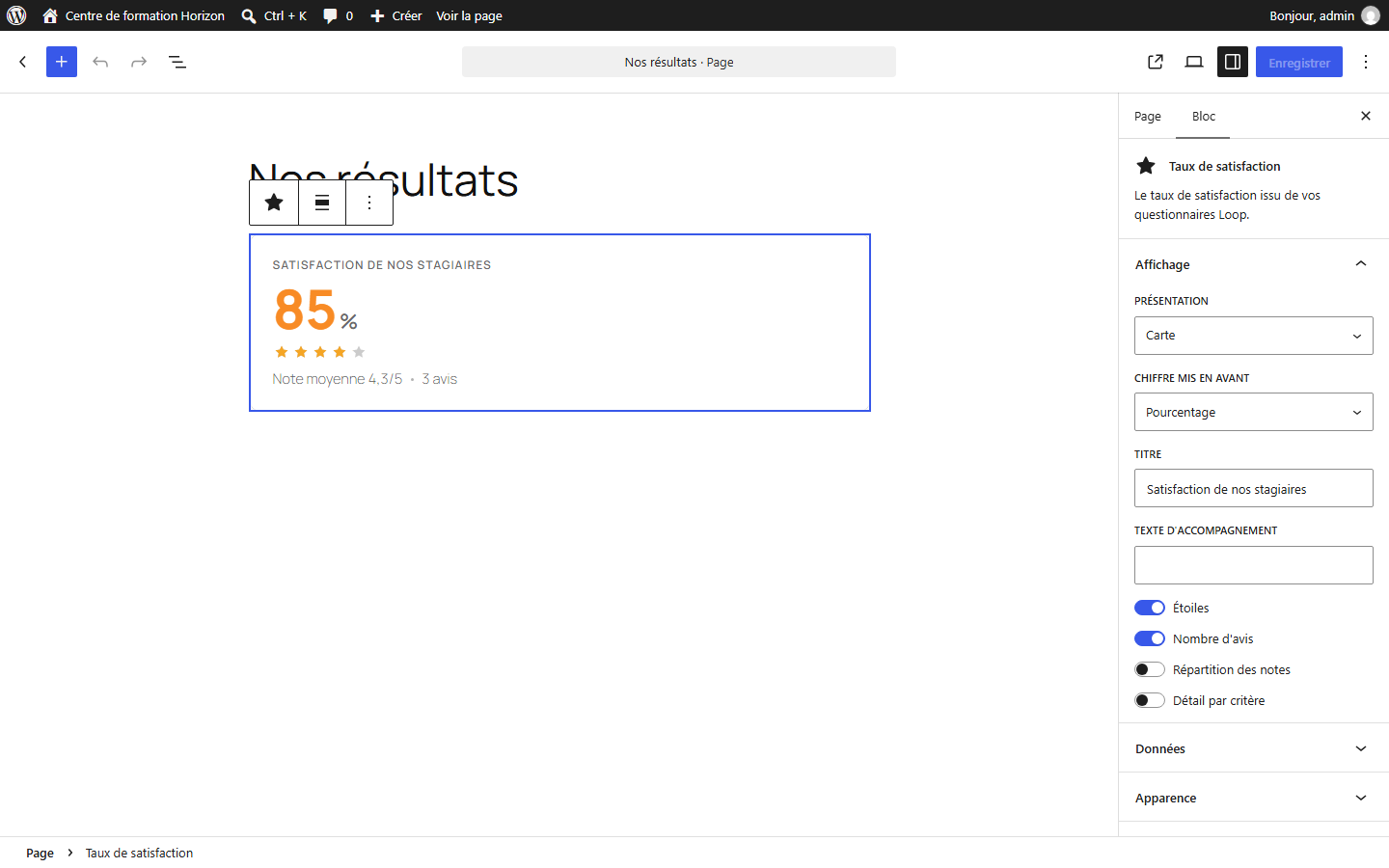
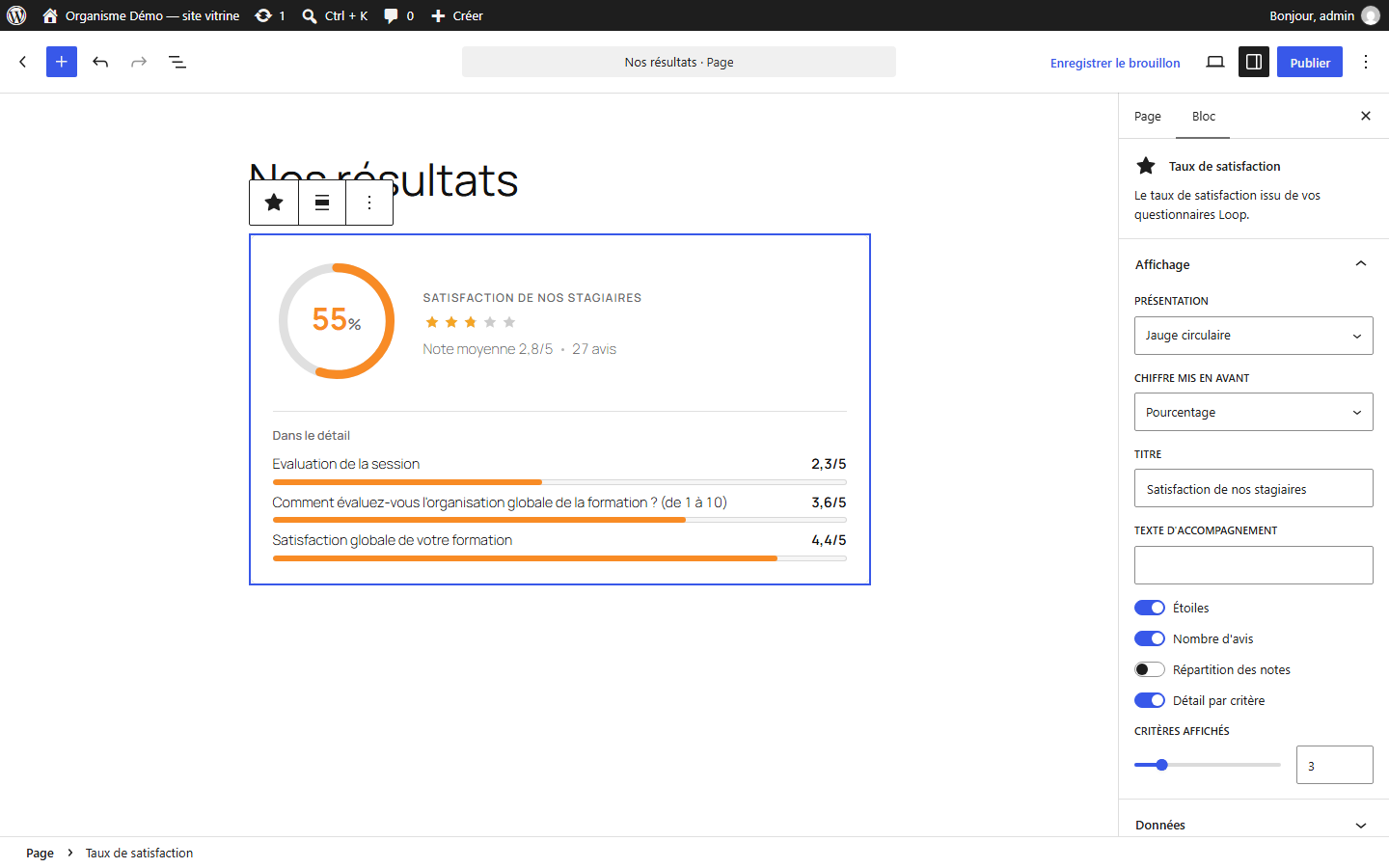
- Four blocks for the block editor (category "Loop").
- Shortcodes for other page builders:
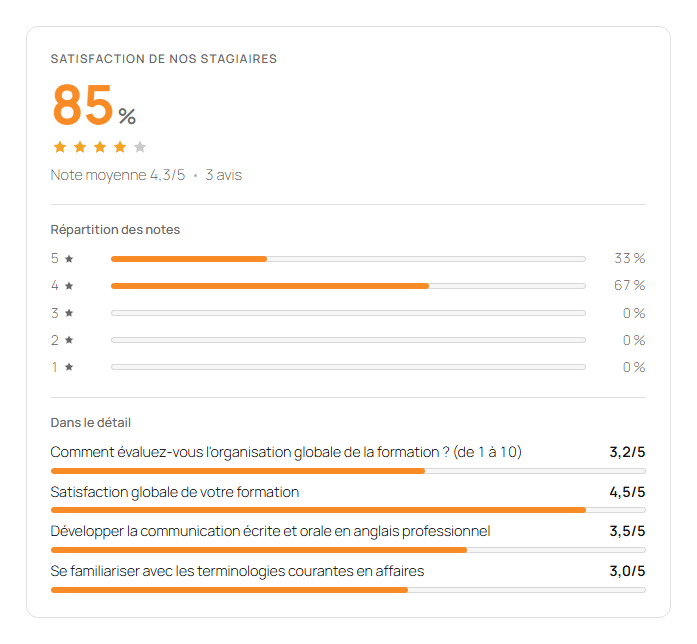
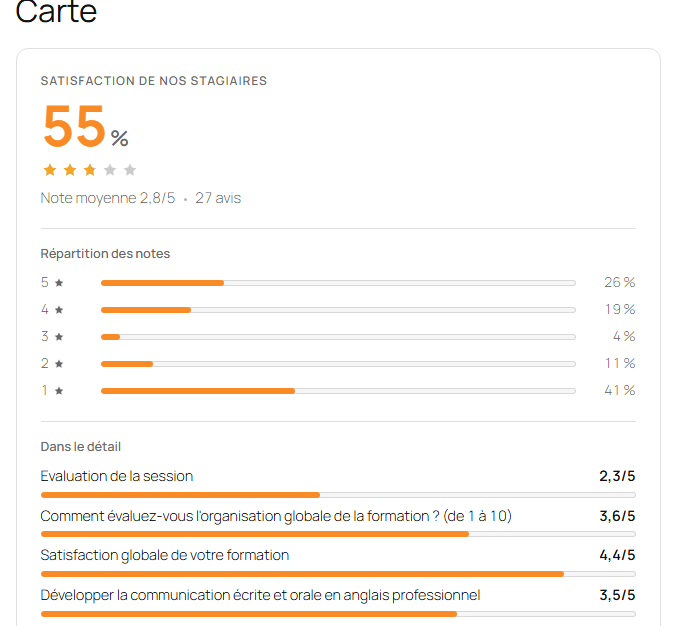
[loopformation_satisfaction],[loopformation_formulaire id="123"],[loopformation_catalogue id="45"],[loopformation_formations style="grille" nombre="6"]. - A classic widget for the satisfaction rate.
- One-click "Create a page" from the plugin screen.
- Global appearance settings with live preview, overridable per block.
安装:
- Install and activate the plugin.
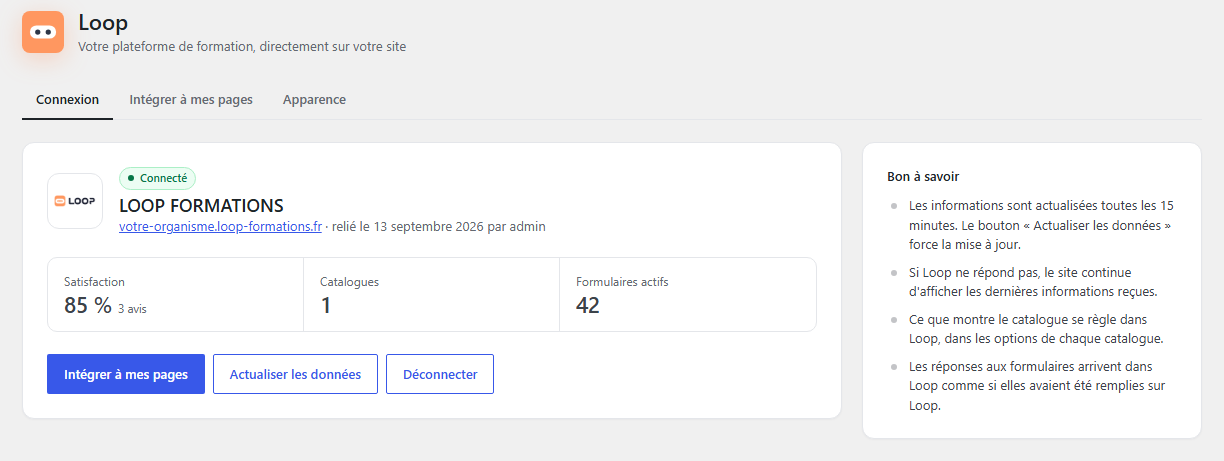
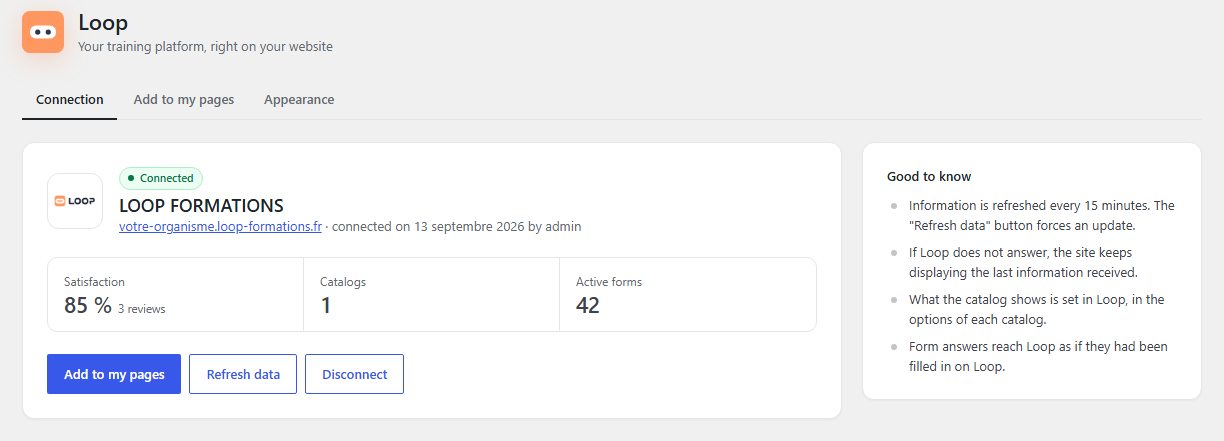
- Open the new Loop menu, enter the address of your Loop platform and click Connect to Loop.
- Log in to Loop with an administrator account and click Authorize access.
- Add the Loop blocks to your pages, or use Create a page from the "Add to my pages" tab.
屏幕截图:

常见问题:
Do I need a Loop account?
Yes. The plugin displays information from a Loop platform and sends form answers to it. Connecting requires an administrator account on that platform.
Is the information up to date?
It is cached for a few minutes (adjustable) to keep pages fast. The "Refresh data" button forces an update. If Loop cannot be reached, the site keeps showing the last information received.
What about online payment?
For a registration with online payment, visitors are directed to Loop's secure registration page, which handles the payment.
How do I disconnect the site?
Loop menu › Disconnect, or delete the connection in Loop (organization record › Integrations › Loop API).
Which data does the site store?
Access tokens, plugin settings, cached public information (catalog, satisfaction rate, form structure) and temporary copies of programme PDFs. Everything is removed when the plugin is deleted.
更新日志:
- Catalogue refreshed as soon as it is saved in Loop: the site receives Loop's signal and clears its cache at once, without waiting 15 minutes or using "Refresh data".
- New block and shortcode "Registration funnel" ([loopformation_tunnel]): place a Loop registration funnel on a page, as a banner, a button or inside the page. Choose the funnel and the courses offered; steps, payment and documents are set in Loop.
- Catalog: when a Loop funnel replaces the registration form of a course, the registration page shows the funnel.
- Open-enrollment sessions follow Loop's rule: they stay open on the course page even after their end date, as in the Loop catalog and registration forms.
- New Loop screen: side navigation and a search box (Ctrl+K) that finds a setting, a form, a catalog or a page, by its name or by its current value.
- Themes and other plugins can add their own sections to the Loop screen with the loopformation_admin_sections filter, so every setting of the site can live in one place.
- Course page: every session shows its available seats out of the planned seats ("12 of 15 seats available").
- Open-enrollment sessions already under way show "Open enrollment until" followed by their end date, instead of their past start date; finished sessions are no longer listed.
- Loop brand logo in the plugin screen and the admin menu.
- Catalog filters: longer labels are no longer truncated in translated languages.
- First release: satisfaction rate, native forms, course catalog, featured courses, blocks, shortcodes and widget.