
Lovely Notes
| 开发者 | inlovely |
|---|---|
| 更新时间 | 2026年10月18日 19:17 |
| 捐献地址: | 去捐款 |
| PHP版本: | 8.0 及以上 |
| WordPress版本: | 7.1 |
| 版权: | GPLv2 or later |
| 版权网址: | 版权信息 |
详情介绍:
- Write notes in the WordPress editor or the quick-publish widget on the dashboard.
- Add an image, a video, or an optional external media embed.
- Display a note reader using
[lovely_notes]. - Browse notes without reloading the whole page, on desktop and mobile.
- Display monthly archives using
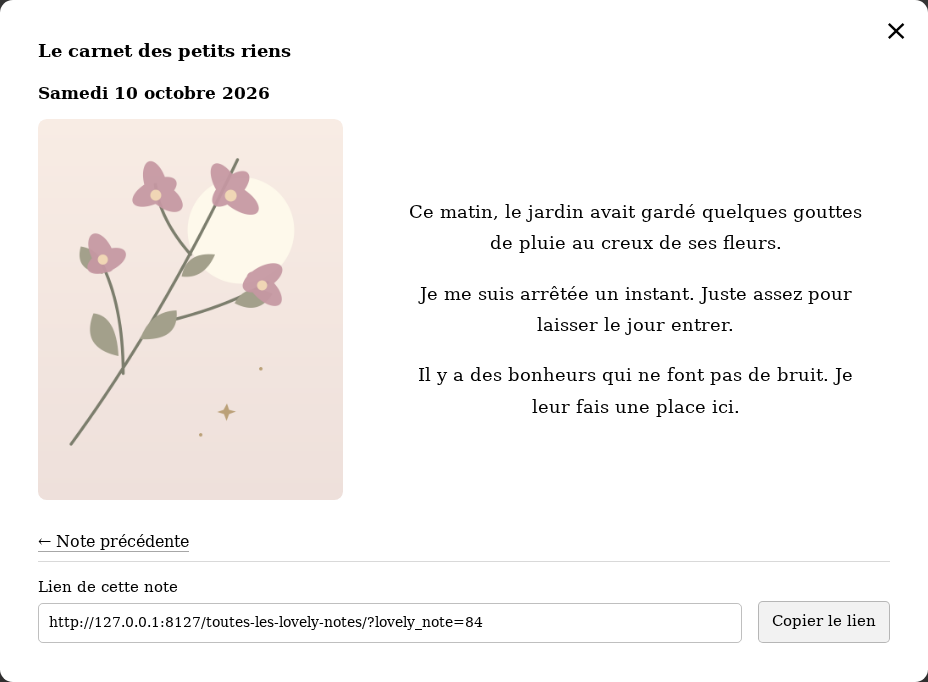
[lovely_notes_archive]. - Open a full note from the archives and copy its permanent sharing link.
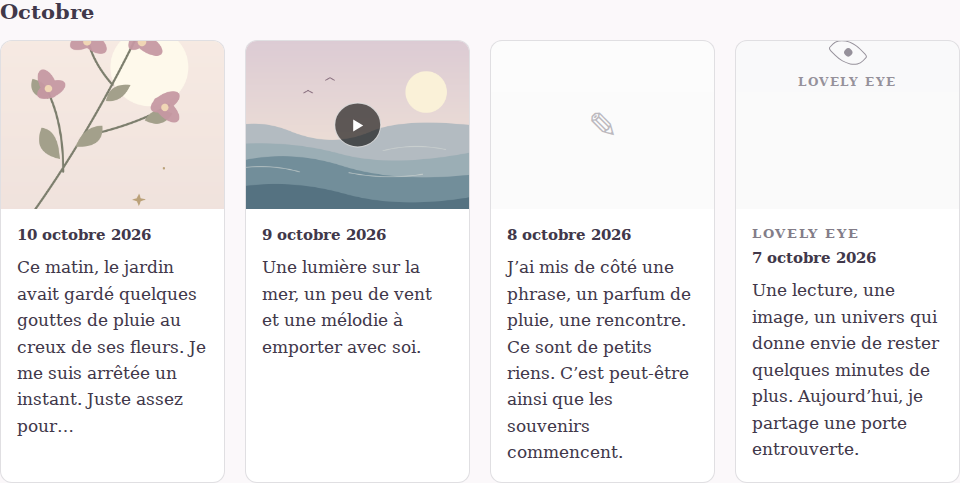
- Show video thumbnails in the archives, with a fallback when a preview is unavailable.
- Enlarge images in a lightbox.
- Set a maximum reading area in ordinary text lines; longer text remains available by scrolling.
- Choose a custom name for your microblog.
- Add an optional "Lovely Eye" link to something you want readers to discover.
[lovely_notes]
This displays the newest published note, with navigation to other notes.
For the monthly archive, use:
[lovely_notes_archive]
The plugin also creates an archive page automatically. Open the plugin settings to view that page and copy either shortcode.
Optional reader attributes:
[lovely_notes text_lines="8"]sets the maximum reading height for this reader.[lovely_notes show_name="yes"]always displays the microblog name.[lovely_notes show_name="no"]hides the microblog name.[lovely_notes show_date="no"]hides the publication date.[lovely_notes show_media="no"]hides media attached through the plugin's dedicated media fields; media inside the note text remains part of that text.
show_name="auto" displays the name when you have chosen a custom name. The class attribute can add your own CSS classes.
Only published notes without a password appear in the public reader, archives and sharing links.
安装:
- In WordPress, go to Plugins > Add New Plugin > Upload Plugin, select the Lovely Notes ZIP, and install it.
- Activate Lovely Notes.
- Publish a note from the Lovely Notes menu, or use the quick-publish widget on the dashboard.
- Edit the page where you want the reader to appear. Add a Shortcode block, paste
[lovely_notes], then publish or update the page. In the classic editor, paste the shortcode directly into the page content. - Visit Lovely Notes > Settings ("Reglages" in the French interface) to choose the microblog name and the number of visible lines. You can also copy the shortcodes there.
- Use the automatically created archive page, or place
[lovely_notes_archive]in a page of your choice.
屏幕截图:


常见问题:
Which shortcode should I use?
Use [lovely_notes] for the reader and [lovely_notes_archive] for the monthly archives. Both are visible, with copy buttons, in the plugin settings.
How do I share one note?
Open the note from the archives and use the copy-link button. The link selects that note by its permanent ID, so publishing newer notes does not change the selection. Draft, private, password-protected and deleted notes are unavailable through public sharing links.
Does the line limit delete or truncate my text?
No. The complete text stays saved. The setting defines a maximum height equivalent to ordinary lines, including paragraph spacing, and scrolling reveals the rest. The default is 10 lines, with a range of 1 to 100.
Can I rename the notebook?
Yes. Choose a name in the settings. The plugin remains named Lovely Notes, while your custom name appears in the reader and administration. The automatic archive title follows the name only if you have not already edited that title yourself. Existing addresses stay unchanged.
How do video previews work?
YouTube thumbnails and thumbnails supplied by supported WordPress video providers, including Vimeo, can appear in archive cards. A locally hosted video uses its poster or Media Library thumbnail when available. Otherwise, a static frame is loaded near the viewport, without starting playback. If a preview cannot be loaded, a video symbol remains and the note still opens normally.
What happens if I deactivate or delete the plugin?
The plugin does not delete notes, uploaded media, settings or the archive page. Its shortcodes stop working while it is inactive. Back up your site before removing data yourself.
更新日志:
- Removed direct script output from administration header hooks.
- Writing invitations now use native WordPress block editor settings, including for iframe editors.
- Added an optional "buy the author a coffee" link in the plugin settings and directory readme.
- Documented the user-initiated PayPal.Me link and confirmed the WordPress.org contributor account.
- Added copyable shortcodes and setup instructions in the settings.
- Improved documentation, licensing, public input handling and archive excerpts. Earlier releases are documented in changelog.txt.