
LR YouTube Grid Gallery
| 开发者 |
logicrays
priteshm |
|---|---|
| 更新时间 | 2026年10月2日 17:47 |
| 捐献地址: | 去捐款 |
| PHP版本: | 8.0 及以上 |
| WordPress版本: | 7.1 |
| 版权: | GPLv2 or later |
| 版权网址: | 版权信息 |
详情介绍:
安装:
- Upload Zip file lr-youtube-grid-gallery to the
/wp-content/plugins/directory - Activate the plugin through the 'Plugins' menu in WordPress
屏幕截图:

常见问题:
How do I add YouTube videos?
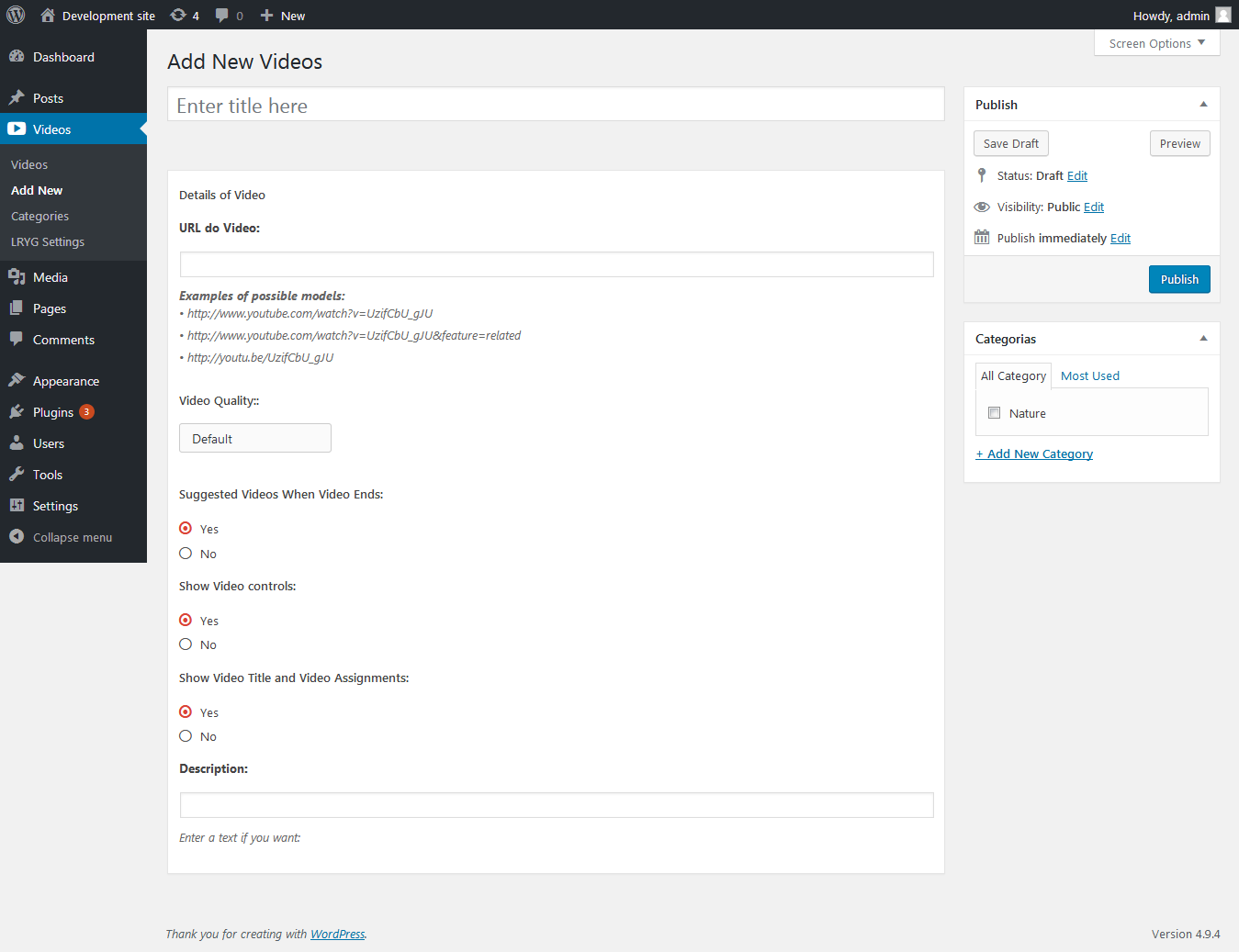
After activating the plugin, go to Videos in the WordPress admin menu. Click Add New, enter a title, and paste the YouTube video URL in the Details of Video meta box. You can also assign a category and optional description for each video.
How do I display the gallery on a page or post?
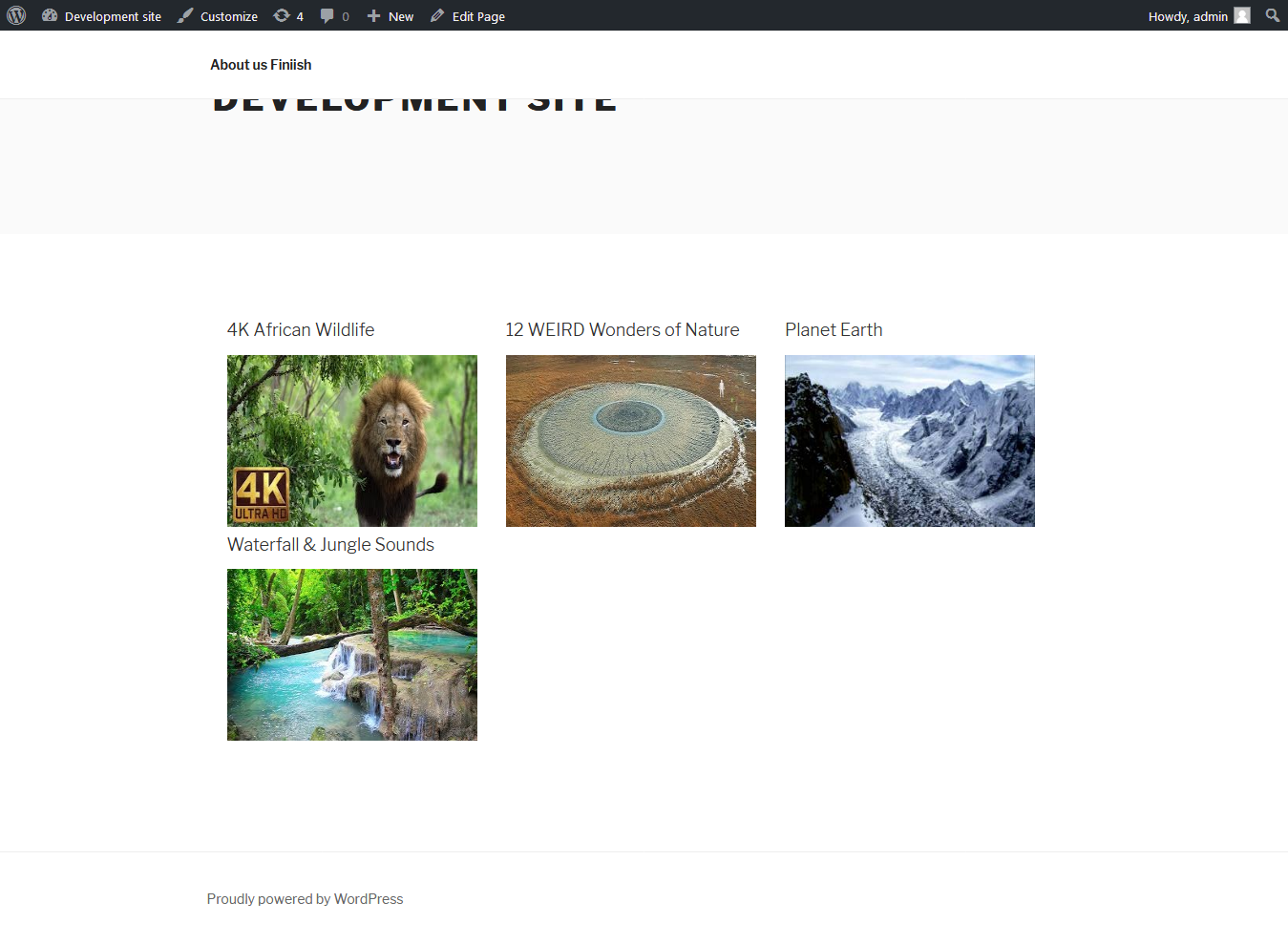
Add the shortcode [lryg-youtube-grid-gallery] to any page, post, or widget area that supports shortcodes. You can also insert it from the visual editor using the LR YouTube Grid Gallery TinyMCE button.
What shortcode options are available?
The shortcode supports these attributes:
order– Sort direction:ASCorDESC(default:DESC)orderby– Sort field:date,name, orrand(default:date)posts– Number of videos to show (default:6; use-1to show all)category– Category slug to filter by, orallfor every category (default:all)
[lryg-youtube-grid-gallery order="DESC" orderby="date" posts="6" category="all"]
How do I organize videos into categories?
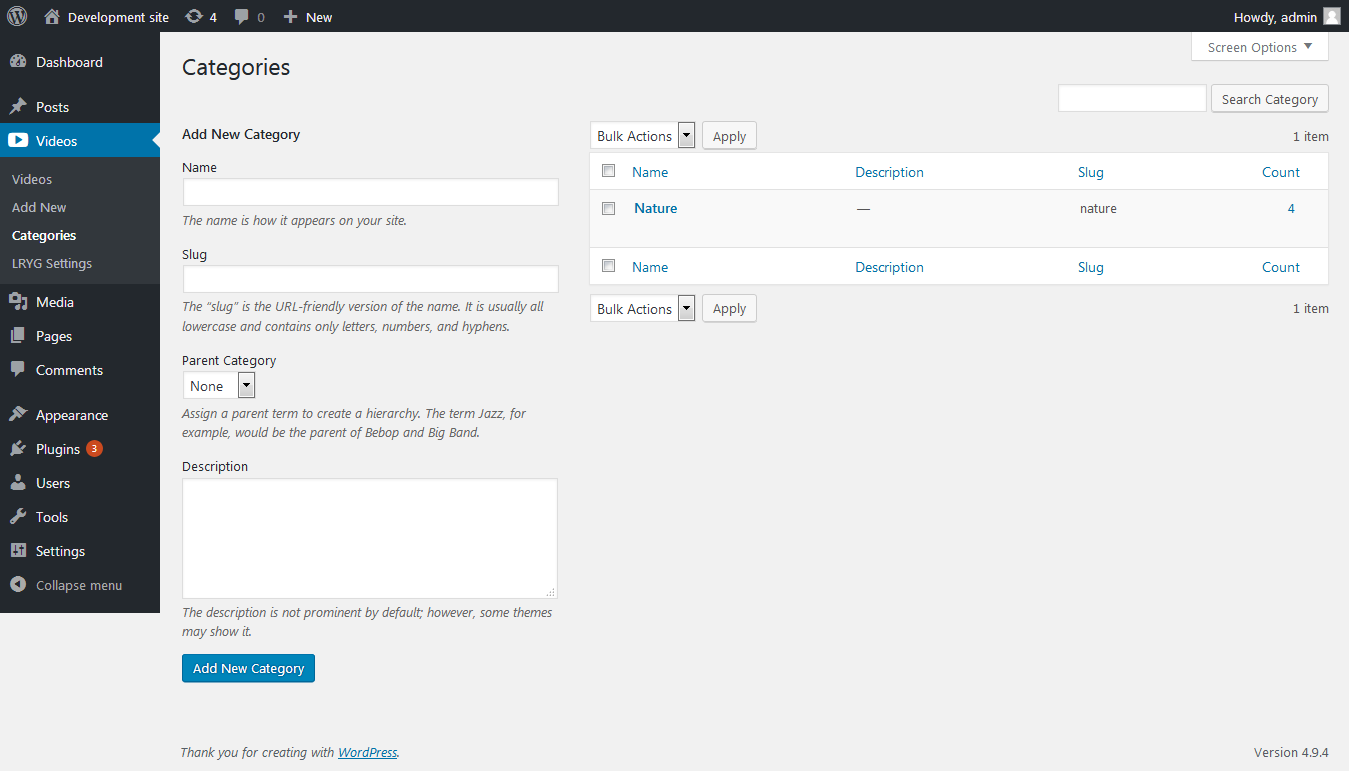
Go to Videos > Categories in the admin menu and create categories as needed. Assign categories when editing a video, then use the category shortcode attribute with the category slug to display only videos from that group.
What YouTube URL formats are supported?
The plugin accepts standard YouTube links such as:
How are videos played on the frontend?
Videos are shown in a responsive grid. When a visitor clicks a thumbnail, the video opens in a lightbox popup powered by WordPress Thickbox.
Can I use a custom thumbnail image?
Yes. If you set a featured image on a video post, that image is used as the thumbnail instead of the default YouTube preview image.
Where can I change video and thumbnail sizes?
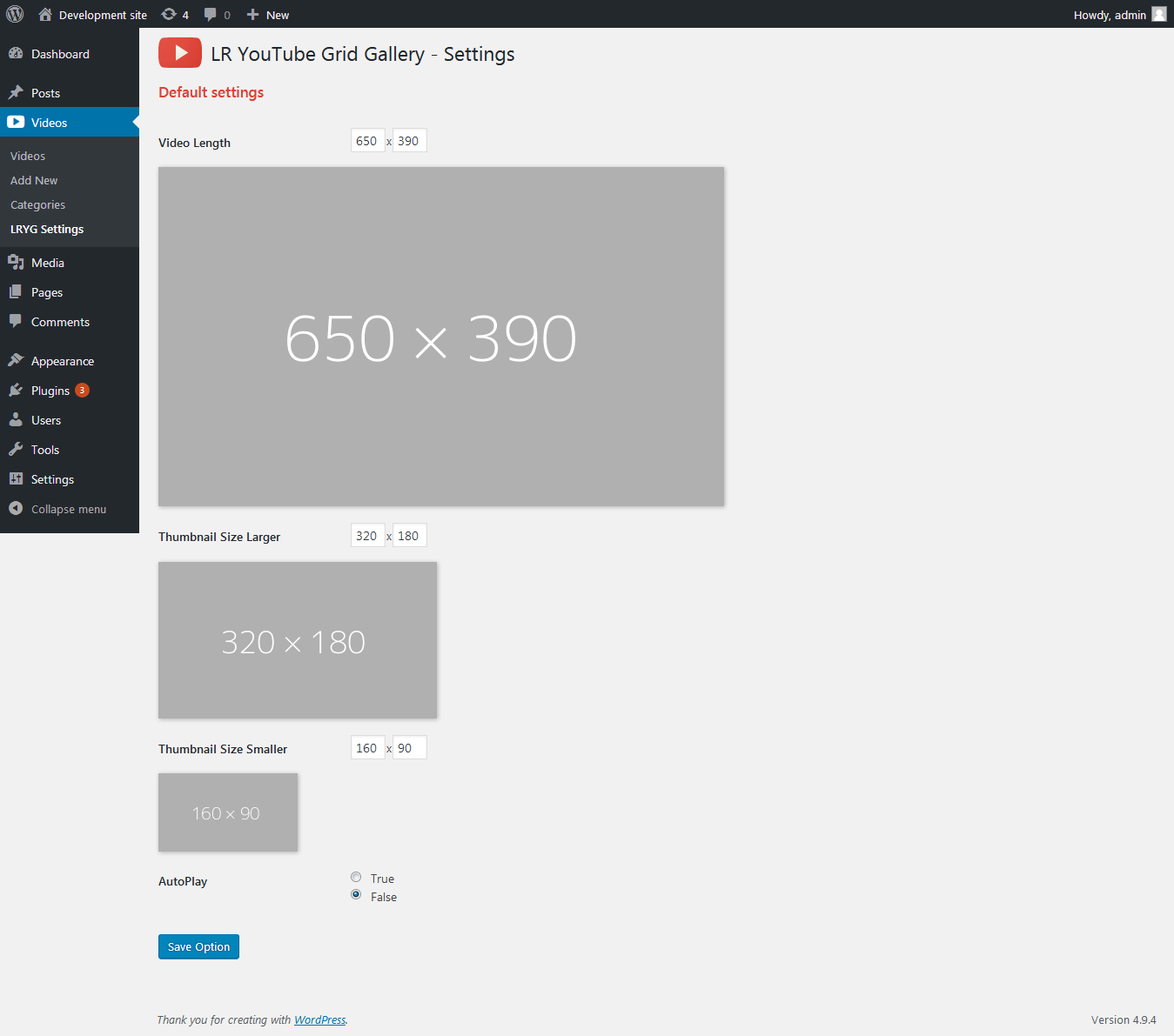
Go to Videos > LRYG Settings to configure default video player dimensions, thumbnail sizes, and the global autoplay option.
Can I control playback options per video?
Yes. When editing a video, the Details of Video meta box lets you set video quality, whether to show suggested videos when playback ends, player controls, and title display options.
Does this plugin work with any theme?
Yes. LR YouTube Grid Gallery is designed to work with any WordPress theme. The grid layout uses included styles that adapt to most theme setups.
Do I need a YouTube API key?
No. The plugin works by storing YouTube URLs and embedding videos directly. No API key or external account connection is required.
Where can I get help or request custom features?
For support or custom development, contact Logicrays at https://www.logicrays.com/contact-us-logicrays-india/.
更新日志:
- Added compatibility support for WordPress 7.1.
- General code and performance improvements.
- YouTube video grid with shortcode support.
- Custom post type for managing videos.
- Category taxonomy for organizing videos.
- TinyMCE button for easy shortcode insertion.
- LRYG Settings page for default video and thumbnail sizes.
- Lightbox video playback with Thickbox.
- Per-video playback options (quality, controls, suggested videos).
- Tested with WordPress 7.0 and PHP 8.0+.