
LukaCodes Content Expiry Shortcode
| 开发者 | luka2013 |
|---|---|
| 更新时间 | 2026年3月25日 00:01 |
| PHP版本: | 8.0 及以上 |
| WordPress版本: | 6.9 |
| 版权: | GPLv2 or later |
| 版权网址: | 版权信息 |
详情介绍:
[lcexp] shortcode, we can wrap any temporary content inside a date-based rule. Until the selected date and time, the content is shown normally. Once that time passes, the plugin replaces it with a clear expiry message.
This makes the plugin useful for many everyday WordPress tasks, such as:
- limited-time offers
- temporary announcements
- event notices
- holiday messages
- launch updates
- short-term promotional text
[lcexp "30-06-2026 23:59"]This content will stay visible until the selected date and time.[/lcexp]
Before the selected date and time:
the content inside the shortcode is displayed normally.
After the selected date and time:
the content is replaced automatically with the message:
This content is no longer available.
Accepted date formats
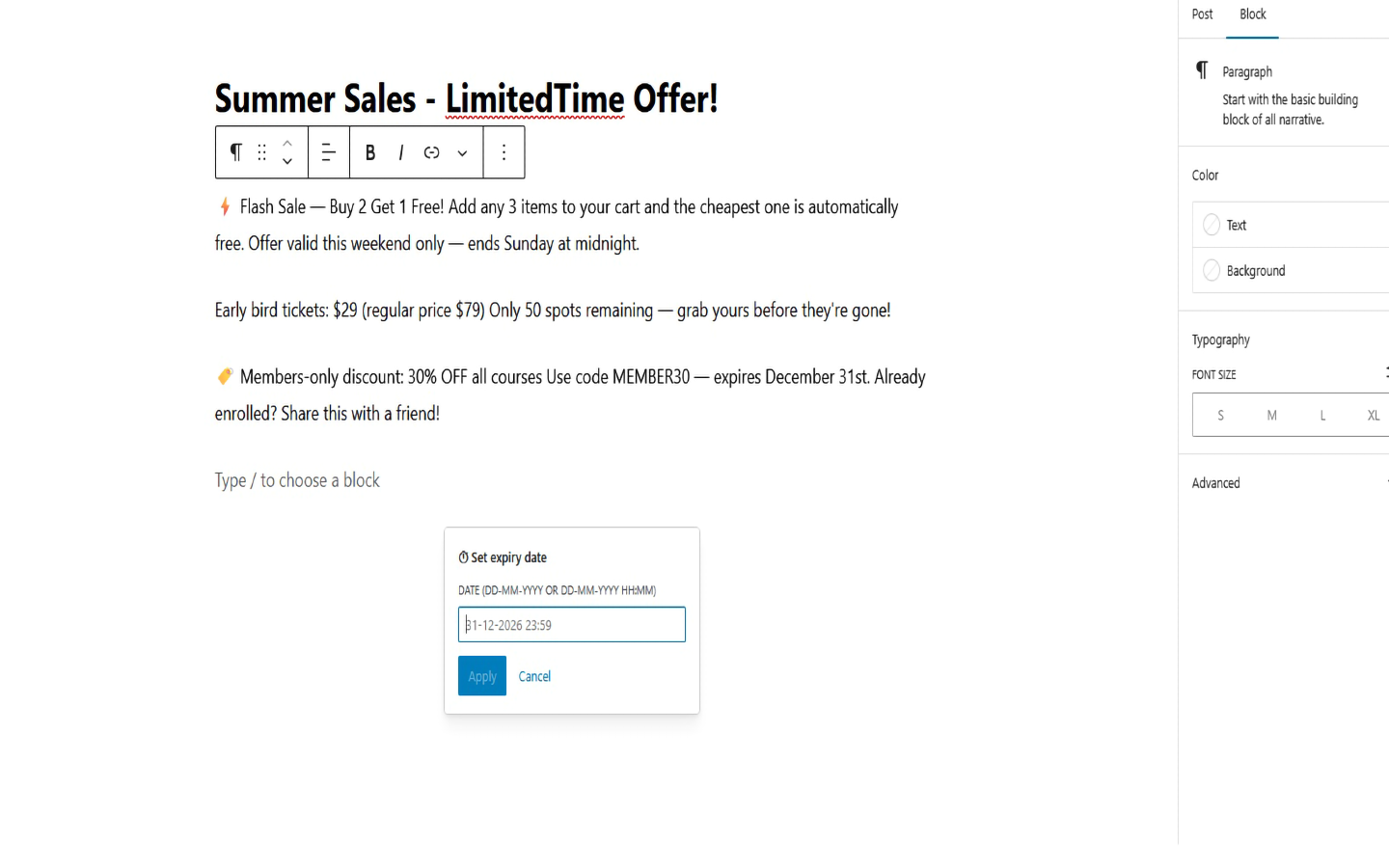
We can use the shortcode with the following formats:
DD-MM-YYYY HH:MMDD-MM-YYYY
DD/MM/YYYY HH:MMDD/MM/YYYY
[lcexp "30-06-2026 23:59"]This offer ends tonight.[/lcexp]
[lcexp "25-12-2026"]Holiday message[/lcexp]
[lcexp "18:30 15-08-2026"]Event reminder[/lcexp]
What we wanted to keep simple
We designed this plugin to stay lightweight and practical. We did not want to add unnecessary setup screens for something that can be handled directly inside the editor with a shortcode.
Features
- simple shortcode-based usage
- automatic content expiry by date and time
- works in posts and pages
- works in WooCommerce product descriptions and short descriptions
- supports nested shortcode content through normal shortcode rendering
- uses the WordPress site timezone
- lightweight and easy to use
- multilingual-ready
安装:
- Upload the
lukacodes-content-expiry-shortcodefolder to the/wp-content/plugins/directory, or install the plugin through the WordPress Plugins screen. - Activate the plugin through the Plugins screen in WordPress.
- Open any post or page where you want to show temporary content.
- Add the shortcode with your preferred expiry date and time.
[lcexp "30-06-2026 23:59"]Your content here[/lcexp]屏幕截图:
常见问题:
How does the shortcode work?
We place the content we want to show temporarily between the opening and closing shortcode tags.
Example:
[lcexp "30-06-2026 23:59"]This content will expire automatically.[/lcexp]
The date inside the shortcode tells the plugin when that content should stop being displayed.
What happens after the expiry date?
After the selected date and time passes, the plugin replaces the content with the message:
This content is no longer available.
What date format should we use?
We recommend using:
DD-MM-YYYY HH:MM
Example:
[lcexp "30-06-2026 23:59"]Temporary content[/lcexp]
We also support date-only format:
DD-MM-YYYY
and slash-separated dates such as:
DD/MM/YYYY HH:MM
Which timezone does the plugin use?
We use your WordPress site timezone. You can check or change it from: Settings > General > Timezone
Does it work in the Classic Editor and Gutenberg?
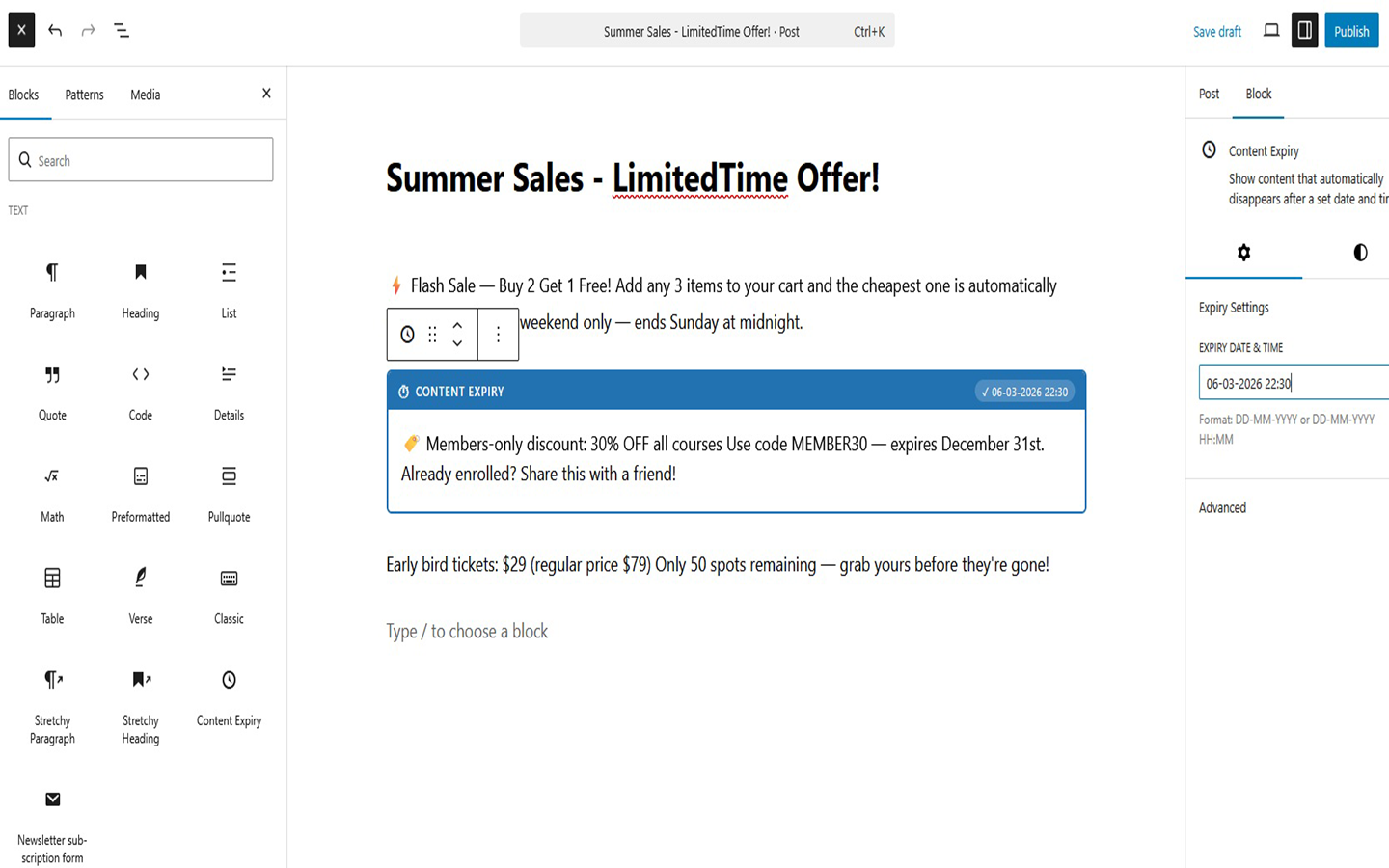
Yes. We can use the shortcode in both the Classic Editor and the Block Editor.
Can we use more than one shortcode on the same page?
Yes. We can use multiple [lcexp] shortcodes on the same page with different dates and different content.
Does the plugin hide the content completely?
After expiry, the original content is no longer shown. In its place, the plugin displays a clear expiry message so visitors do not see an empty gap.
Does it work with any WordPress theme?
Yes. We built it to work independently of the active theme.
更新日志:
- Added Freemius integration for optional opt-in analytics and deactivation feedback.
- Updated the Premium purchase link to the main plugin page.
- Added WooCommerce integration: the
[lcexp]shortcode now works inside product descriptions and short descriptions. - Added WooCommerce REST API support: shortcode content is correctly evaluated when product data is fetched via the REST API.
- Initial release.
- Added the
[lcexp]shortcode for expiring temporary content by date and time. - Added support for
DD-MM-YYYY HH:MMandDD-MM-YYYYformats. - Added multilingual-ready text strings.