Lumenare Search
| 开发者 | adamgreenwell |
|---|---|
| 更新时间 | 2026年10月9日 21:37 |
| PHP版本: | 7.4 及以上 |
| WordPress版本: | 7.1 |
| 版权: | GPLv2 or later |
| 版权网址: | 版权信息 |
详情介绍:
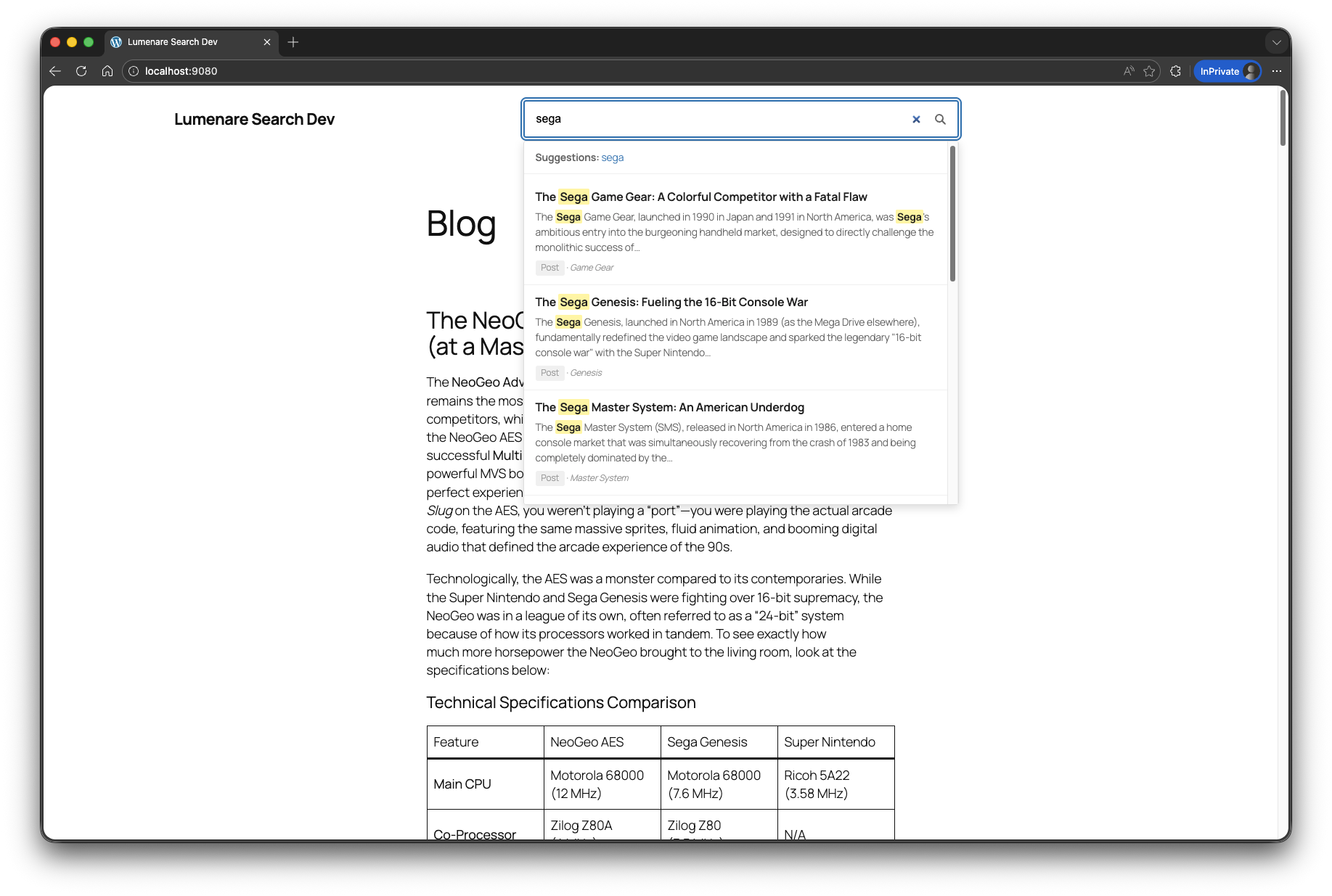
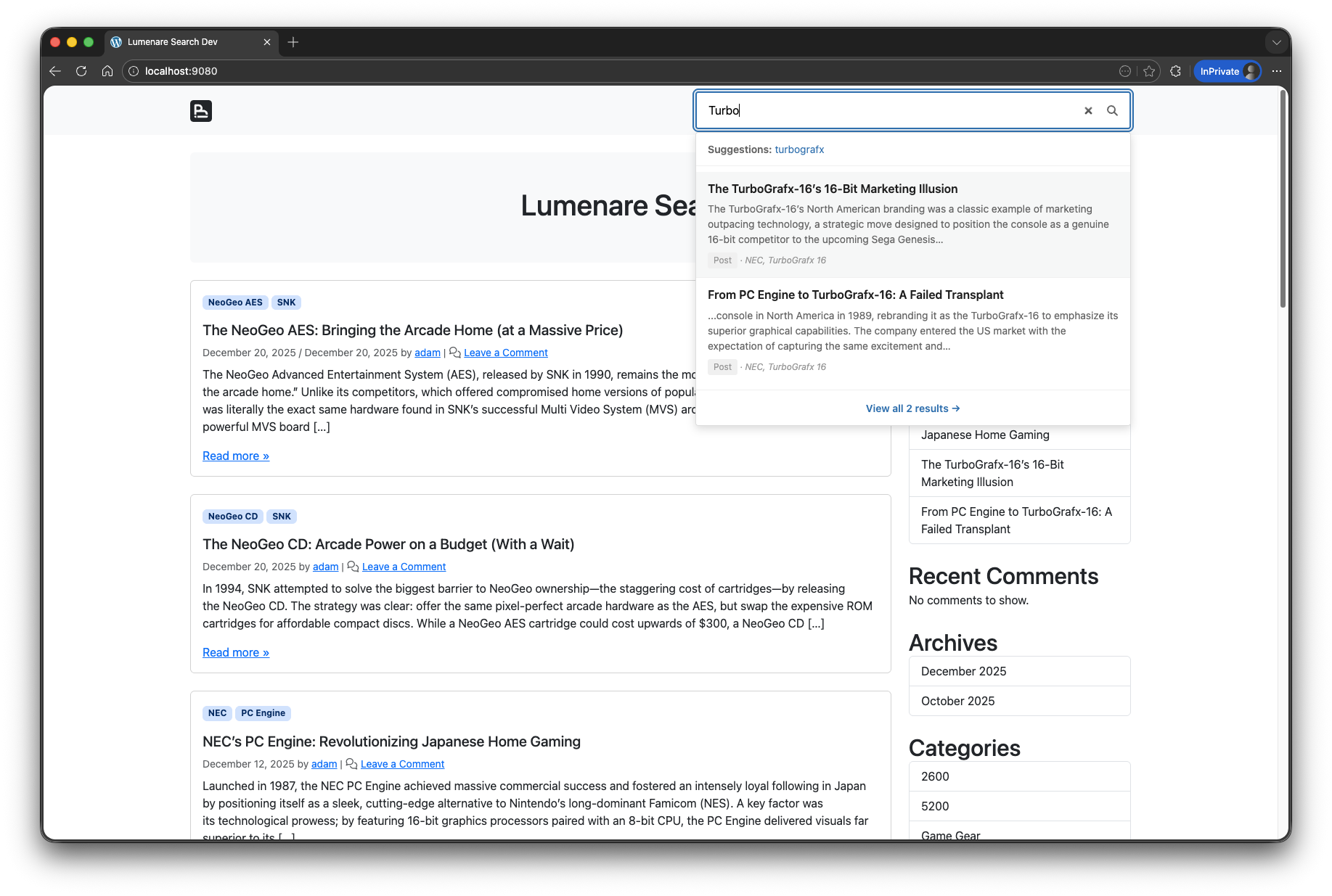
- Instant live search dropdown results, with optional featured-image thumbnails.
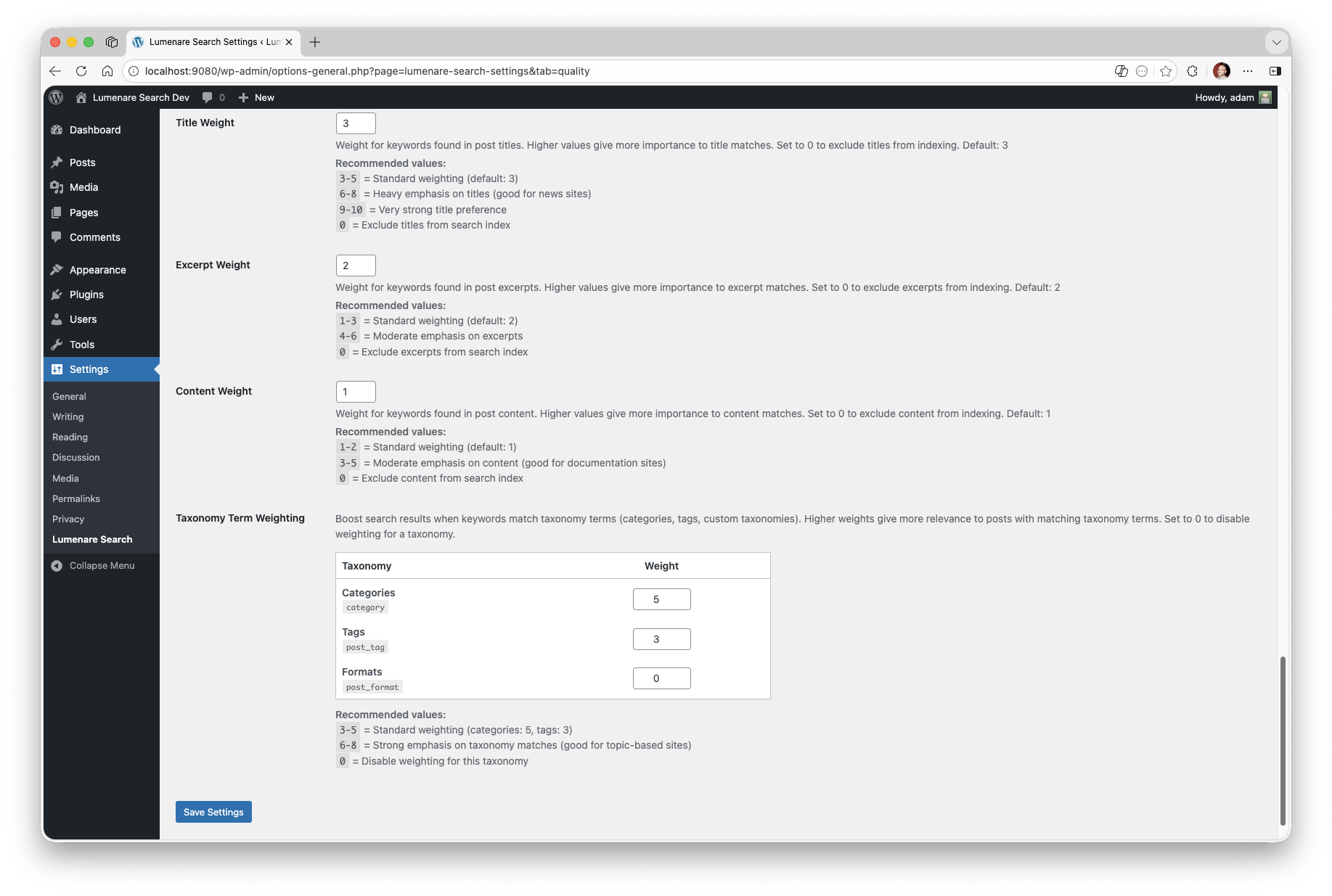
- Weighted keyword indexing for titles, excerpts, content, taxonomies, and selected custom fields.
- Match-any or match-all keyword modes.
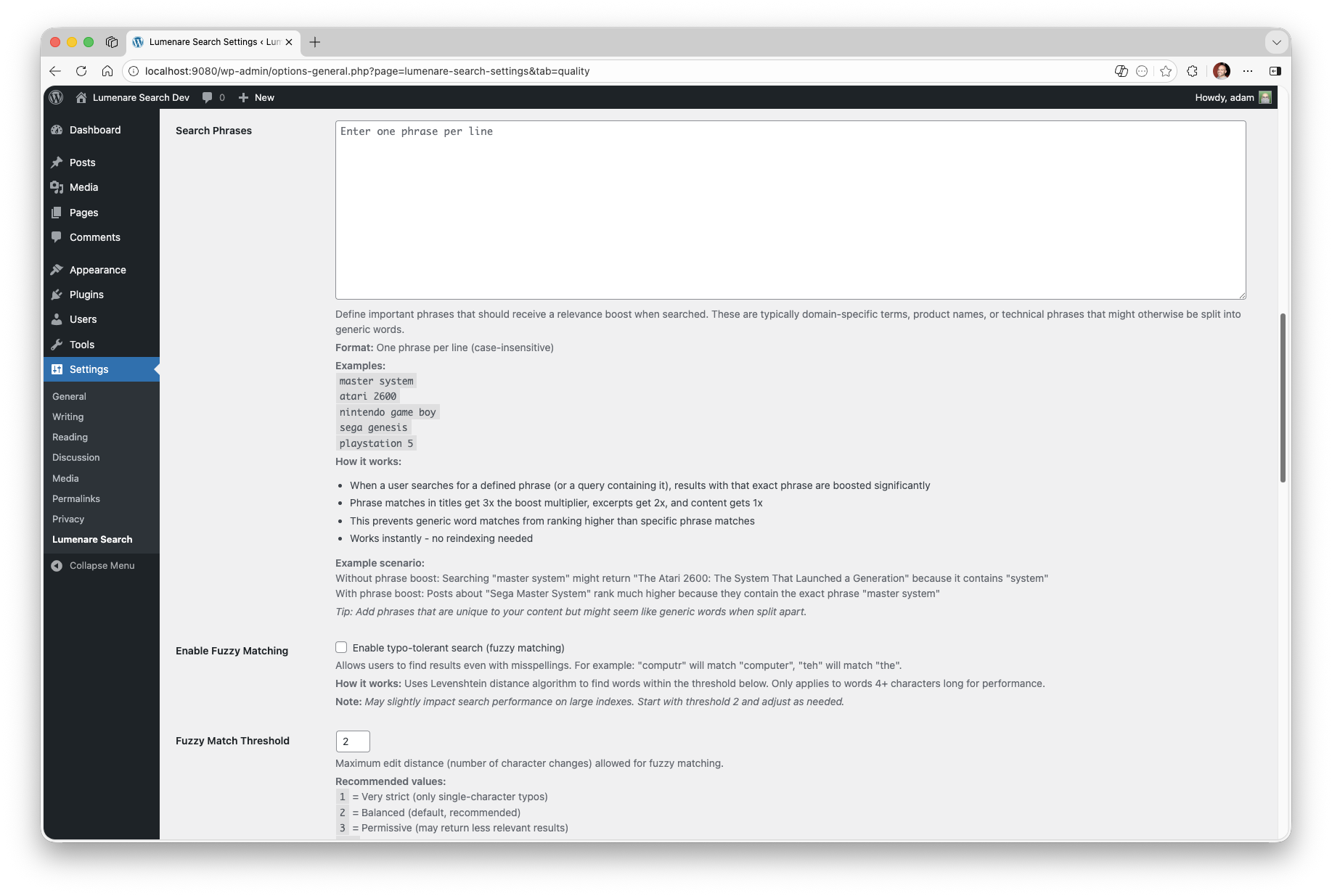
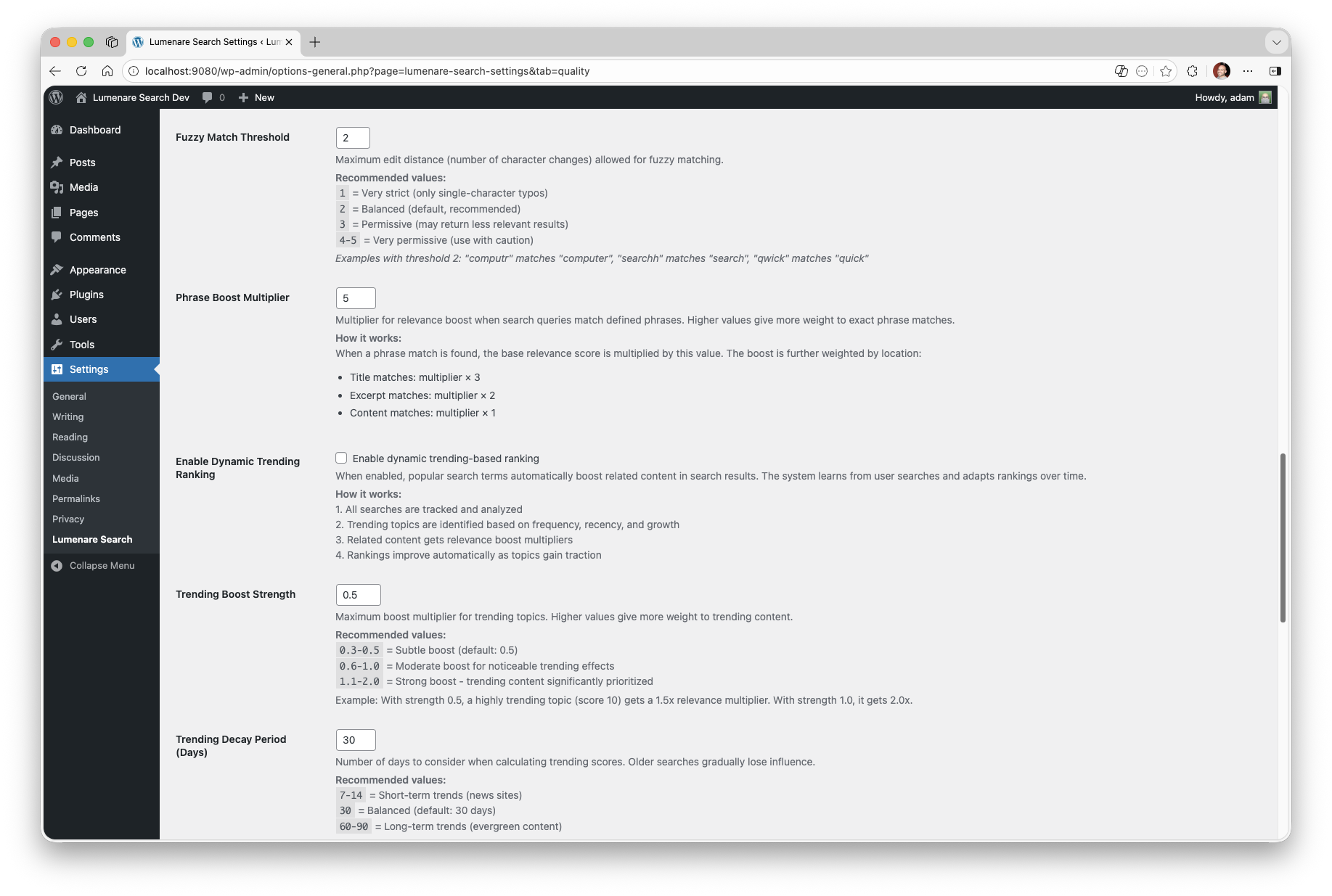
- Optional fuzzy matching, synonyms, phrase boosting, live trigger delay, and freshness tuning.
- Modular suggestions from analytics, imported migration stats, taxonomies, and index terms, with full post-title suggestions available as an opt-in provider.
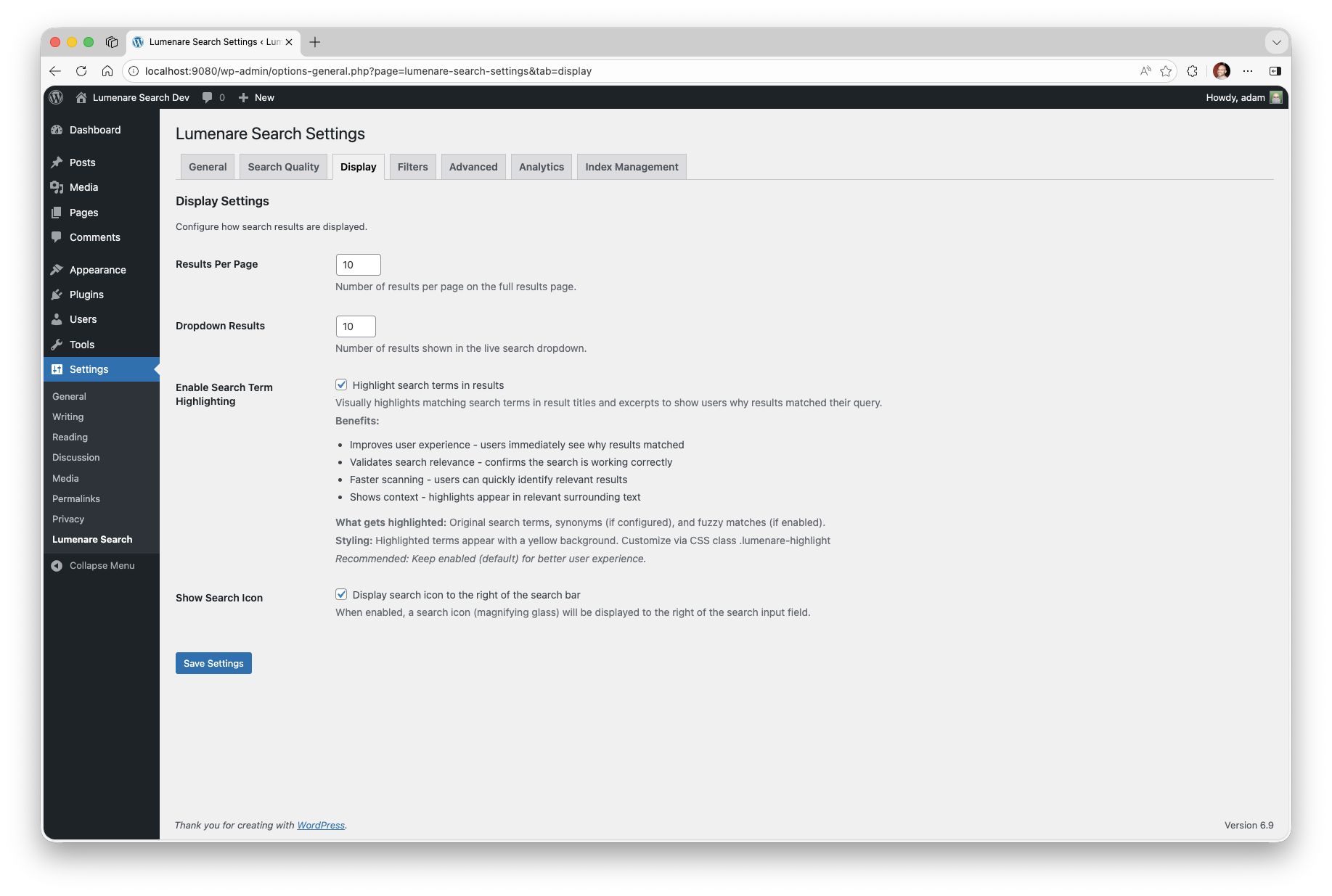
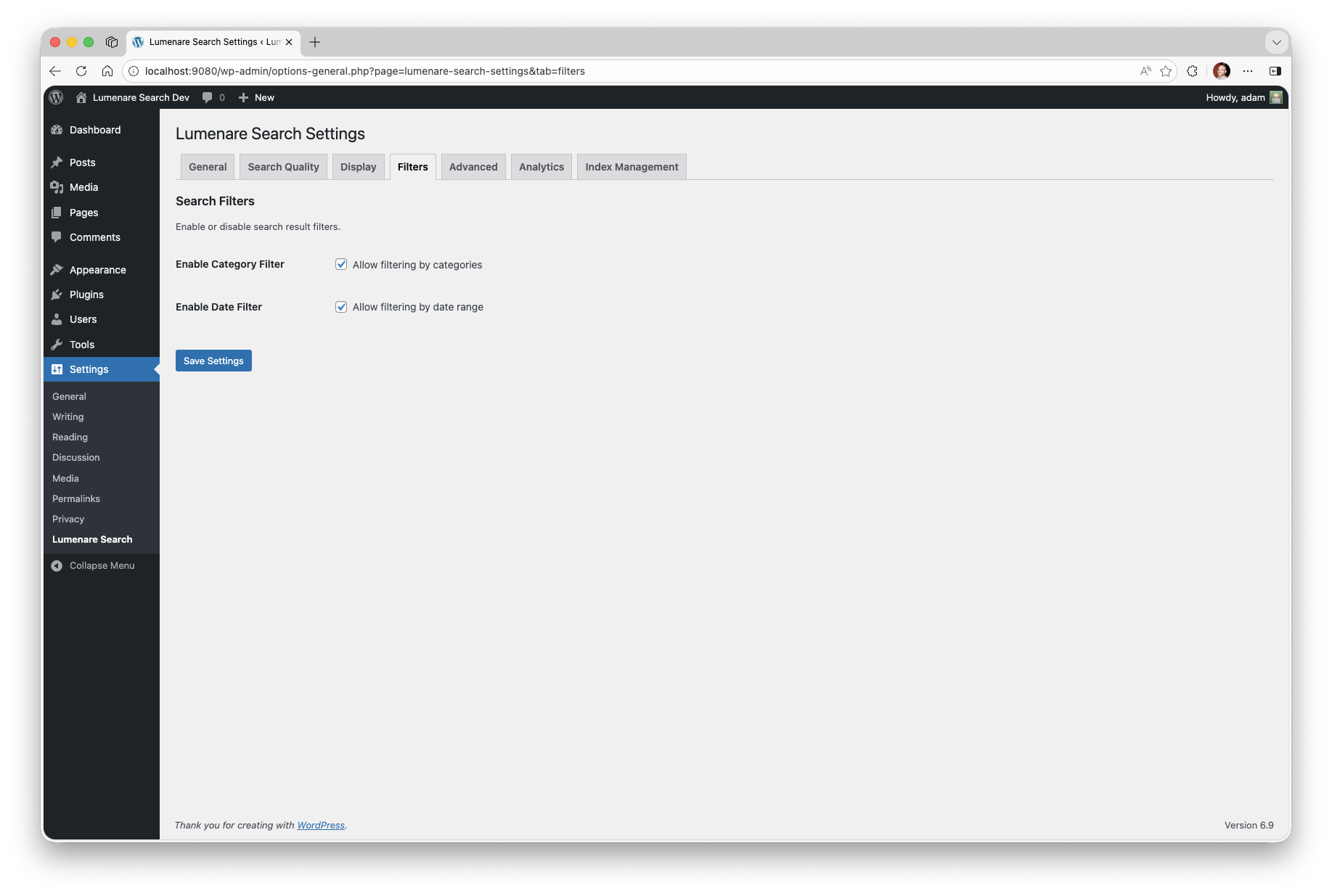
- Search result highlighting, taxonomy facets, content-type filters, and date filters.
- Search analytics, click tracking, and trending data.
- Public trending/latest search lists through the Lumenare Search Trends widget and native Gutenberg block.
- Public Ask Site question forms through the
[lumenare_ask_site]shortcode andlumenare/ask-siteblock. - Unified Search & Answers settings for question understanding, meaning reranking, answer style, and independent public placements.
- Shared, profile-aware retrieval and live public-content evidence for Ask Site and optional cited answer cards on full search results pages.
- Optional meaning reranking of existing keyword hits using compatible prepared embeddings through the WordPress AI plugin.
- Cited excerpts by default, with optional AI-written summaries when WordPress AI Client readiness passes and AI writing is explicitly enabled.
- Guided setup presets for publishers, commerce sites, knowledge bases, high-volume installs, and contextual ASP migrations.
- Search Intelligence plus contextual Search Imports inside the main Lumenare Search settings screen.
- Ajax Search Pro migration and guarded post-migration cleanup tools when ASP data or leftovers are detected.
- Automatic replacement of default search forms plus shortcode, widget, and block support.
安装:
- Upload the
lumenare-searchfolder to the/wp-content/plugins/directory. - Activate the plugin through the
Pluginsscreen in WordPress. - Go to
Settings > Lumenare Search. - Review your search settings and click
Reindex All Contentfor the initial index.
屏幕截图:
常见问题:
Does this replace WordPress's default search?
Yes. The plugin replaces standard WordPress search forms and also provides a shortcode, search widget, search trends widget, and Gutenberg blocks.
Can I display trending or latest searches?
Yes. Add the "Lumenare Search Trends" widget or the "Lumenare Search Trends" block to show analytics-backed trending or latest successful searches. Latest searches default to repeated successful queries so one-off private searches are not promoted publicly.
Can I add an Ask Site question form?
Yes. Add the [lumenare_ask_site] shortcode or the "Lumenare Ask Site" block (lumenare/ask-site). Both surfaces use the public POST /wp-json/lumenare-search/v1/ask route and return cited source bundles from your Lumenare index. The shortcode supports placeholder and button attributes, and the block exposes matching controls.
Does Ask Site require AI setup?
No for source-only answers. Ask Site can return cited source bundles when base readiness passes: the public UI is enabled, the Lumenare index exists, published indexed content is available, rate limiting is configured, and the ask_site profile resolves.
Generated answers require WordPress 7.0+, WordPress AI Client support, AI answers enabled in Lumenare settings, AI Client answer mode, and a connected text-generation provider through the WordPress Connectors stack. If generated-answer readiness fails, or if generated text cannot be grounded to returned source IDs, Ask Site falls back to source-only results.
Can I show an answer above normal search results?
Yes. In Search & Answers > Placement, enable answer cards on full search results pages. Cards use cited excerpts by default and keep the ordinary results and pagination. AI-written summaries are a separate opt-in. Search Profiles can override placement, answer style, source limits, and word limits. Answered cards require supporting public passages and a theme that supports their placement. Unsupported questions show a clear no-answer message while keeping the ordinary results; live search dropdowns keep their ordinary results.
What does meaning search do in this release?
Meaning reranking can reorder a bounded set of existing keyword hits using current public passages and compatible prepared embeddings. It requires the WordPress AI plugin, a connector with an embedding model, credentials, and any required connector approval. It does not add pages outside the keyword candidate set. Missing or incompatible vectors and provider failures fall back to keyword or question-aware search. AI answer writing is configured separately, and live typing requires its own explicit meaning-search preference.
Why does analysis stop on a PDF that opens normally?
A PDF can look correct while its embedded text is missing or damaged. Broken font-to-text mappings can produce garbled text, and scanned pages may contain only images. Lumenare Search needs readable text for analysis and identifies an unreadable attachment instead of sending unreliable text to the AI service. Missing files, permissions and extraction limits can also cause this message. Use the affected document ID to find the attachment in Media Library and run Test Parse. Check that the file exists and is readable. Keep a backup, then repair or replace the attachment with a correctly exported PDF; image-only scans need OCR first. Test the repaired file and click Resume in Search & Answers. To leave PDF content out of analysis, deselect PDF in Document Indexing's allowed document types, save, and start a new analysis run for the changed scope; this excludes all PDF text, not just one file. Keep another document type selected; if PDF is the only selected type, disable Index Document Content instead. Completed work for other eligible documents is retained. An AI service error is different: the listed document and chunk IDs may describe the entire request batch, including healthy posts. Follow the message's guidance for service availability, credentials, quota, rate limits or timeouts before changing source documents.
Can agents use Ask Site through the Abilities API?
Yes, when the WordPress Abilities API is available. Lumenare registers the read-only lumenare-search/ask-site ability. It accepts question, optional profile, and optional max_sources, then returns the same stable grounded response shape as the REST endpoint. The ability is capability-gated to edit_posts by default and REST/MCP public exposure stays opt-in.
Do I need to reindex after changing settings?
Usually no for ranking-only changes such as fuzzy matching, synonyms, or phrase boosts. Reindex after changing indexed post types, stop words, or other settings that affect stored index data.
Can I search custom post types?
Yes. Publicly queryable post types can be enabled from the plugin settings.
Does it work with caching plugins?
Yes. Live results use AJAX, while normal search result pages can still be cached by your site stack.
What happens on uninstall?
The plugin removes its custom data when uninstalled.
更新日志:
- Fixed PDF font decoding for legal font names, combined-letter mappings, declared punctuation and verified symbol-list glyphs, preserving readable document text during content analysis.
- Fixed content analysis stalling on malformed PDF text by bundling reliable PDF extraction and repairing invalid cached document text when analysis resumes.
- Kept analysis passages within a safe size bound, including encoded text and long words, and rebuilt oversized legacy passages without restarting the complete analysis.
- Increased AI analysis request timeouts while preserving longer configured limits.
- Added actionable analysis errors with affected document and passage IDs, while retaining completed work and keeping unreadable documents visibly unresolved.
- Fixed search filter URLs so shared, bookmarked, and page-cached filter links keep working. Filters previously stopped applying once the embedded security token expired or when the link was opened in a different session, silently showing unfiltered results.
- Kept disabled or unselected taxonomy filters out of manually constructed search URLs.
- Fixed search input labels so screen readers announce the visible or custom block label consistently.
- Replaced search-filter group headings with fieldsets and legends, with a configurable heading level for the filter title.
- Scoped result highlighting to the current search result, preserved rendered markup, and honored configured stop words.
- Applied post-type, taxonomy and date filters before candidate limits; date sorts now consider all enabled search passes within the bounded 1,000-result pool.
- Fixed configured stop words being used in keyword retrieval and result highlighting, with consistent handling across indexing and search surfaces.
- Added an administrator content-analysis button with batched passage preparation, embedding generation, progress and pause/resume, without requiring WP-CLI.
- Fixed disabled content analysis and semantic readiness on sites whose WordPress and plugin tables use different text collations, and clarified database-read failure messages.
- Added a bounded AI assessment path for retrieved public passages when word matching cannot establish answer support, with exact supporting quotes, citations, and a clear no-answer fallback.
- Fixed cramped model dropdowns and help text in the content-analysis accordion.
- Fixed question openers being treated as required subjects in answer evidence, while preserving checks for the actual subject and requested facts.
- Fixed supported “How many …?” questions so answers require an explicit count for the requested subject and object, including the local Game Gear battery question.
- Added a clear no-answer message for unsupported questions on enabled full search results pages, including searches with zero results.
- Combined Semantic Search and Ask Site settings into Search & Answers, with separate controls for search behavior, answer style, public question forms, and results-page answer cards.
- Added shared, profile-aware retrieval and verified live public-content evidence for search and Ask Site, preserving content restrictions and existing public APIs.
- Added embedding support through the WordPress AI plugin with explicit service/model configuration, connector approval checks, and compatible vector identities.
- Replaced free-text embedding model entry with connector-aware model choices, explicit catalog refresh, and clear unavailable-selection states.
- Added bounded meaning reranking of existing keyword hits, with query caching, request limits, and keyword/question-aware fallbacks. Broader semantic candidate discovery remains planned.
- Added optional cited-excerpt and AI-written answer cards to full search results pages, with per-profile controls, citation validation, word limits, and source-only fallback.
- Improved answer evidence to use up to three complete adjacent sentences within one paragraph, subject to reference-continuity checks and the configured word limit.
- Preserved saved profiles, dictionaries, routing, and complete AI opt-ins through a settings migration with an immutable pre-migration snapshot. The migration does not enable answer placements or AI writing.
- Reorganized admin settings with grouped navigation and responsive panels, while keeping legacy Semantic Search and Ask Site settings links working.
- Security: Withheld excerpt text for password-protected posts in search results, live AJAX results, and Ask Site sources. Protected posts remain findable by title, matching WordPress core behavior.
- Security: Removed the client-supplied User-Agent header from rate-limit bucket keys so the limiter can no longer be bypassed by varying that header.
- Security: Bounded archive entry reads when extracting text from Office and OpenDocument uploads, preventing a decompression bomb from exhausting memory during indexing.
- Security: Validated that a tracked search click refers to an existing, publicly viewable post before writing analytics rows.
- Security: Authorized the document Test Parse action against the specific attachment rather than the media library as a whole.
- Confirmed compatibility with WordPress 7.1.
- Added public Ask Site question forms through the
[lumenare_ask_site]shortcode andlumenare/ask-siteblock. - Added grounded Ask Site REST and Abilities API responses with cited source bundles, readiness gating, source-only fallback, and optional WordPress AI Client answers.
- Added Search Intelligence workflows for unanswered Ask Site questions, including draft-answer creation, review, dismissal, and existing-content lookup actions.
- Added zero-result opportunity classification and workflow actions so content gaps can be separated from imported, non-English, numeric, or bot-like query noise.
- Improved imported and analytics-backed suggestions so list-like terms are split or suppressed and live AJAX typeahead searches do not become future suggestions.
- Fixed taxonomy facet settings so deselecting all facets, including Categories, persists after saving.
- Preserved explicit empty taxonomy facet selections instead of falling back to the default Categories facet.
- Hid the Search Imports tab after Ajax Search Pro import and cleanup work leaves no actionable ASP tables, options, or active plugin.
- Fixed automatic new-content reindex scheduling so stale overdue WP-Cron events are repaired and rescheduled.
- Improved WP-Cron schedule labels so bootstrap does not trigger early translation notices.
- Added a configurable Lumenare Search Trends widget for trending or latest public search lists.
- Added a native dynamic Gutenberg block for trending/latest search lists, built with block metadata and server-side rendering.
- Added privacy-minded defaults for latest searches so one-off zero-result queries are not displayed publicly.
- Added an opt-in display setting for showing featured-image thumbnails in live search dropdown results.
- Added live-result image metadata to AJAX payloads when enabled, with cache keys separated between image and text-only dropdown responses.
- Updated live dropdown markup and styles so thumbnail results remain compact and scannable.
- Improved ListenUp audio boost settings so controls appear only when ListenUp is installed, with a contextual WordPress.org install prompt.
- Added automatic new-content partial reindexing with configurable WP-Cron intervals, run status, and safe continuation handling for large catalogs.
- Added guided setup presets for publisher, commerce, knowledge base, high-volume, and Ajax Search Pro migration sites.
- Added Search Intelligence, Search ROI, reviewed/reopen state, exact-query promotions, editable synonym drafts, and remediation outcome tracking.
- Added Ajax Search Pro migration tooling for analytics, impressions, clicks, suggestion seeds, contextual import UI, guarded cleanup tools, and
wp lumenare cleanup asp. - Added native impression tracking, CTR-aware click boosts, source filters, import history, remediation outcomes, and analytics hygiene exclusions.
- Added modular suggestion providers, provider order controls, profile-level overrides, short query-focused defaults, and zero-result suggested-search previews.
- Added generic taxonomy/content-type/date facets with facet limits plus block and shortcode controls for filter placement.
- Added audio attachment ranking boosts with configurable metadata keys and companion-plugin filters.
- Improved WordPress 7.0 and PHP 8.3 compatibility, live search trigger delay controls, and safer bootstrap translation behavior.
- Improved index table resilience with frontend fallbacks, activation/schema-upgrade repair, reindex-required notices, and hard-error reporting for failed index writes.
- Improved keyword suggestions to suppress exact-query echoes and one-off typo artifacts in suggestion lists.
- Fixed partial reindex runs for explicitly selected post types outside the default searchable post type settings.
- Improved partial reindex messaging so zero-match filters stop early instead of reporting "Successfully indexed 0 posts."
- Improved the index and query engine for better performance on larger sites.
- Added profile-aware search routing for integrations.
- Added telemetry queue and durable security log storage.
- Fixed frontend search block parameters not applying correctly.
- Improved ranking, highlighting, and keyword suggestion quality.
- Fixed database schema upgrades so they run after plugin file updates.
- Added cached live search results and a modern Gutenberg block experience.
- Added canonical keyword storage and better keyword suggestion cleanup.
- Added analytics and more search tuning controls.
- Improved compatibility with non-block themes.
- Added search icon support and cleaner indexed content extraction.
- Initial release.