Magical Login
| 开发者 |
alijenabi
rouzbeh7000 |
|---|---|
| 更新时间 | 2018年11月6日 21:50 |
| 捐献地址: | 去捐款 |
| PHP版本: | 7.1.8 及以上 |
| WordPress版本: | 4.9.8 |
| 版权: | GPLv2 (or later) |
| 版权网址: | 版权信息 |
详情介绍:
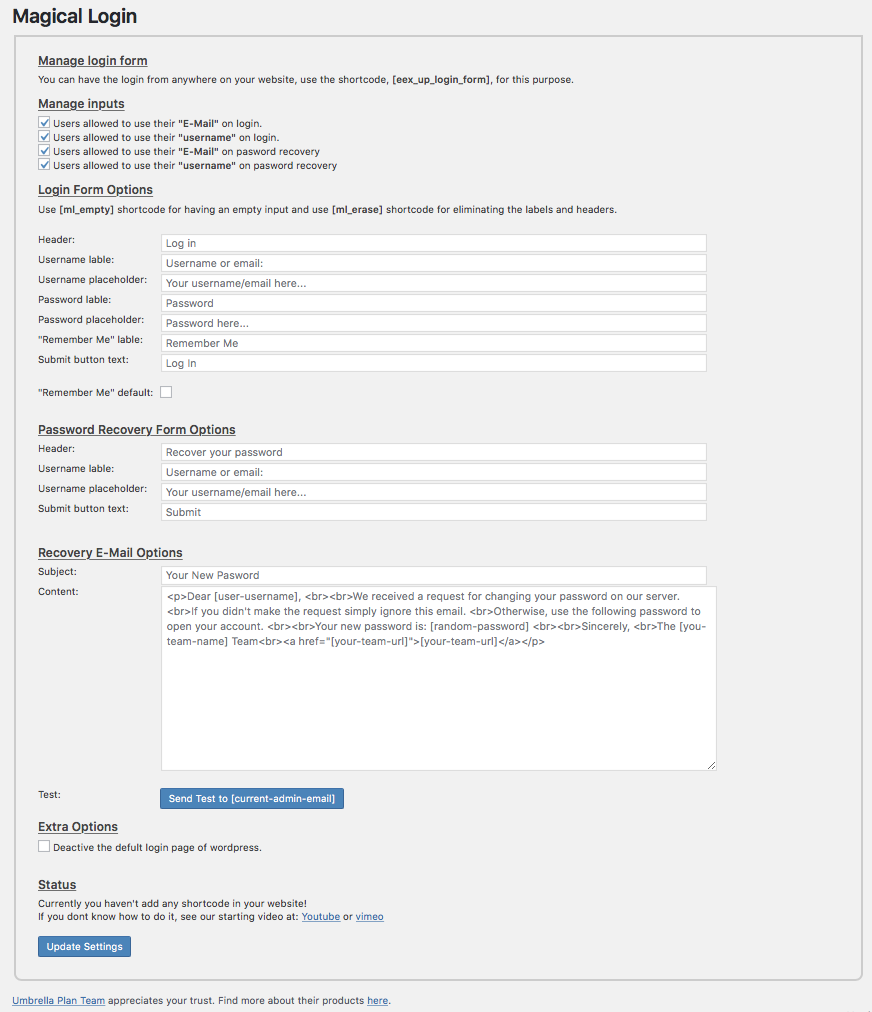
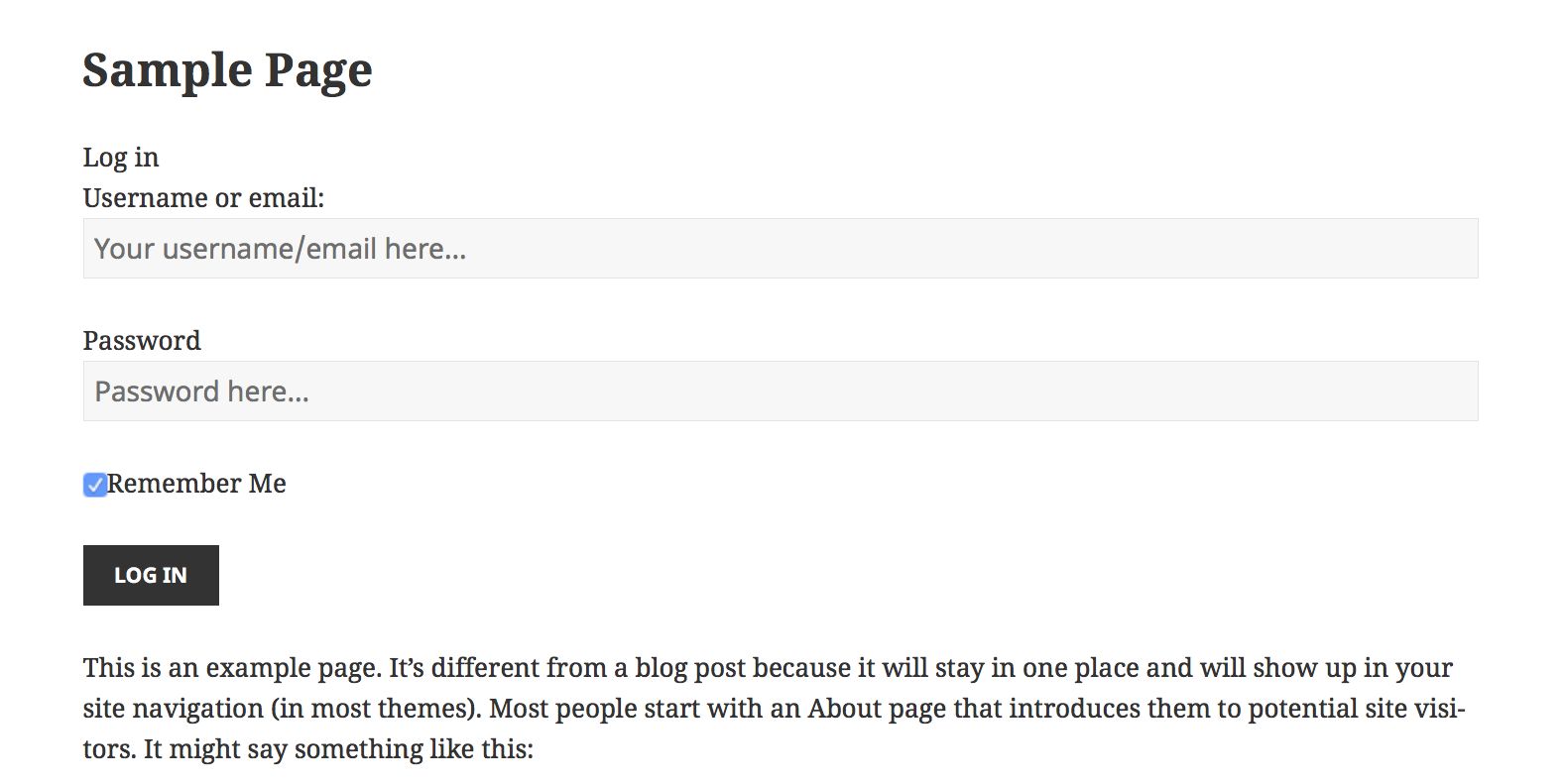
The magical login plugin helps users to easily add login forms wherever they want with all necessary contents (login errors, lost and recovery password page). Users can also customize all features and modify login form design.
Major features of the magical login plugin include:
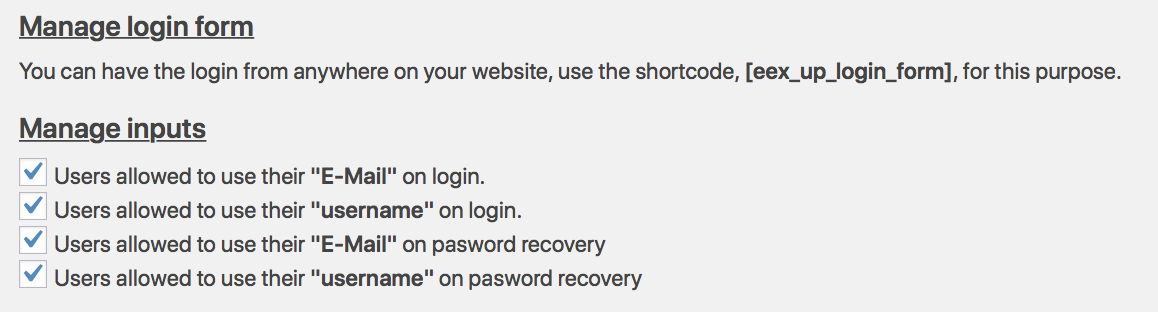
- Using shortcode to add the login form to any pages easily.
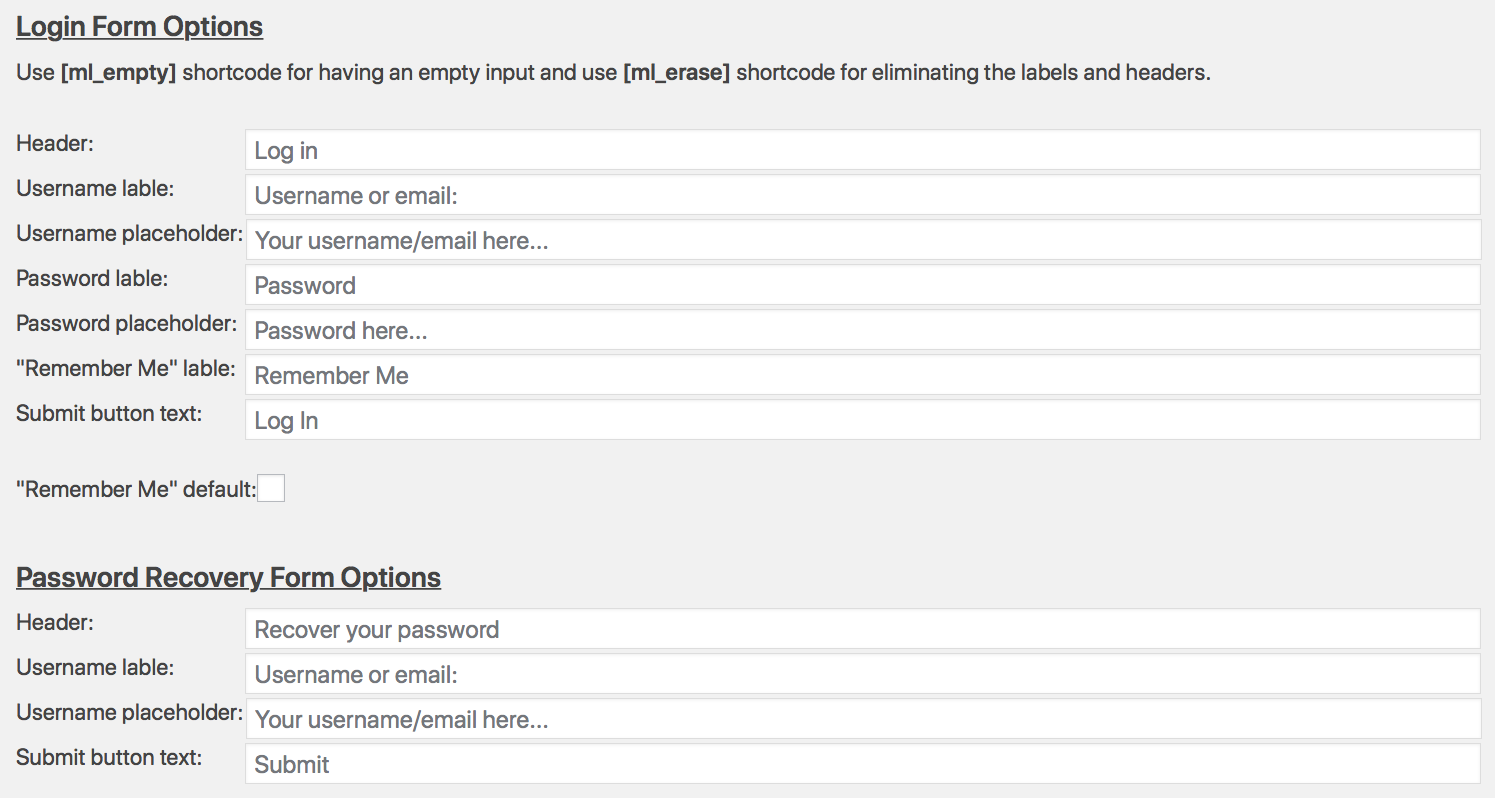
- Every element of the login, forget, and recovery password forms can be easily hidden or removed by using shortcode as well.
- Users can also customize headers, titles, labels, or placeholders.
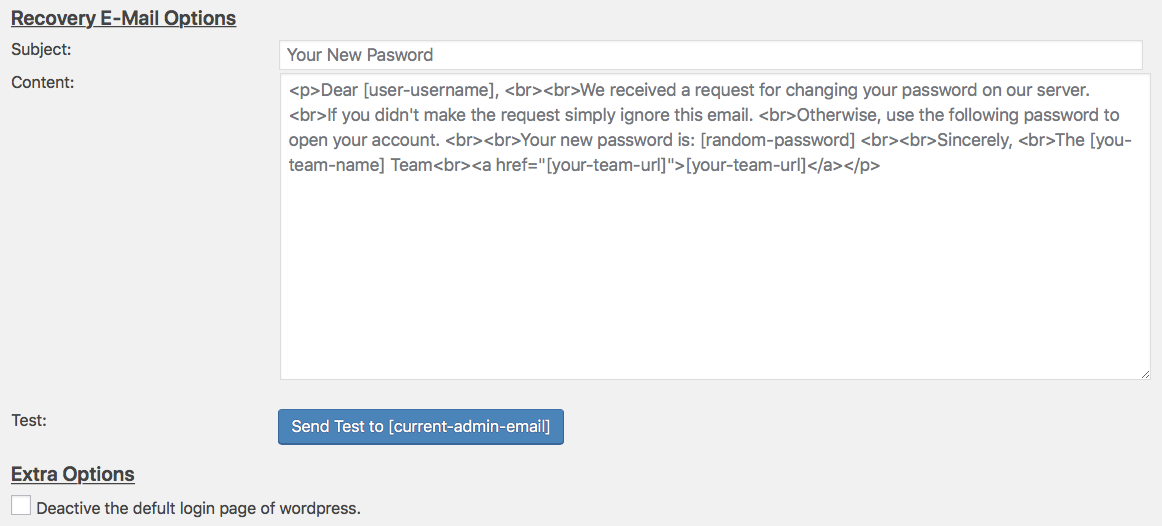
- Users can completely customize the text of the automatic email of password recovery. In the default option, the magical login plugin generates a complex random password for recovering the password.
- The magical login form can also be used as the default login page of Wordpress for your website.
安装:
In order to install the magical login plugin, there are two main options:
1- Automatic installation:
Automatic installation is the easiest way to install any plugin on your Wordpress powered website. We recommend users to use this way. Simply log in to your WordPress admin page, choosing "Add new" from Plugins menu. and type "Magical Login" in the search field. Once you find it, simply click on "Install now". Then Wordpress handle the rest itself.
2- Manual installation:
In this way, users should download the source files of the magical login plugin from our website and upload the files to the server in the plugin directory. By default, the plugin directory is located in the following address:
your website root directory/wp-content/plugins
After installation:
All configuration of the magical login plugin can be found in the "Magical login" item in the settings menu.