
MailerPress - Email Marketing, Newsletter, Email Automation & WooCommerce Emails
| 开发者 |
mailerpress
seopress rainbowgeek maigret |
|---|---|
| 更新时间 | 2026年10月24日 22:13 |
| 捐献地址: | 去捐款 |
| PHP版本: | 8.2 及以上 |
| WordPress版本: | 7.1 |
| 版权: | GPLv3 or later |
| 版权网址: | 版权信息 |
详情介绍:
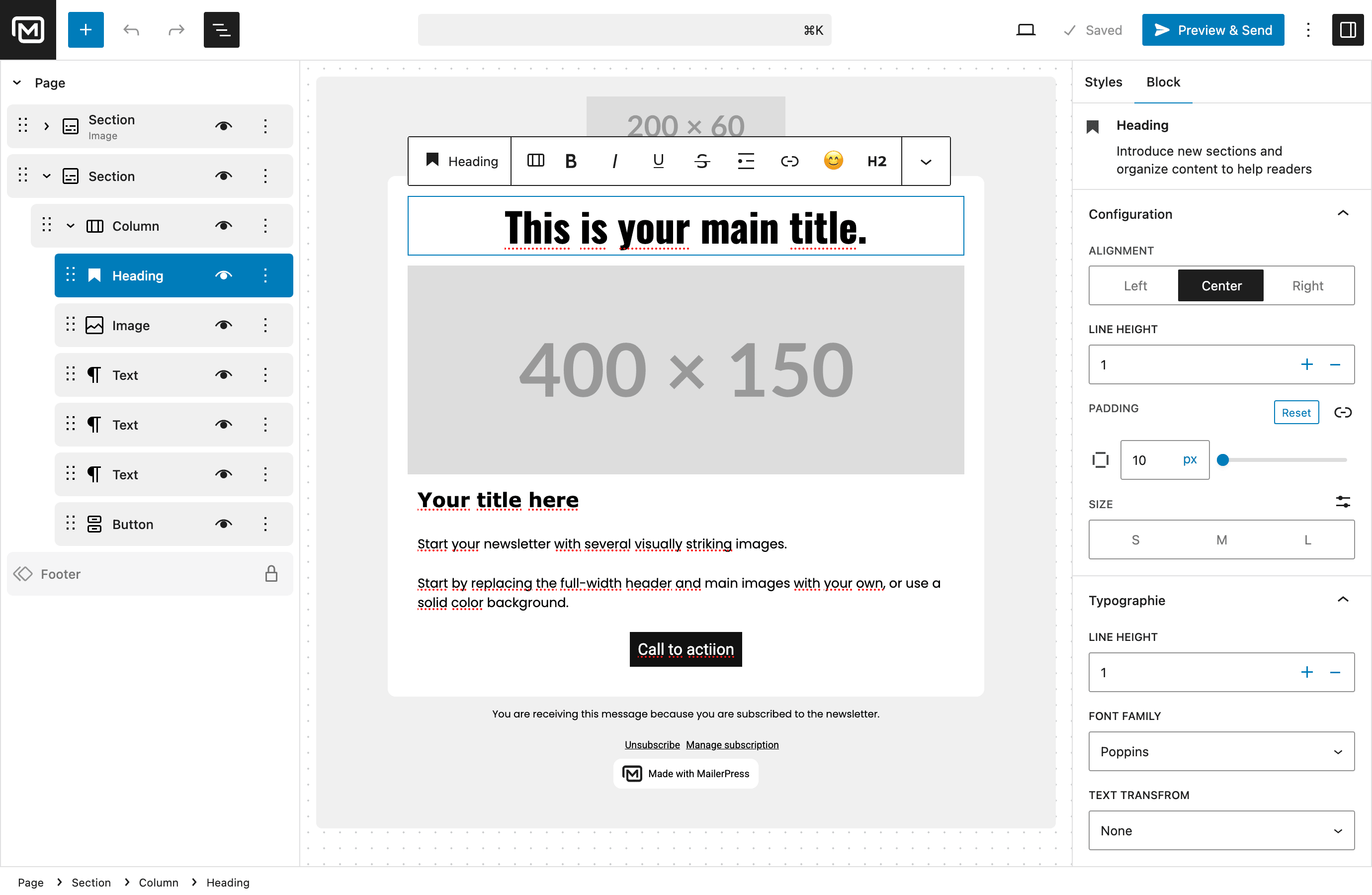
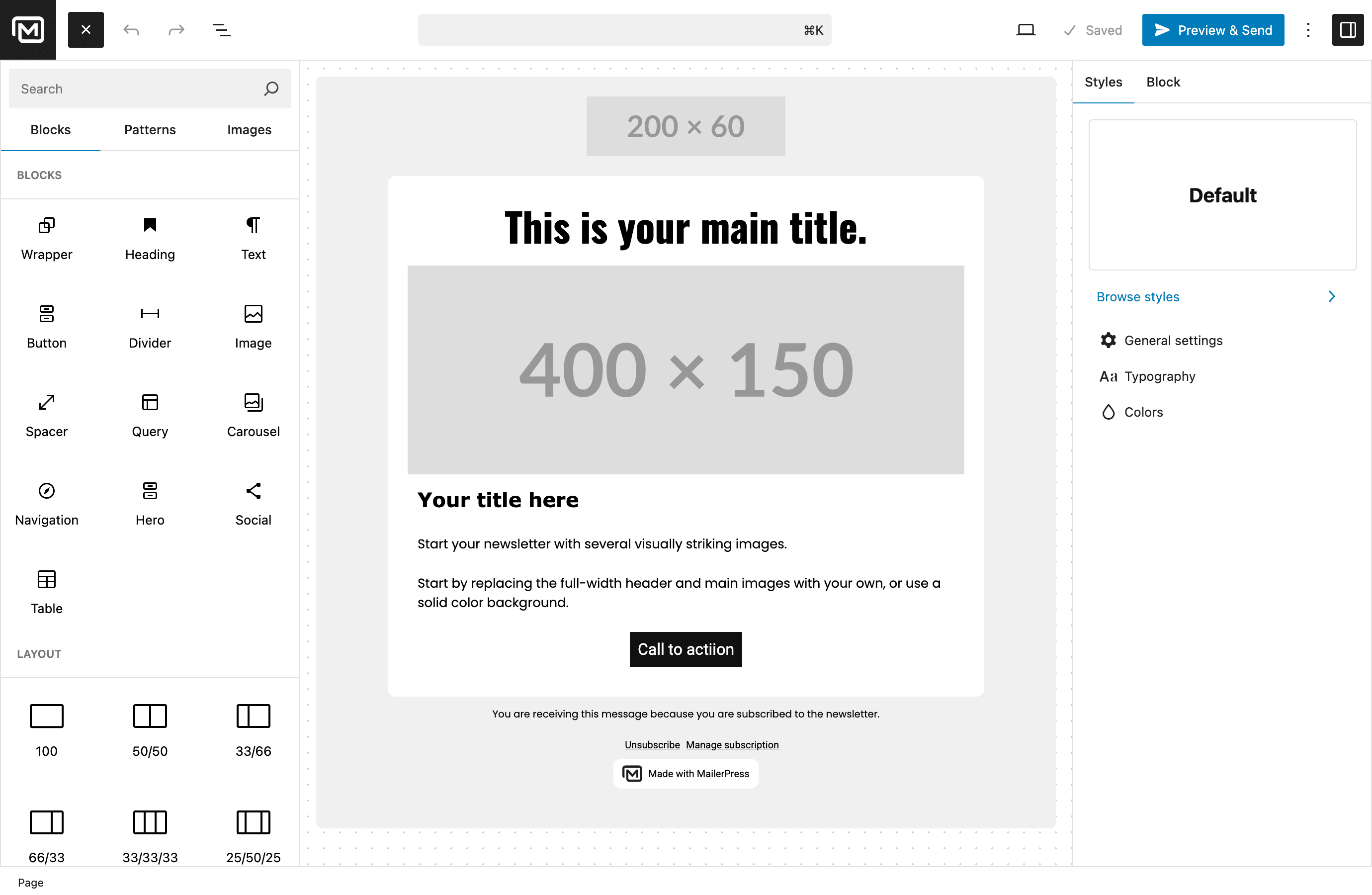
- Drag-and-drop blocks to build your email layout
- Pre-built email templates to get started in seconds
- Save and reuse your own custom layouts
- Full theme.json support for consistent branding with Full Site Editing
- Google Fonts integration with local hosting for fast loading
- MJML template import for advanced email designs
- Responsive emails that look great on every device
- Unlimited subscribers, lists, and tags — no restrictions
- Customizable opt-in forms with shortcode — works with any page builder (Elementor, Bricks, Divi, and more)
- Gutenberg opt-in form block for the Block Editor
- Embeddable opt-in forms for external websites
- Double opt-in with customizable confirmation emails
- CSV import and export for easy subscriber migration
- Advanced subscriber segmentation
- GDPR-compliant subscription management with built-in unsubscribe
- Create and send email campaigns to your subscriber lists
- Schedule newsletters for future delivery
- Merge tags for personalized email content (subscriber name, custom fields, and more)
- Content retrieval from posts and pages
- Flexible click and open tracking (track, anonymize, or disable)
- Detailed campaign analytics and performance reports
- Automated post notification emails when you publish new content
- Scheduled email campaigns with precise timing
- Automated double opt-in confirmation follow-ups (paid plan required)
- Advanced automation workflows with triggers and conditions (paid plan required)
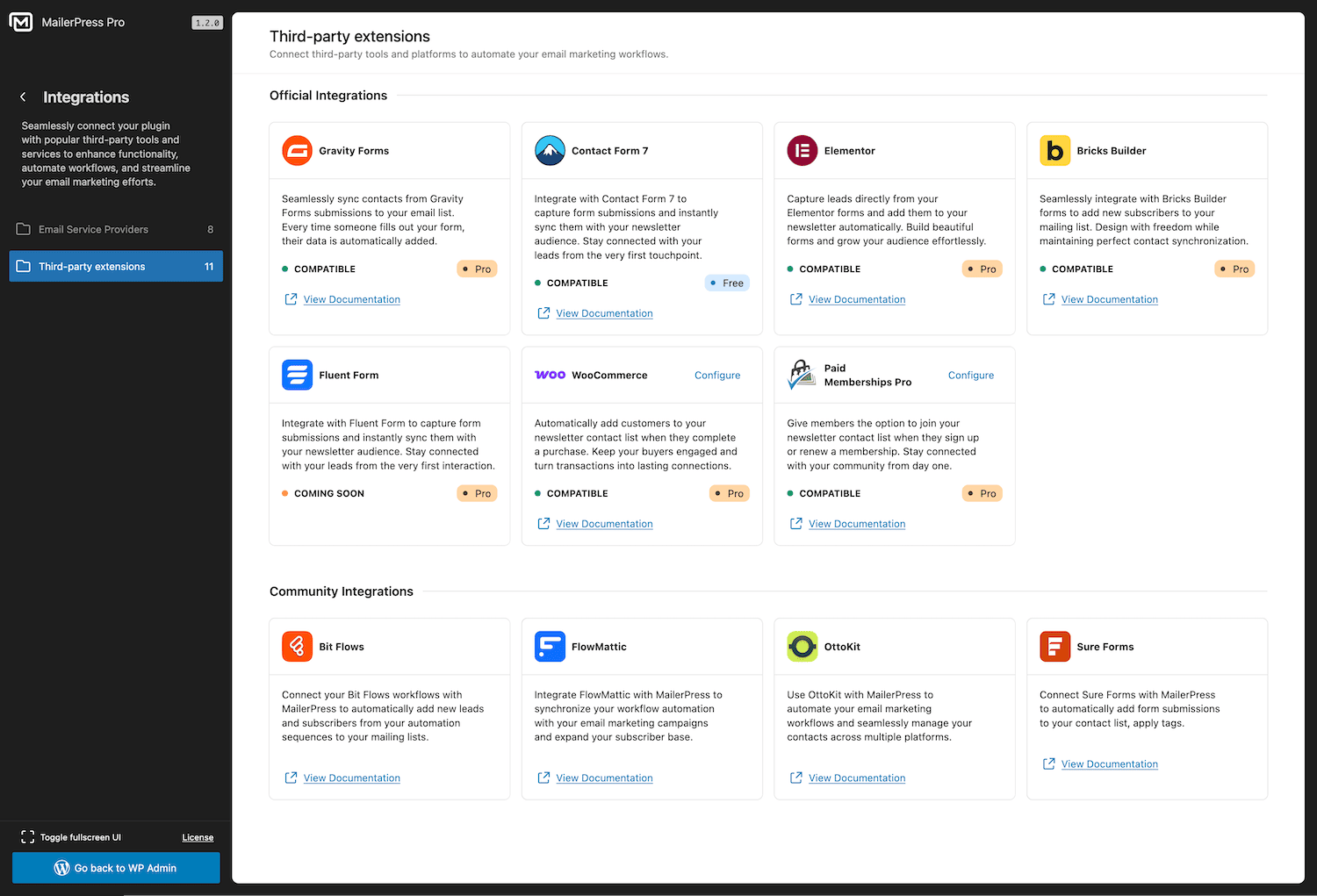
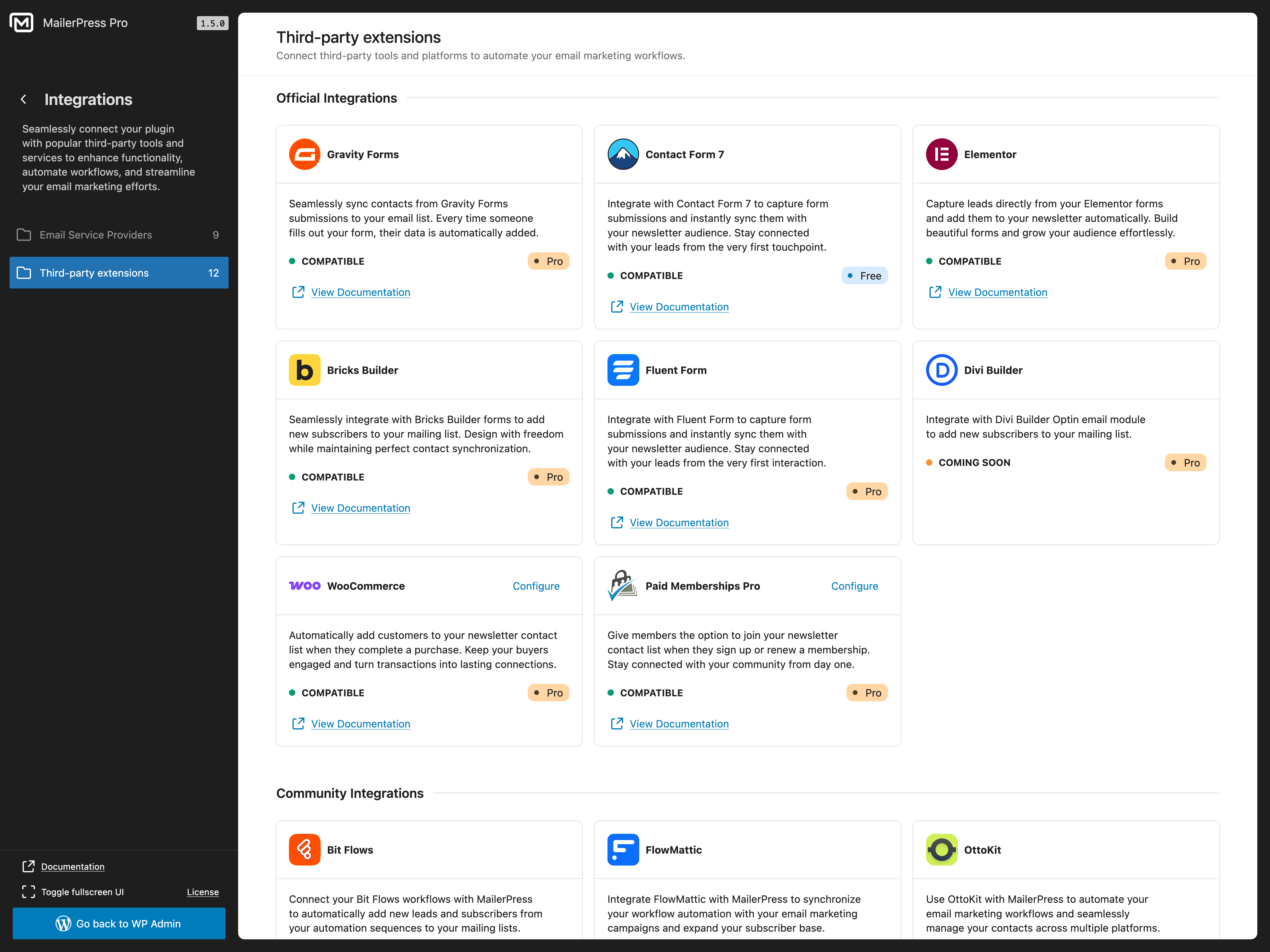
- Contact Form 7 (free) — map form fields, lists, tags, custom fields, and double opt-in settings to add subscribers
- Gravity Forms (paid plan required) — add form submissions to MailerPress lists with field mapping
- Fluent Forms (paid plan required) — capture form submissions and synchronize subscriber data
- Elementor (paid plan required) — use the MailerPress widget and Elementor Pro form action
- Bricks Builder (paid plan required) — build opt-in forms with the native MailerPress element
- Divi Builder (paid plan required) — connect the Divi Email Optin module to MailerPress
- WooCommerce (paid plan required) — capture checkout opt-ins, manage subscriber preferences, and customize transactional emails
- Paid Memberships Pro (paid plan required) — collect newsletter opt-ins at checkout and display subscription preferences in member accounts
- Advanced Custom Fields / ACF (paid plan required) — use ACF content in Query blocks and campaign content
- WordPress users (paid plan required) — synchronize WordPress user accounts with MailerPress contacts
- Design custom WooCommerce transactional emails with the drag-and-drop editor
- Override default WooCommerce order confirmation, shipping, and account emails
- Send promotional email campaigns to your customers
- Retrieve WooCommerce product content directly in your newsletters
- Segment subscribers based on purchase behavior
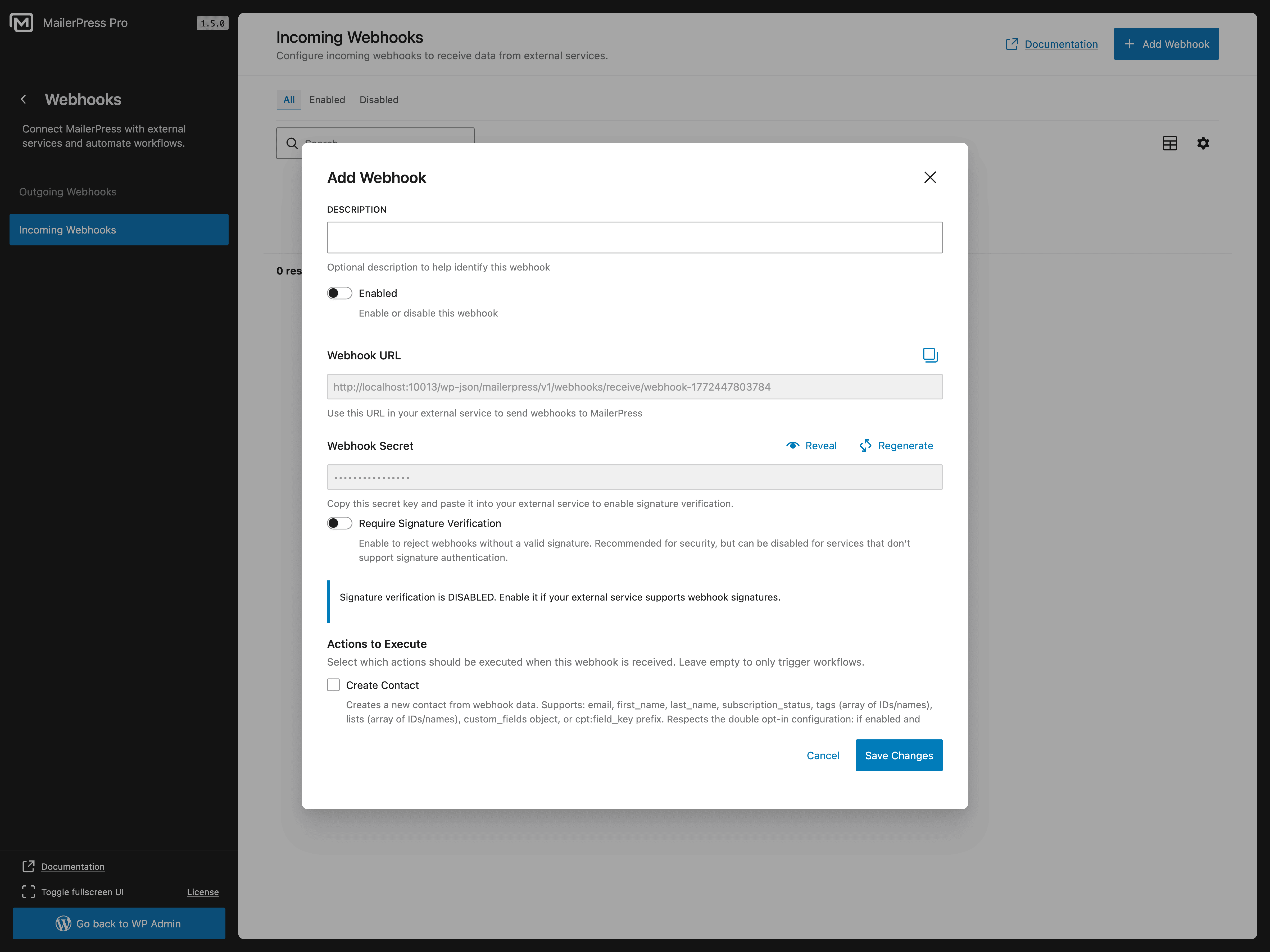
- Incoming webhooks to add subscribers from external platforms
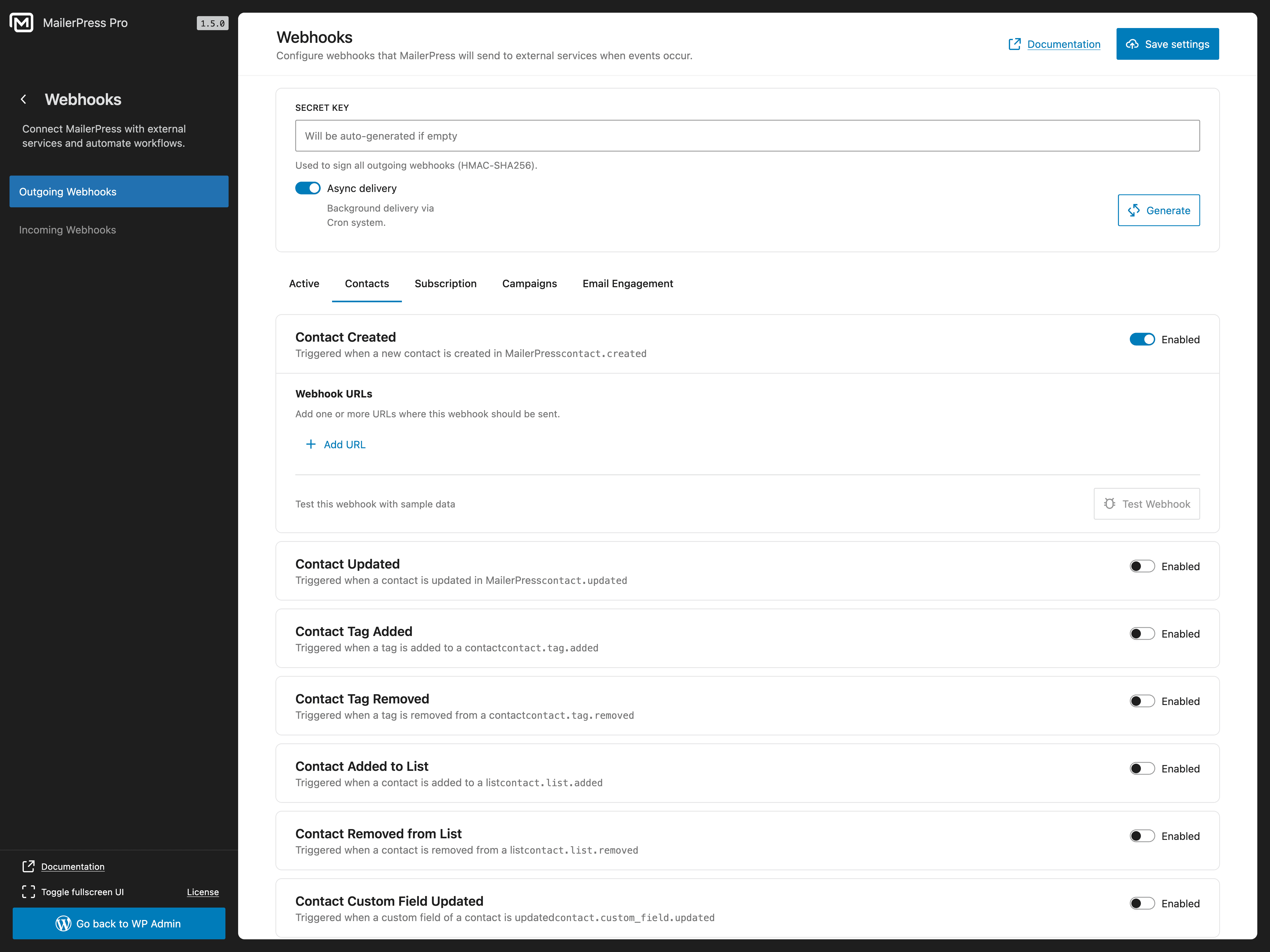
- Outgoing webhooks to send real-time events to third-party services
- Build custom integrations with your existing tools
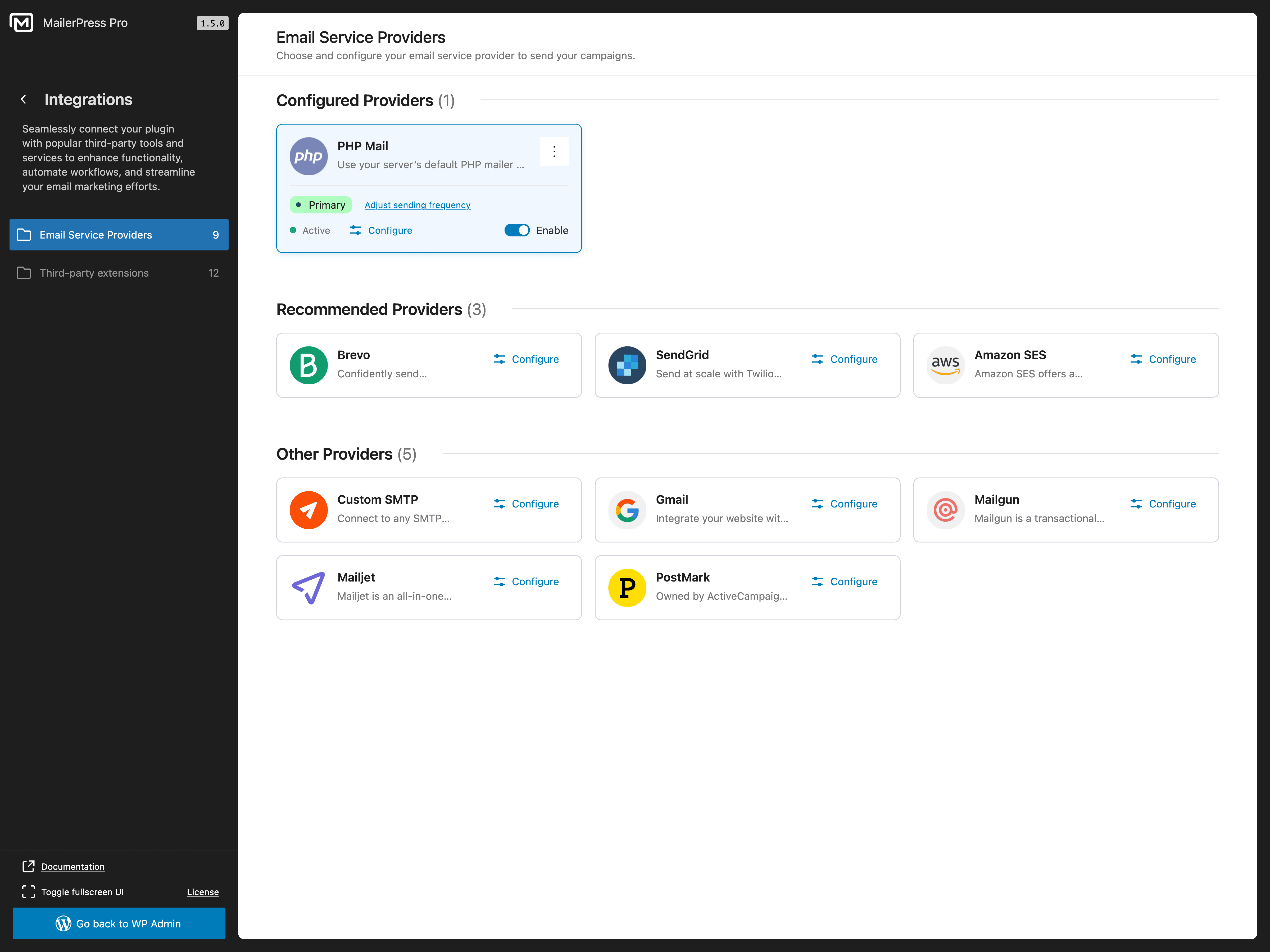
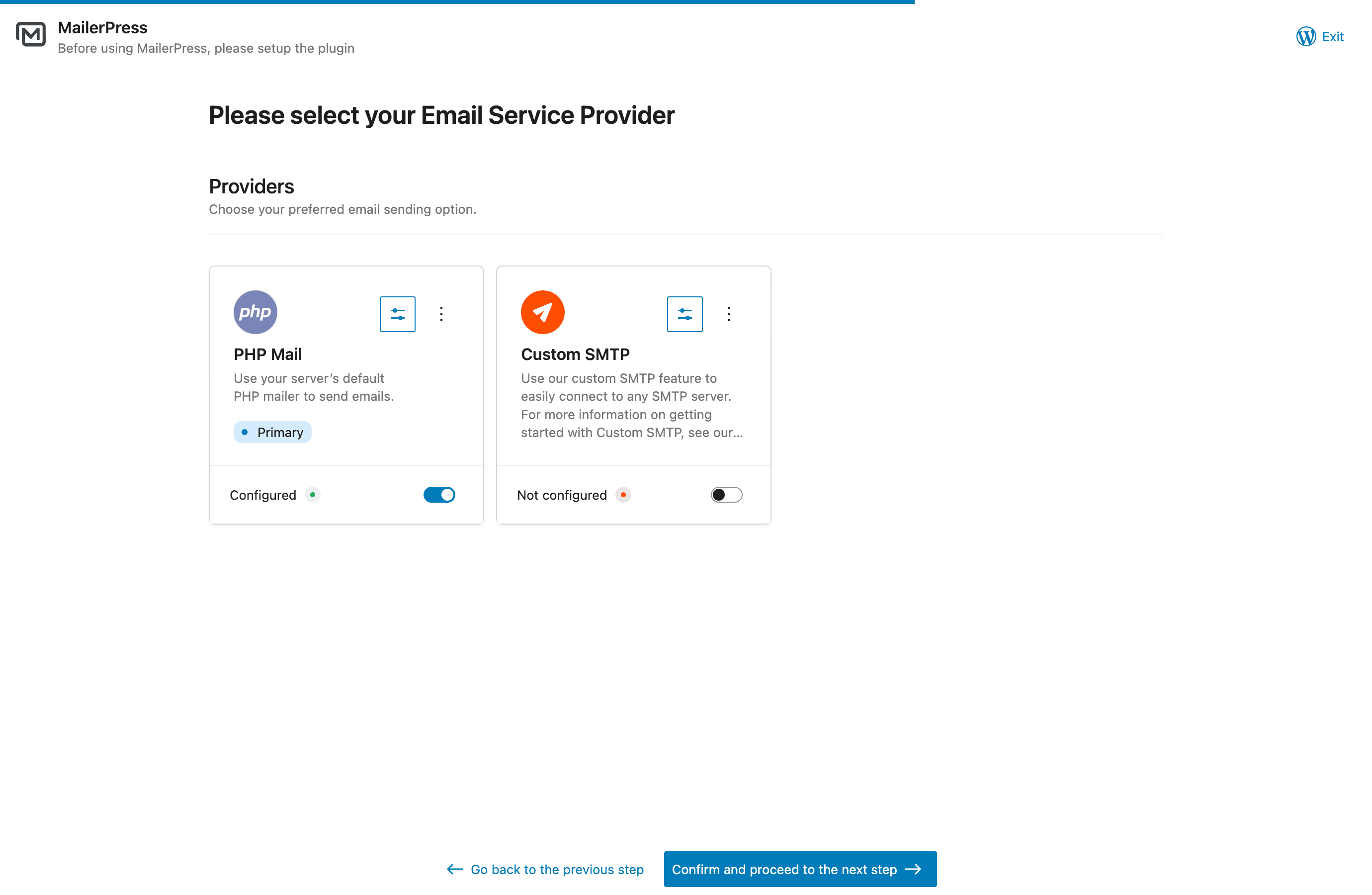
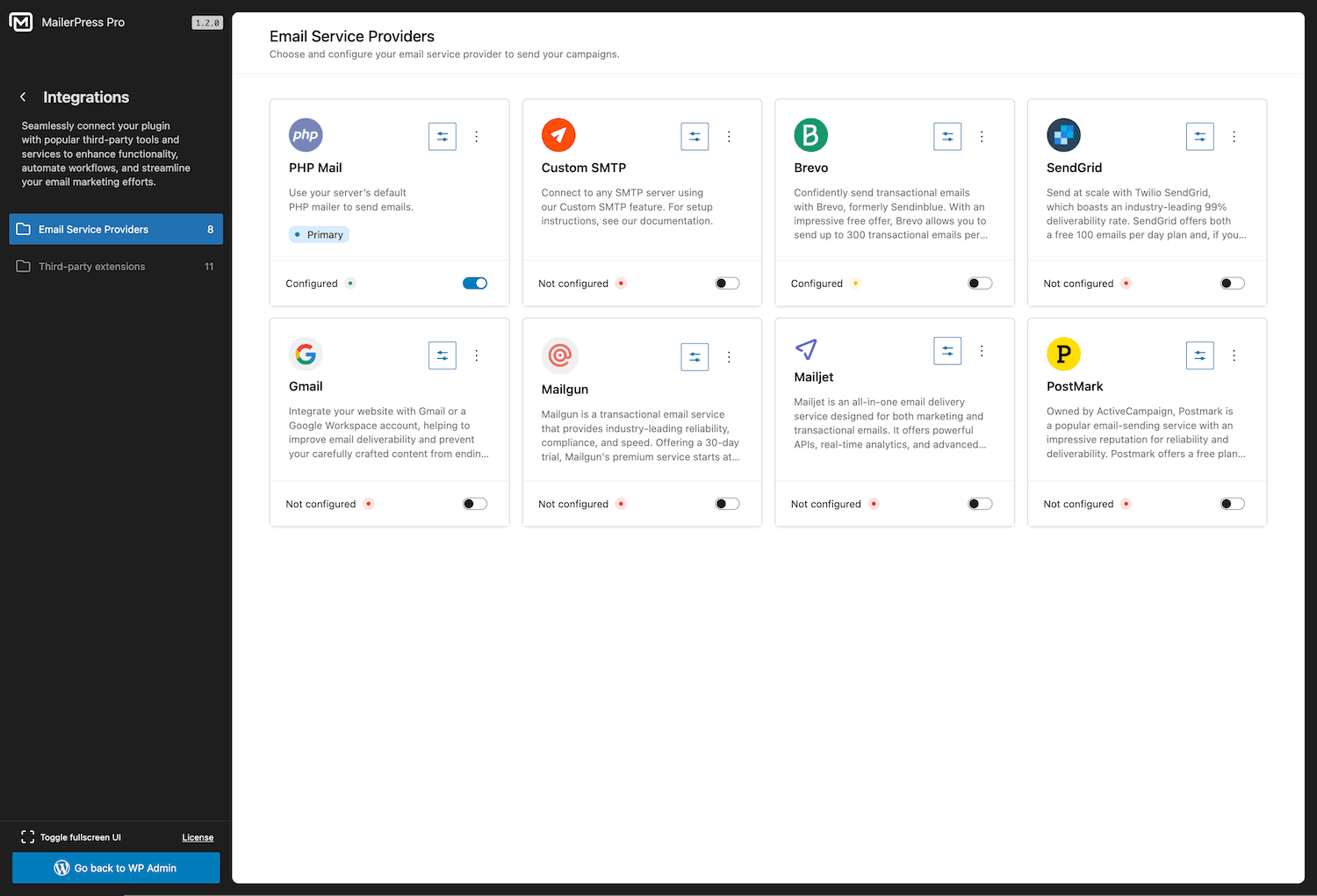
- PHP Mail (default — works out of the box)
- Custom SMTP configuration
- Brevo / Sendinblue integration (paid plan required)
- SendGrid integration (paid plan required)
- Gmail / Google Workspace integration (paid plan required)
- Mailgun integration (paid plan required)
- Mailjet integration (paid plan required)
- Postmark integration (paid plan required)
- Amazon SES integration (paid plan required)
- Emailit integration (paid plan required)
- SMTP2GO integration (paid plan required)
- Resend integration (paid plan required)
- Bounce management via email provider APIs (paid plan required)
- Drag-and-drop email editor inspired by WordPress Block Editor
- Unlimited subscribers, lists, tags, and campaigns
- Email newsletter creation and scheduling
- Customizable opt-in forms (shortcode + Gutenberg block)
- Double opt-in with confirmation emails
- CSV import/export for subscriber migration
- Subscriber segmentation
- Contact Form 7 integration
- Email campaign analytics
- Post and page content retrieval for newsletters
- Click and open tracking (with anonymous option)
- Merge tags for email personalization
- MJML template import
- Google Fonts with local hosting
- GDPR-compliant with built-in unsubscribe
- Self-hosted — your data stays on your server
- Full theme.json and FSE support
- Hundreds of developer hooks and filters
- REST API for custom integrations
- WooCommerce email customization — design and override transactional emails (order confirmation, shipping, account emails) with the drag-and-drop editor
- Professional email delivery — Brevo, SendGrid, Gmail / Google Workspace, Mailgun, Mailjet, Postmark, Amazon SES, Emailit, SMTP2GO, Resend
- AI-powered email content — OpenAI, Claude by Anthropic, DeepSeek, Mistral, and Google Gemini for content optimization and image generation
- Advanced form integrations — Gravity Forms and Fluent Forms
- Page builder integrations — Elementor, Bricks Builder, and Divi Builder
- E-commerce and membership integrations — WooCommerce and Paid Memberships Pro
- WordPress user synchronization — keep WordPress user accounts connected with MailerPress contacts
- Advanced Custom Fields integration — use ACF content in Query blocks and campaigns
- Incoming and outgoing webhooks — connect MailerPress to external apps and automation platforms
- Advanced automation workflows — triggers, conditions, and behavioral targeting
- Custom fields and advanced segments — target subscribers based on behavior and data
- Premium email templates — professional designs ready to use
- Embed opt-in forms on external websites — grow your list beyond WordPress
- Bounce management — automatic handling via email provider APIs
- Automated double opt-in follow-ups — re-engage pending subscribers
- White-label options — customize MailerPress branding
- Priority support — dedicated customer assistance
- Hundreds of hooks and filters — customize every aspect of the plugin
- REST API — build custom integrations and applications
- MJML support — use MJML templates for advanced email design workflows
- React-based architecture — modern, extensible, and performant
安装:
- Upload the plugin files to the
/wp-content/plugins/mailerpressdirectory, or install the plugin through the WordPress plugins screen directly. - Activate the plugin through the 'Plugins' screen in WordPress.
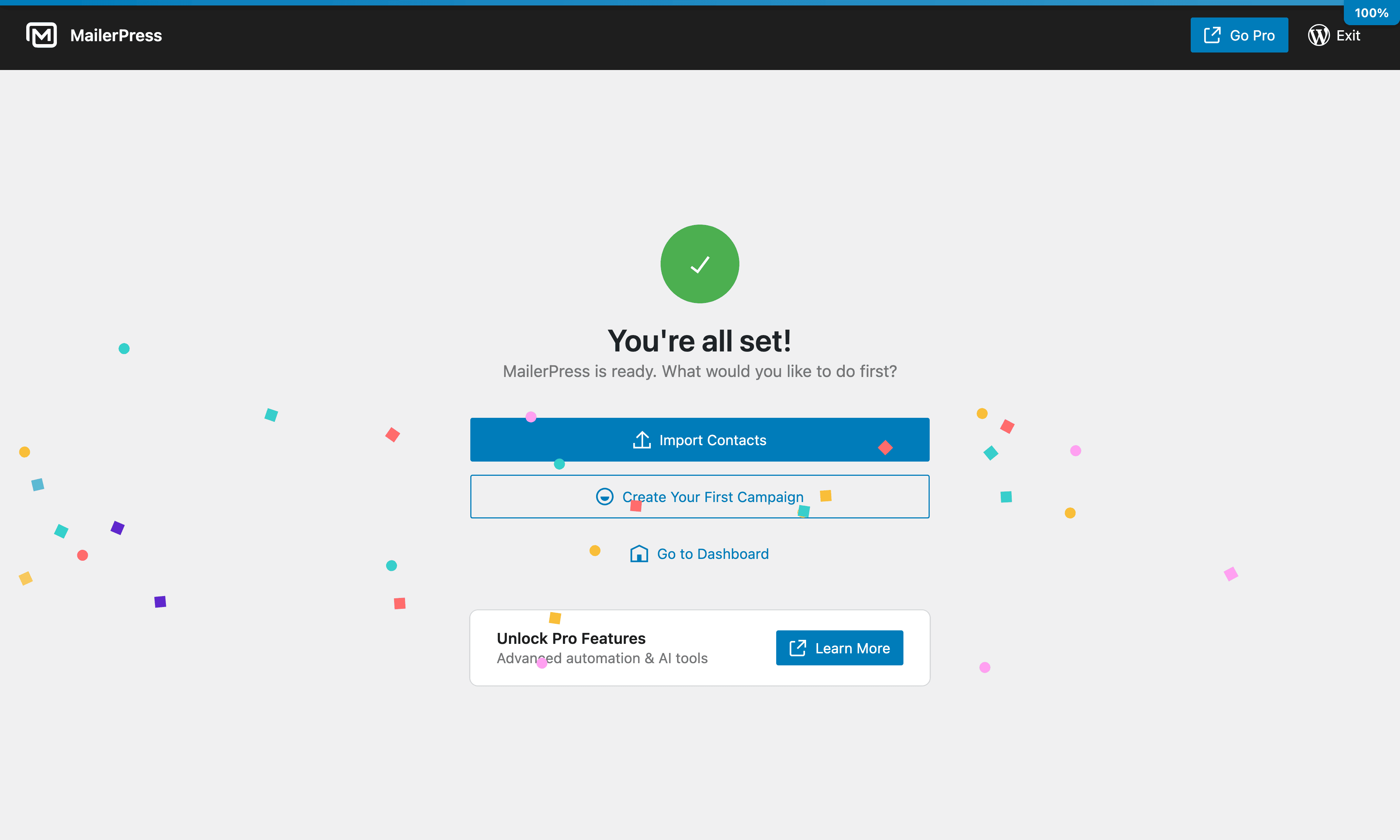
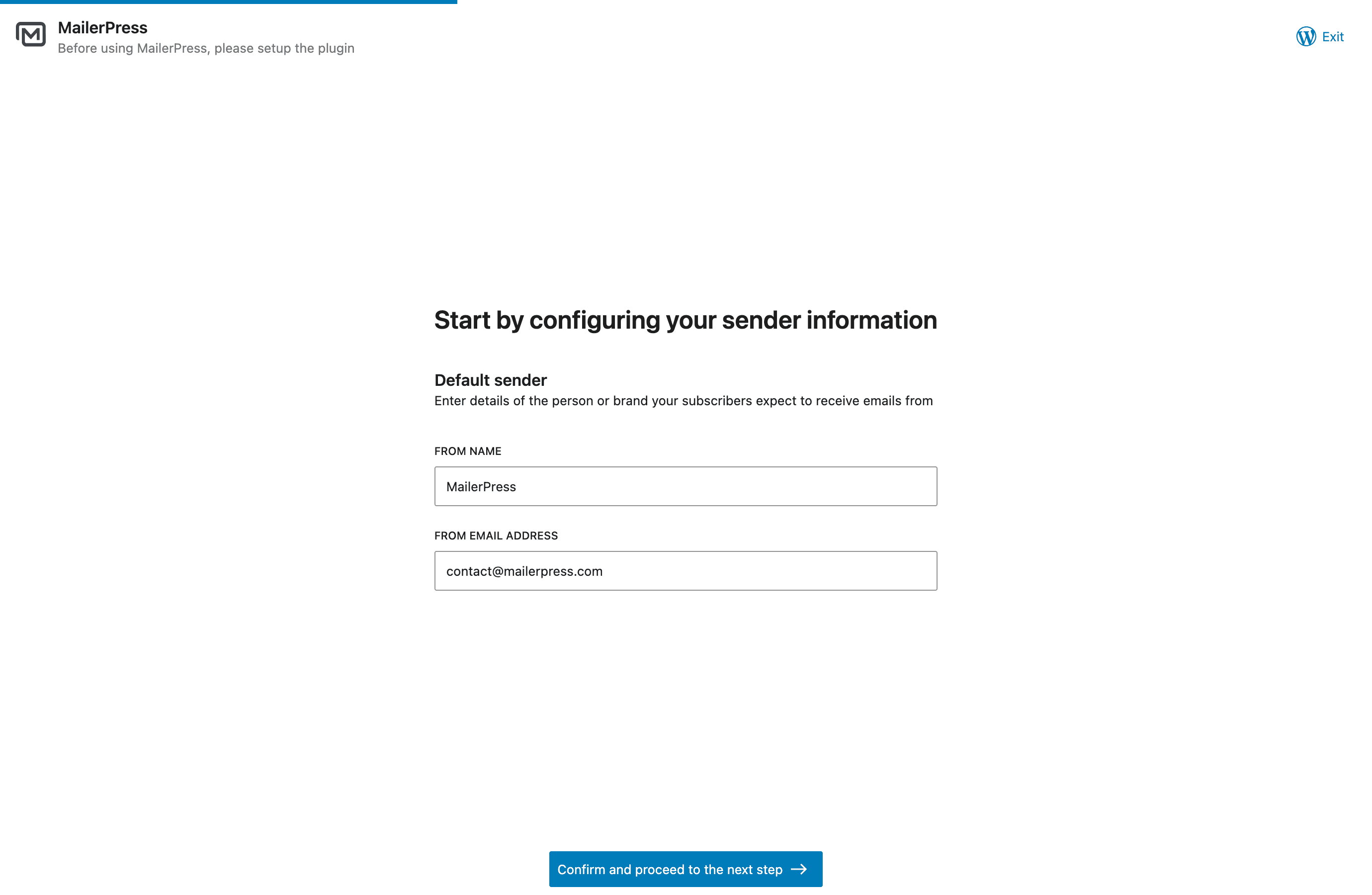
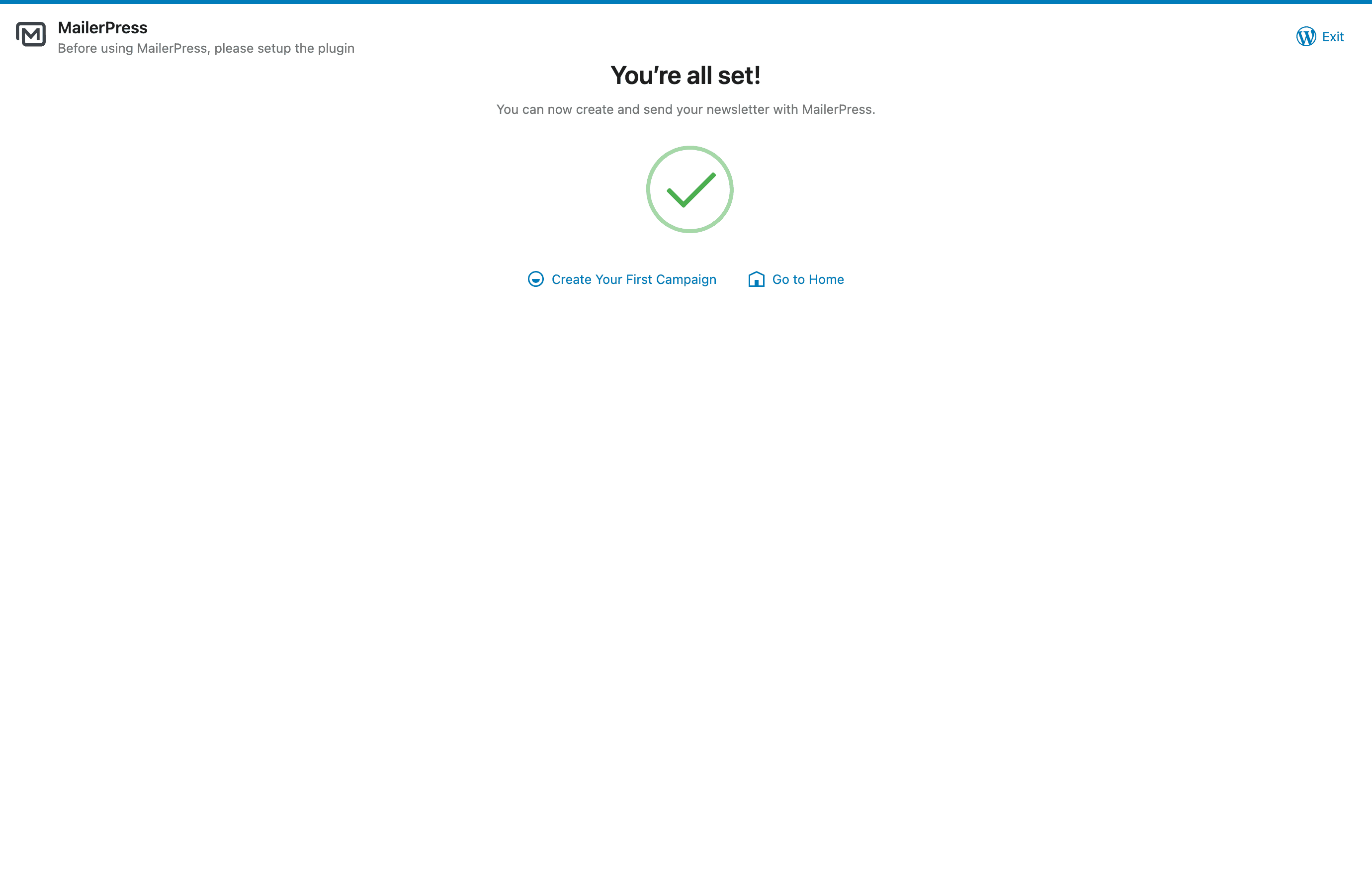
- Navigate to the MailerPress screen in your WordPress admin to get started.
屏幕截图:
常见问题:
Is MailerPress really free?
Yes! MailerPress is completely free with unlimited subscribers, lists, tags, and email campaigns. There are no hidden limits. A paid plan is available for premium integrations, AI features, and advanced automation.
How do I create an email newsletter with MailerPress?
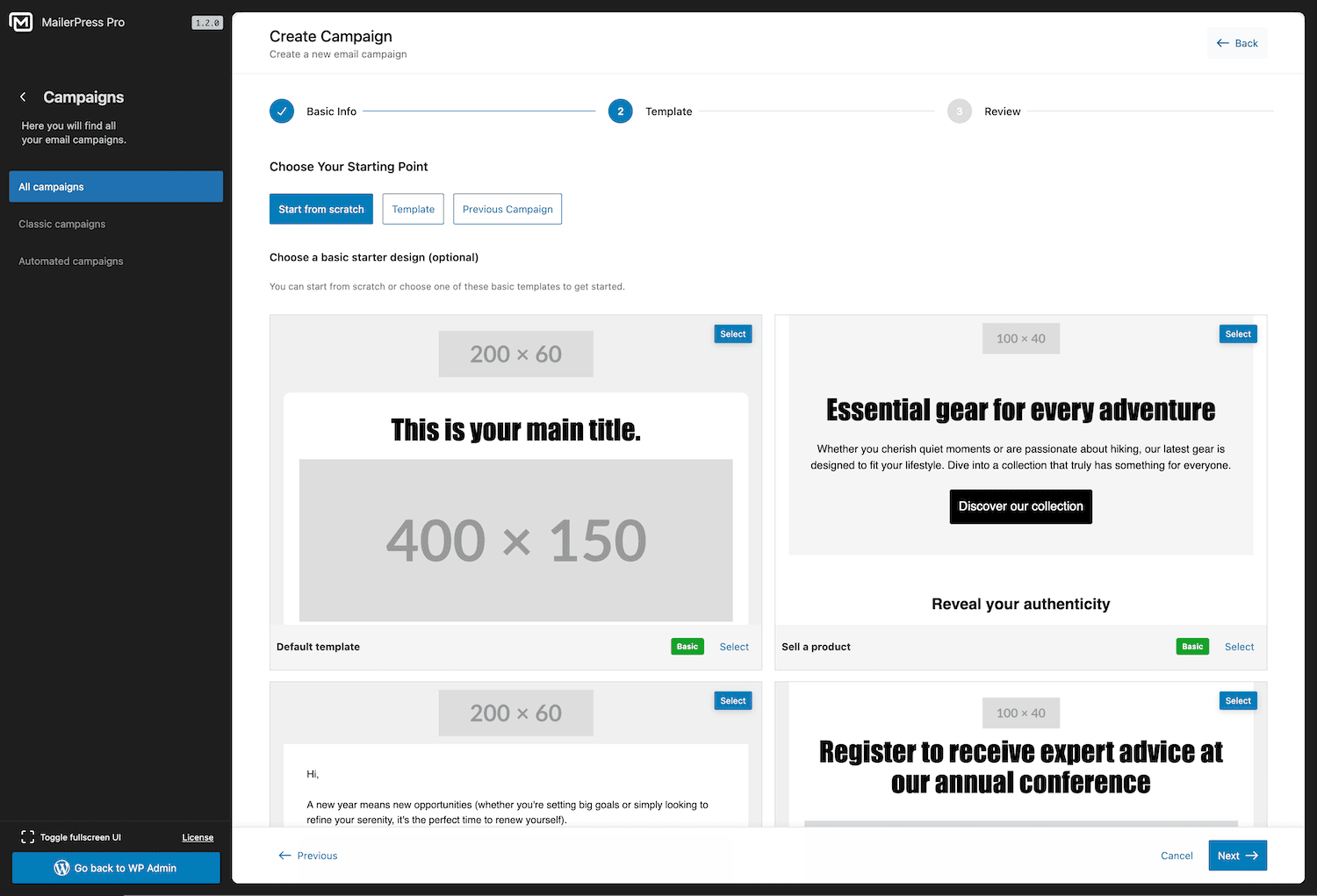
Go to MailerPress in your WordPress admin, click "Create Campaign", choose a template or start from scratch, and use the drag-and-drop editor to build your newsletter. Add your subscriber list, and send or schedule it.
Can I import my subscribers from another email marketing plugin?
Yes. MailerPress supports CSV import, so you can export subscribers from any email marketing tool (Mailchimp, MailPoet, Brevo, ConvertKit, ActiveCampaign, etc.) and import them into MailerPress in seconds.
What WordPress plugins integrate with MailerPress?
MailerPress supports form, page builder, e-commerce, membership, content, and automation plugins. See the "Supported WordPress Plugin Integrations" section above for the current integration list and Free or paid plan availability.
Does MailerPress work with WooCommerce?
Yes. With a paid plan, you can customize WooCommerce transactional emails (order confirmation, shipping notification, etc.) using the drag-and-drop editor, send promotional campaigns to customers, and include product content in your newsletters.
How do I add a subscriber opt-in form to my website?
MailerPress provides a shortcode and a Gutenberg block for opt-in forms. The shortcode works with any theme and page builder (Elementor, Bricks, Divi, etc.). You can also embed opt-in forms on external websites (paid plan required).
What email sending services does MailerPress support?
The free version supports PHP Mail and custom SMTP. A paid plan adds integrations with Brevo (Sendinblue), SendGrid, Gmail / Google Workspace, Mailgun, Mailjet, Postmark, Amazon SES, Emailit, SMTP2GO, and Resend for professional email delivery.
Can I automate emails with MailerPress?
Yes. You can schedule email campaigns for future delivery and set up automated post notification emails. Advanced automation workflows with triggers and conditions are available with a paid plan.
Is MailerPress GDPR compliant?
Yes. MailerPress is self-hosted, collects no external data, and includes built-in unsubscribe links, double opt-in, and subscriber data management tools for full GDPR compliance.
Can I send automated post notification emails?
Yes. MailerPress can automatically send email notifications to your subscribers when you publish new blog posts or pages.
Does MailerPress support email tracking?
Yes. MailerPress includes click and open tracking for your email campaigns. You can choose to track normally, track anonymously, or disable tracking entirely.
How do I get support?
Free users: WordPress.org support forum. Paid plan users: Priority support via the MailerPress customer portal.
更新日志:
- FIX: Emails sent with EmailIt work again, including campaigns, automations and test emails, after EmailIt retired its previous API. Bounce tracking with EmailIt is also updated.
- FIX: Test emails sent from Preview & Send for Raw HTML and classic editor campaigns now include your email content instead of arriving empty.
- IMPROVEMENT: Contact synchronization field mapping with MailerPress Pro is faster to set up: search long field lists and create a new MailerPress custom field on the fly, mapped automatically.
- FIX: Date-based automation steps now follow your WordPress timezone, keeping your email journeys on schedule and activity logs easier to understand.
- FIX: Automation emails now include one-click unsubscribe support for compatible inboxes, and opening the unsubscribe link in a browser leads to the expected unsubscribe page.
- FIX: Article previews in Query blocks now update cleanly without showing duplicate posts while you edit your email.
- FIX: Emails sent with ToSend now use your chosen reply-to address and include unsubscribe information, making it easier for subscribers to reply or opt out from compatible inboxes.
- FIX: Subjects and sender names containing accents, dashes or curly quotes now display correctly in emails sent with Gmail or Amazon SES with MailerPress Pro, including test emails.
- FIX: ACF and ACPT user fields now appear in the WordPress users synchronization field mapping with MailerPress Pro, even before any user has saved a value.
- FIX: Text and link colors set in the email editor are now kept in sent campaigns, so links no longer show up in default blue in Outlook or Android mail apps.
- FIX: Restore access to A/B testing for Pro users.
- FIX: Newsletter signup forms now work smoothly inside Bricks popups, helping you grow your audience without interruption.
- NEW: Conditional Block Display — Personalize email blocks using contact data, engagement, and WooCommerce purchase history.
- NEW: A/B Testing with MailerPress Pro — Test up to five campaign variations and choose a winner based on opens or clicks.
- NEW: Migration Center — Import contacts, lists, tags, and custom fields from MailPoet or Newsletter, plus external email platforms with MailerPress Pro.
- NEW: Contact Engagement — Identify inactive subscribers and send a re-engagement email. MailerPress Pro also lets you resend campaigns to contacts who did not open or click.
- NEW: Multiple Sender Addresses — Save multiple sender identities and choose one for each campaign.
- NEW: MailerPress Pro integrations for SureCart, FluentCart, Easy Digital Downloads, and Kadence Blocks Advanced Forms.
- NEW: WooCommerce Inactive Customer automation with MailerPress Pro, including ready-made win-back workflows.
- NEW: Access Control with MailerPress Pro — Manage access to MailerPress features by WordPress role.
- NEW: OpenAI image generation and configurable monthly AI usage limits with MailerPress Pro.
- NEW: ToSend and self-hosted Postal delivery support with MailerPress Pro.
- NEW: One-click unsubscribe from compatible inboxes and a Subscription Links block for the email editor.
- NEW: Custom Merge Tags — Register custom personalization tags for campaign and automation content and subjects.
- NEW: Wait Until Date and Load Post Fields automation steps for scheduled journeys and dynamic email content.
- NEW: Automation Goals — Track conversions and advance or pause contacts based on their actions.
- IMPROVEMENT: WordPress user synchronization with MailerPress Pro supports multiple configurations with separate roles, lists, tags, and field mappings.
- IMPROVEMENT: Clearer contact engagement profiles and more precise engagement-based segmentation.
- IMPROVEMENT: Paste content from Word and Google Docs as editable email blocks while preserving compatible formatting and images.
- IMPROVEMENT: Drag content, add columns, and resize columns directly in the email preview.
- IMPROVEMENT: Better theme style compatibility, Post Content formatting controls, and Product Showcase search.
- IMPROVEMENT: Redesigned template library, contextual help panels, and clearer pre-send checks.
- IMPROVEMENT: Campaign click reports include visual heatmaps with MailerPress Pro.
- FIX: Returning subscribers receive a new double opt-in confirmation when required, without duplicate pending emails.
- FIX: Prevent duplicate campaign sends and scheduling, improve cancellation cleanup, and preserve sender selections.
- FIX: Resolve duplicate automation triggers and authentication issues affecting protected API endpoints.
- FIX: Improve emoji support, background image preservation, default font rendering, and conditional content consistency.
- FIX: Public campaign previews preserve branding and hide recipient-only subscription links.
- FIX: Resolve email editor drag-and-drop, empty-column deletion, and layout control issues.
- SECURITY: Strengthen validation and sanitization of pasted content and images. View our complete changelog