
Mailtric
| 开发者 |
iamabdurrehman
mailtric |
|---|---|
| 更新时间 | 2025年12月7日 19:11 |
| PHP版本: | 8.0 及以上 |
| WordPress版本: | 6.9 |
| 版权: | GPLv2 or later |
| 版权网址: | 版权信息 |
详情介绍:
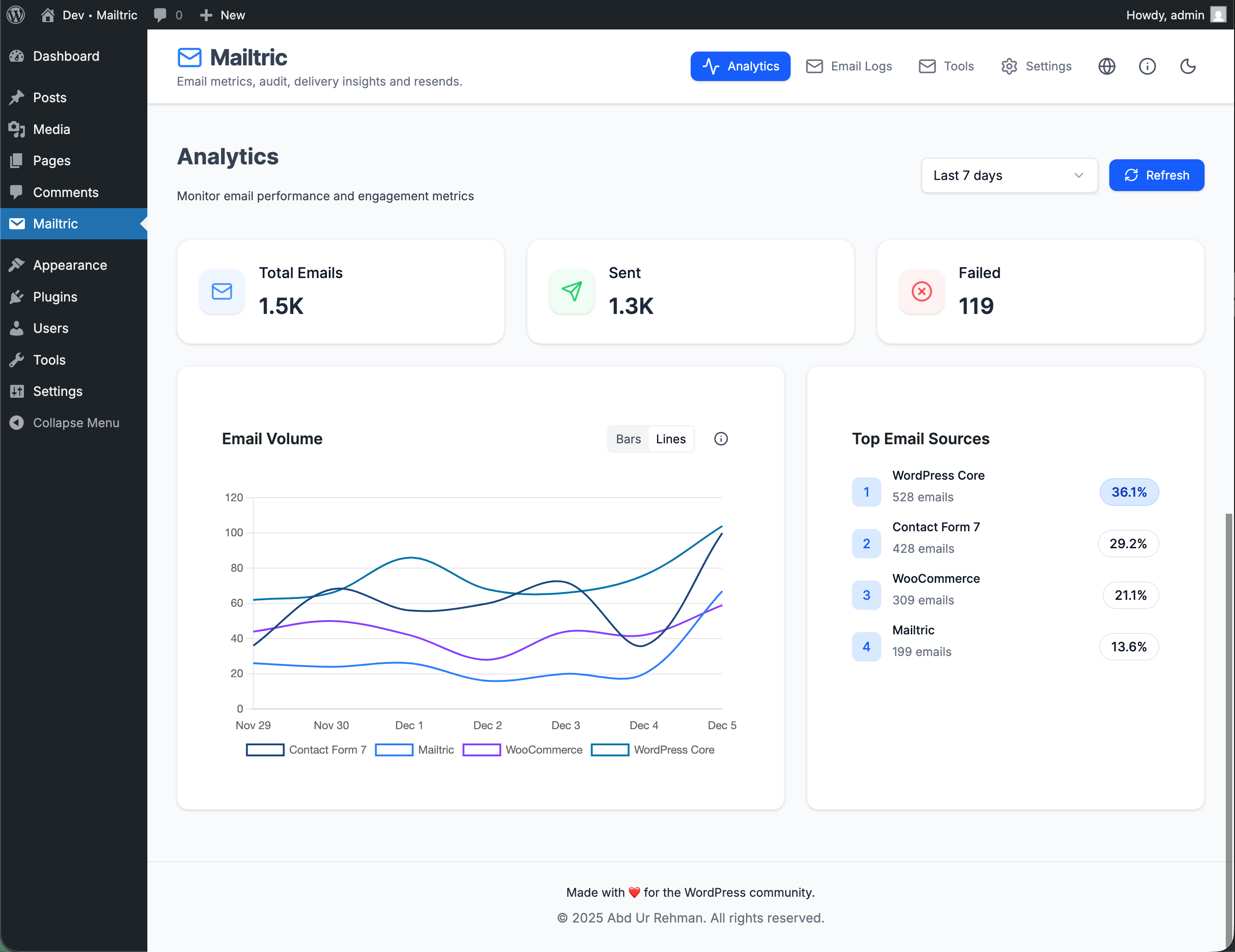
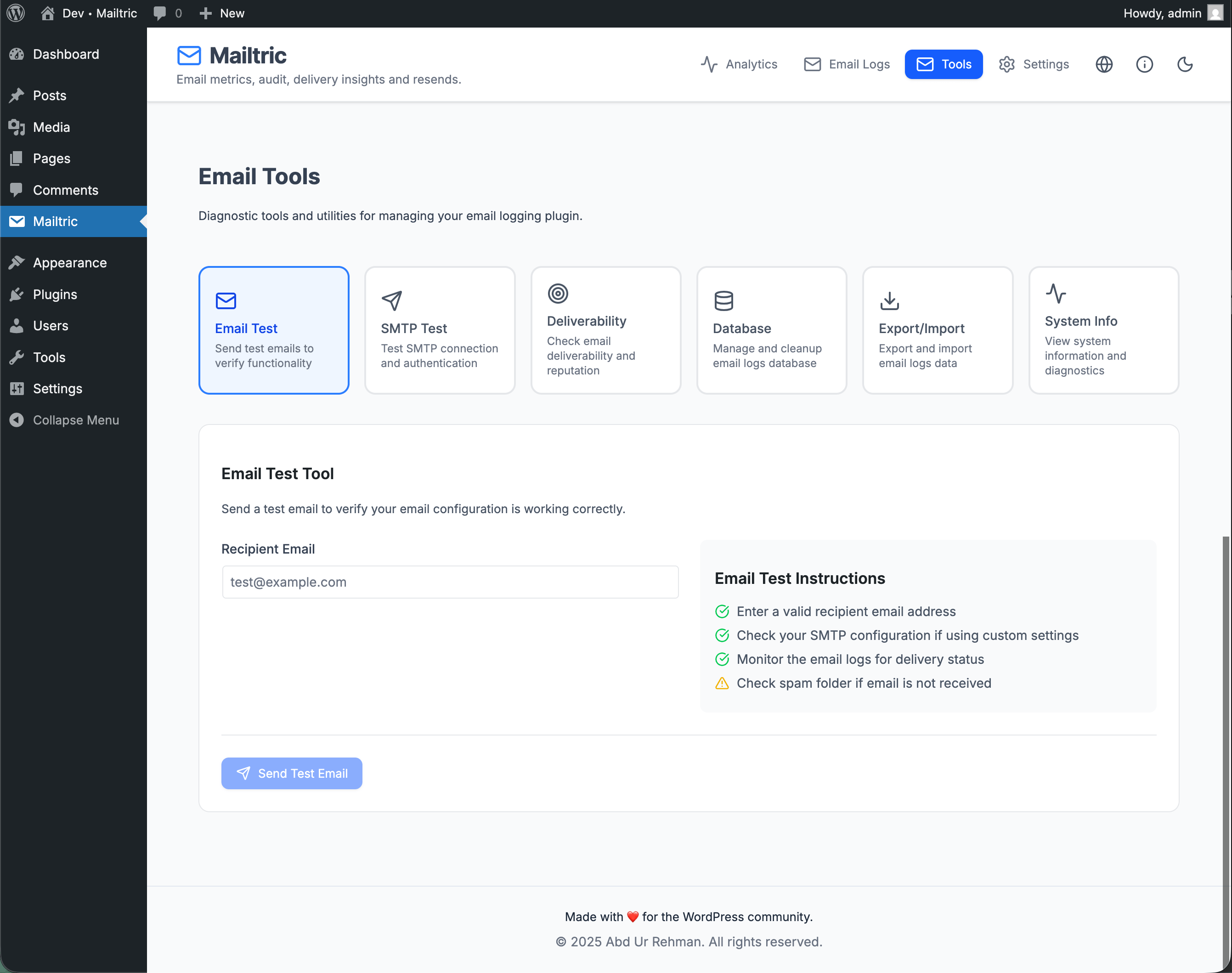
wp_mail(), provides insights from logs, a one‑click resend tool, and an SMTP test to verify configuration. Use Mailtric to audit, debug, and improve the reliability of WordPress emails from WooCommerce, contact forms, membership sites, and more.
All features are included in the free plugin: full email logging, delivery analytics, one‑click resend, SMTP options, deliverability checks, database cleanup tools, and more. There is no pro version, no feature locking, and no usage limits – just install and start tracking your WordPress emails.
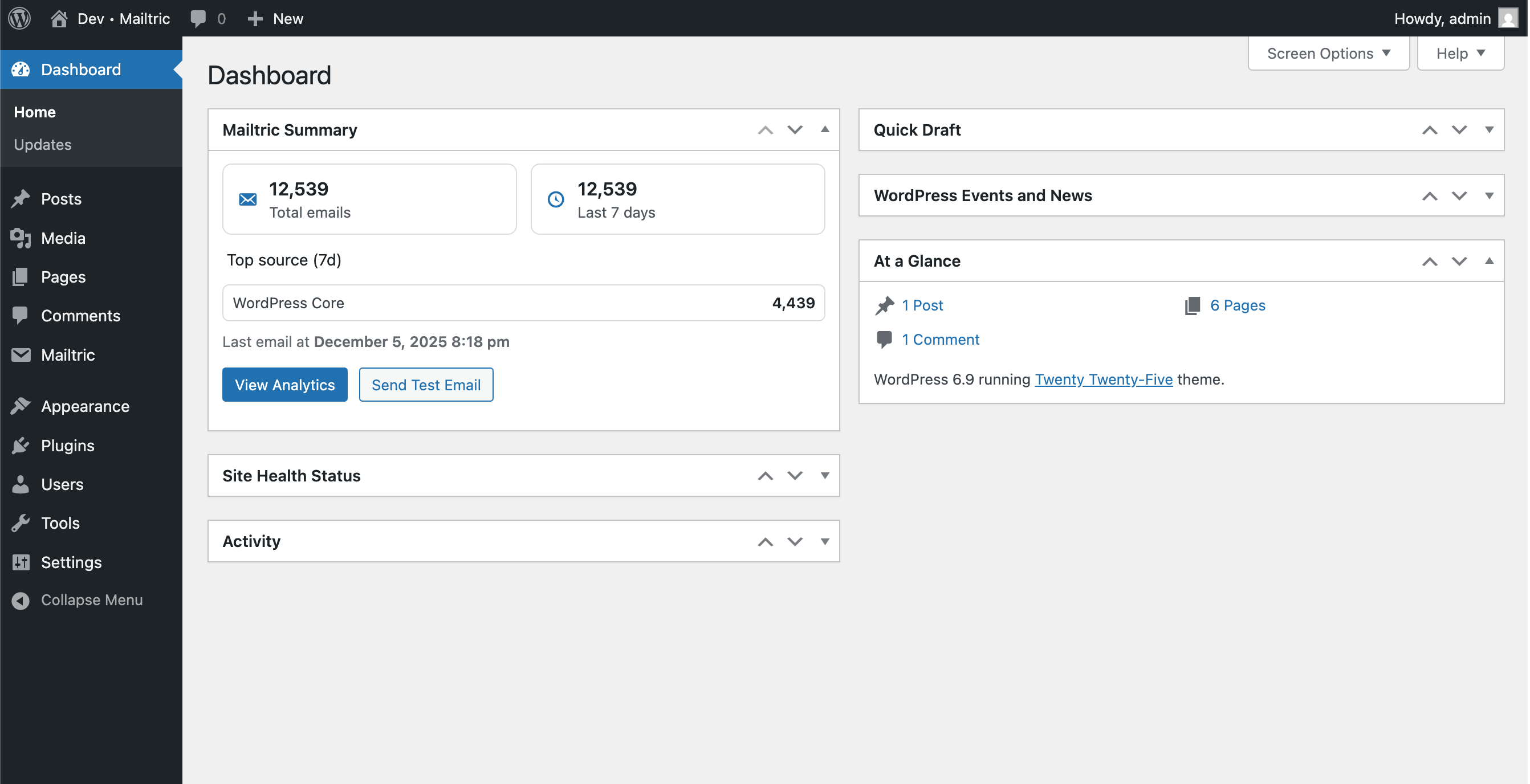
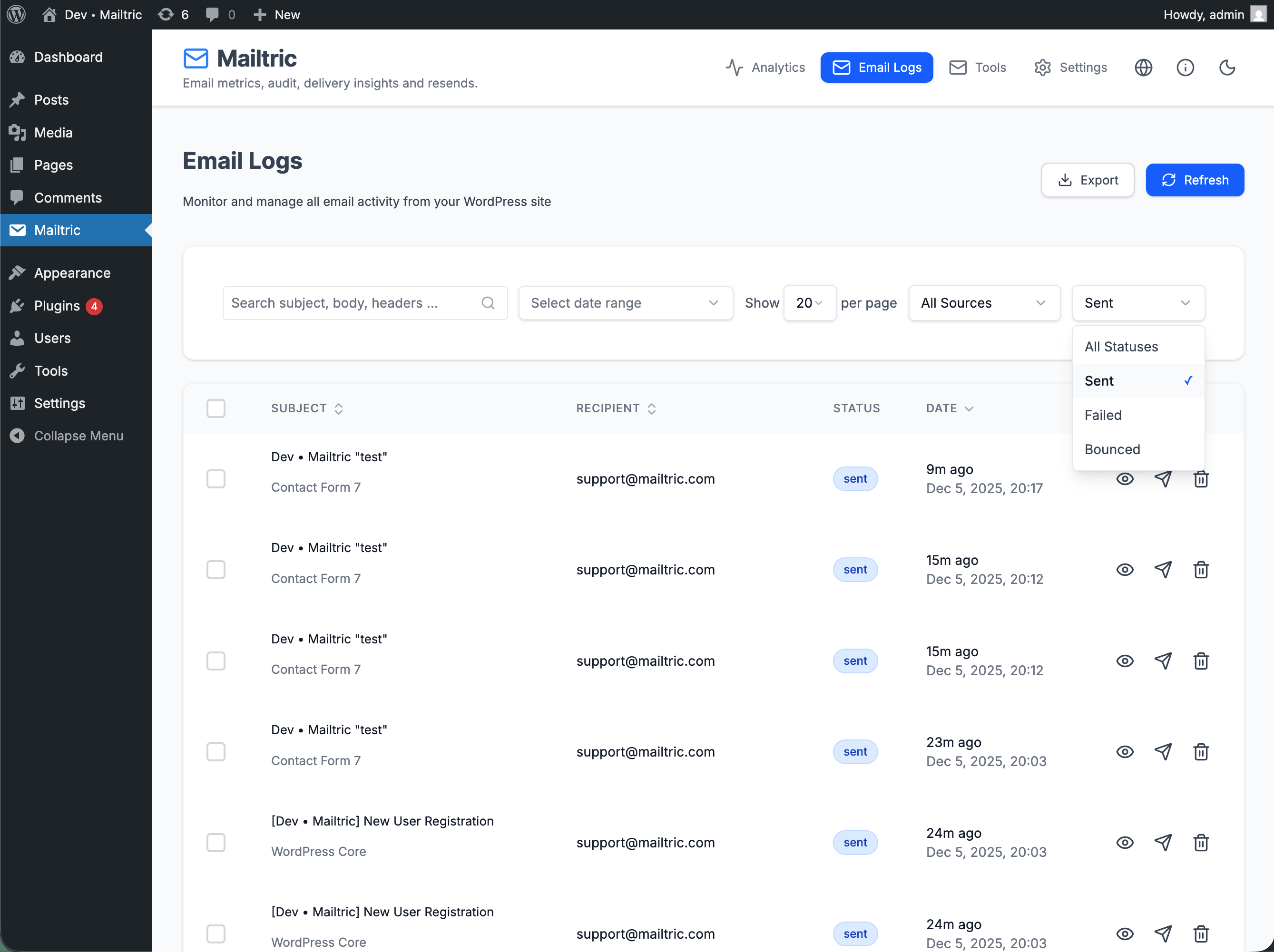
The interface is designed to feel native in WordPress and includes both light and dark mode layouts. Clear filters, search, and detail views make it easy to find any email and understand its delivery status.
Instead of guessing whether password resets, order confirmations, or contact form messages were delivered, you get a searchable, filterable email log and an at-a-glance dashboard of key email stats. This makes Mailtric ideal for:
- Client sites where email reliability really matters.
- WooCommerce and other e-commerce stores.
- Membership, LMS, community, and booking sites.
- Any WordPress site that can’t afford to lose important emails.
安装:
- Install via WordPress (recommended)
- In your WordPress dashboard, go to Plugins → Add New.
- Search for “Mailtric”.
- Click Install Now, then Activate.
- Manual installation
- Upload the plugin folder to
/wp-content/plugins/mailtric. - Activate the plugin through the Plugins screen in WordPress.
wp_mail() automatically. You’ll find the Mailtric pages in your WordPress admin menu.屏幕截图:
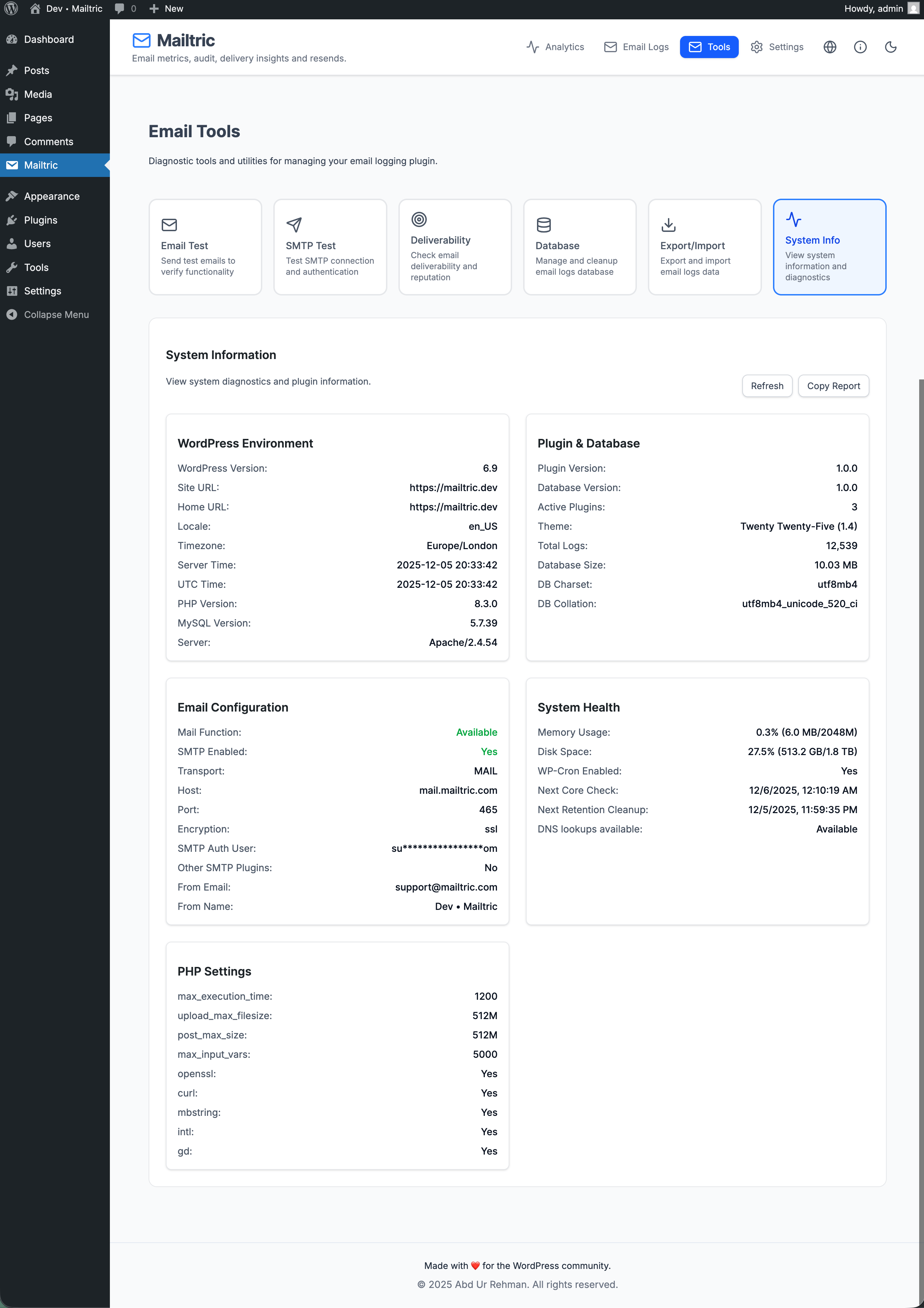
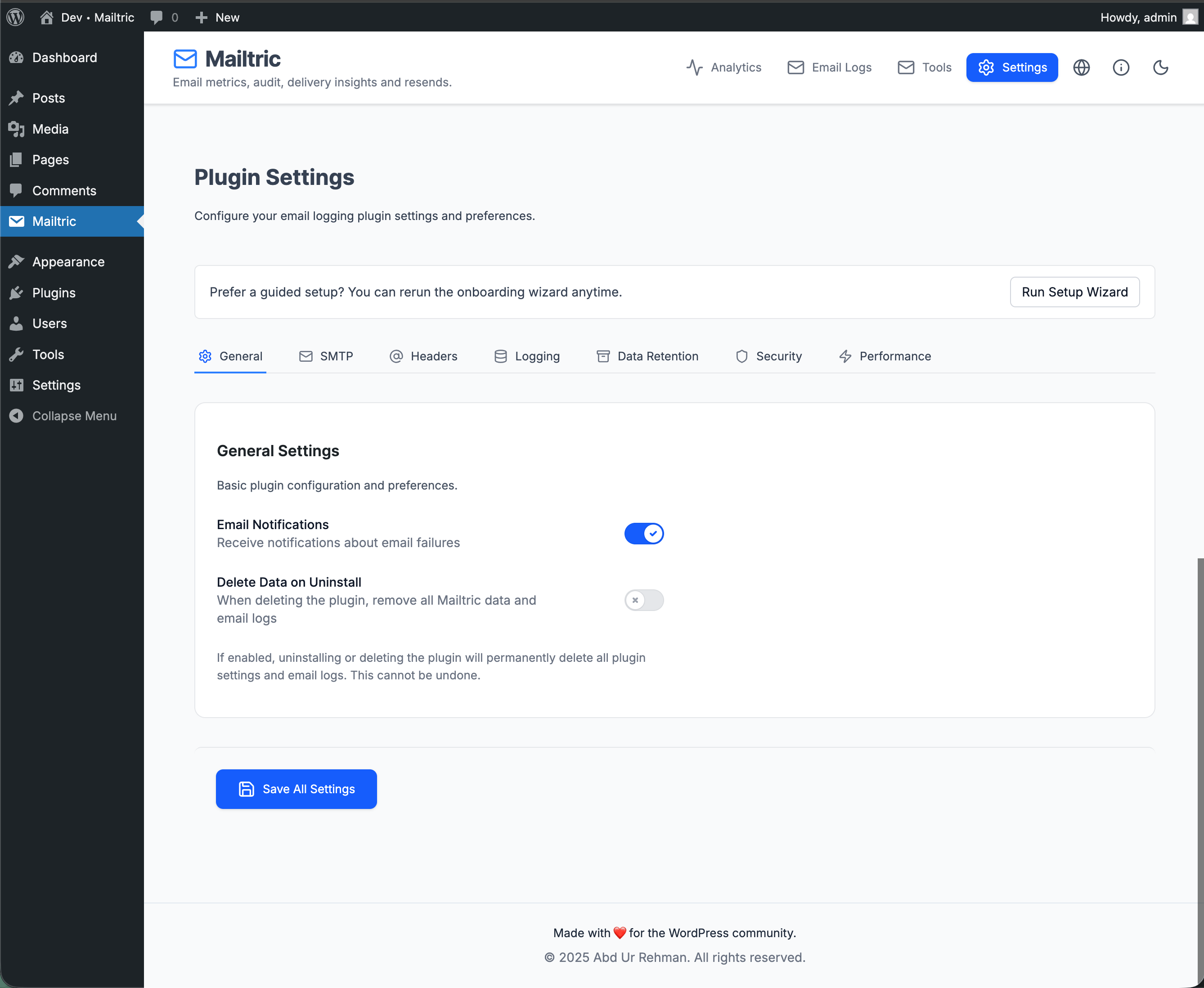
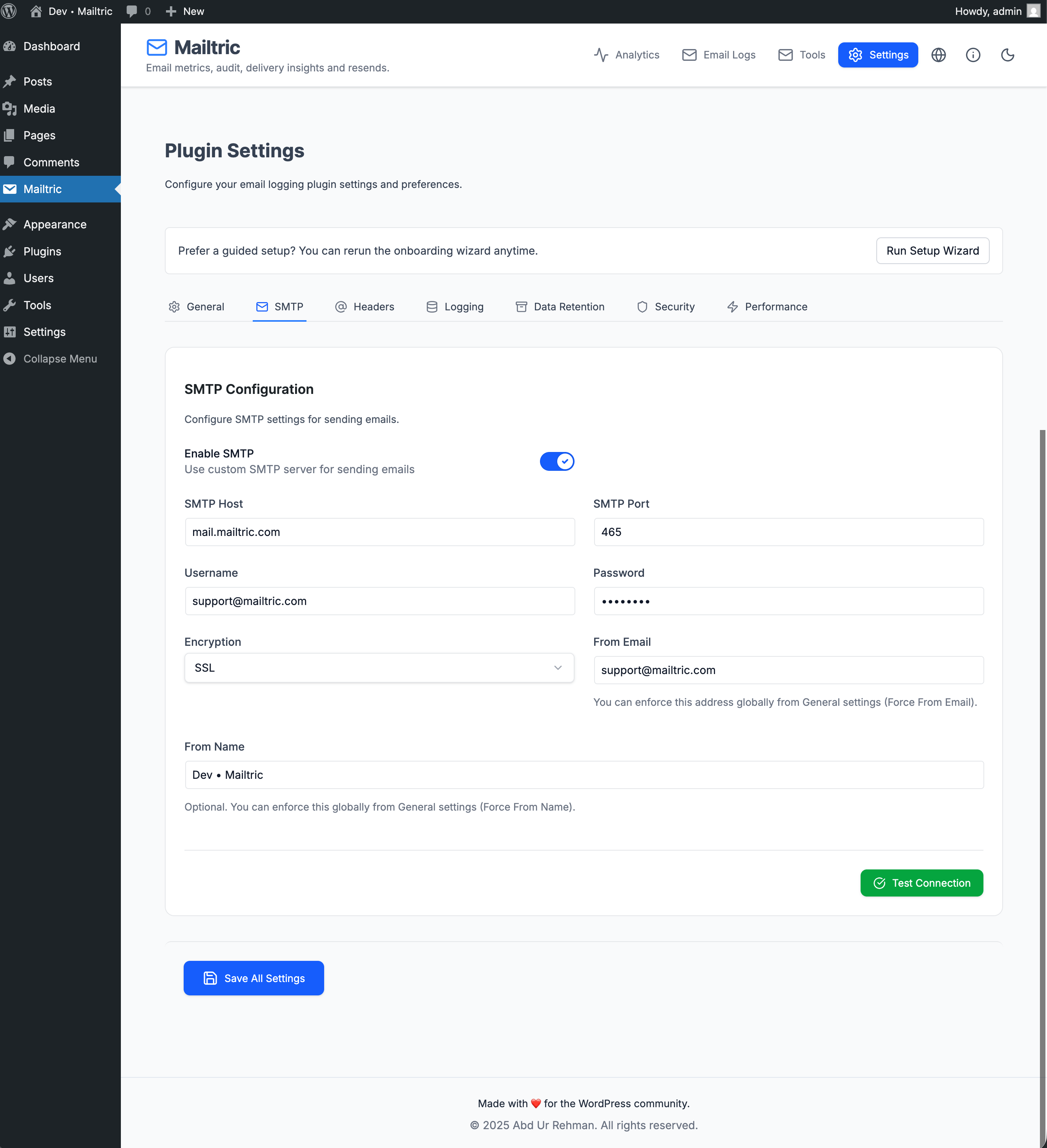
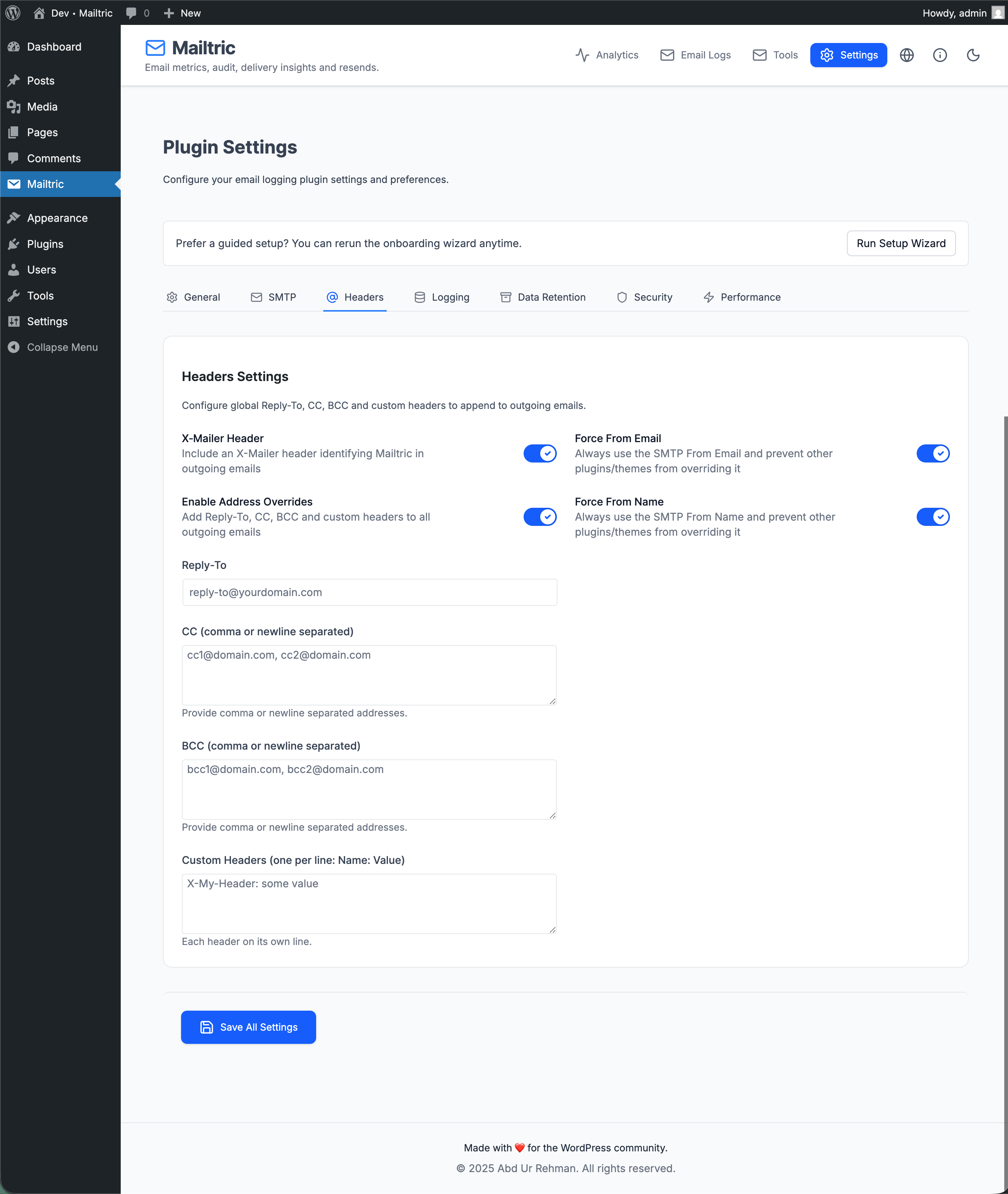
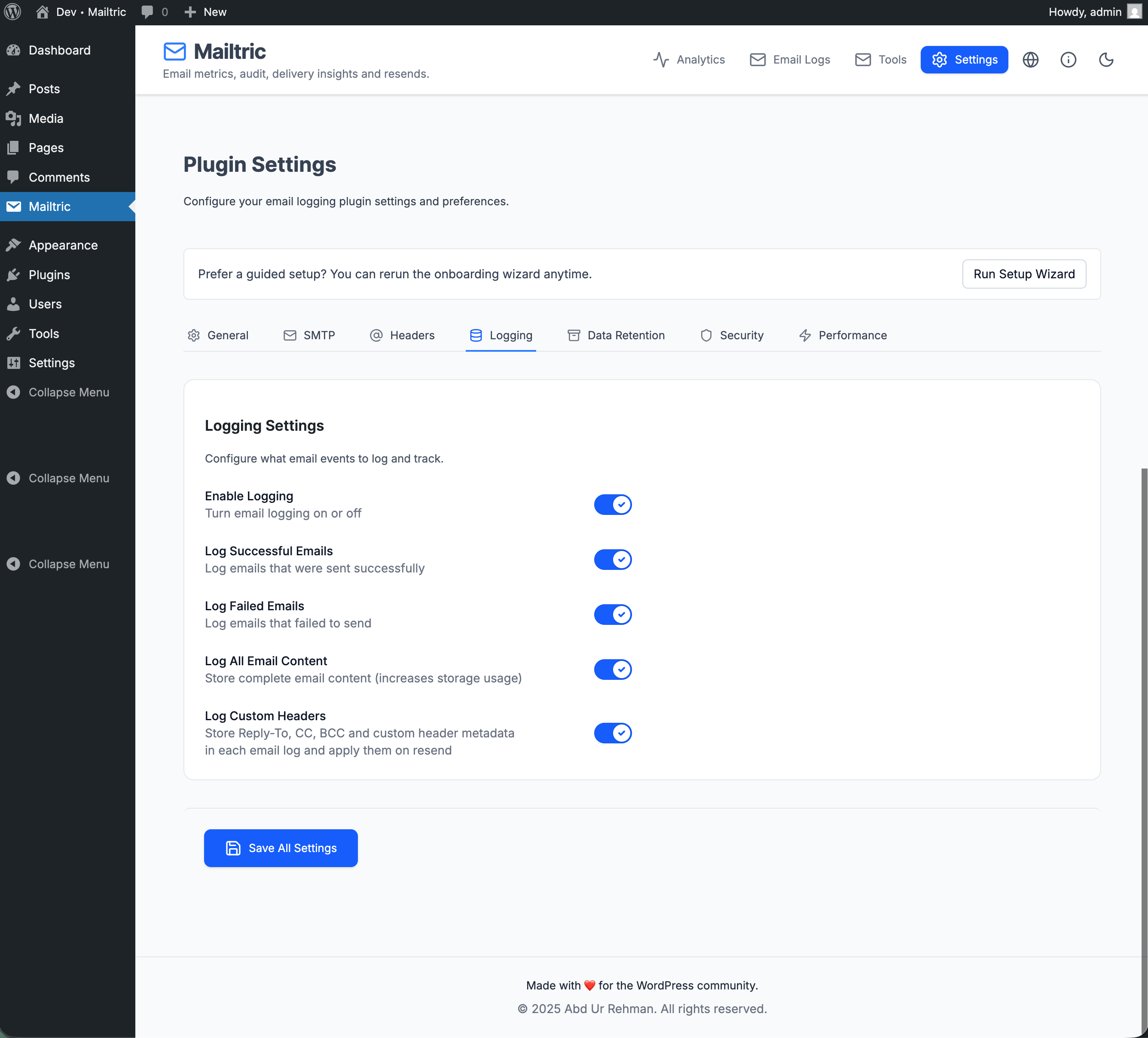
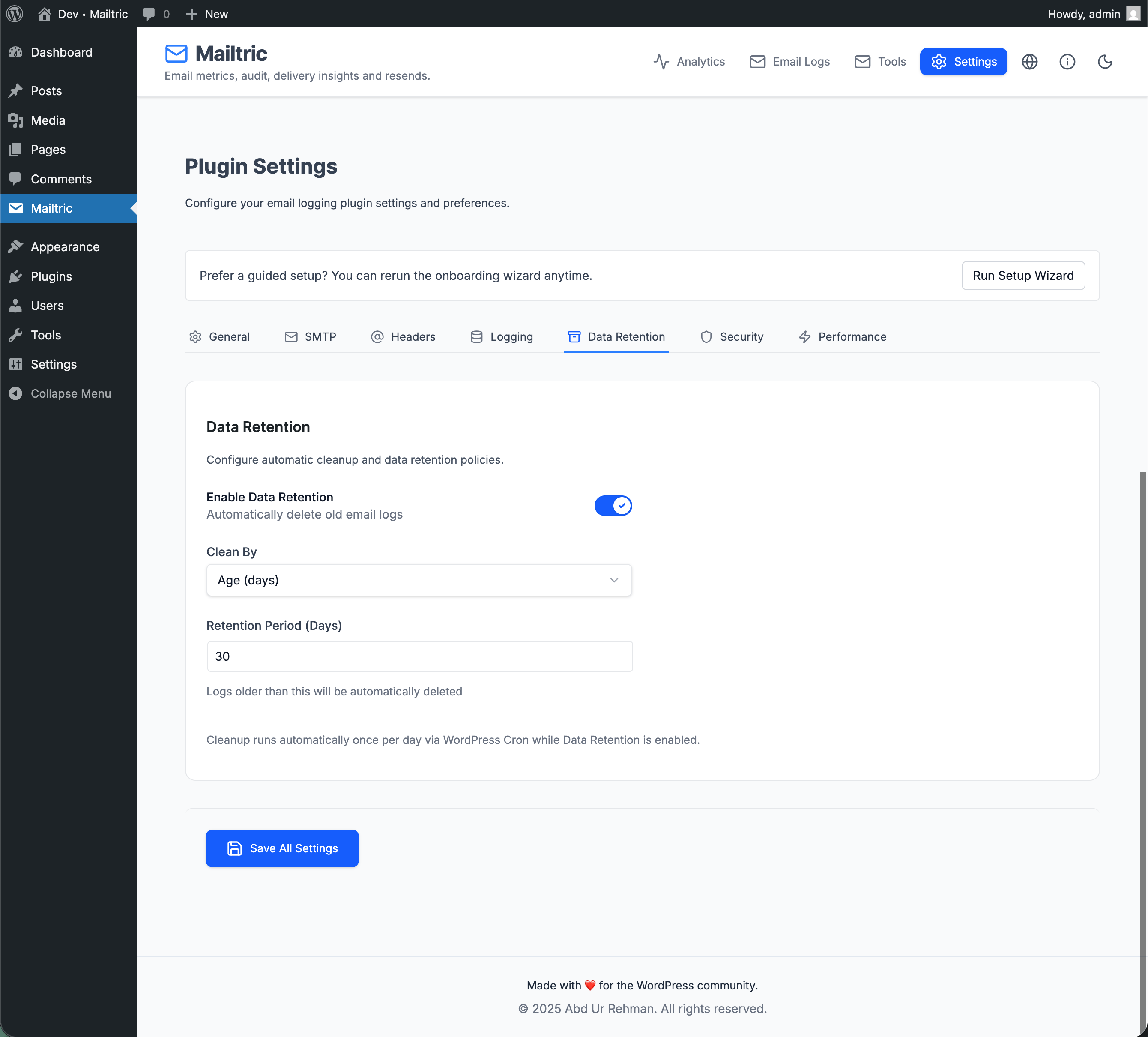
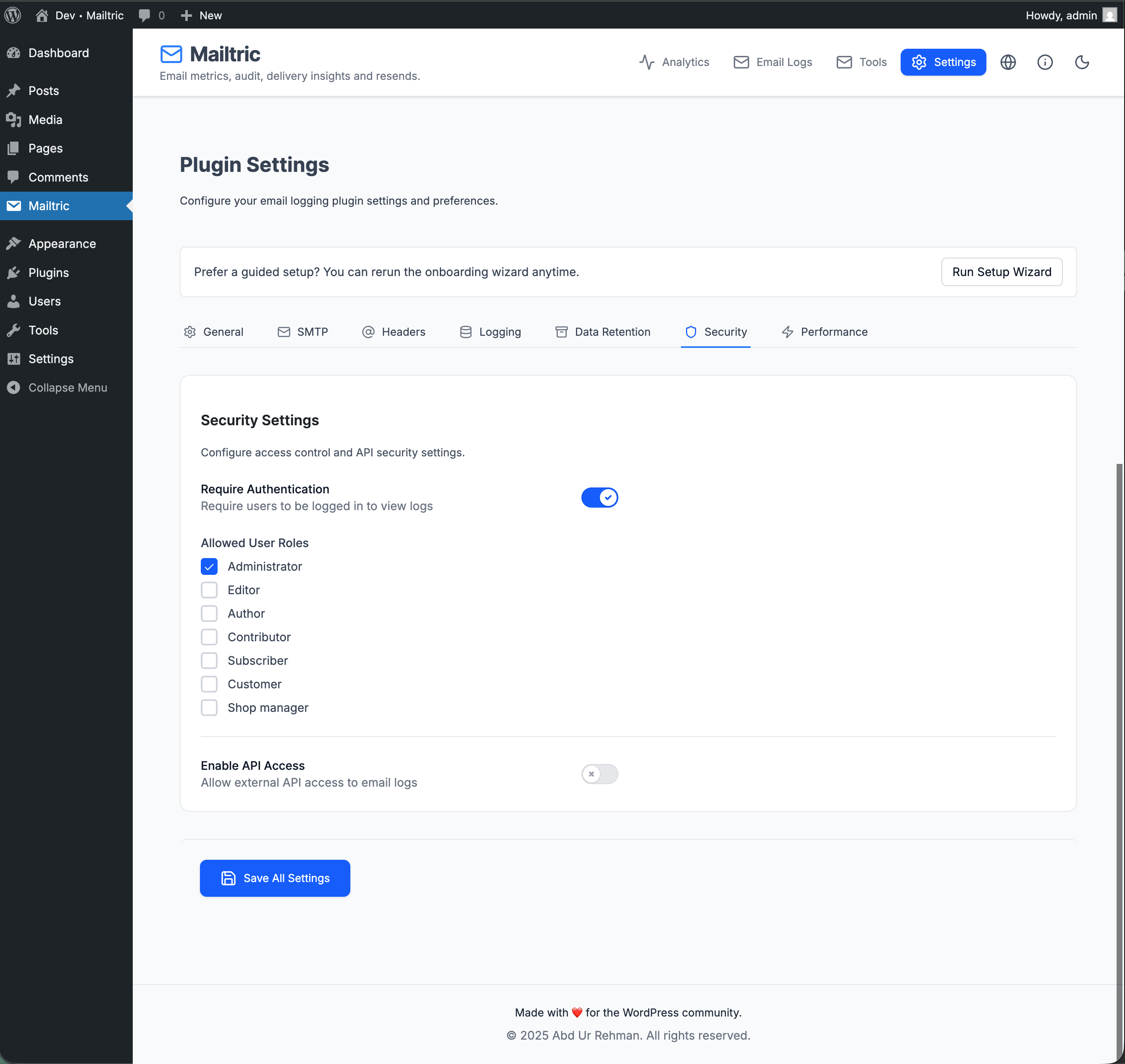
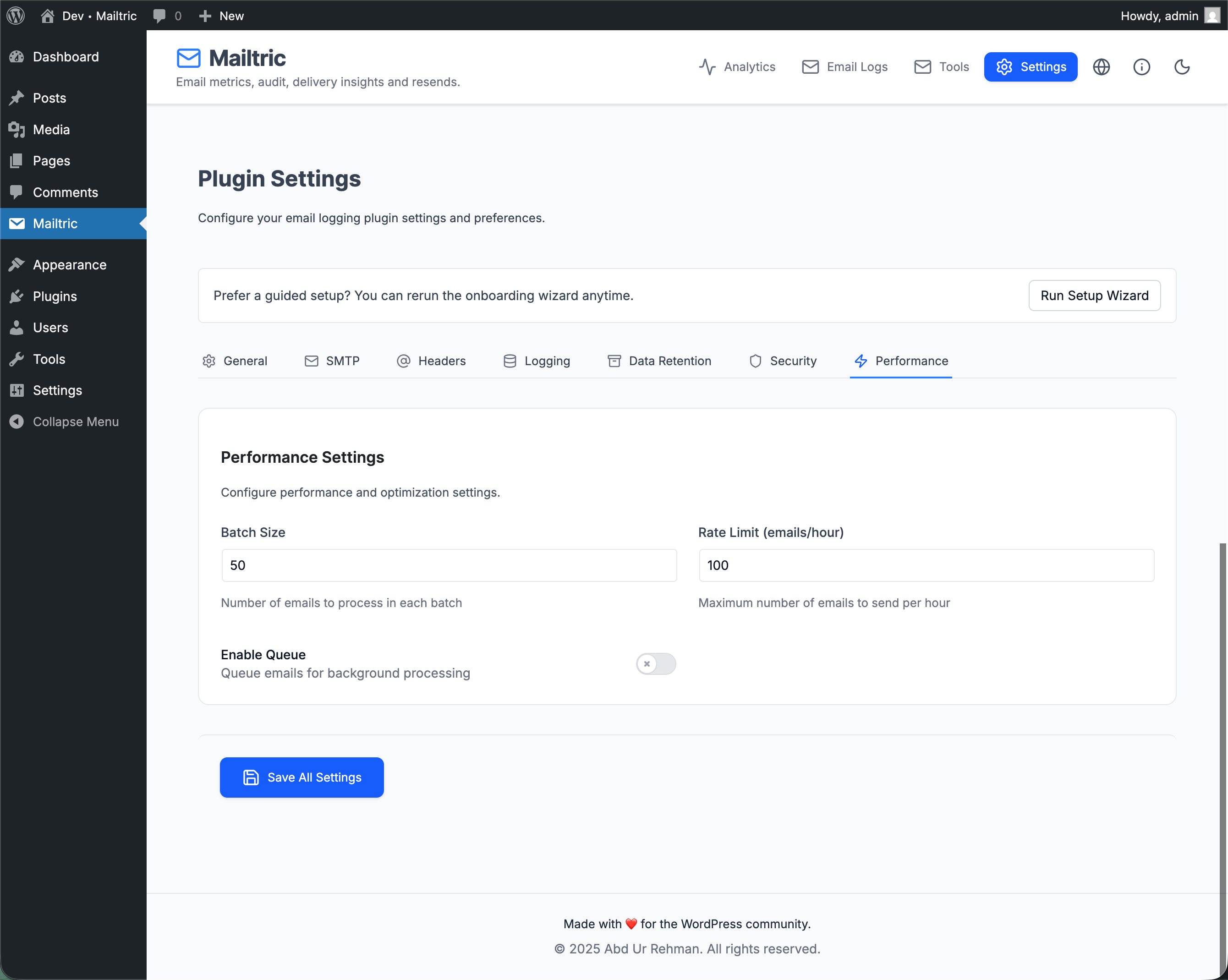

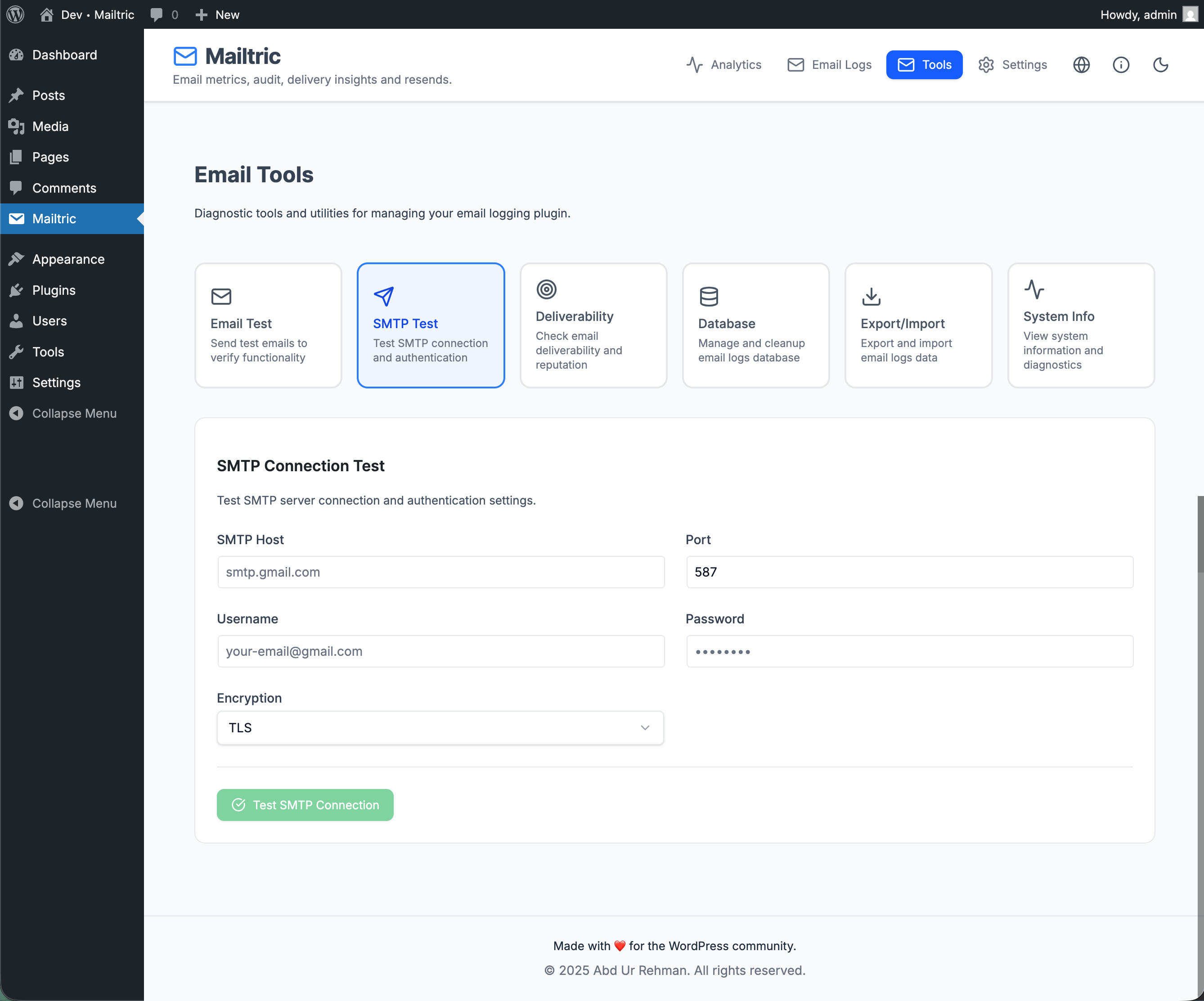
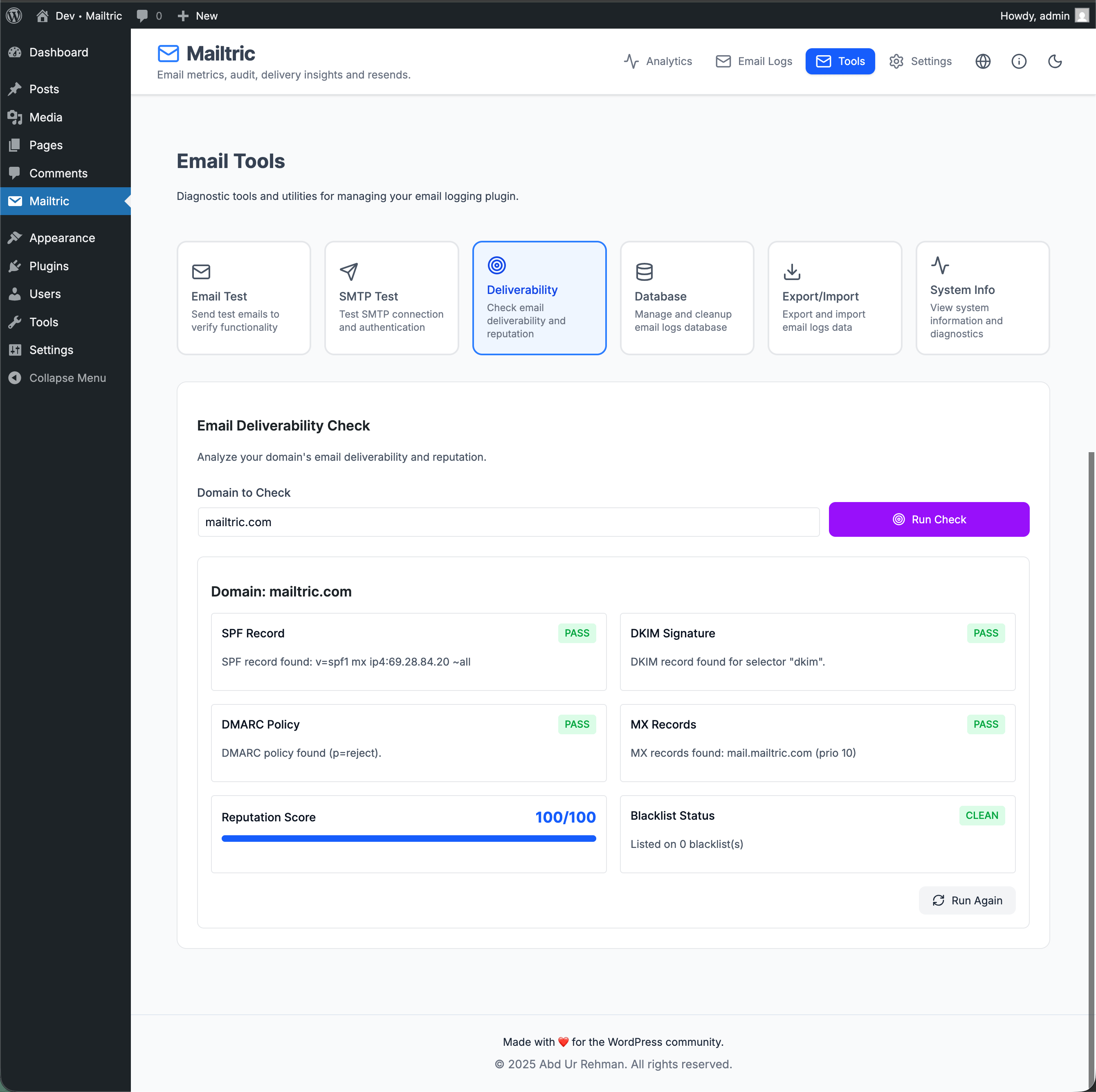
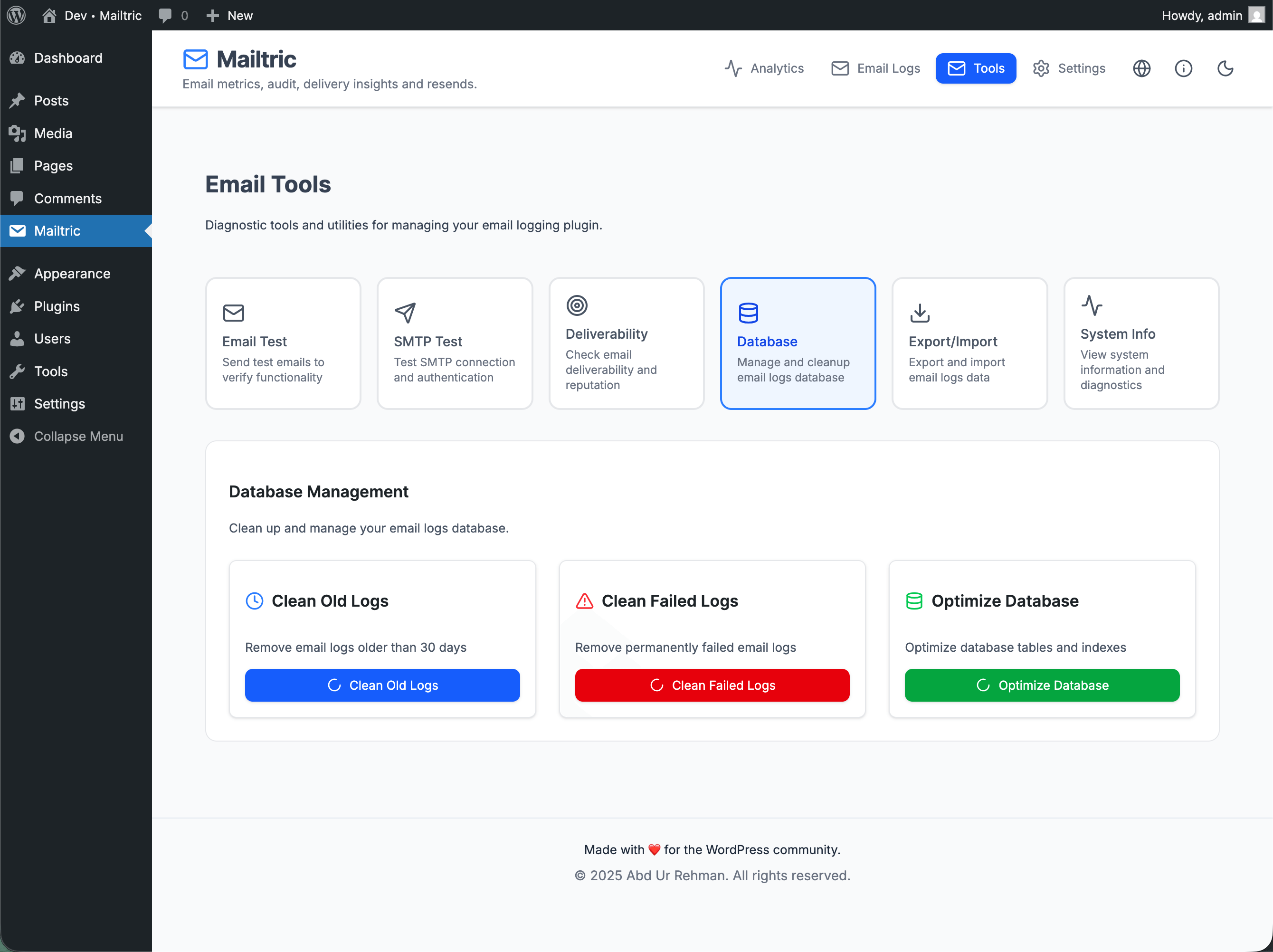
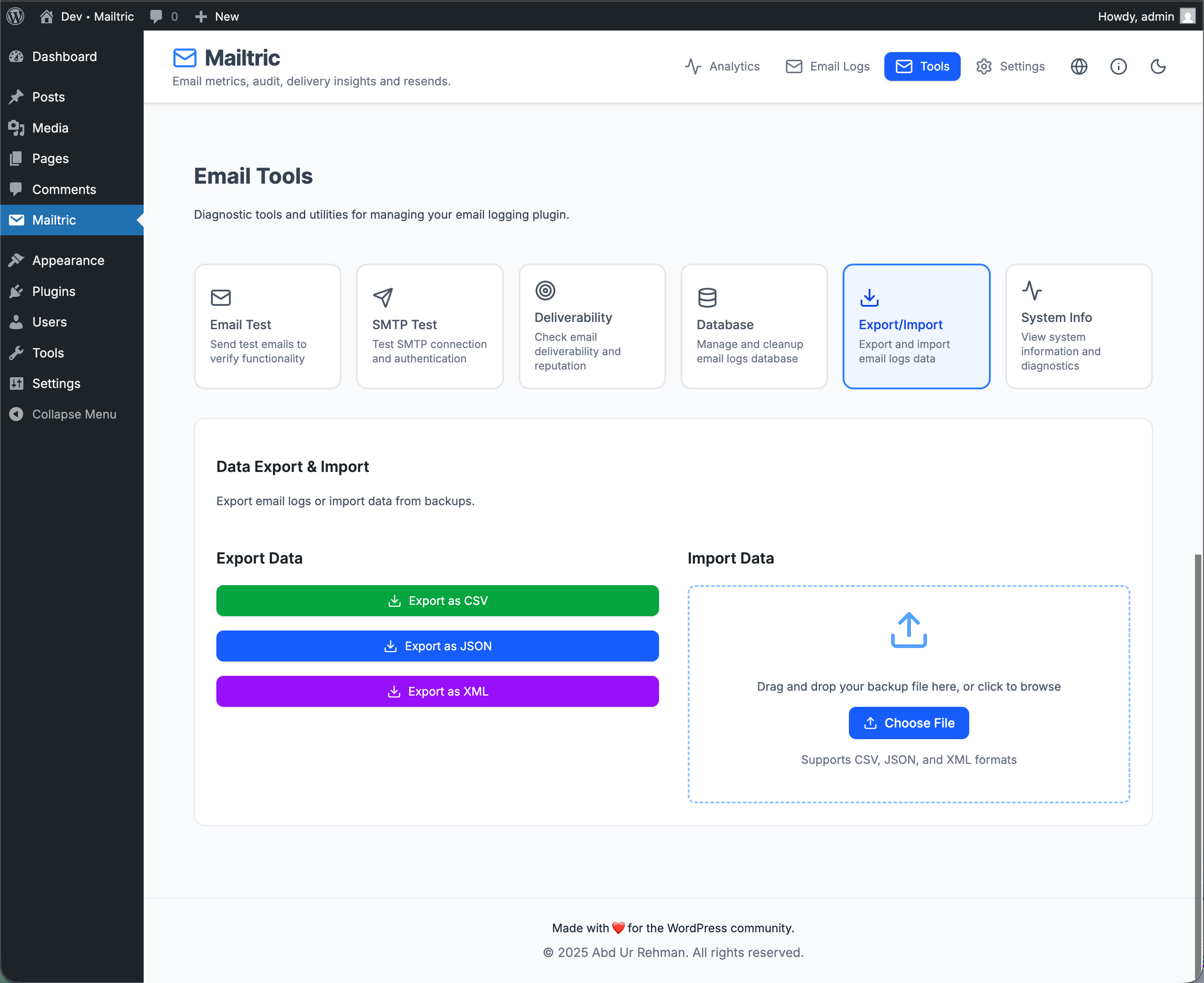
常见问题:
What emails does Mailtric log?
Mailtric logs emails sent via the WordPress wp_mail() function. This typically includes:
- Core WordPress notification emails.
- Contact form emails from most popular form plugins.
- Transactional emails from WooCommerce and other e-commerce plugins that use
wp_mail(). - Membership, LMS, booking, and other plugin emails that rely on WordPress’ native mail system.
wp_mail(), it will usually appear in the Mailtric logs.
Does Mailtric improve email deliverability by itself?
Mailtric doesn’t send emails – it monitors them. It gives you visibility into send status, opens, clicks, and bounces so that you can identify problems and then fix them by configuring a proper SMTP or email delivery service. For best results, use Mailtric alongside a dedicated SMTP/email provider (such as SendGrid, Mailgun, SES, etc.) and use the logs and metrics to verify that configuration.
Can I resend emails?
Yes. You can resend selected emails directly from the Mailtric email log. This is particularly useful if your SMTP or email provider had a temporary issue and you want to re-send important messages.
Will this slow down my site?
Mailtric is designed to be efficient. It focuses on lightweight logging and uses optimised queries so it can run alongside your existing plugins without noticeably affecting performance.
Does Mailtric replace my SMTP plugin?
Mailtric focuses on email logging and analytics, and it also includes SMTP settings in the plugin’s Settings → SMTP tab. You can configure Mailtric to send emails via popular SMTP/transactional providers (e.g., SendGrid, Mailgun, Amazon SES, etc.). While Mailtric provides a convenient SMTP configuration, its core purpose is visibility and insights (logging, resend, metrics). If you already use a dedicated SMTP plugin or service, Mailtric will work alongside it and enhance your understanding of what’s being sent and delivered.
更新日志:
- Changed: Bumped minimum PHP requirement to 8.0 for improved performance, security, and future compatibility.
- Improved: Email log date formatting for accurate and readable timestamps (including reliable “time ago” rendering).
- Improved: Email source detection to better attribute messages to popular plugins (e.g., WooCommerce, contact forms) instead of defaulting to "Mailtric".
- Initial release.