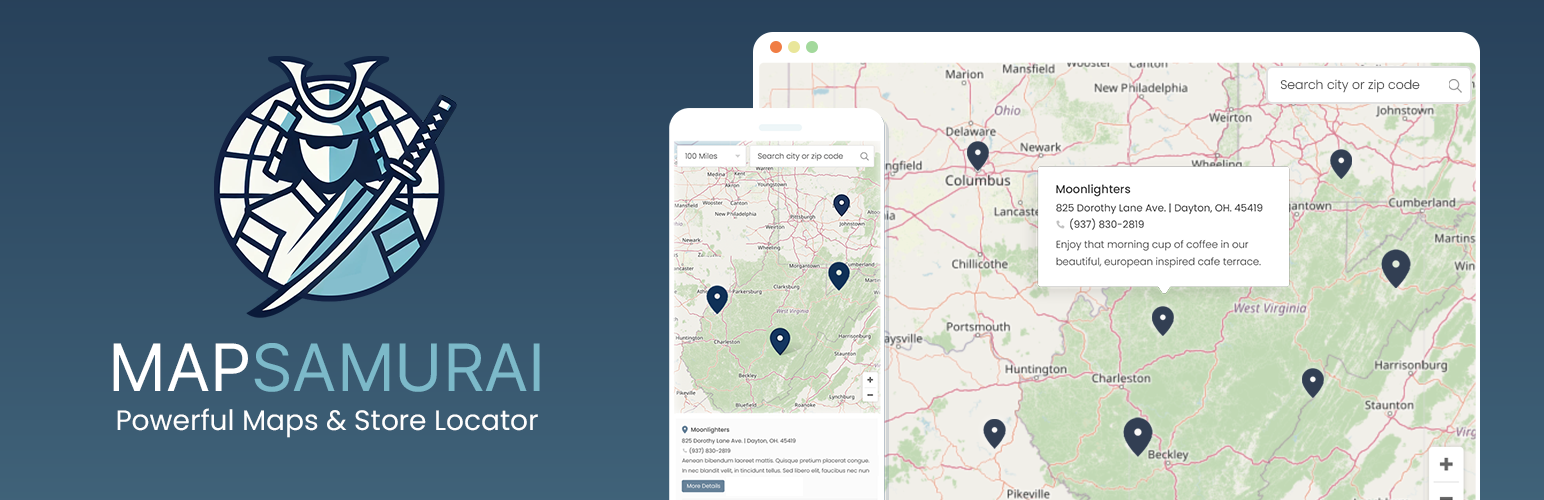
MapSamurai Lite
| 开发者 | mapsamurai |
|---|---|
| 更新时间 | 2026年1月7日 03:43 |
| PHP版本: | 7.4 及以上 |
| WordPress版本: | 6.9 |
| 版权: | GPLv2 or later |
| 版权网址: | 版权信息 |
详情介绍:
安装:
- Upload the plugin folder to
/wp-content/plugins/Alternatively, you can upload the plugin’s ZIP file via Plugins > Add Plugin in your WordPress admin panel. - After installing the plugin, activate the plugin by clicking the “Activate” button, and that’s it! You’re ready to setup your map
- Navigate to MapSamurai Lite > Maps to set up your first map
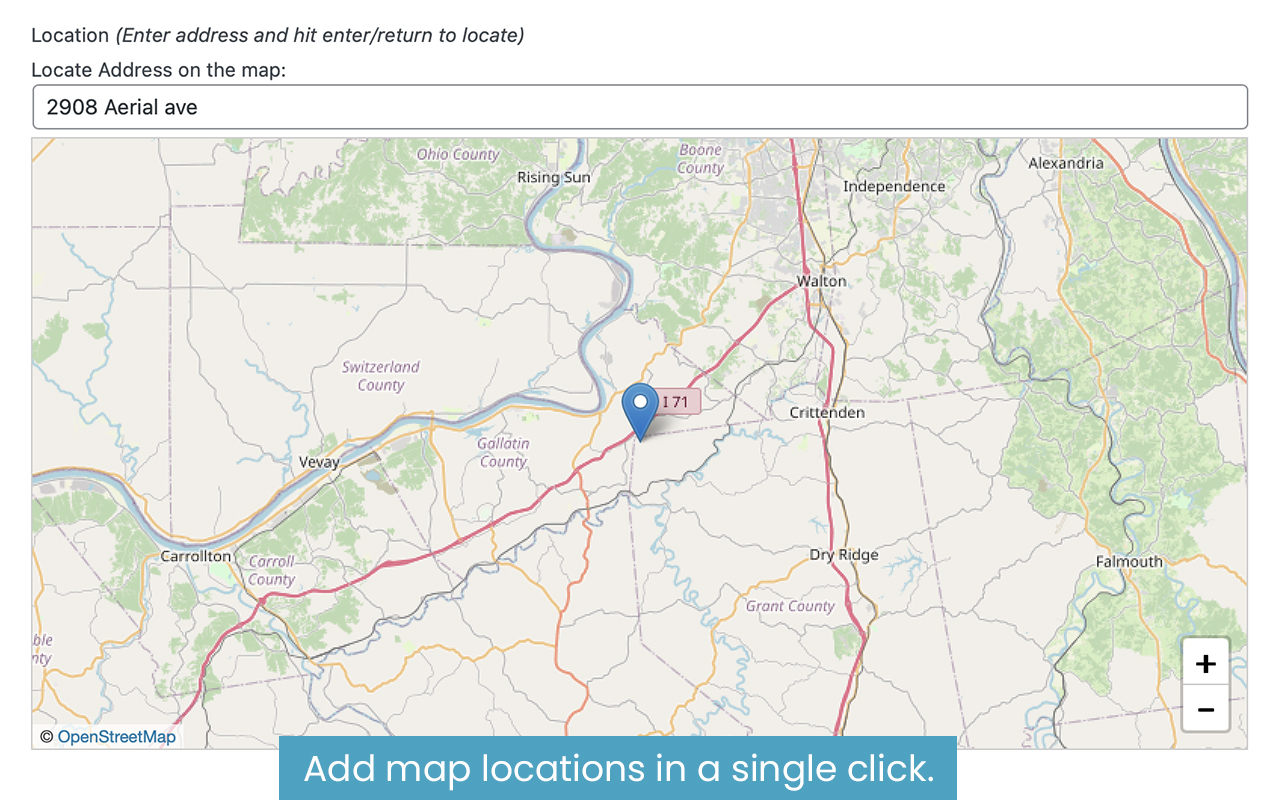
- Navigate to MapSamurai Lite > Map Locations to start creating locations
[mapsamurai_map map_id="123" height="600" width="600"] (you can edit the height and width as needed). Simply copy and paste that shortcode anywhere you'd like your map to appear throughout your site.
All steps are covered in detail in our documentation屏幕截图:

常见问题:
Why doesn't MapSamurai Lite use Google Maps?
MapSamurai Lite uses OpenStreetMap instead of Google Maps to avoid API keys, usage limits, and privacy concerns. This makes maps faster to set up, and free from usage-based fees or changing terms.
Who is this plugin made for?
MapSamurai Lite is perfect for WordPress Developers and website owners who need to showcase locations on a map. This could be for tour sites, small businesses that wish to add a store locator, event planners, and more. If you need a straightforward way to showcase map locations with rich details and media, then this plugin is a perfect fit.
What's included on the front-end maps?
The front end map includes the following features: • Fully responsive interactive map. • Unlimited locations with custom content • Image and video galleries in clean modal popups • Custom tooltip content: The details that appear when hovering over each location. • Interactive Location Directory: An organized list of locations for easy search. • City and zip-code based search
Can I create more than one map?
Yes! MapSamurai Lite supports unlimited maps across your site, so build as many as you like! Though this free version is perfect for many mapping solutions, upgrade to MapSamurai Pro for fully 3D maps, AI generated content, and a ton more features.
How many locations can I add?
You can add as many locations as you like to any of your maps, each with their own unique gallery and location details.
Is MapSamurai Lite beginner friendly?
MapSamurai Lite is a powerful yet extremely easy to use plugin. After you upload and activate the plugin, anyone can build the map in a few short steps, and adding custom locations is just as simple. To get an idea of how it works, see our full documentation
Is there a Pro version?
Yes! MapSamurai Pro includes dozens of additional features, including an AI-Assistant that cuts workloads in half, map clusters, 3D maps, and so much more!
Will my data carry over if I upgrade?
Yes! All locations and settings created in the Lite version will automatically be available if you choose to upgrade.
更新日志:
- Initial release of MapSamurai Lite