Mawu Art – View in Your Space
| 开发者 | mawuart |
|---|---|
| 更新时间 | 2026年10月20日 05:44 |
| PHP版本: | 7.4 及以上 |
| WordPress版本: | 7.1 |
| 版权: | GPLv2 or later |
| 版权网址: | 版权信息 |
详情介绍:
- Artists
- Art galleries
- Photographers
- Canvas stores
- Print sellers
- Home décor businesses
- Any WooCommerce store selling products that benefit from in-room visualization
安装:
- Upload the
mawu-artfolder to/wp-content/plugins/, or install the ZIP through Plugins → Add New → Upload Plugin. - Activate the plugin from the Plugins menu in WordPress.
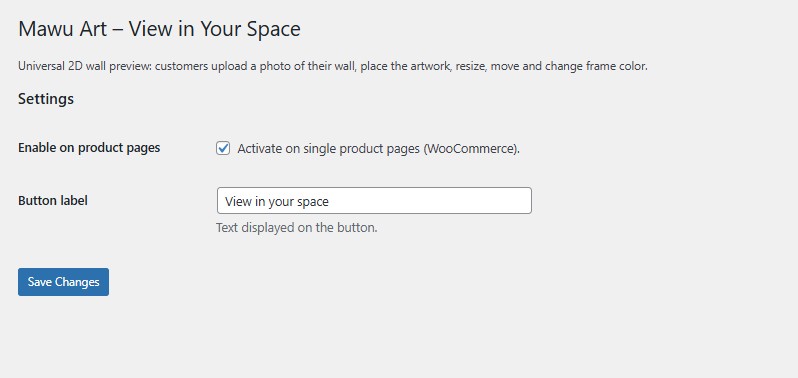
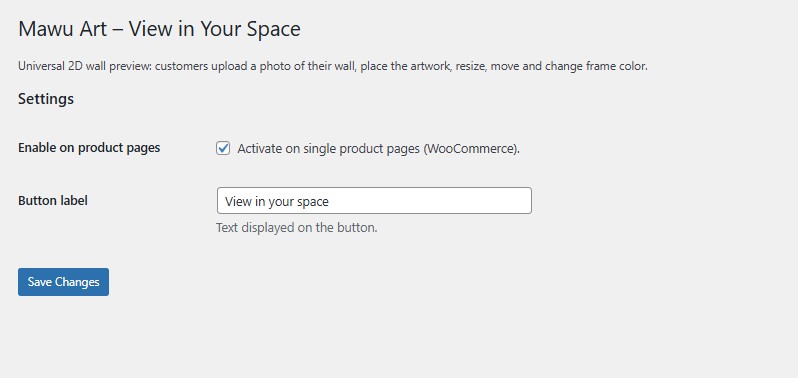
- Go to Settings → Mawu Art – View in Your Space and ensure the feature is enabled.
- Make sure each WooCommerce product has a featured image.
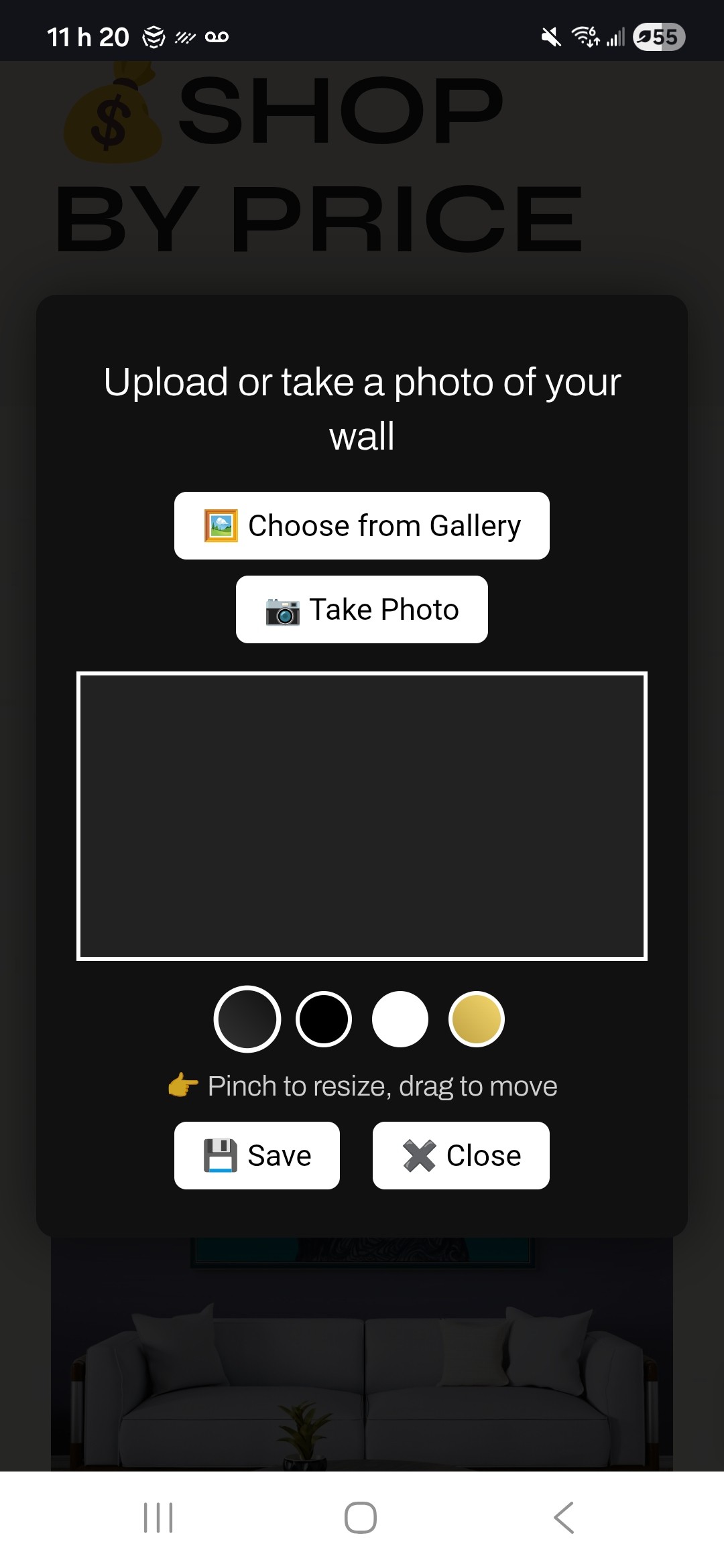
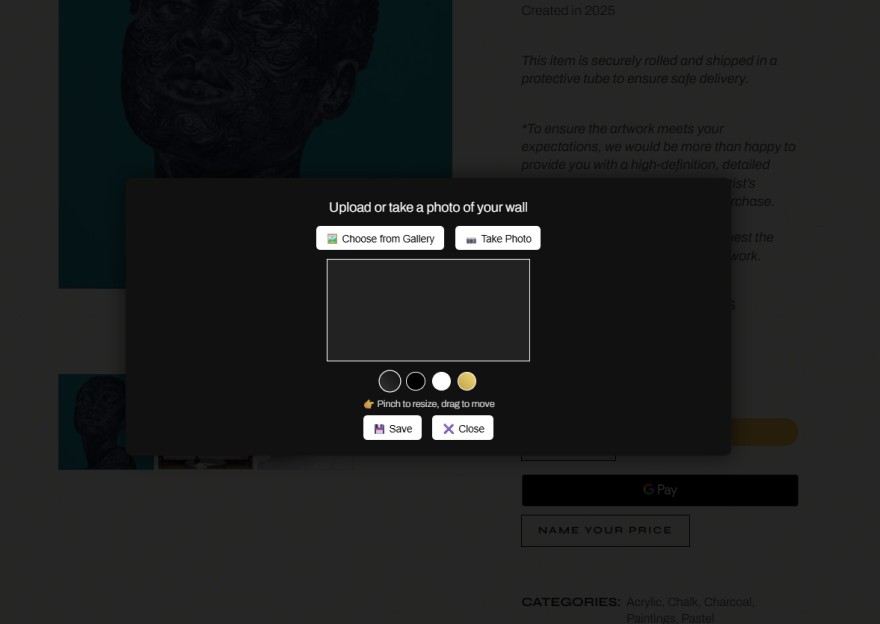
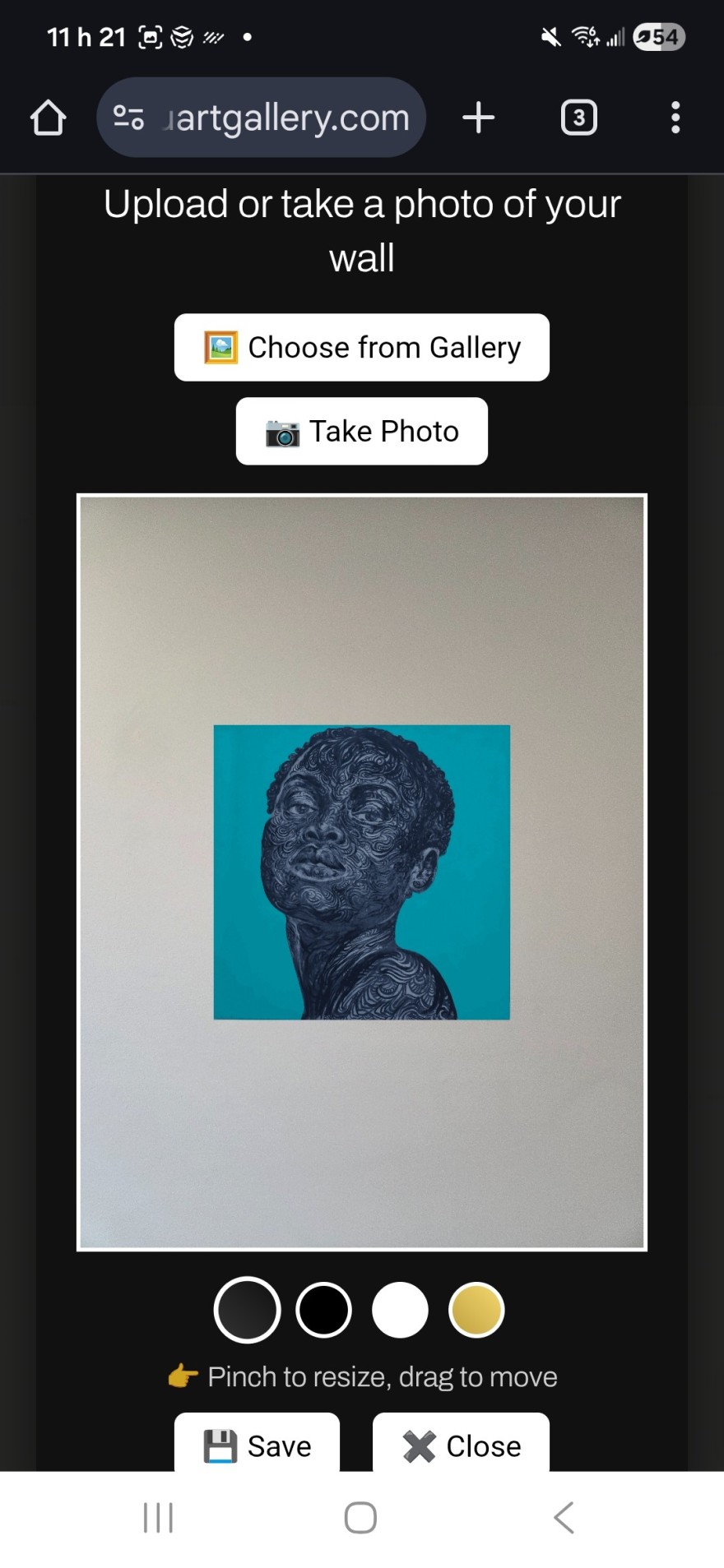
- Visit a product page. The “View in your space” button appears automatically.
屏幕截图:

常见问题:
Which image does this plugin use?
The plugin automatically uses the featured image of the WooCommerce product.
Does this work with any theme?
Yes. It works with most themes and page builders.
Can I use the plugin outside WooCommerce?
Yes. Shortcode support is available. [mawu_art_view] This allows the preview button to be placed on custom pages and inside page builders.
Does it work with Elementor?
Yes. The plugin works with Elementor, Divi, Bricks, Gutenberg, and most page builders.
Can I use multiple preview buttons on the same page?
Yes. Multiple preview buttons and shortcode instances are supported.
Does this use augmented reality?
The plugin provides a fast and accurate 2D in-space preview. Users seeking a more immersive experience can continue in the MawuARtview mobile app.
Why doesn’t “Take a photo” open my camera on desktop?
Desktop browsers usually open a file picker instead of the camera for privacy and security reasons. On supported mobile devices, the same option opens the camera directly.
What is the QR code shown on desktop?
The QR code allows customers to continue the same experience on their phone, where taking a wall photo is easier and more natural.
Is an app required?
No. The plugin works directly inside WooCommerce. The MawuARtview app is optional.
Does the plugin send images to external servers?
Artwork visualization happens in the customer's browser; wall photos are not uploaded as part of the preview process. The collector inquiry form is separate and submits the contact details and message entered by the visitor to the website for handling the inquiry.
Can visitors ask questions about an artwork?
Yes. The collector inquiry form allows visitors to contact the website about an artwork. Site owners should test inquiry delivery after installation and provide appropriate privacy information for their visitors.
更新日志:
- Added a collector inquiry form for artwork questions and requests for more information.
- Improved the collector inquiry experience on desktop and mobile.
- Confirmed compatibility with WordPress 7.1.
- Updated plugin metadata.
- Added shortcode support.
- Improved compatibility with Elementor, Divi, Bricks and Gutenberg.
- Added support for multiple preview buttons.
- Improved error handling and accessibility.
- Added usage tracking for button clicks, saved previews and app bridge interactions.
- Improved overall reliability and cross-theme compatibility.
- Added compatibility improvements.
- Improved settings experience.
- Added support and review links.
- Added review request mechanism.
- Improved plugin reliability and usability.
- Internal optimizations.
- Added desktop QR bridge for continuing the preview on mobile.
- Added keyboard controls for moving, resizing, resetting, and closing the preview.
- Improved desktop instructions and camera guidance.
- Improved desktop usability.
- Improved screenshots and visual presentation.
- Updated screenshots for improved clarity.
- Updated plugin icon for better clarity and visual impact.
- Added MawuARtview app bridge.
- Introduced canonical artwork deep links.
- Minor UI enhancements.
- Added translation support.
- Improved script handling and dependency safety.
- Added defer loading for better performance.
- UI improvements for drag and touch interactions.
- More stable pinch-to-zoom.
- Updated frame rendering and shadow styling.
- Internal cleanup and compatibility improvements.
- First public release.