MaxtDesign Role-Based Pricing for WooCommerce
| 开发者 |
MaxtDesign
slaacr |
|---|---|
| 更新时间 | 2026年2月18日 00:13 |
| 捐献地址: | 去捐款 |
| PHP版本: | 7.4 及以上 |
| WordPress版本: | 6.9 |
| 版权: | GPLv2 or later |
| 版权网址: | 版权信息 |
详情介绍:
- Wholesale and B2B businesses with volume pricing
- Membership sites with tier pricing levels
- Multi-tier customer loyalty programs
- Professional service pricing structures
- Stores offering bulk discounts and group rates Why Choose This Plugin:
- Completely Free - No subscriptions, upsells, or hidden limits
- Flexible Pricing Rules - Percentage off, amount off, or set price per role
- Built-in Performance Optimization - Advanced caching prevents slowdowns
- No External Dependencies - Self-contained with no API requirements
- Professional Grade - Enterprise-level features without enterprise costs Key Features:
- Role-Based Pricing Rules - Set global rules; product-level overrides supported
- Three Discount Types - Percentage off, amount off, or set exact price
- Customer Group Management - Create up to 3 custom user roles
- Optimized Performance - Built-in caching with automatic optimization
- WooCommerce HPOS Compatible - Full support for High-Performance Order Storage Discount Types Explained:
- Percentage - Subtract X% from the price (e.g. 20% off $100 = $80)
- Amount Off - Subtract a fixed amount (e.g. $10 off $50 = $40)
- Set Price - Replace the price with an exact amount (e.g. set to $35 regardless of regular price). Ideal for variation-specific wholesale prices. How Membership Pricing Works:
- Create customer groups or use existing WordPress roles
- Set global pricing rules that apply to all products
- Override global rules with product-specific tier pricing when needed
- Customers see their group pricing automatically when logged in
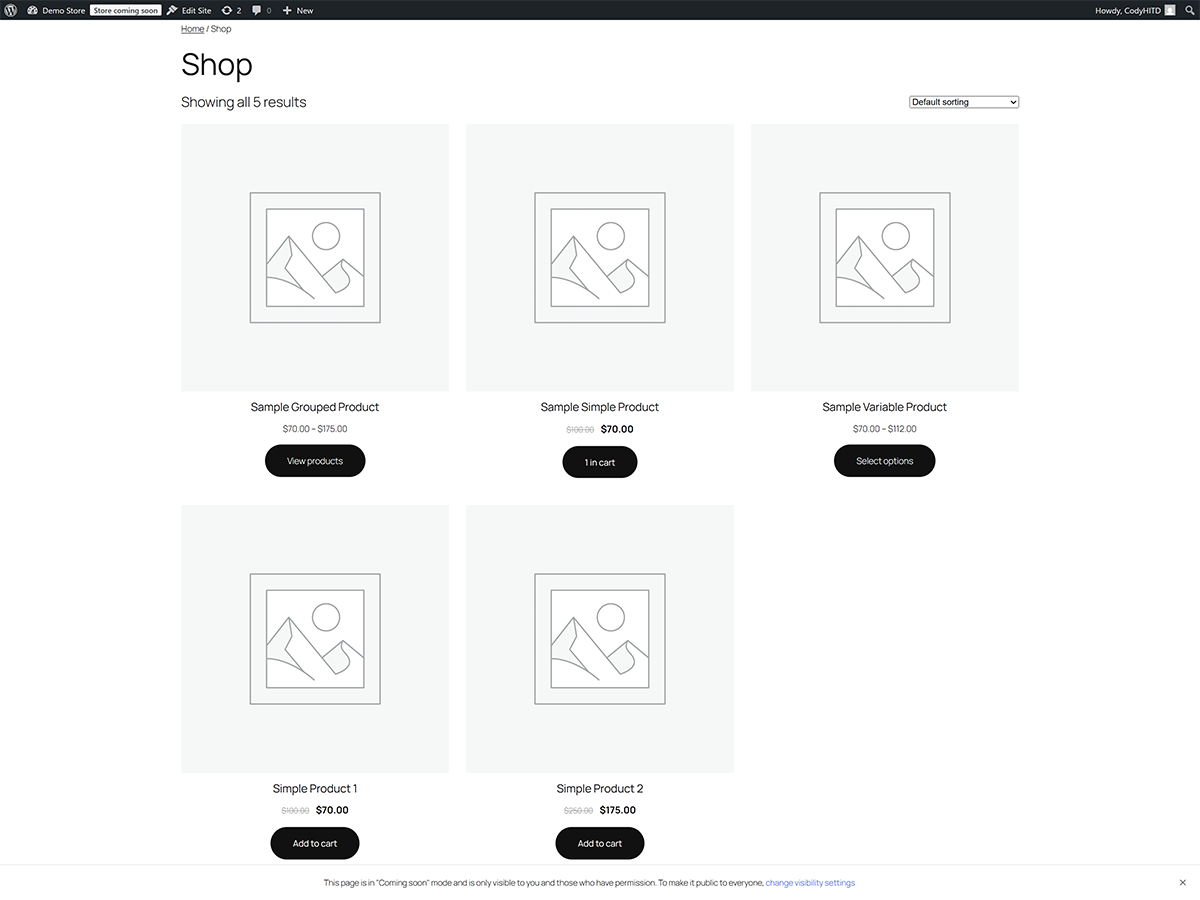
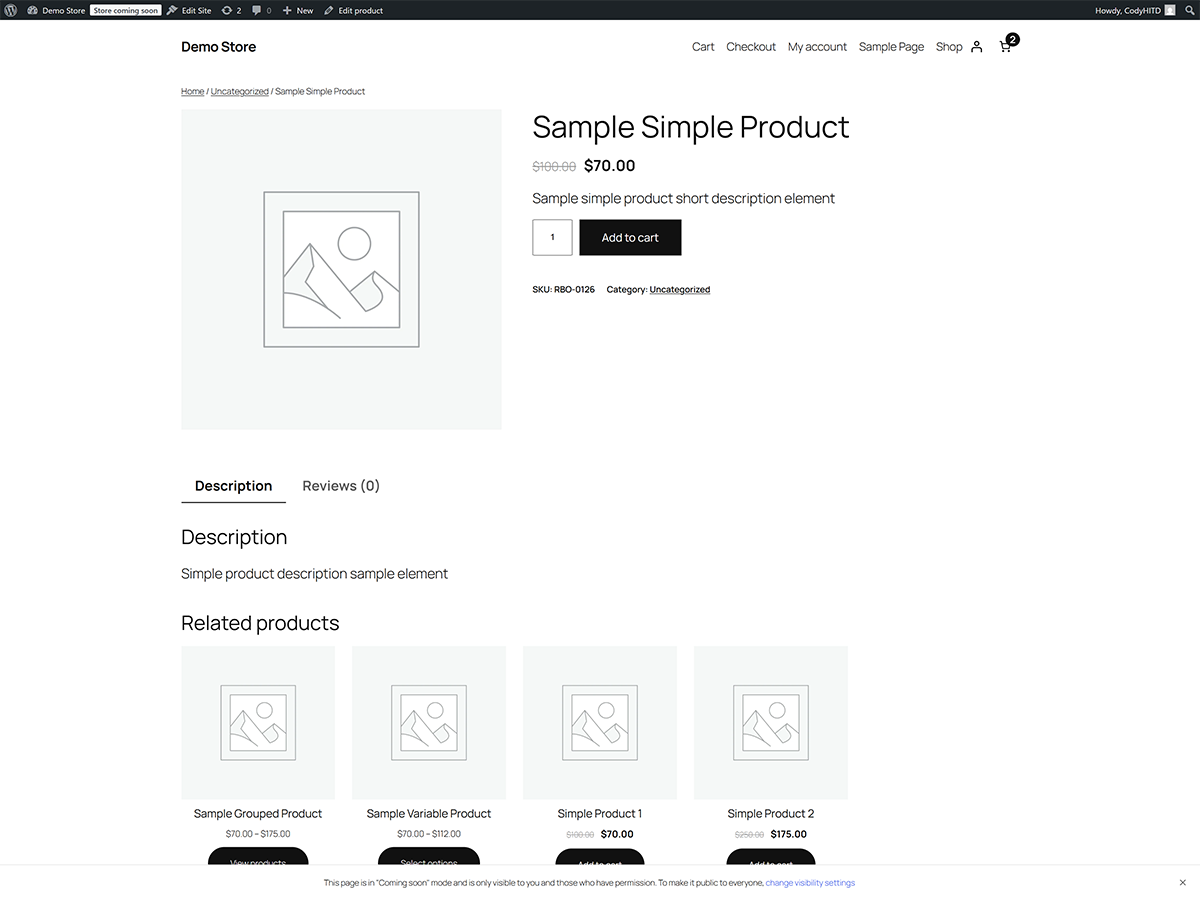
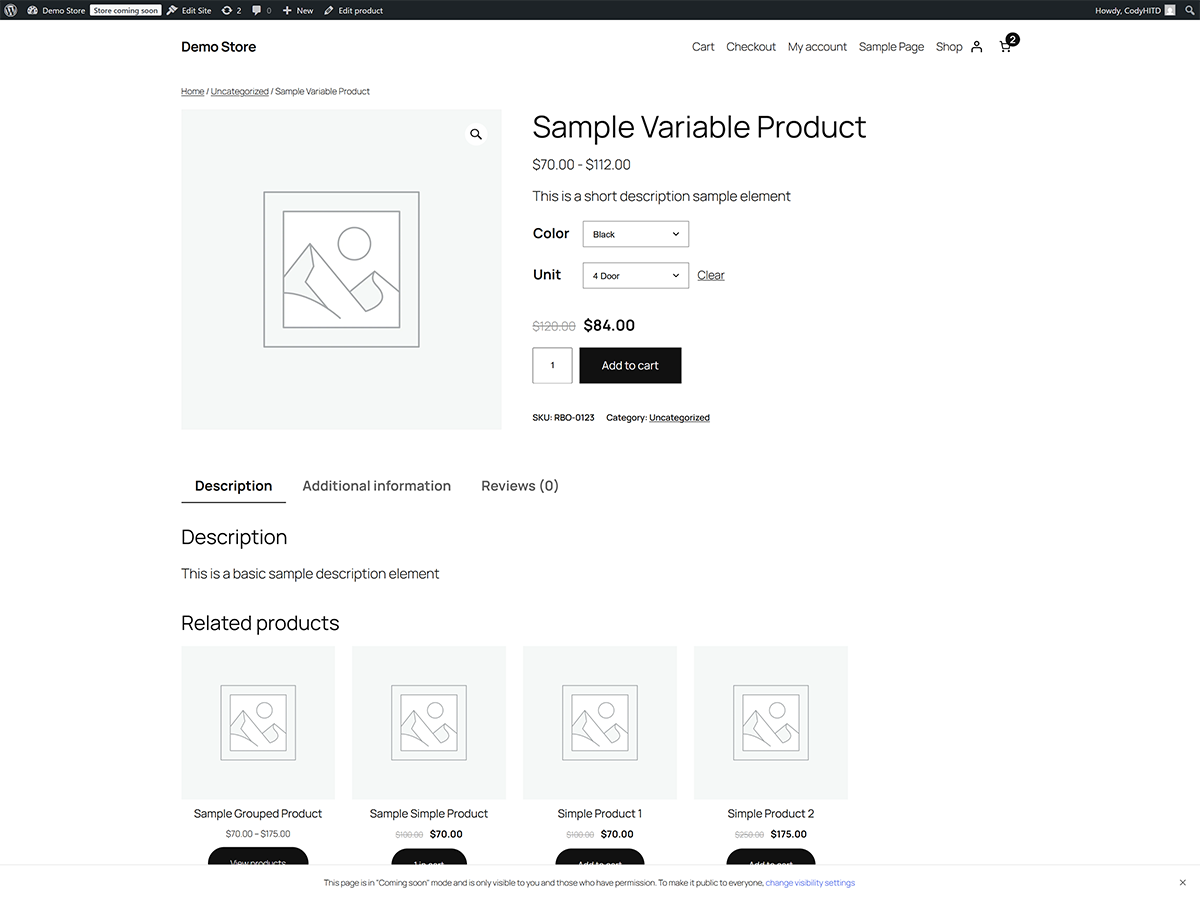
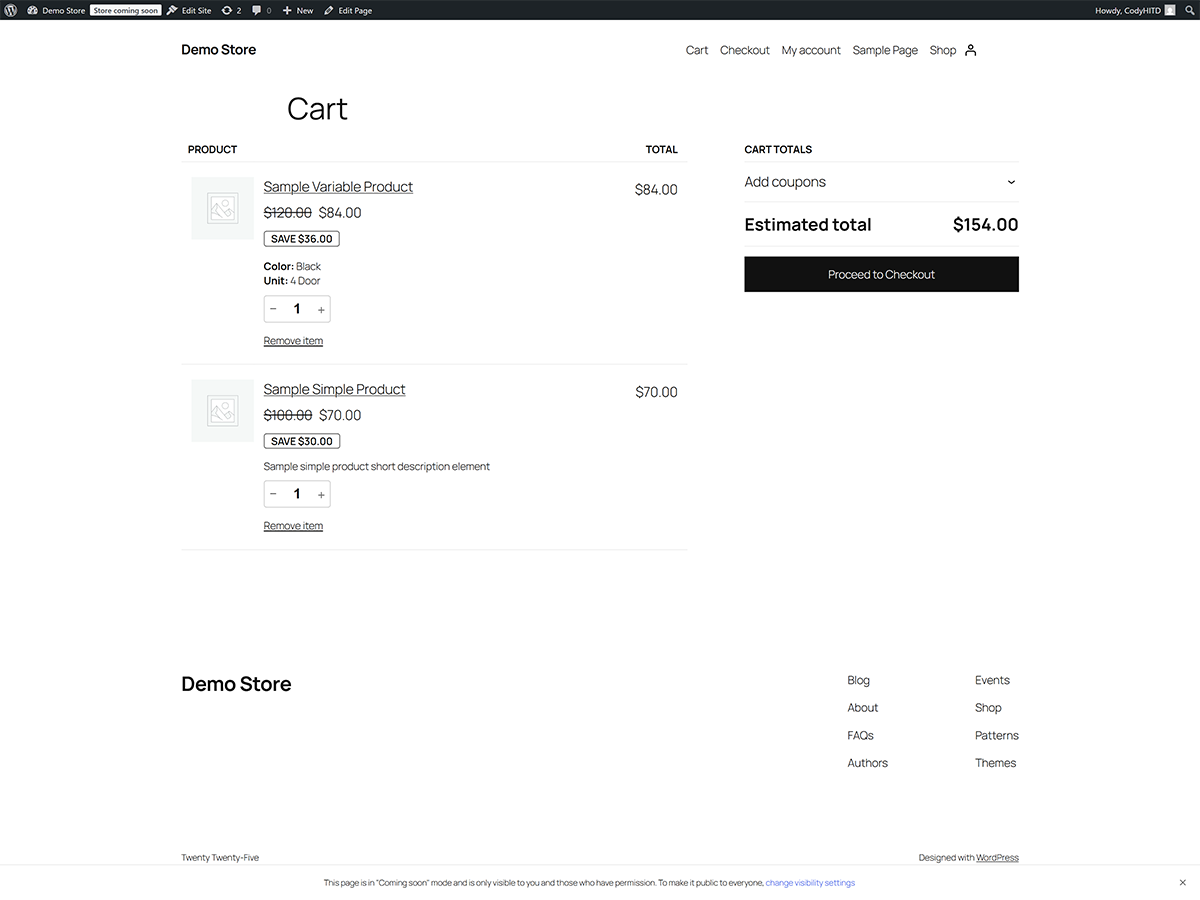
- Original prices shown with strikethrough for transparency Professional Performance Features:
- Smart Caching System - Automatic cache detection with object cache and transient fallbacks
- Performance Monitoring - Optional detailed tracking for optimization (developer tool)
- Database Optimization - Indexed tables for lightning-fast queries
- Security First Design - Comprehensive input validation and sanitization
- Error-Proof Operation - Graceful handling ensures pricing never breaks
- Multisite Ready - Works seamlessly in WordPress multisite environments Competitive Advantages: Free alternative to paid pricing plugins. No subscriptions, no usage caps, and no external API dependencies.
安装:
- Upload the plugin files to the
/wp-content/plugins/woocommerce-role-based-pricingdirectory, or install through the WordPress plugins screen - Activate the plugin through the 'Plugins' screen in WordPress
- Ensure WooCommerce is installed and activated (required)
- Navigate to WooCommerce > Role-Based Pricing to configure your pricing rules
- Create customer groups or use existing WordPress roles
- Set up global pricing rules or optional product-specific overrides
- WordPress 5.0 or higher
- WooCommerce 5.0 or higher
- PHP 7.4 or higher
- MySQL 5.6 or higher
屏幕截图:
常见问题:
How do I set up membership pricing tiers?
Navigate to WooCommerce > Role-Based Pricing, create custom roles for each tier (Bronze, Silver, Gold), then set percentage off, amount off, or exact set price for each membership level. Members automatically see their tier pricing when logged in.
Can I offer discounts based on customer groups?
Yes. Create a role (e.g., Wholesale) and assign a percentage off, amount off, or set price. You can also set product-specific overrides when needed.
Does it work for customer groups and price levels?
Yes. You can use existing WordPress roles or create up to 3 custom roles. Each role can have its own discount, and product-level overrides are supported.
How do I create volume discounts for wholesale customers?
Create a "Wholesale" customer group, assign a discount (e.g., 25% off, $5 off, or set price to $50), and assign wholesale customers to this role. They'll automatically see discounted prices on all products.
What's the performance impact on my store?
The plugin is optimized for high performance with advanced caching, indexed database queries, and smart hook loading. Most stores see no noticeable impact, and some see improvements due to efficient pricing calculations.
Is it compatible with variable products and variations?
Yes. You can apply rules to all variations or to individual variations. Use "Set Price" to give a specific variation an exact price (e.g. $35) regardless of its regular price. Use "Amount Off" to subtract a fixed amount, or "Percentage" for percentage discounts.
Can I override global pricing for specific products?
Absolutely. Product-specific pricing rules always override global rules. For variable products, you can apply rules to all variations or choose a specific variation. Variation-specific rules override parent rules.
Does it work with other WooCommerce plugins?
Yes, it's designed for maximum compatibility using standard WooCommerce hooks and WordPress coding standards. Works alongside most WooCommerce extensions.
Can I customize the member price color?
Yes! By default, member prices use your theme's color. To customize, go to Appearance > Customize > Additional CSS and add: .maxtdesign-rbp-price .maxtdesign-rbp-member { color: #your-color !important; }. See CUSTOMIZATION-GUIDE.md for examples.
How does it compare to subscription-based pricing plugins?
This plugin is completely free, with no recurring fees and no external API requirements.
Is technical support included?
Community support is available through the WordPress.org forums.
更新日志:
- Set Price - New discount type sets an exact price (e.g. $35) regardless of regular price
- Variation-level rules - Apply rules to all variations or specific variations on variable products
- Improved labels - "Amount Off" (subtract $X) and "Set Price" (exact price) for clearer UX
- Parent rule fallback: variations inherit parent product rules when no variation-specific rule exists
- Works with global rules and product-specific rules
- Initial release (free)
- Global and product-specific pricing rules
- Create up to 3 custom user roles
- Advanced caching system with automatic optimization
- WooCommerce HPOS compatibility
- Multisite compatible
- Zero external dependencies