
Media Player Addons for Elementor – Audio and Video Widgets for Elementor
| 开发者 |
abuhayat
shehabulislam russell010 bplugins freemius devhazrath hazrath |
|---|---|
| 更新时间 | 2026年9月17日 23:43 |
| 捐献地址: | 去捐款 |
| PHP版本: | 7.4 及以上 |
| WordPress版本: | 7.1 |
| 版权: | GPLv2 or later |
| 版权网址: | 版权信息 |
详情介绍:
安装:
- Log in to your WordPress Administration Panel.
- Navigate to Plugins > Add New.
- In the search field, type "Media Player Addons For Elementor" and click Search Plugins.
- Once located, click the "Install Now" button next to the plugin.
- After the installation is complete, click the "Activate" button.
- Download the plugin's .zip file to your computer.
- Log in to your WordPress Administration Panel.
- Go to Plugins > Add New.
- Click the "Upload Plugin" button at the top of the page.
- Click "Choose File", select the plugin's .zip file you downloaded, and then click "Install Now".
- After the installation is complete, click the "Activate Plugin" button.
屏幕截图:
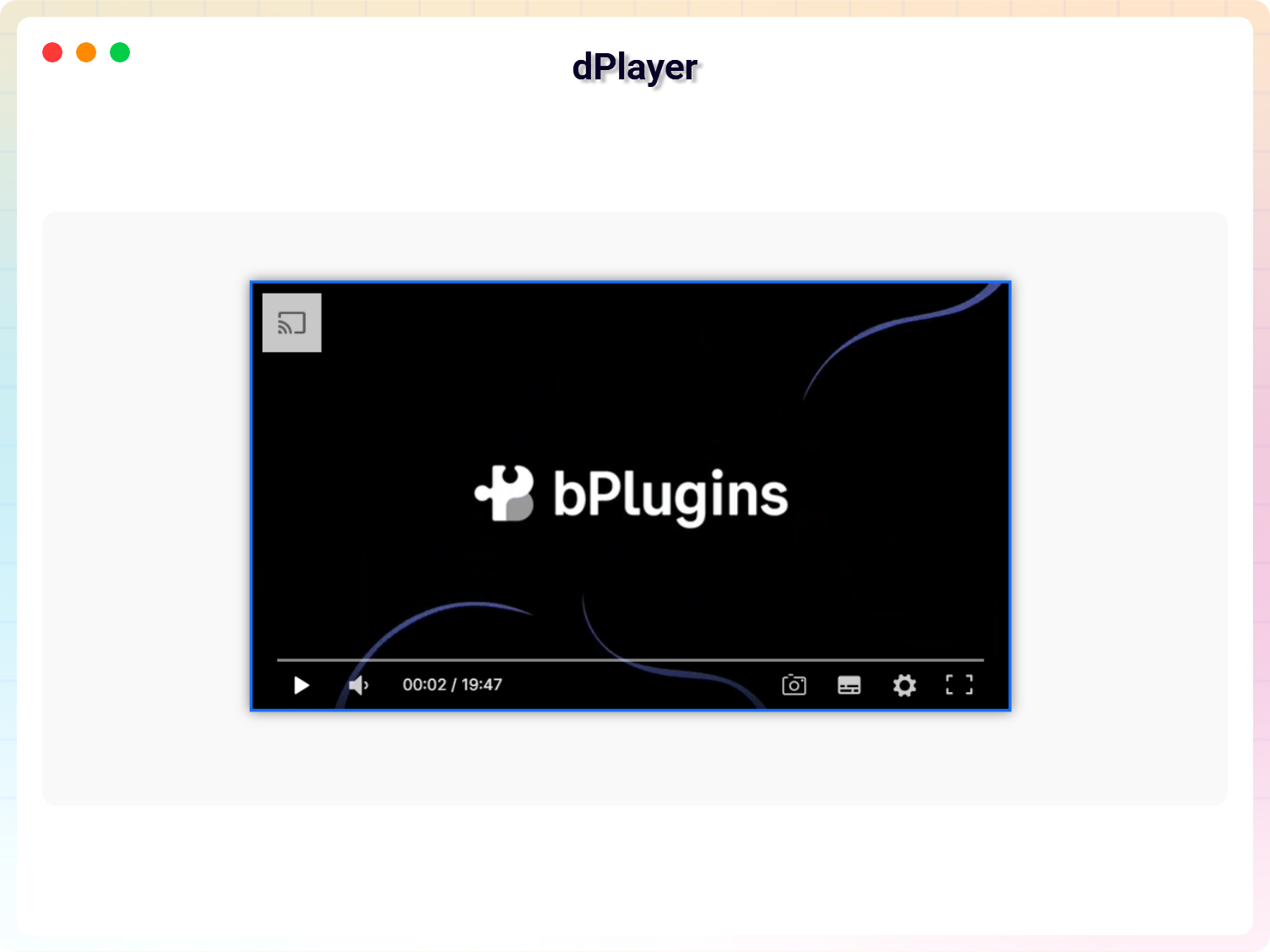
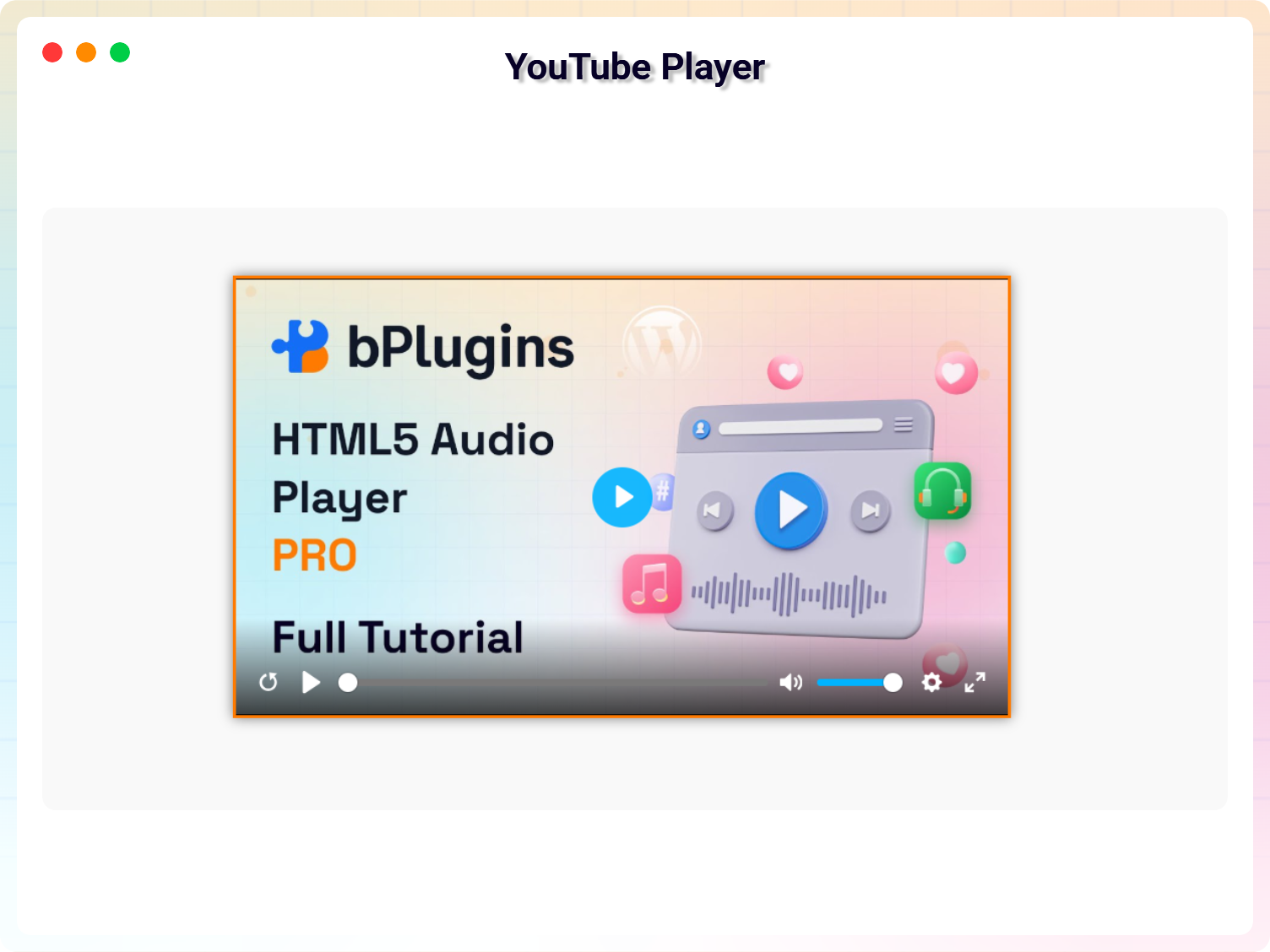
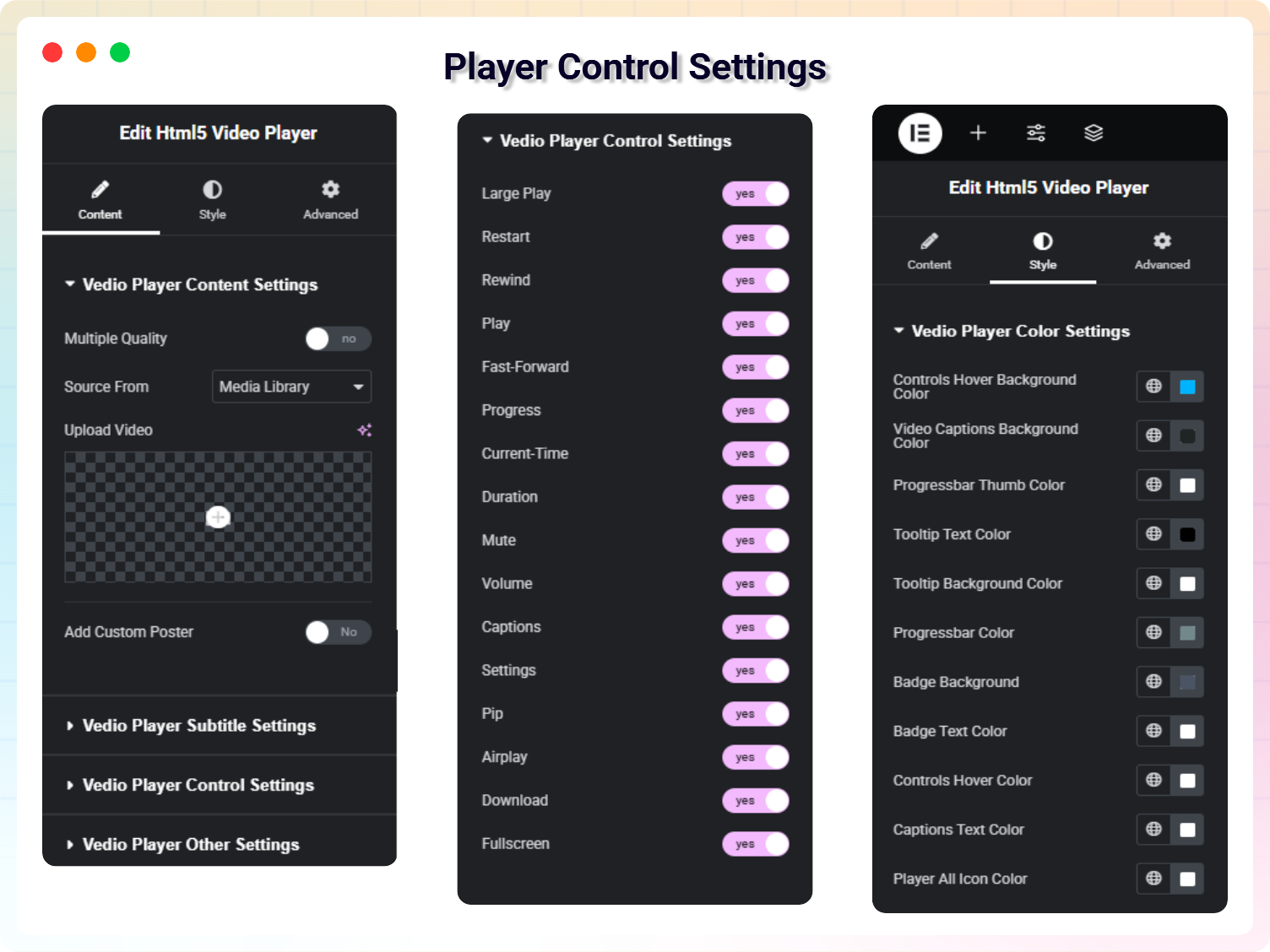
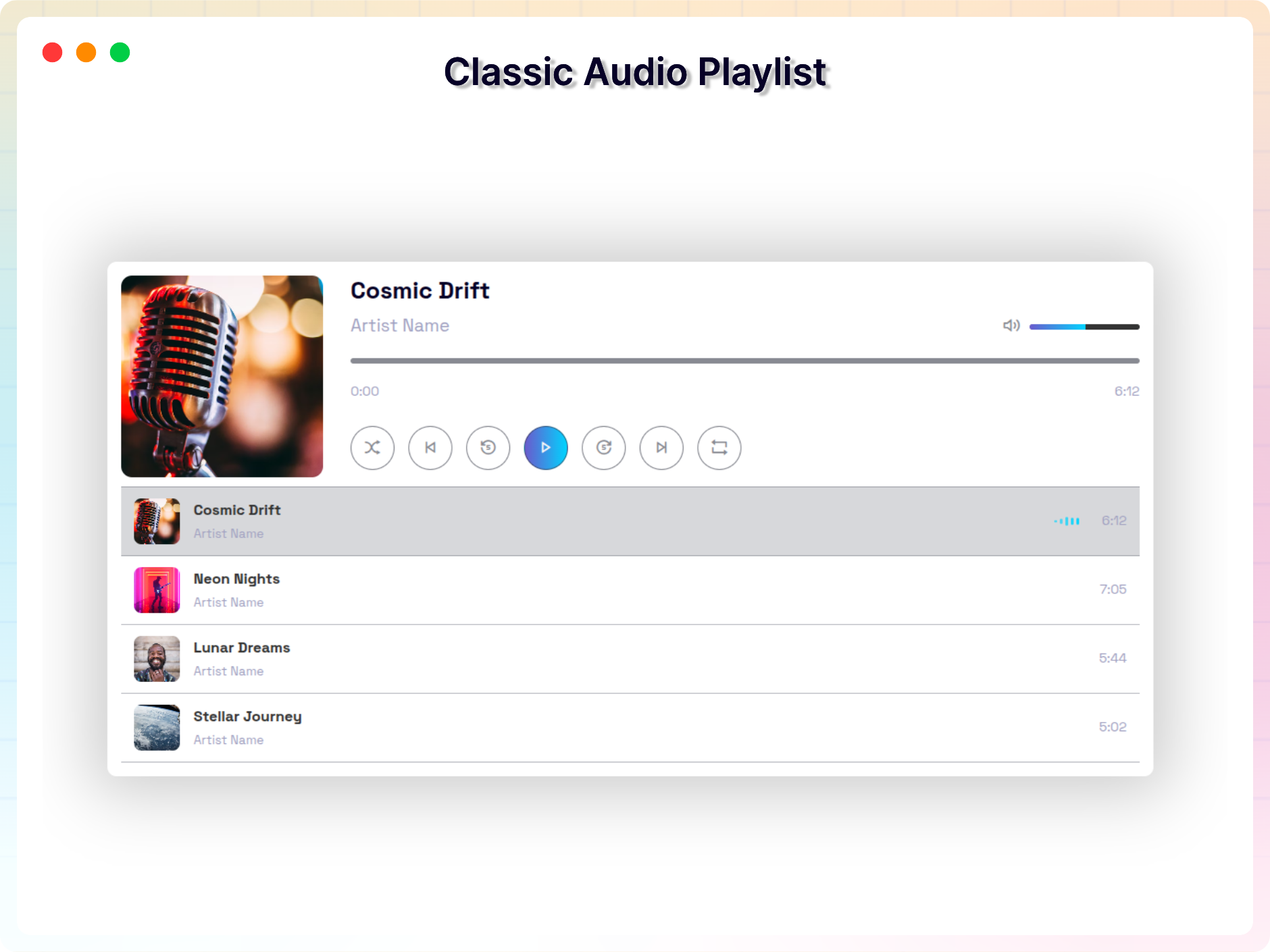
常见问题:
Does this plugin require Elementor?
Yes. Media Player Addons works as an extension to Elementor, so Elementor must be installed and active.
Does it work with Elementor Free or do I need Elementor Pro?
The plugin works with the free version of Elementor. Elementor Pro is optional.
Will my audio and video files remain hosted on my own website?
Yes. Your media stays on your domain and is not sent to third-party platforms unless you embed YouTube, Vimeo, or similar services.
Does it support YouTube, Vimeo, and self-hosted media at the same time?
Yes. The plugin supports a mix of hosted media, third-party streaming, and playlist combinations.
Does it work on mobile and tablets?
Yes. All players are responsive and scale automatically for mobile devices.
Does the plugin slow down my website?
No. Players load only when used on the page and are optimized for performance.
Why won’t autoplay work in my browser?
Modern browsers block autoplay depending on sound settings and user behavior. Muted autoplay works more consistently. = Will it work with Elementor free version? =\ Yes, the plugin works with both Elementor Free and Elementor Pro. = Where can I get support? =\ Our support team is always ready to help!\ Visit: https://bplugins.com/support/
更新日志:
- New: Added YouTube Video Gallery widget.
- New: Added playlist position options (Right, Left, Bottom) for Classic Video Playlist.
- New: Added fullscreen mode support for Advanced Video Playlist Player.
- Fix: Resolved video playback issue where clicking playlist items did not play in Classic Video Playlist.
- Fix: Added HLS.js streaming support for .m3u8 video sources in Classic Video Playlist.
- Update: Improved UI styling, poster thumbnails, and responsive behavior for video playlists.
- Release: New Version v1.1.8
- Update: Update Freemius SDK to 2.13.4
- Update: Admin Dashboard: Improved UI with better feature organization.
- Update: Update Freemius SDK to 2.13.2
- Update: Remove lock functionality from free version.
- Release: New Version v1.1.6
- Update: Fix External Services Section
- Update: Remove all unused code
- Fix: Fix all naming conflict
- Release: New Widget Modern Audio Player Playlist
- Release: New Widget Card Style Audio Player Playlist
- Update: SDK Version 2.13.1
- Release: New Admin Dashboard
- Release: New Widget Video Player Playlist
- Add: Classic Video Player Playlist Widget
- Update: New Feature for Vimeo Video Player
- Update: New Feature for YouTube Video Player
- Release: New Feature for Classic Audio Playlist
- Fixed: Fixed Dashboard JS Error
- Fixed: Fixed Advance Player Missing Issue
- Fixed: Fixed Audio Player JS Error
- Update: Add New Feature of Advance Audio Player
- Fixed: Fix Video Player Style Error
- Fixed: Fix Audio Playlist JS Error
- Fixed: Video Playlist PHP Error
- Fixed: Vulnerability Issue
- Fixed Deprecated issue
- Fixed Deprecated issue
- Fixed Advanced Player issue
- Added new Addon. (dPlayer)
- Initial release