MediaCommander - Media Library Folders & File Manager
| 开发者 |
Avirtum
freemius yalogica |
|---|---|
| 更新时间 | 2026年10月29日 19:33 |
| PHP版本: | 7.4 及以上 |
| WordPress版本: | 7.1 |
| 版权: | GPLv3 |
| 版权网址: | 版权信息 |
详情介绍:
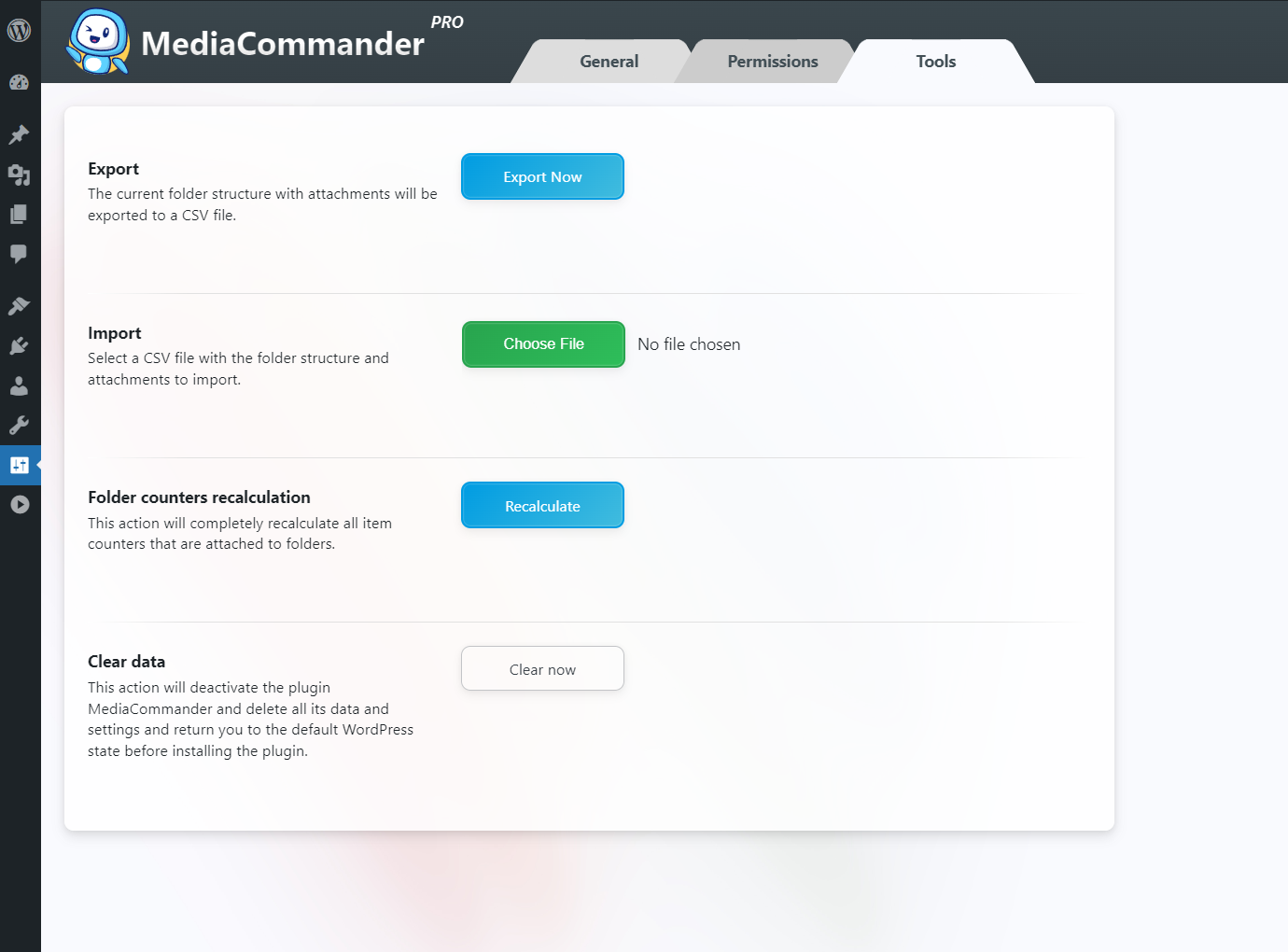
Note: if a replaced image still shows the old version, do a hard refresh (Ctrl+F5 on Windows, Cmd+R on Mac) and temporarily disable caching plugins.✅ Custom Sorting: Sort folder contents by name, date, modification or author. Set your own order for folders and items. ✅ Search & Filter: Find folders and items instantly with keyword search, filters and wildcards. ✅ Download Folders as ZIP: Export any folder with its subfolders and files as a single ZIP, keeping the structure for backups or transfers. ✅ Direct Upload: Select a folder and upload new media straight into it. ✅ Import from Other Plugins: Switching over? Import your existing folder structure in one click. MediaCommander currently imports from:
- FileBird by NinjaTeam
- WordPress Real Media Library by Devowl ✅ Smart Delete: Deleting a folder never deletes your content, items simply move to the "Uncategorized" virtual folder (with an optional setting to delete attachments along with a folder).
- We do not collect or store any information about our visitors or users without their consent.
- We do not transfer data to external servers without users' consent.
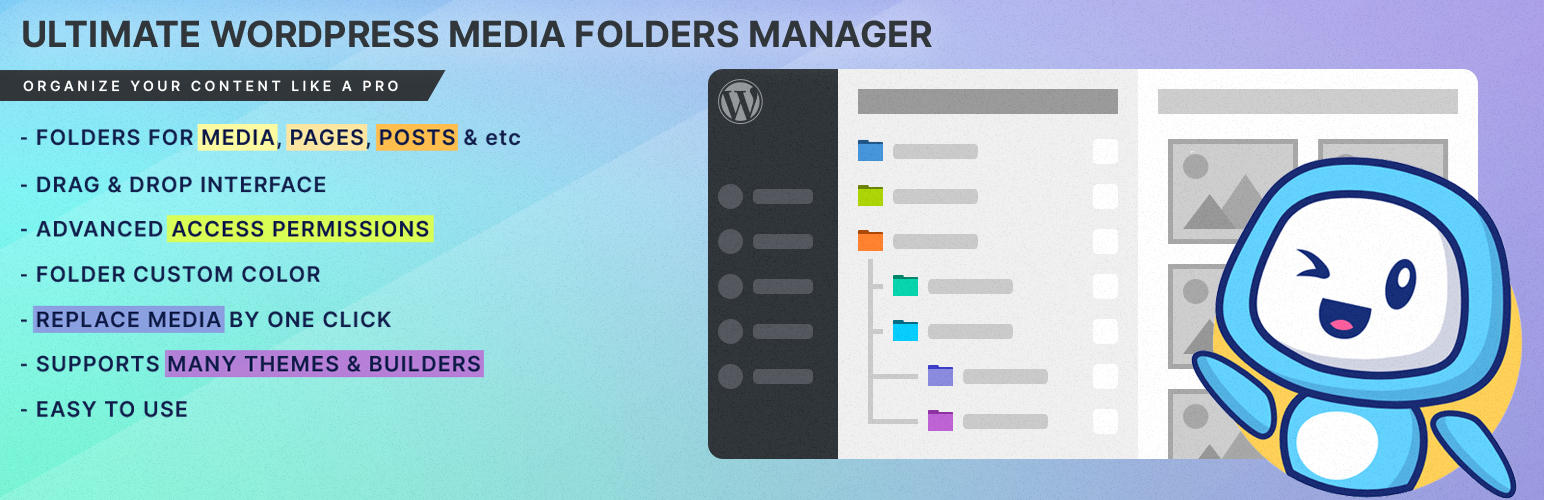
- The purpose of this folder manager plugin is to help organize the WordPress media library, pages, posts and custom post types.
安装:
- Download the plugin from wordpress.org, unpack it and upload the mediacommander folder to your wp-content/plugins/ directory.
- Activate the plugin through the 'Plugins' menu in WordPress.
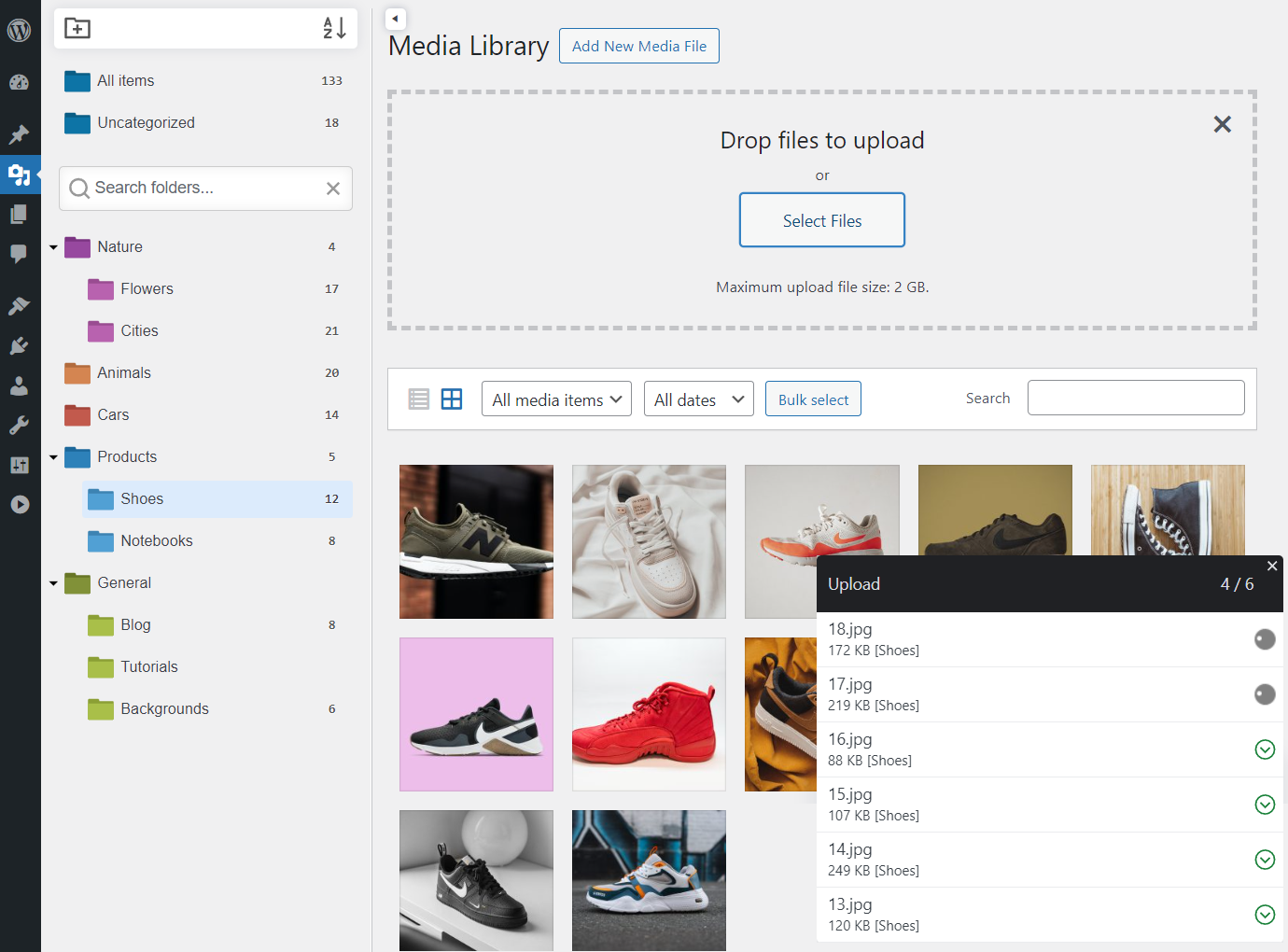
- Go to WordPress menu → Media to create your first folder and start organizing your files.
屏幕截图:


常见问题:
How do I create folders in the WordPress media library?
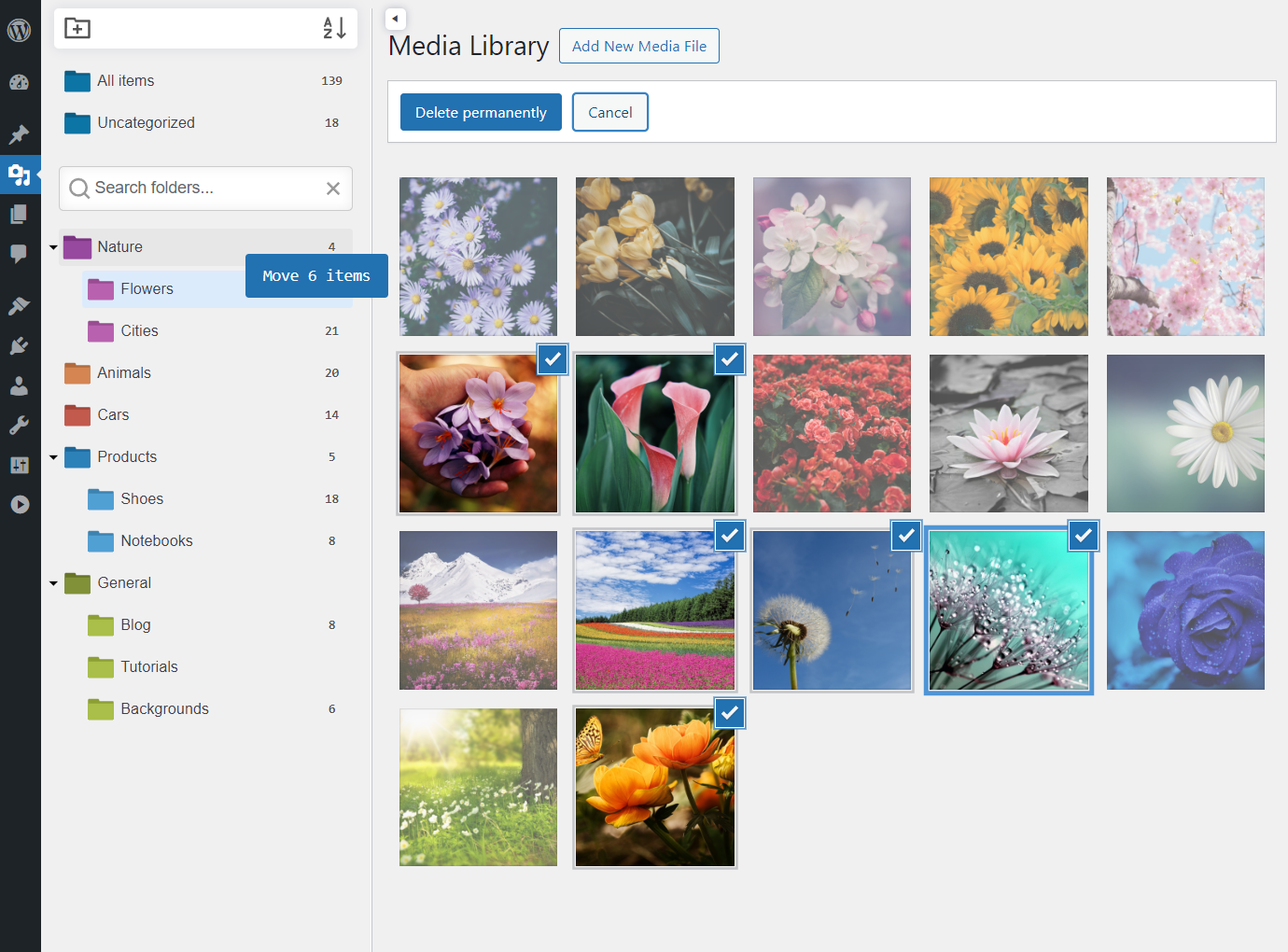
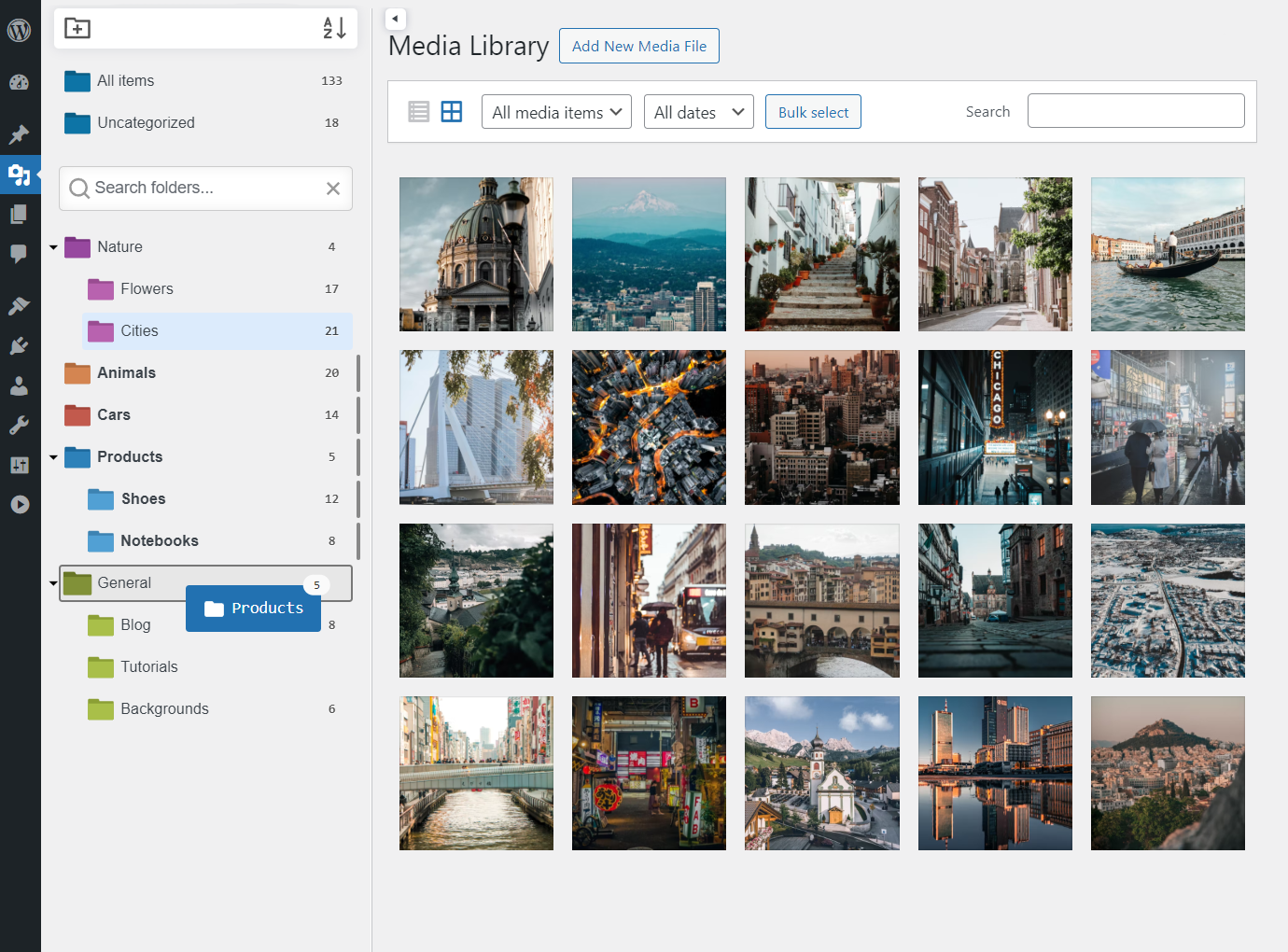
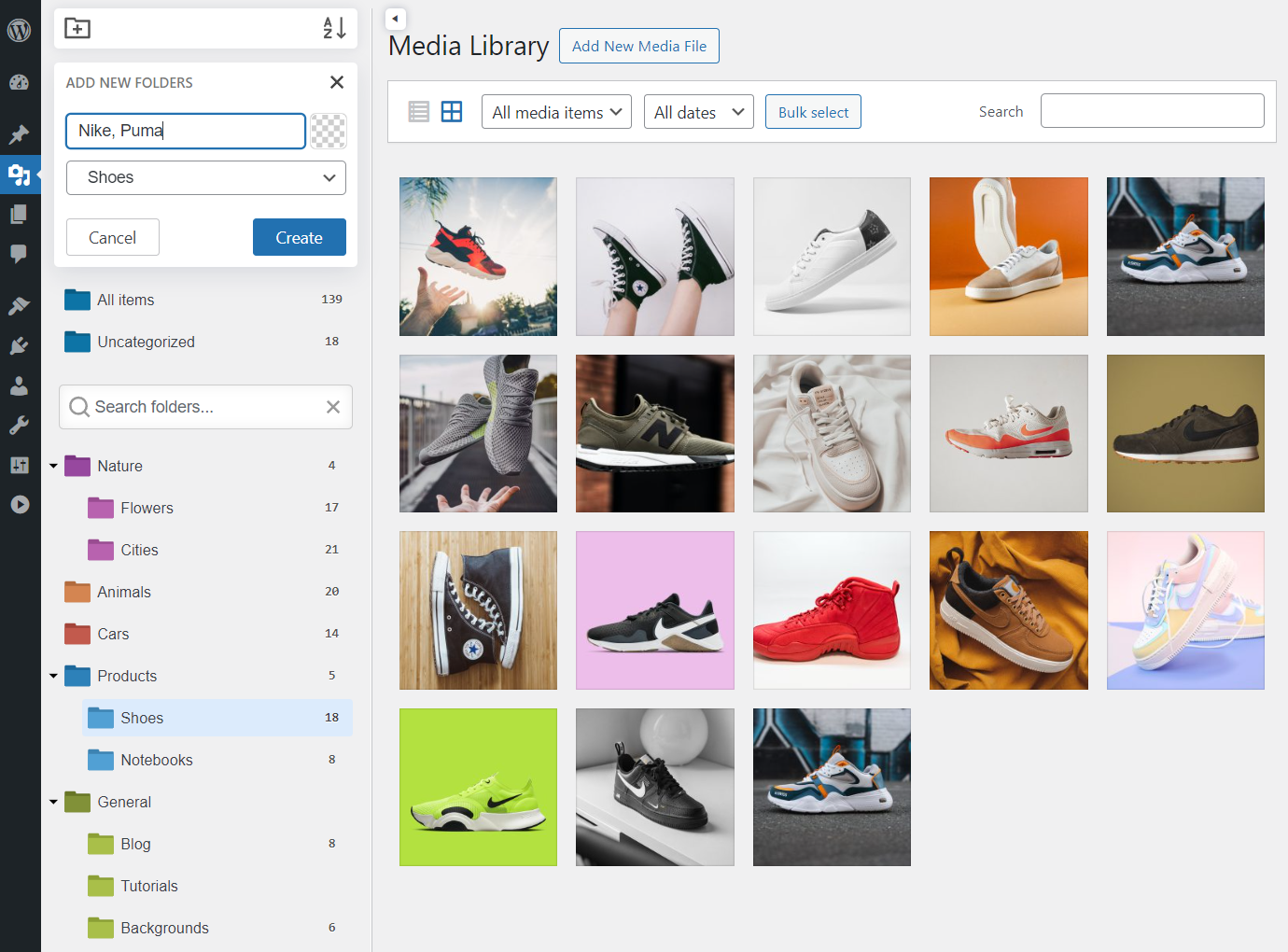
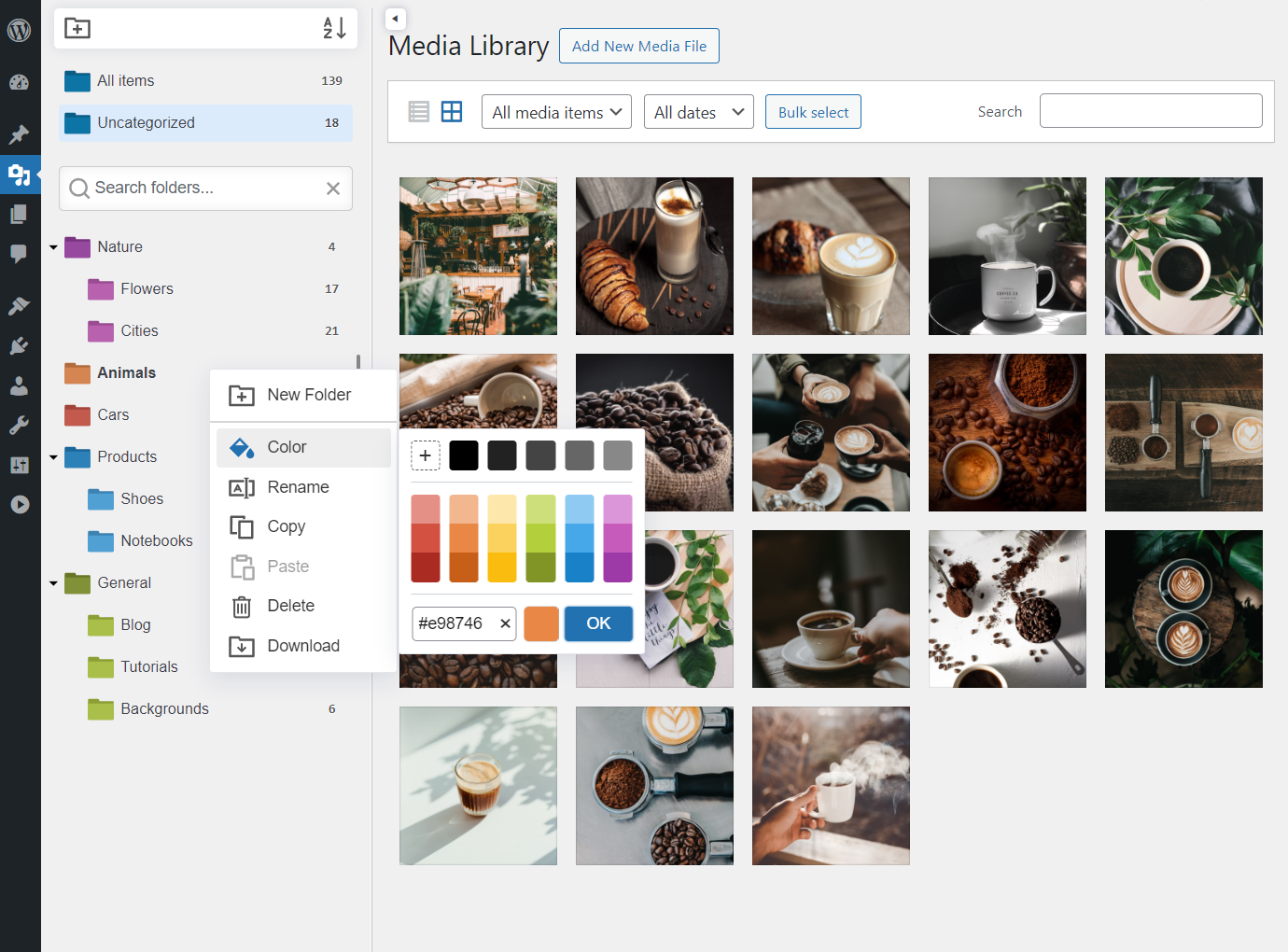
Activate the plugin, open Media > Library and click "Plus Folder" in the sidebar panel. Name the folder, pick a color and start dragging items into it. The same sidebar is available for posts, pages, users and custom post types (Pro).
Can I place the same item in several folders?
Yes. Hold Alt (or Ctrl+Shift) while dragging an item to a folder to create a link (shortcut) instead of moving it. The item remains in the original folder and also appears in the new one, marked with a "Link" badge. To remove a link, drag the item from the linked folder to "All Items" or "Uncategorized" - the original placement stays intact. This feature is available in the Pro version.
Can I organize posts and pages into folders, not just media?
Yes, that is what MediaCommander is built for. The Pro version extends the folder tree to posts, pages, users, custom post types and WooCommerce content, so your whole admin area is organized in one consistent structure.
Will folders change my file URLs or permalinks?
No. Folders are purely virtual, they act like labels. Moving, renaming or deleting a folder never touches the uploads directory or changes any URL.
What happens when a folder is deleted?
Only the link between the folder and its items is removed. Everything stays safe and available in the "Uncategorized" virtual folder. There is also an optional setting to delete attached items together with a folder if you really want that.
Does MediaCommander work with Gutenberg and page builders?
Yes. Folders appear in the block editor and the Classic Editor out of the box, and in any page builder (Elementor, Divi, WP Bakery, Beaver, Bricks, Brizy and others) that uses the standard WordPress media modal for selecting images.
Can any user create and modify folders?
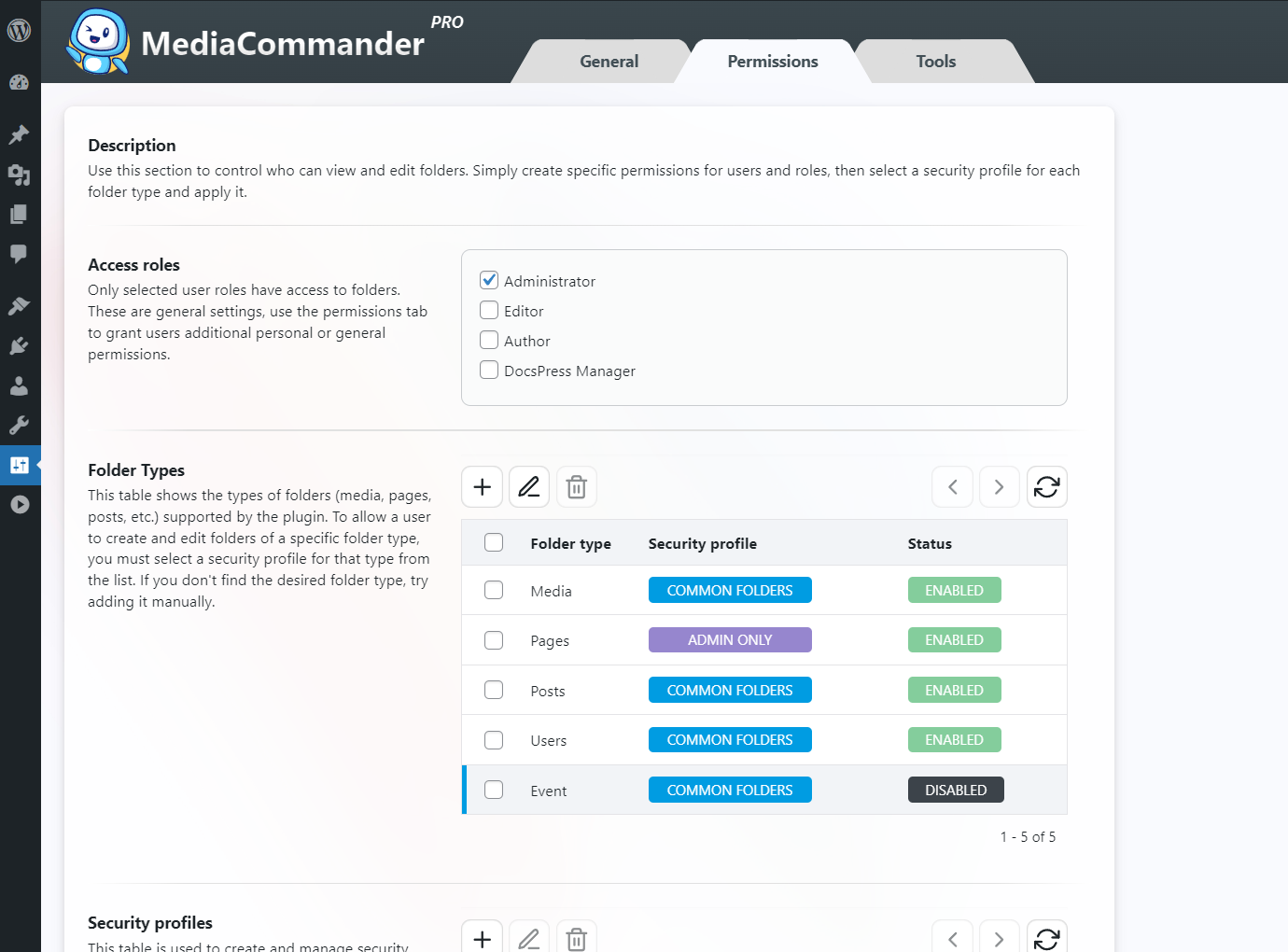
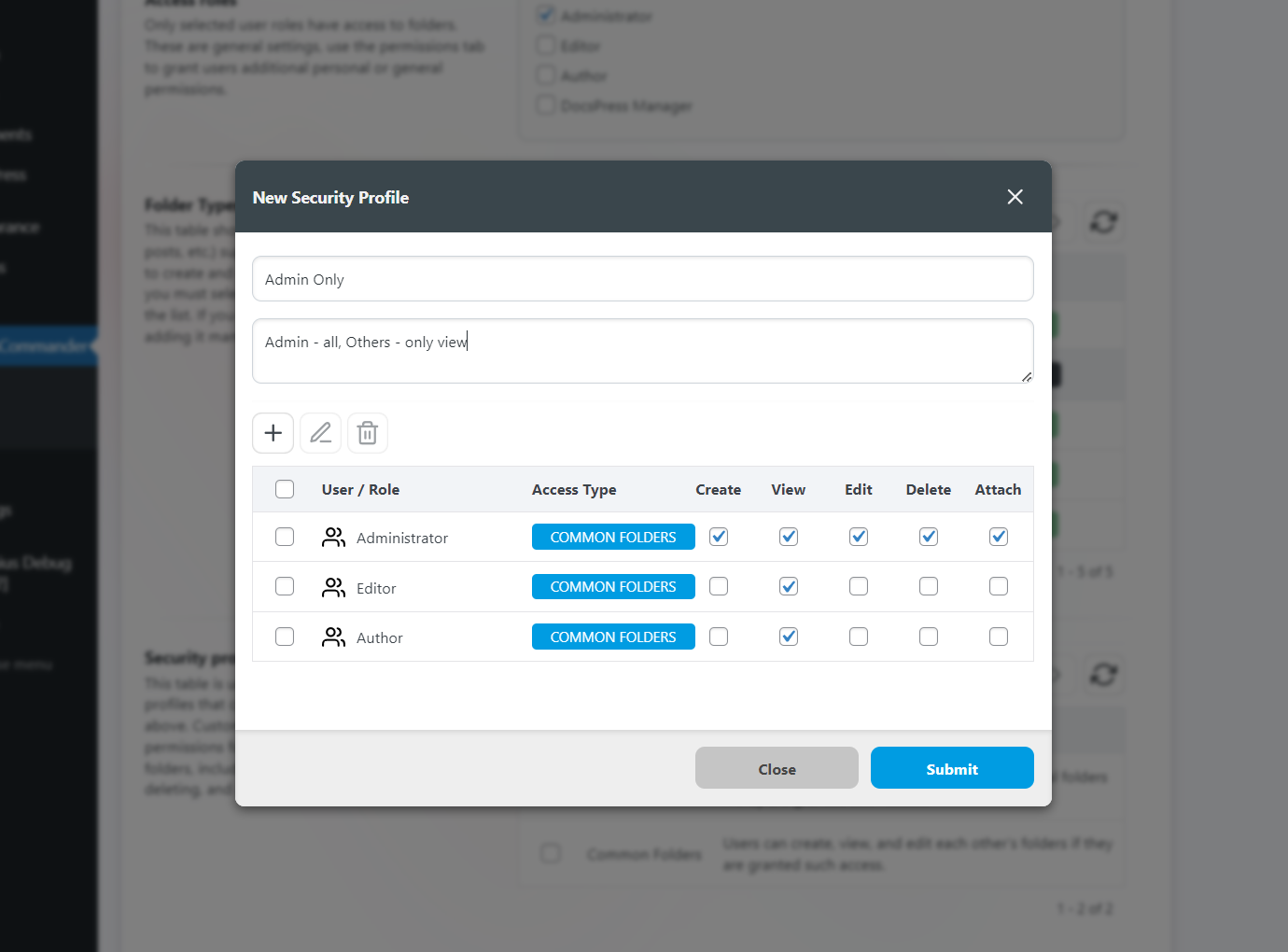
That is up to the administrator. Fine-grained permission settings let you control create/view/edit/delete rights per user or role, for example giving authors read-only access to shared folders.
Can the folders sidebar be hidden?
Yes, click the toggle button above the screen title. Press it again to bring the sidebar back.
Nothing happened after the image was replaced
Most likely your browser is still serving the cached old image. Perform a hard refresh (Ctrl+F5 on Windows, Cmd+R on Mac).
Is MediaCommander free?
The free version includes unlimited folders and subfolders, Gutenberg and Classic Editor support, personal and shared folders, and media replacement. Pro adds folders for posts, pages and custom post types, links (shortcuts), advanced permissions, custom sorting, ZIP download, import from other plugins and priority support.
Is a one-time payment available for MediaCommander Pro?
Yes. Alongside the yearly plan there is a lifetime license, pay once and use the plugin with unlimited updates.
Where is the developer version hosted?
The developer version is available on GitHub.
I'd like access to more features and support. How can I get this?
Visit our website and purchase the Pro version. You get the full plugin, automatic updates and support.