
Meetempo Client Proof & Validate
| 开发者 | meetempo |
|---|---|
| 更新时间 | 2026年4月10日 03:21 |
| PHP版本: | 7.4 及以上 |
| WordPress版本: | 6.9 |
| 版权: | GPLv2 or later |
| 版权网址: | 版权信息 |
详情介绍:
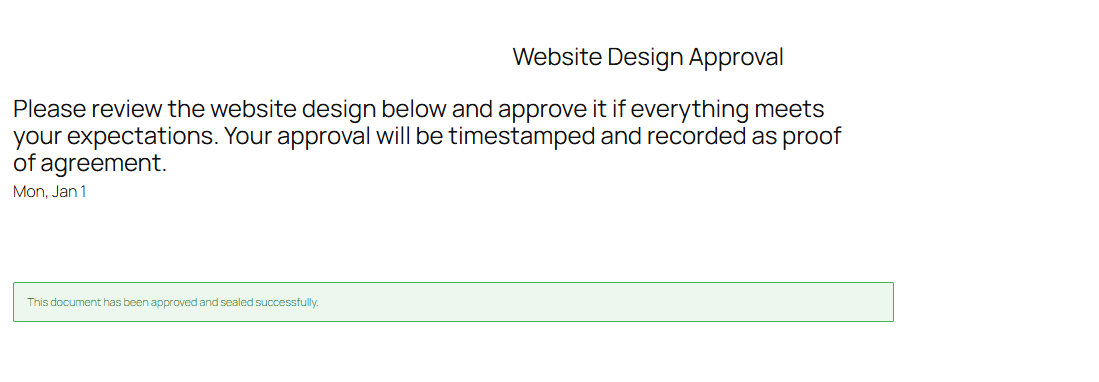
- Client validates a proposal page
- Approval of website design or content
- Confirmation of delivery before invoicing
- Documentation of client agreement
- Protection against "I never approved this" situations
- Approval button via shortcode or Gutenberg block
- Simple approval form (full name and email required)
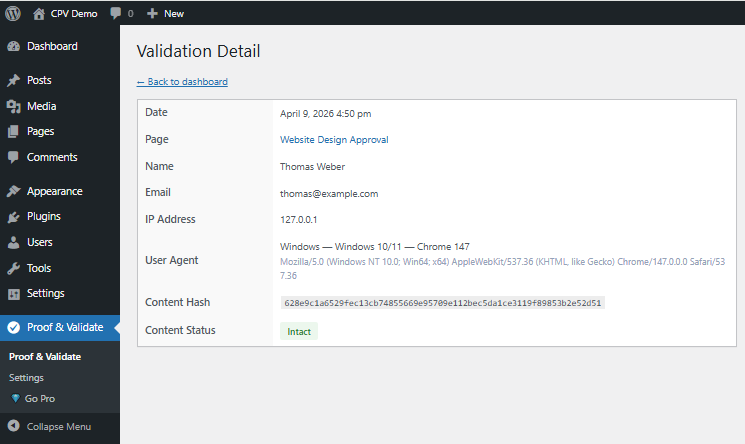
- Timestamped validation (UTC)
- IP address and browser logging
- Content integrity hash (SHA256) to detect post-approval changes
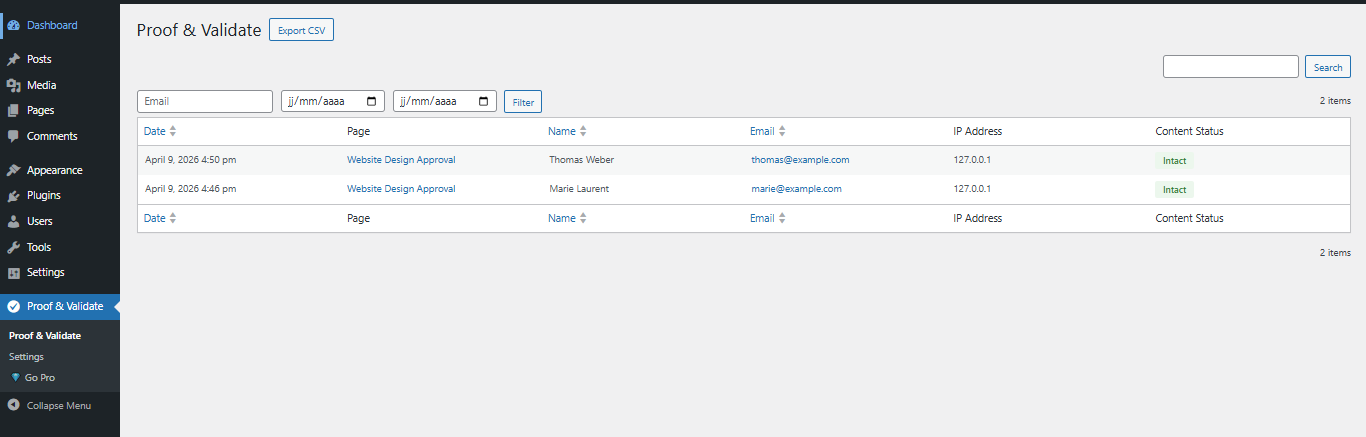
- Admin validation log with filtering
- CSV export of all validations
- Email notification to site administrator
- Unlimited approval projects per site
- GDPR compatible via WordPress native personal data tools
- Fully translatable (English by default)
- Does not provide certified electronic signatures
- Does not replace legal or trust service providers
- Does not guarantee legal enforceability
- Does not provide legal advice
安装:
- Upload the plugin folder to
/wp-content/plugins/ - Activate the plugin through the "Plugins" menu
- Add the approval button using the shortcode
[wppv_approve]or the Gutenberg block - Publish the page and share it with your client
- View validations in the admin dashboard under "Proof & Validate"
屏幕截图:
常见问题:
Is this a legal electronic signature plugin?
No. This plugin does not provide electronic signatures as defined by eIDAS or similar regulations. It provides approval tracking and documentary records only.
What information is stored when a client validates?
The plugin stores:
- Validation date and time (UTC)
- Full name provided by the validator
- Email address provided by the validator
- IP address
- User agent (browser)
- SHA256 hash of the post content at time of approval
What is the content hash used for?
A SHA256 hash of the post content is generated at the time of validation. If the content is modified later, the hash will no longer match, clearly showing that the content has changed since approval.
Who receives the notification email?
The site administrator receives a notification email each time a validation is recorded.
Is the plugin GDPR compliant?
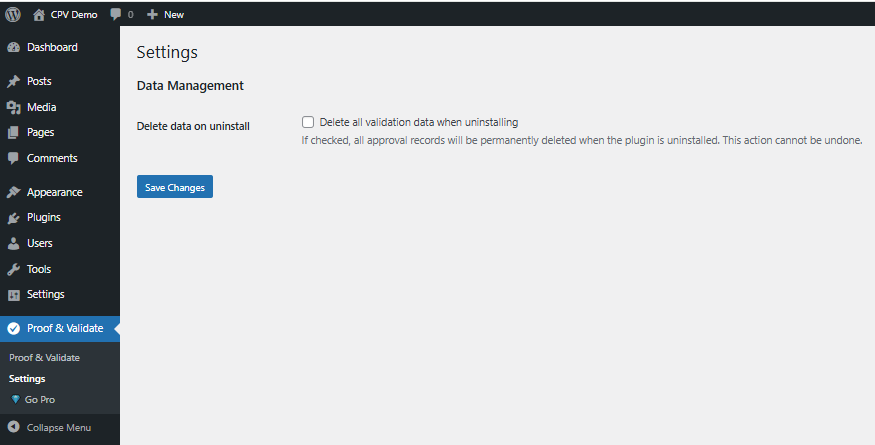
Yes. All personal data collected by the plugin is handled through WordPress native personal data export and erasure tools (Tools > Export Personal Data / Erase Personal Data).
Can I use this on multiple pages?
Yes. You can add the approval button on as many pages as you need. Each page tracks its own independent validation records.
Does this plugin work with page builders?
Yes. The approval button can be added using the shortcode [wppv_approve] and works with most page builders including Elementor, Divi and Beaver Builder.
Where is validation data stored?
All data is stored locally in your WordPress database. No data is sent to external services.
更新日志:
- Initial release
- Approval button (shortcode + Gutenberg block)
- Timestamped validation logging
- Email and IP capture
- SHA256 content integrity hash
- Admin validation log with filters
- CSV export
- Email notification to administrator
- GDPR compatibility via WordPress native tools