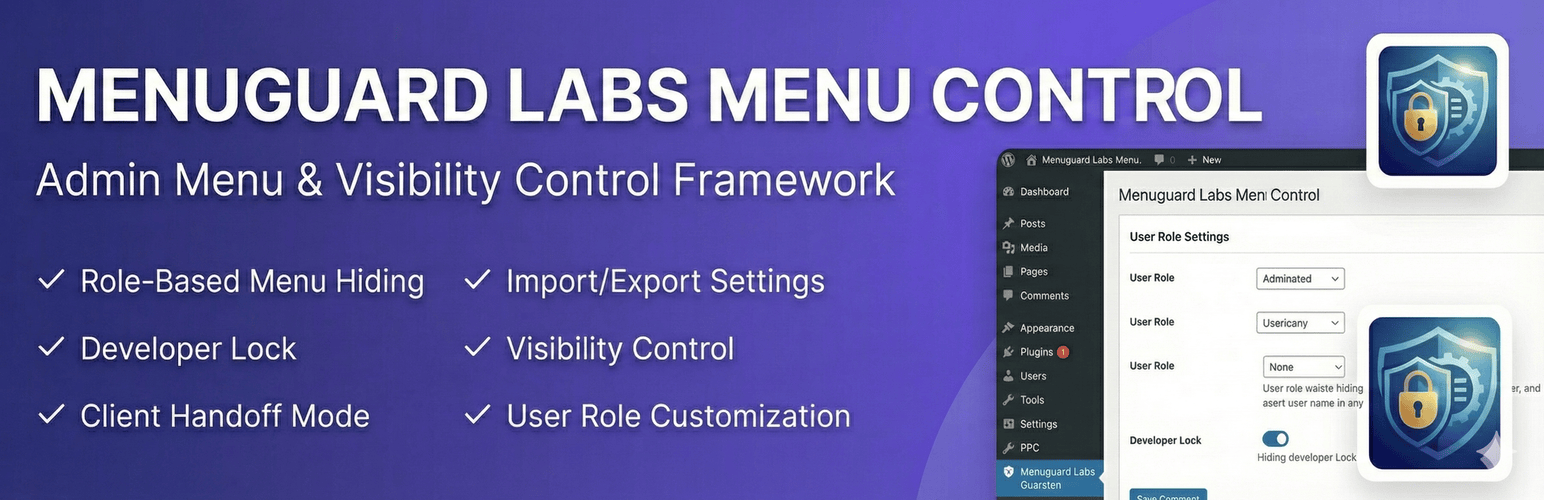
MenuGuard Labs Menu Control
| 开发者 | wpexpertprince |
|---|---|
| 更新时间 | 2026年1月7日 03:36 |
| PHP版本: | 7.4 及以上 |
| WordPress版本: | 6.9 |
| 版权: | GPLv2 or later |
| 版权网址: | 版权信息 |
详情介绍:
MenuGuard Labs Menu Control allows you to show or hide dashboard menus based on user roles. It is designed for developers who want to hand off a clean, simplified dashboard to their clients, preventing them from accessing settings that could break the site.
Key Features:
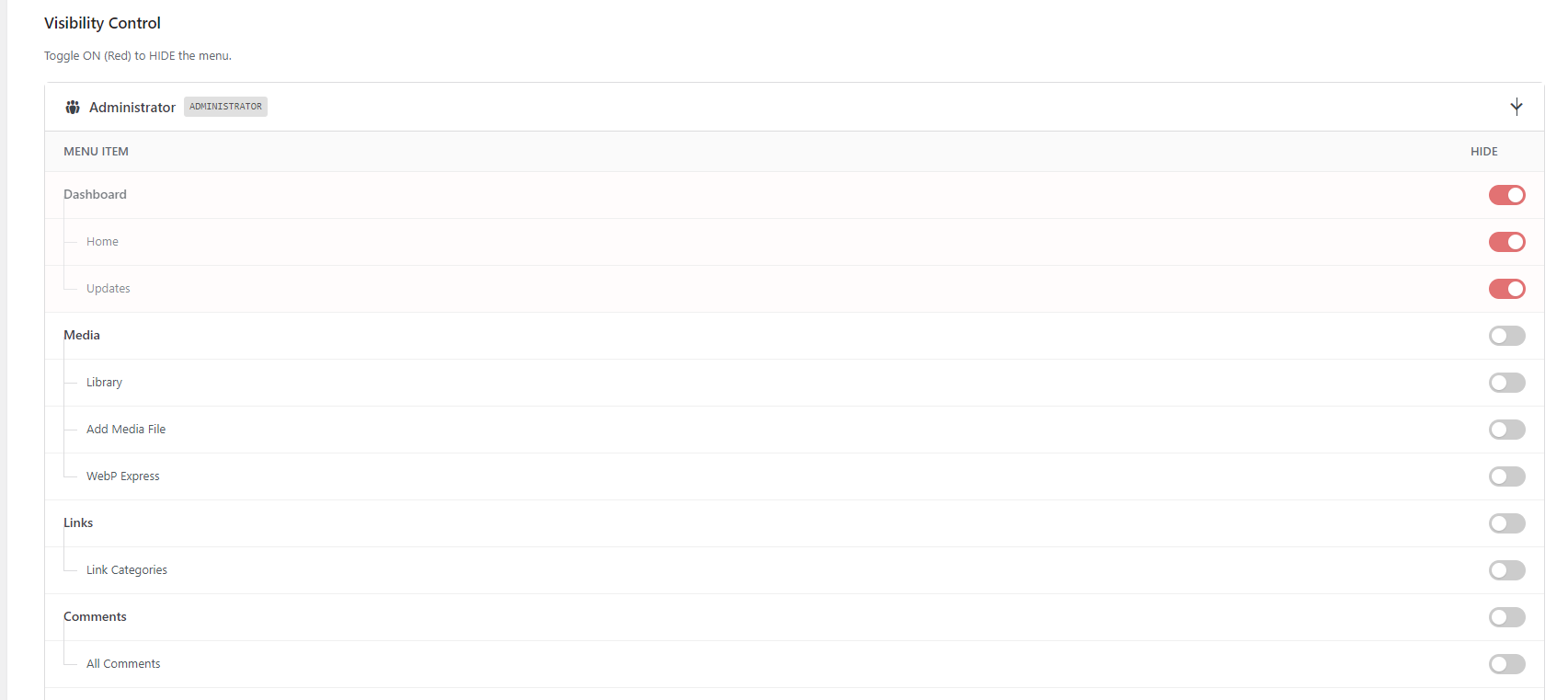
- Role-Based Control: Hide specific menus and sub-menus for any user role.
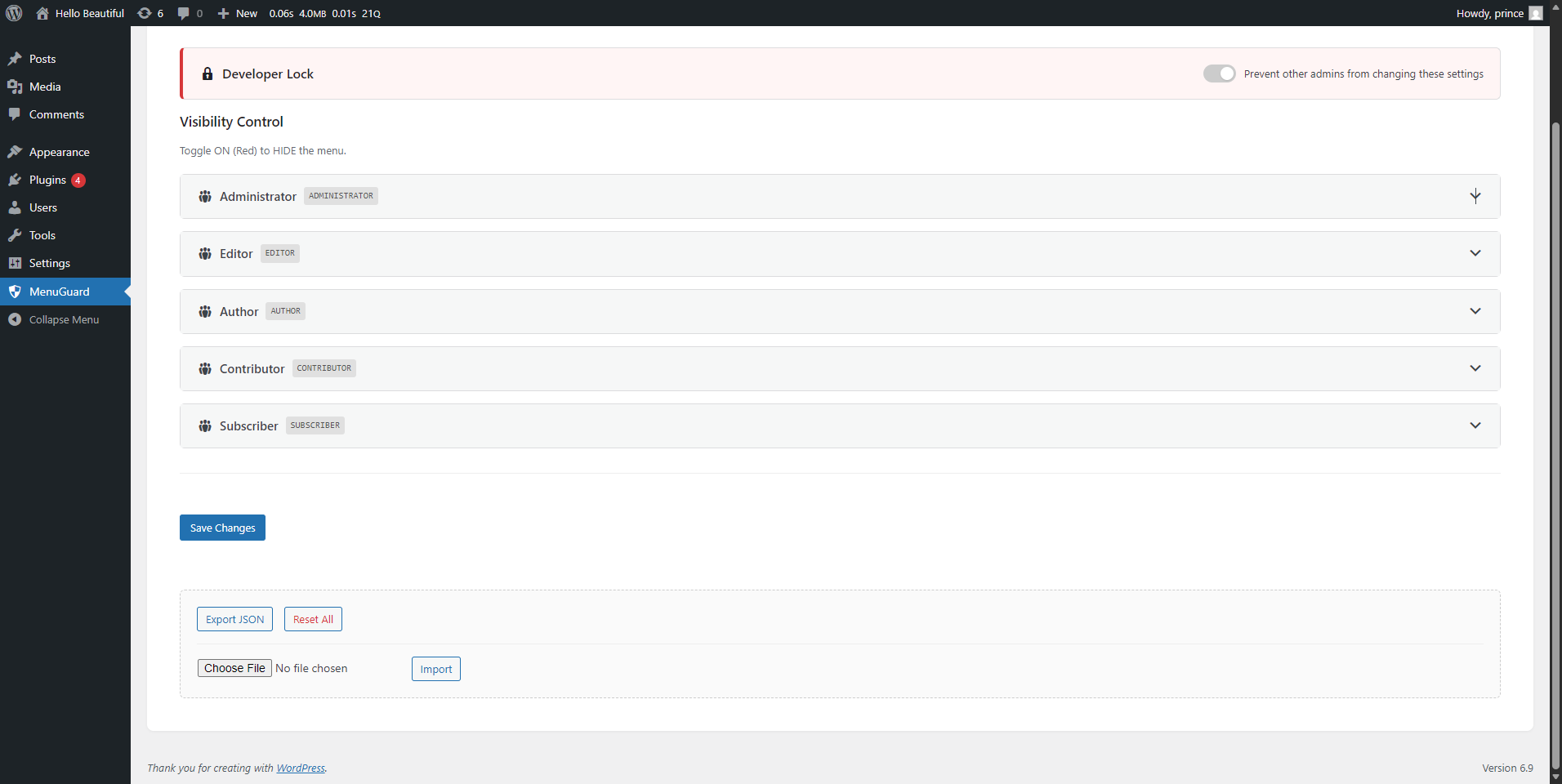
- Developer Lock: Lock the settings so other admins cannot change visibility rules.
- Client Handoff Mode: Automatically hides sub-menus when the parent menu is hidden.
- Import/Export: Easily transfer your menu settings using JSON.
- Clean Interface: Modern, responsive settings page.
安装:
- Upload the plugin files to the
/wp-content/plugins/menuguard-labs-menu-controldirectory. - Activate the plugin through the 'Plugins' screen in WordPress.
- Navigate to the 'MenuGuard' page in the admin dashboard via Settings > MenuGuard or the main admin menu.
屏幕截图:
常见问题:
Can I hide menus for Administrators?
Yes, you can hide menus for any role, including Administrators. However, you can use the "Developer Lock" feature to prevent accidental lockouts or changes by other admins.
How do I reset the settings?
Go to the plugin settings page and click the "Reset All" button at the bottom of the page.
Does this delete the menus permanently?
No, it only hides them using CSS and removes them from the generated menu list for that specific user role. The core files remain untouched.
更新日志:
1.0.0
- Initial release.