Mesh-Plug for Meshtastic
| 开发者 | potar |
|---|---|
| 更新时间 | 2026年9月21日 05:18 |
| 捐献地址: | 去捐款 |
| PHP版本: | 7.4 及以上 |
| WordPress版本: | 6.9 |
| 版权: | GPLv2 or later |
| 版权网址: | 版权信息 |
详情介绍:
Mesh-Plug provides a simple shortcode that connects to your MQTT broker over WebSocket and prints incoming messages to a live log.
Shortcode: [mesh_plug]
Map shortcode options:
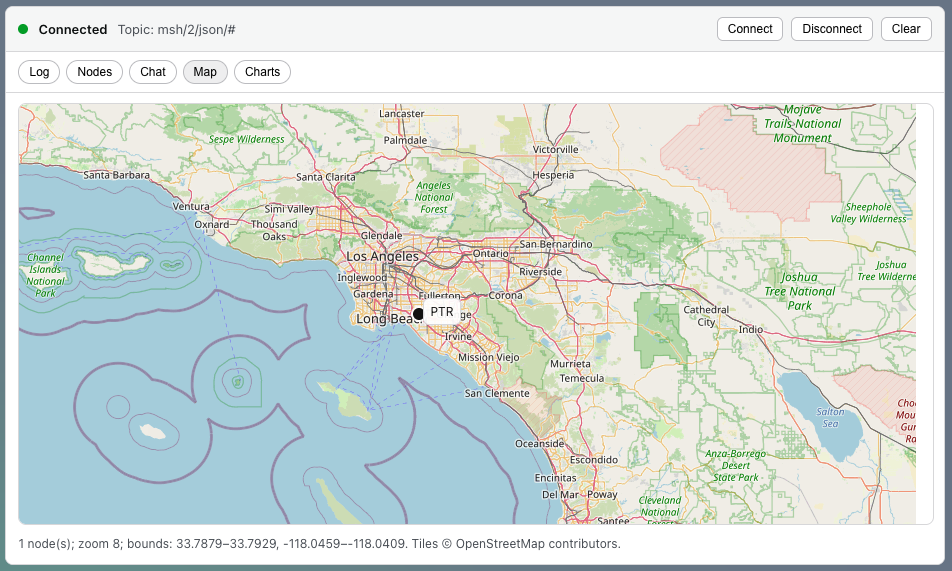
- map_tiles="voyager|osm|light|dark" (default: voyager)
- map_zoom="13" map_min_zoom="2" map_max_zoom="18"
- fit="1|0|once" fit_max_zoom="13" center="lat,lon"
安装:
- Upload the plugin folder to /wp-content/plugins/mesh-plug or install via the Plugins screen.
- Activate Mesh-Plug.
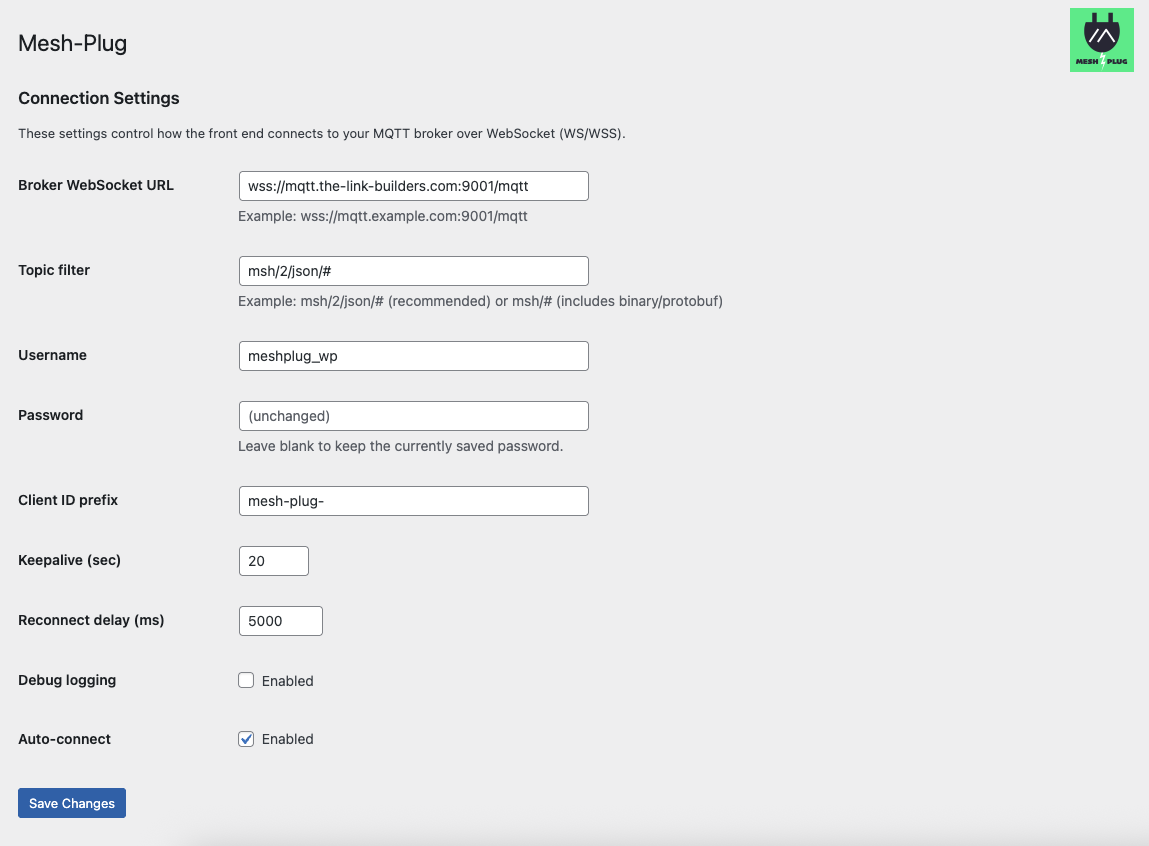
- Go to Settings → Mesh-Plug and configure your broker URL, topic, and credentials.
- Add [mesh_plug] to any page.
屏幕截图:
更新日志:
1.3.2
- Added browser-side decoding for current Meshtastic protobuf MQTT packets, including text, node info, position, telemetry, and map reports.
- Changed the default MQTT topic for new installs to msh/2/e/# and documented msh/2/c/#, msh/2/map/#, and legacy msh/2/json/# topic options.
- Improved map handling for privacy-preserving coarse positions by displaying approximate radius instead of dropping low-precision locations.
- Updated settings help to distinguish current protobuf MQTT from legacy JSON MQTT.
- Upgraded map rendering to Leaflet with drag/pan, zoom controls, and GPS-accurate marker placement.
- Added shortcode map options: map_tiles, map_zoom, map_min_zoom, map_max_zoom, fit, fit_max_zoom, center.
- Improved MQTT WebSocket compatibility and close-code logging for broker troubleshooting.
- Fixed duplicate-message filtering so valid repeated node updates are not suppressed.
- Hardened schema upgrades on MariaDB by moving index creation out of dbDelta parser edge cases.
- Updated frontend output to use WordPress enqueue/inline-script APIs (plugin check compliance).
- Documented external services (OpenStreetMap tiles; optional broker connections).
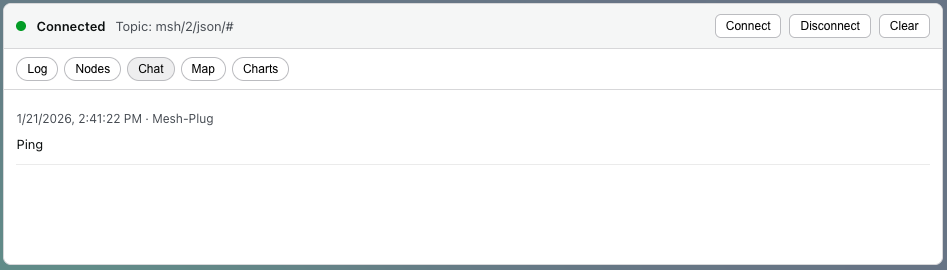
- Chat now displays node longname (fallback: shortname, then node ID).
- Added message de-duplication to prevent double-posted chat and repeated entries.
- Map zoom is admin-controlled (shortcode); removed end-user zoom controls.
- Added Mesh-Plug logo branding to the Settings page.
- Map tab now renders a real basemap using OpenStreetMap raster tiles (no external JS libraries required).
- Added Map and Charts tabs for a richer dashboard experience.
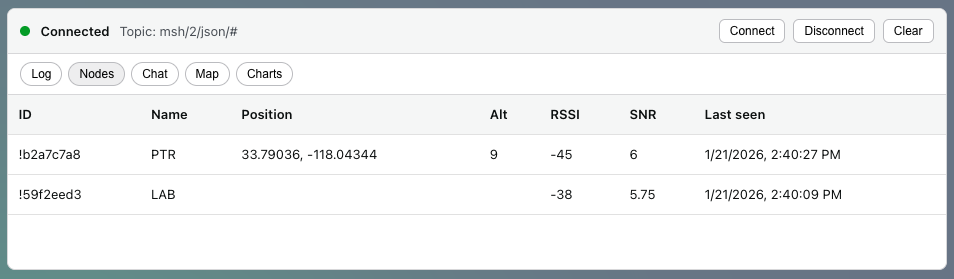
- Added simple tabs (Log, Nodes, Chat) for non-technical viewing.
- Binary/protobuf payloads now display as a byte count instead of garbled text.
- Default topic updated to msh/2/json/# to show human-readable Meshtastic JSON by default.
- Fix shortcode rendering and JavaScript mount errors.
- Fix password handling: leaving password blank keeps the stored value.
- Allow ws:// and wss:// broker URLs.