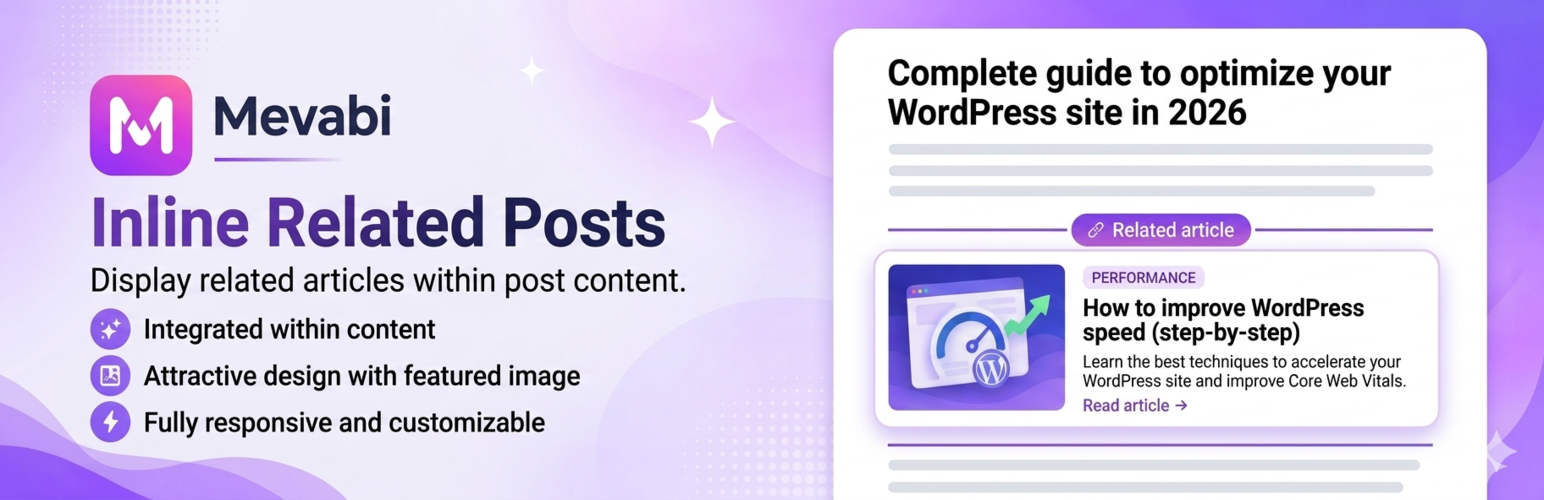
Mevabi – Related Posts Inline
| 开发者 | mevabien22 |
|---|---|
| 更新时间 | 2026年6月3日 05:21 |
| PHP版本: | 7.4 及以上 |
| WordPress版本: | 7.0 |
| 版权: | GPL-2.0-or-later |
| 版权网址: | 版权信息 |
详情介绍:
- Two placement modes — Append related posts at the end of the content, or distribute them inline evenly between paragraphs for maximum engagement.
- 1–3 related posts per block — Choose how many post cards appear in each insertion point.
- Match by category or tags — Control which taxonomy drives the related posts logic so suggestions are always contextually relevant. Three Modern Card Designs
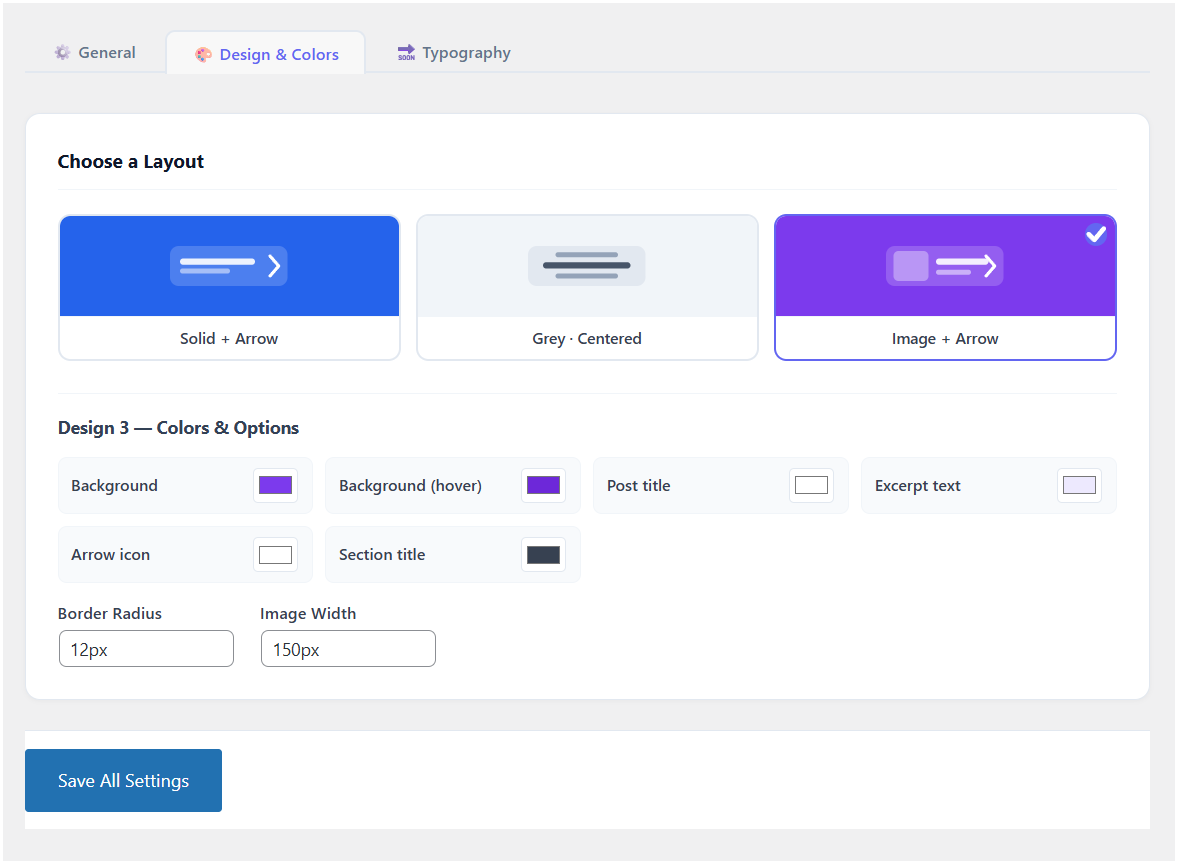
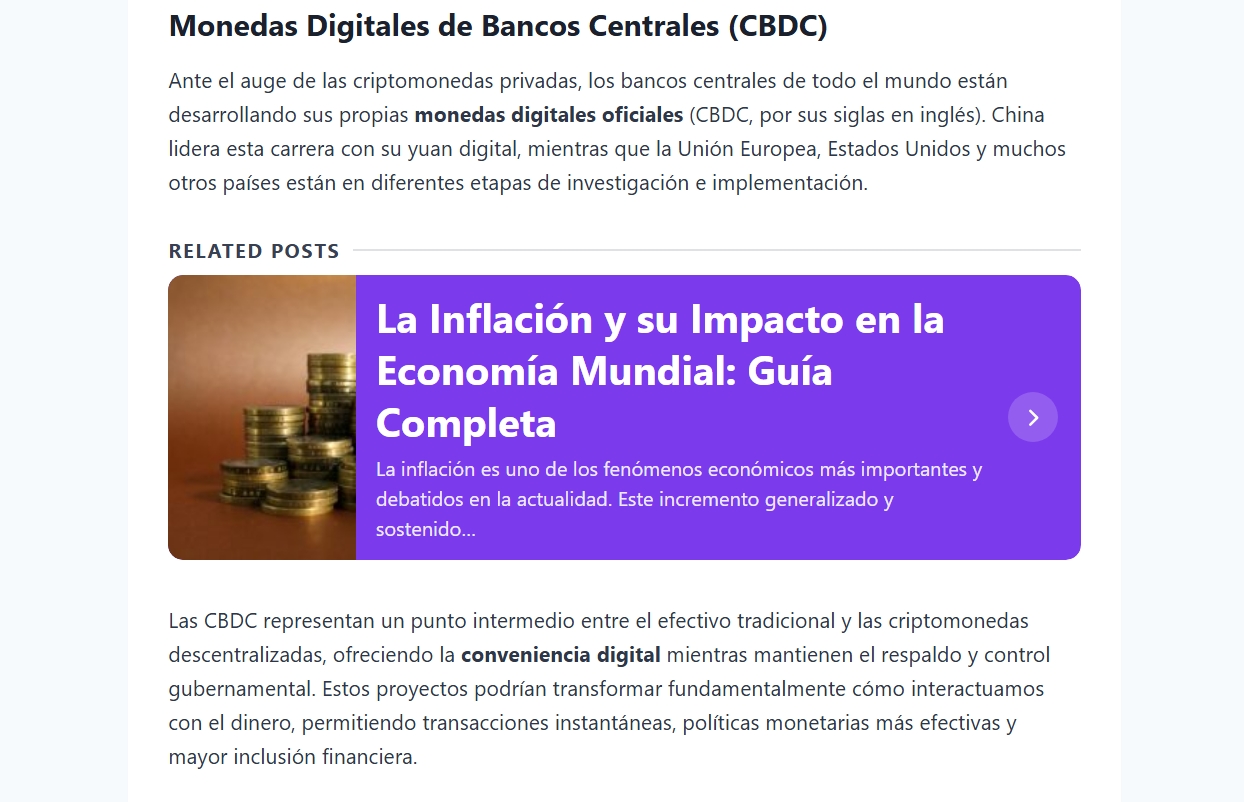
- Design 1 · Solid + Arrow — Bold full-color card with a large right-hand arrow CTA. Section title displayed above the card box.
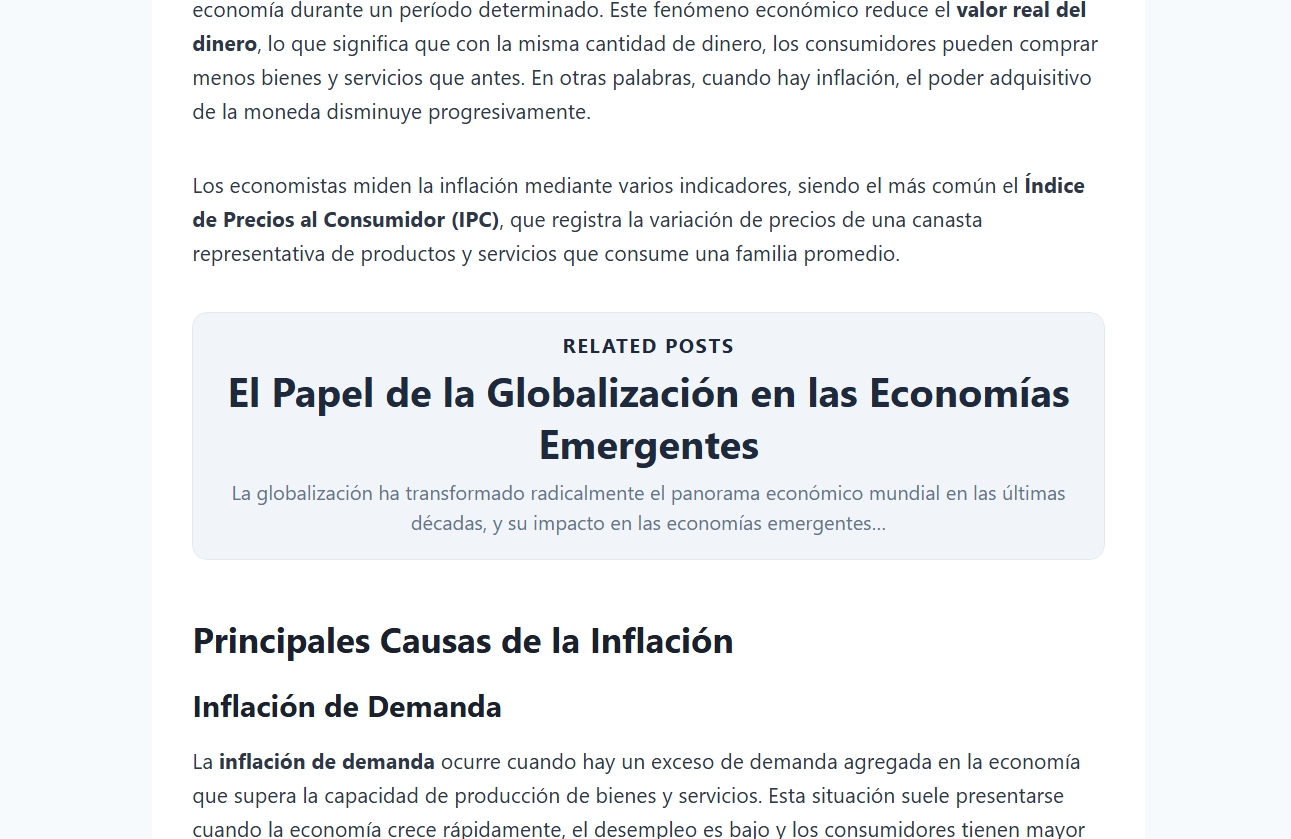
- Design 2 · Grey · Centered — Clean light-grey card with centered text and the section title inside the box. Minimal and elegant, no arrow.
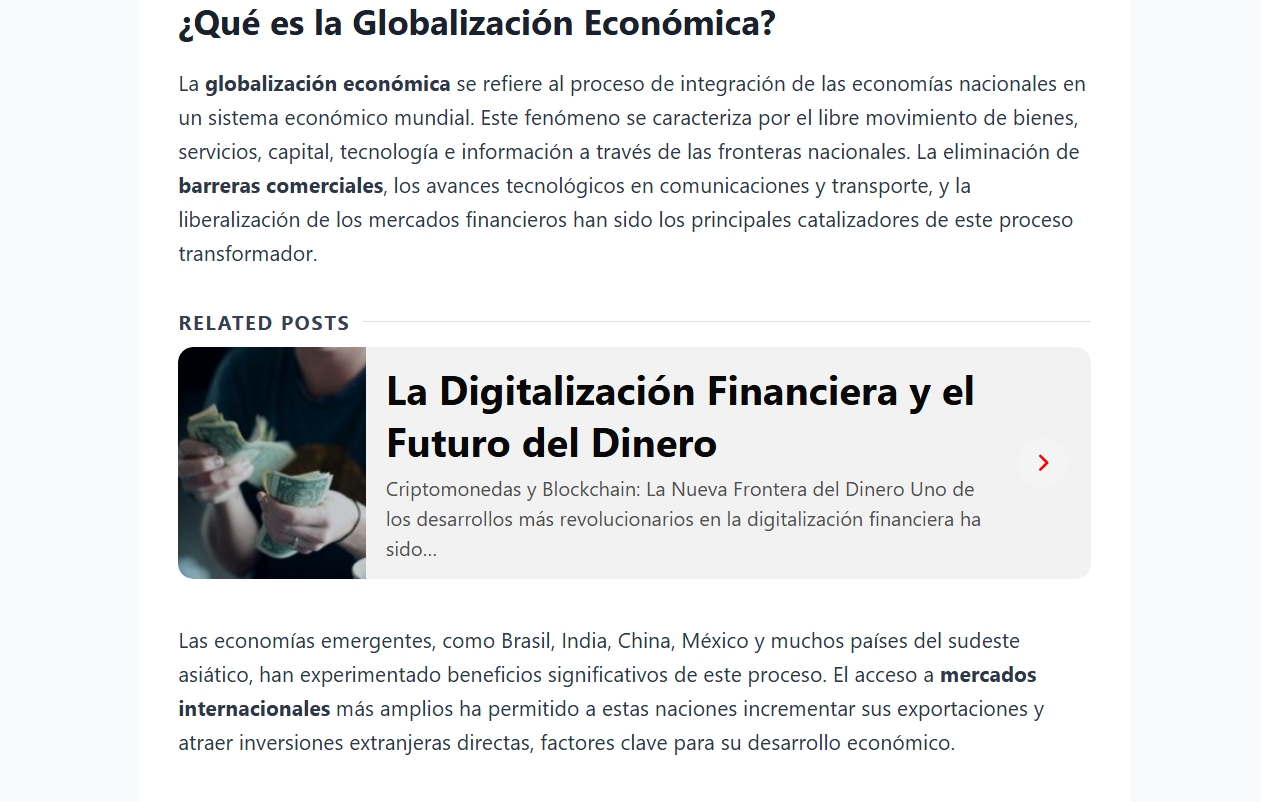
- Design 3 · Image + Arrow — Like Design 1 but with the post's featured image displayed on the left side of the card for visual impact. Full Color Customization
- Per-design color control via native WordPress color pickers — background, hover state, post title, excerpt text, arrow, section label, border color, and border-radius are all individually configurable.
- Changes reflect immediately with no need to write CSS. Typography Controls
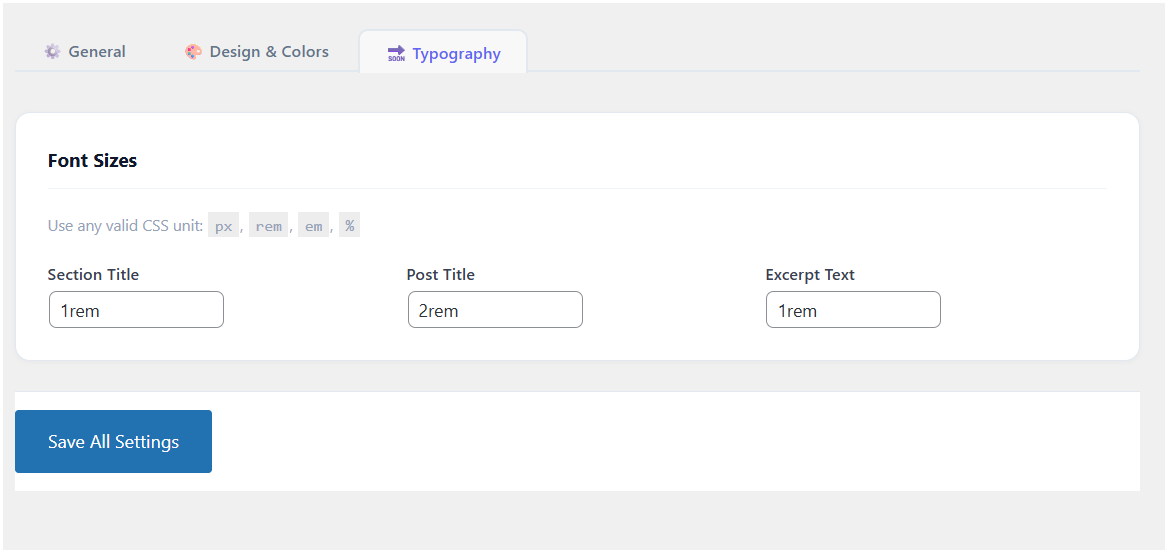
- Set font sizes (accepts any CSS unit: px, em, rem, %) independently for the section title, post title, and excerpt. Content & Excerpt
- Optional post excerpt — Show a short descriptive excerpt below the post title. Shortcode tags and HTML are stripped automatically so the text is always clean.
- Smart excerpt fallback — If a post begins with a shortcode block, Mevabi skips it and uses the first real text paragraph instead. UX & Accessibility
- Fully clickable cards — The entire card surface is a single anchor link; no confusing partial click zones.
- Link target control — Open related posts in the same tab or a new tab (with proper
rel="noopener noreferrer"for security). - Custom section title — Define your own heading label shown above or inside each related posts block (e.g. "You might also like", "Keep reading", "Related articles"). Performance
- Lightweight and fast — Zero jQuery, zero external libraries. Vanilla JavaScript plus a single minified CSS file. No impact on Core Web Vitals or PageSpeed scores.
- No external API calls, no tracking scripts, no bloat.
- Reduces bounce rate by surfacing relevant internal links before readers leave.
- Increases pages per session by guiding visitors to related content naturally.
- Strengthens internal link structure — each related posts block creates contextual internal links that distribute PageRank across your site.
- Improves dwell time, a positive engagement signal for search engines.
- Blogs and content-heavy WordPress sites
- News and magazine themes
- Affiliate and review sites aiming to reduce exit rate
- Publishers looking to improve internal linking without manual effort
- SEO professionals wanting automatic related post links throughout content
安装:
- Upload the
mevabi-related-posts-inlinefolder to the/wp-content/plugins/directory, or install directly via Plugins → Add New in your WordPress admin and search for "Mevabi Related Posts Inline". - Activate the plugin through the Plugins menu.
- Go to Settings → Related Posts Inline to configure placement, design, colors, and typography.
屏幕截图:
常见问题:
Will related posts show on pages, archives, or custom post types?
No. Related posts are injected only on single blog posts (is_single()), within the main query loop. Pages, archives, and custom post types are not affected.
What happens if a post has no matching category or tag?
No related posts block will be shown. The post content is returned completely unmodified.
What happens if the content has fewer than two paragraphs and inline mode is selected?
The plugin automatically falls back to appending the related posts block at the end of the content, so something always appears even on very short posts.
Does Design 3 require a featured image on related posts?
No. If a related post has no featured image, the card is displayed without the image column. Design 3 gracefully degrades to a layout similar to Design 1.
Is the excerpt safe from shortcode execution?
Yes. All shortcode tags are stripped with a regex pass before the text is sanitized with wp_strip_all_tags(), so no shortcode is ever executed inside the excerpt area.
Can I use this plugin on a multisite installation?
Yes. Settings are stored per-site using the standard WordPress options API, so each site in the network can have its own independent configuration.
How is "related" determined?
In the free version, you can choose either categories or tags as the matching taxonomy. Posts that share the most terms with the current post are surfaced first.
Does this plugin slow down my site?
No. Mevabi uses no jQuery, no external libraries, and makes no external HTTP requests. It outputs a single small CSS file and uses vanilla JavaScript only when needed. The performance impact is negligible.
How many related posts can I show?
The free version supports 1, 2, or 3 related posts per block.
Is there a Pro version?
Yes. Mevabi Pro unlocks additional designs (Designs 4–6), advanced relation types (shared tags + categories, manual exclusions, minimum word count filtering), a click-tracking Stats dashboard, and more display modes.
更新日志:
- Confirmed compatibility with WordPress 7.0 (updated "Tested up to" header).
- Improved readme.txt with expanded feature descriptions and SEO-optimized content for WordPress.org search visibility.
- Minor code cleanup and inline documentation improvements.
- No functional changes; safe to update.
- Added Stats tab with Pro feature notice.
- Added Free vs Pro comparison tab in the admin UI.
- Added "Upgrade to Pro" submenu link.
- Pro features (advanced display modes, relation types, exclusions, minimum word count, Designs 4–6) are now visually locked in the admin UI — clearly shown but not executable in the free version.
- Related posts count capped at 3 in the free version.
- Ensured no Pro functionality executes in the free version under any circumstances.
- Initial release.