MH-Accessibility
| 开发者 | rudizi |
|---|---|
| 更新时间 | 2026年3月3日 18:47 |
详情介绍:
安装:
- Upload the Plugin folder to the
/wp-content/plugins/directory. - Activate the plugin through the Plugins- *screen in WordPress.
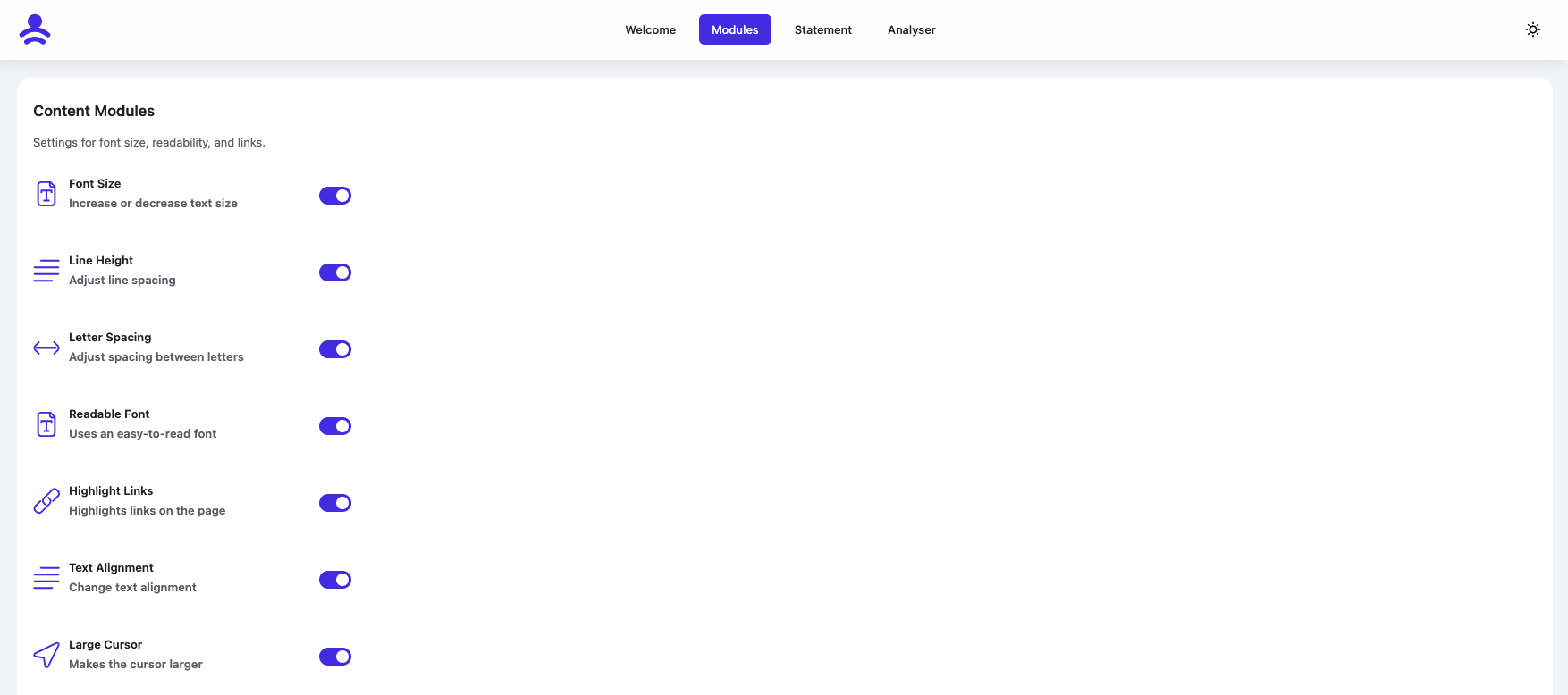
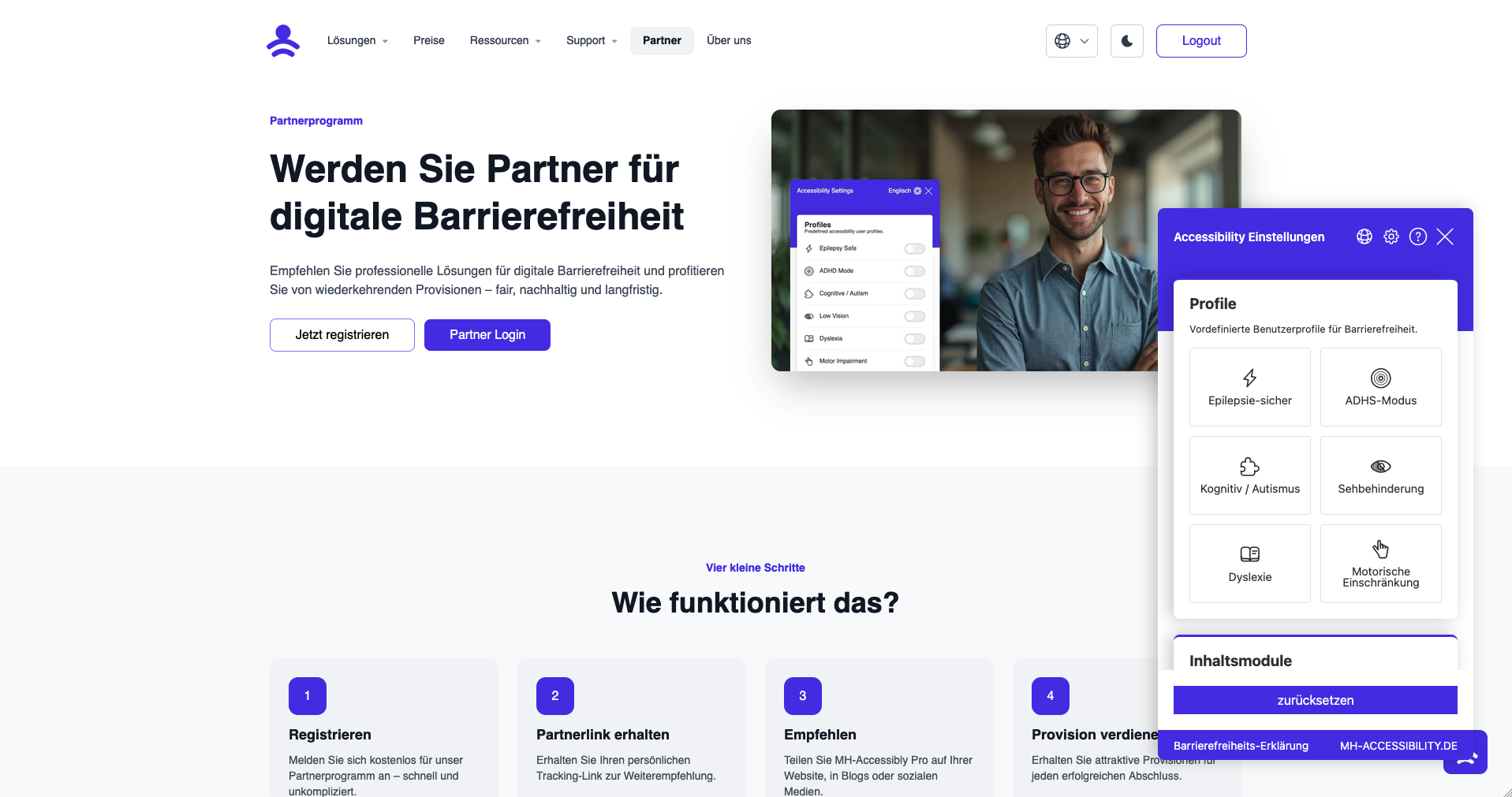
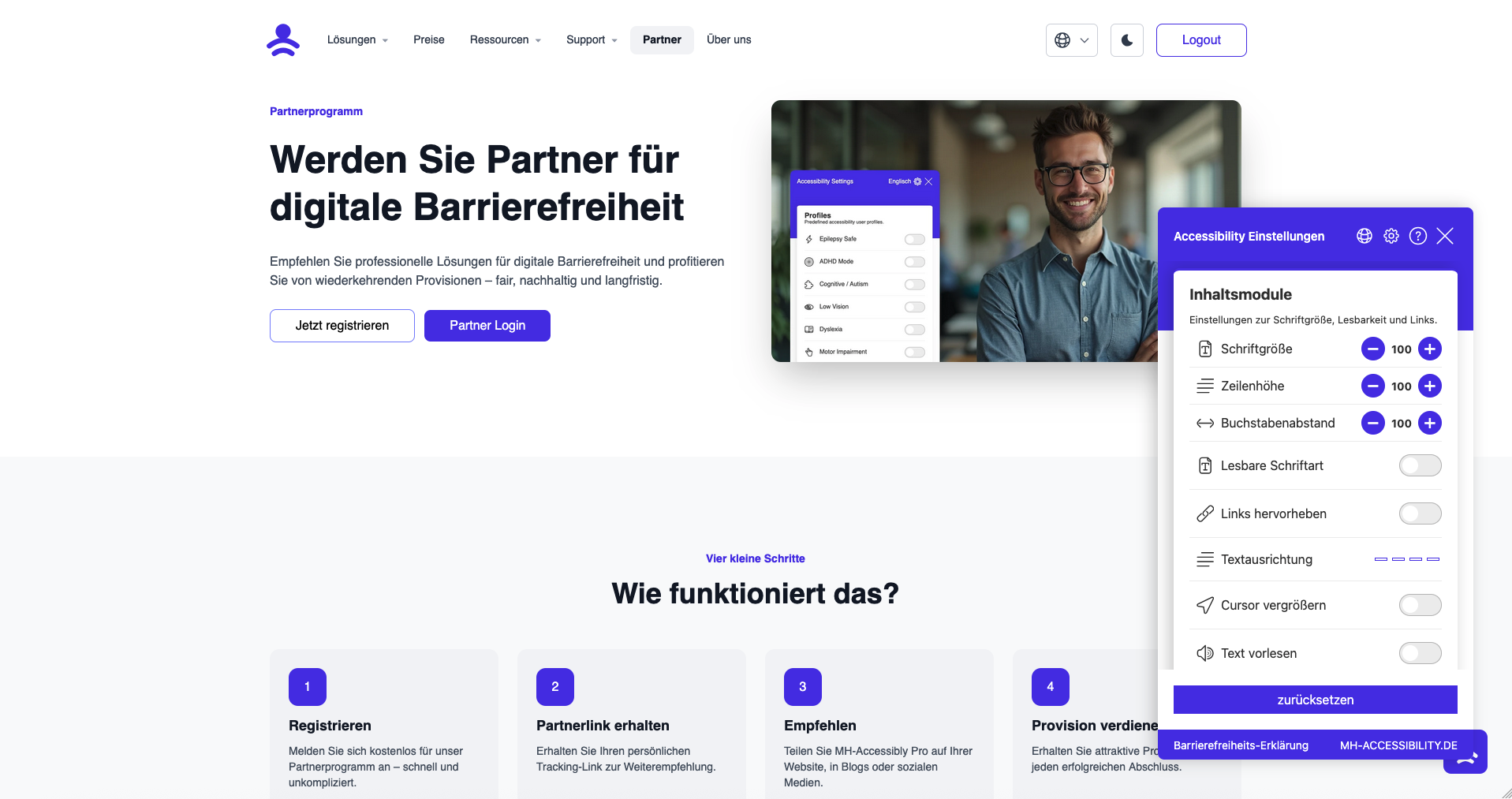
- Navigate to Settings → MH-Accessibility- *to configure widget settings.
屏幕截图:
常见问题:
How do I install the plugin?
Download MH-Accessibility from the WordPress plugin directory, install it and activate it. That's it. No technical knowledge required.
Is the plugin compatible with multilingual sites?
Yes — the plugin supports language detection and displays appropriate localized controls where configured.
Can the widget appearance be fully customized?
Yes — you can customize widget style, colors, position, icons, and more to match your site’s design.
Does the plugin work with my theme?
Yes, MH-Accessibility is compatible with all modern WordPress themes. It also works with page builders such as Elementor and Divi without any problems.
Is the plugin GDPR compliant?
Yes, MH-Accessibility is fully GDPR compliant. It does not store any personal data and respects the privacy of your users.
Which accessibility standards are met?
The plugin helps you meet WCAG 2.1 AA standards.
How quick is the installation?
The installation takes less than a minute. Search for the plugin in the WordPress directory, click on Install and activate it.
Do I need technical knowledge?
No, not at all. The plugin is designed for beginners. All settings are self-explanatory and intuitive.
更新日志:
- Add live Widget Editor
- Add Backend notice
- Add Feedback notice
- Fixed Widget Styling
- Add Frontend Analyser (Pro)
- Add Bionic Reading (Pro)
- ADD Page structure
- Add German Language
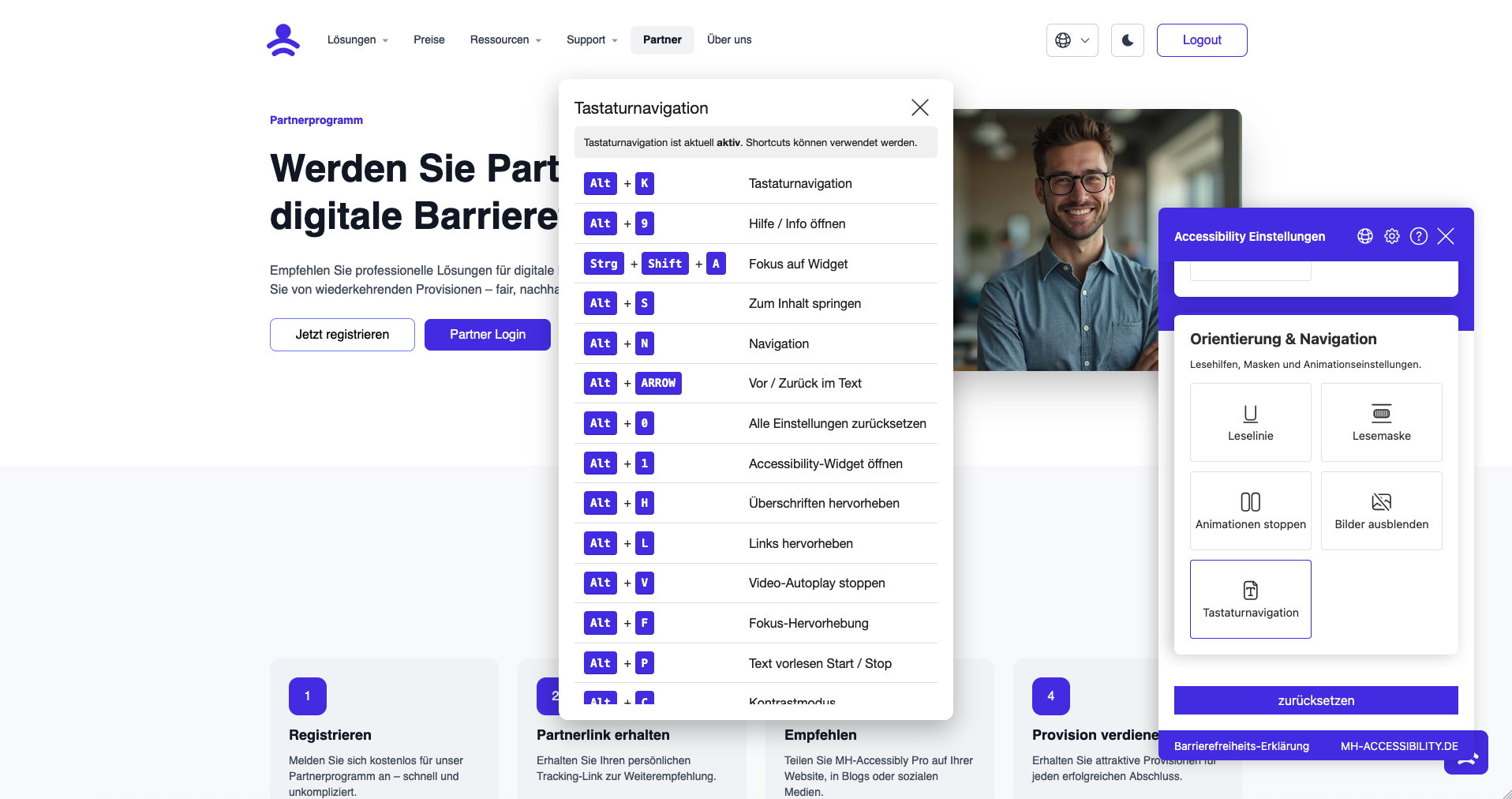
- Added animation for activating keyboard navigation
- Add dark/night mode
- bugfixing Keyboard Navigation
- add Keyboard Navigation
- new routing
- Redesign Analyser
- Translations Analyser
- Backend Redesign
- Pro function list view added
- Translations
- JavaScript and CSS reduced and minimised
- Load JavaScript in defer mode
- Revision of font size, line height and letter spacing, widget styling fixed
- Dyslexia font added
- SVG animations are now also stopped
- Colour blindness filter revised
- Saturation filter revised
- Contrast filter revised
- Text focus frame revised
- Text colour cursor
- Reading aid revised
- New icons added
- Hello World!