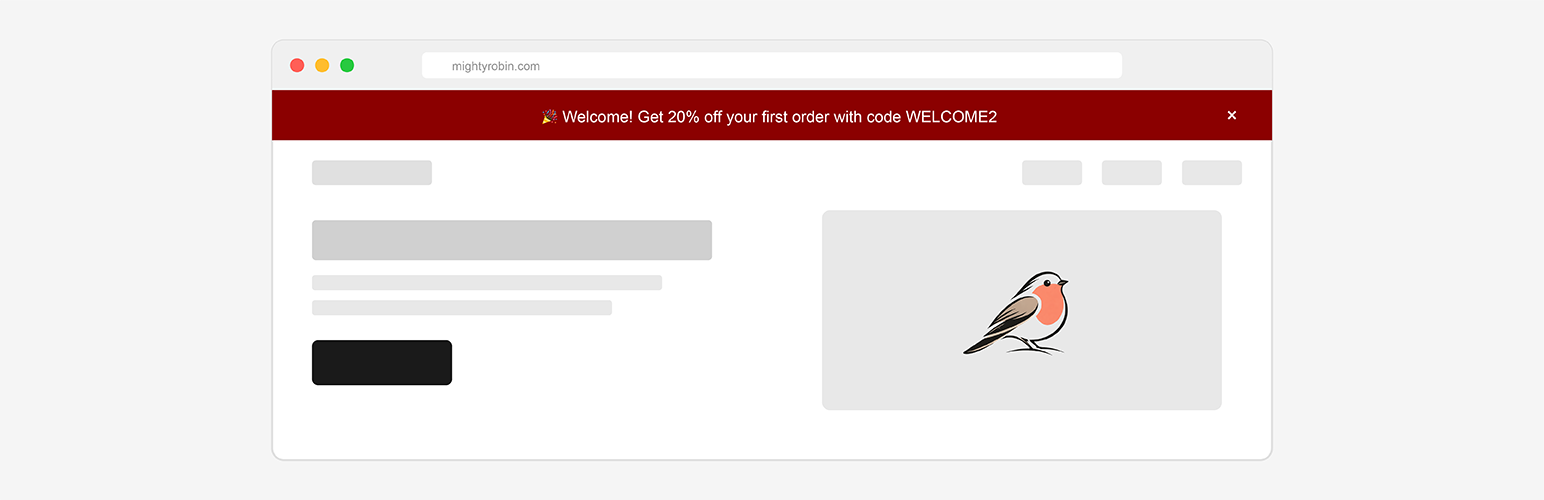
Mighty Notification Bar
| 开发者 | mightyrobin |
|---|---|
| 更新时间 | 2026年4月28日 19:14 |
| 捐献地址: | 去捐款 |
| PHP版本: | 8.0 及以上 |
| WordPress版本: | 6.9.1 |
| 版权: | GPLv2 or later |
| 版权网址: | 版权信息 |
详情介绍:
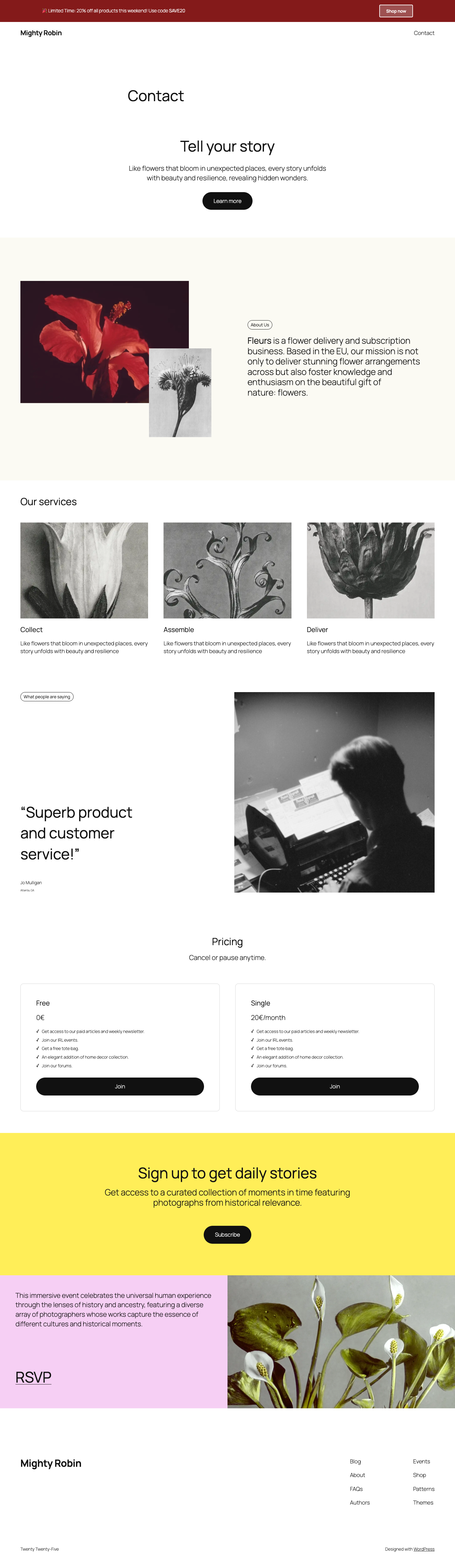
- Flexible Positioning - Choose between fixed (stays visible when scrolling) or relative positioning (top of page)
- Dismissible Notifications - Let visitors dismiss the bar with customizable cookie duration (1 day to 1 year)
- Smart Content Versioning - Bar reappears for all users when content is updated
- Full Customization - Custom colors, rich text formatting, and flexible styling options
- Call-to-Action Button - Optional button with three styles (primary, secondary, text)
- Smart Scheduling - Set start and end dates for time-limited campaigns
- Location Targeting - Display on all pages, homepage only, or specific pages
- Device Targeting - Show on all devices, desktop only, or mobile only
- Fully Responsive - Works perfectly on desktop, tablet, and mobile devices
- Live Preview - See changes in real-time before publishing
- Translation Ready - Fully translatable with included Dutch translations
- WP Rocket Compatible - Works seamlessly with WP Rocket caching plugin
- Product launches and promotions
- Limited-time offers and sales
- Website maintenance announcements
- Cookie consent notices
- Newsletter signups
- Event announcements
- Breaking news and updates
- English (default)
- Dutch (Nederlands)
- Dutch (Belgium)
- Dutch (Formal)
安装:
- Log in to your WordPress admin panel
- Go to Plugins > Add New
- Search for "Mighty Notification Bar"
- Click "Install Now" and then "Activate"
- Go to "Mighty Notification Bar" in the admin menu to configure your settings
- Download the plugin zip file
- Extract the zip file
- Upload the
mighty-notification-barfolder to/wp-content/plugins/ - Activate the plugin through the 'Plugins' menu in WordPress
- Go to 'Mighty Notification Bar' in the admin menu to configure your settings
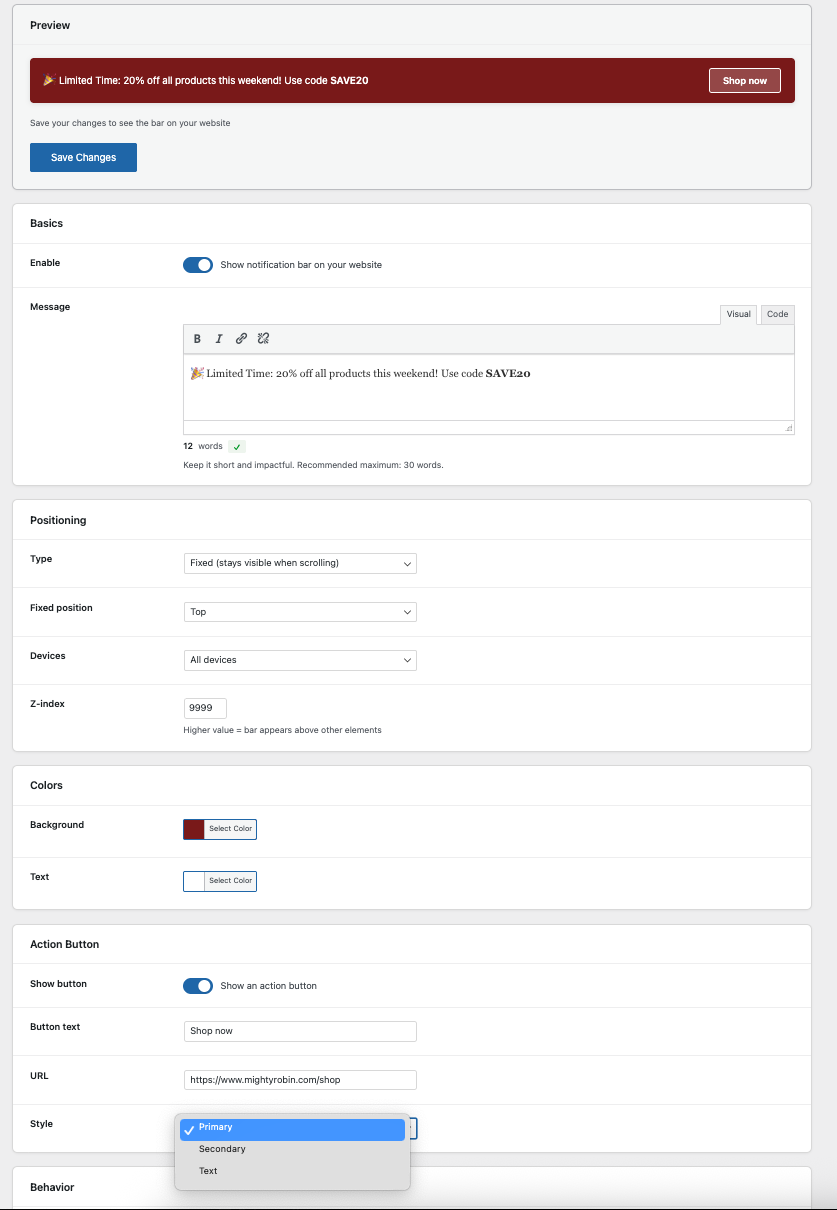
- Navigate to "Mighty Notification Bar" in your WordPress admin menu
- Enable the notification bar
- Add your message using the visual editor
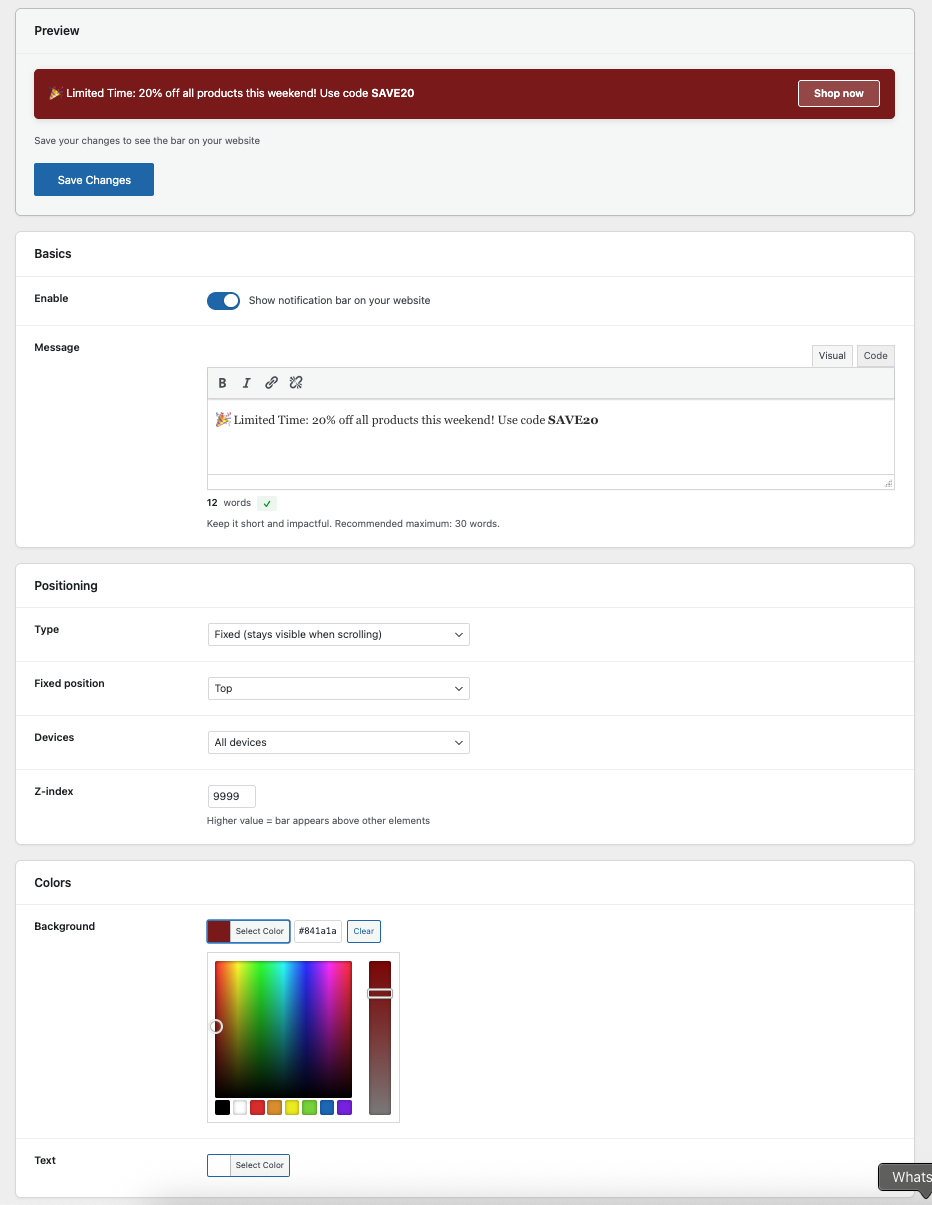
- Customize colors, positioning, and behavior
- Click "Save Changes"
- Visit your website to see the notification bar in action
屏幕截图:
常见问题:
How do I change the notification bar colors?
Go to the Mighty Notification Bar settings page in your WordPress admin. Under the "Colors" section, you can select custom background and text colors using the color picker.
Can I schedule the notification bar to appear only during specific dates?
Yes! In the "Schedule" section, you can set a start date and end date. The notification bar will only appear between these dates. Leave the fields empty for a permanent notification.
How do I make the notification bar dismissible?
In the "Behavior" section, enable the "Dismissible" option. You can also choose how long the bar stays hidden after a visitor dismisses it (from 1 day to 1 year).
What happens when I update the notification content?
When you change the notification content, button text, or button URL, the bar will automatically reappear for all visitors, even if they previously dismissed it. This ensures important updates reach everyone.
Can I target specific pages?
Yes! In the "Display Location" section, you can choose to display the notification bar on all pages, homepage only, or specific pages by entering page IDs.
Will the notification bar work with my theme?
The notification bar is designed to work with any WordPress theme. It uses the wp_body_open hook which is a WordPress standard supported by all modern themes.
Does it work on mobile devices?
Yes! The notification bar is fully responsive and works perfectly on all devices. You can also choose to display it on desktop only or mobile only using the device targeting option.
How do I add a button to the notification bar?
In the "Action Button" section, enable "Show button", then add your button text and URL. You can choose from three button styles: Primary, Secondary, or Text.
Can I use HTML in my notification message?
The notification bar supports rich text formatting including bold, italic, and links through the visual editor. Basic HTML is sanitized for security.
Does the plugin affect page load speed?
The plugin is lightweight and optimized for performance. It uses minimal CSS and JavaScript, and assets are only loaded when needed.
Does the plugin work with WP Rocket?
Yes! The plugin is fully compatible with WP Rocket. It automatically excludes its CSS and JavaScript from minification, combination, and the "Remove Unused CSS" feature. No manual configuration needed — just clear your WP Rocket cache after installing or updating the plugin.
Is the plugin GDPR compliant?
The plugin uses cookies only if you enable the dismissible feature. The cookies are functional (not tracking) and store only the dismissal preference. You should inform users about this in your privacy policy if you enable dismissible notifications.
更新日志:
- Bugfixes
- Fixed: Cookie name mismatch that caused dismissed bar to reappear on refresh
- Added: URL autocomplete in the action button field (suggests pages and posts)
- Added: "Open in new tab" option for the action button
- Improved: Admin editor uses sans-serif font with correct text and background color
- Added: Access for Editors and Authors to manage the notification bar settings
- Added: Text alignment options (left, center, right) in the message editor
- Tested: WordPress 6.9.1
- Added: Full WP Rocket compatibility (automatic exclusions for CSS/JS minification, combination, and Remove Unused CSS)
- Improved: Simplified settings by removing advanced layering option
- Improved: Dutch translations updated to match WordPress glossary (thanks Peter Smits!)
- Initial release
- Flexible positioning (fixed or relative, top or bottom)
- Customizable colors and text with visual editor
- Call-to-action button with multiple styles
- Dismissible with cookie support (1 day to 1 year)
- Smart content versioning - reappears when content changes
- Schedule with start and end dates
- Location targeting (all pages, homepage)
- Device targeting (all devices, desktop, mobile)
- Fully responsive design
- Accessibility features (ARIA labels, keyboard navigation)
- Live preview in admin panel
- Translation ready with Dutch translations included