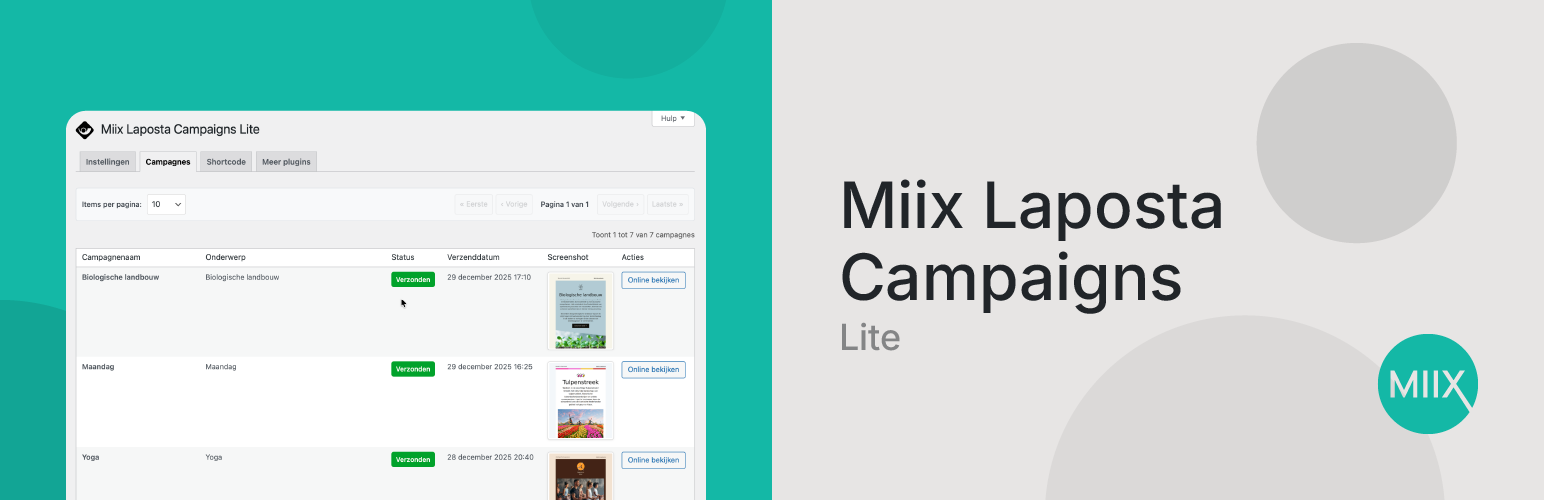
Miix Laposta Campaigns Lite
| 开发者 |
miix
fredklopper |
|---|---|
| 更新时间 | 2026年5月26日 20:38 |
| PHP版本: | 5.8 及以上 |
| WordPress版本: | 7.0 |
| 版权: | GPLv2 or later |
| 版权网址: | 版权信息 |
详情介绍:
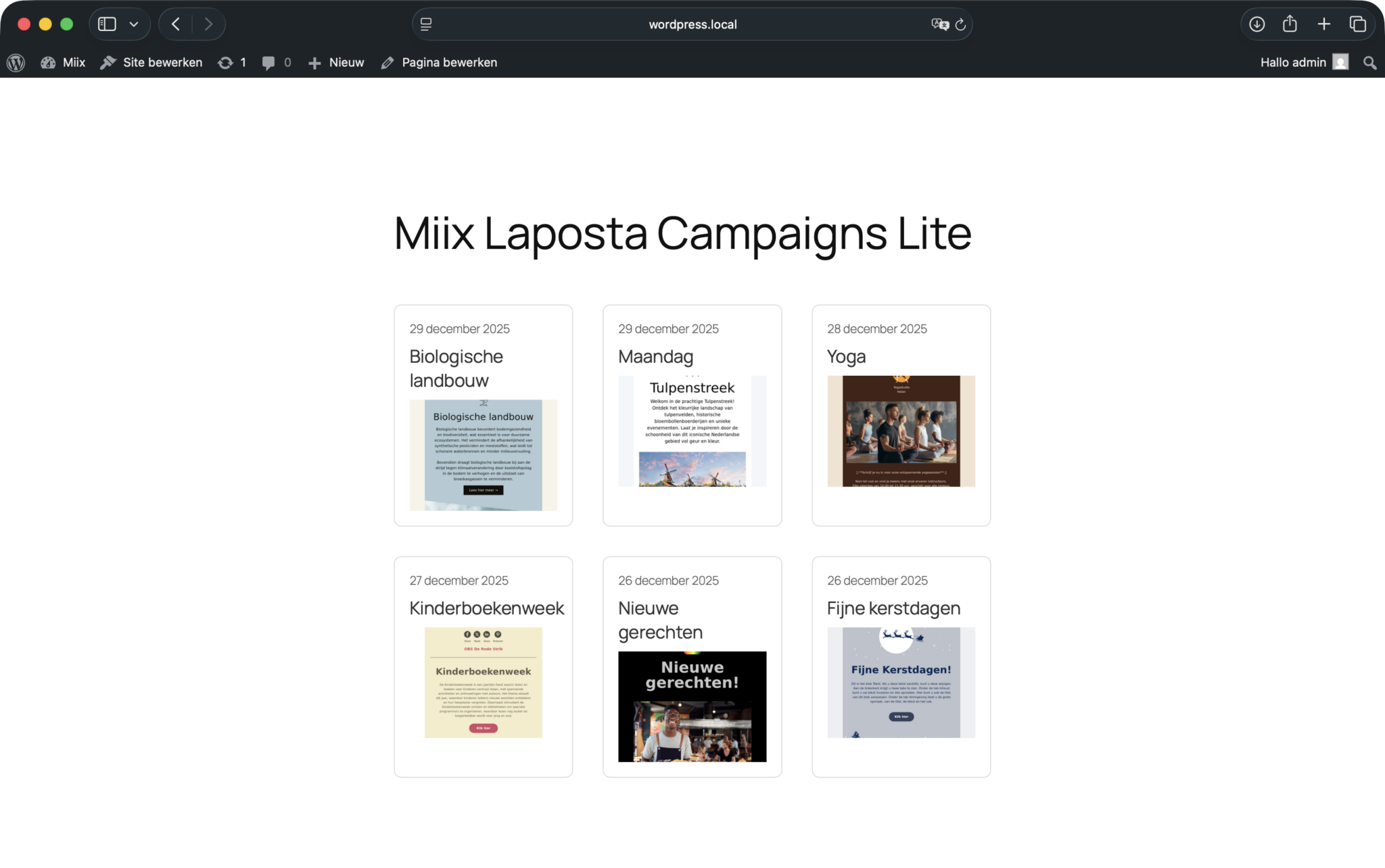
The Miix Laposta Campaigns Lite plugin allows you to display your Laposta email campaigns on your WordPress website. This lite version provides basic functionality to showcase your campaigns with simple display options.
Features:
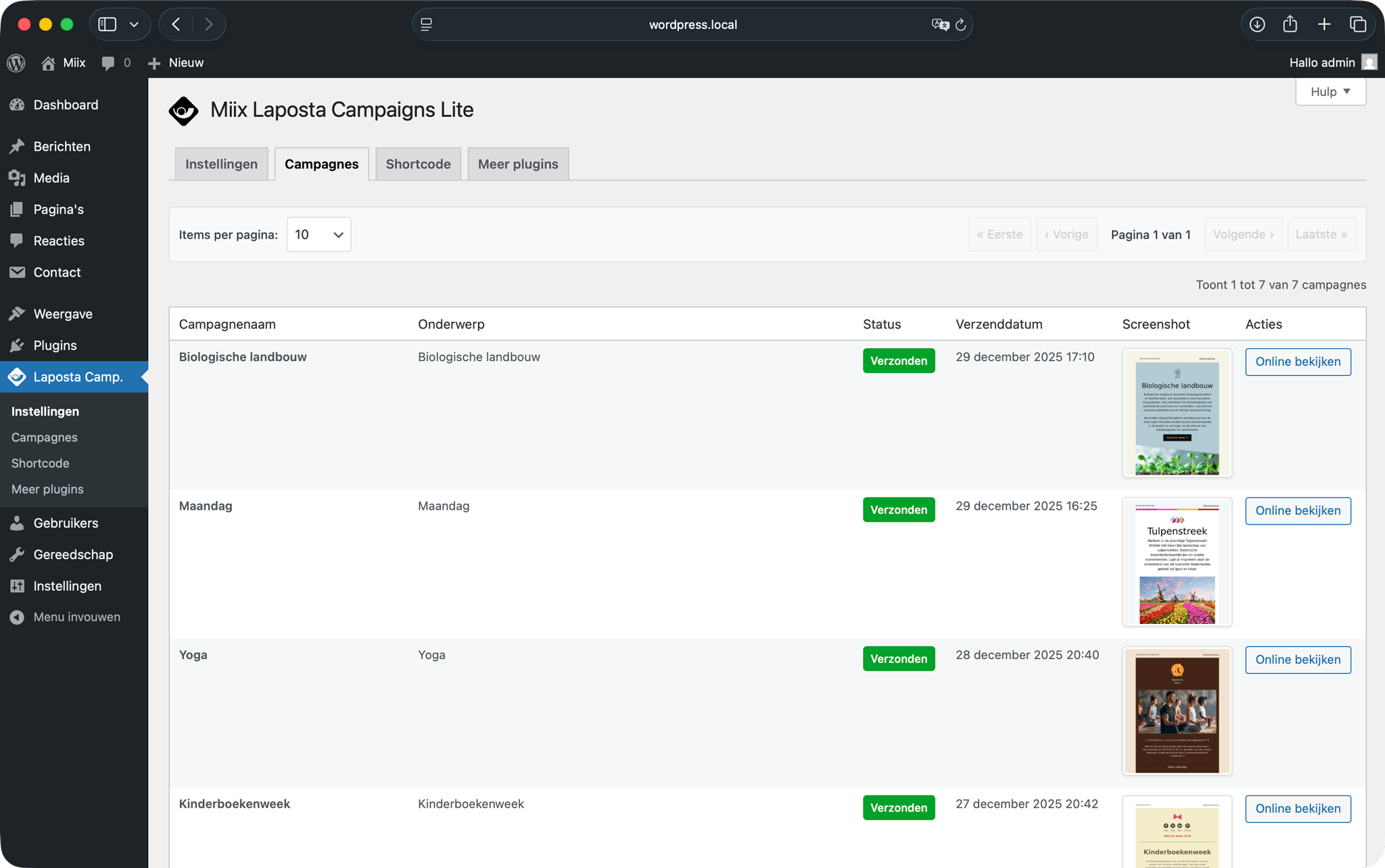
- Display Campaigns: Show your Laposta campaigns on your site
- Display Options: Control campaign count and screenshot visibility
- Simple Grid Layout: Clean, responsive grid display
- Campaign Screenshots: Toggle campaign preview images on/off
- Multi-language Support: Available in English and Dutch
- Responsive Design: Works on all device sizes
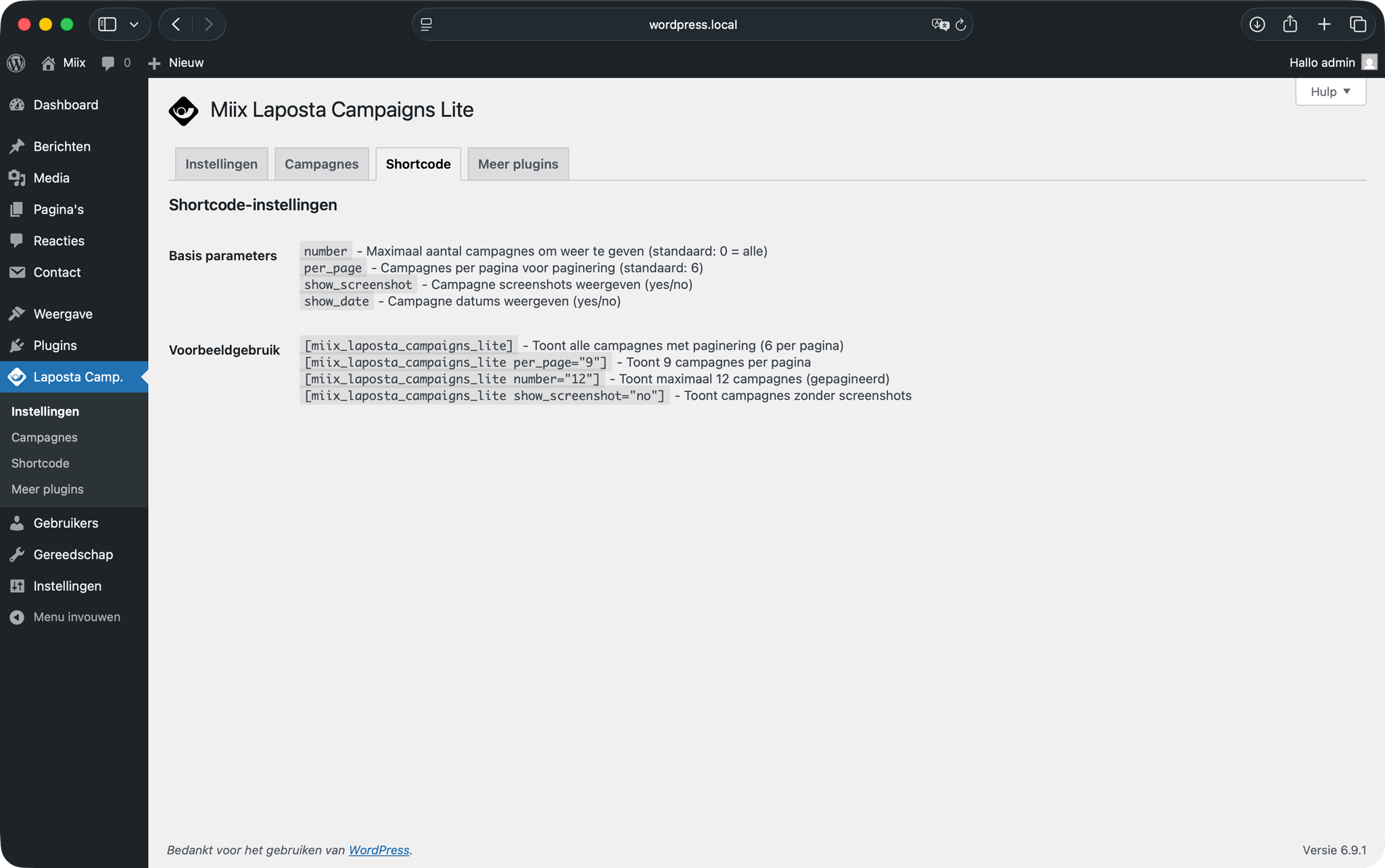
number- Maximum number of campaigns to display (default: 0 = all)per_page- Campaigns per page for pagination (default: 6)show_screenshot- Display campaign screenshots (yes/no, default: yes)show_date- Display campaign dates (yes/no, default: yes)keyword- Only show campaigns whose subject contains this keyword
[miix_laposta_campaigns_lite] - Shows all campaigns with pagination (6 per page)
[miix_laposta_campaigns_lite per_page="9"] - Shows 9 campaigns per page
[miix_laposta_campaigns_lite number="12"] - Shows maximum 12 campaigns (paginated)
[miix_laposta_campaigns_lite show_screenshot="no"] - Shows campaigns without screenshots
[miix_laposta_campaigns_lite keyword="newsletter"] - Shows only campaigns with "newsletter" in the subject
安装:
- Upload the plugin files to the
/wp-content/plugins/miix-laposta-campaigns-litedirectory, or install the plugin through the WordPress plugins screen directly. - Activate the plugin through the 'Plugins' screen in WordPress.
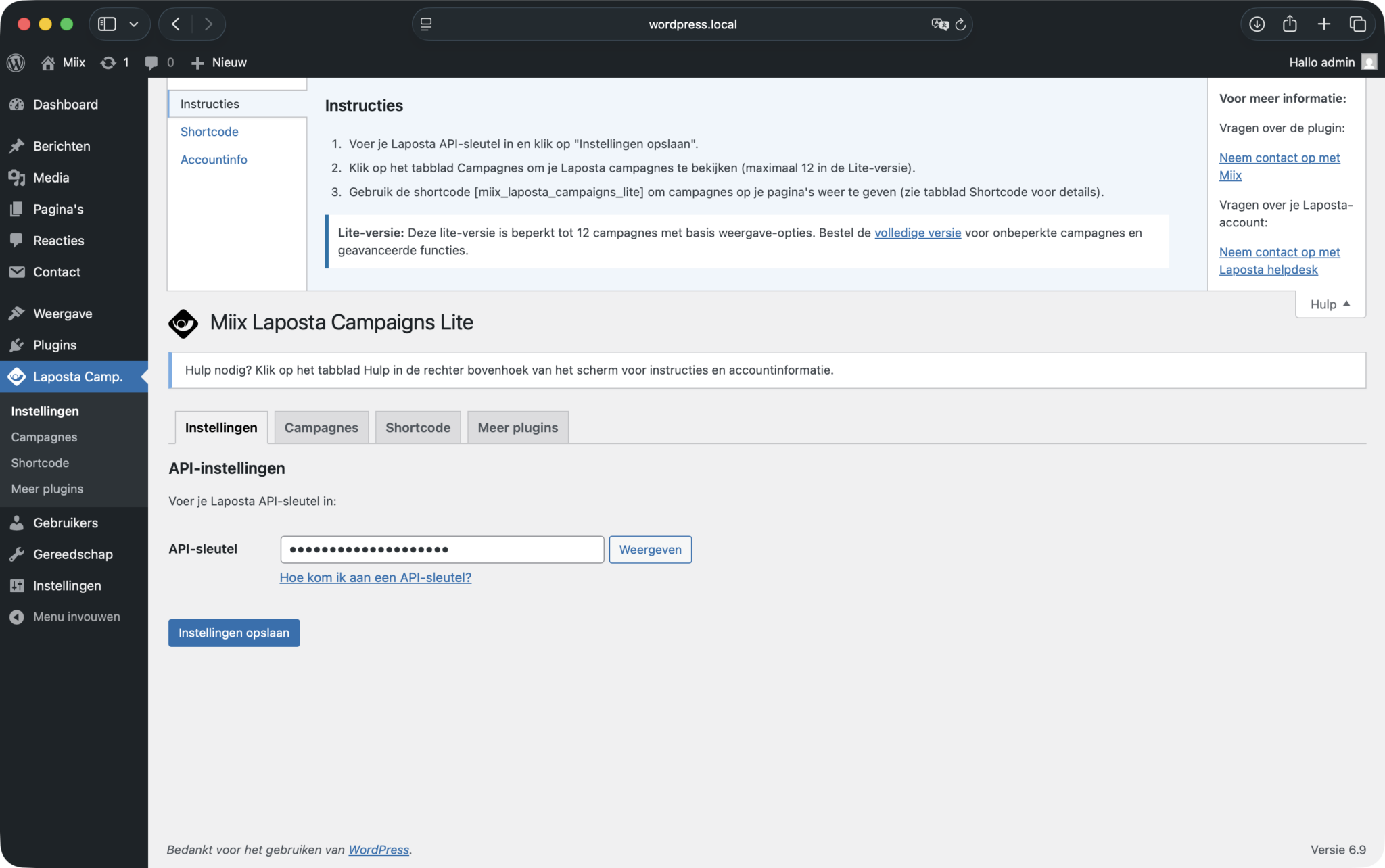
- Configure your Laposta API key in the plugin settings.
- Use the
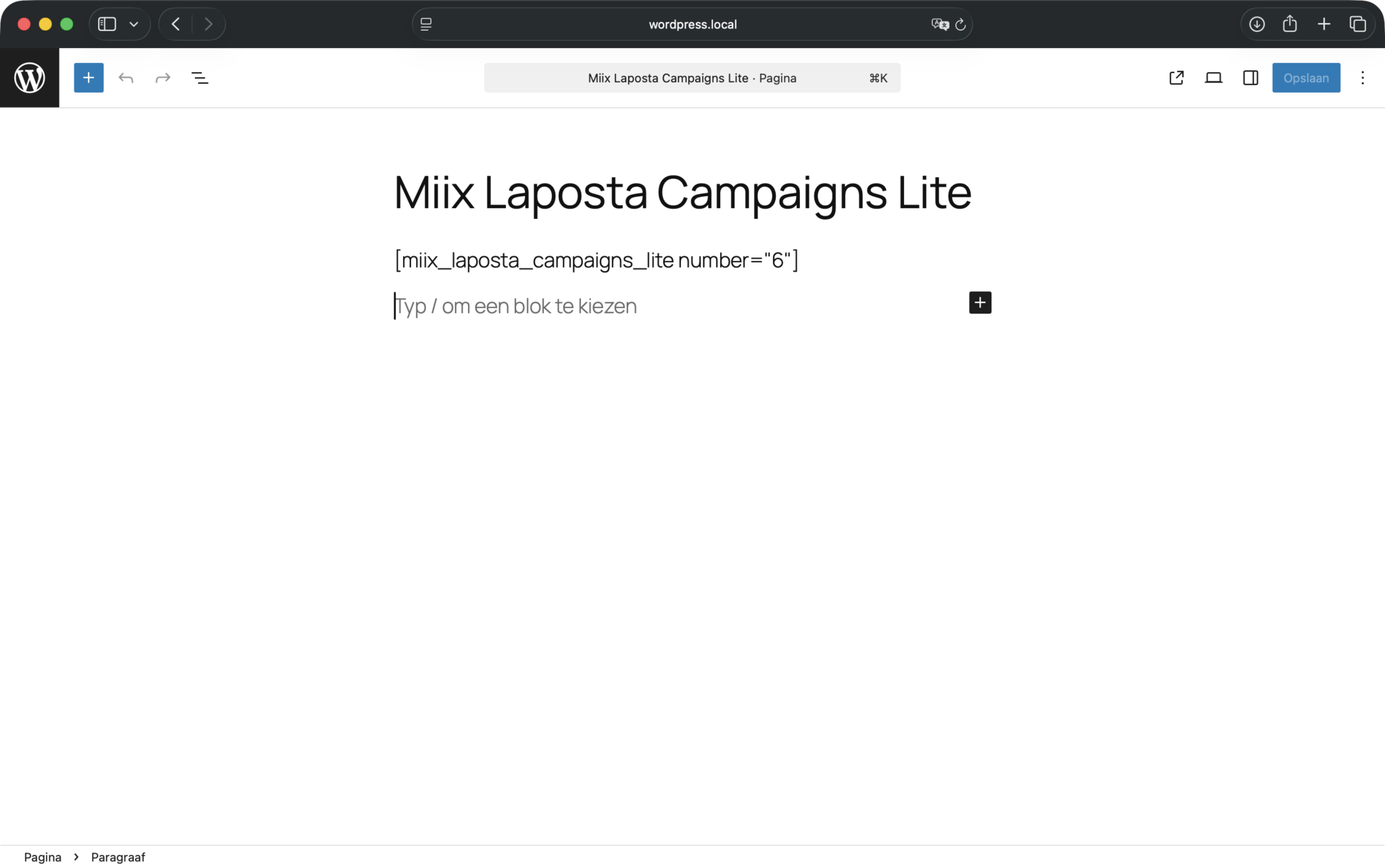
[miix_laposta_campaigns_lite]shortcode in your posts or pages to display campaigns.
屏幕截图:


常见问题:
How do I get started?
After installing and activating the plugin, go to the Miix Laposta Campaigns Lite settings page and configure your Laposta API key. Once configured, you can use the [miix_laposta_campaigns_lite] shortcode to display your campaigns.
How many campaigns can I display?
By default, all campaigns are displayed with pagination (6 per page). Use per_page="9" to show 9 per page, or number="12" to limit to a maximum of 12 campaigns.
Can I hide the campaign screenshots?
Yes, use show_screenshot="no" in your shortcode to display campaigns without preview images.
What layout does this plugin use?
The plugin displays campaigns in a clean, responsive grid layout that works well on all device sizes.
更新日志:
1.2.1
- Tested up to 7.0
- More Plugins tab: added CF7 Payment Gateway card, reordered to match miix.dev, added brand-color accent borders
- More Plugins tab: shortened plugin descriptions to match miix.dev wording
- Fixed Dutch translation: keep "Laposta for …" brand names untranslated
- New feature:
keywordparameter to filter campaigns by subject - Shows only campaigns whose subject contains the specified keyword
- New feature: Pagination support - shows all campaigns by default with pagination
- Added
per_pageparameter to control campaigns per page (default: 6) - Changed
numberdefault from 3 to 0 (show all campaigns) - Entire campaign card is now clickable
- Initial release