Mind Web Concierge
| 开发者 | mindwebconcierge |
|---|---|
| 更新时间 | 2026年7月20日 15:59 |
| PHP版本: | 7.4 及以上 |
| WordPress版本: | 7.0 |
| 版权: | GPL-2.0+ |
| 版权网址: | 版权信息 |
详情介绍:
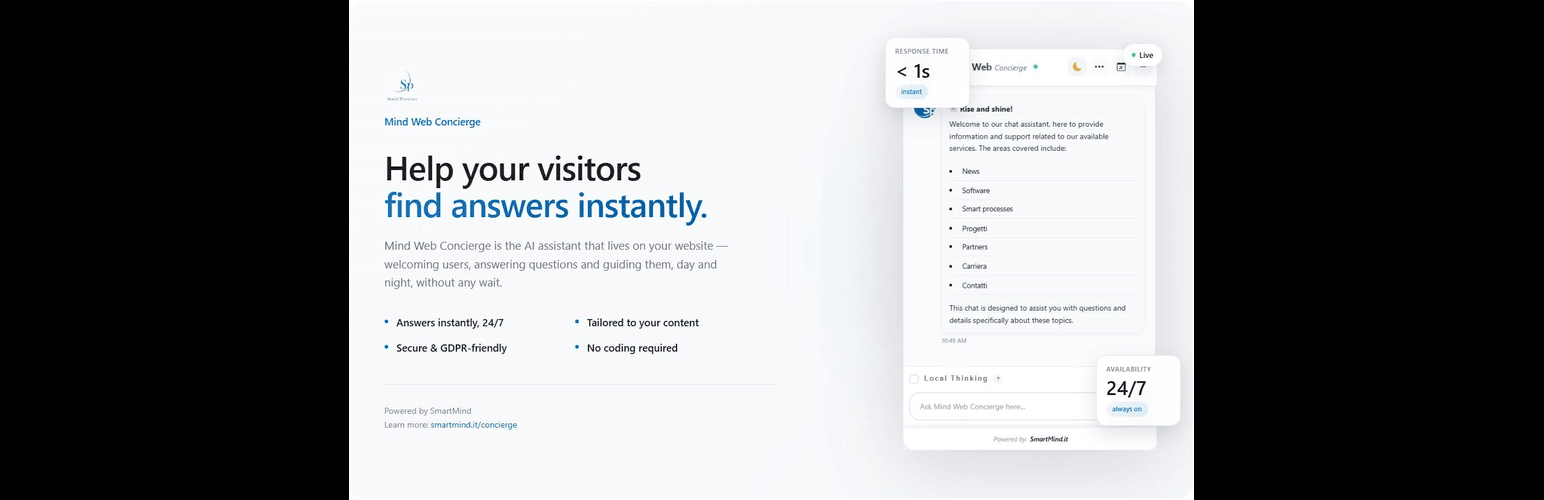
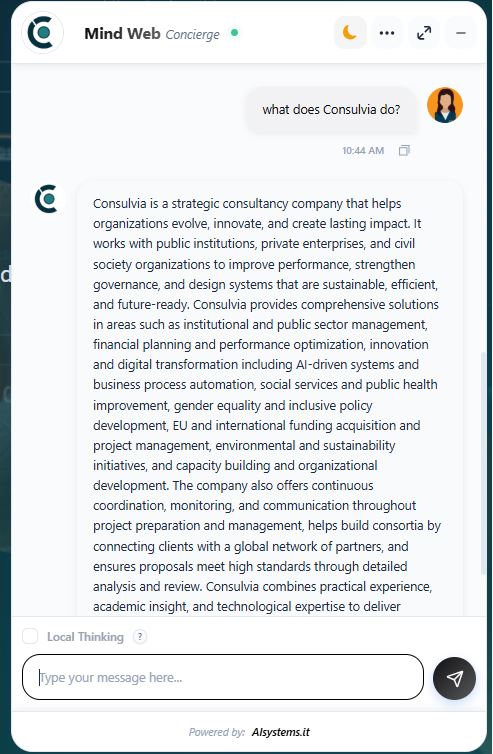
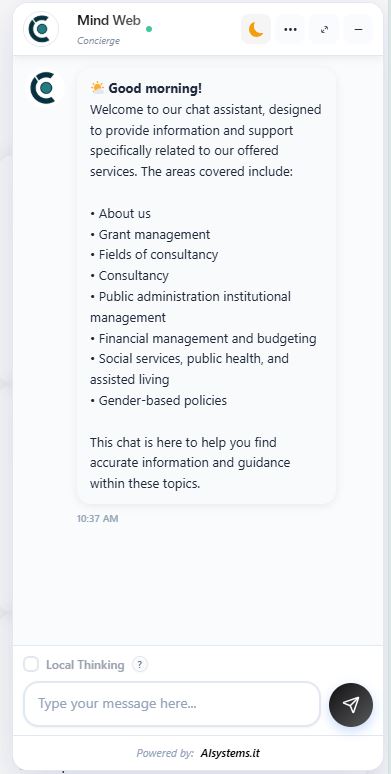
- Provide instant automated responses to visitors
- Improve customer engagement and retention
- Reduce support workload
- Deliver 24/7 AI-powered assistance
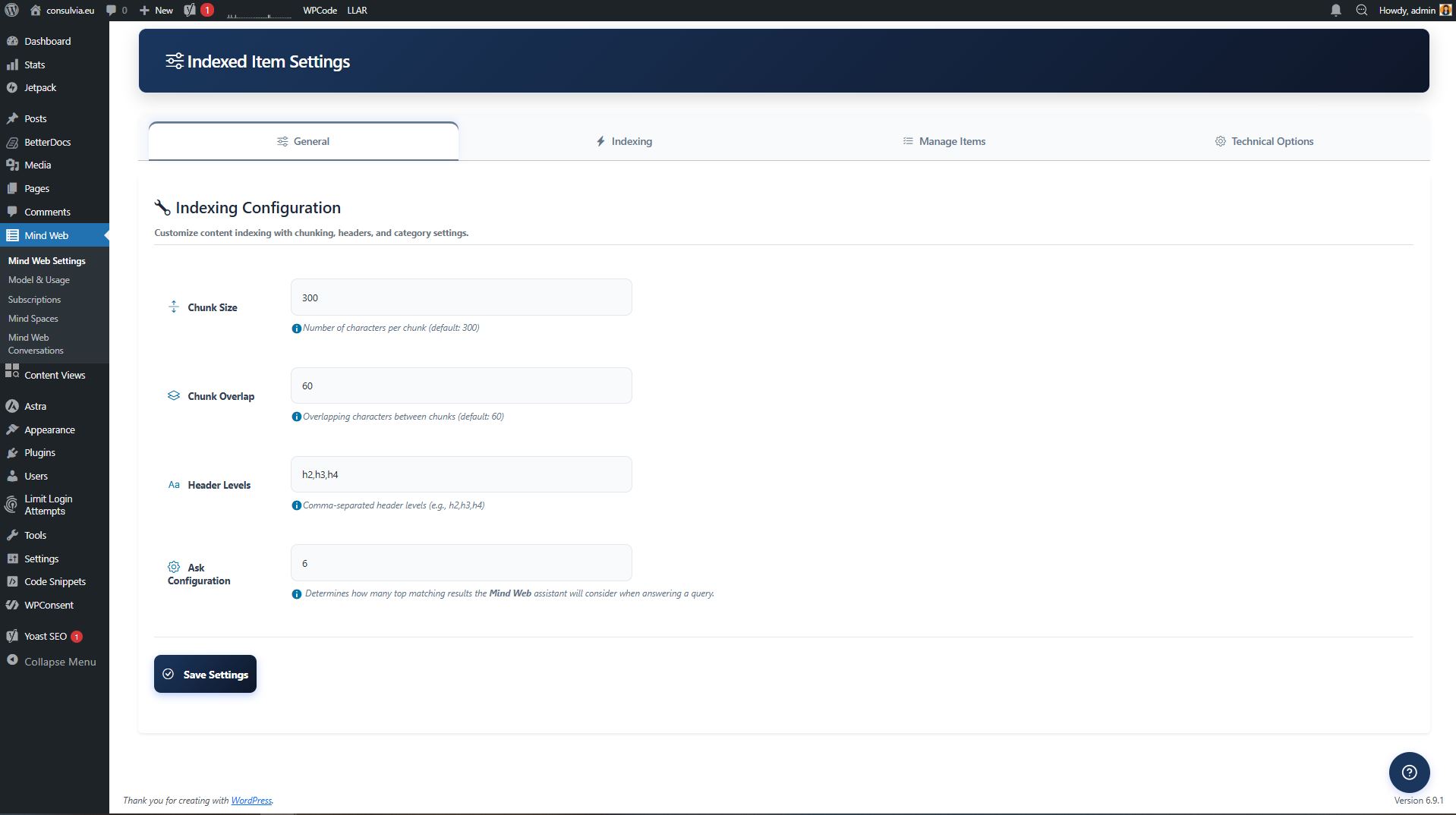
- Index WordPress posts, pages, and WooCommerce products automatically
- Connect any OpenAI-compatible language model via the LLM settings panel
- Link a Mind Spaces workspace where you can upload documents and ask questions about them directly
- Use Local Thinking mode to let visitors ask questions focused on the current page content and any linked Mind Spaces notebooks assigned to that page
- Business websites
- E-commerce stores
- Service providers
- Corporate portals
安装:
- Upload the plugin folder to
/wp-content/plugins/mind-web-concierge, or install directly through the WordPress Plugins screen. - Activate the plugin through the Plugins menu in WordPress.
- Navigate to Mind Web in the WordPress admin dashboard.
- Configure the plugin settings.
- Index your posts, pages, and/or WooCommerce products from the Indexing tab.
- Go to Plugins > Add New.
- Search for "Mind Web Concierge".
- Click Install Now.
- Activate the plugin.
屏幕截图:
常见问题:
Do I need an external account?
Yes. An account with Mind Spaces is required to use the AI service. Register at: https://spaces.smartmind.services/Identity/Account/Register After registration, log in at Mind Spaces Settings and start using the features.
Does the plugin include a sitemap?
Yes. The plugin generates its own lightweight XML sitemap based on your WordPress navigation menus. It is accessible at: https://yoursite.com/?mindweco_sitemap=1 No additional sitemap plugin is required.
Does this plugin slow down my website?
No. The plugin is optimized for performance and loads efficiently. Streaming responses use a lightweight SSE connection that does not block page rendering.
Is WooCommerce required?
No. The plugin works with standard WordPress posts and pages. WooCommerce product indexing is available as an optional feature when WooCommerce is installed and active.
Is it GDPR compliant?
The plugin stores conversation metadata (IP address, user agent, screen resolution, timezone, platform, referrer, and accepted language) in the WordPress database. Visitor questions and site content are also transmitted to external services operated by Smart Processes. Please disclose this in your site's privacy policy and ensure you have a lawful basis for processing this data under GDPR.
What language models are supported?
Any OpenAI-compatible language model can be configured via the LLM settings panel by providing a model name, base URL, API key, and provider name.
Why does the plugin use cURL directly?
The WordPress HTTP API does not natively support Server-Sent Events (SSE) streaming. cURL is used exclusively for streaming responses and is the only available method for this functionality.
How does the plugin handle sessions?
The plugin uses a tab-scoped session ID to track visitor conversations. A UUID v4 is stored in sessionStorage and sent with each frontend chat request, so refreshes and same-tab navigation keep the same conversation while closing the tab or browser starts a new one.
What is the Local Thinking checkbox?
When enabled, the Local Thinking option switches the chatbot into a focused mode that answers based on the current page content only.
Mind Web will focus only on information available on this page to provide contextual answers.If the current page also has Mind Spaces notebooks assigned to it (via the Notebooks settings), those notebooks are included in the response context as well. This is useful for single-product pages, landing pages, or any page where you want the AI to answer based on a specific, scoped set of content rather than your entire indexed knowledge base.
When does the chat icon appear on my website?
The chat icon is always visible on your website. If your subscription has expired or is not active, an informational message will be displayed inside the chat widget notifying the visitor that they are using the free version. You can check and manage your subscription from the Mind Web admin panel.
Does the plugin use browser storage?
Yes. The plugin stores small amounts of data in the visitor's browser localStorage to preserve UI preferences such as theme selection, pinned messages, and citation references. It also uses sessionStorage for the current chat session ID, the conversation ID, and the Local Thinking toggle state so a refresh keeps the same chat in the same tab without carrying it to a new tab or browser session. No personal data is stored. All data remains on the visitor's device and is never transmitted to external servers.
Does the plugin use WP-Cron?
Yes. The plugin schedules a daily WP-Cron event (mindweco_cleanup_transients) to remove expired session transients from the database. This keeps the database clean without affecting active visitor sessions. The cron job is automatically removed when the plugin is deactivated or deleted.
更新日志:
- Removed conversation history from the Conversation Info Button.
- Conversation history is now accessible only via the "See Chat" view.
- Added an attention attraction component that appears once to invite website visitors to start a chat.
- The attention attraction component is displayed 5 seconds after the visitor arrives on the website.
- Improved the way unanswered questions are stored and displayed in the Conversation Panel.
- Added a Delete Service option in the plugin settings to allow administrators to remove services directly from the service list.
- Introduced a dedicated delete button for faster and easier service management.
- Improved service administration by making it easier to organize and maintain configured services.
- Added Custom CSS support for iframe content.
- Added a new Custom CSS field in plugin settings.
- Improved iframe customization options.
- Enhanced plugin flexibility for embedded content styling.
- Added live operator chat with real-time socket communication, allowing support agents to join active conversations instantly.
- Improved human handoff flow between AI responses and live operators for a smoother support experience.
- Preserved existing tab-based chat sessions, ensuring conversations remain available during page refreshes and same-tab navigation.
- Enhanced overall chat continuity and reliability without affecting existing plugin functionality.
- Improved the admin tour for Item Settings with clearer, more descriptive guidance.
- Added tour steps for the Services & Options section.
- Added separate tour guidance for service count, service title, and service URL fields.
- Removed a tour step that pointed to an outdated/nonexistent service widget setting.
- Added stable selectors for service fields so the tour can target them reliably.
- Added new swap functionality improvements.
- Improved modal behavior when services are unavailable.
- Applied minor stability and usability improvements.
- Added functionality to resize Services and Sources panels.
- Added functionality to drag and reposition the chat window.
- Improved chat window interaction and usability.
- Fixed: Pressing Enter during bot response no longer sends a new message
- Fixed: Clicking follow-up suggestion buttons during bot response no longer triggers a new request
- Fixed rendering issues with Markdown output using Marked.js.
- Improved citations rendering to ensure consistent display across responses.
- Minor UI and formatting fixes for better stability.
- Added Markdown support using marked.js.
- Improved response formatting with support for headings, lists, links, and code blocks.
- Enhanced chat readability and overall user experience.
- Unanswered Questions tab now shows today’s unanswered questions by default and loads all results based on the selected date filter.
- Enhanced Conversations table for improved readability and user experience.
- Redesigned the Conversations admin interface .
- Added a dedicated Unanswered Questions tab to separate unanswered items from completed conversations.
- Improved the See Chat modal with a structured Conversation Details view, including summary information and question-and-response history.
- Added a PDF download option for conversation details.
- Updated the conversation PDF layout with improved styling, formal wording, and more readable timestamps.
- Replaced the previous toggle-style interaction with clearer action buttons.
- Added quick-access buttons to view related services and sources.
- Improved date filtering so conversations load automatically after selecting an end date.
- Removed the Apply Filter button to simplify the workflow.
- Improved mobile responsiveness and visual consistency across the Conversations page.
- Fixed chat widget positioning on some WordPress themes where the chat window could appear inside the page flow.
- Improved chat/modal overlay behavior so it stays attached to the browser viewport instead of being affected by theme containers.
- Increased widget overlay stacking priority so sticky headers/navbars no longer cover the opened chat.
- Improved reliability of the floating chat button, chat panel, service panel, and citation popup layering across themes.
- Added a front-end safeguard that mounts the chat UI directly under the element for better compatibility with custom theme layouts.
- Added: References panel in chat with dynamic source display.
- Added: Toggle icons (calendar/link) to show/hide references.
- Added: Search functionality when more than 8 services are available.
- Improved: Service rendering logic:
- Single service is displayed by default.
- Multiple services are shown as cards.
- Improved: References can be accessed directly from chat via toggle interaction.
- Improved: If no services are configured, the references panel is displayed by default.
- Changed: Replaced calendar icon with services icon for better clarity.
- Improved: Citation popup closing behavior.
- Added: Configurable number of services in "Services & Options"
- Added: Ability to define custom service names and links
- Added: Support for multiple service cards in chat interface
- New: Media files indexing feature
- Replaced Shepherd.js with Driver.js for the onboarding tour. Driver.js is MIT-licensed and fully compatible with the GPL-2.0+ license of this plugin.
- Changed #mindweco-context-toggle storage from localStorage to sessionStorage — toggle state now persists only for the current browser tab/session.
- Security: Encrypted access tokens and API credentials at rest.
- Improved error handling and user-facing messages.
- Added daily WP-Cron cleanup for expired session transients.
- Upgraded Shepherd.js to 11.2.0 (.min.js build used for WordPress compatibility, as the latest release ships as .mjs which is not supported in this context).
- All plugin code now uses the WordPress HTTP API where possible. cURL is retained only for SSE streaming endpoints, as the WordPress HTTP API cannot natively handle real-time incremental responses. All inputs are sanitized and outputs properly escaped.
- Code quality and WordPress standards improvements.
- Bug fixes and stability improvements.
- Improved compatibility with latest WordPress version.
- Enhanced security by adding proper nonce verification and permission checks.
- Improved data escaping and sanitization across plugin outputs.
- Refactored codebase to use consistent and unique prefixes.
- Updated external service documentation and compliance details.
- Fixed minor bugs and improved overall stability.
- Initial release.